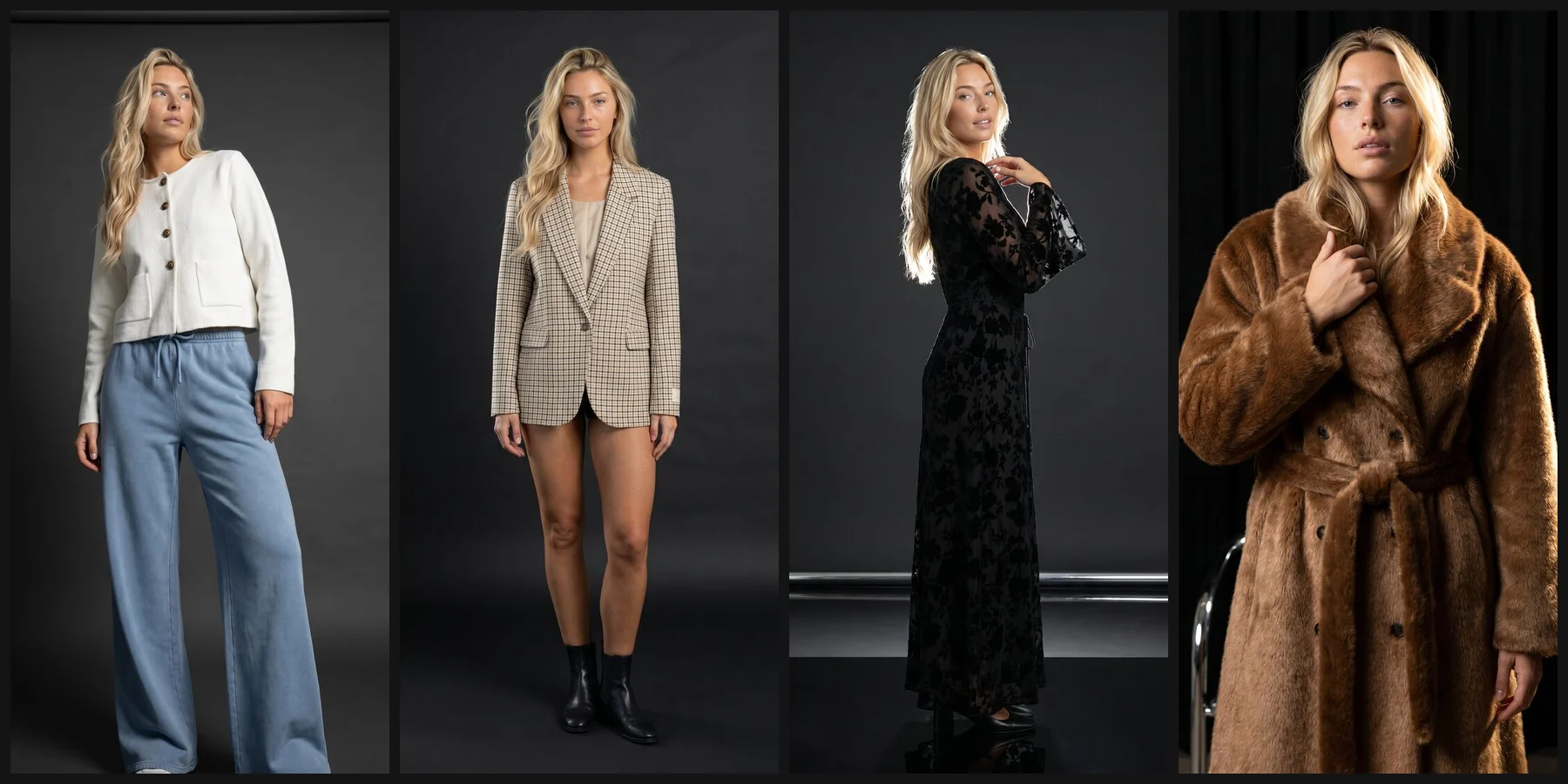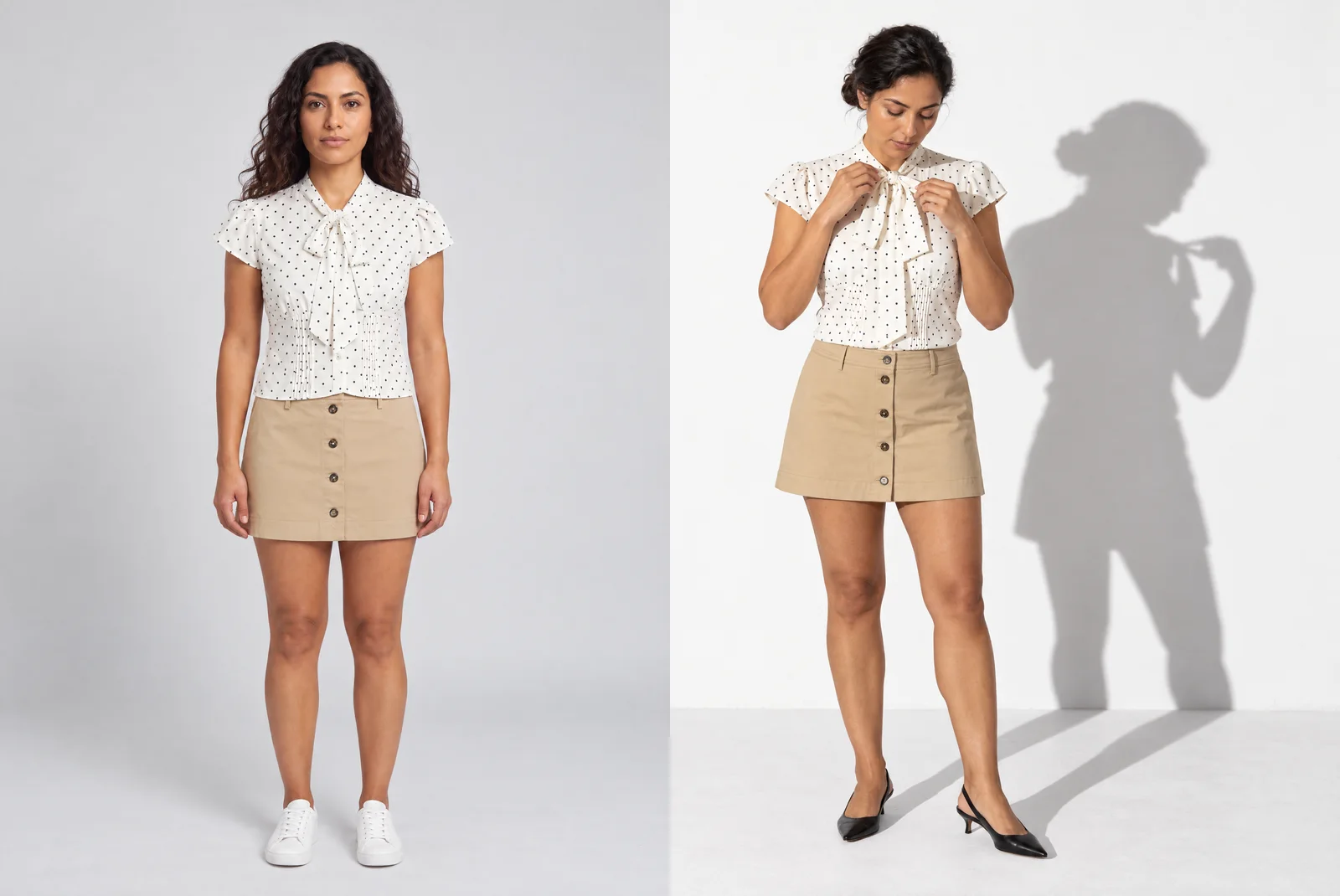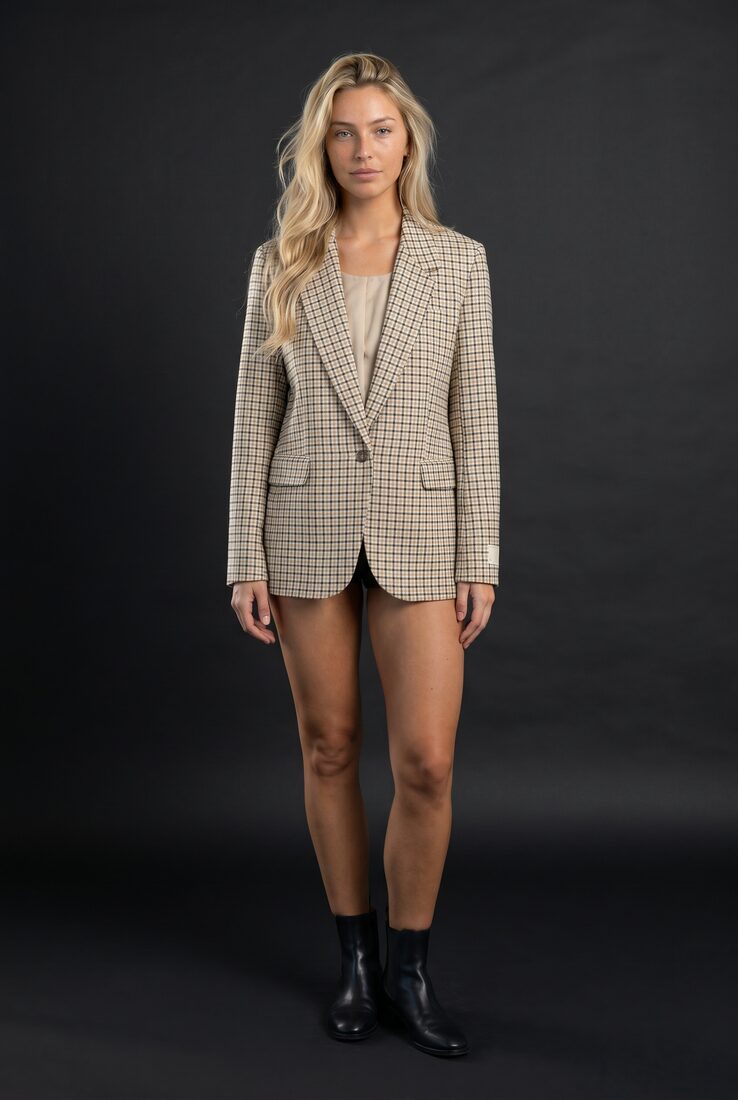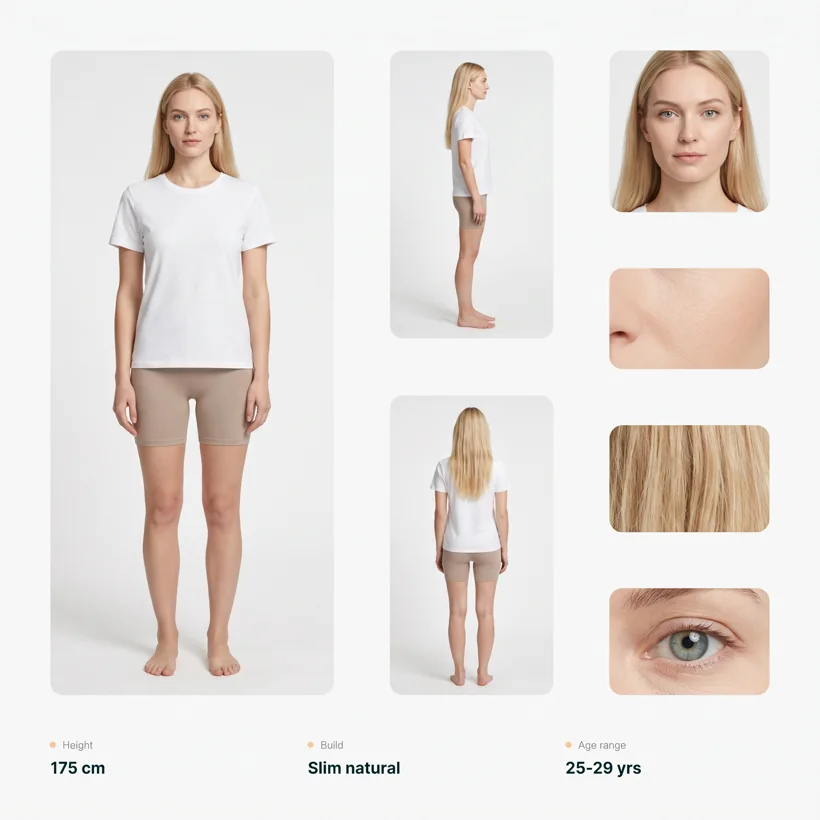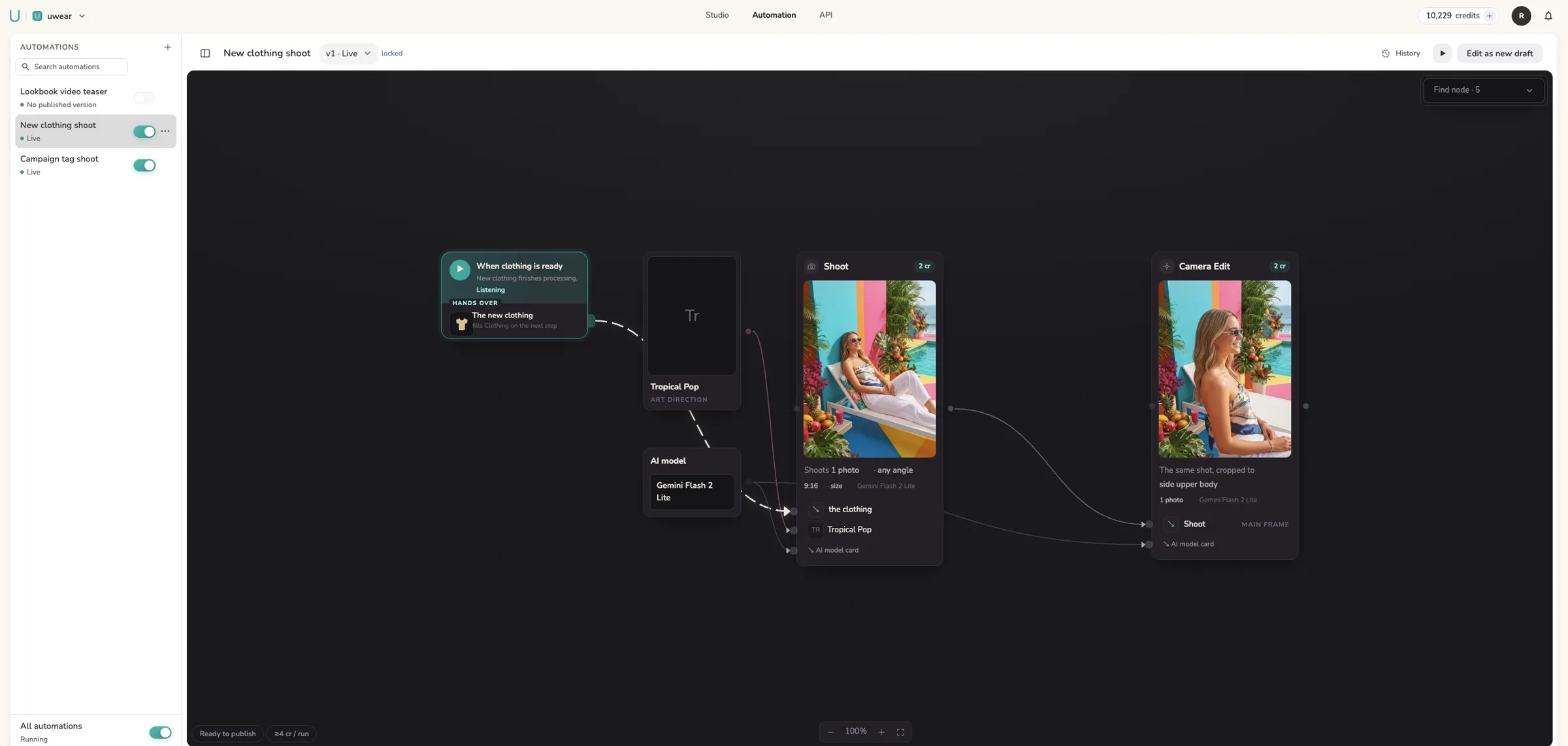
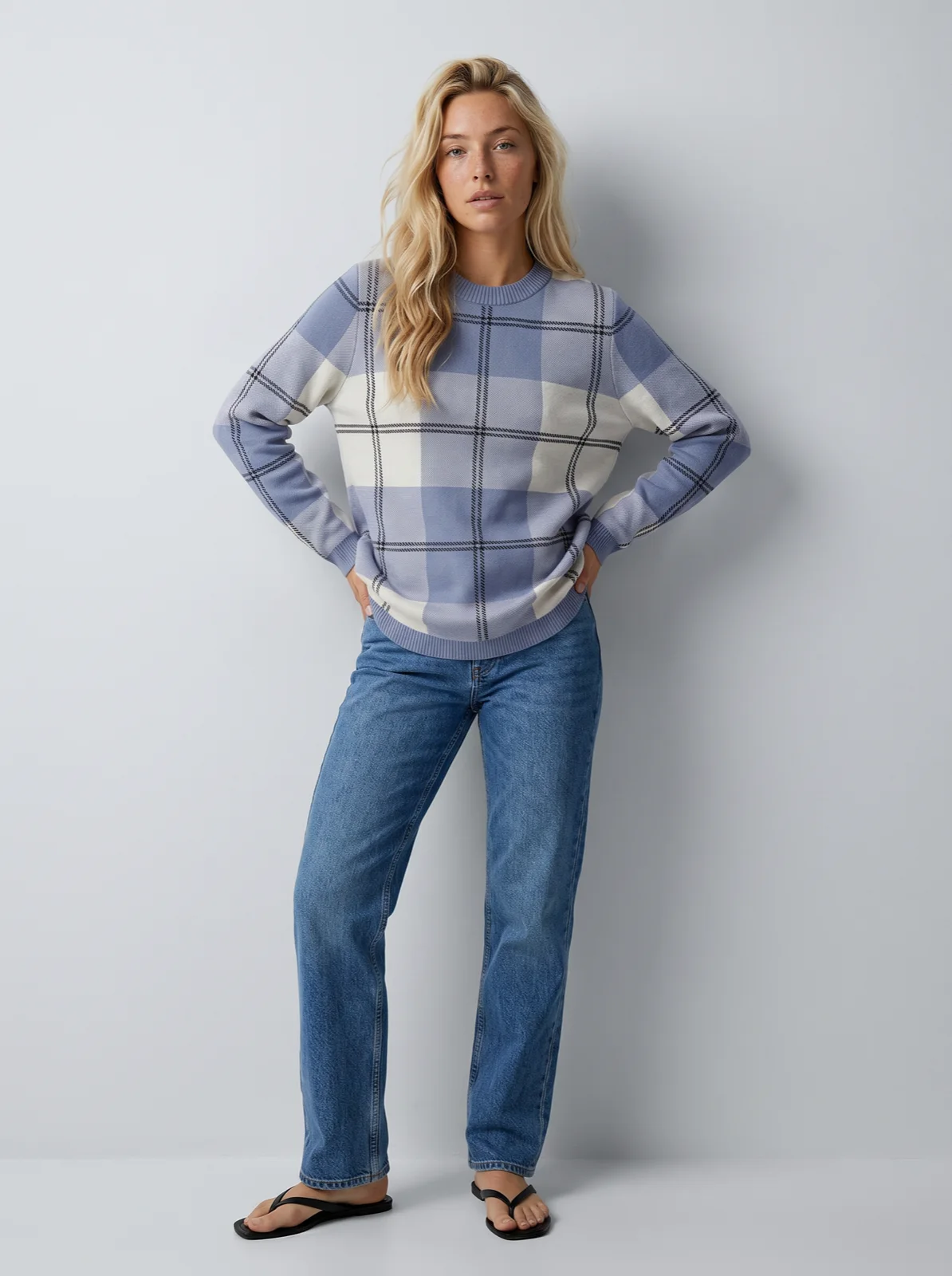
How to Generate a Fashion Model 360 Video With Uwear and Kling 3 Pro
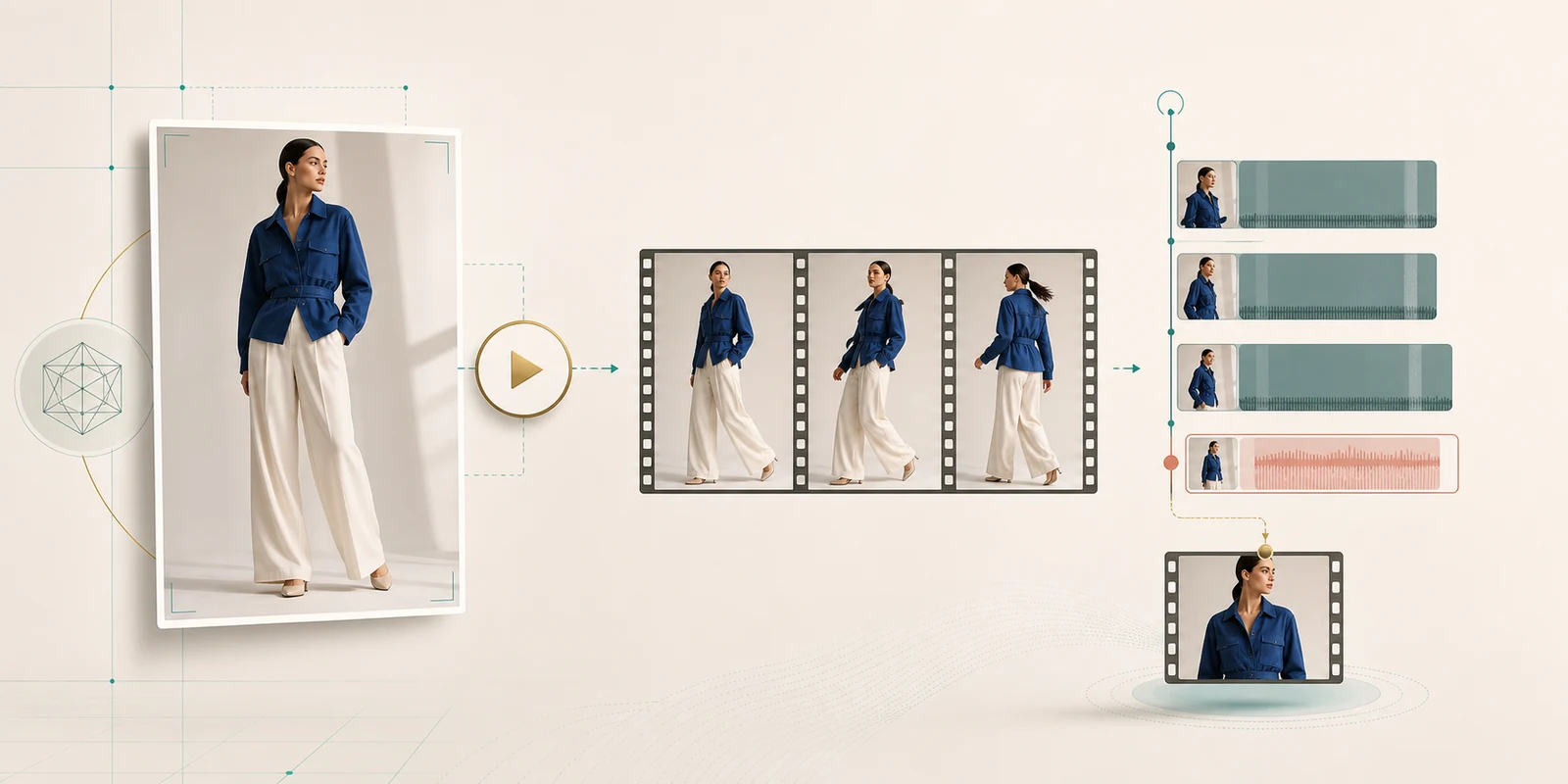
Create smoother AI fashion model 360 videos in Uwear with Kling 3 Pro, a first frame, back-view garment attachments, and an optional loop-ready last frame.
Dernières mises à jour, annonces de produits et perspectives sur l'avenir de la photographie de mode

New demo avatars help teams test AI clothing generation before spending free credits on custom models, plus Kling 3 Pro references, stronger uploads, cleaner exports, and Mouza model tools.

Relancez des generations avec leurs inputs d origine, exportez en PNG, JPG ou WebP, comparez la duree des modeles, reutilisez l historique creatif avec Mouza et profitez d une livraison de resultats plus fiable.

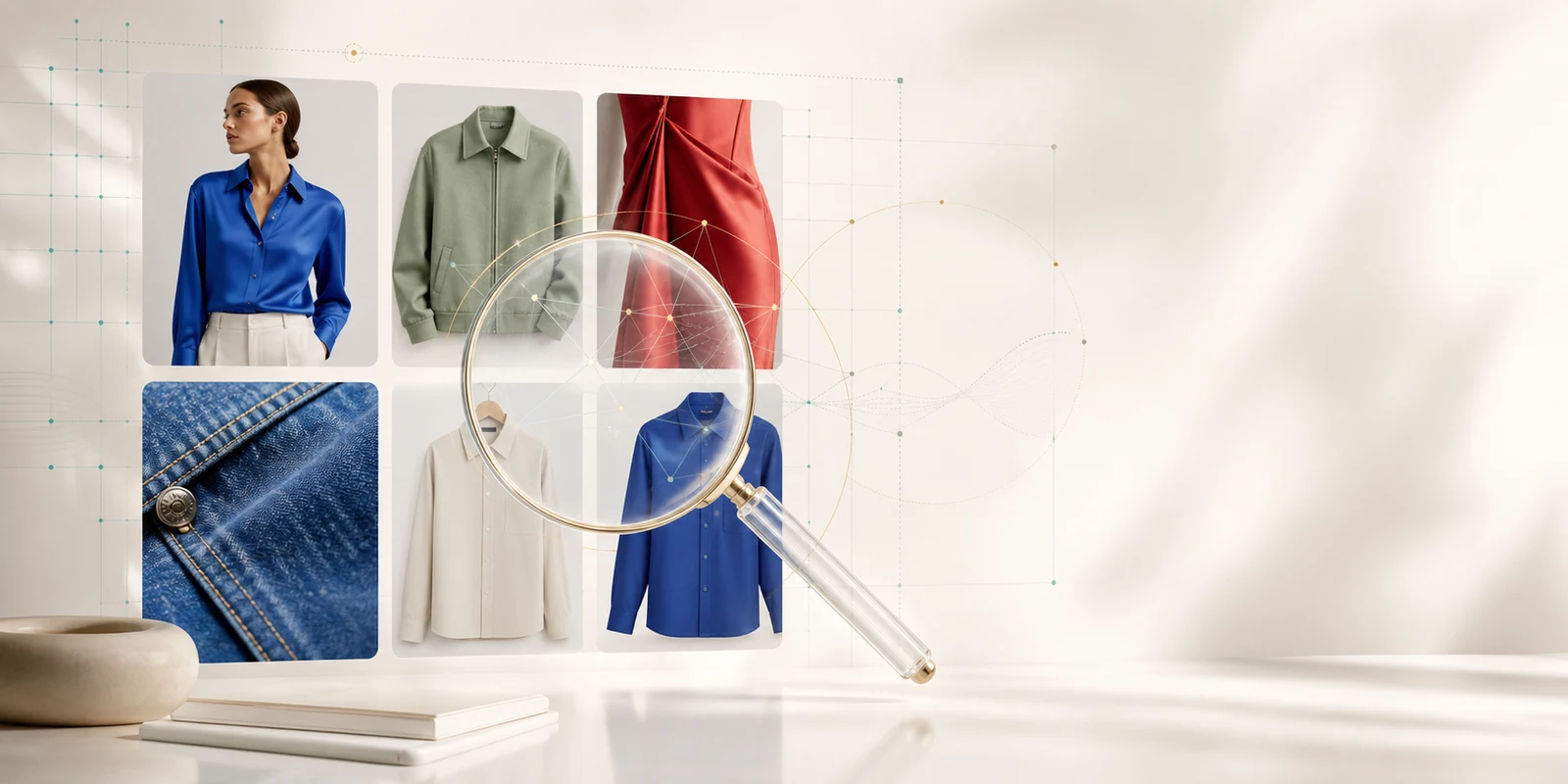
La recherche semantique Uwear aide les equipes mode a retrouver l asset genere par un collegue grace au souvenir visuel, puis a le reutiliser pour des edits, nouveaux shoots et campagnes.

Les utilisateurs Uwear peuvent sauvegarder une frame exacte depuis une video mode generee, puis la reutiliser comme point de depart pour la prochaine video IA ou un clip Montage.

Recherche semantique pour les photos produit generees, API prete pour les agents, bases de provenance image, extraction de frames video, ameliorations Montage et correctifs de fiabilite du 13 avril au 2 mai.

Utilisez Uwear comme API de generation mode prete pour les agents : API REST ouverte, reference UWEAR.md telechargeable, cles API, polling, webhooks et modeles image/video selectionnes pour les workflows mode.

Use an AI lingerie generator with a reference image to create avatar-consistent bra, bikini, and intimate-apparel product photos. Qwen Intimate is Uwear's answer for sensitive ecommerce catalogs.

The Montage video editor ships to production, LLM-powered prompt enhance replaces the old toggle, Seedance 2 multi-endpoint video support lands, and team invites get a one-step signup flow. Everything from March 28 to April 3.

Retouch presets, default generation parameters, CSV export for team analytics, four batch CSV templates, and bulk download with a 50-image cap. Everything that shipped March 21-27.

Branded watermarks on all downloads, a team usage analytics dashboard, and a retouch editor that saves directly to your library. Everything that shipped this month.

Retouched images can now be saved back to the Studio as new generation results. No downloading, no re-uploading. Edit, save, done.

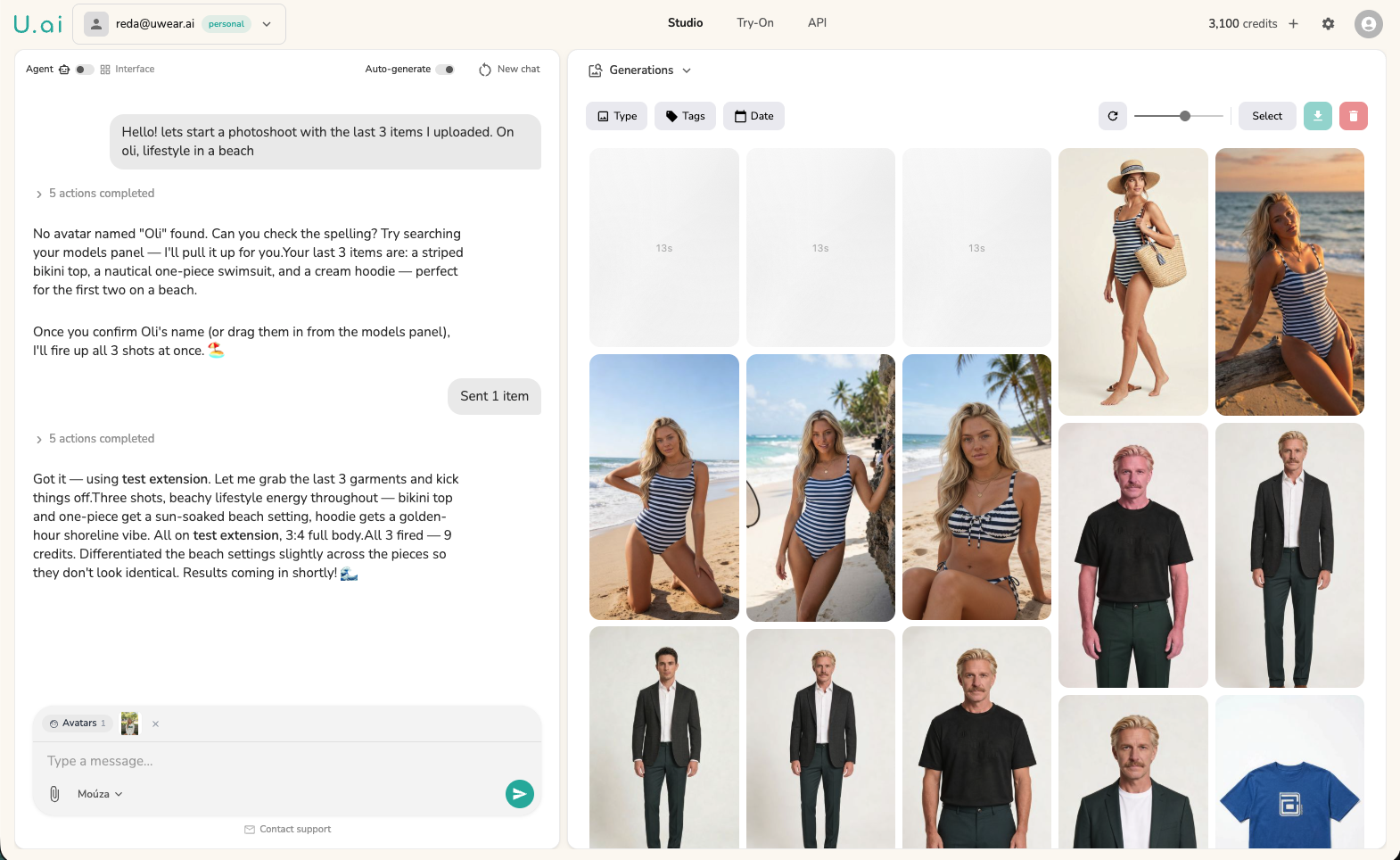
Decouvrez Mouza, l'agent IA qui transforme une seule conversation en un catalogue de mode complet. Deposez vos produits, decrivez le shooting, et laissez Mouza gerer le stylisme, la generation et le traitement par lots.

Export completed batch results as a ZIP file, preview every generated image in a new results viewer, and rename AI model avatars inline. March 5, 2026.

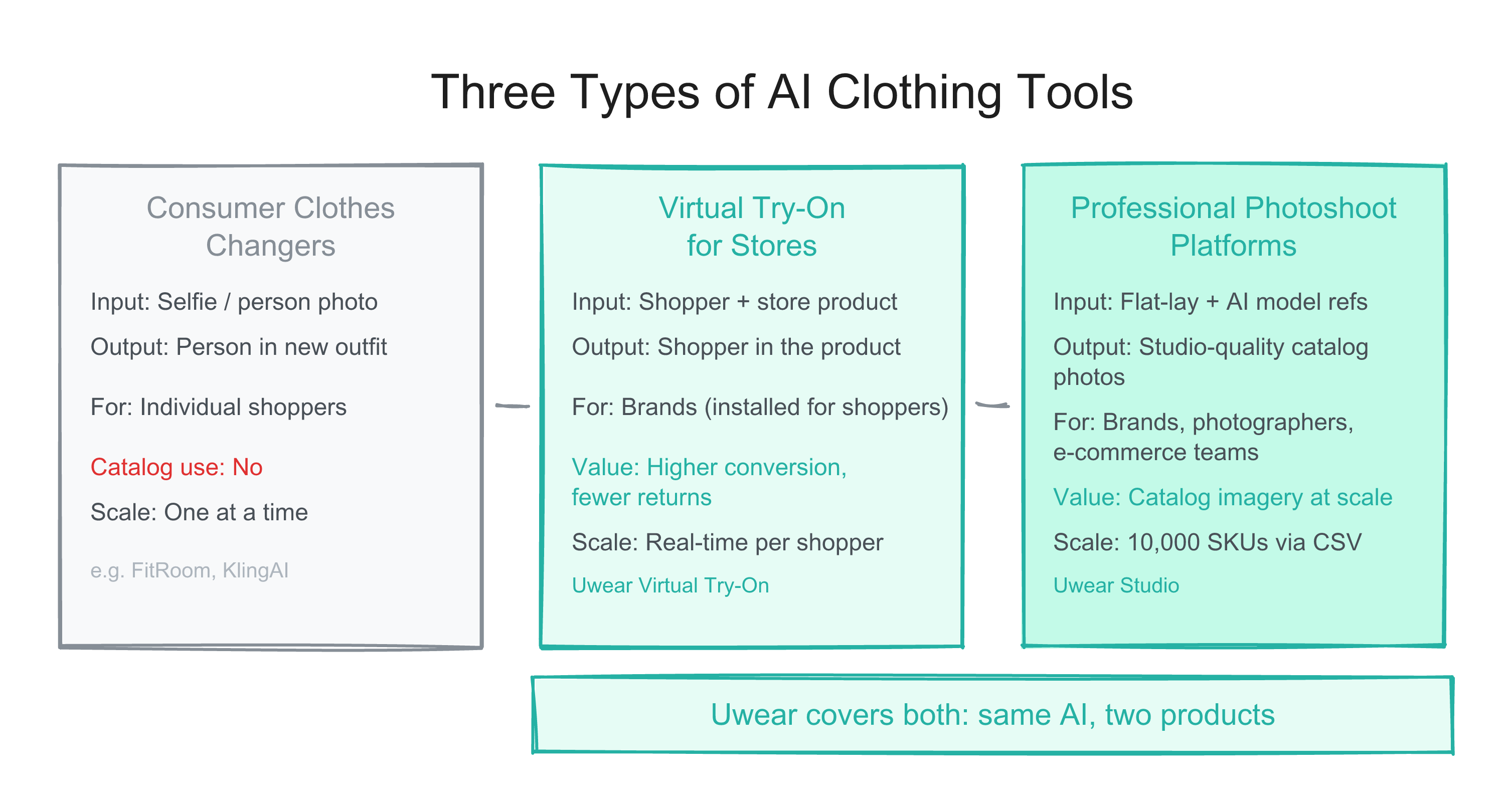
Tous les outils de vetements IA ne sont pas identiques. Les changeurs de vetements grand public echangent des tenues sur des selfies. Les generateurs de catalogues professionnels placent vos vrais produits sur des mannequins IA a grande echelle. Voici la difference et ce dont les marques ont besoin.

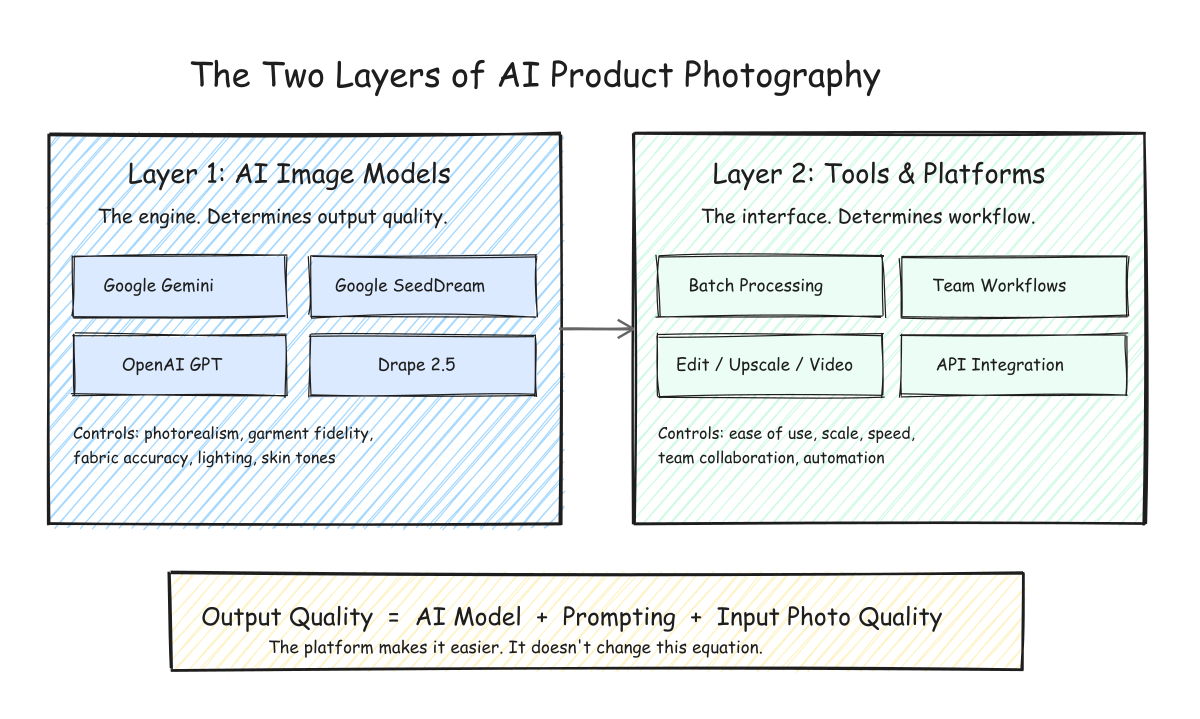
How AI product photography works for fashion brands. Understand the difference between AI models and AI tools, choose the right image model for your products, and build a scalable catalog workflow.

When a generation fails, the Studio now shows the specific reason instead of a generic failure state. Stale and stuck generations clean themselves up automatically. Plus per-user result filtering for team accounts.

Compare the best AI fashion model generators for e-commerce: Uwear, Botika, VModel, ZMO.ai, Claid.ai, FASHN.ai & more. Features, pricing, batch support, API access, and honest reviews.

Guide etape par etape pour generer des photos professionnelles de soutiens-gorge et lingerie avec l'IA. De la preparation des flat-lays a la generation diversifiee, editions multi-angles, video et traitement par lots jusqu'a 10 000 images.

Generate professional bikini and swimwear on-model photos with AI. Step-by-step guide: flat-lay prep, model selection, diverse models, multiple angles, video, and batch scaling.

Your reference image library, always at hand. Uwear Studio now shows all uploaded files in a browsable grid with hover actions for selection and deletion. Batch generation results get a masonry layout and zoom slider.

Batch generation now supports multi-step workflows: chain camera angle edits, custom edits, upscale, and video in one CSV. Plus a polished Shopify try-on widget with shimmer loading and size display.

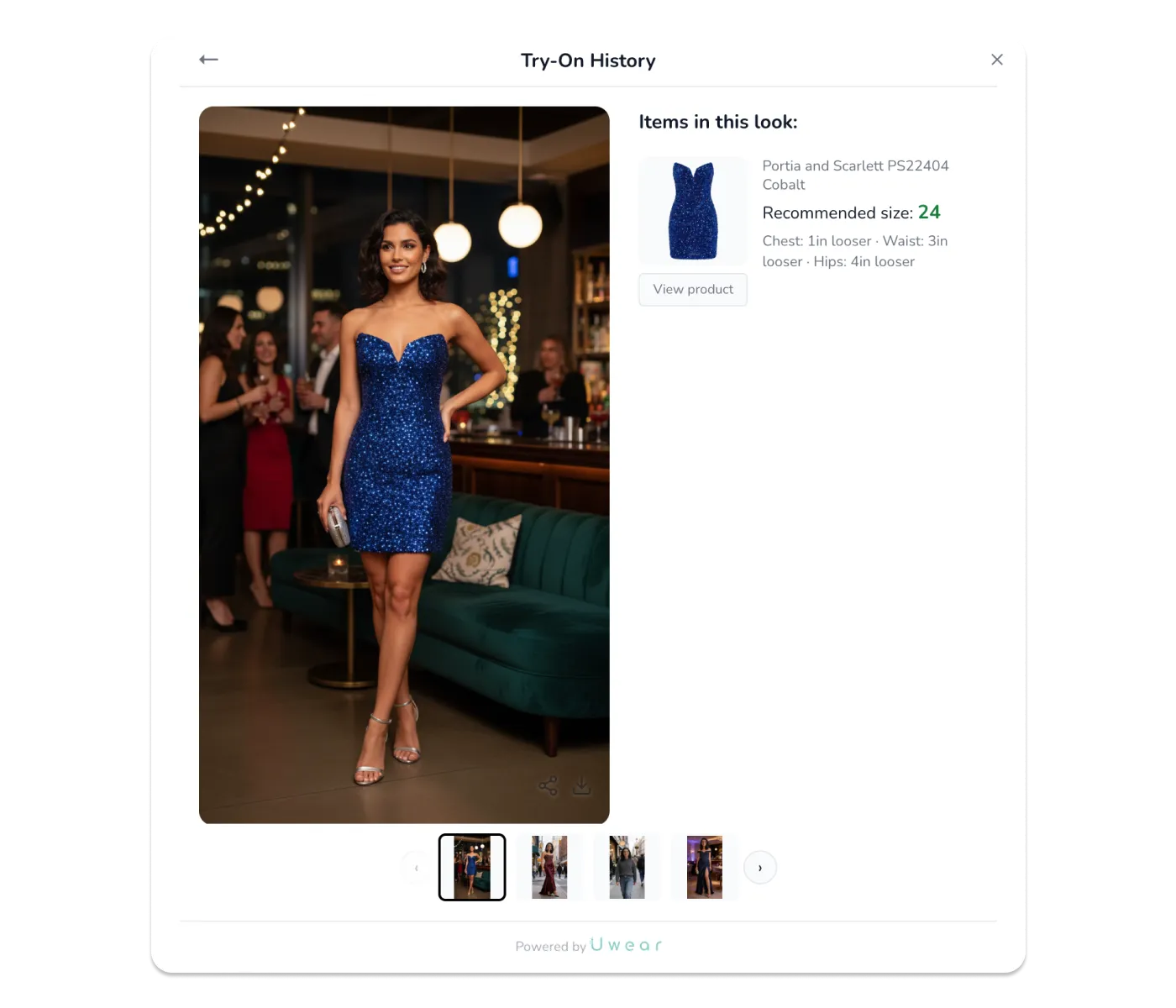
Shoppers can now view their complete try-on history and profile directly from the widget. Pick up where you left off, compare looks across stores, and never forget that perfect outfit.

Team Credits & Billing for enterprises, AI-powered Sizing Module for Shopify that reduces returns, 10,000-item batch processing, real-time generation progress, Runway Looks in the mobile app, and more.

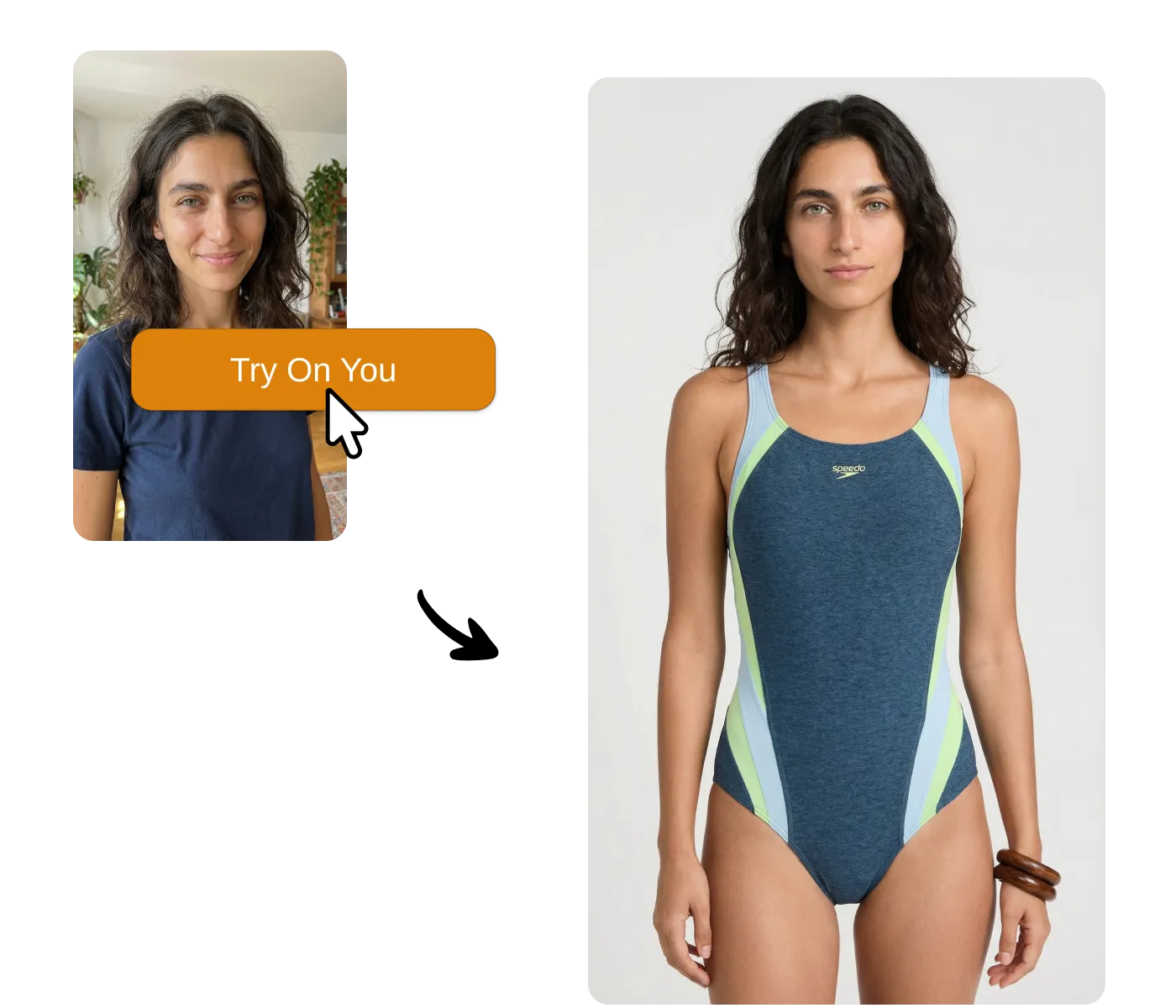
After a decade of clunky AR fitting rooms that never delivered, generative AI changes everything. Uwear One-Click Try-On lets shoppers generate real photos of themselves in your products—one click, no apps, no friction. Available via API or Shopify app.

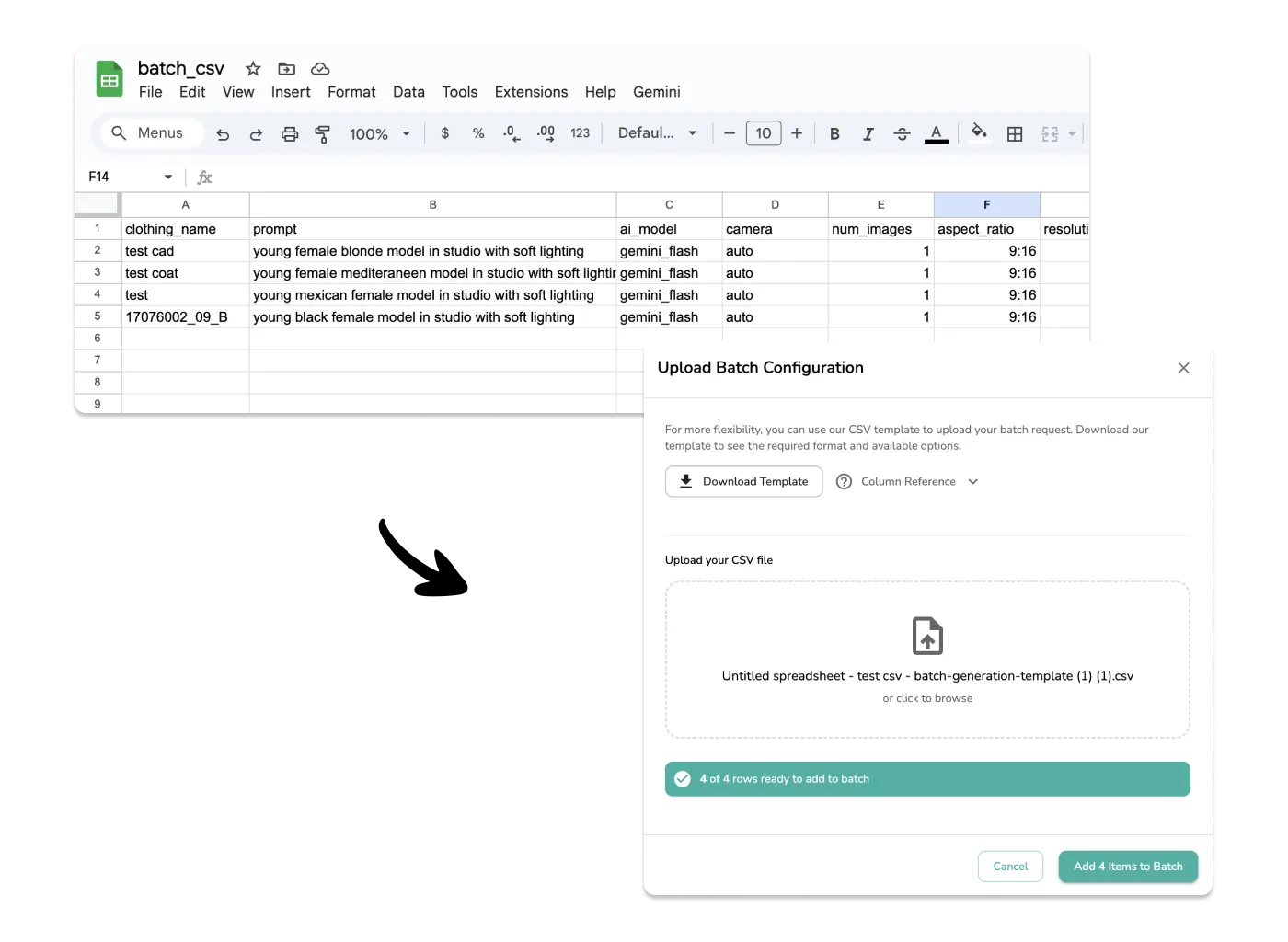
Scale your AI fashion photography workflow with CSV batch uploads. Configure different AI models, prompts, and settings for hundreds of products in a spreadsheet and upload them all at once.

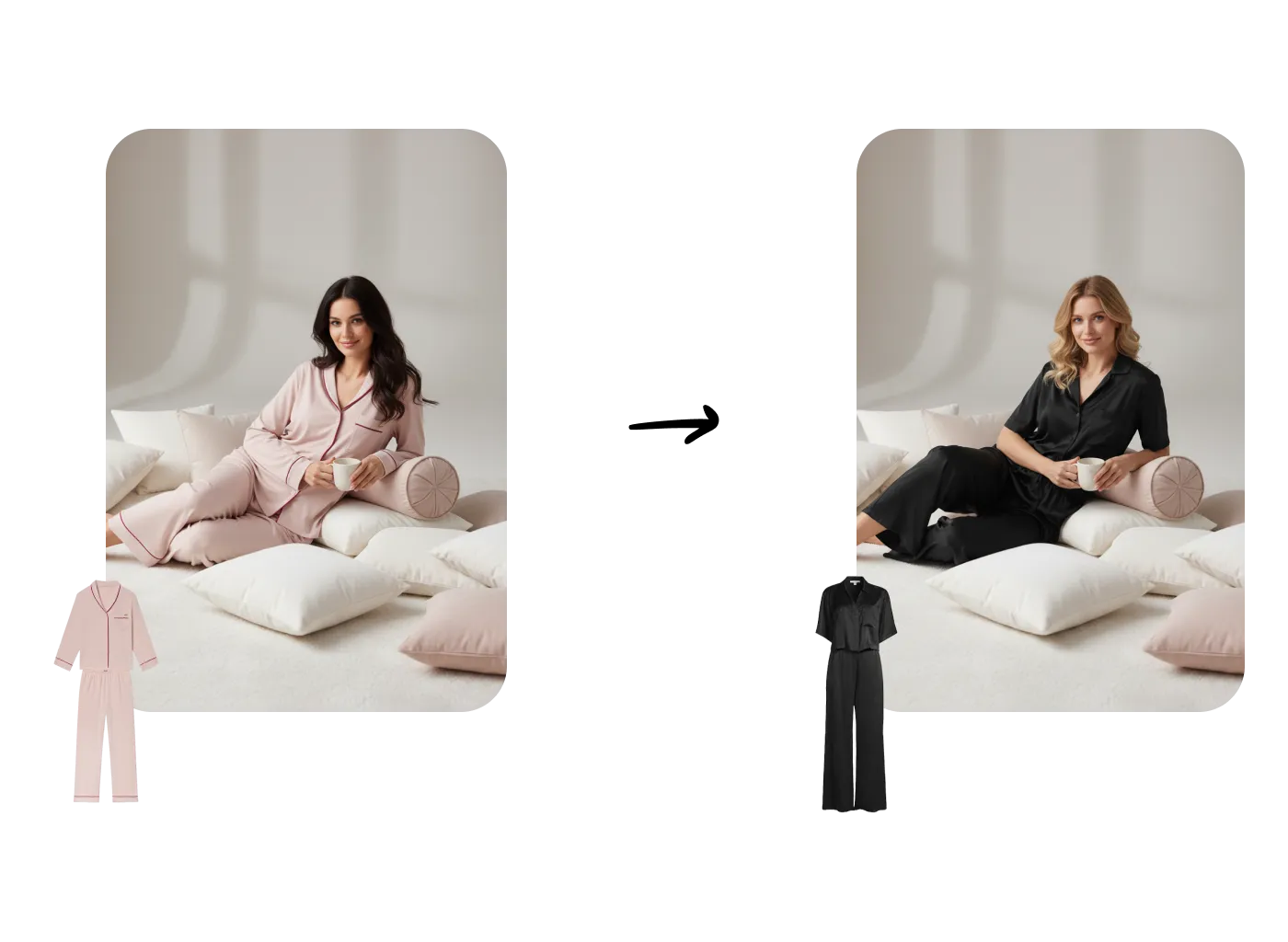
Learn how to maintain consistent photography sets and backgrounds across multiple AI model generations. Create cohesive fashion catalogs with the same studio environment while changing models and clothing.

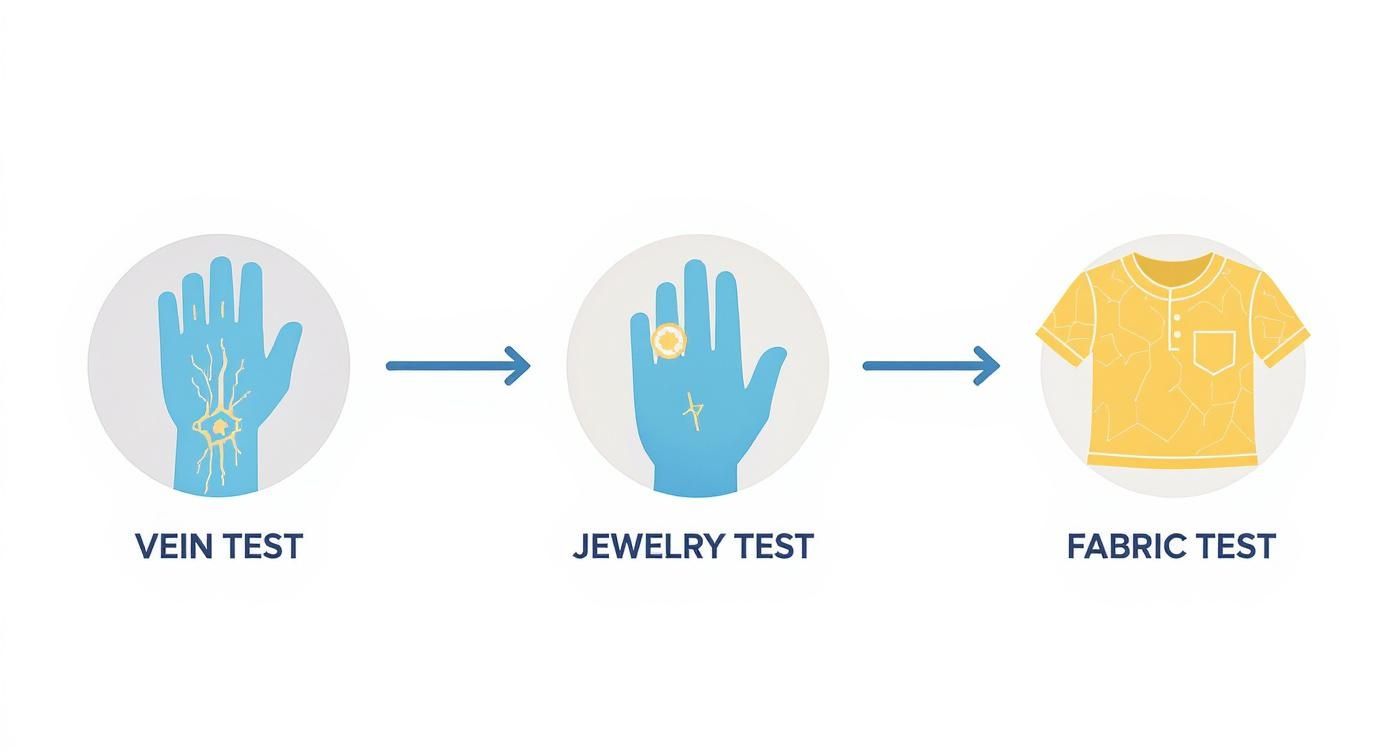
Discover your perfect color palette with our complete guide to seasonal color analysis. Learn the drape test, undertone tests, and the 12-season system to find colors that make you shine.

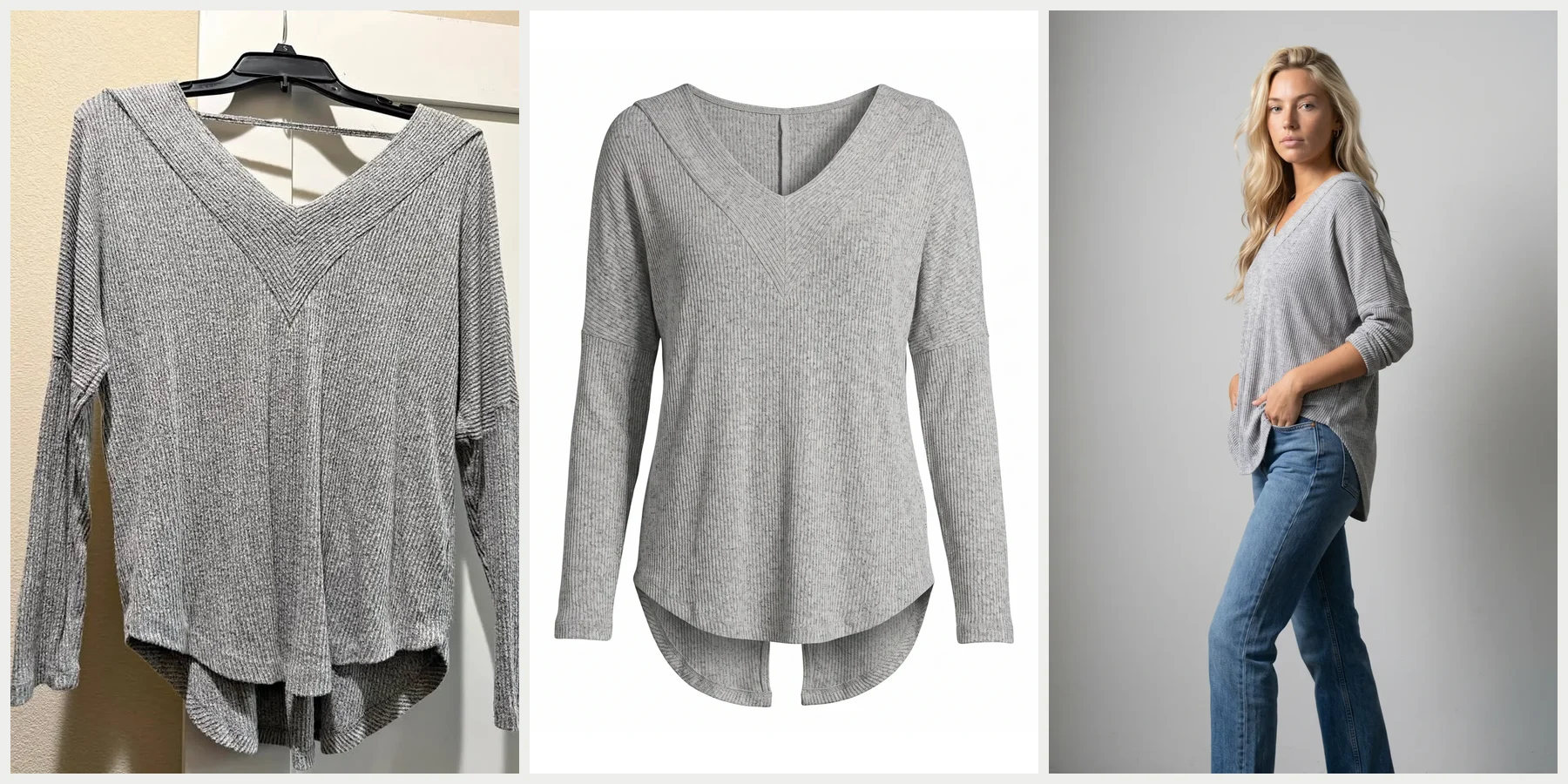
Transform wrinkled, messy clothing photos into professional flat-lay packshots instantly. Perfect for thrift shops, ecommerce brands, and preparing clean images for AI generation.

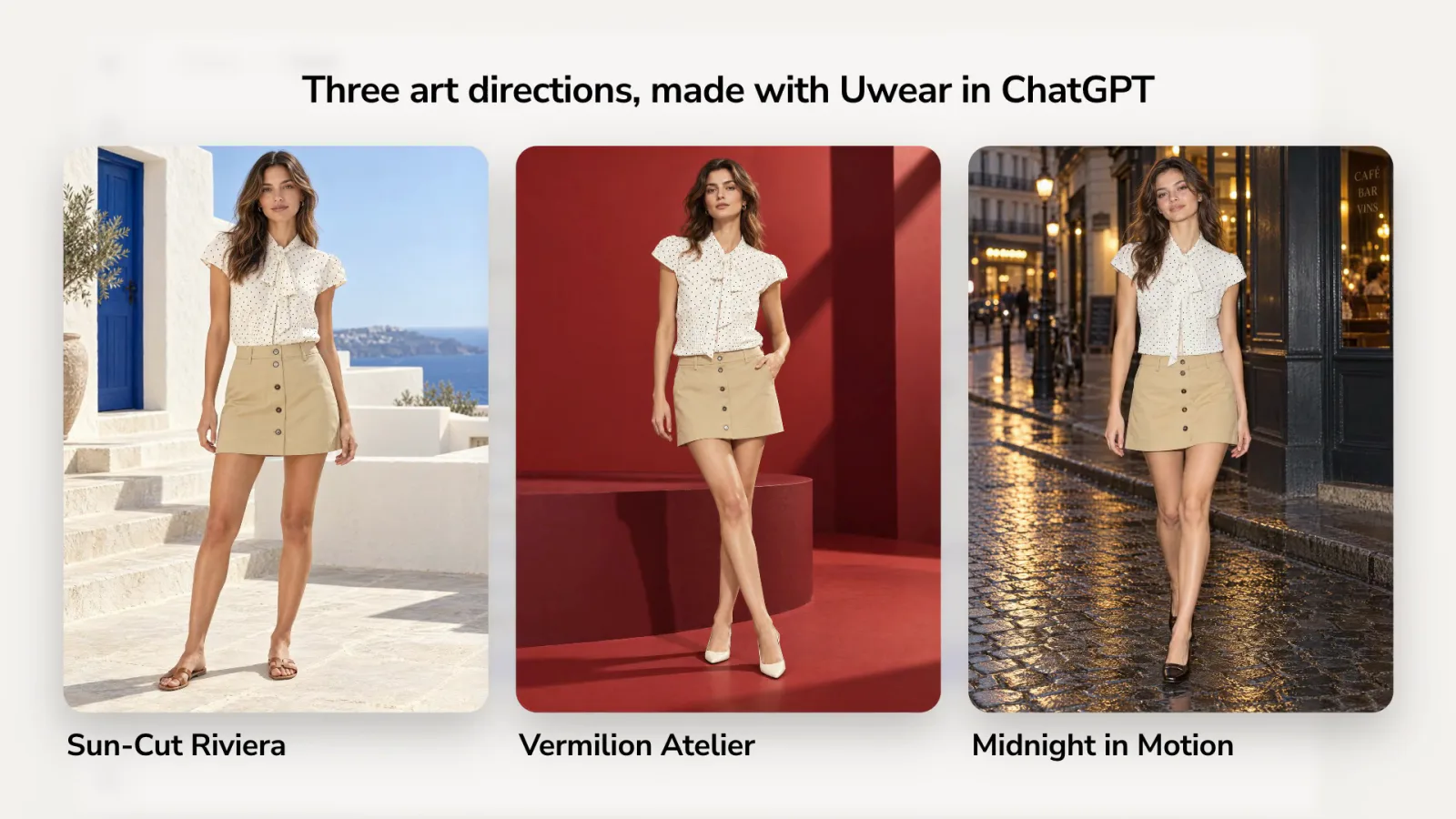
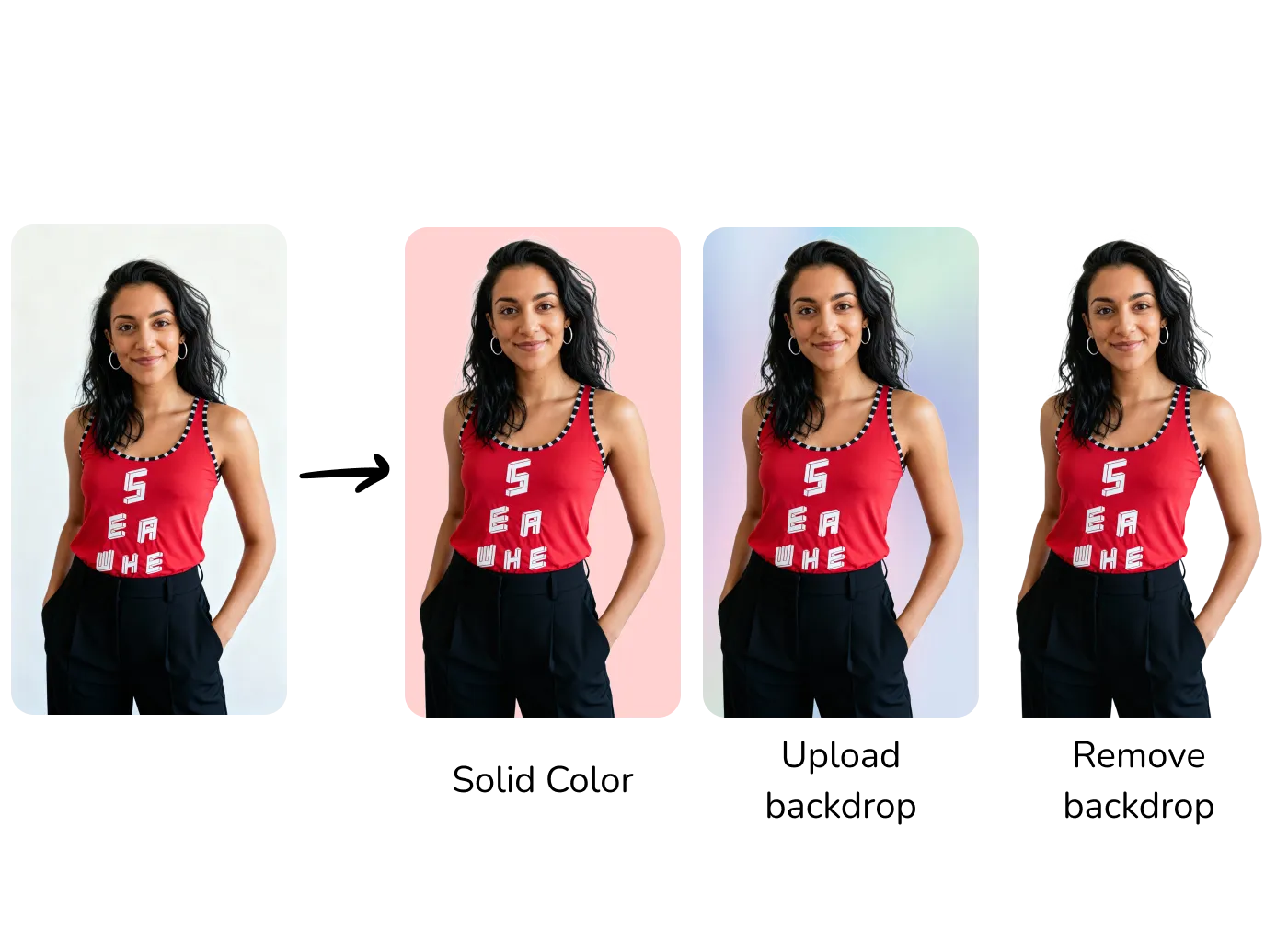
Master backdrop precision with three powerful tools: apply solid hex colors, upload custom backgrounds, or remove backgrounds entirely. Perfect for brands requiring exact color matching.

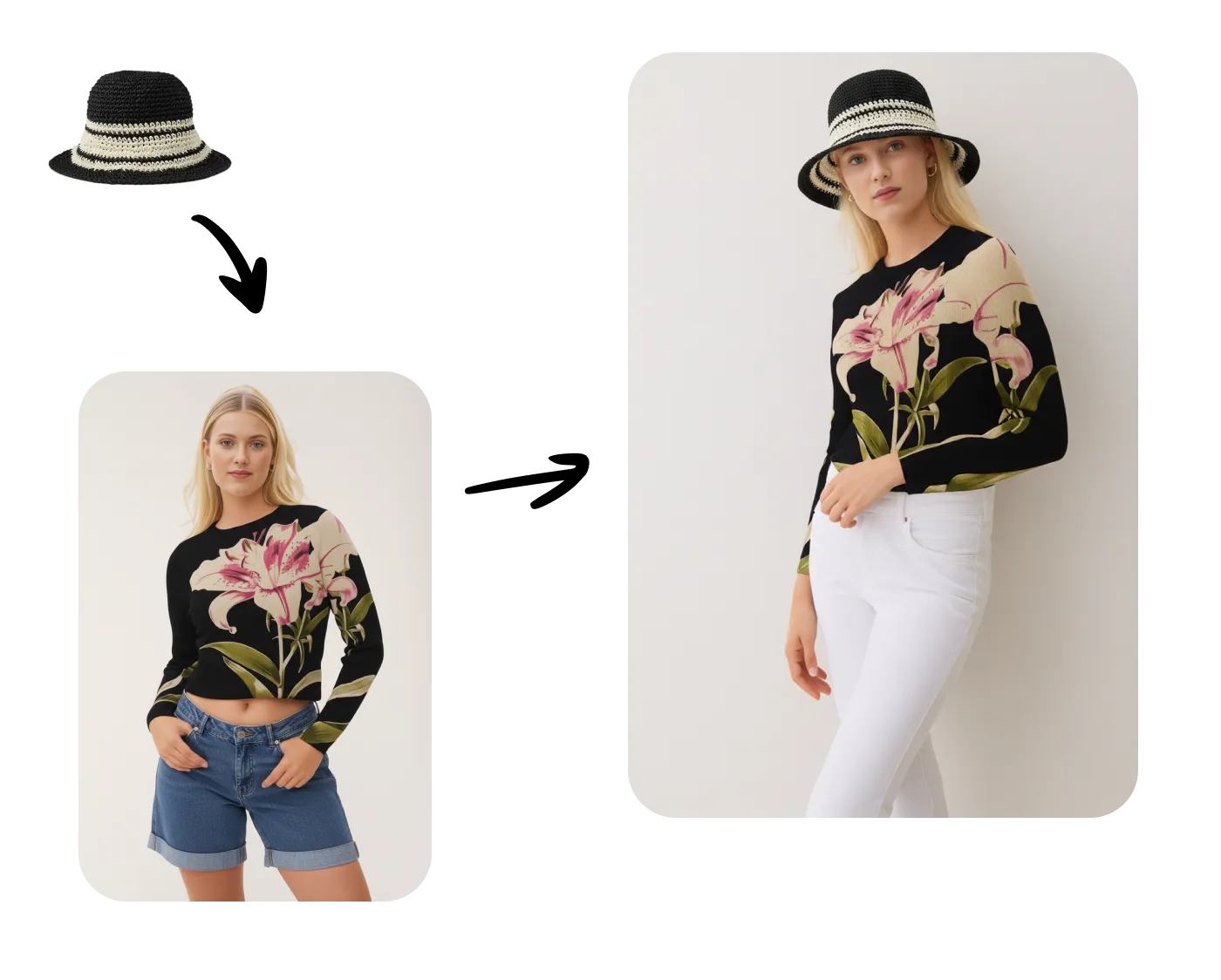
Transform existing fashion images with precision using AI. Change poses, add accessories, swap clothing, and more with Gemini Flash or Seededit models.

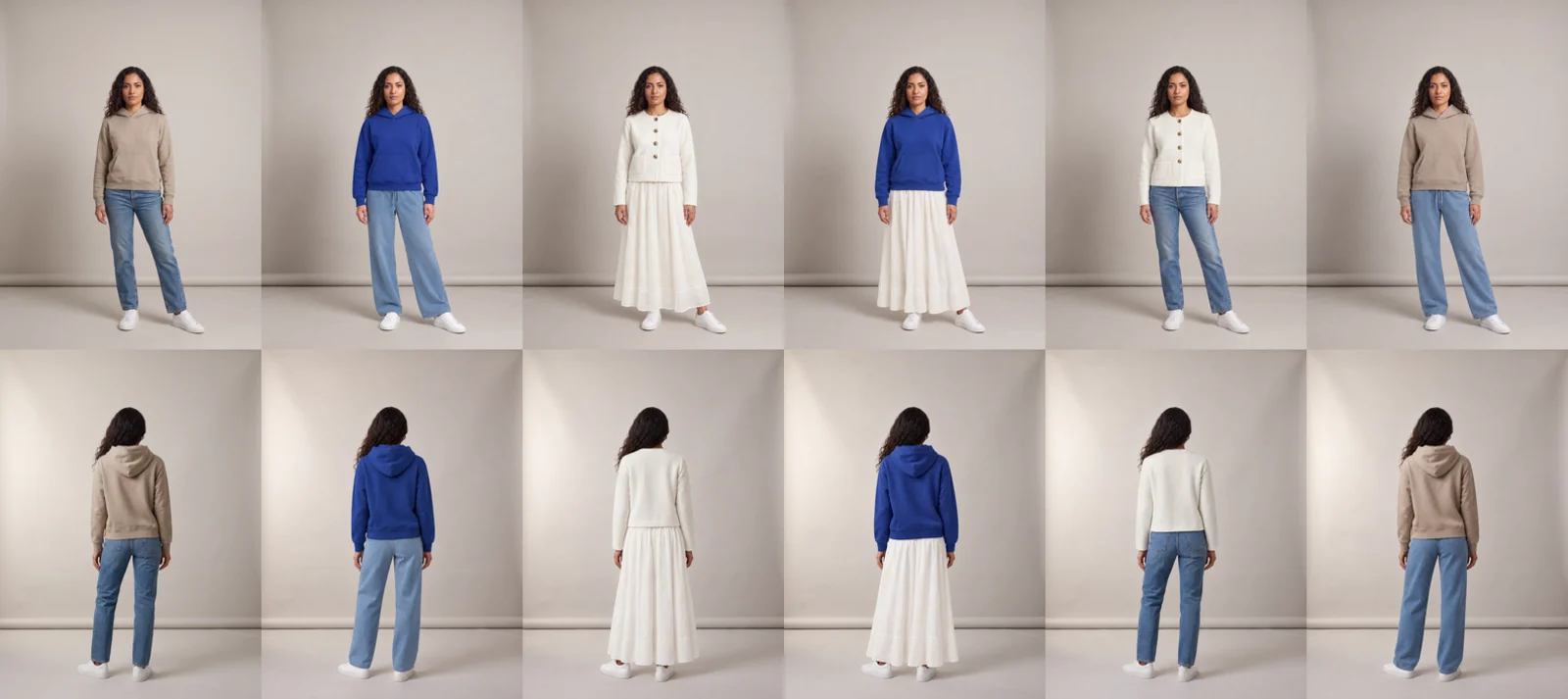
Build a cohesive brand identity with consistent AI models across your entire fashion collection. Generate or upload models that maintain the same characteristics across different outfits.

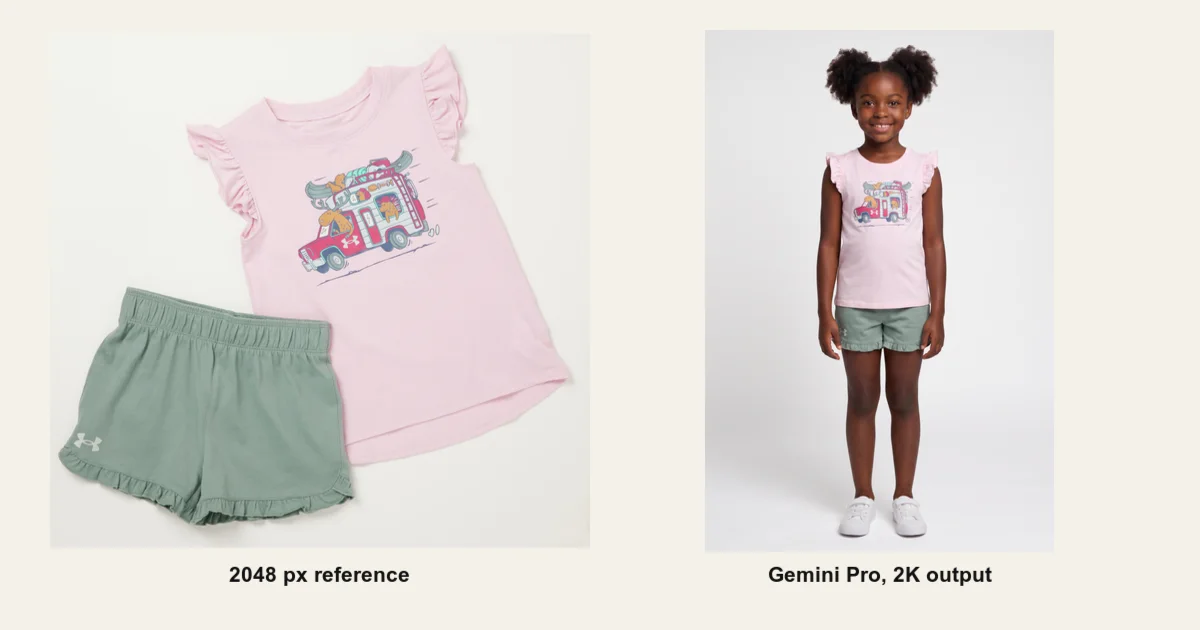
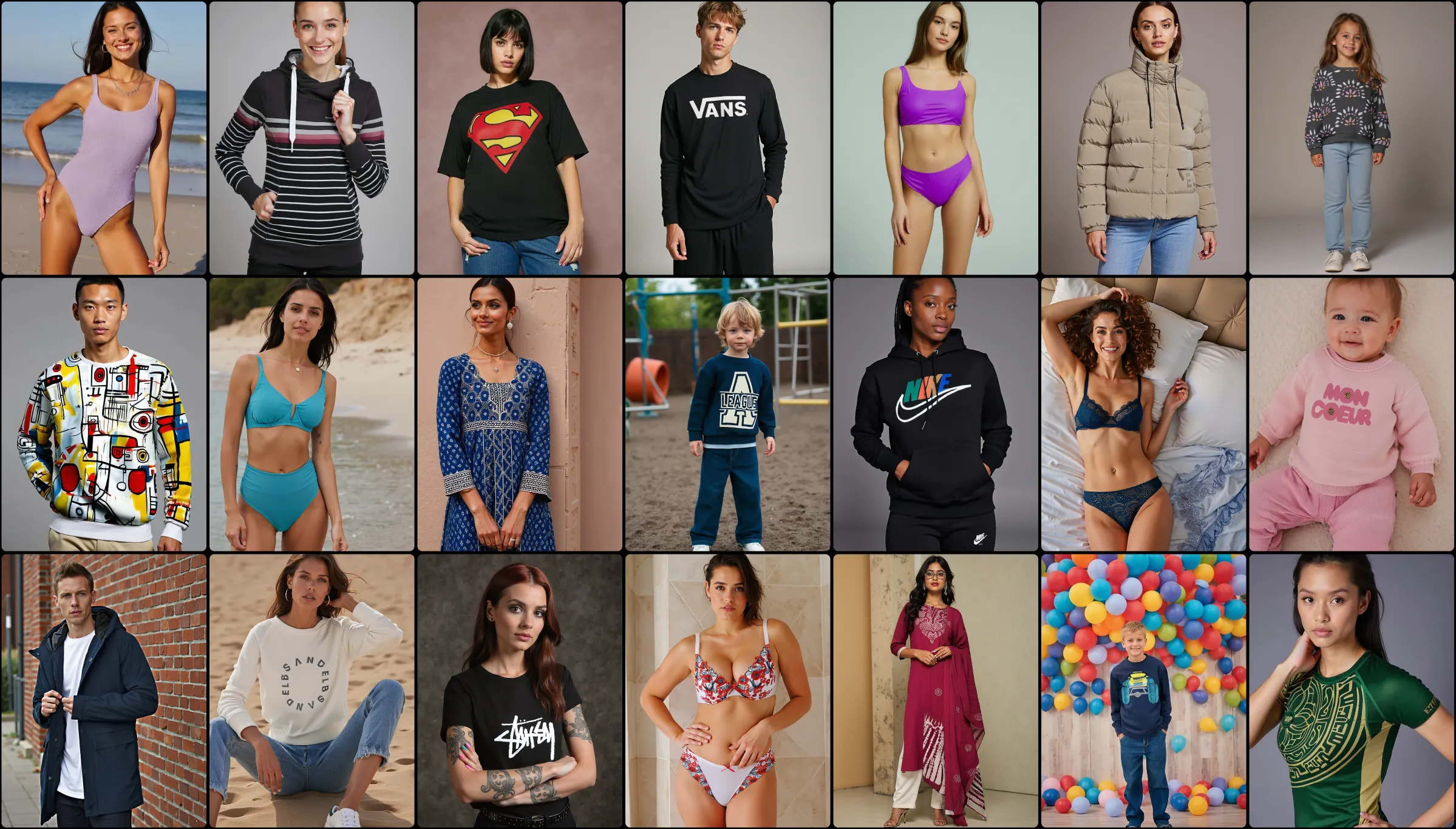
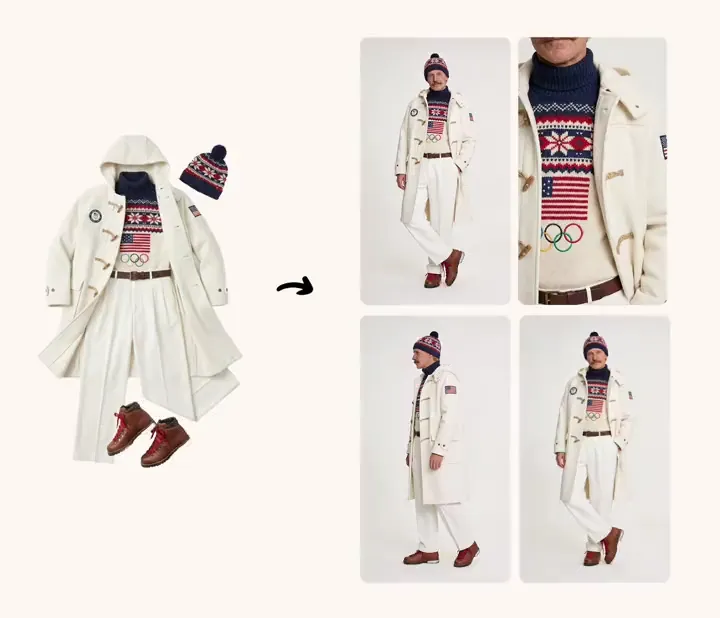
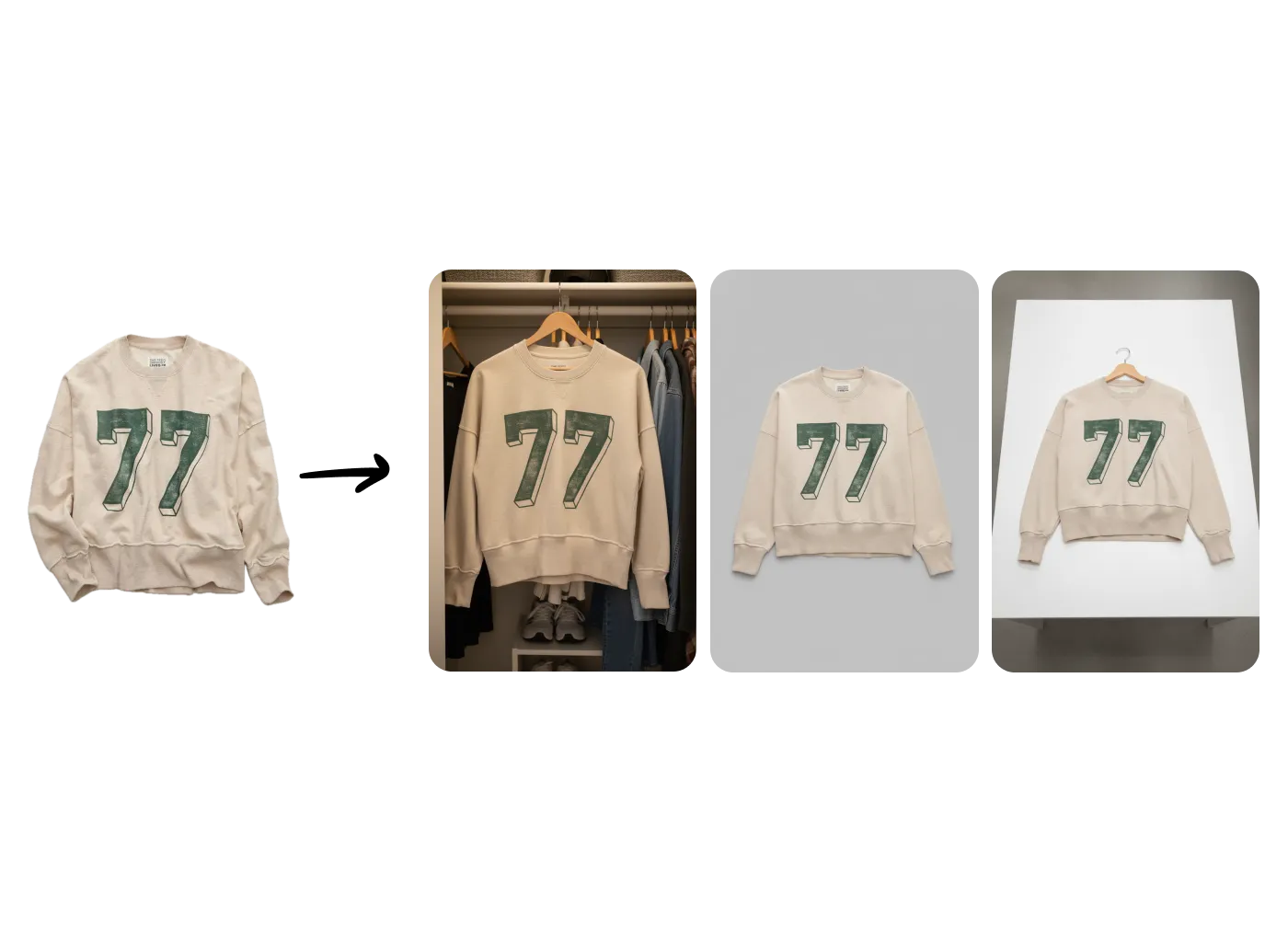
Transform your product photography workflow with our Generate Images feature. Upload a single flat-lay photo and create professional on-model shots in seconds.

Bring your AI-generated fashion model images to life with dynamic 5 or 10-second video clips that capture attention and drive engagement.
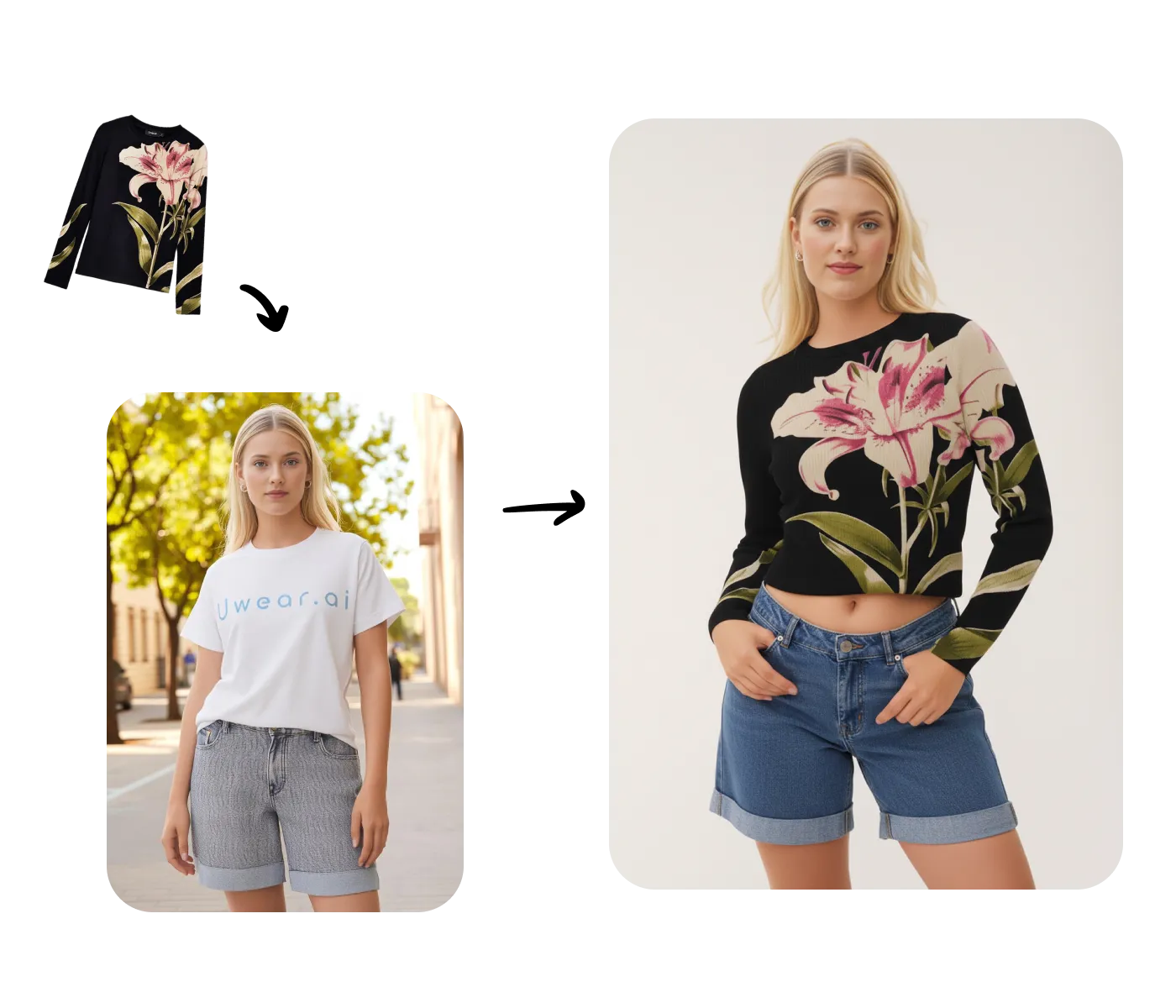
Transform your entire product catalog with batch processing. Upload hundreds of clothing items and automatically generate diverse on-model photos.
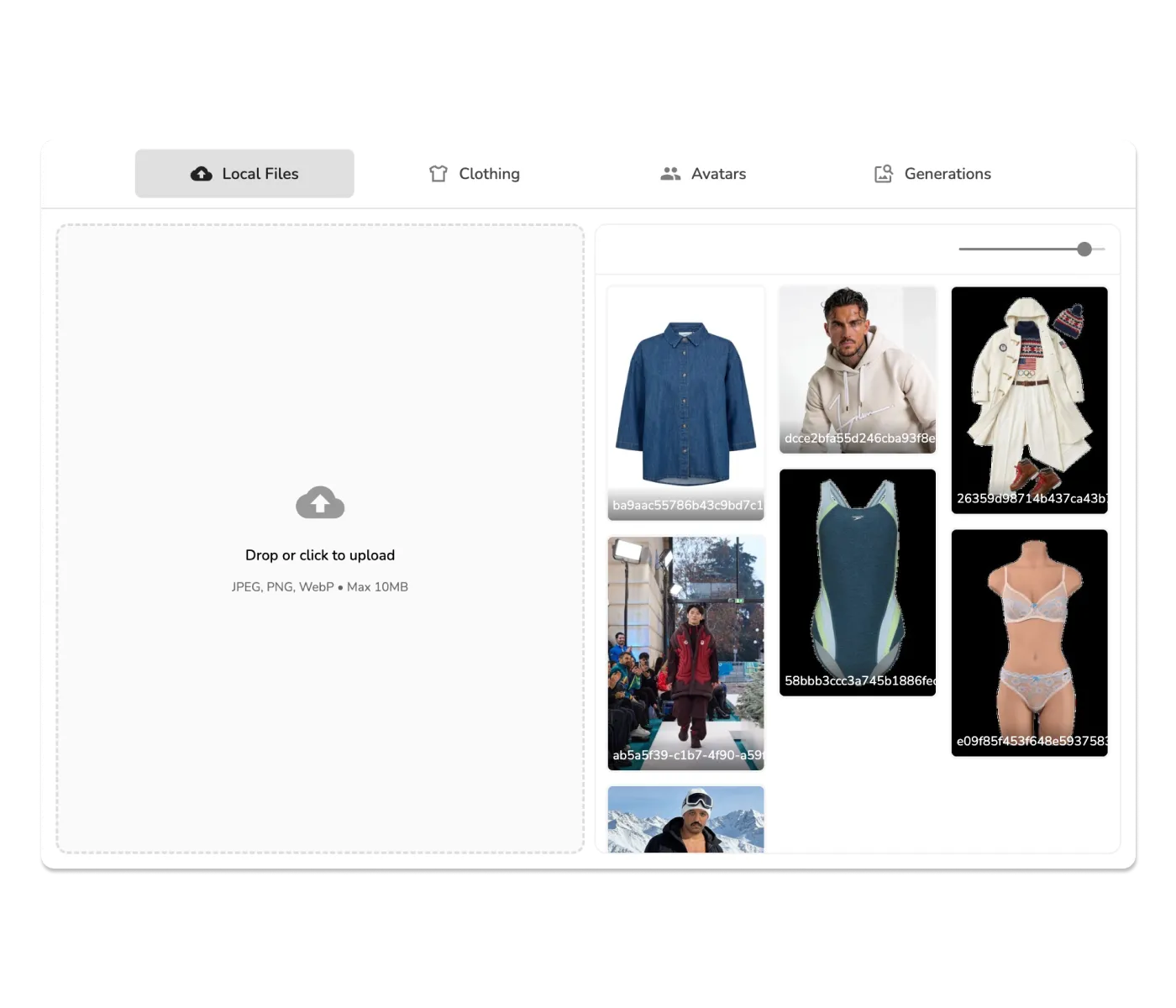
Increase image resolution up to 4K with two upscaling models: fast algorithmic Recraft (1 credit) or AI-enhanced Topaz (3 credits) for professional results.

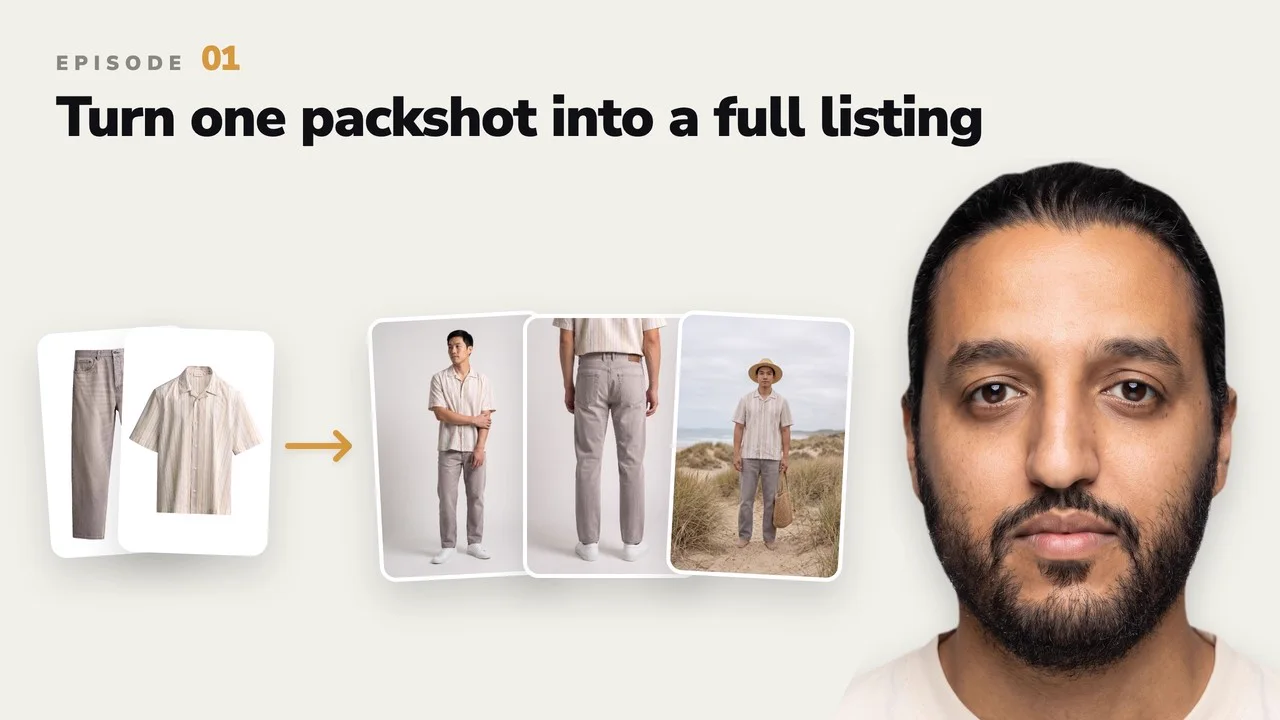
Today, we release Drape2, a next-gen adapter to generate on-model images of clothing products from a single packshot, in seconds with unprecedented diversity and clothing fidelity.

Today, we're thrilled to announce Drape, our groundbreaking SDXL adapter that transforms how fashion brands create product photography.