Can a small clothing brand replace product photoshoots with AI, and what should it still shoot?
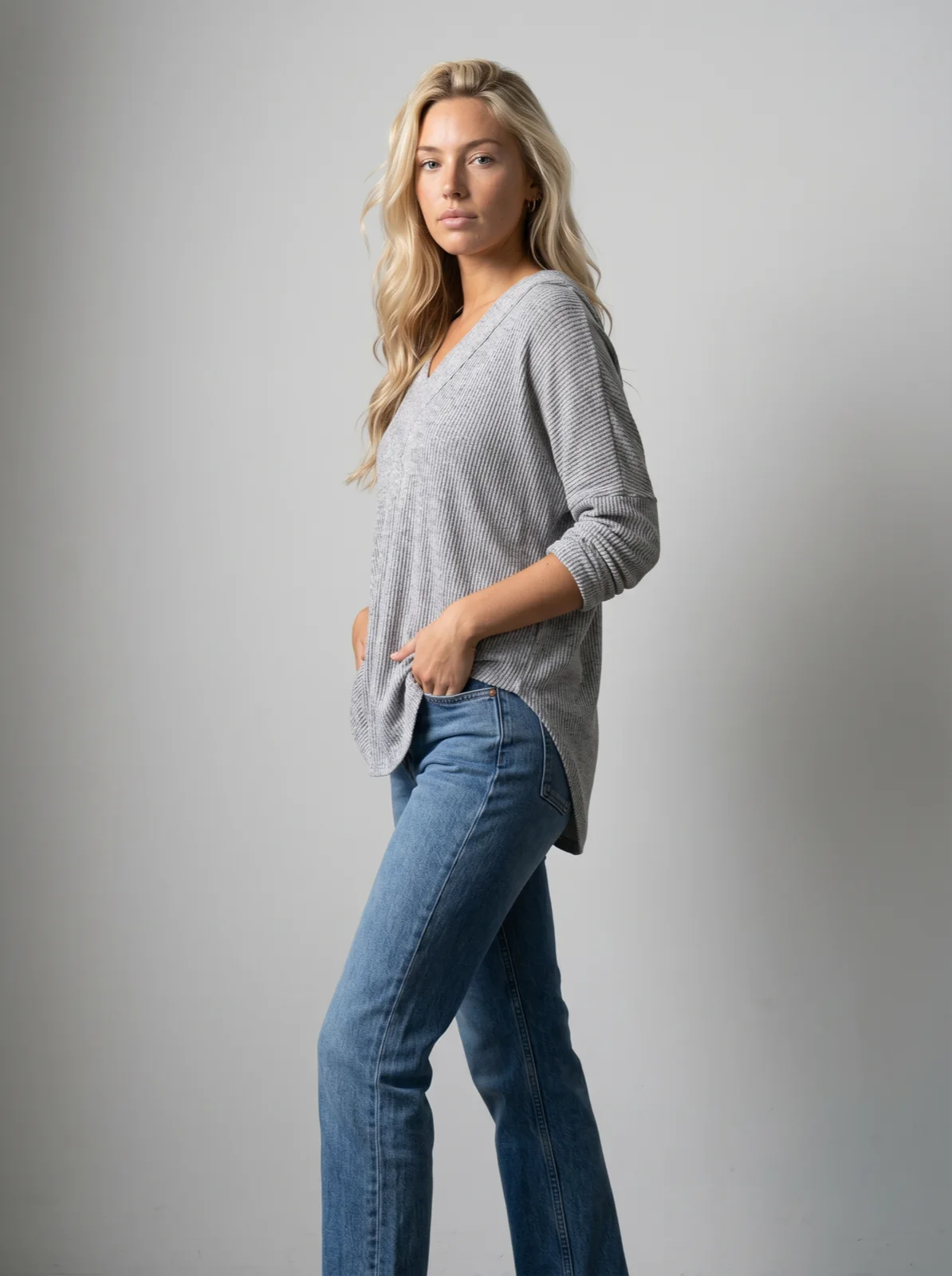
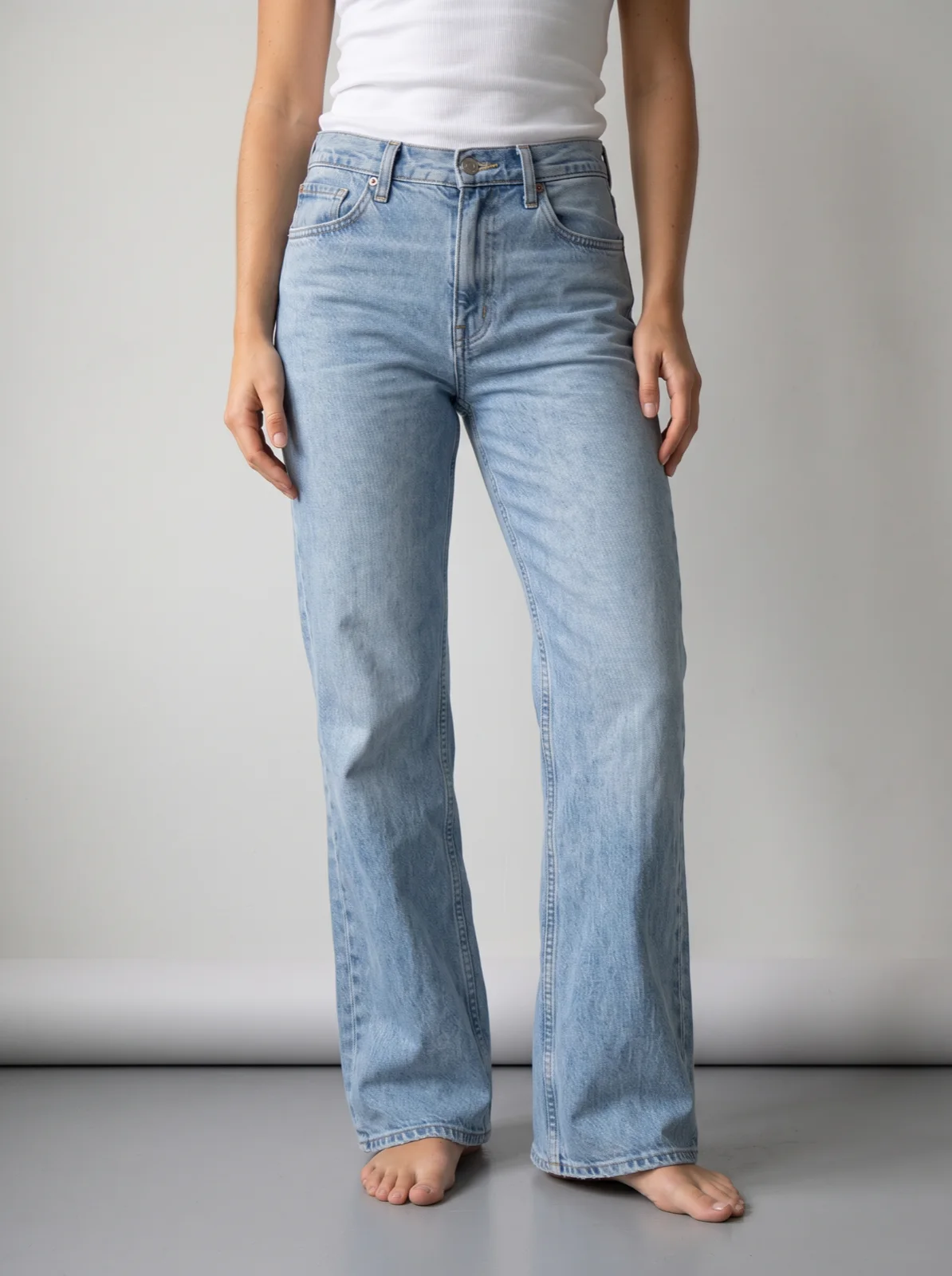
Mostly, yes. For a small brand, AI can make most of the listing photos a shoot was booked for: the front on a model, the back, an upper-body detail, all on one consistent set, made from the product photos you already have. The aim is the garment's colour, print, logo and cut on a body that wears it, with natural drape and folds, and an automatic check on every photo for the pieces where it drifts.
Keep a real shoot for the few things AI does not do well and for the moments that carry the brand: the campaign images, fabric whose movement is the reason people buy it, the odd very sheer or very detailed piece that keeps failing, and anything that needs a real person's likeness. For most small brands that means dropping the shoot per drop and keeping one shoot a year for the campaign. A 40-piece drop with three photos per piece comes to about $69 at 2K on Gemini 2.1 (Nano Banana 2.1), with no subscription.
What can AI replace, and what should a small brand keep shooting?
Two words first. A saved model is a model you create once and reuse on every product, so every drop shows the same person. A saved art direction is the set, light, framing and styling every run reuses. Camera edits are an approved photo re-framed rather than generated again, which is how the back and the detail keep the model, light and set of the front.
| Photo or video | AI or a shoot | Why |
|---|---|---|
| Listing photo on a model | Replace | The front photo is made from the product photo you already have, on your saved model and your art direction. This is the bulk of what a small brand books a shoot for. |
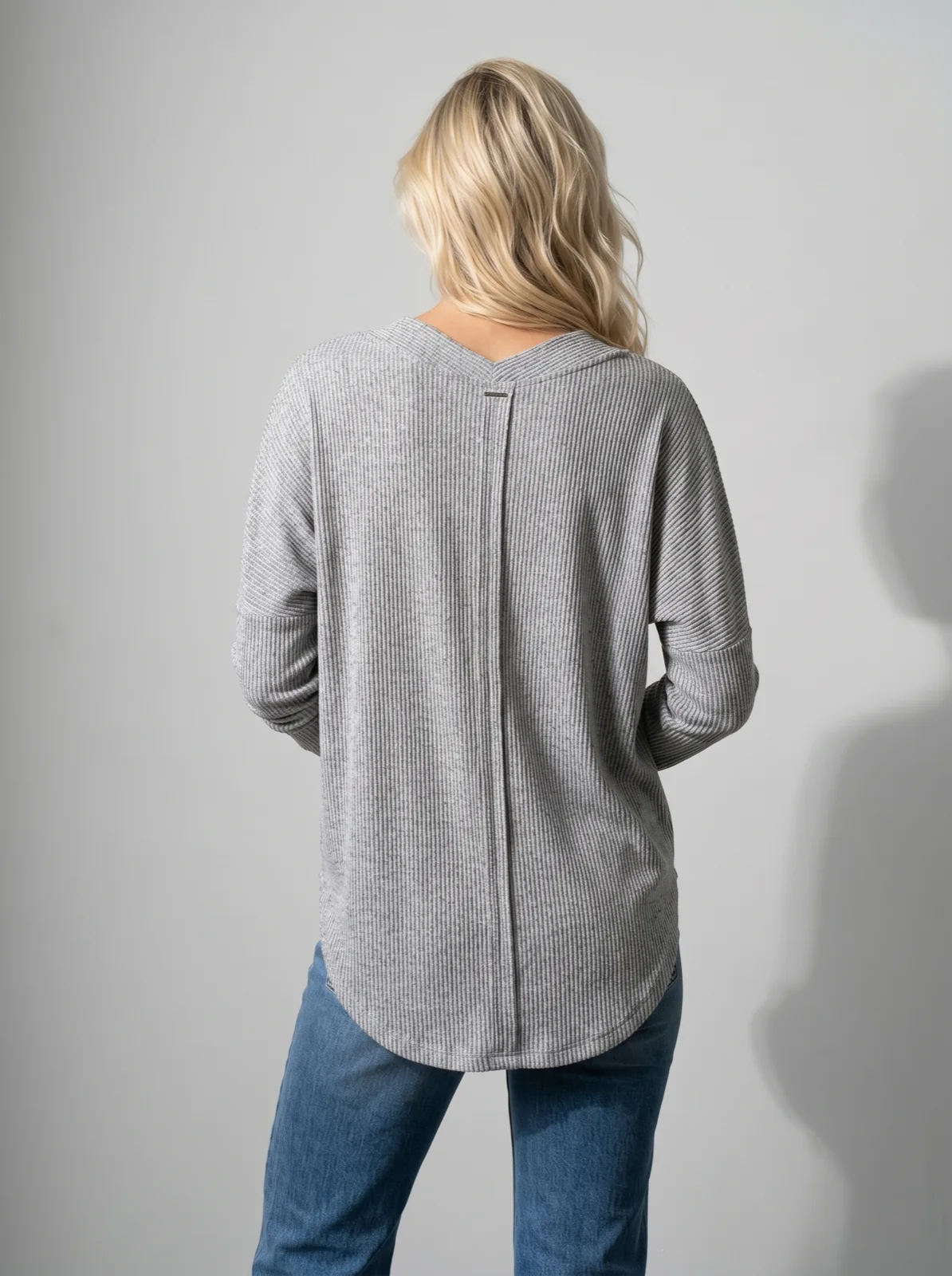
| Back view and upper-body detail | Replace | Camera edits of the approved front photo: the same model, light and set, re-framed rather than generated again. |
| The same look across drops | Replace | The saved model and art direction carry from one drop to the next, so spring and autumn sit on the same person in the same light without rebooking anyone. |
| Short clips for the product page and social | Replace, and watch them | A 5-second clip made from the approved front photo. The reviewer checks photos, not clips, so look at each one before it goes live. |
| Hero campaign images | Keep shooting | A campaign is a few images that carry the season: a location, a mood, a photographer’s eye. It is worth one paid day, once. |
| Fabric in real movement | Keep shooting where it sells the piece | A clip starts from a still photo, so how a silk slip or a pleated skirt actually moves is generated, not filmed. If the movement is the reason people buy it, film it. |
| Very sheer or very detailed pieces that fail repeatedly | Keep shooting those few | Sheer and mesh fabrics, small lettering and small logos drift more often. If a piece still fails after a better product photo, a real photo is cheaper than more retries. |
| A real person’s likeness or a collaboration | Keep shooting | When the point of the image is that person, a founder, an ambassador or a collaboration partner, shoot them, with their agreement in writing. |
What do you need to start?
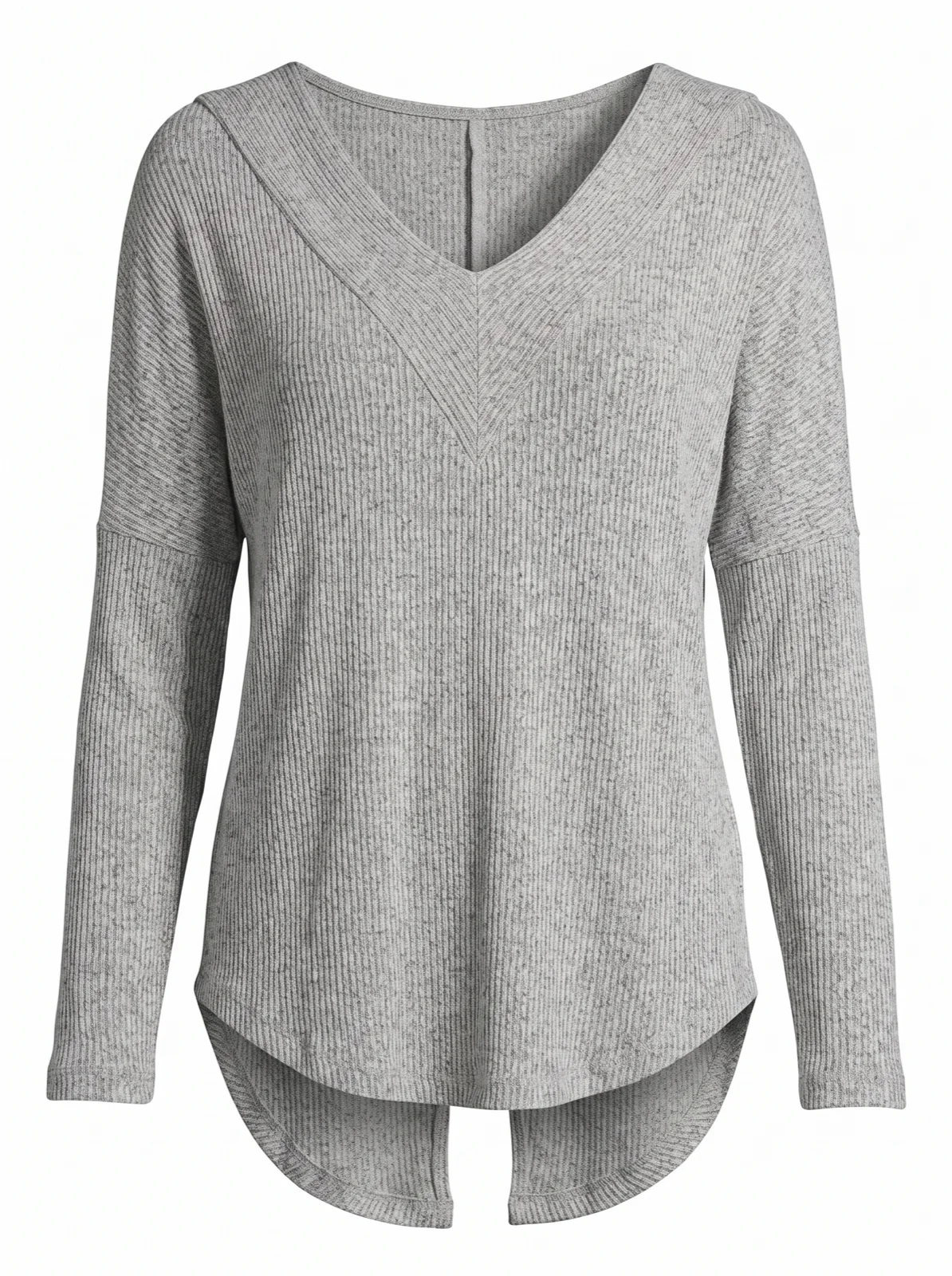
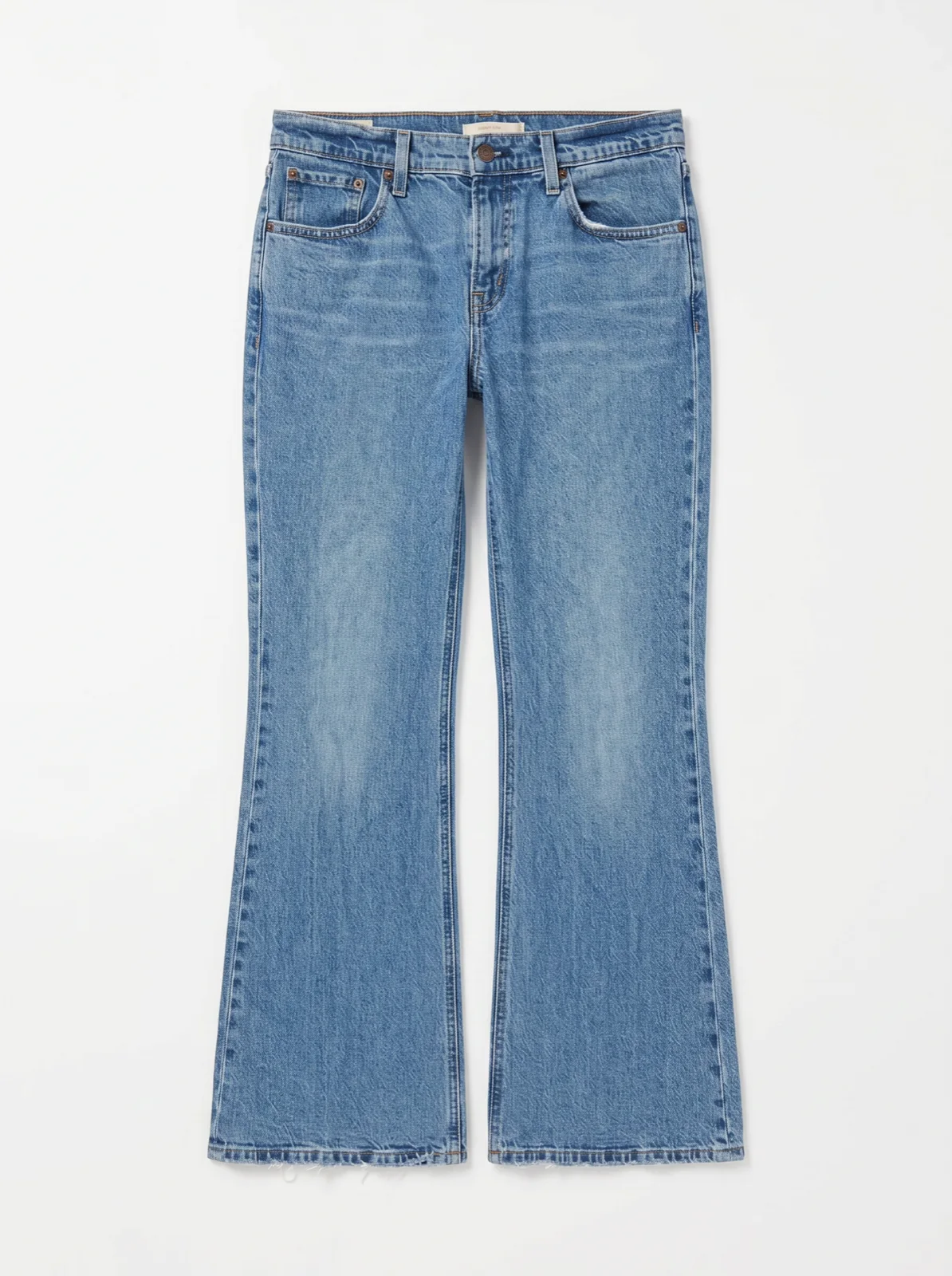
- A product photo per garment. A flat lay, a packshot, a ghost mannequin shot or a supplier photo. A clear front view is enough for the front photo. A good one shows the whole garment, in even light, with the colour true and the print, logo or lettering readable. If the back is different from the front, a print, a logo, a zip, add a photo of the back too. The model can only show what the product photo shows.
- One saved model. Described in words, or built from reference photos of a person who agreed to it. Saving a model from a photo you already generated costs nothing [1].
- One saved art direction. Your set, light, framing and styling. One per season is enough; keep it for every drop of that season.
The model and the direction are set once. Uwear's cost guides count about an hour for that, and after it each drop is uploading the new product photos and running them. You run it in Studio, the Uwear web workspace, or from a chat with the MCP server, the connector that lets ChatGPT, Claude or Codex plan and run a job. The AI photoshoot page shows a range done this way, and the AI model page shows how the saved model carries across products.
What does a small-brand drop cost, and a year of drops?
A worked example: a drop of 40 pieces, each with a front, an upper-body detail and a back photo, at 2K on Gemini 2.1 (Nano Banana 2.1), Uwear's default and recommended image model. Rates are from the models page, and a credit is $0.10 on the pricing page. The AI reviewer, an automatic check that compares each photo with its product photo and gives a verdict with the reason, is free. Retries are a new generation, billed at the photo rate. They happen in batch runs, many garments at once in Studio, where you set 0 to 5 retries per photo, and in Automations, runs that start on their own when garments are uploaded or tagged, which re-shoot a failed photo once by default. A single Studio photo gets the verdict and you decide. Lines marked as an assumption are this page's, not a quote.
| Line | Basis | Credits · dollars |
|---|---|---|
| Front photo, 40 pieces | Gemini 2.1 (Nano Banana 2.1) at 2K, 5 credits a photo [1]; a credit is $0.10 [2] | 200 credits · $20.00 |
| Back and upper-body detail, 80 photos | Camera edits of each approved front photo, Gemini 2.1 (Nano Banana 2.1) at 2K, 5 credits each [1] | 400 credits · $40.00 |
| Retries | Assumption, for batch runs and Automations only: 15% of the 120 photos retried once, 18 photos at 5 credits | 90 credits · $9.00 |
| AI reviewer | Checks every photo against its product photo; free | 0 credits · $0 |
| 5-second clips, 10 pieces | Assumption: a clip for a quarter of the drop. Kling 3 Pro, 5 seconds, sound off, 23 credits a clip [1] | 230 credits · $23.00 |
| Drop total, photos | 120 photos and the assumed retries | 690 credits · $69.00 |
| Drop total, photos and clips | The line above plus ten clips | 920 credits · $92.00 |
Over a year of three or four drops, at the same rates:
| Year | Basis | Dollars |
|---|---|---|
| 3 drops of 40 pieces | The drop above, three times | $207 photos · $276 with clips |
| 4 drops of 40 pieces | The drop above, four times | $276 photos · $368 with clips |
| Months with no drop | Nothing runs; credits never expire [2] | $0 |
On GPT Image 2 (low), the budget option, the same 120 photos are 2 credits each at 2K, 240 credits or $24 before retries [1]. It fits simpler garments. For prints, lettering and the photos that go on the product page, the example uses Gemini 2.1 (Nano Banana 2.1).
What does the shoot it replaces cost?
These figures are the ones Uwear's fashion photoshoot cost guide and model day rate guide already cite, with the same sources. The last line is arithmetic on a published example, not a quote.
| Line | Published figure | Amount |
|---|---|---|
| One-day indoor shoot, ten outfits, about 60 images | Photographer $1,000, model $500, hair and makeup $250, studio $600, post-production $300, miscellaneous $100 [3] | about $2,750, about $45 per finished photo |
| Startup lookbook, twelve looks | All-in example from the July 2026 guide [4] | about $6,350 |
| Most small fashion shoots | Range from the July 2026 guide [4] | $3,000 to $15,000 |
| Model day rate | About $700 a day amateur, $1,600 intermediate, plus a 15 to 20% agency commission [3] | per model, per day |
| Retouching, basic | $5 to $20 per image [5] | on top of the shoot |
| 120 photos at the example’s per-photo cost | This page’s arithmetic: 120 photos at about $45, the per-photo figure of the ten-outfit example [3]. Not a quote | about $5,400 a drop |
The example day covers ten outfits; a 40-piece drop is four times that count. If you keep one campaign shoot a year, budget it from the range above, $3,000 to $15,000 for most small shoots [4], and make the listing photos for each drop from product photos.
Why do per-image prices mislead?
The rate per photo is the smallest part of the cost on both sides. A shoot's per-image price usually leaves out retouching. An AI price per generation leaves out the retries on the pieces that drift, the hours someone spends checking photos and fixing product photos, and the cost of a photo that shows customers a garment you do not sell. Compare a finished, accepted set per garment at the same resolution, not the list price of one image.
Run a drop from a chat
With the Uwear MCP server, the connector that lets ChatGPT, Claude or Codex plan and run a job, the assistant shows a costed brief and waits for your approval before generating.
Run the ten hardest garments first
“Connect to the Uwear MCP server and load the "Product page set" template. Run it on the ten garments tagged ss27-hardest with my saved model and my saved SS27 art direction, on Gemini 2.1 (Nano Banana 2.1) at 2K. Leave out the 5-second clip. Show me the costed brief before generating anything.”
Then run the rest of the drop
“Connect to the Uwear MCP server. Run the "Product page set" template on the rest of the garments tagged ss27-drop, leaving out the ones tagged ss27-hardest, with the same saved model and SS27 art direction on Gemini 2.1 (Nano Banana 2.1) at 2K. Add the 5-second clip only for the garments tagged ss27-hero. Show me the costed brief and wait for my approval.”
How do you run your first drop, step by step?
- Pick the ten hardest garments first. The prints, the small logos and lettering, the sheer pieces, the busy trims. If these work, the plain knits and denim will.
- Upload their product photos. One clear front per garment, and a back photo where the back is different.
- Set the saved model and the art direction. Pick them once; every garment of the drop uses them.
- Run the ten. A batch run in Studio with the ready-made Product page set (front, upper-body detail, back) at 2K on Gemini 2.1 (Nano Banana 2.1), or the same from a chat after a costed brief.
- Read the reviewer's verdicts. Each photo comes back approved or rejected, with the reason. Open the rejected ones, and look at the approved ones of your hardest pieces yourself. A photo still failing after its retries ends as rejected, and you can approve or override it in Studio.
- Fix the product photos that fail. A retry re-shoots the same request and does not use the rejection reason, so a repeat failure usually needs a better product photo, then a rerun of that garment only.
- Run the rest of the drop and export it. Same model, same direction. Export the approved set from Studio and upload it to your store.
Once the setup holds, an Automation, a trigger wired to the shoot, the reviewer and delivery that you build once in Uwear's builder, can run each new drop on its own when its garments finish processing after upload or get the drop's tag. The drops and seasonal launches guide covers that.
What mistakes do small brands make with AI photos?
- A different face every drop. Prompting a general image tool one photo at a time brings a new person, new light and a new crop each time. Save one model and reuse it.
- Bad input photos. A crumpled flat lay, a print in shadow, a cropped hem. The output can only be as good as what the product photo shows. Reshoot the product photo before you retry the generation.
- Skipping the back view. Shoppers look at the back of a garment, and a back with a print or a logo needs its own product photo to come out right. Add the back photo where the back differs.
- Mixing looks. A studio set for one drop and a beach for the next, or two art directions inside one drop, and the collection page stops looking like one brand. Keep one art direction per season.
- Skipping your own check on the hardest pieces. The reviewer does not check clips, and small lettering, small logos and sheer fabrics drift more often than plain knits and denim. Look at those yourself before they go live.
Questions small brands ask about replacing shoots
Will customers notice, and should we say the photos are AI?
What customers notice is a photo that does not match the garment they receive: a wrong colour, a missing logo, a different neckline. That is what the AI reviewer checks, and what you should check on your hardest pieces. Disclosure rules vary by market and by marketplace. In the EU, the AI Act sets transparency rules for AI-generated images, and Amazon asks for a tag on photos of AI-generated people. Check the rules for each market and channel you sell in.
Can we use our own model’s or founder’s likeness?
Only with that person’s consent. A saved model can be built from reference photos of someone who agreed to it, and then returns on every product. If the person is a paid model or a collaboration partner, their agreement should say that their likeness may be used this way, for how long and where.
What if one garment keeps failing?
Look at the reason the reviewer gives. Most repeat failures come from the product photo: a crumpled flat lay, a print in shadow, a logo too small to read, a back nobody photographed. Take a better photo of that garment and rerun that garment only. A retry re-shoots the same request, so retrying a bad input again rarely helps. If a very sheer or very detailed piece still fails after a better photo, shoot that one piece for real.
Do we need a subscription?
No. Uwear has no subscription: you buy credits at $0.10 each, they never expire, and you pay only when you run something. A brand with three or four drops a year pays for those drops and nothing in the months between them.
Can we keep one real shoot a year for campaigns?
Yes, and for most small brands that is the sensible split. Spend the shoot budget once a year on the campaign images, the location and the movement, and make the listing photos for every drop from product photos on a saved model.
More on disclosure: the EU AI Act and AI-generated fashion images and Amazon image requirements for clothing.
Sources
The drop size, the retry rate and the share of pieces with a clip are this page's assumptions. Uwear rates change with the models it runs; the models page is current.
- [1] Uwear models page: per-model credit rates. Accessed October 26, 2026.
- [2] Uwear pricing: $0.10 per credit, no subscription, credits never expire. Accessed October 26, 2026.
- [3] Blend: The True Cost of a Professional Photoshoot (25 August 2025), as cited in Uwear’s fashion photoshoot cost guide. Accessed October 26, 2026.
- [4] Dixie Dixon: How Much Does a Fashion Photoshoot Cost? A Practical Pricing Guide (3 July 2026), as cited in Uwear’s fashion photoshoot cost guide. Accessed October 26, 2026.
- [5] Squareshot: Clothing Brand Photoshoot Cost, 2026 Budget Guide (6 April 2026), as cited in Uwear’s fashion photoshoot cost guide. Accessed October 26, 2026.