Product · Asset Library
Save your inputs once. Reuse them in every shoot.
Clothing, models, locations, outfits, and references live in one shared library. Pick a saved input and it carries the same product truth into Studio, Batch, Automation, API, and MCP.
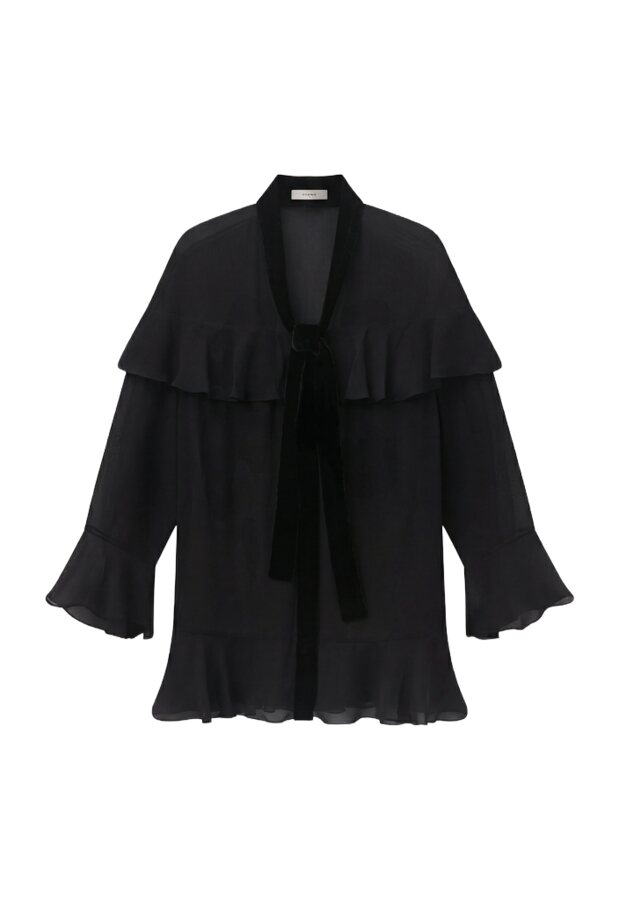
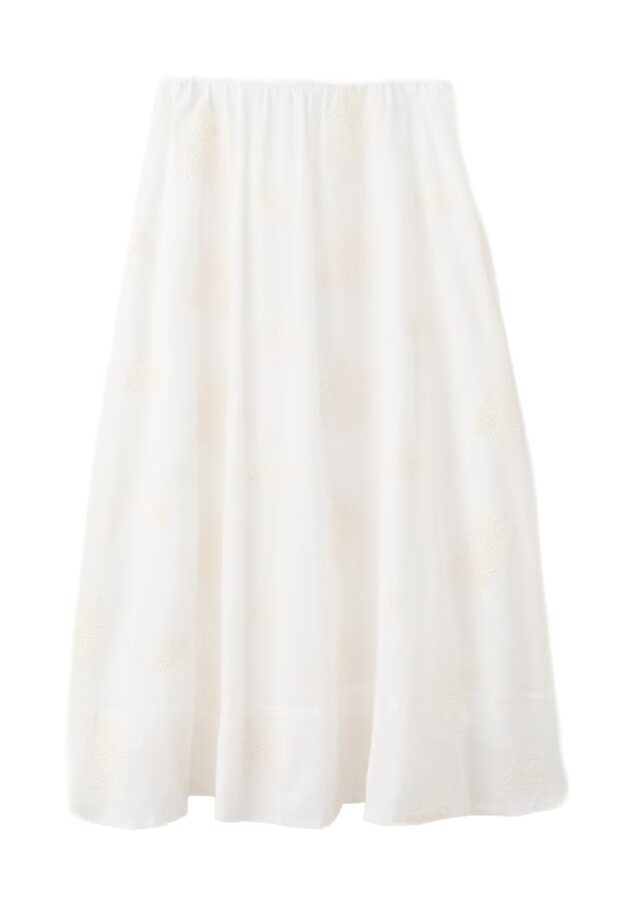
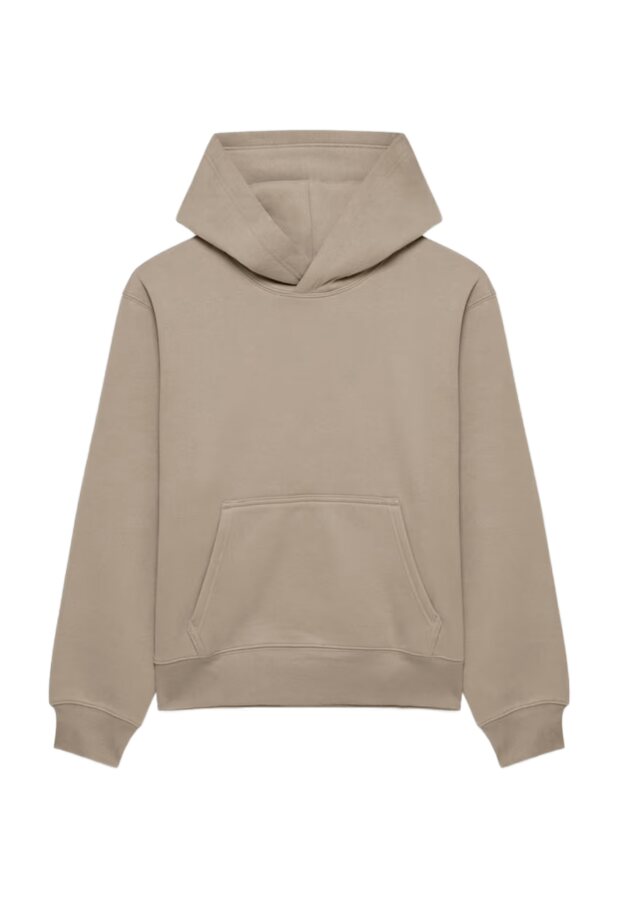
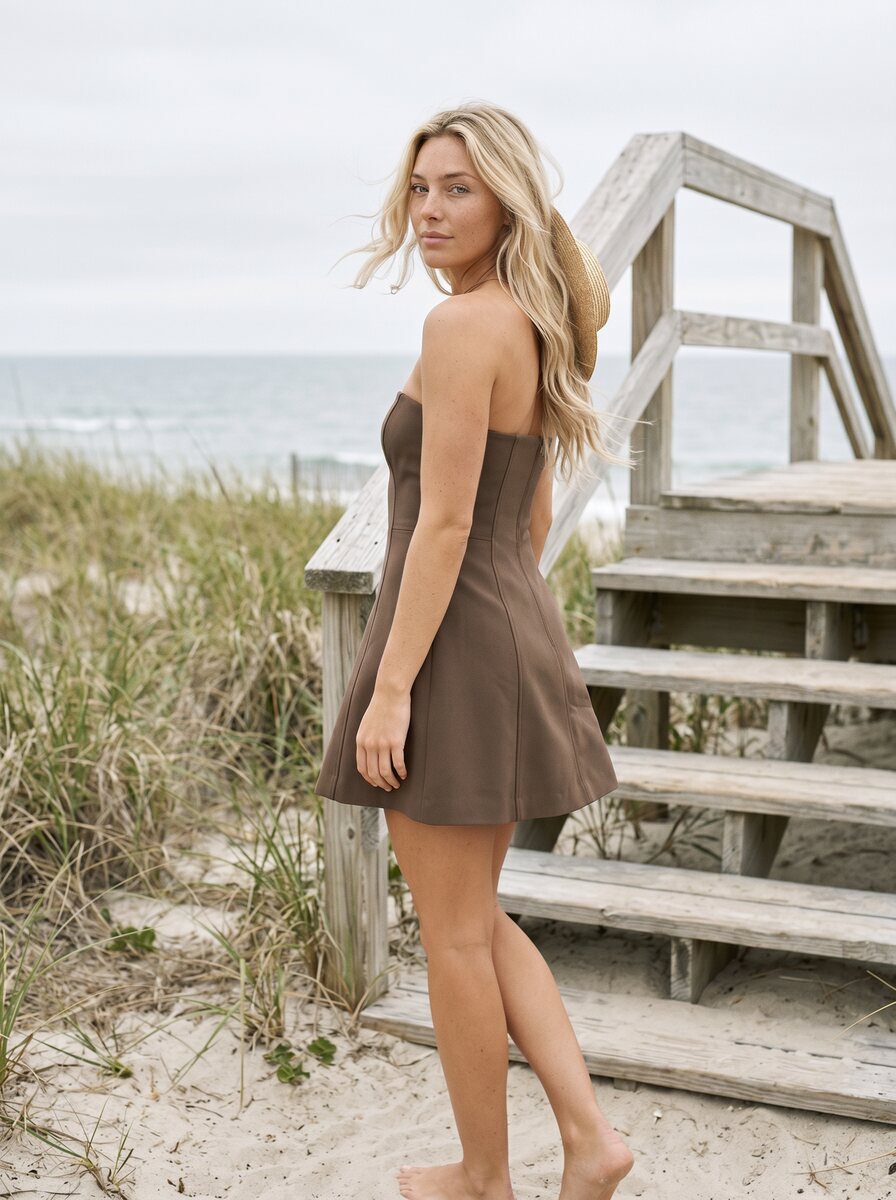
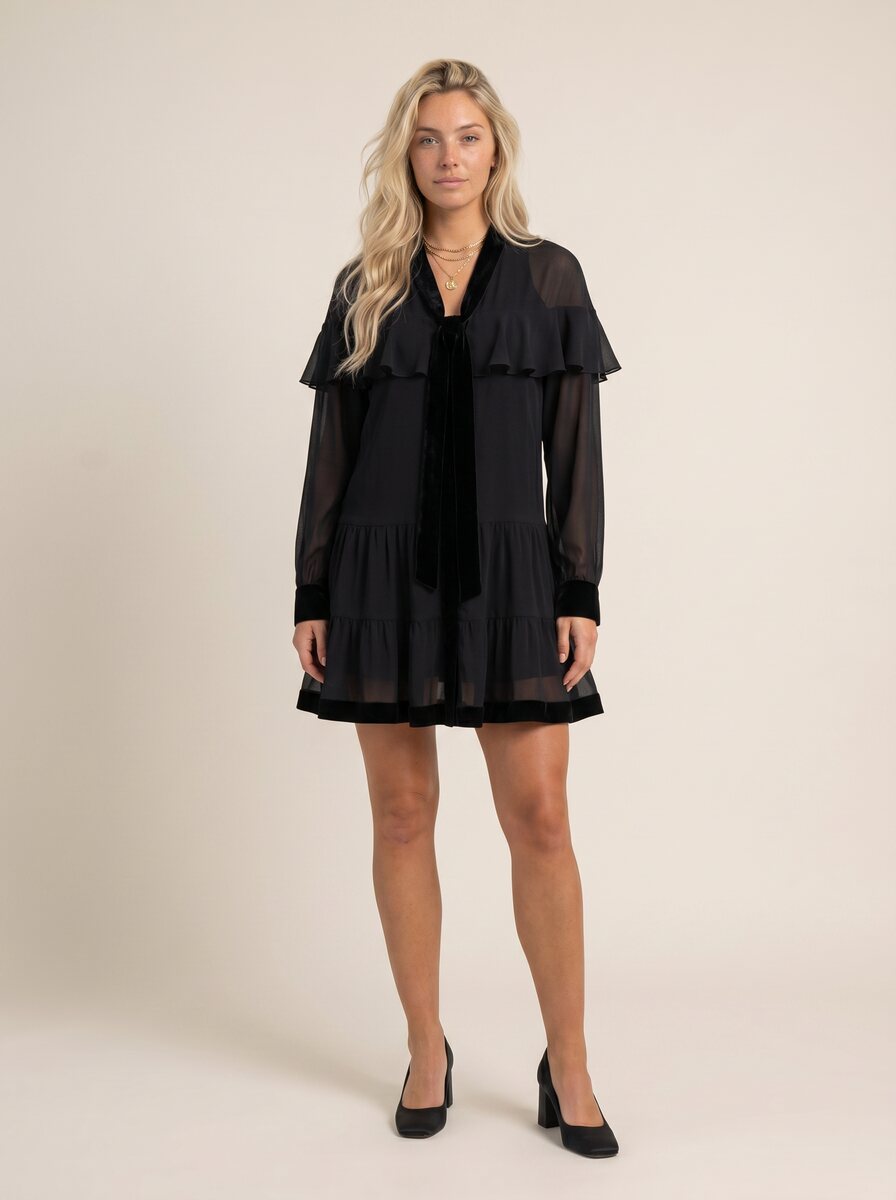
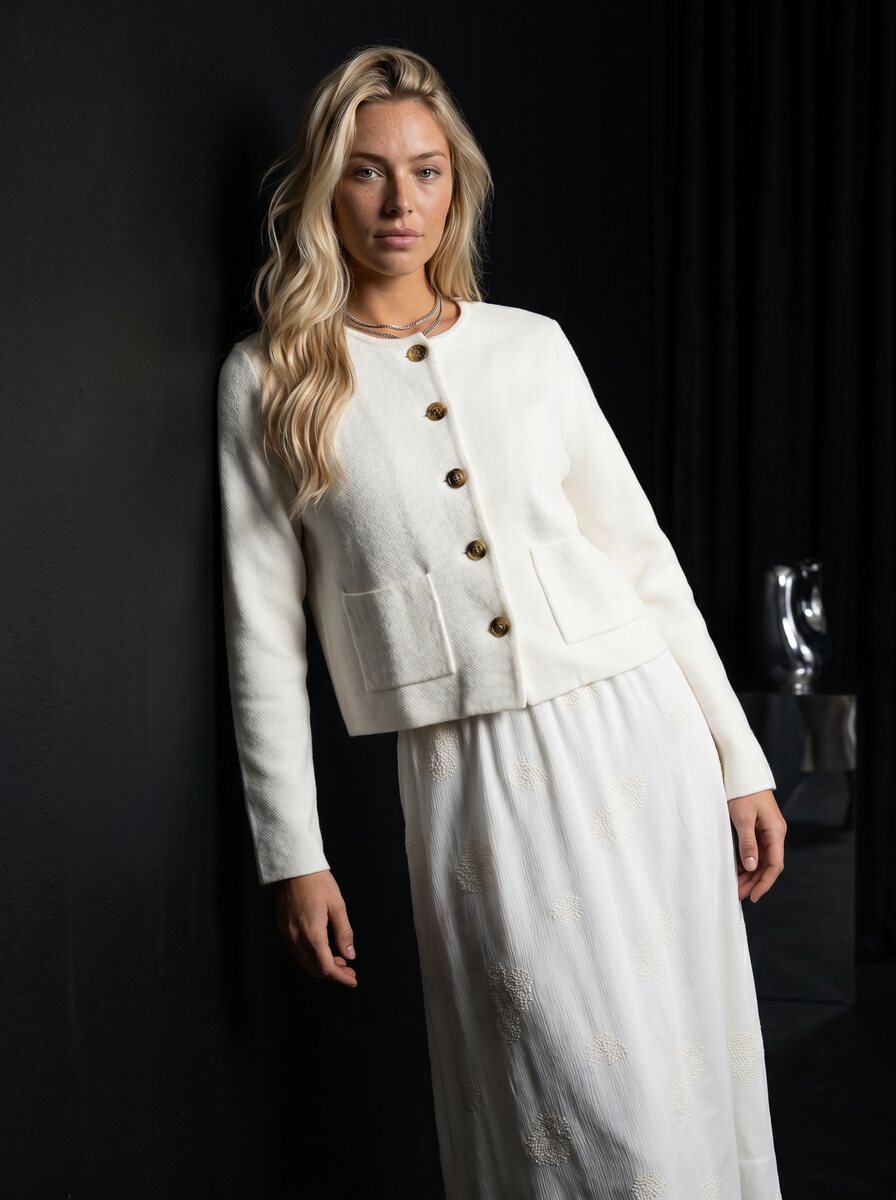
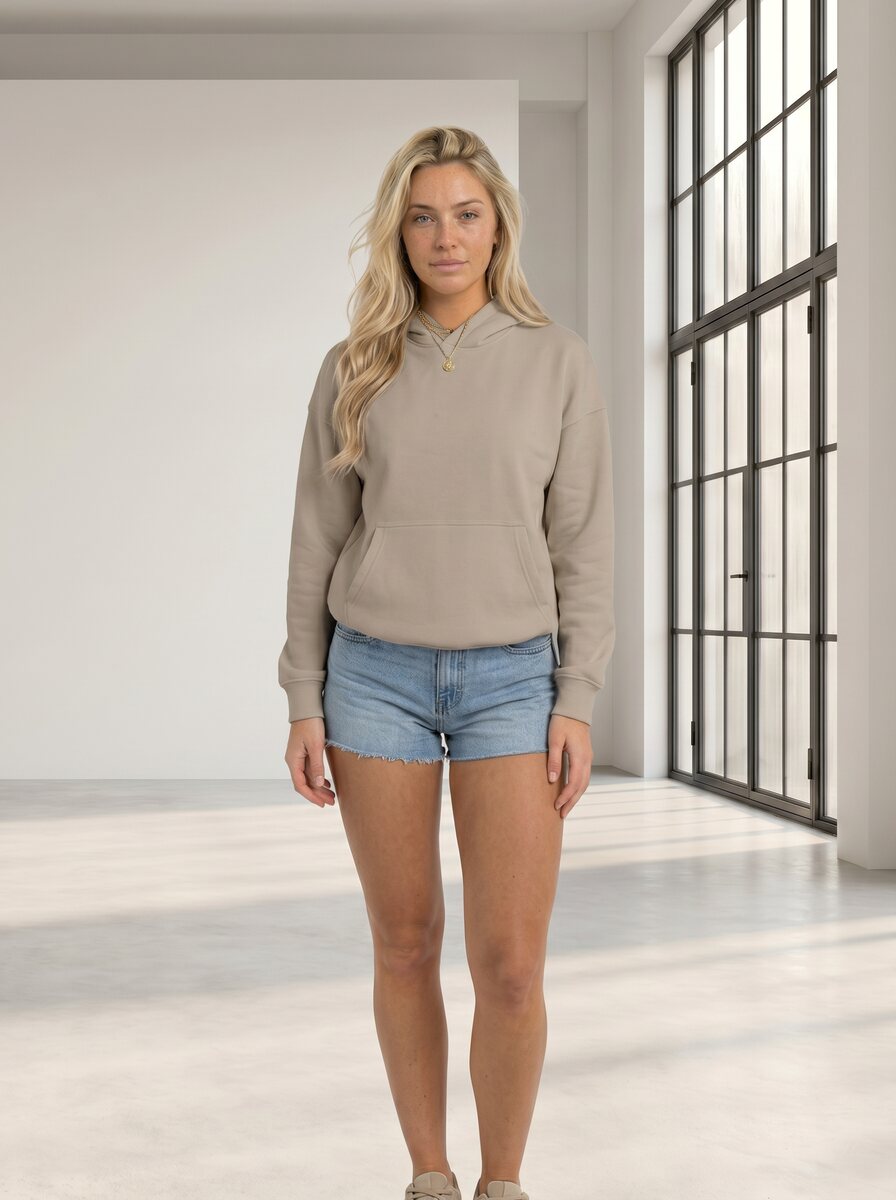
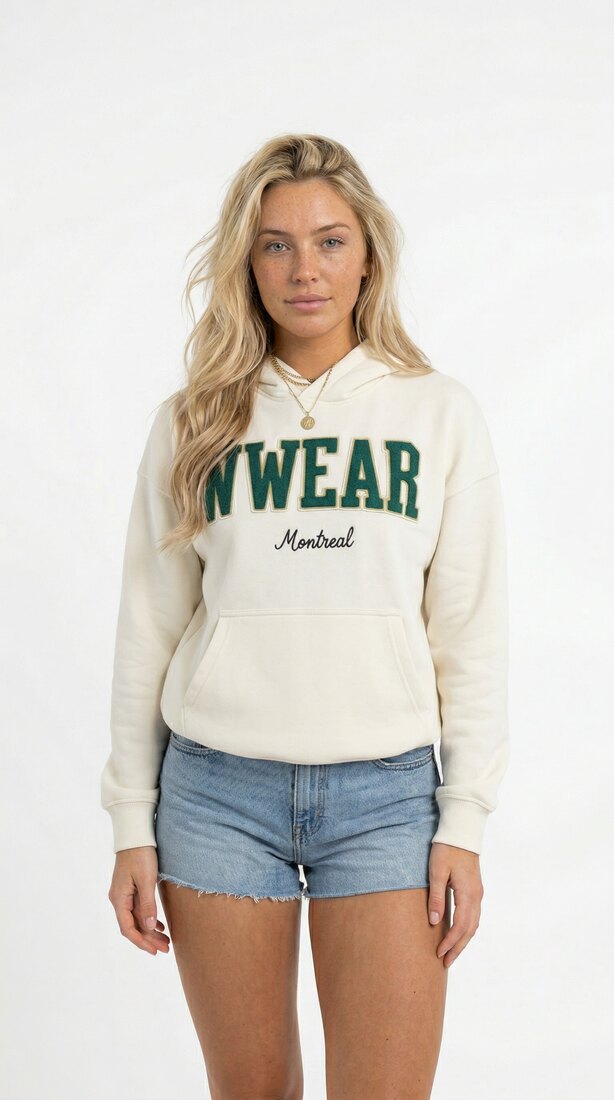
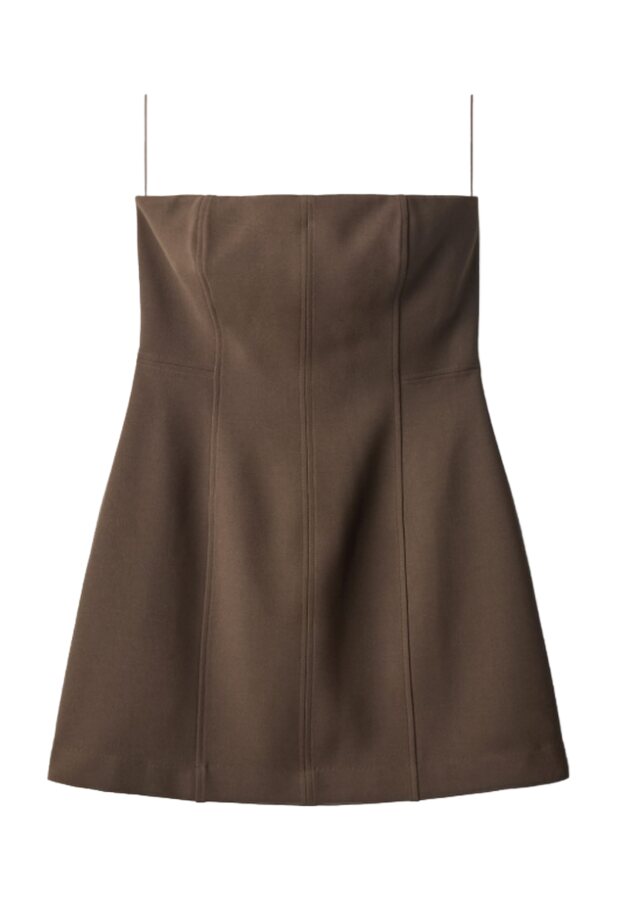
The shared library
Everything a shoot needs, saved once.
One library holds the inputs every generation pulls from. They stay structured, shared across the team, and connected to the results they create.
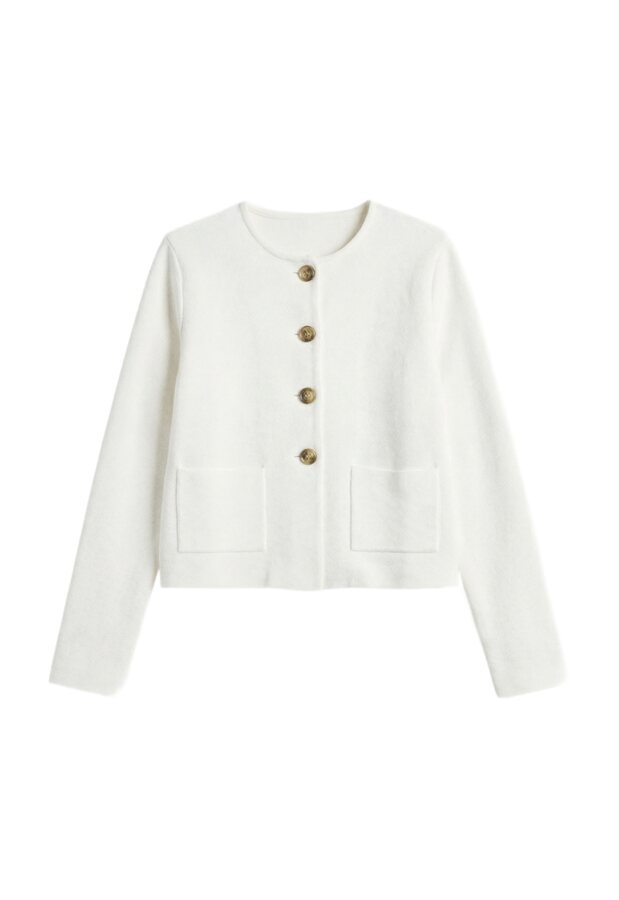
Clothing
Each garment saved with its front, back, and product details, so color, fabric, and cut stay true in every shot.
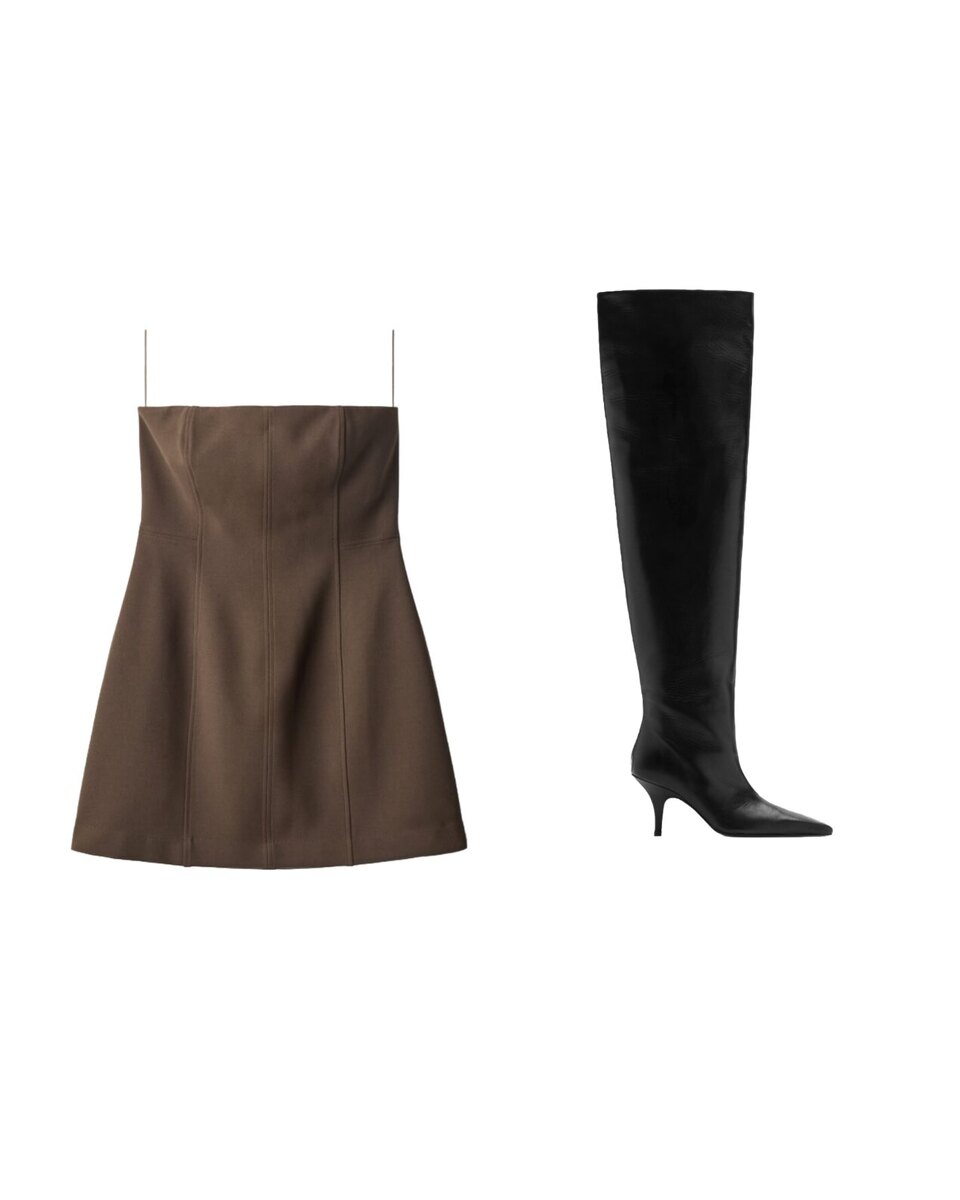
Outfits
Group garments into a saved combination once, then reuse the whole look across shoots.
Models
Save a model and reuse the same face and body across every product and campaign.

Locations
Save a scene once and shoot every product in the same approved space.
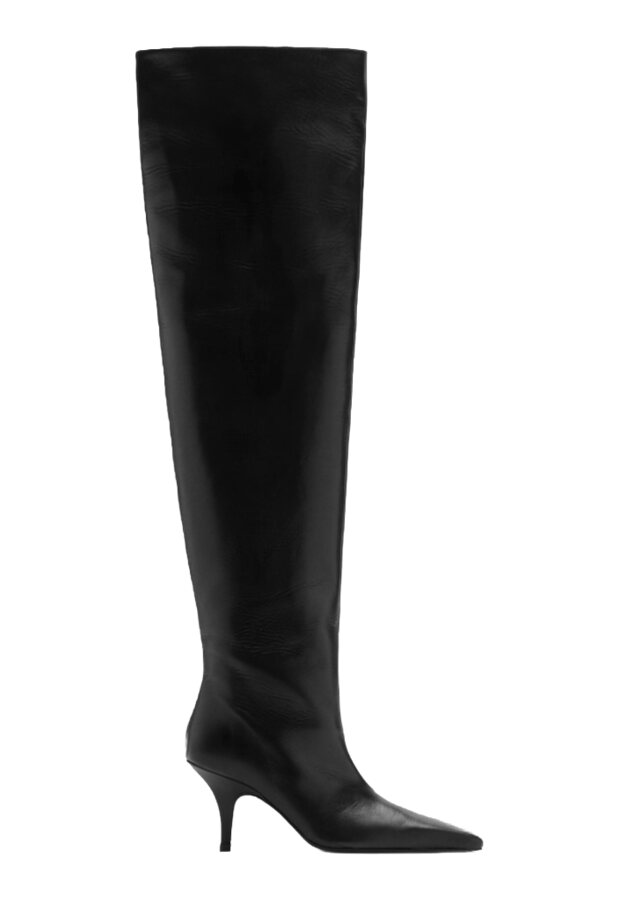
Files & references
Upload the references a shoot should follow: moodboards, graphics, and accessories like bags or shoes.
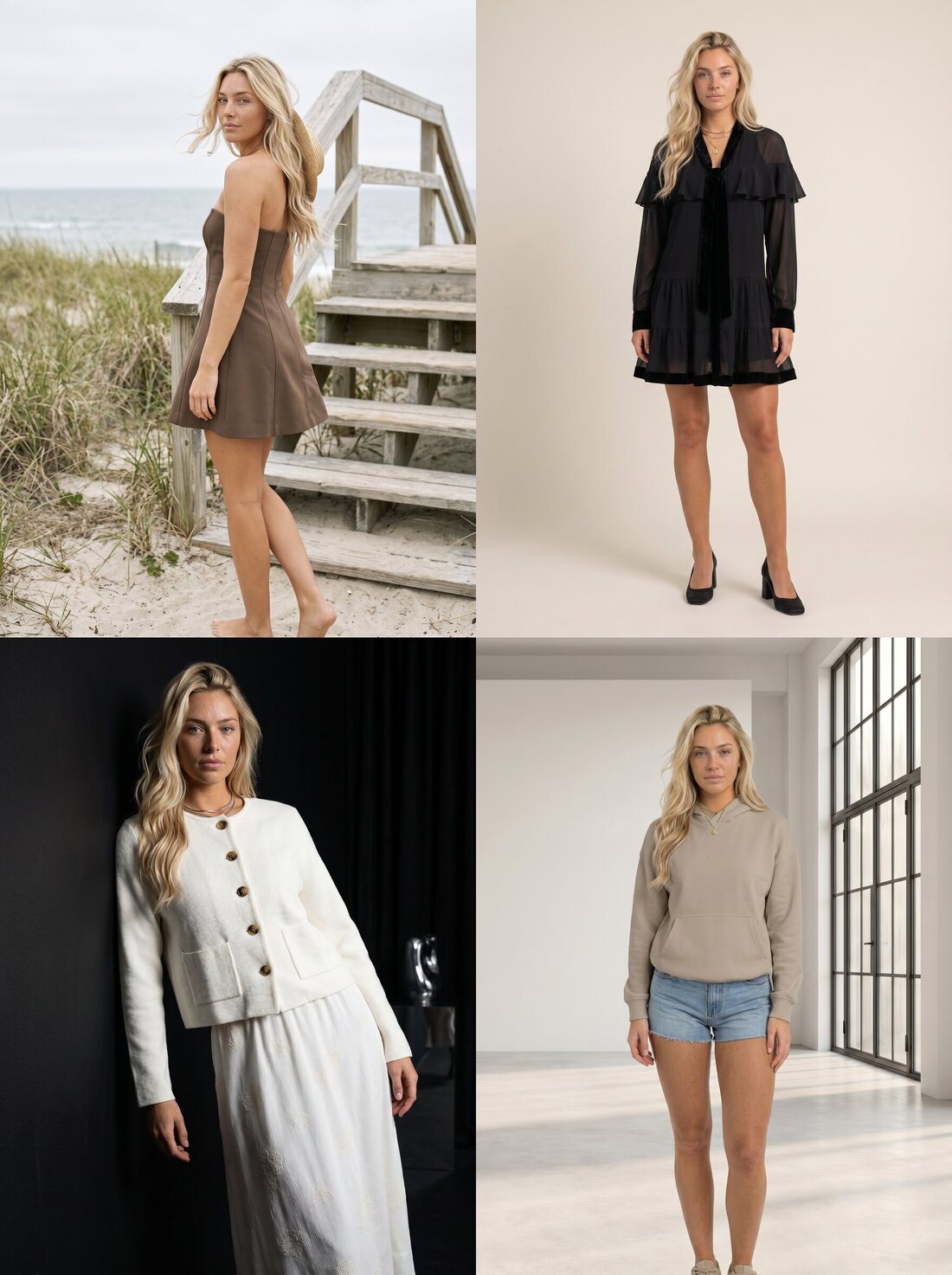
Generated history
Every result returns to the library with its inputs, ready to reuse, edit, or rerun.
One backend
Save an asset once. Reach it from anywhere you work.
The library is one backend. Whatever your team saves is the same asset in Studio, the API, and the MCP. No re-uploading, no syncing, no copies that drift out of date.
Team library
Every team works from the same approved assets.
Asset records are scoped to the company workspace, so creative, ecommerce, operations, agencies, API jobs, batch runs, and agents reuse the same approved inputs. Tags make collections searchable across clothing, outfits, models, locations, files, and generated results.
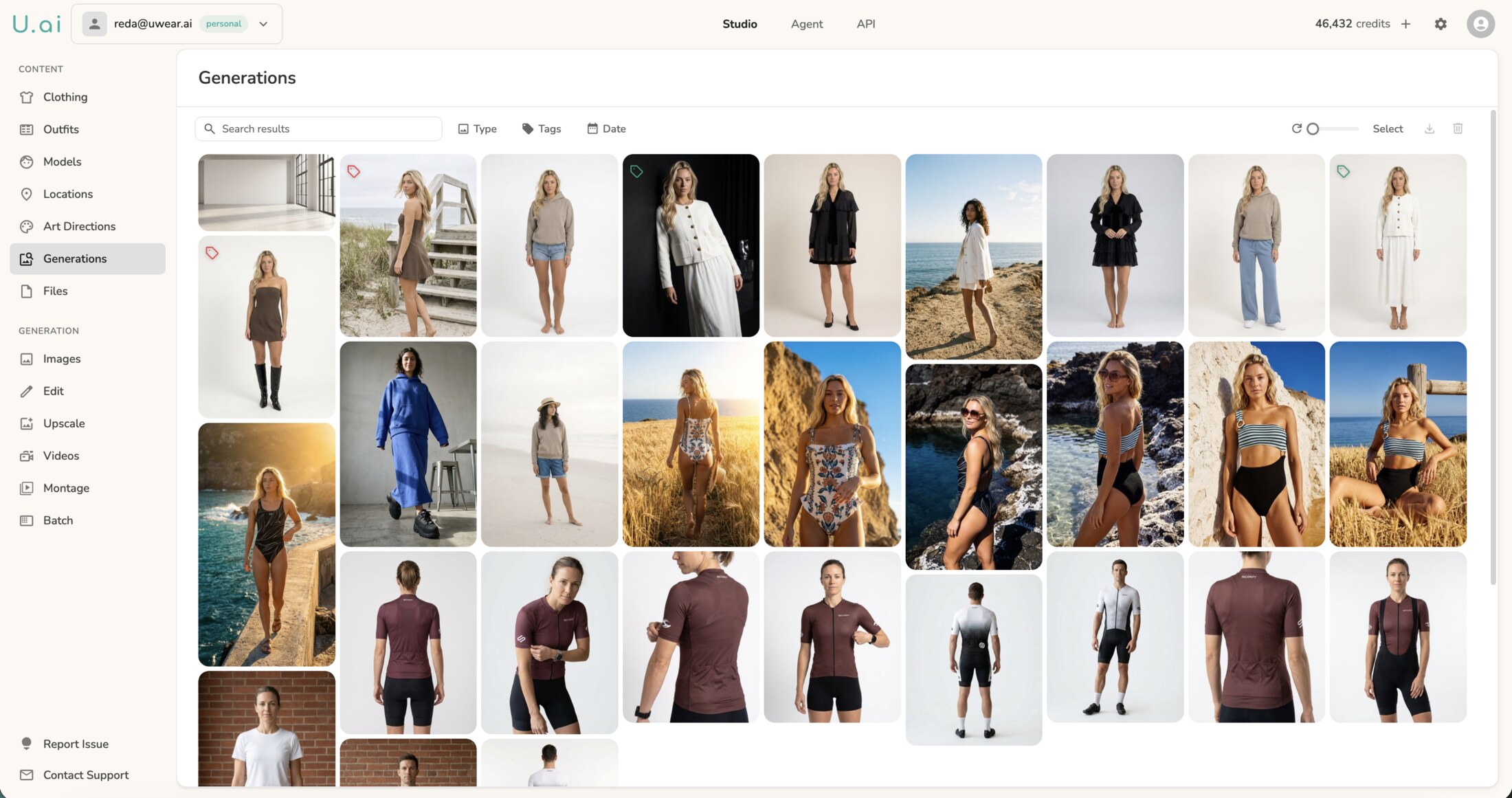
Put reusable inputs, creative rules, and generated history in one workflow.
Build the production system
Existing customer? Log in to Studio
Pairs with Studio · Art direction · Batch generation · QA and retries





