Product · Art Direction
Your brand's look, saved as a system every shot follows.
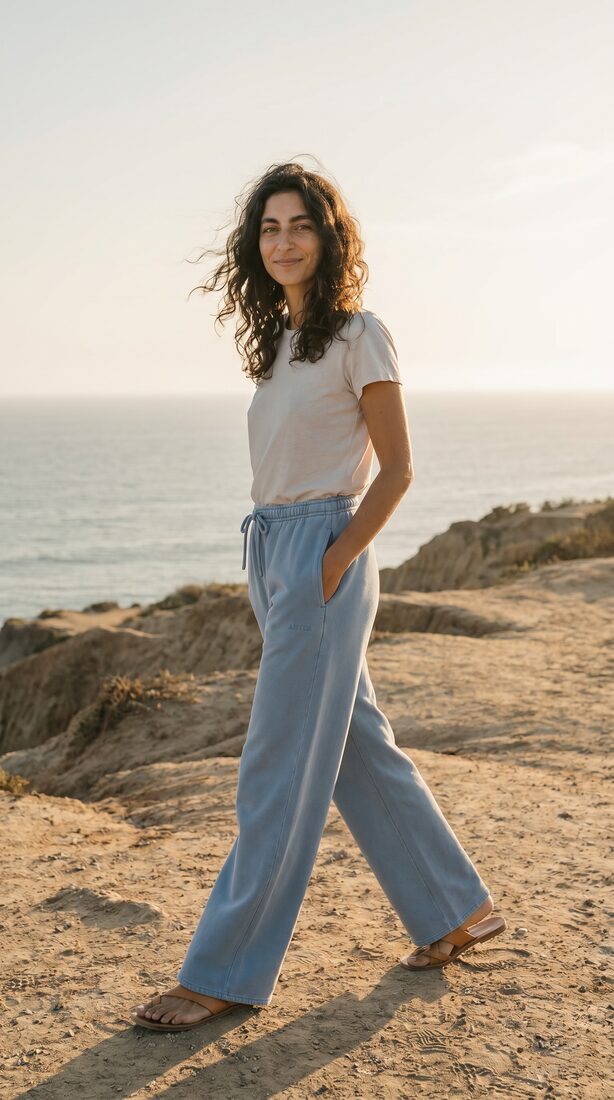
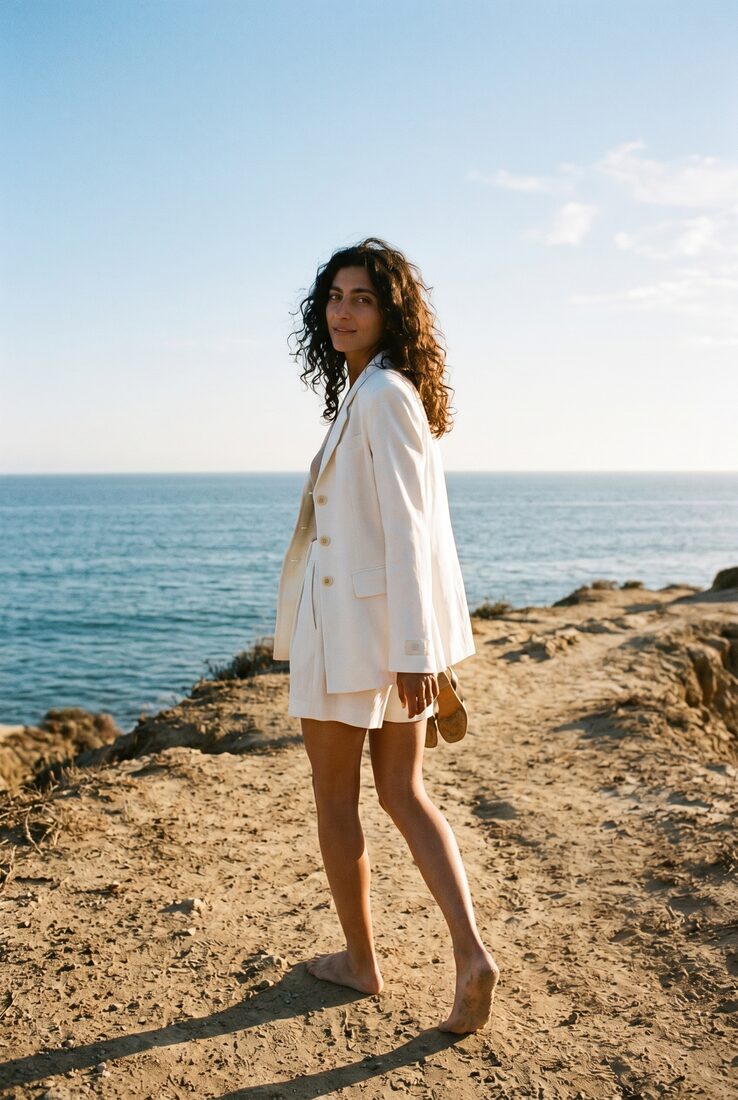
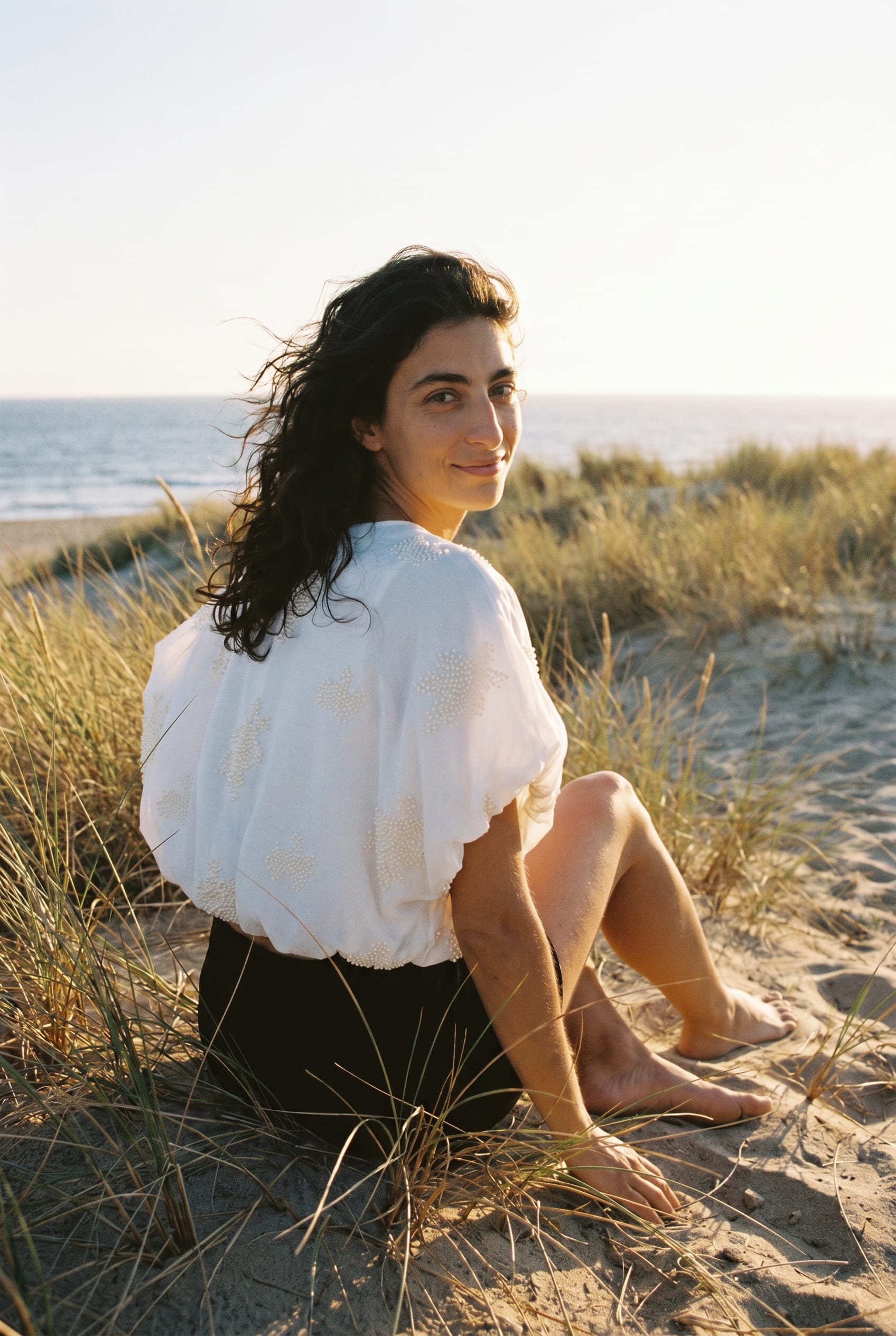
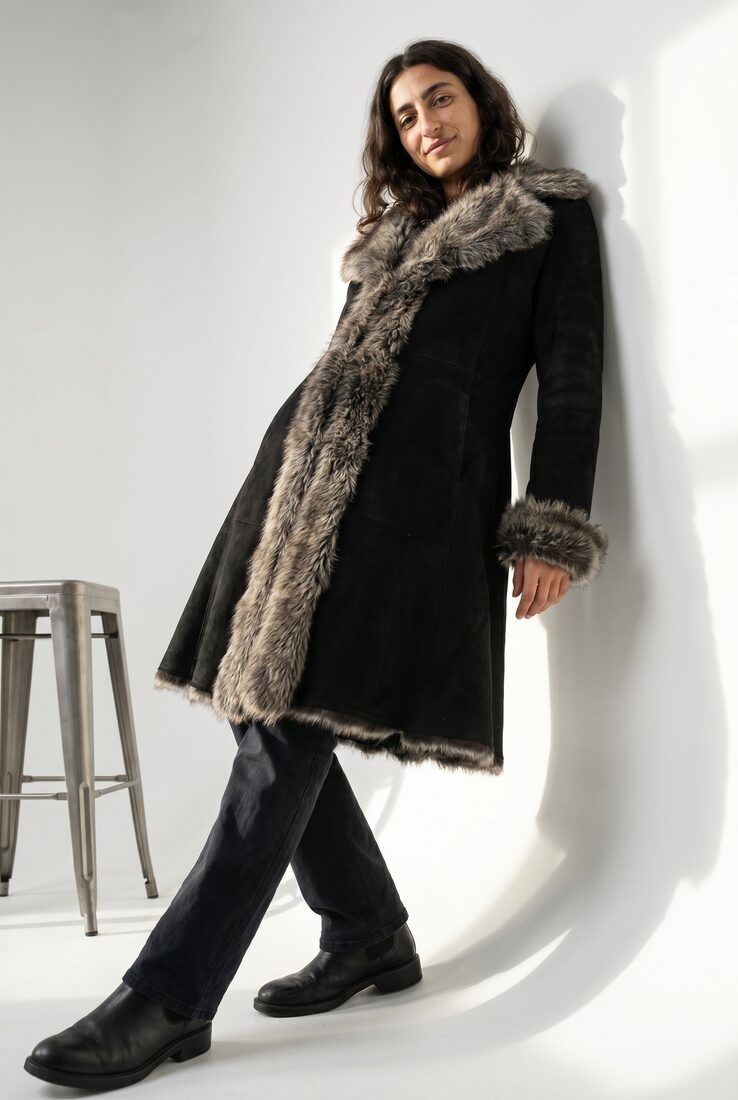
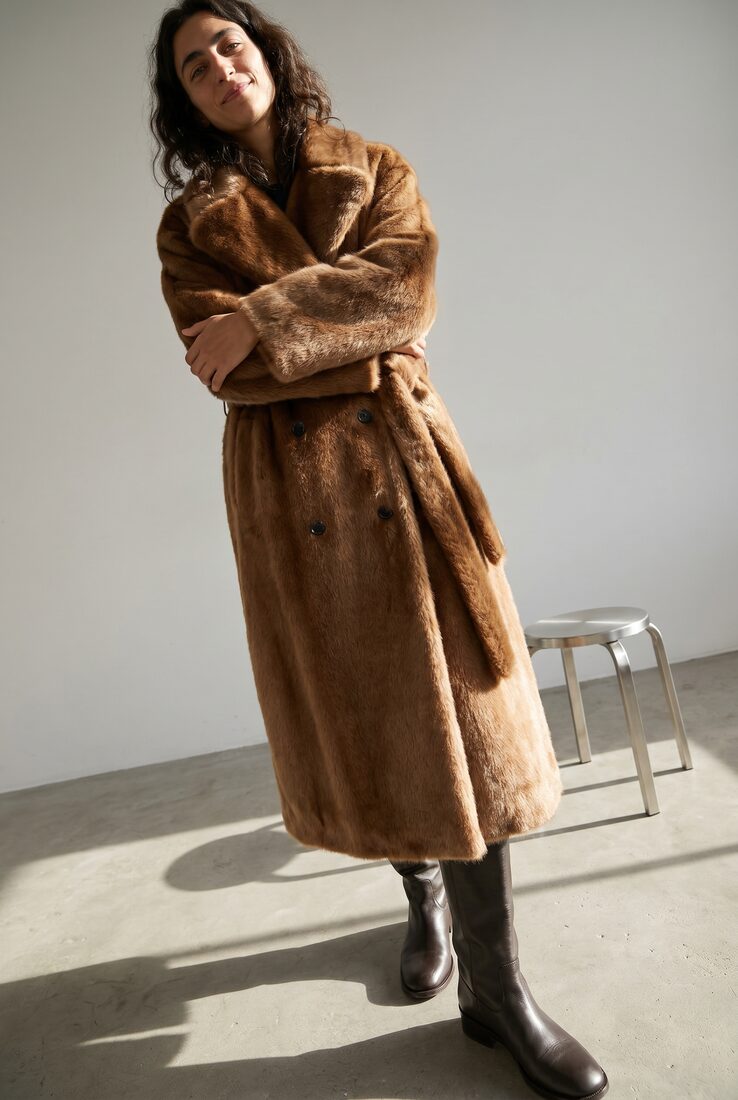
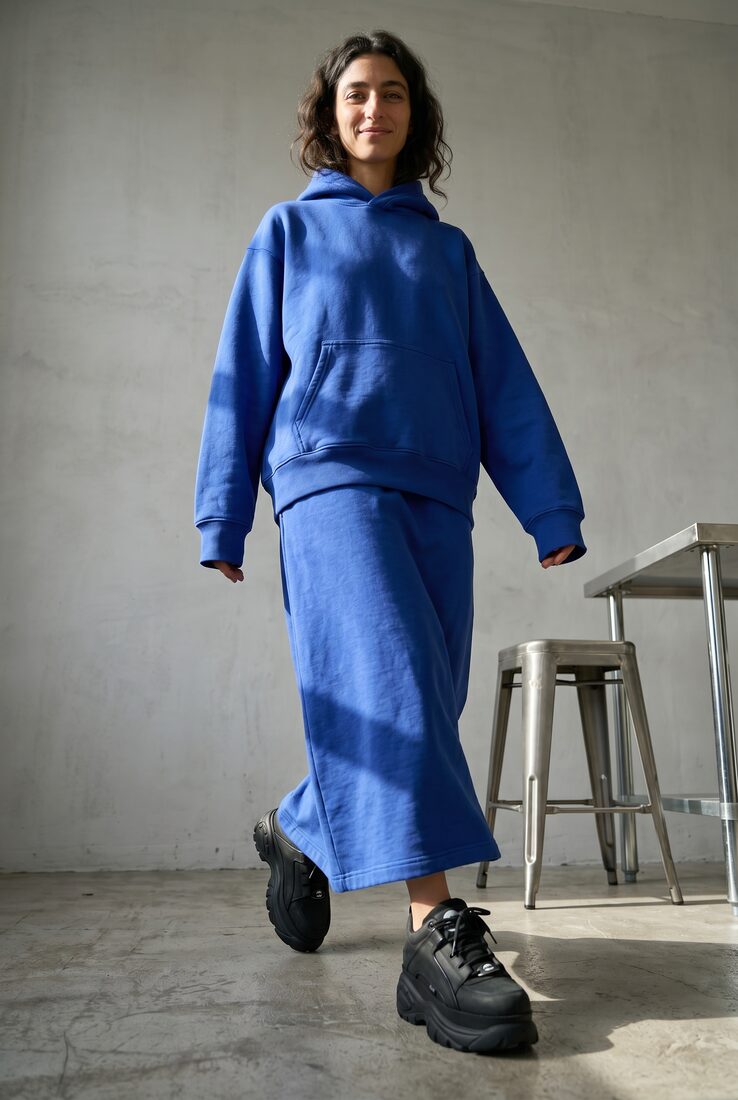
An art direction saves your creative rules: light, styling, models, product fidelity. Switch it and the whole world changes; reuse it and every shot stays unmistakably yours.
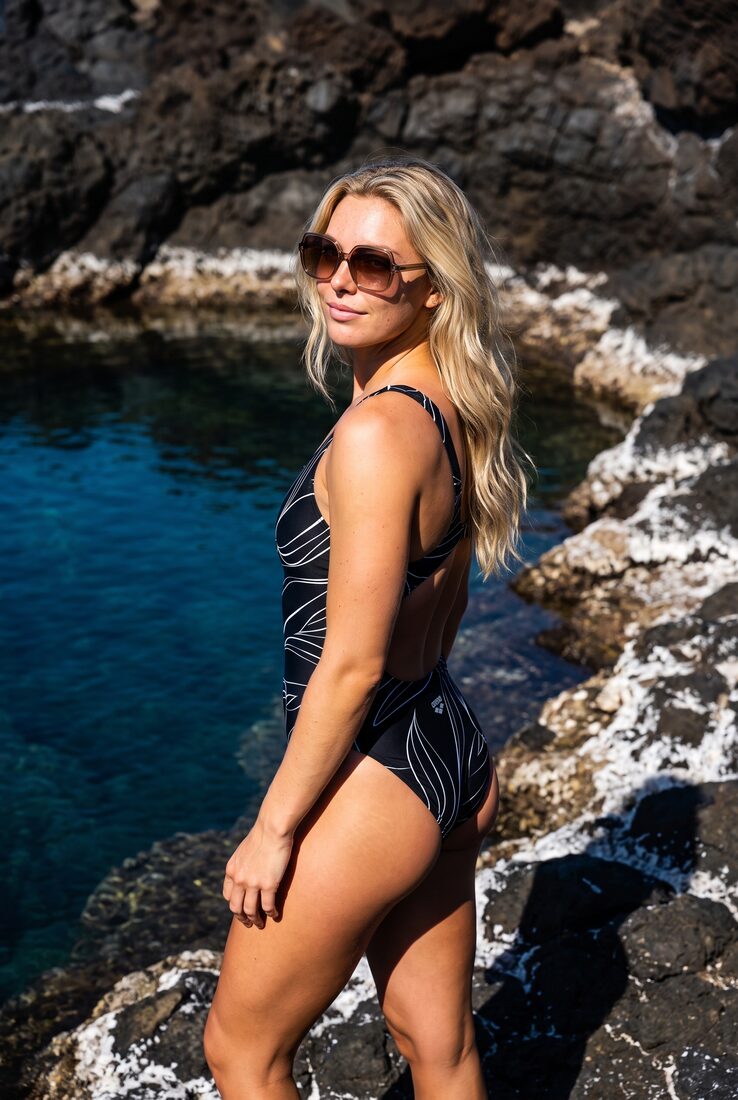
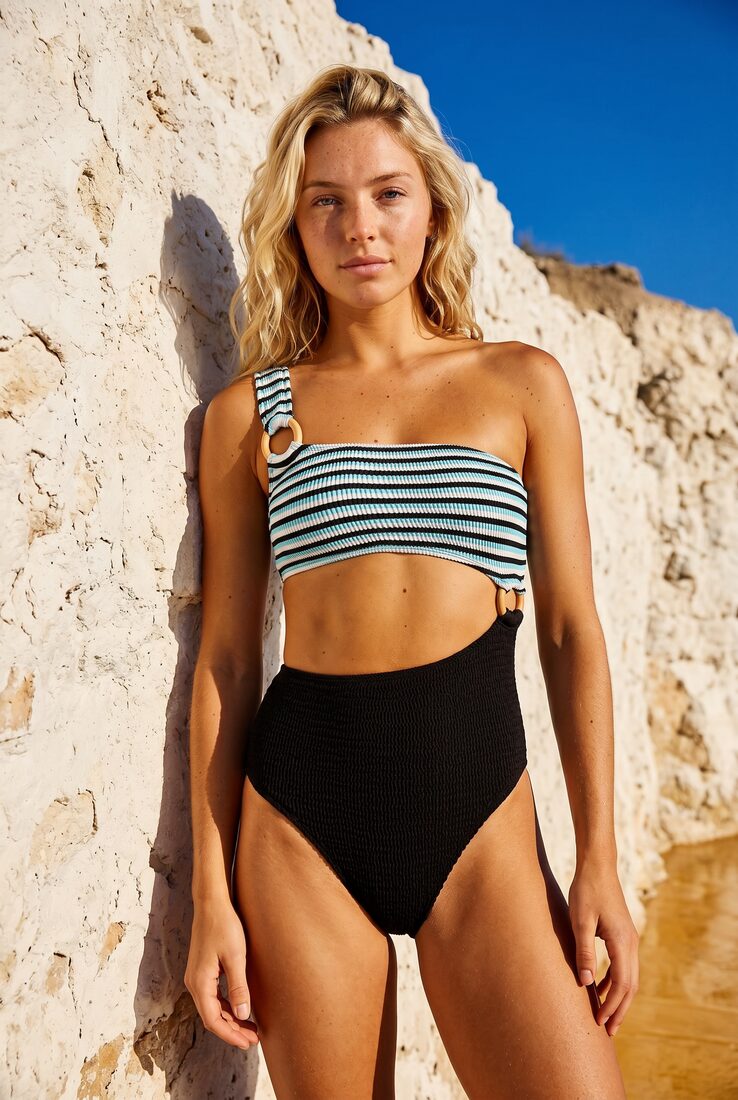
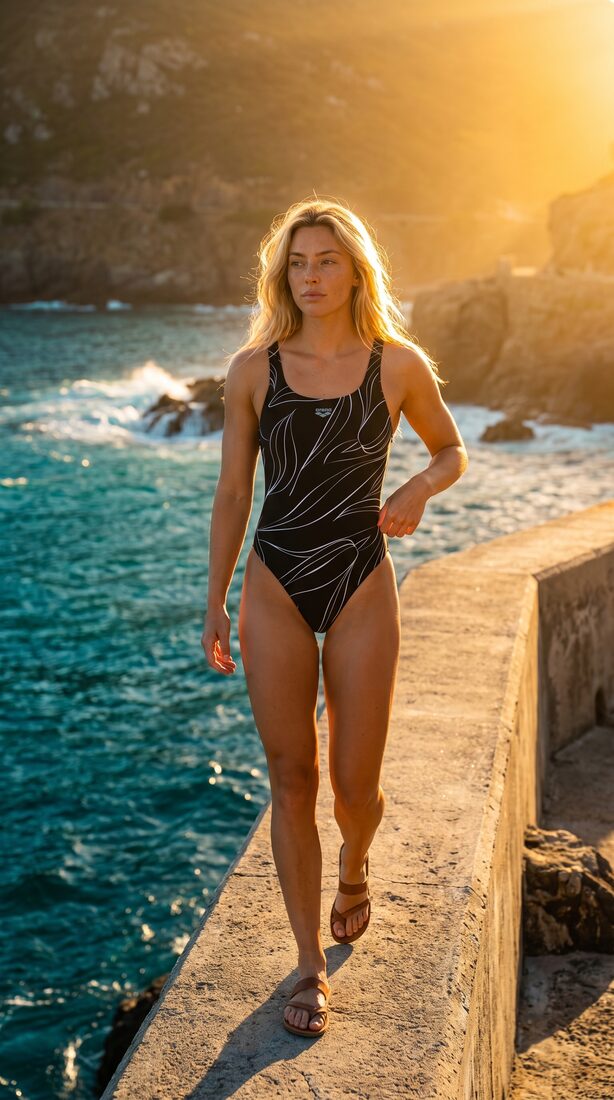
What it is
Your taste, saved as a system.
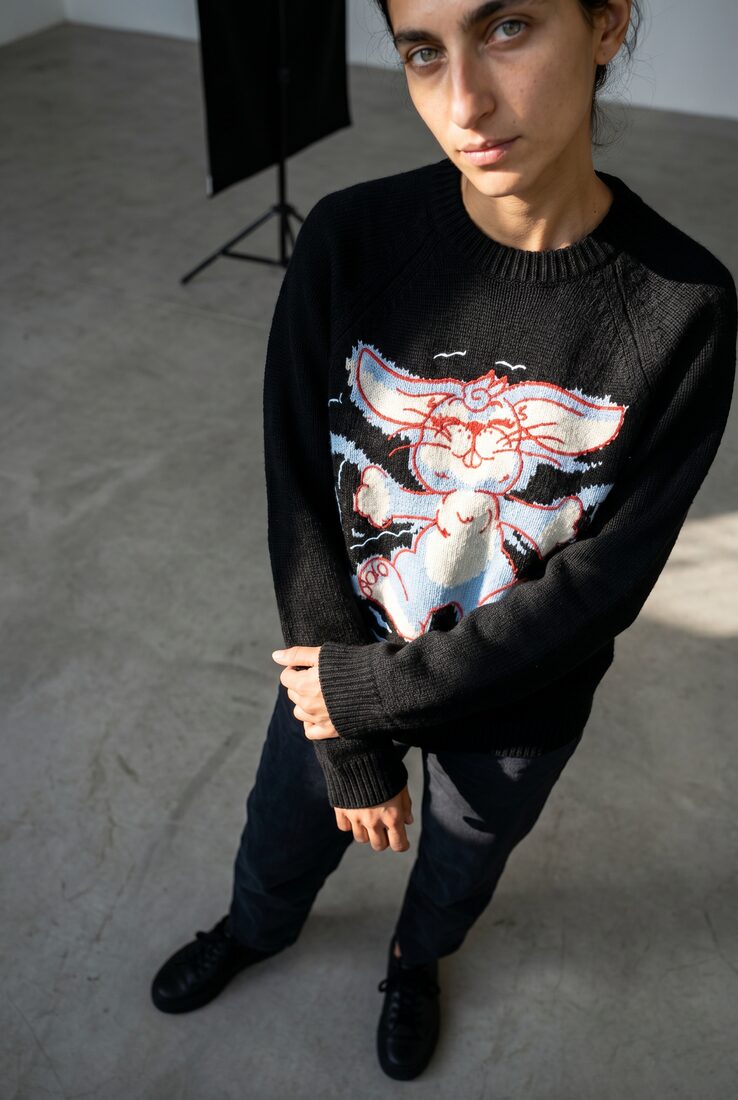
An art direction holds the look, the models, the product rules, and the review target. Define it once, and every generation stays on-brand, in any workflow.
- Look
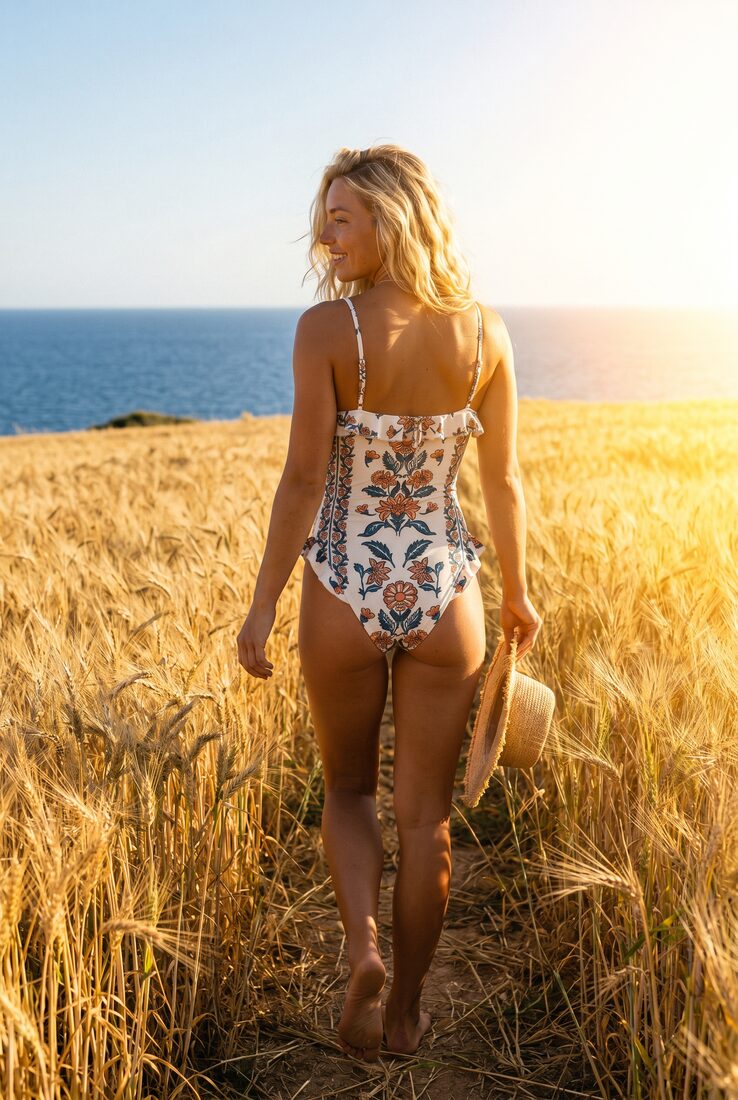
- Warm daylight, dunes and cliffs, candid posture
- Models
- Usual roster, casting kept consistent
- Product
- Garment stays catalog-true, no drift
- QA
- Pass, retry, and approve rules built in
Reused across Studio · Agent · API · MCP
Variation controls
Controlled variety, on purpose.
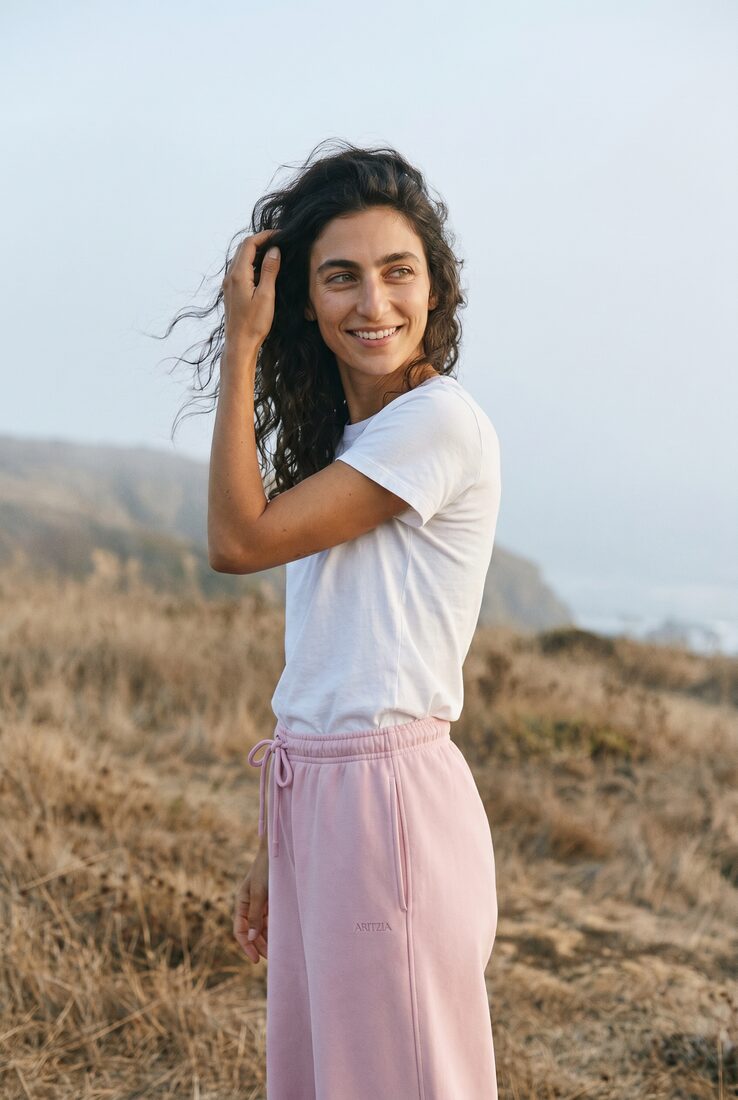
A direction carries set options for framing, pose, and light. Uwear rotates through them, so one saved direction fills a catalog with shots that never repeat and never drift off-brand.
Variation controls · Environment & framing
 A
A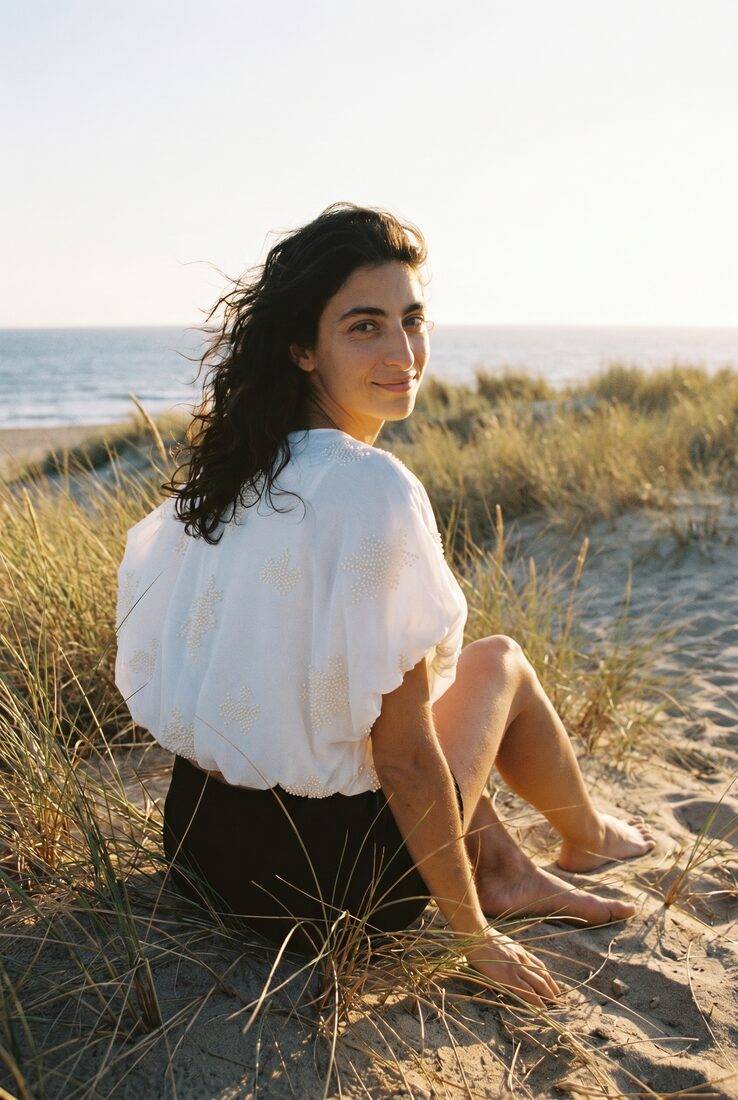 BC
BC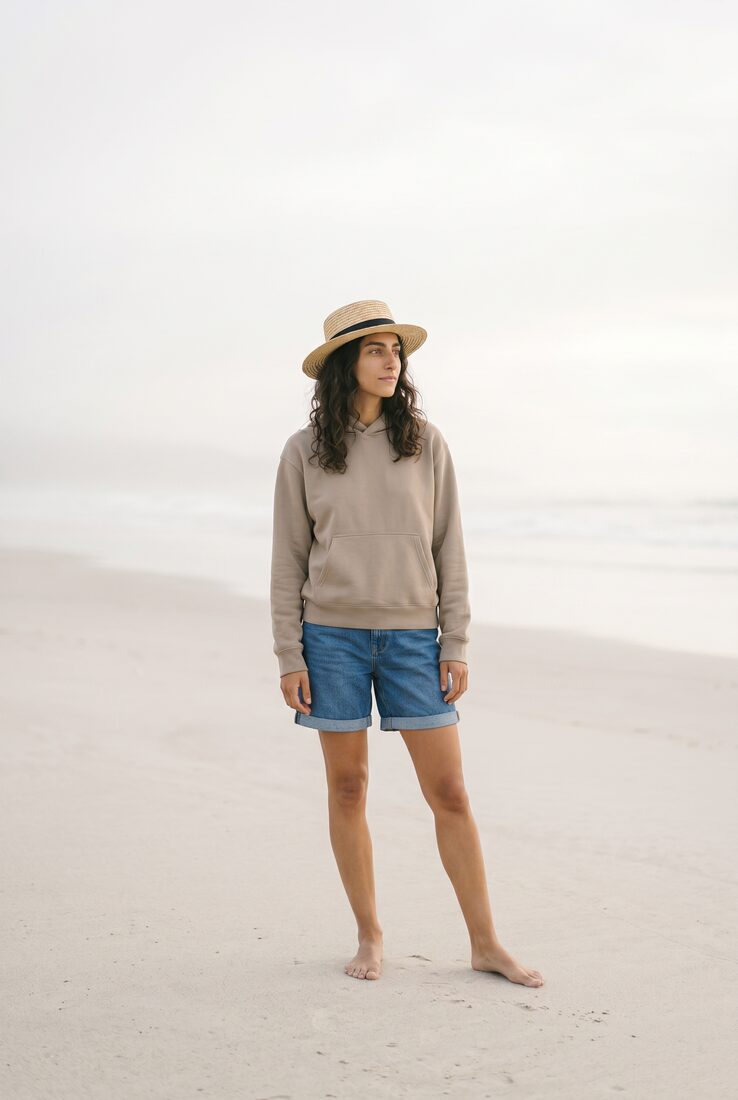 D
DBuild it in a conversation
Describe it. Refine it. Talk to it.
The best way to build and refine a direction is a back-and-forth. Describe the look you want, and the agent compiles it into a structured direction; keep talking to adjust the light, add a shot, or lock the model. It reasons with you and rewrites the direction as it goes.
Nostalgic Coastal · warm backlight · usual model
Iterate with an agent in Claude, ChatGPT, or the Uwear MCP, or right inside Studio. Studio also keeps a one-shot Iterate action for quick edits.
Use it everywhere
One direction, every workflow.
Save a direction once and reach it from every way Uwear runs.
Consistency at scale
One direction. Every product on-brand.
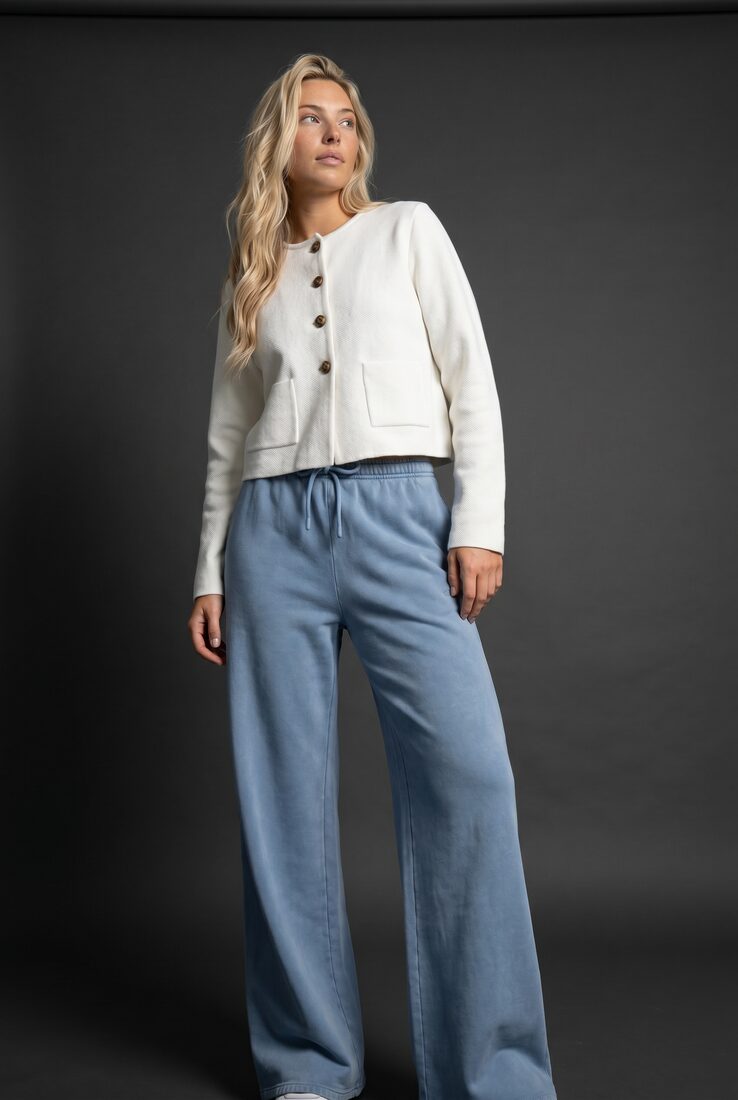
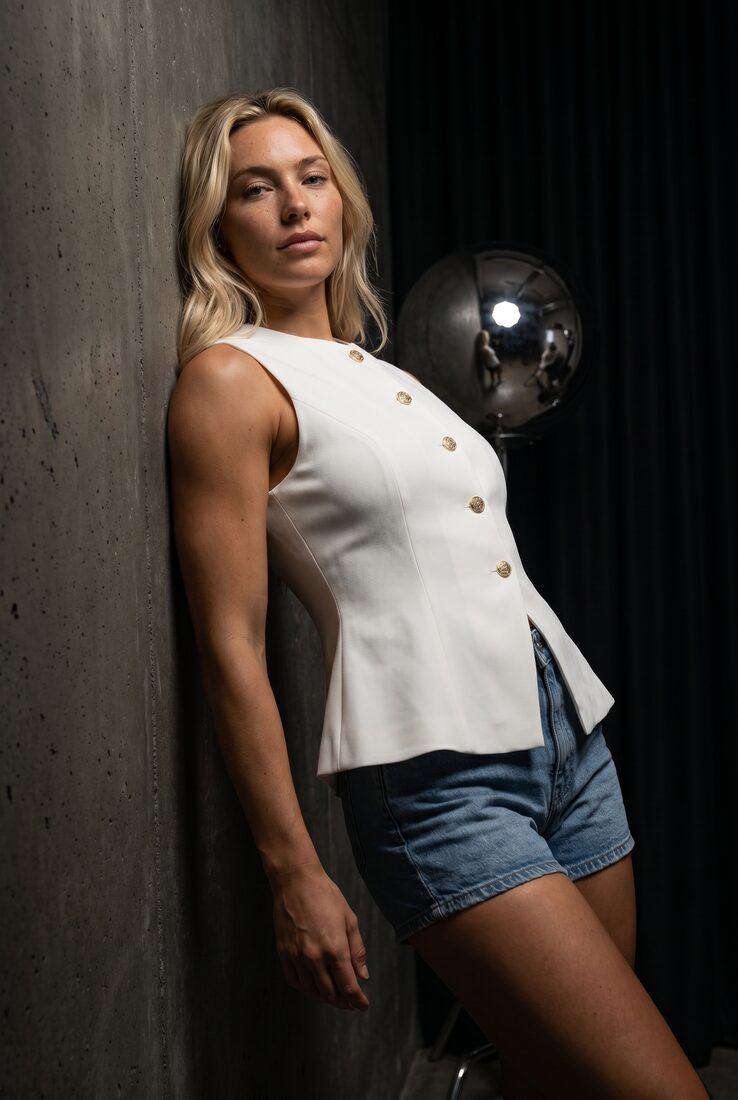
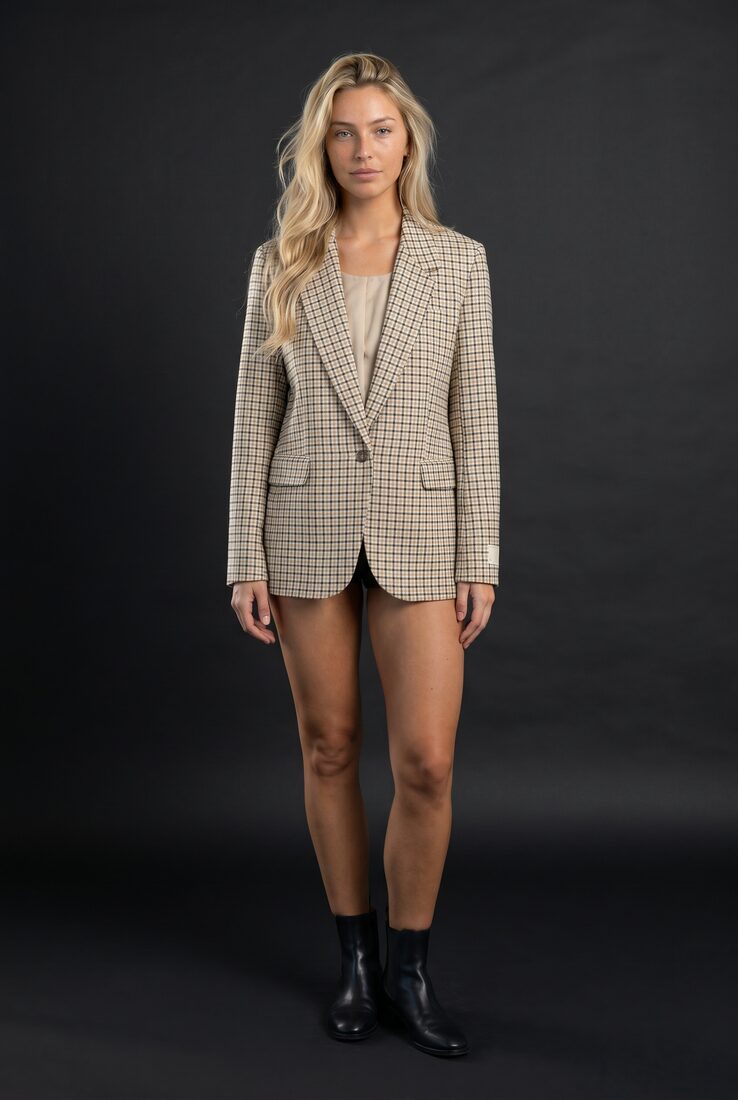
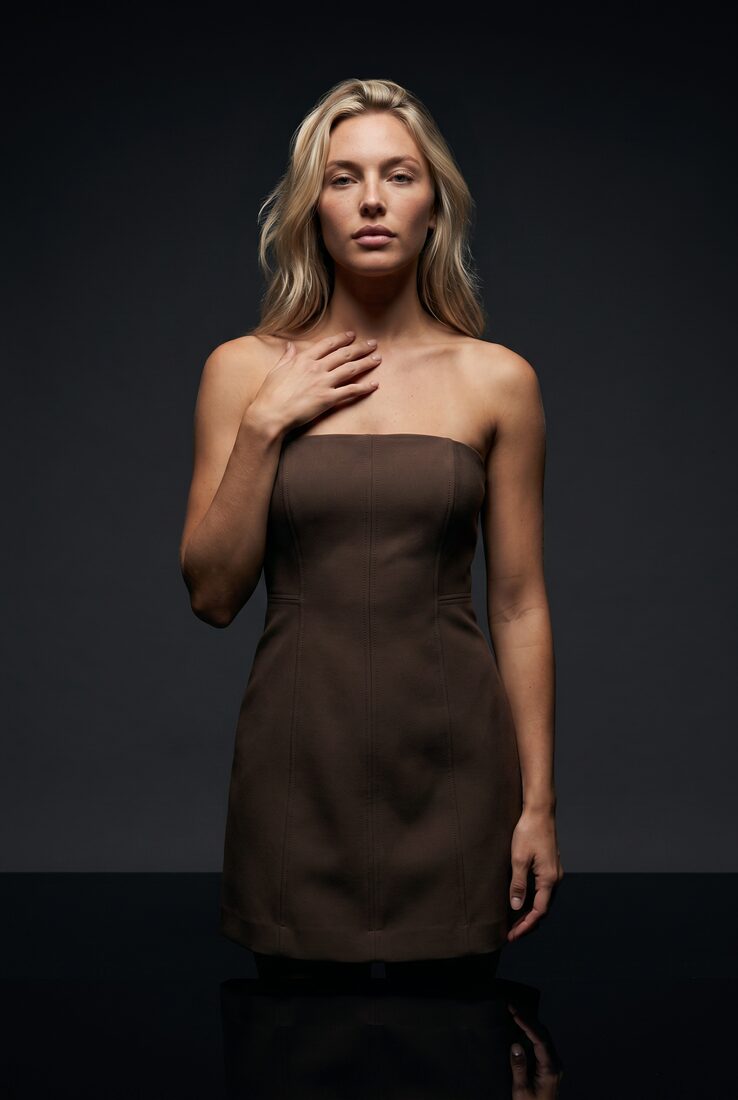
Point a whole catalog at one saved direction. The world holds; only the garment changes.
Art direction FAQ
A practical glossary for how saved creative direction behaves inside Uwear production workflows.
An art direction is a saved production brief for generation. It stores the look, references, model rules, product fidelity requirements, variation controls, and QA expectations that should guide a run.
Describe the look you want in Studio or through the MCP, and Uwear compiles it into a structured direction with variation controls and QA rules. You can also duplicate a system direction and adapt it to your brand.
Refine it in a conversation. Tell an agent, in Studio, Claude, ChatGPT, or the MCP, what to change, and it rewrites the direction using the current one as context. Studio also has a one-shot Iterate action for quick edits.
Variation controls are the set options a direction rotates through, such as framing, pose family, and light. They let one saved direction produce a whole catalog of shots that stay on-brand while never repeating.
The same saved direction can be used in Studio, API, and MCP. That lets operators and integrations share the same creative rules instead of recreating the look in every workflow.
No. A prompt is a piece of text. A Uwear art direction is a reusable product object that can be selected in Studio, attached to batch jobs, referenced by API calls, and used by agents while still compiling with the current product and model context.
Turn your shoot language into a reusable direction.
Bring one catalog workflow. We'll map it into a saved direction your whole team can run.
Existing customer? Log in to Studio
Pairs with Flat lay to model · Asset Library · Studio · Review & QA · Ghost mannequin to model · Build an art direction so your AI photos stop looking genericBuild an art direction, and every AI photo holds one look.





