Product · Review & QA
We don't refund failures. We don't ship them.
Set the QA policy for a run. A separate AI reviewer checks each output against your art direction and source inputs, records the reason for failures, and can re-shoot the same request unchanged before handoff when automatic retries are enabled. Keep it hands-off at catalog scale, or trigger the same reviewer on demand.
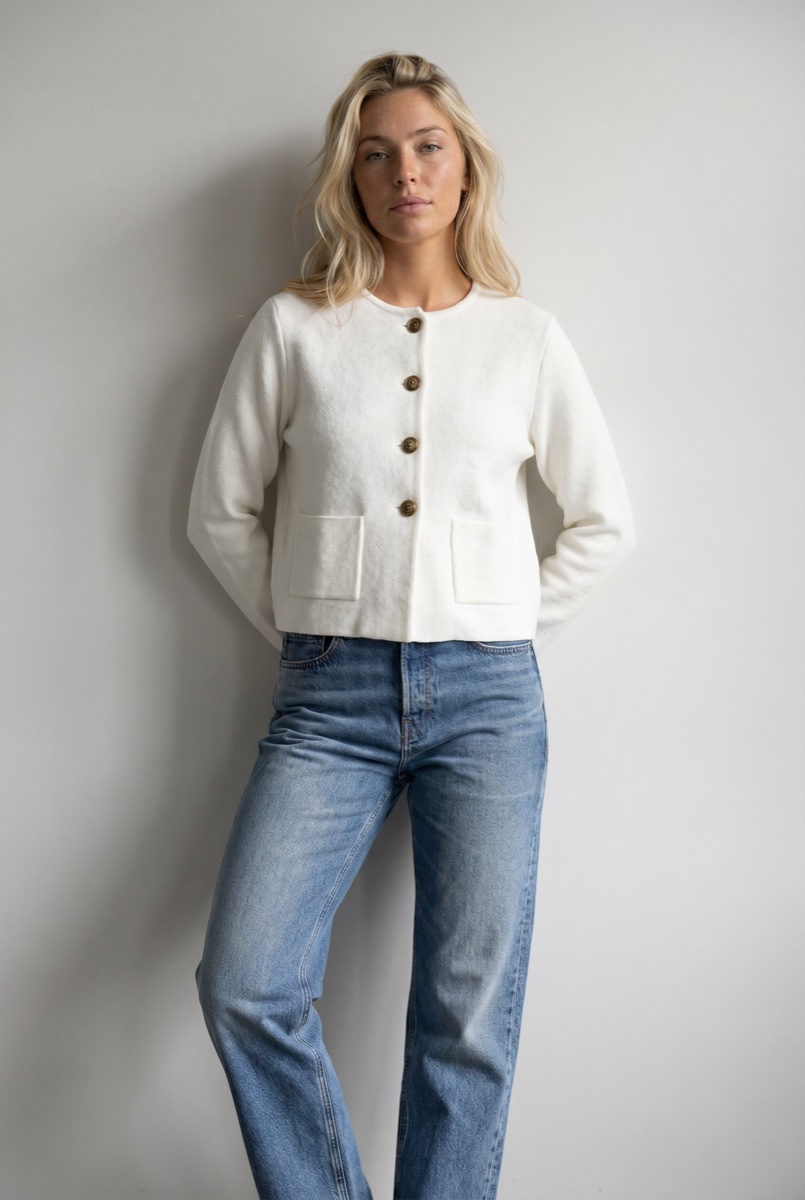
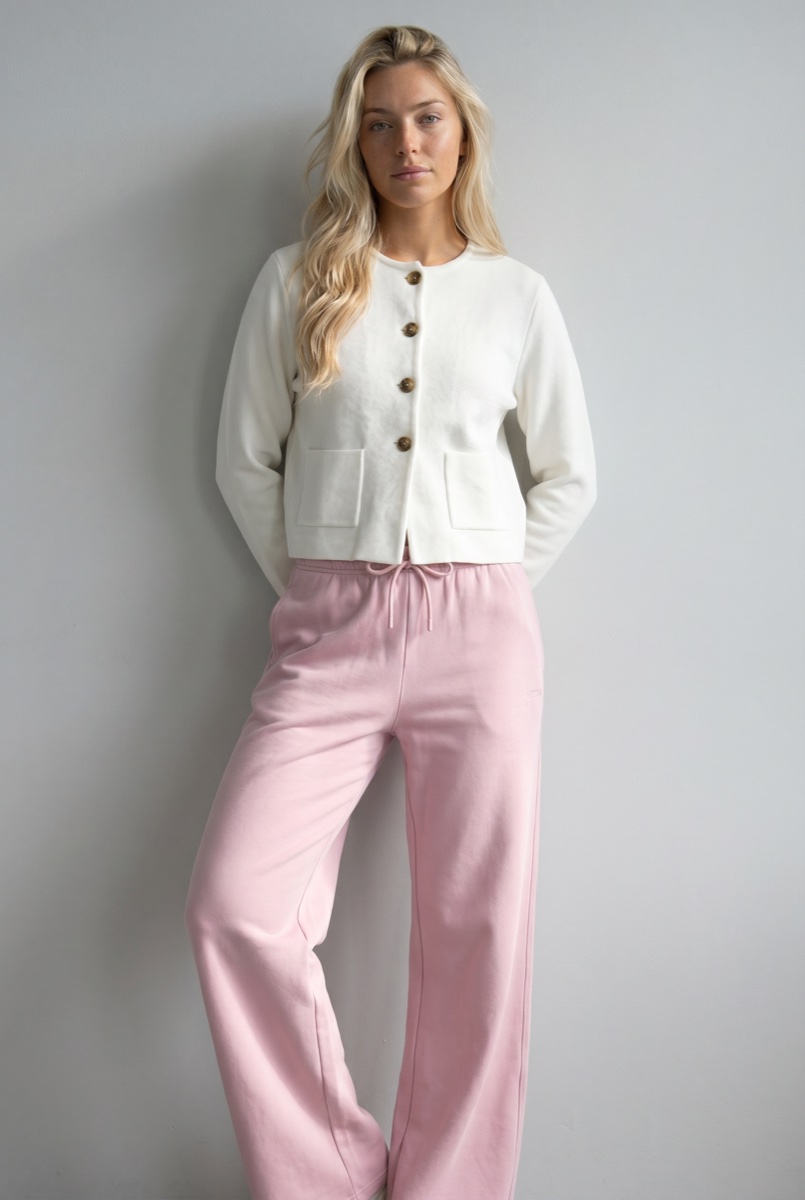
result #58976
10 of 10 passedCropped jacket
Denim jeans
Approved into your library.
The question set
Check every output before it enters production.
The AI reviewer works inside the generation loop, not after delivery. It compares each output to the model, prompt, art direction, and garment references. With multiple garments, it reviews each one separately and records a reason for every decision.
The model
Is this the same model?
Face, hair, and features are compared to the avatar reference.
The prompt
Is this the shot that was asked for?
Pose, framing, and scene are compared to the final prompt.
Each garment
Is the product true to its reference?
Every garment in the look is checked against its own reference image.
The loop
Retry failures before they reach handoff.
When a check fails, the reviewer records the reason on the result and, if automatic retries are enabled, re-shoots the same request unchanged. Enable automatic retries to keep the run hands-off, or review the exception yourself. Accepted takes move forward; rejected attempts stay on the record.
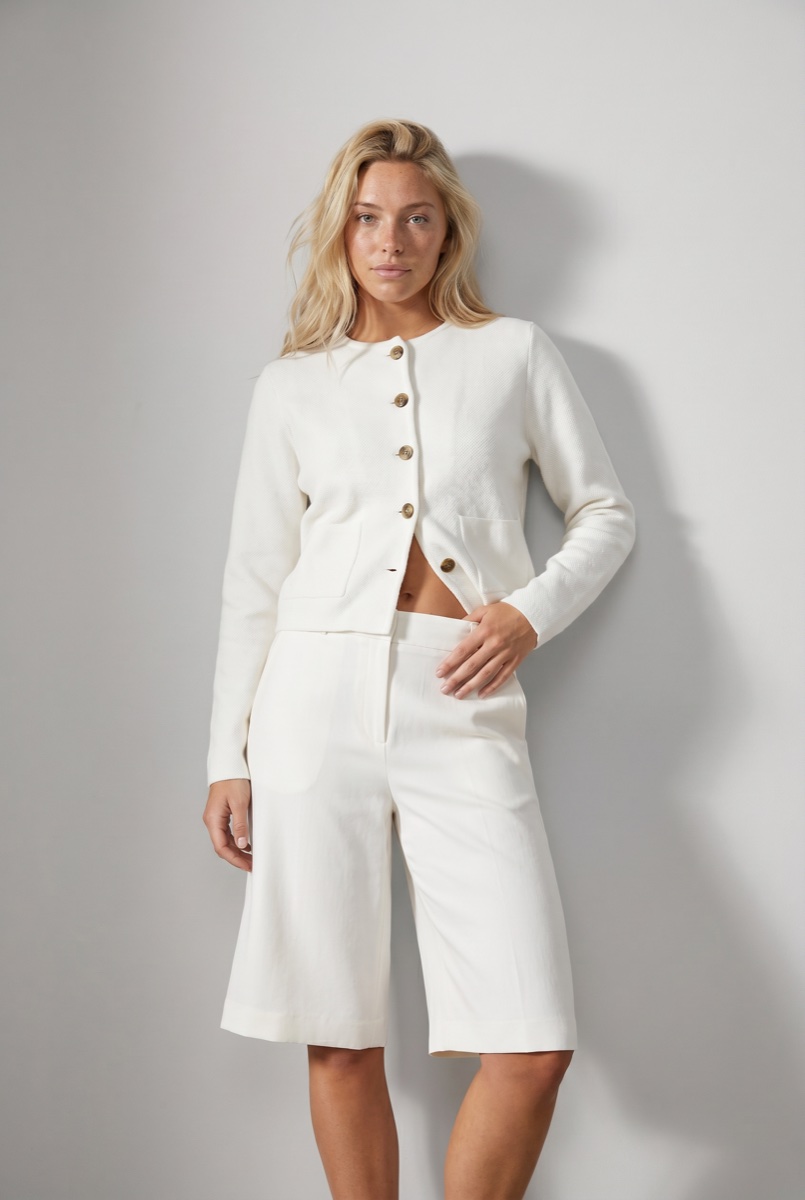 Rejected
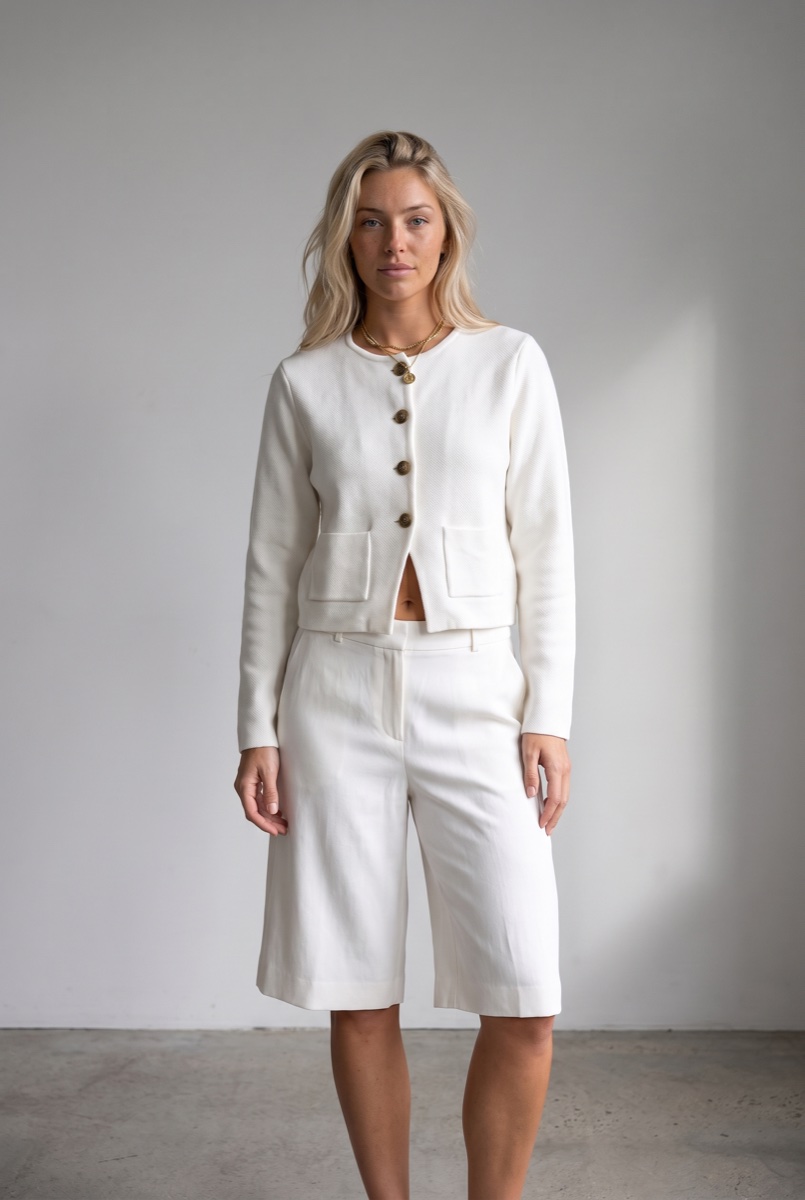 Approved
One review system
Run the same reviewer across every production surface.
Set QA on any run or trigger it on an existing result. Studio, the API, and MCP use the same criteria, verdicts, retry reasons, and record.
Enterprise
Turn your review checklist into the gate.
Tune the AI reviewer's question set to your catalog and standards. Your existing review criteria become checks the reviewer applies inside each enabled run.
- Logo crisp, unwarped, correctly placed
- Neckline sits exactly as the flat
- No jewelry unless the brief specifies it
- Hosiery and footwear follow the styling guide
Example checks. Yours are written with our team from your existing review standards.
Review & QA FAQ
How automated review behaves inside Uwear production workflows.
An AI reviewer compares each output to its inputs: the model is checked for avatar consistency, the shot is checked against the final prompt, and every garment in the look is checked against its own reference for fit, colors, length, and details. Every answer comes back with a written reason.
Turn it on at the generation level so every result is reviewed as it lands, run it on demand from Studio, or queue it through the API and MCP. Agents can queue QA and read verdicts as part of their own workflows.
QA is automated and agent-driven. When enabled, a separate AI reviewer checks every image against its inputs and routes failures to retry or an exception state before handoff. Your team can approve or reject an image in Studio, and each human verdict records the name of the person who made it. QA still scales with the run instead of requiring a manual review team.
The verdict is stored with the failing check and its reason. If automatic retries are enabled, the photo is re-shot with the same request. A retry costs the same as a new photo. Retries are opt-in: batch runs and the API allow 0 to 5 retries (default 0), and a single Studio photo gets a verdict with no retries. Automations re-shoot once by default. A photo that still fails ends as rejected, and a person can approve or override it in Studio. Accepted outputs move into the default handoff path; rejected attempts stay on the record.
Yes, on enterprise plans. We tune the AI reviewer’s question set to your catalog and standards, so the checks your team runs by eye today become questions every image has to answer.
Put review inside every generation loop.
Bring one catalog workflow. We'll configure the reviewer and retry policy around your existing standards.
Existing customer? Log in to Studio
Pairs with Flat lay to model · Art Direction · Garment accuracy guide · Production Automation · MCP · Ghost mannequin to model





