Use case · Shop the Look
Every combination, shot before a shopper asks.
Physical shoots cover a fraction of your catalog's pairings. Uwear generates every relevant combination on-model, with the product a shopper is viewing in every frame.
Top
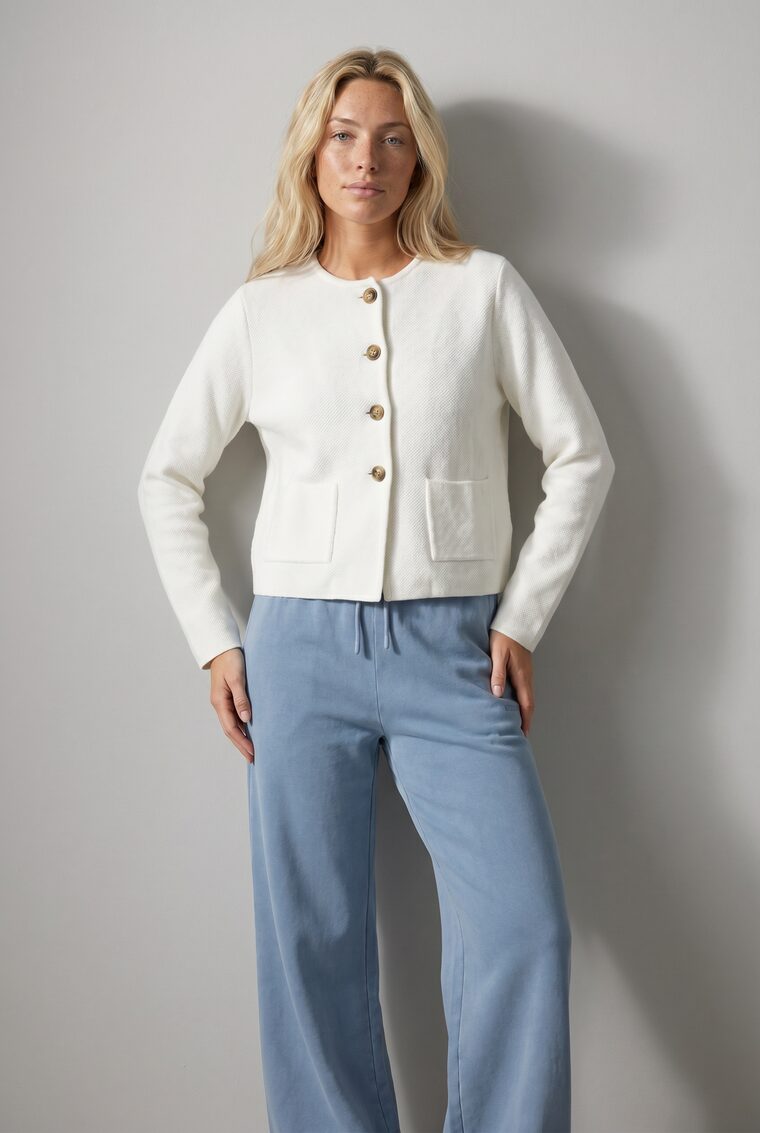
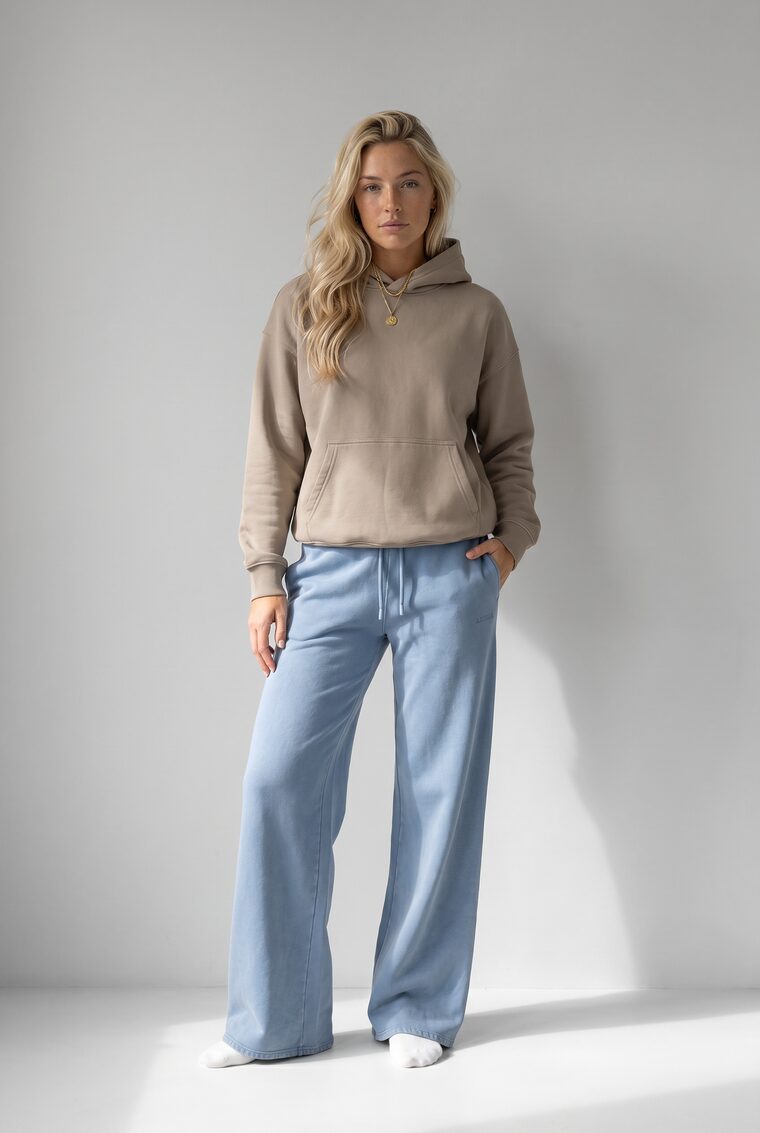
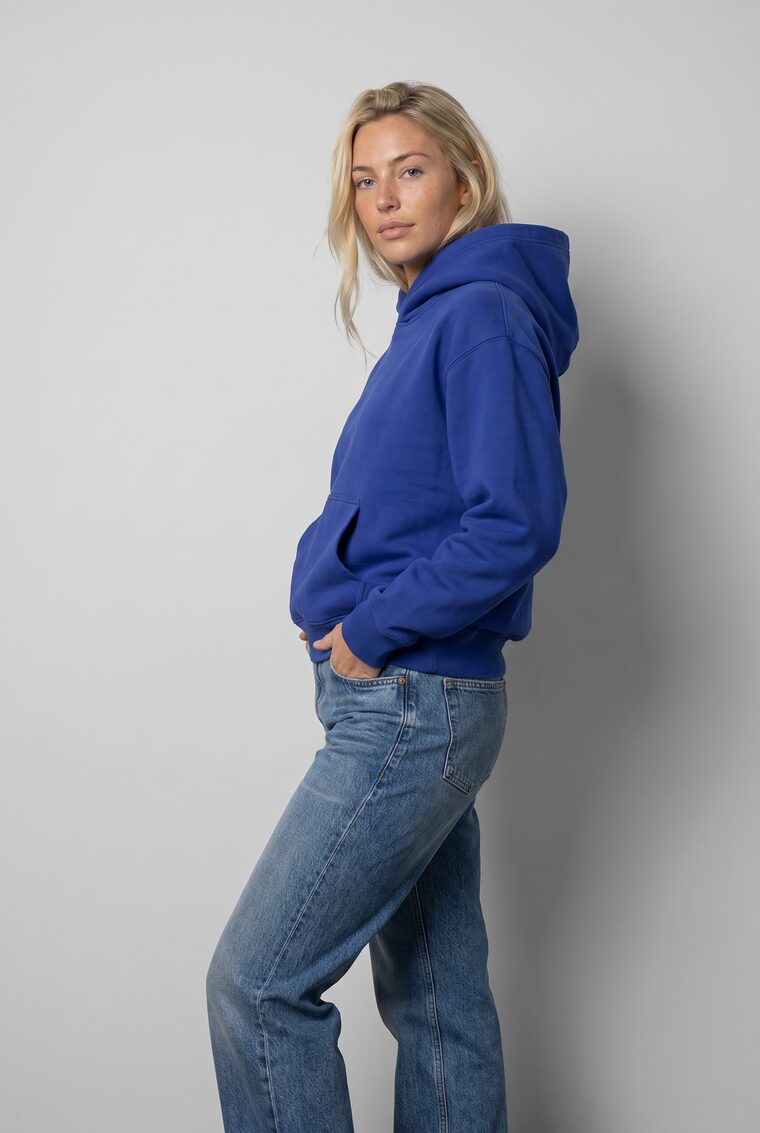
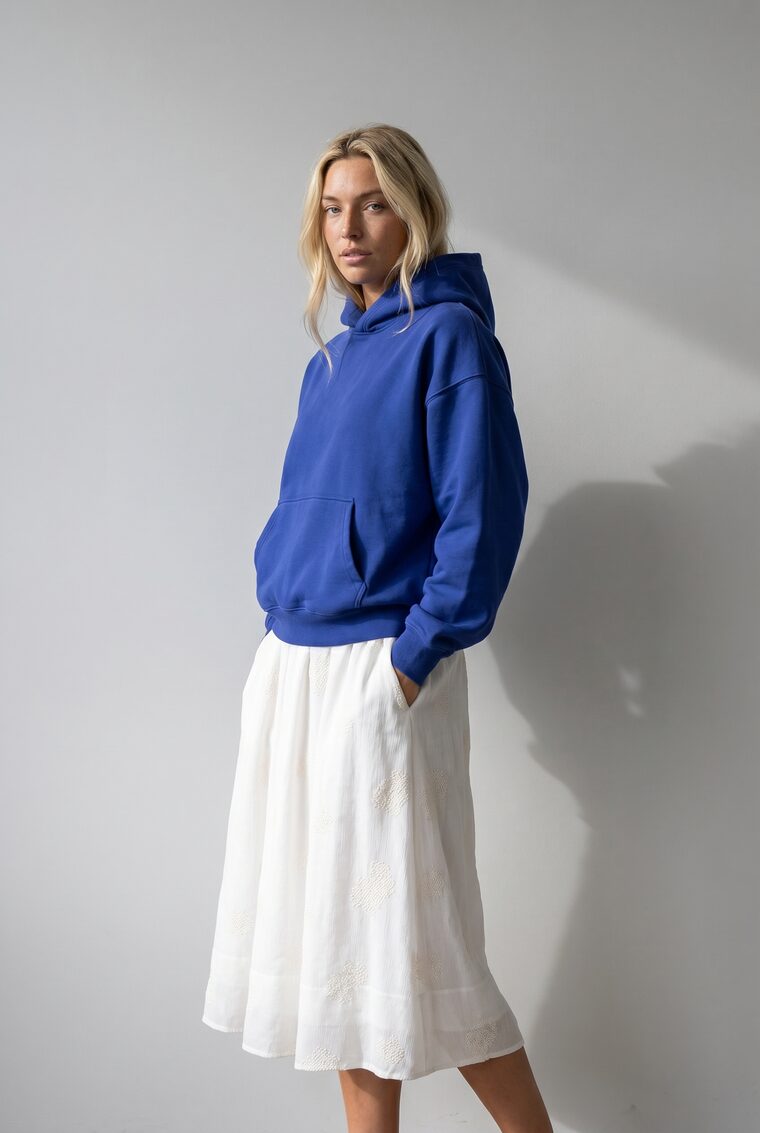
Cropped jacket + Wide-leg pants
Bottom
3 tops × 3 bottoms. All nine looks already generated.
Where it shows up
Coverage your studio can't reach.
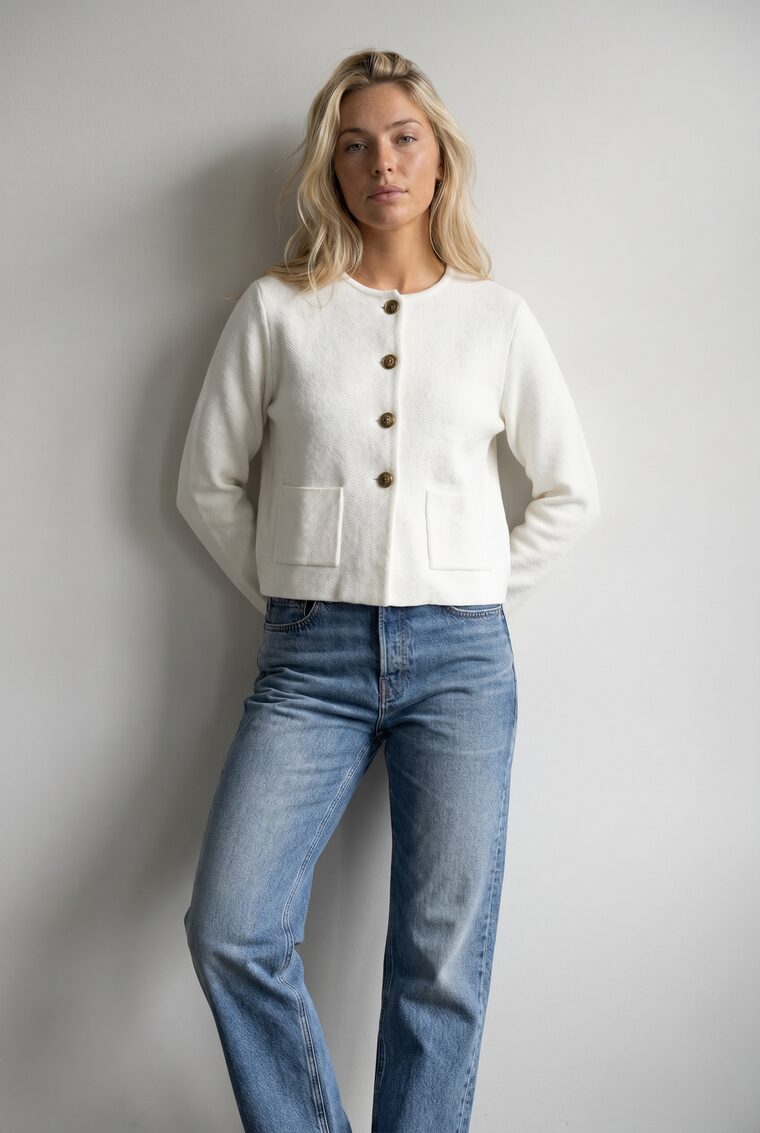
On the product page, 'pairs well with' stops being flat thumbnails and becomes complete on-model looks.
All clothing / Jackets /Cropped jacket
Womenswear
Cropped jacket
$129Boxy cropped jacket with patch pockets and horn buttons
Colour · Ivory
Free returns · Ships in 2 to 4 days
Pairs well with
Generated with Uwear
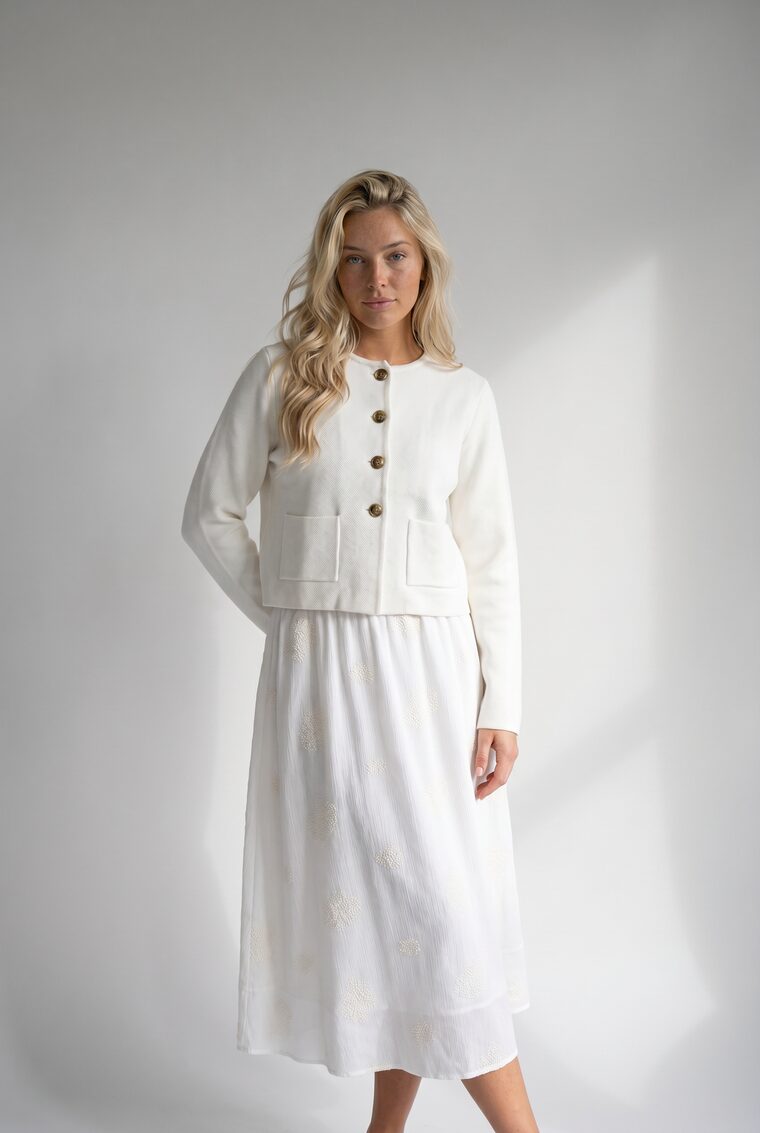
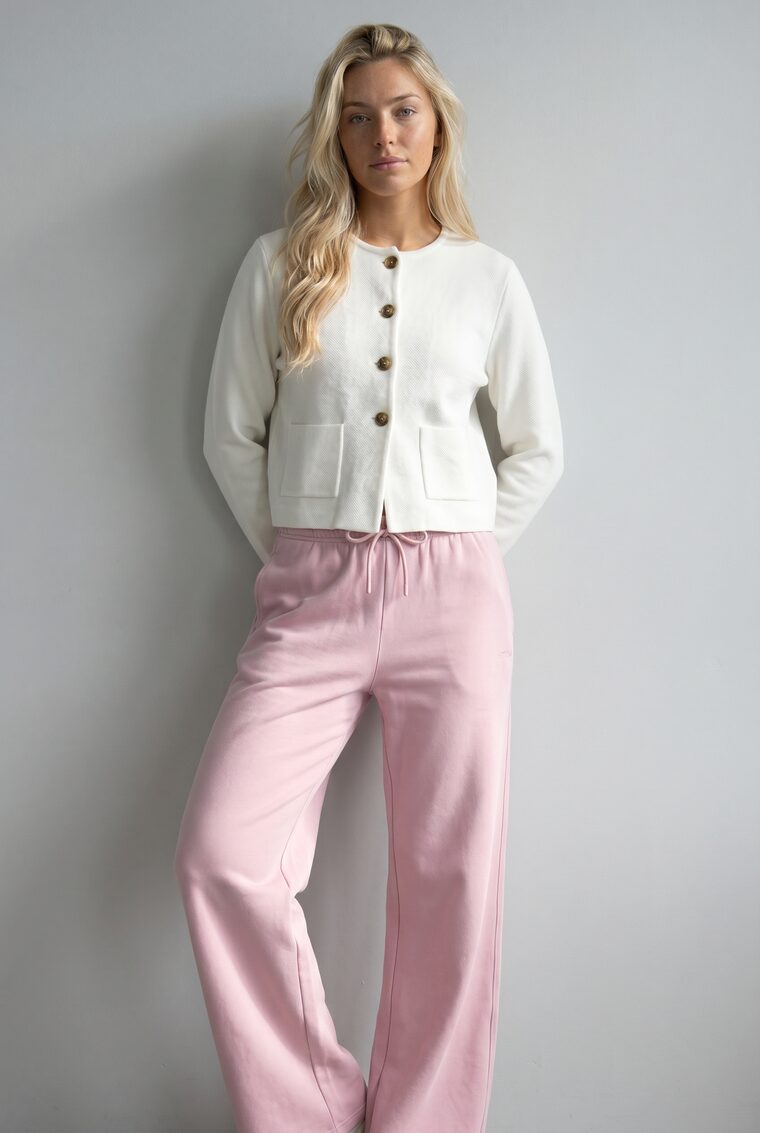
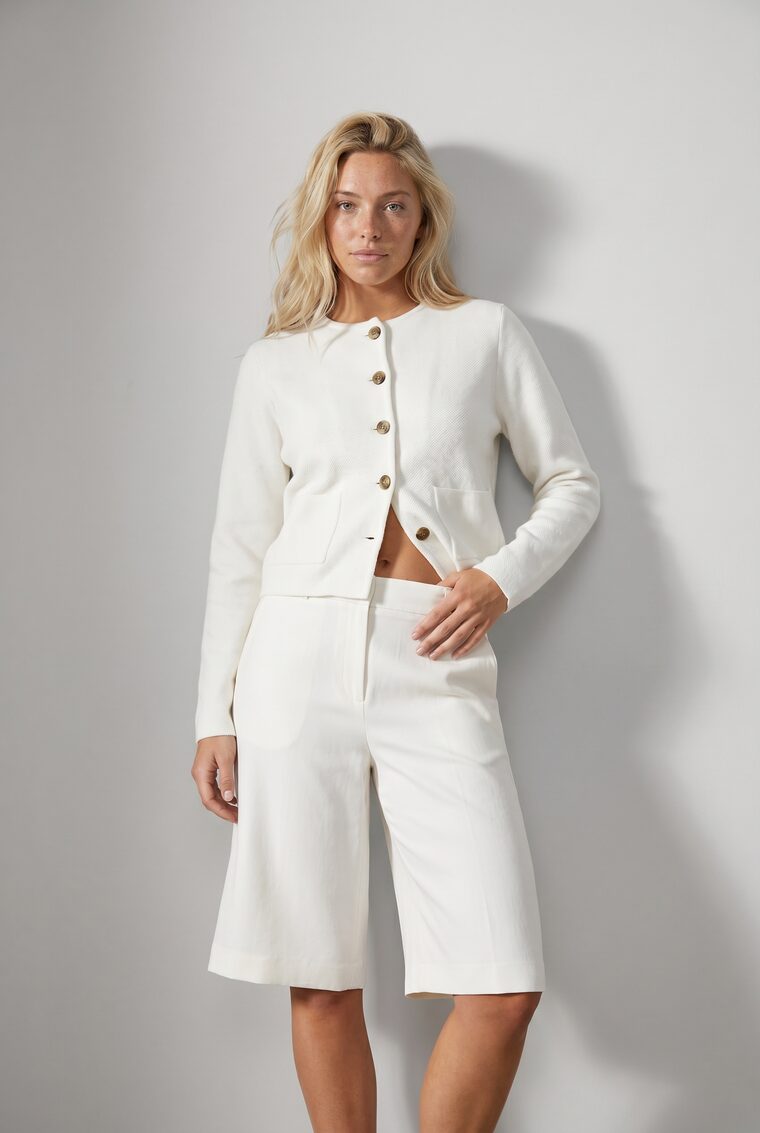
Every look includes the jacket being viewed.
What goes in
Start from clothing and outfits.
Garments and saved outfits from your Asset Library drive every run, from one look to a collection.
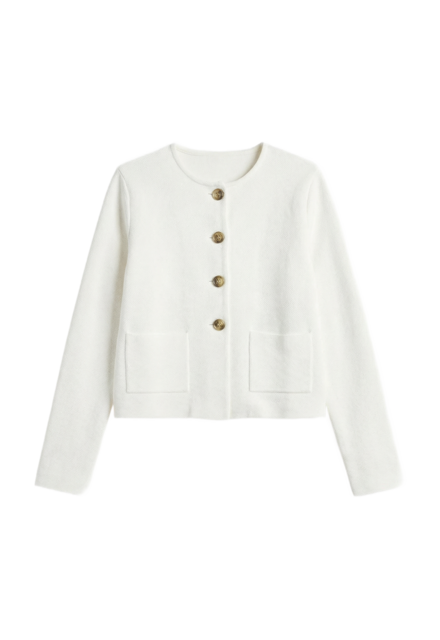
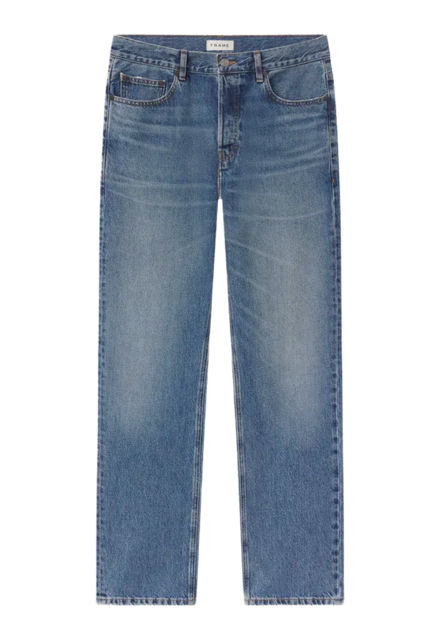
Clothing
Individual garments, saved once as reusable products.
Outfits
A saved set of pieces. Style a combination once, reuse it in every run.
How you run it
One workflow, three ways in.
Operator interface
Studio
Build a combination set by hand, from one pairing to a full grid.
Explore StudioAt collection scale
One batch. Every combination.
A new collection lands: ten tops, ten bottoms, six colours each. That is 3,600 pairings. Uwear runs them as a single batch.
One batch run
- 10 tops × 6 colours
- 60
- 10 bottoms × 6 colours
- 60
Every pairing
3,600looks
Generated in parallel · QA on every image
Automatic QA · Spring recommendations
live- Jacket + jeansApproved
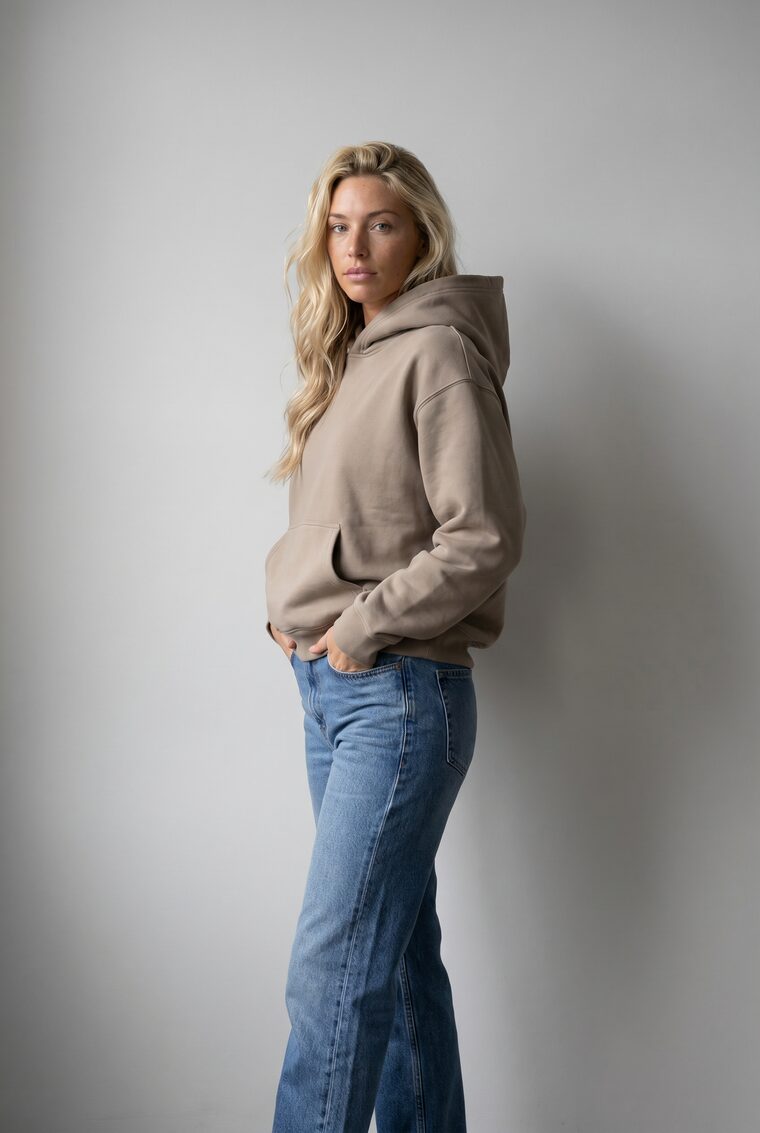
- Taupe hoodie + skirtApproved
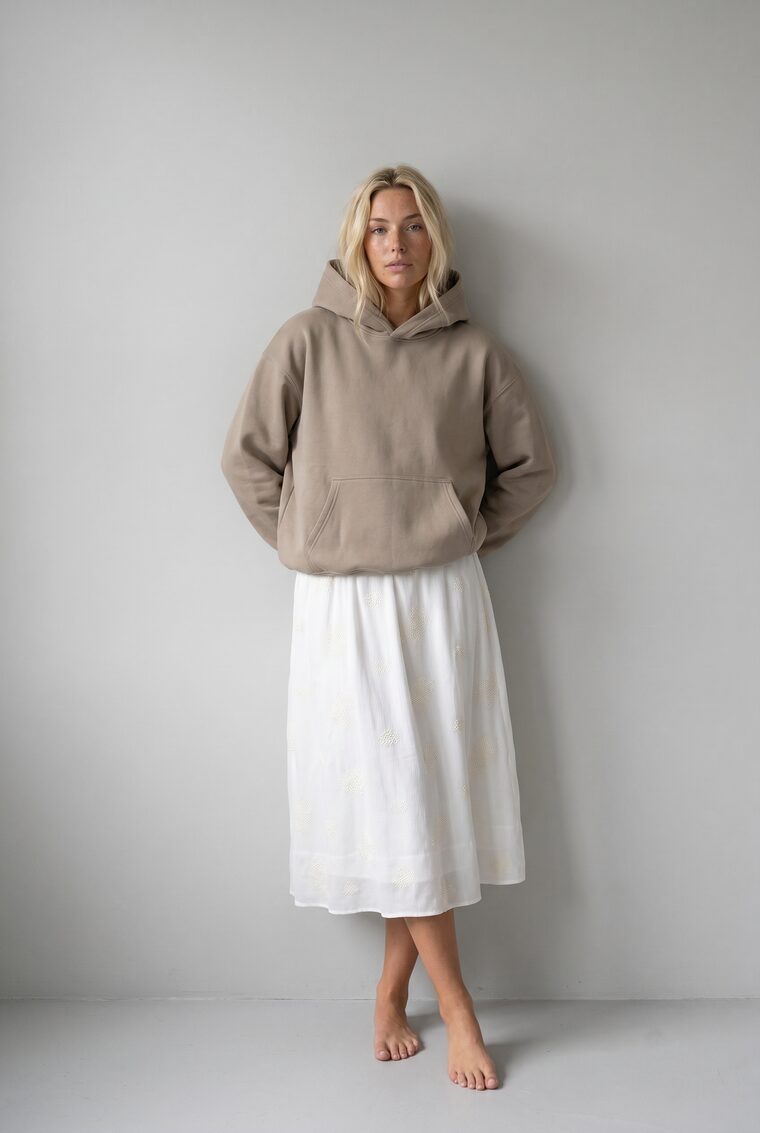
- Cobalt hoodie + wide-legFlagged · needs review
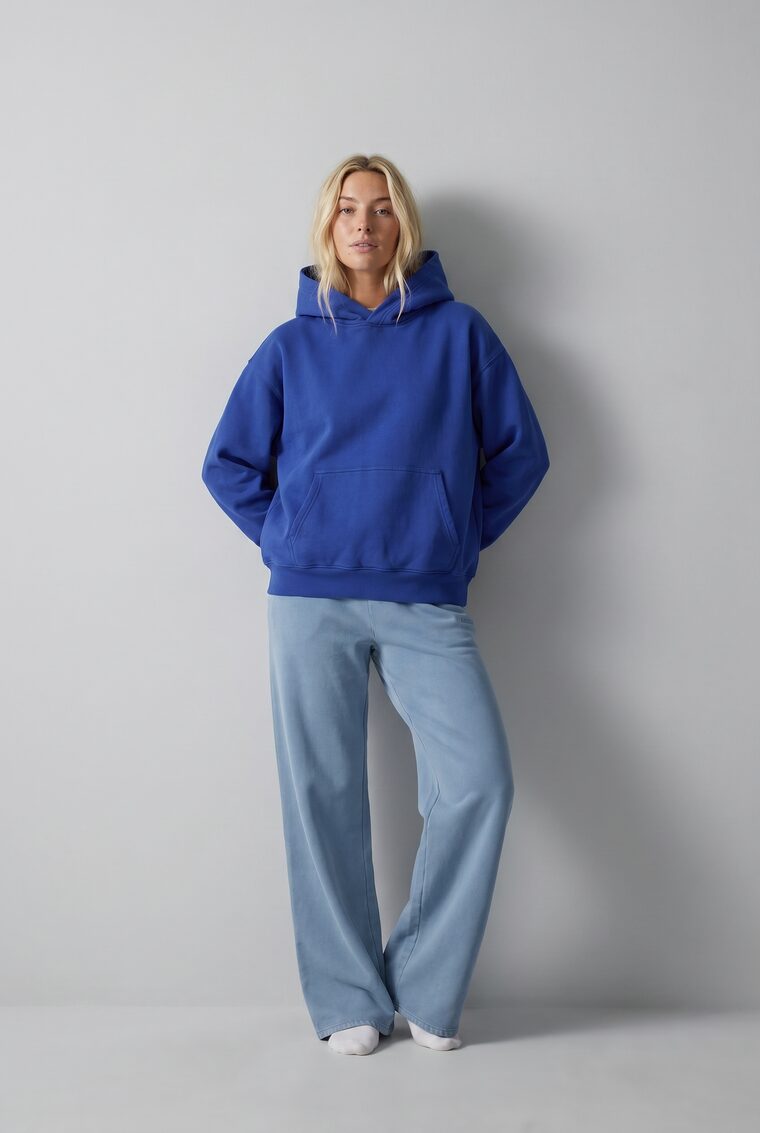
- Taupe hoodie + jeansRetried · approved
The scale
Batch Workflows
The full matrix runs as one job, thousands of generations in parallel, not one by one.
Explore Batch WorkflowsThe consistency
Art Direction
One saved direction keeps every look in the same world, first pairing to last.
Explore Art DirectionThe peace of mind
Review & QA
Automatic QA approves, flags, or retries every image, so nobody reviews 3,600 looks by hand.
Explore Review & QAShop the Look FAQ
How generated pairings behave inside Uwear production and commerce workflows.
A generated on-model image that pairs two or more of your products into one complete look, with each product preserved exactly, so it can stand in for a photographed outfit.
Every combination includes the product a shopper is viewing, so a "shop the look", "complete the look", or "pairs well with" slot can show full on-model outfits instead of flat thumbnails, using the exact item on the page.
Yes. A whole collection, for example ten tops and ten bottoms in six colours each, runs as one batch of 3,600 combinations, generated in parallel through Batch Workflows so coverage is ready before the products go live.
Automatic QA reviews every generated look against the art direction and flags abnormalities for a human or an instant retry, so broken or off-brand images never reach a shopper.
You define the eligible pairings from catalog data, merchandising rules, or a recommender system. Uwear generates only those combinations instead of every theoretical permutation.
Map your catalog's combinations.
Bring one collection. We'll turn its pairings into a generated, on-brand set your PDPs and app can use.
Existing customer? Log in to Studio
Pairs with Catalog visuals at scale · Team studio · Asset Library





