Use case · Ghost mannequin to model
Turn ghost-mannequin shots into photos on real models
Convert one hollow-man product shot into front, side, and back photos on real models, with the garment and styling direction tied to your source.
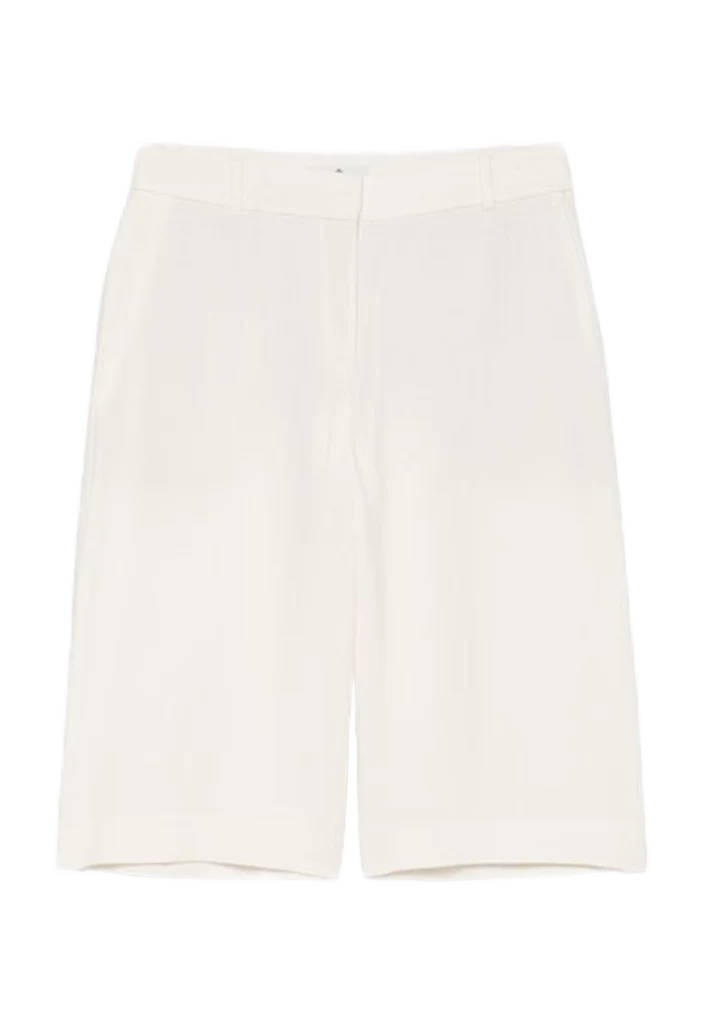
Before and after
See one ghost-mannequin shot become three model photos.
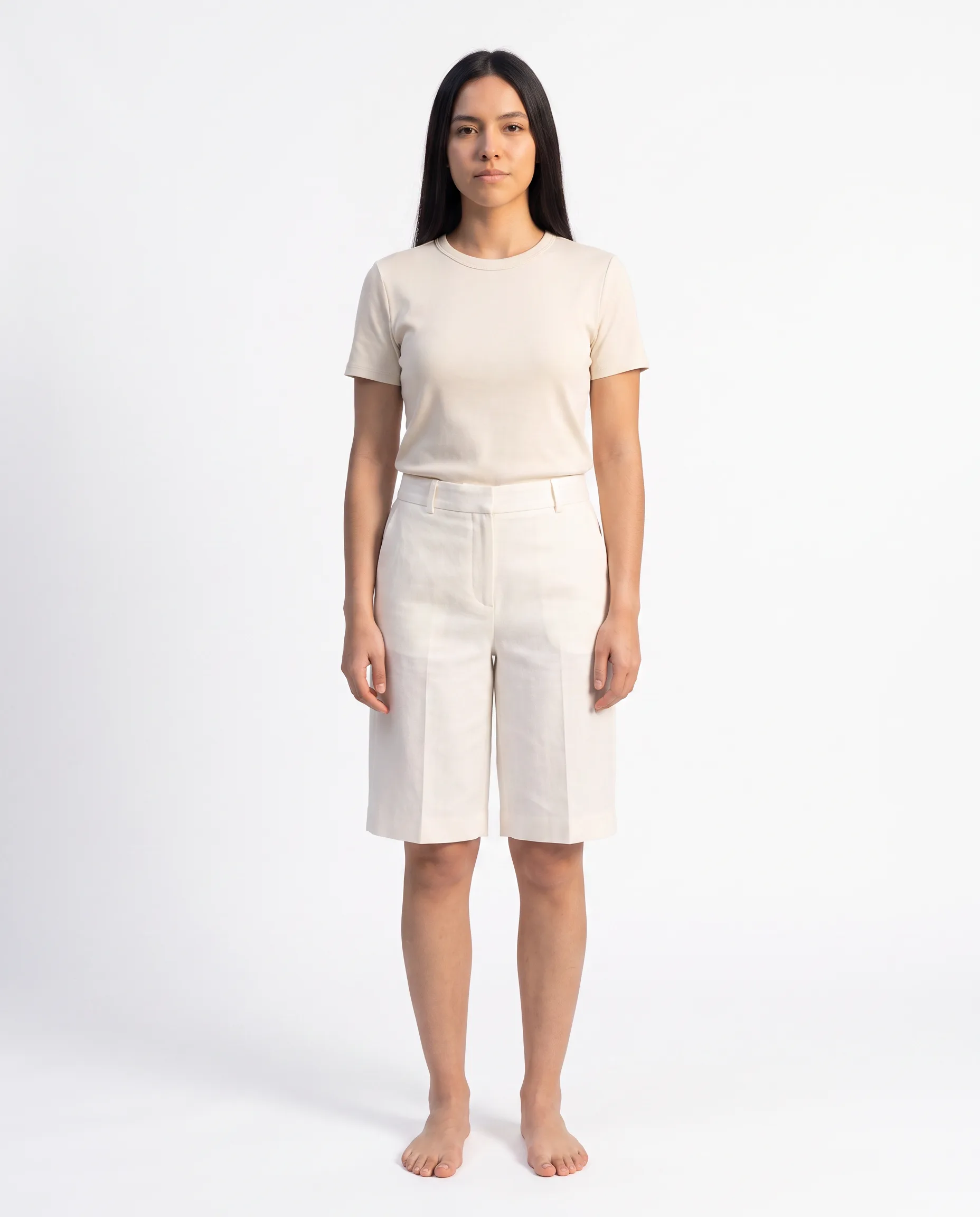
Use one garment source for a front, side, and back set. Every output keeps the same product in view while the angle changes.
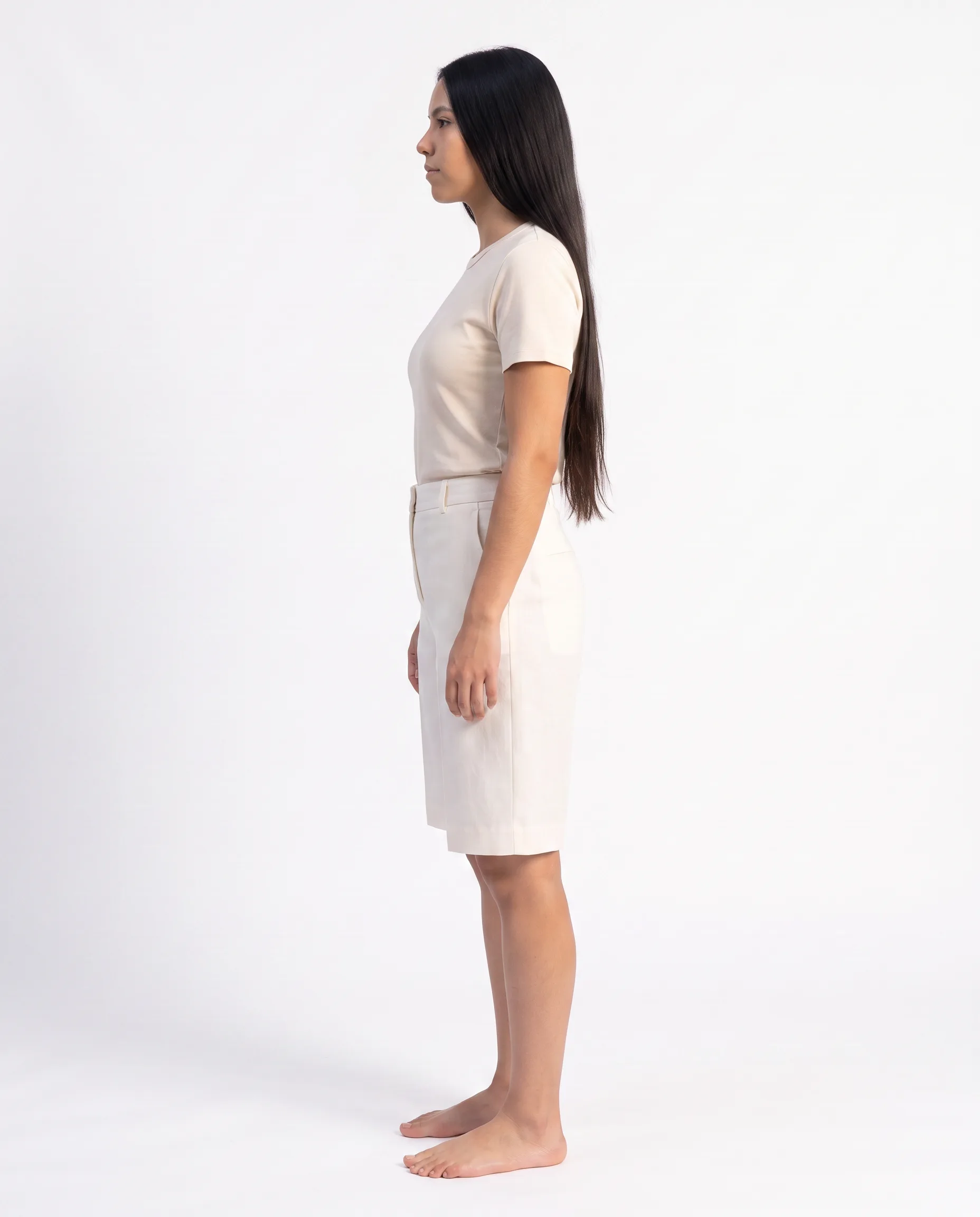
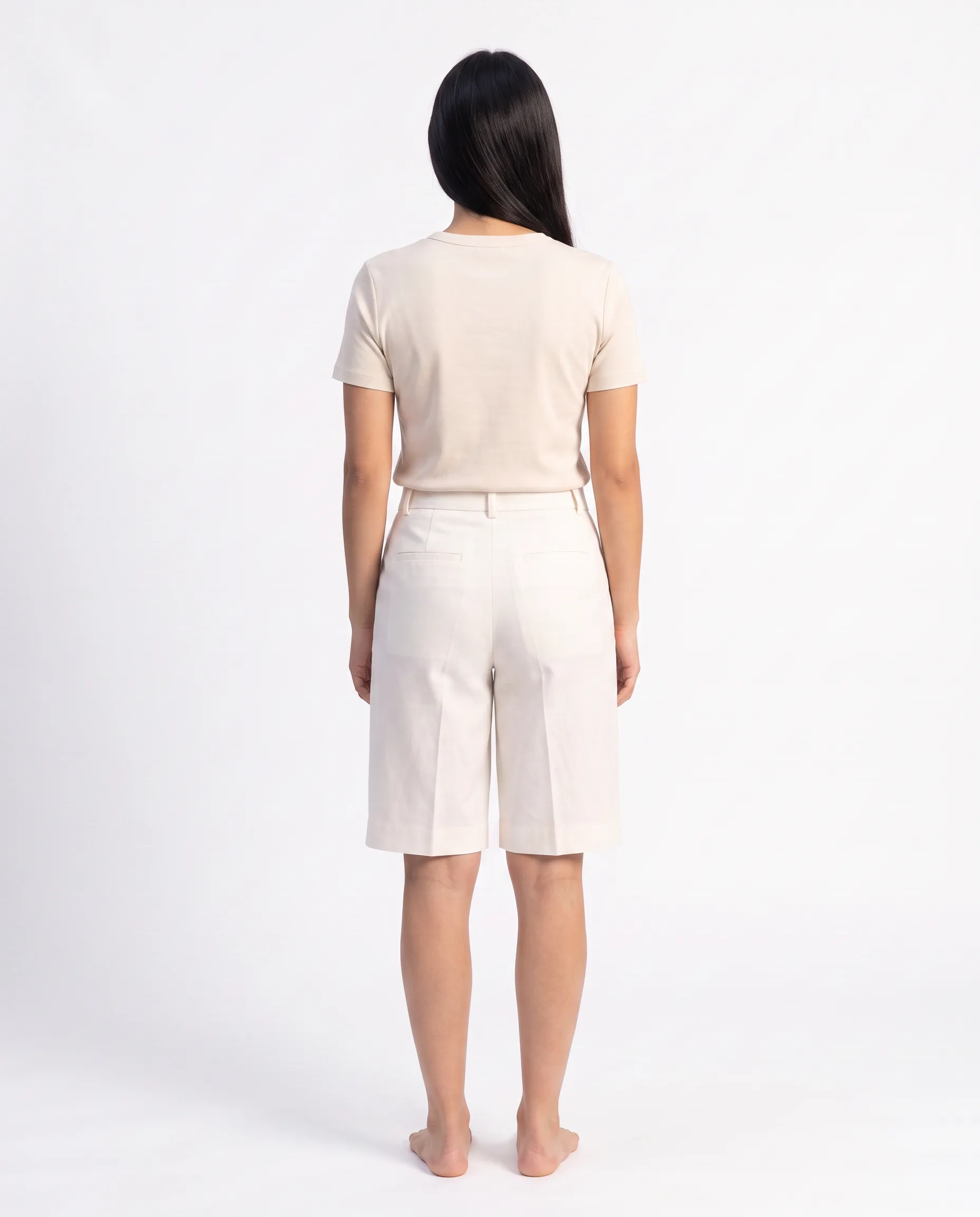
The same tailored shorts, shown on a real model from three angles.
How it works
Send the garment. Set the look. Deliver the checked set.
The garment source stays attached from the first request through the final files.
01
Send the garment shots
Upload the ghost-mannequin photo and any extra views that show construction details the front shot cannot reveal.
02
Set the art direction
Choose the model, pose, backdrop, lighting, crop, and the front, side, or back views the product needs.
03
Deliver AI-reviewed files
Choose whether the toggleable AI reviewer runs automatic checks and retries. Then deliver the selected photos in the required crop and format.
Live production
AI fashion visuals generated
Products uploaded
Creators on Uwear
Fashion brands & retailers
Build the workflow
Connect the conversion to the rest of production.
Keep the same source photos, direction, automatic review rules, and batch settings connected as volume grows.
Source to model
Product photo workflows
Turn the product photos you already have into consistent photos on real models.
Explore product photo workflowsSet the look
Art direction
Save the model, backdrop, lighting, crop, and styling rules for the whole run.
Explore art directionCheck the files
Review and QA
Turn on the AI reviewer for automatic garment checks, written reasons, and retries.
Explore review and QARepeat the run
Batch workflows
Apply the same model, angles, direction, and review settings across a product drop.
Explore batch workflowsStill choosing a tool? See which AI tools turn ghost mannequin photos into on-model images, compared on back views, garment checks and price per image.
What it costs
What does ghost-mannequin-to-model cost?
The price is credit arithmetic you can do before the run: the number of garments, the views you request per garment, and the credit rate of the image model you pick. Credits cost $0.10 each, with no plan and no expiry.
| Garments | One ghost-mannequin source per SKU. Send extra source angles when the front view hides a detail. |
|---|---|
| Views per garment | Front, side, back: request only the angles the product page needs. |
| Credits per image | Set by the image model you choose. Standard models start at 1 credit per image; see the live rate list. |
| Price per credit | $0.10, pay as you go. The minimum first purchase is 70 credits. |
| Example | 24 garments × 3 views × 1 credit = 72 credits before edits and retries. |
- Automatic QA is toggleable. When it is on, a failed check can trigger a retry, and each retry is a new image at the same rate.
- Edits to a delivered image (a crop, a backdrop change) cost the model rate of that edit, not a new full generation.
- Every MCP and Studio run shows the itemized credit total before anything generates. Nothing runs until you confirm.
Ghost mannequin to model FAQ
What to send, which angles to request, and how the AI reviewer checks each result.
The ghost-mannequin shot is used as the source of truth for visible shape, color, construction, pleats, closures, and fit cues. Clear, high-resolution source photos give the generation model more product information to follow, and extra angles help with details the front view does not show.
Send a well-lit product photo where the complete garment edge, color, closures, and construction details are easy to see. A clean background helps, and front plus back source views are useful when the garment has details that change by angle.
You can request all three views from one source photo. When a side or back view contains details that are not visible from the front, sending those extra product views gives the model better evidence for the requested angle.
QA is toggleable, automatic, and agent-driven. When enabled, a separate AI reviewer checks each result against the garment source and the requested shot, records a written reason, and can trigger a retry when a check fails.
Yes. Batch workflows can apply the same model, backdrop, lighting, crop, requested angles, and AI reviewer settings across many garment inputs while keeping each product tied to its own source photos.
Multiply the views you request by the credit rate of the image model, at $0.10 per credit. Three views on a standard 1-credit model is 3 credits per garment before any retries. The itemized total is shown before the run starts.
No. This workflow starts with the hollow ghost-mannequin photos you already have and converts them into photos of the garment worn by a real-looking model. The original product shot remains the garment reference.
Put the garment on a real model.
Send a ghost-mannequin shot and the angles you need. Set the model and art direction, then choose whether the AI reviewer checks the results automatically.
Existing customer? Log in to Studio
Pairs with Product photo workflows · Art direction · Review and QA · Batch workflows





