Product inputs
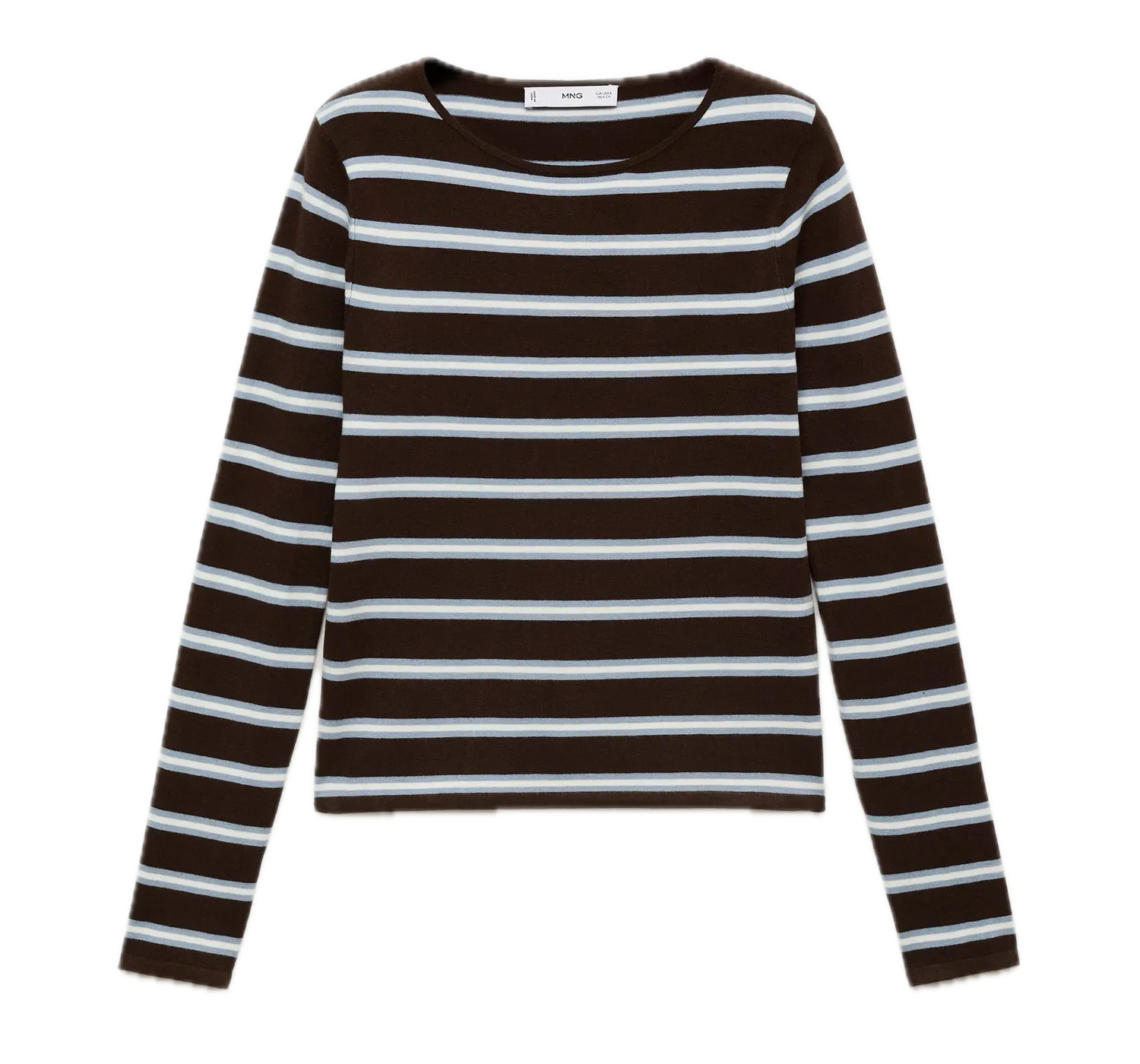
Start from flat-lays, packshots, mannequin shots, reference photos, or the catalog data your team already manages.
Product capability · Catalog visuals
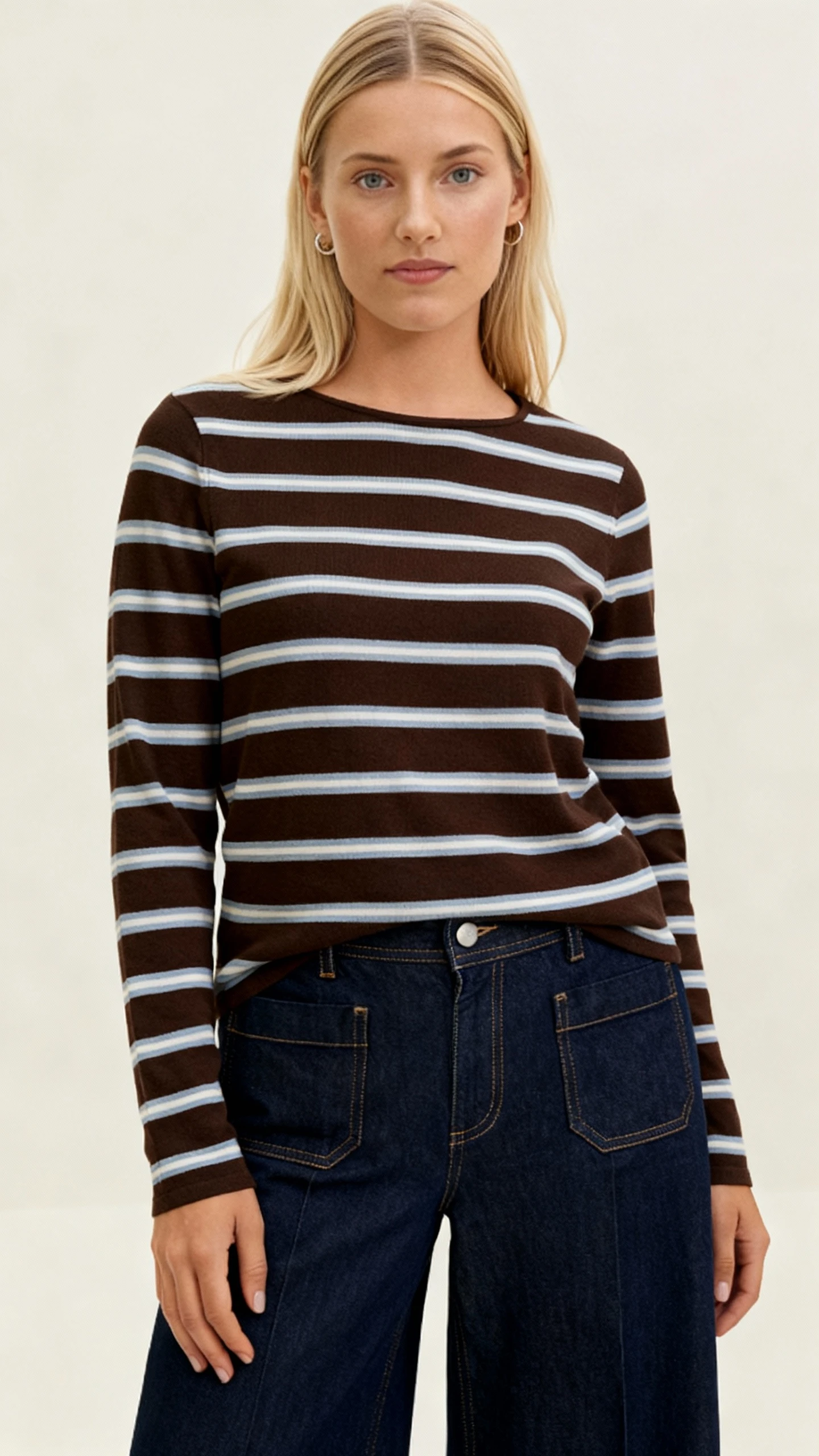
Generate on-model product imagery with reusable visual direction, model routing, production QA, and delivery paths that fit enterprise catalogs.
Why it matters
A good generated image is useful. A commercial catalog needs consistency across product categories, drops, channels, models, crops, and quality review.
Start from flat-lays, packshots, mannequin shots, reference photos, or the catalog data your team already manages.
Keep model selection, crop, background, lighting, styling, and channel rules attached to the workflow instead of every prompt.
Move reviewed assets into PDPs, apps, campaigns, or internal tools with product metadata and provenance context preserved.
Mechanism
Uwear connects product assets, catalog metadata, model choices, art direction, QA states, retries, and output metadata so teams can generate coverage without rebuilding the workflow product by product.
Workflow
01
Bring product imagery, variant metadata, category rules, and required output formats into the production run.
02
Use reusable art direction, approved model choices, and garment-aware routing to keep catalog coverage consistent.
03
Run single products, structured batches, or continuous jobs as new product assets arrive.
04
Approve strong outputs, retry exceptions, and hand off only the visuals that meet the catalog quality bar.
Related