Product inputs
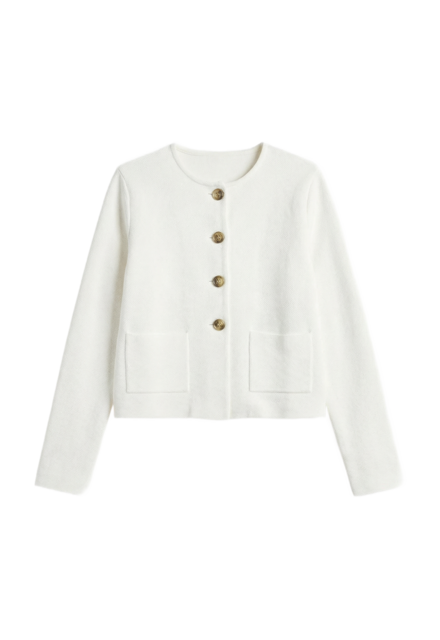
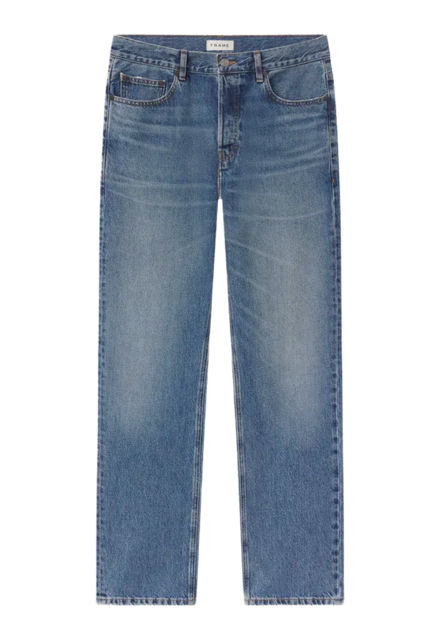
Create clothing items, outfits, avatars, locations, uploaded files, and tags before the generation run. Product records can carry source metadata for catalog and DAM traceability.
Explore asset libraryProduct · API
Use Uwear as the developer access layer for structured product assets, async generation jobs, QA, and delivery into your DAM, PIM, storefront, agent workflow, or internal tools.
POST /generation
Authorization: Bearer YOUR_API_KEY

{
  "clothing_item_ids": [123, 124],
  "model_slug": "nano-banana-2",
  "use_case": "generate",
  "prompt": "full body studio ecommerce image",
  "camera": "full_body_front",
  "aspect_ratio": "9:16",
  "resolution": "2K",
  "num_images": 2,
  "art_direction_id": 501,
  "do_qa": true,
  "max_qa_retries": 1,
  "webhook_events": [
    "generation.completed",
    "generation.failed"
  ]
}
One platform, three ways in
Studio, API, and the MCP share one model library, one clothing workspace, and one generation history. Pick the access path that fits the work, and move between them as the job changes.
Programmatic access
A REST API for async generation, edits, video, and identity. Wire production workflows into your catalog, DAM, and storefront.
You are hereOperator interface
The visual workspace for creative production. Batch catalogs, consistent models, edits, backdrops, video, and upscaling in one surface.
ExploreIn your own tools
Connect Uwear to Claude, ChatGPT, or any MCP client and run photoshoots from the tools your team already uses.
ExploreAPI operations
Pay-as-you-go credits cost $0.10 per credit. One on-model photo with Gemini Flash 2 costs from 3 credits. The cost depends on the model and the resolution.
System context
A technical integration should not collapse fashion production into a prompt string. Uwear exposes the objects your systems need to track: product inputs, reusable creative direction, generation jobs, QA state, and delivery metadata.
Create clothing items, outfits, avatars, locations, uploaded files, and tags before the generation run. Product records can carry source metadata for catalog and DAM traceability.
Explore asset libraryApply art_direction_id, location_id, reference attachments, camera, aspect ratio, resolution, model_slug, seed, and advanced model parameters when a workflow needs them.
Explore art directionCreate images, edits, upscales, and videos through POST /generation. Use children to chain follow-up steps after parent images complete.
Explore batch workflowsRetrieve generation_results with output URLs, thumbnails, result kind, origin, source IDs, QA status, tags, semantic search filters, and download paths.
Explore QA and retriesAsync contract
The API uses one mental model across on-model images, edits, upscales, and videos: create the job, monitor it, then deliver the generated result into the system that owns the customer experience.
GET /generation/789

{
  "generation_id": 789,
  "status": "Done",
  "generation_results": [
    {
      "generation_result_id": 1234,
      "url": "https://...",
      "thumbnail_url": "https://...",
      "kind": "Image",
      "qa_status": "completed",
      "qa_decision": true,
      "clothing_item_id": 123,
      "art_direction_id": 501,
      "origin": "api"
    }
  ]
}POST /generation // excerpt
{
"webhook_url": "https://brand.com/uwear/events",
"webhook_secret": "whsec_...",
"webhook_events": [
"generation.completed",
"generation.failed"
]
}
// Or save an endpoint once on the Webhooks page.
// Terminal payloads put assets in data.results.How it works
01
Store the Uwear clothing_item_id, outfit_id, avatar_id, location_id, or art_direction_id beside the product, variant, model, campaign, or workflow record in your own system.
02
Send a generation request with explicit model, use case, camera, resolution, aspect ratio, references, QA settings, and optional webhook configuration.
03
Poll GET /generation/{generation_id} for scripts and internal tools, or configure webhooks for production pipelines that need terminal callbacks.
04
Read generation_results, inspect QA state, download assets while URLs are available, then store final images, videos, IDs, and metadata in your DAM, PIM, CMS, app, or queue.
Batch and integration
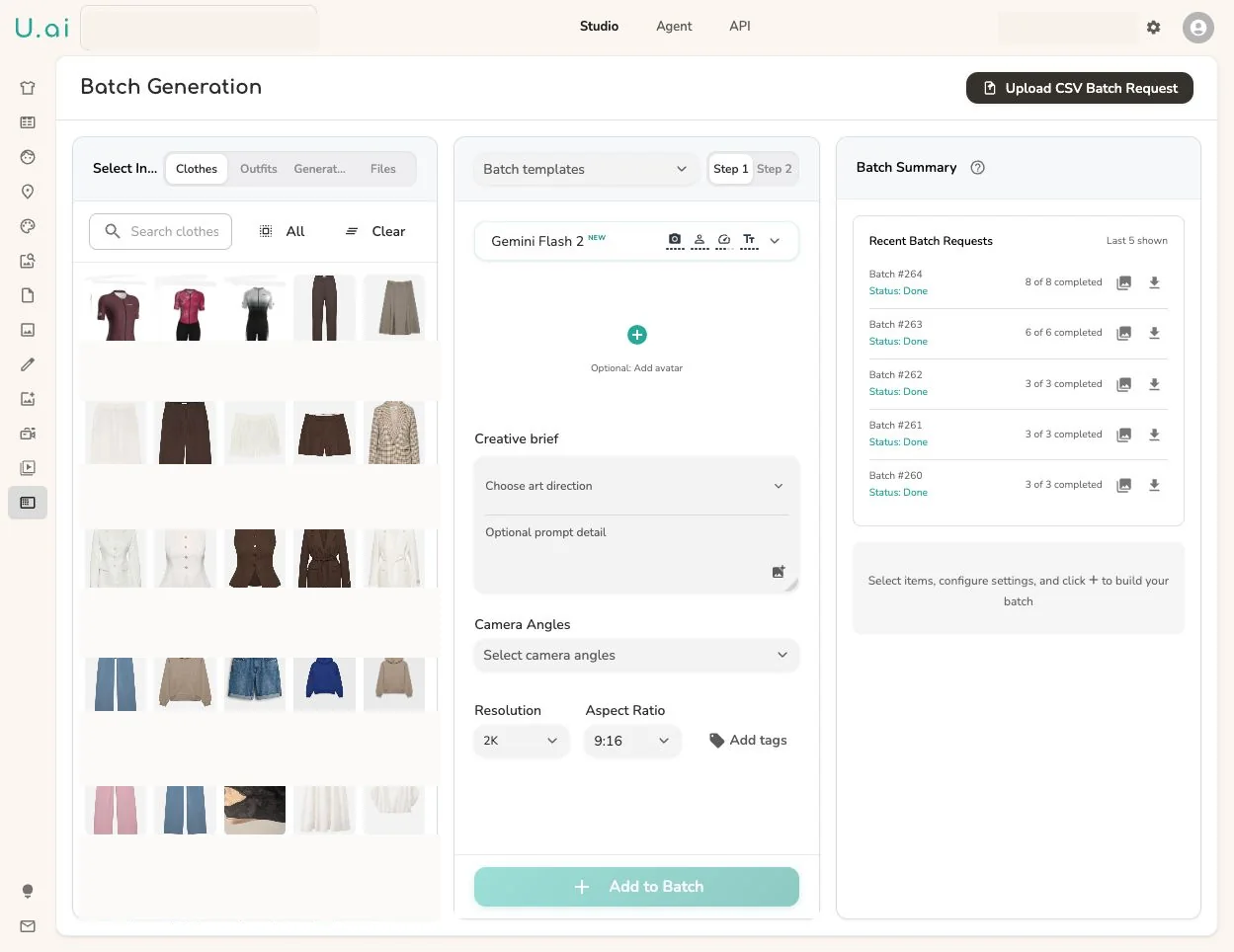
Enterprise API work usually starts with a product source of truth. Uwear fits that shape: each row can map to a clothing item, outfit, model, art direction, location, camera, output format, QA rule, and delivery destination.
{
  "sku": "BRN-STRIPE-012",
  "clothing_item_id": 123,
  "avatar_id": 101,
  "art_direction_id": 501,
  "location_id": 77,
  "model_slug": "nano-banana-2",
  "camera": "full_body_front",
  "destination": {
    "dam_folder": "spring-catalog",
    "pim_field": "on_model_image"
  }
}
Operating modes
API access sits behind the workflow your team already owns, whichever shape that takes.
Turn a product manifest into controlled generation jobs, track each generation_id, and only rerun failed or rejected rows.
Keep API keys on your server, accept shopper or product context from the frontend, then deliver the completed result back to the experience.
Embed Uwear in internal tools where operators choose models, art direction, locations, references, QA rules, and final delivery destinations.
Give your coding agent UWEAR.md so it can plan jobs, poll statuses, handle webhooks, preserve result metadata, and avoid unsupported routes.
Result delivery
The handoff is not just an image URL. Result records carry enough context to filter, QA, retry, download, and map final assets back to the product or campaign that requested them.
Generated asset URLs are temporary delivery URLs. Production integrations should copy approved files into their own storage before they expire.
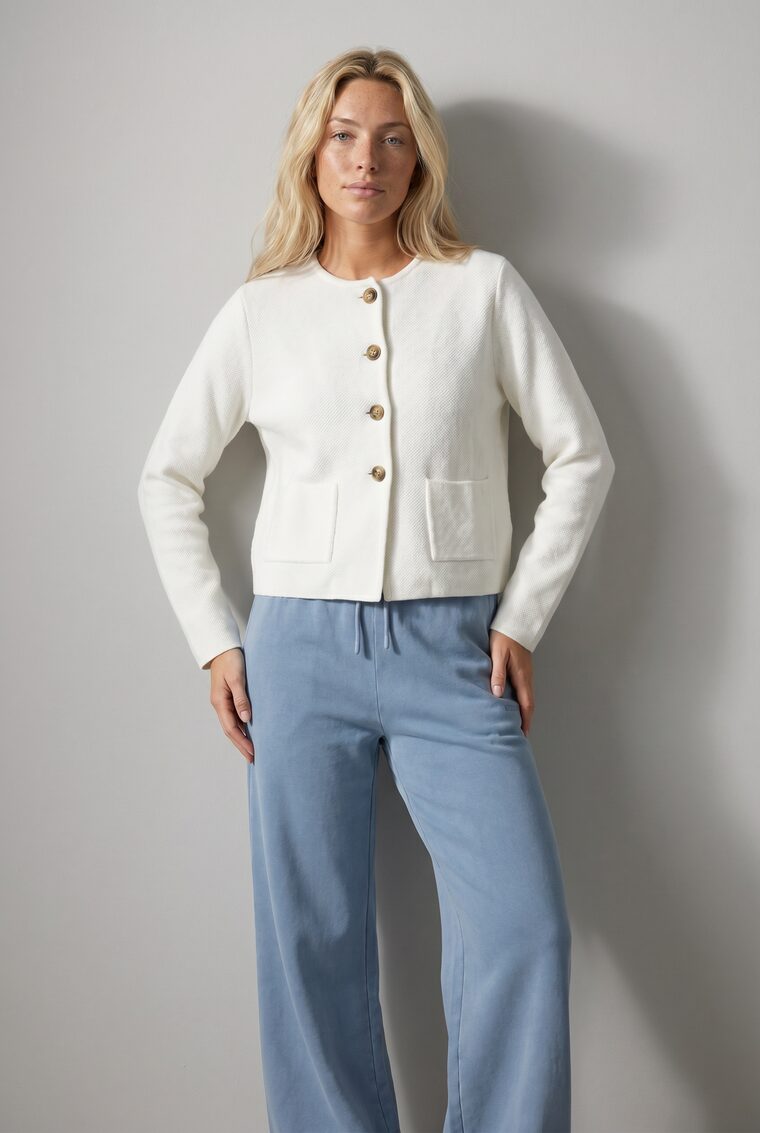
Metadata traceability
Attach your own metadata to clothing items and models: SKUs, style numbers, campaigns, markets, usage rights, DAM or PIM identifiers. It travels through generation untouched, so an exported image can always answer where it came from and what it may be used for.
POST /clothing-item  // excerpt

{
  "name": "Vintage denim jacket",
  "metadata": {
    "sku": "DJ-2026-BLU",
    "style_number": "ST-1042",
    "season": "Spring 2026",
    "campaign": "Spring ecommerce refresh",
    "market_region": "US",
    "usage_rights": "Ecommerce and paid social"
  }
}GET /generation-result/1234 // excerpt
{
"generation_result_id": 1234,
"clothing_item_id": 123,
"embedded_metadata": {
"uwear-generation": {
"generation_id": 789,
"clothing": [{
"id": 123,
"name": "Vintage denim jacket",
"metadata": {
"sku": "DJ-2026-BLU",
"campaign": "Spring ecommerce refresh",
...
}
}]
}
}
}Related workflows
Works with your store
Each guide shows how to add generated photos to the right product, with the image rules of that store.
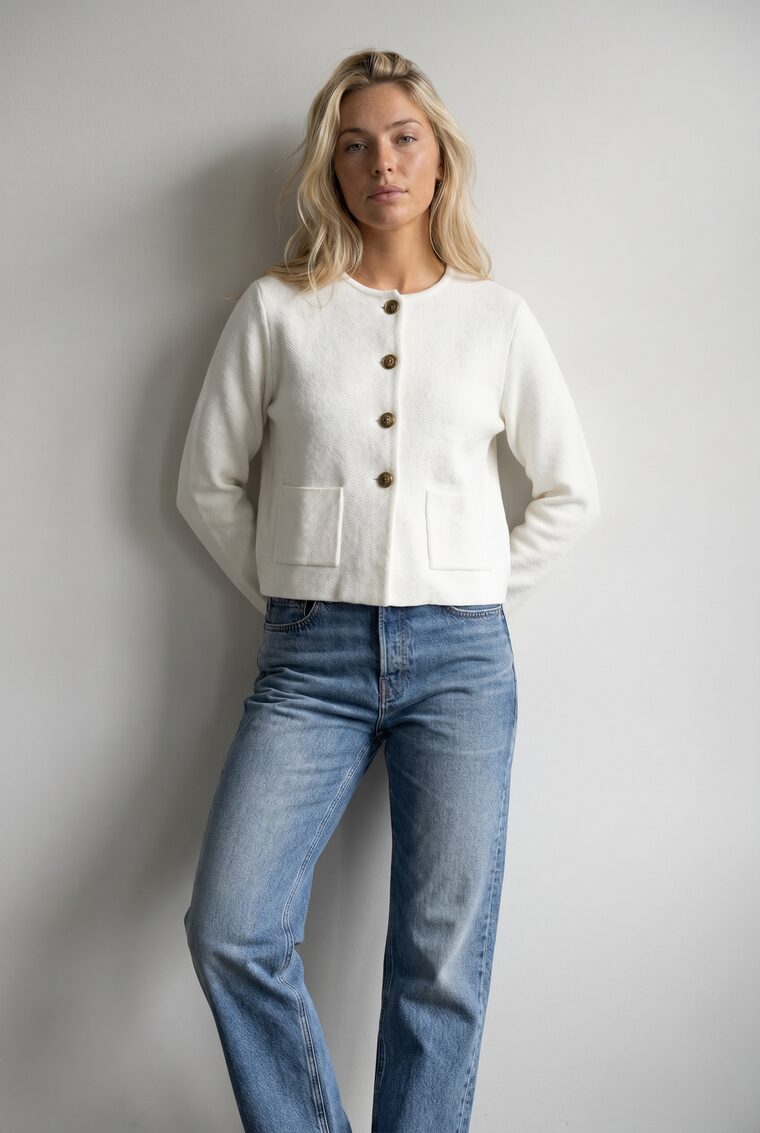
Use the Uwear API to generate on-model product photos from existing garment photos and deliver the results into your catalog, DAM, PIM, storefront, or internal tools. It connects product inputs, generation jobs, QA results, and output files.
The API turns flat-lay or ghost-mannequin photos into on-model photos, reuses saved models across a catalog, generates outfit variations, and creates fashion video from still images. It also runs edits and upscales. Turn on automatic QA to compare outputs with source inputs and shot instructions, with optional retries for flagged results.
Pay-as-you-go credits cost $0.10 per credit. One on-model photo with Gemini Flash 2 costs from 3 credits. The cost depends on the model and the resolution.
Connect the Uwear MCP server to your AI assistant to plan a photoshoot and review its cost before generation. For automated integrations, use the REST API at https://api.uwear.ai with a server-side Bearer API key. Send JSON to POST /generation, then poll the job status or receive a webhook. Studio is the manual path and uses the same credits and asset workspace.
The privacy policy states that uploaded garment, avatar, and workspace assets remain until you delete the asset or your account. Generated images are retained for 90 days after generation. API output URLs are temporary delivery URLs, so copy completed files into your own storage before those URLs expire.
Yes. The terms state that you own the AI-generated images created through Uwear and may use them for any legal commercial purpose. You retain the rights to your uploaded images and must not violate third-party intellectual property rights.
Bring your catalog source, integration pattern, QA requirements, and delivery target. We will help define the API path that fits.
Existing customer? Log in to Studio





