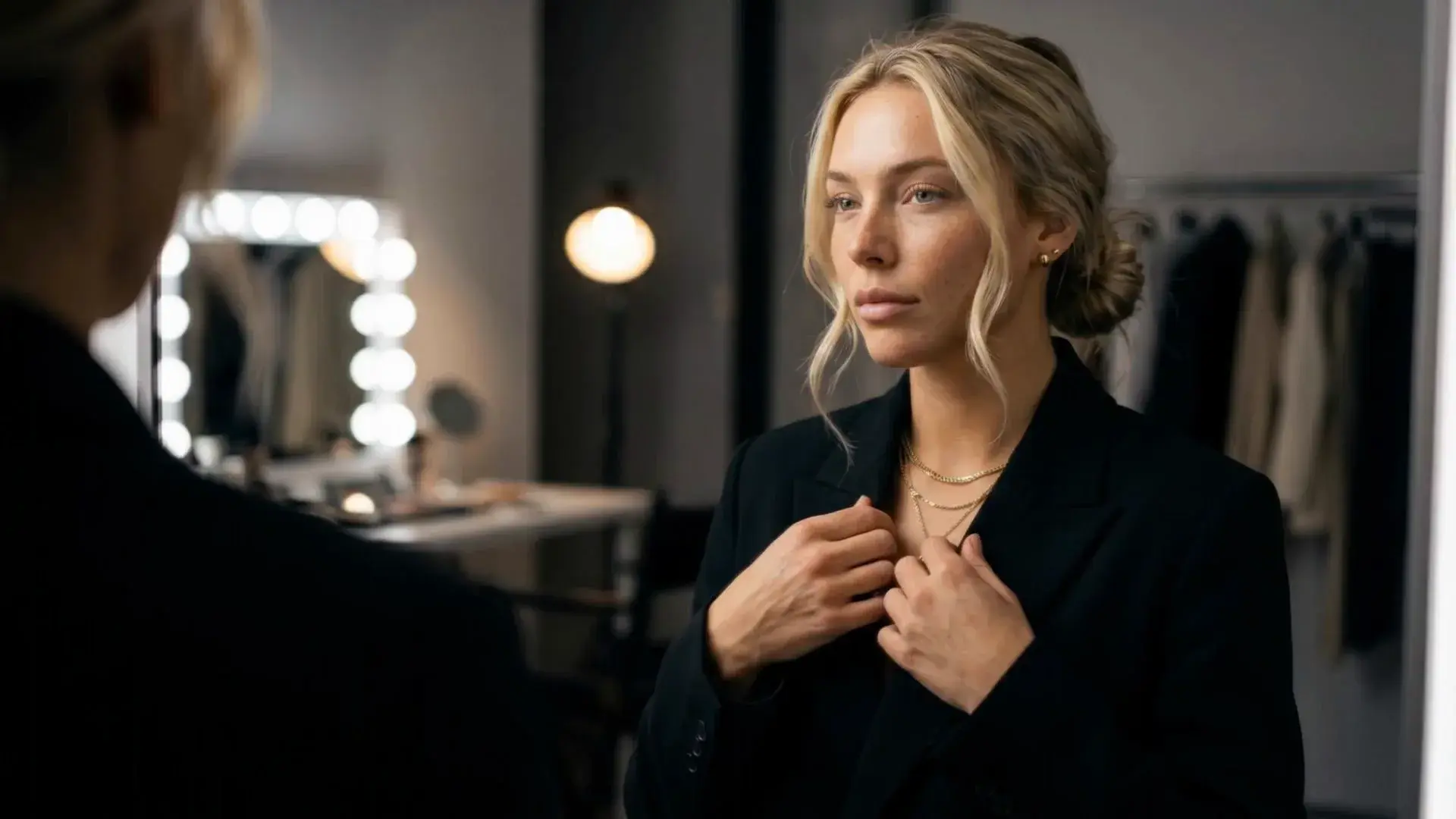
AI visual production for clothing brands.
Cast your AI fashion models, set your art direction, style any look. Every garment shot the way your brand shoots, in photos and video.
Live production
AI fashion visuals generated
Products uploaded
Creators on Uwear
Fashion brands & retailers
Use cases
How clothing brands use AI fashion models.
Three jobs fashion brands and retailers run on Uwear, from supplier photo to storefront.
Two places to start: an AI model for clothing brands that wears every product you upload, or an AI photoshoot for clothing brands that shoots the whole range in one run.
01 / Catalog visuals
Supplier photos in. On-model catalog photos out.
Turn supplier photos from every studio into one consistent set of on-model product page photos, thousands of SKUs a week, as products come in.
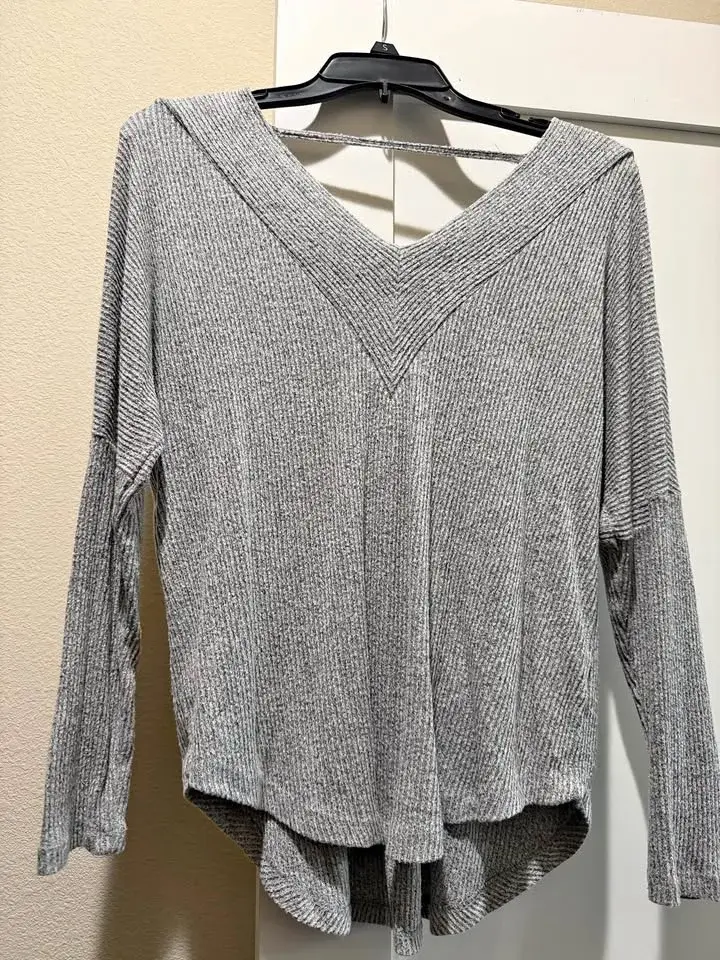
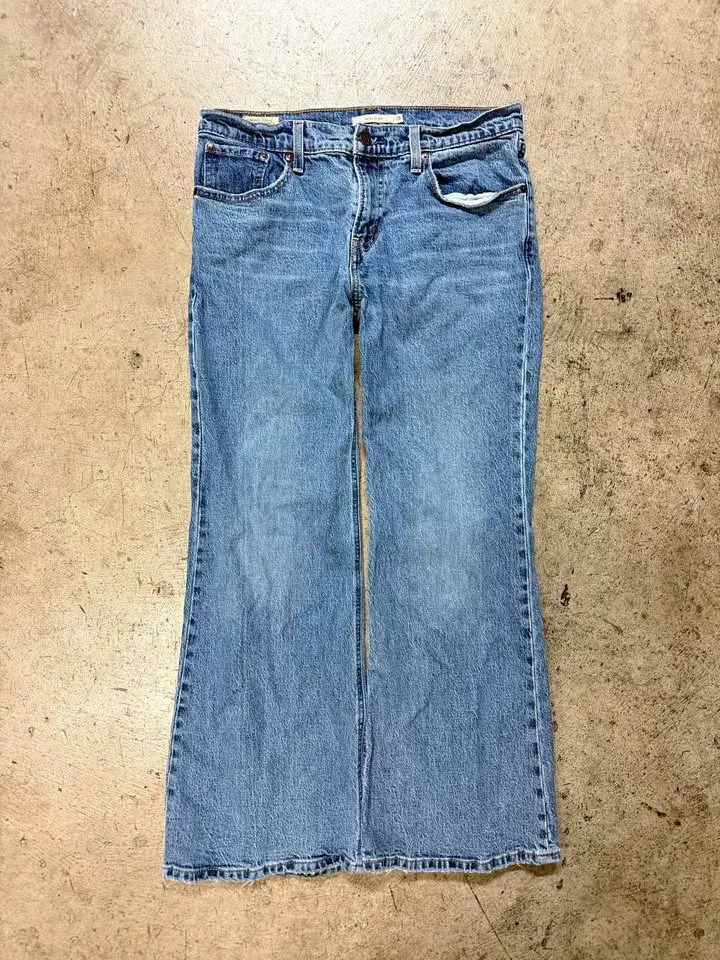
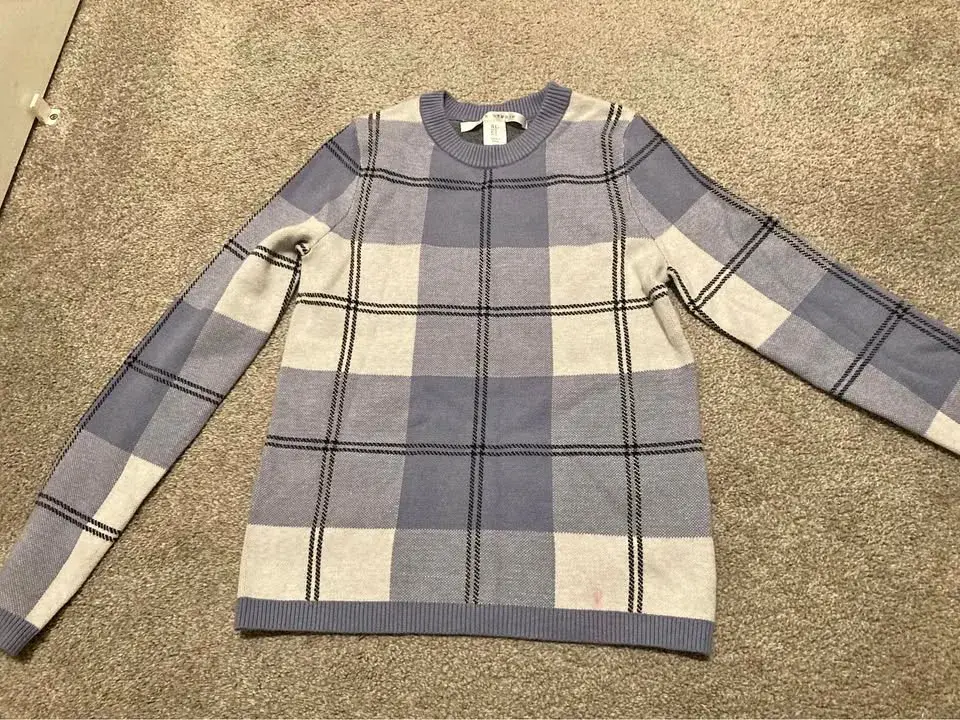
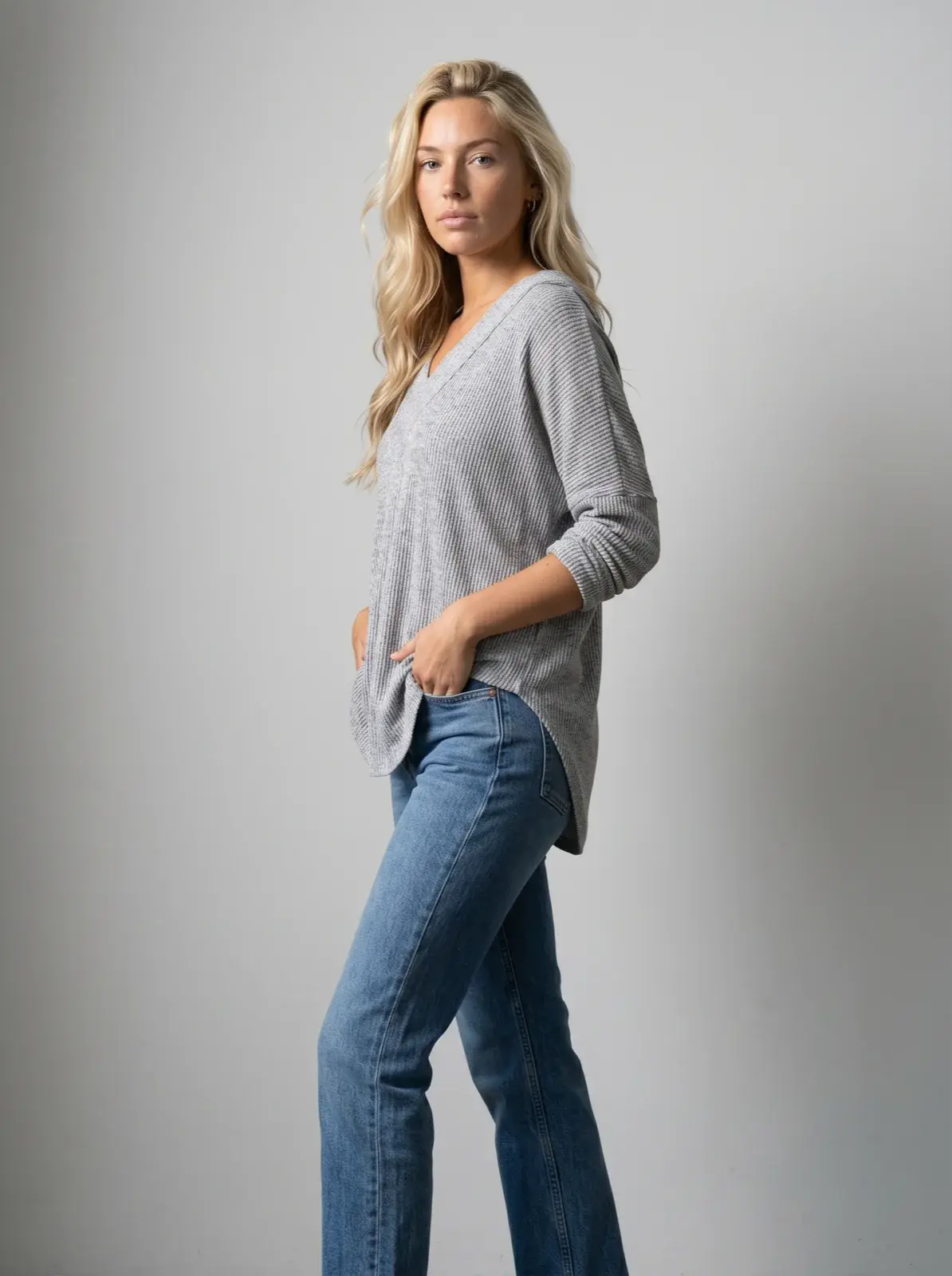
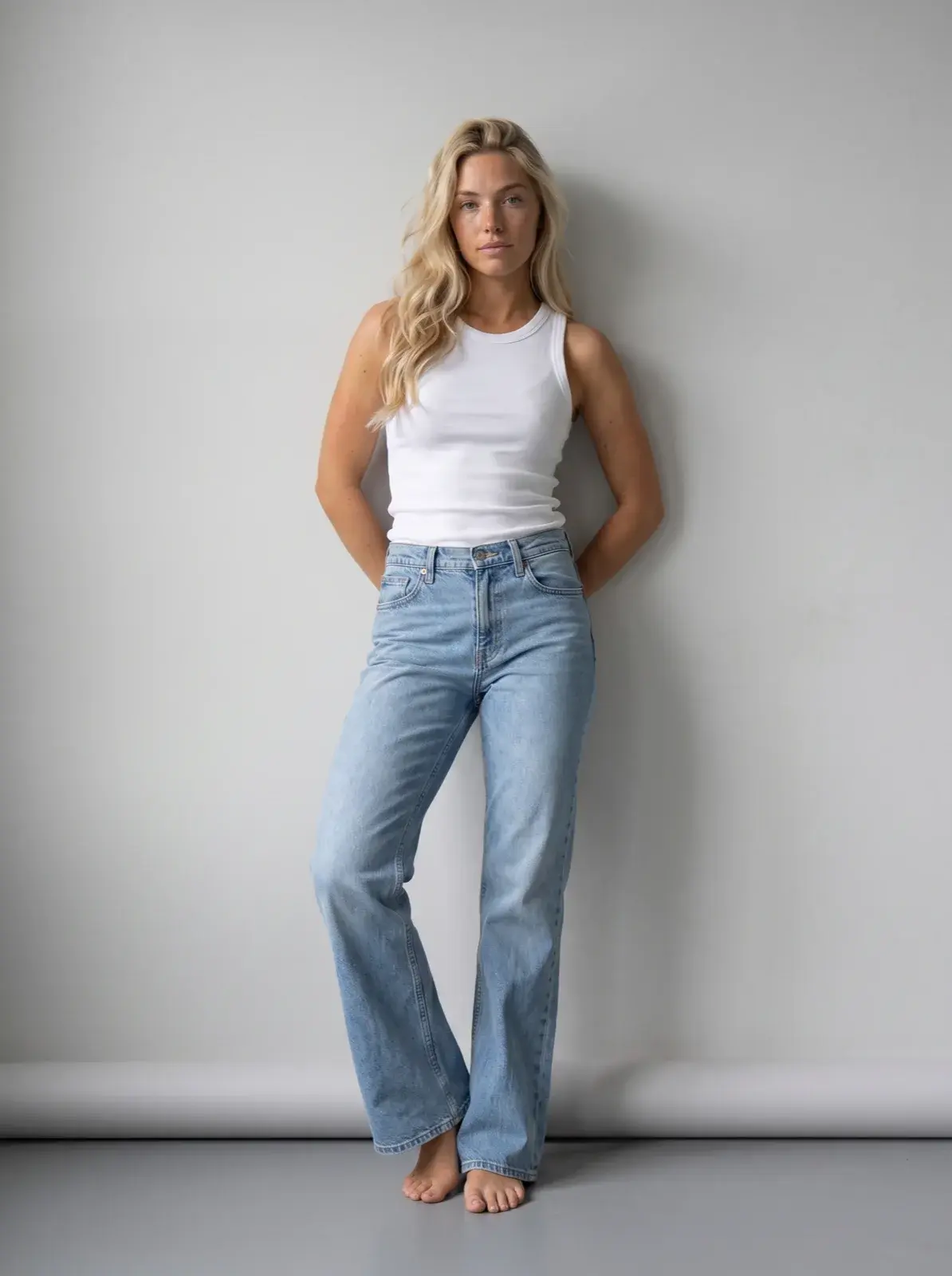
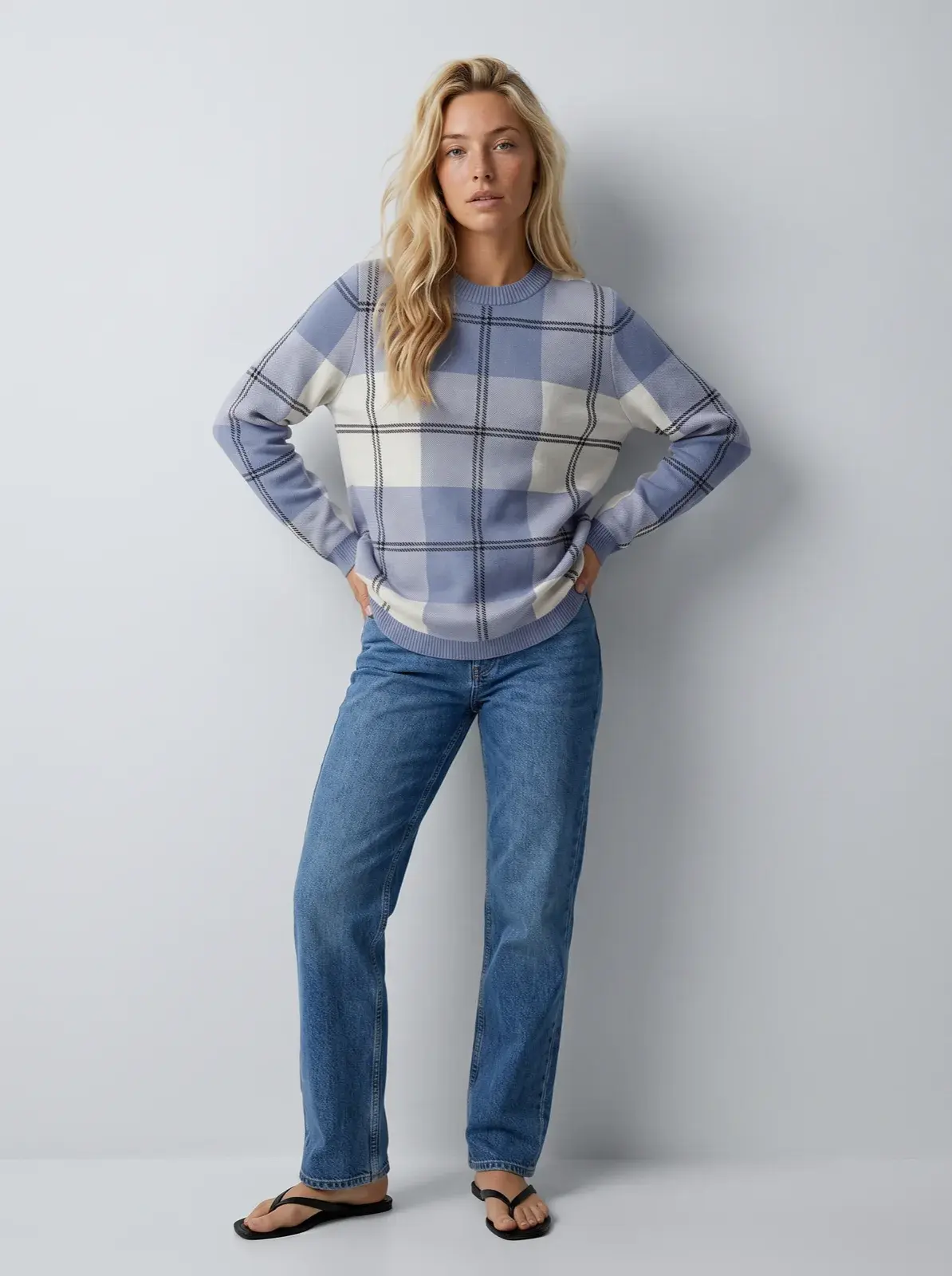
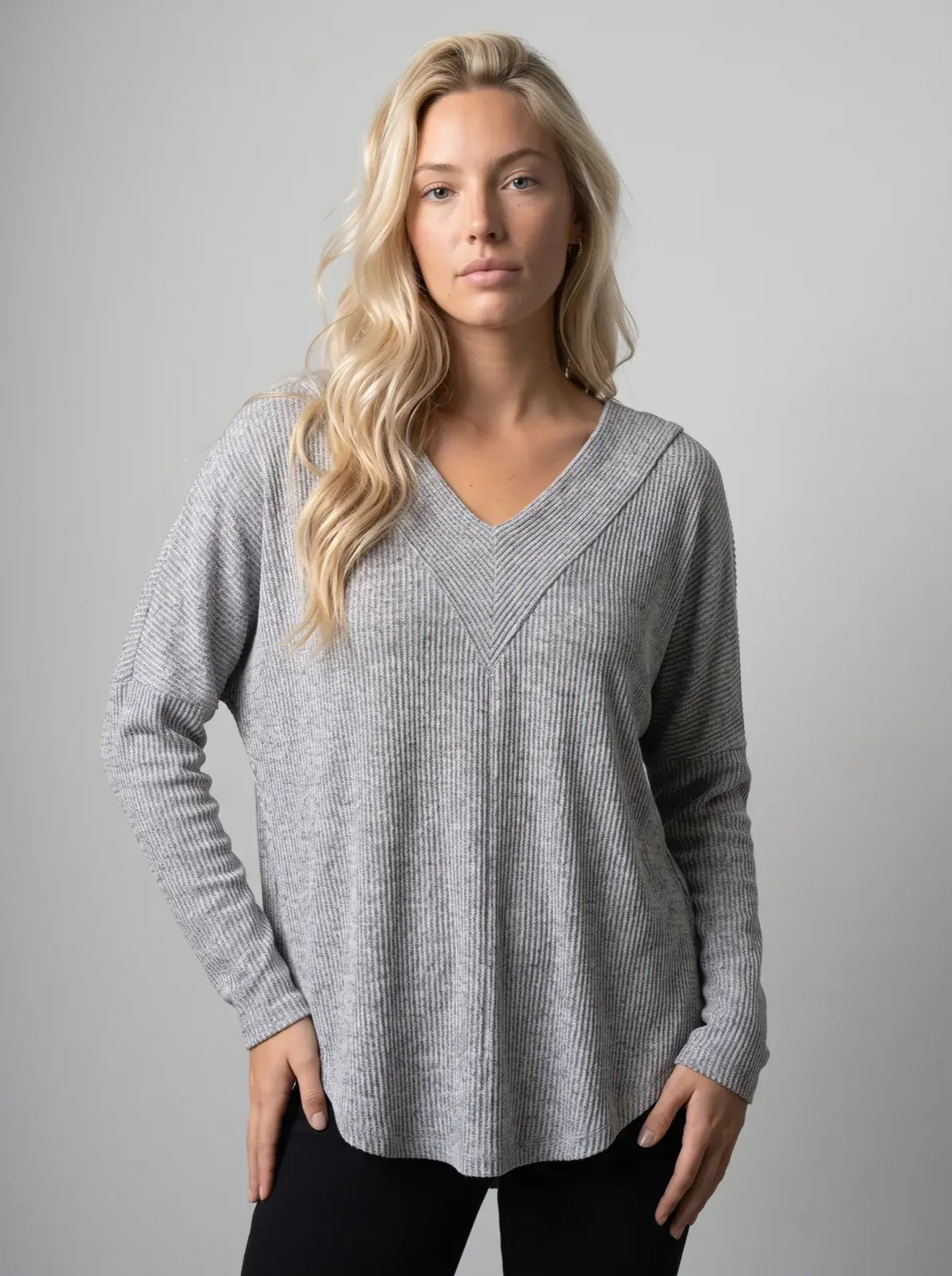
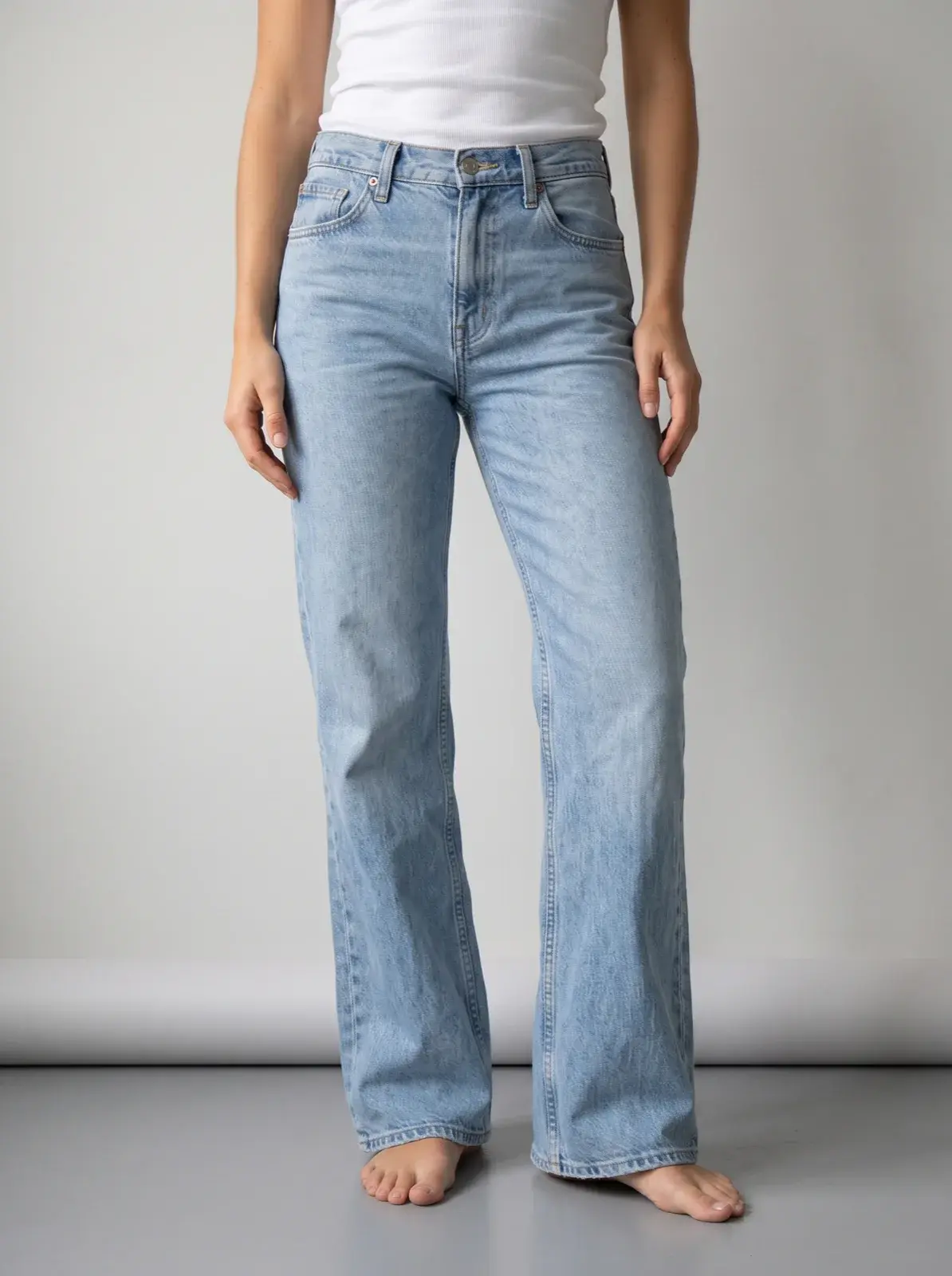
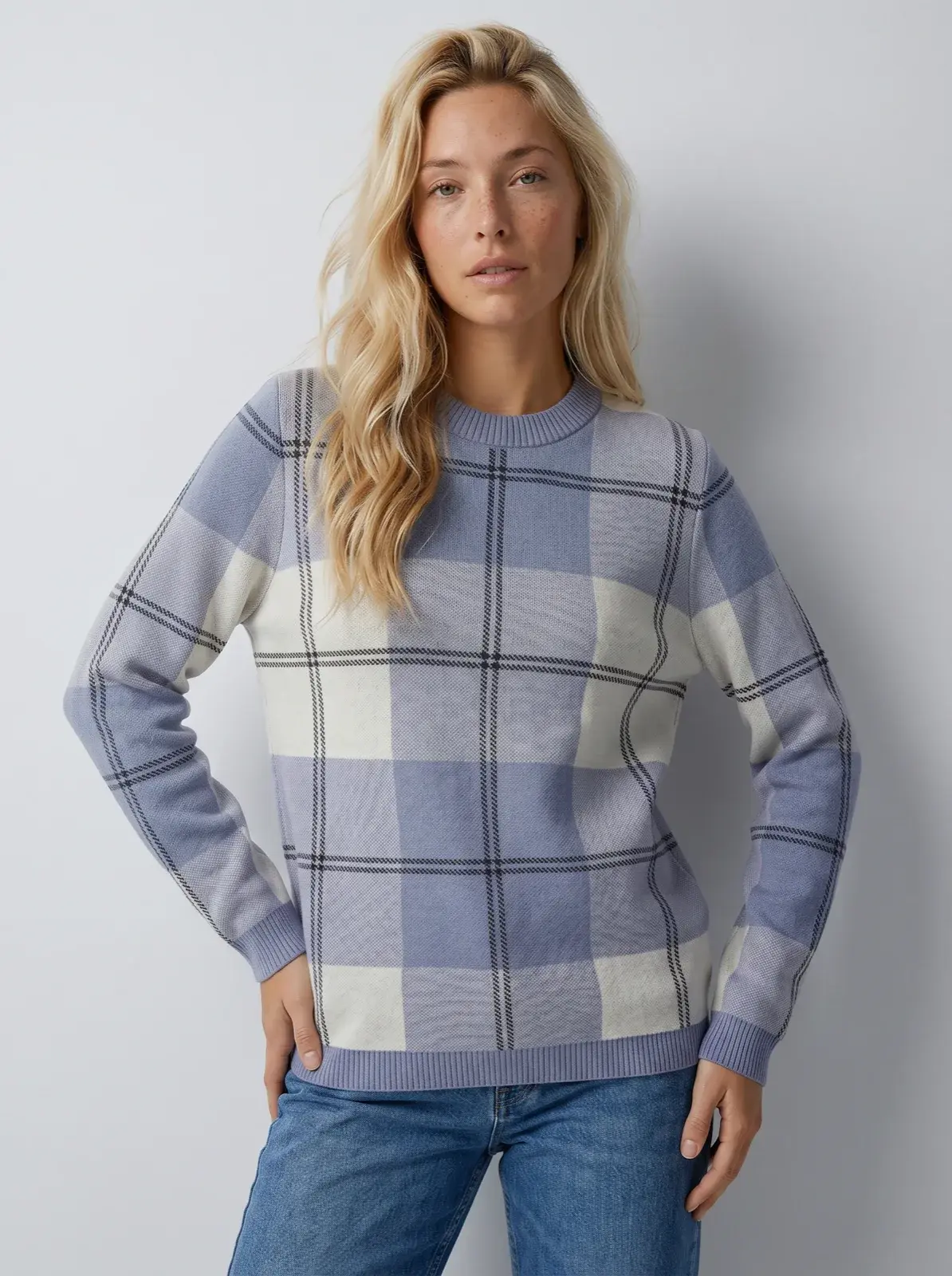
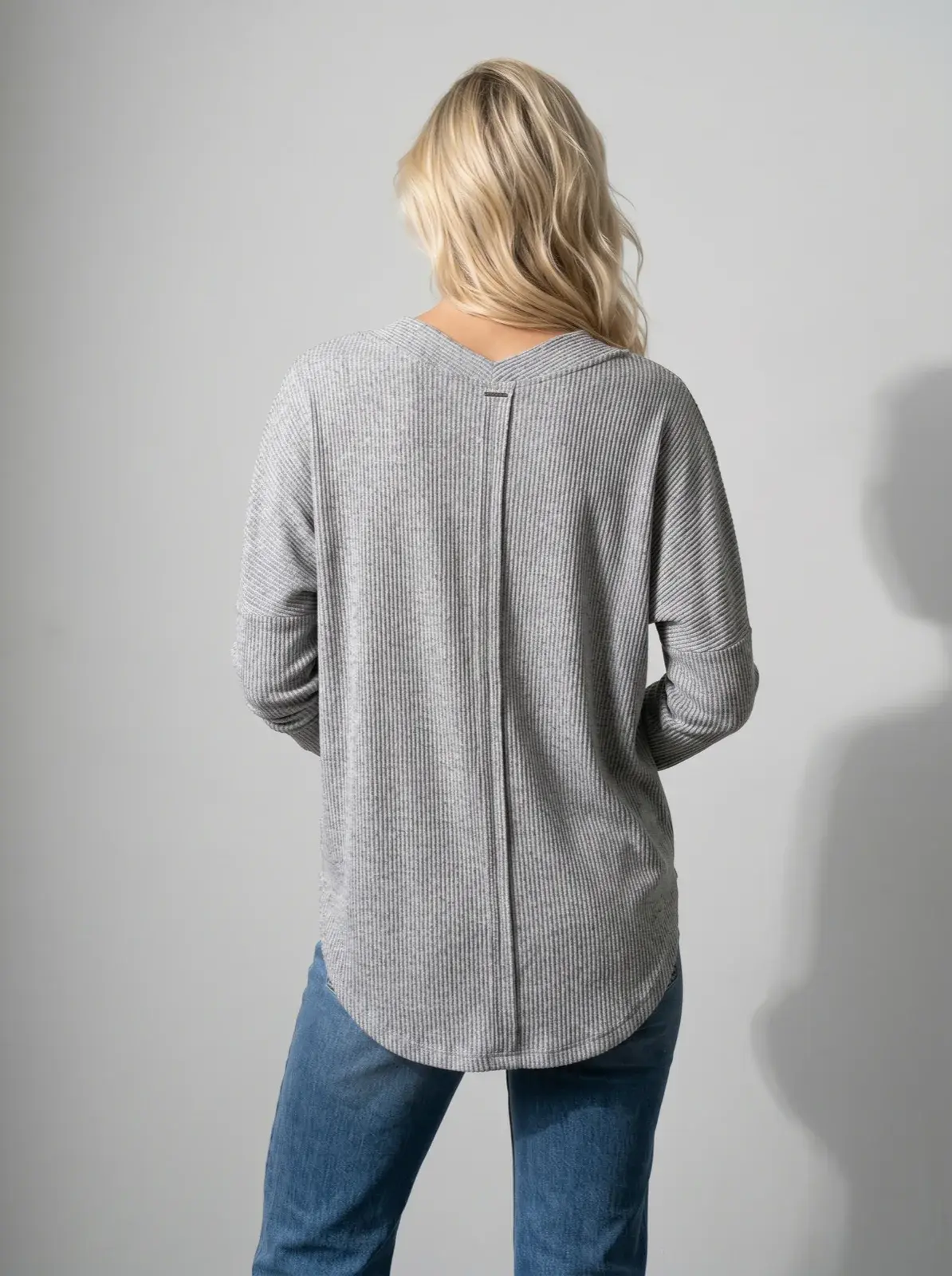
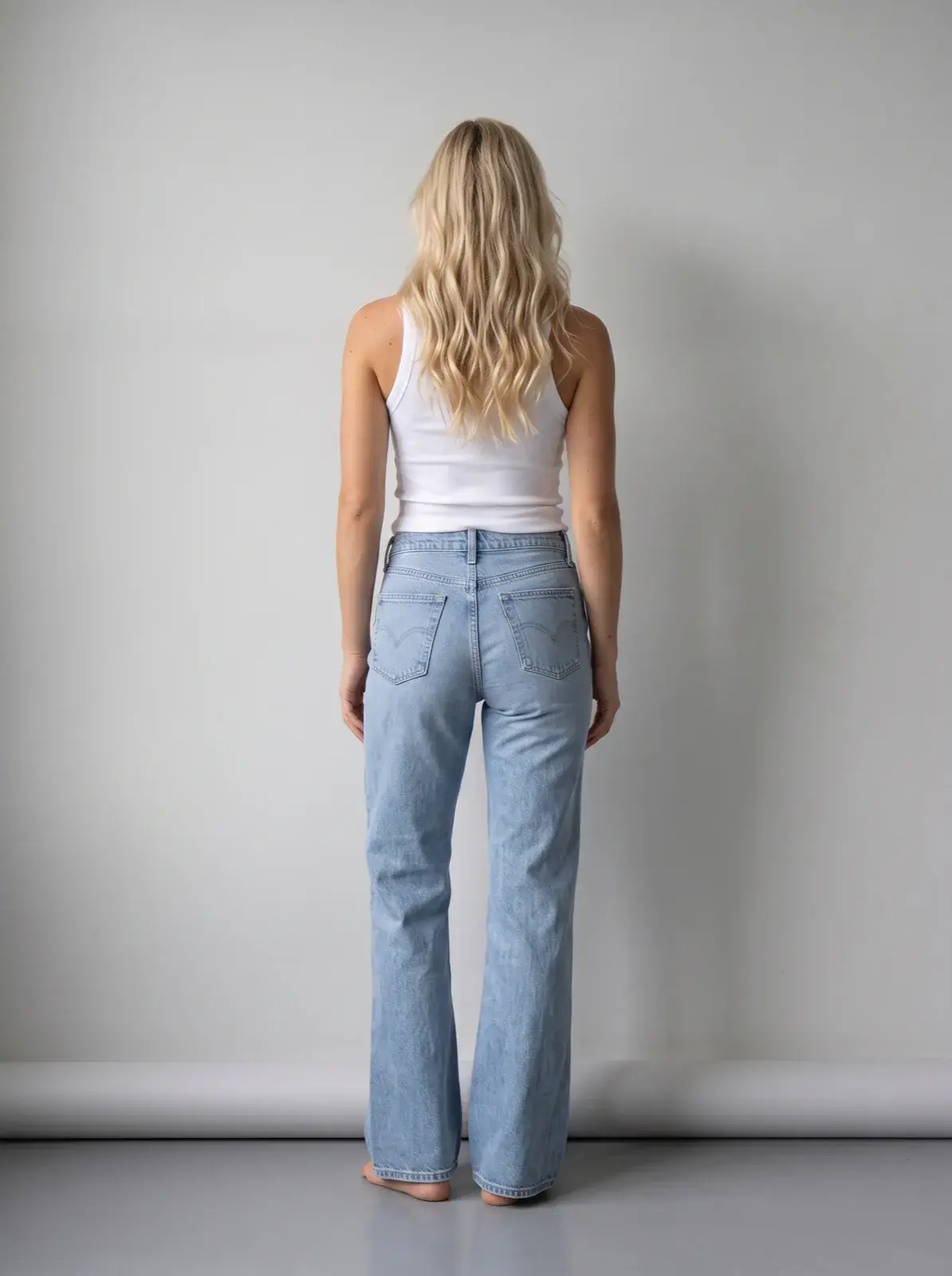
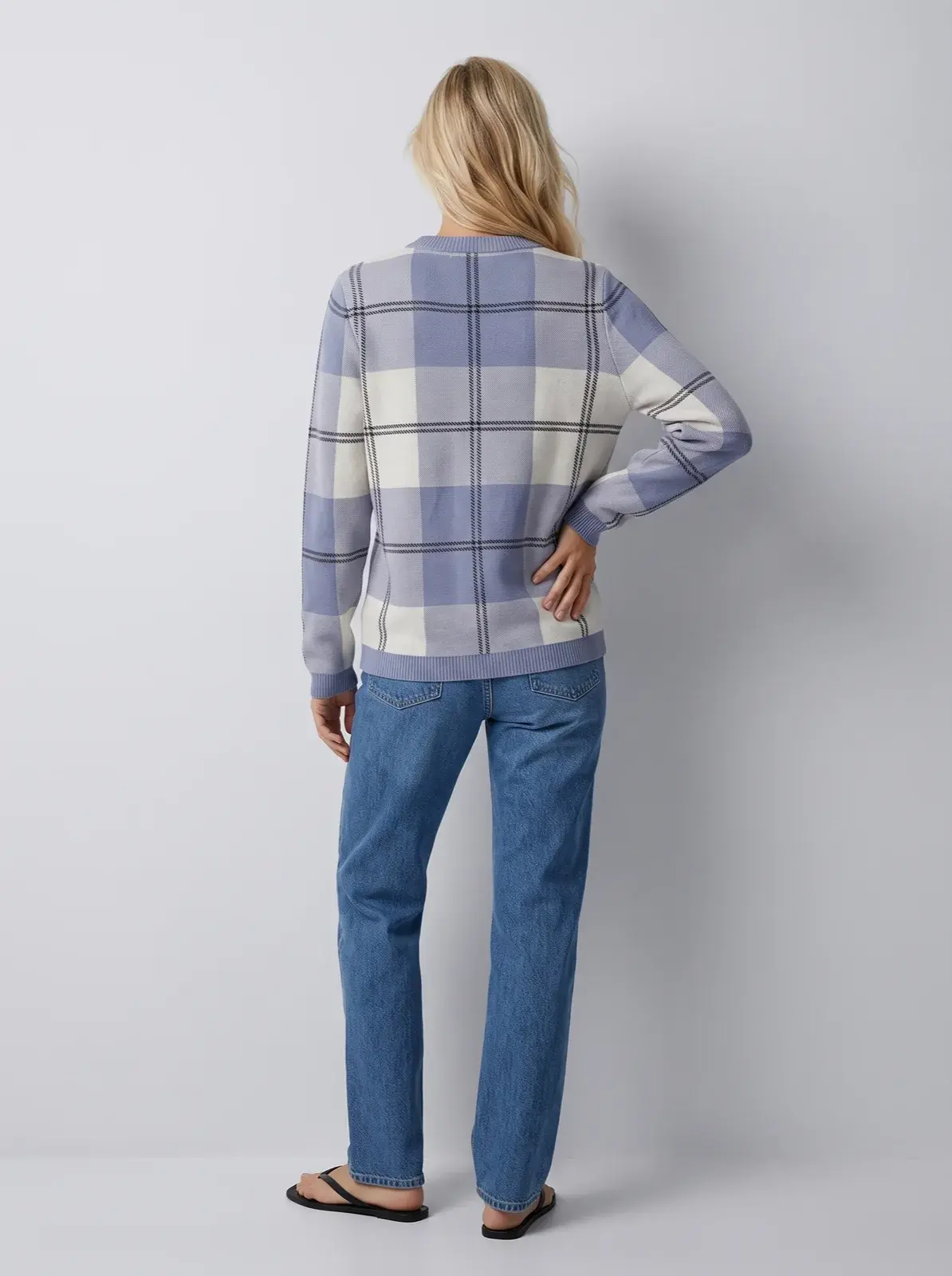
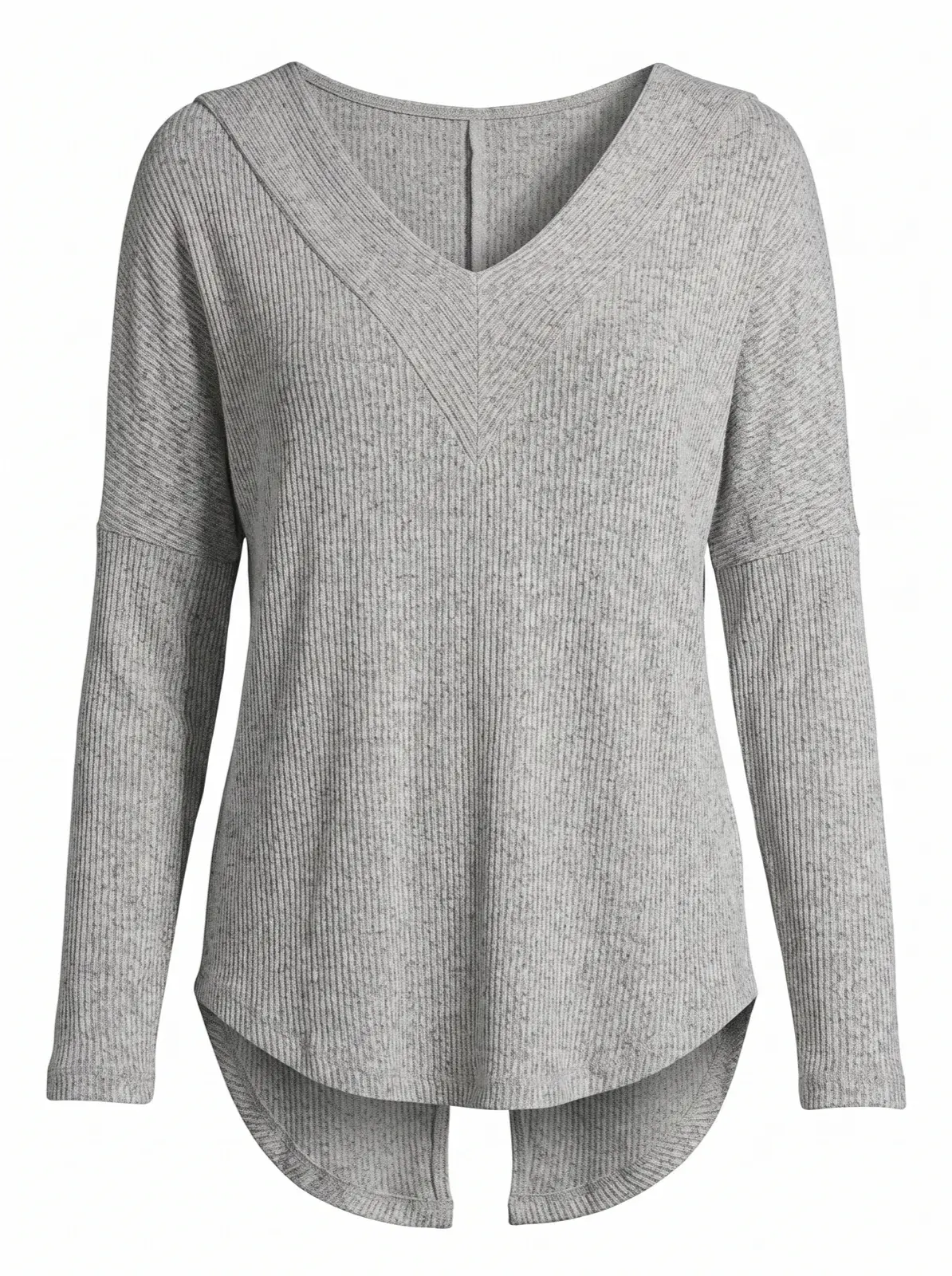
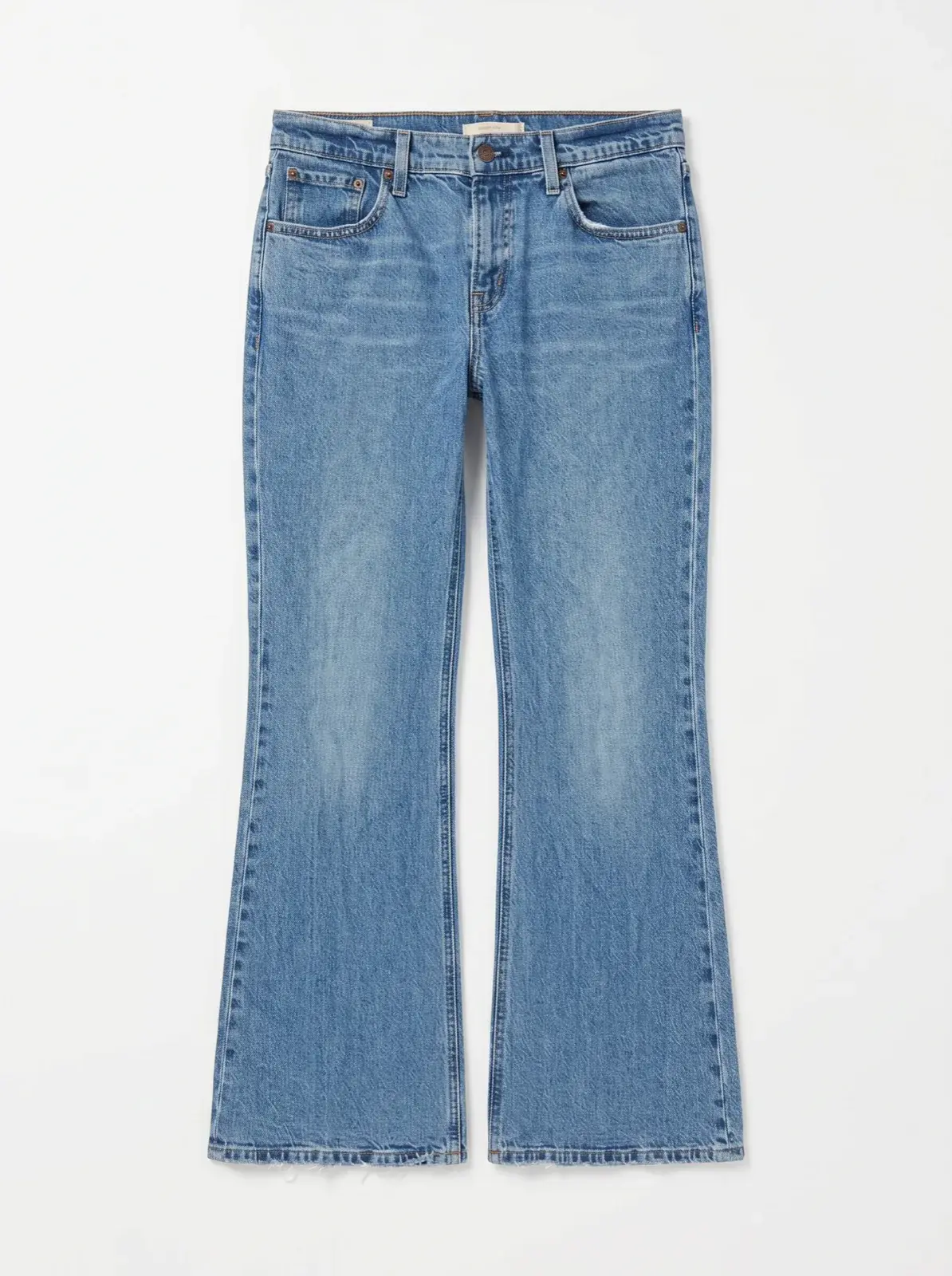
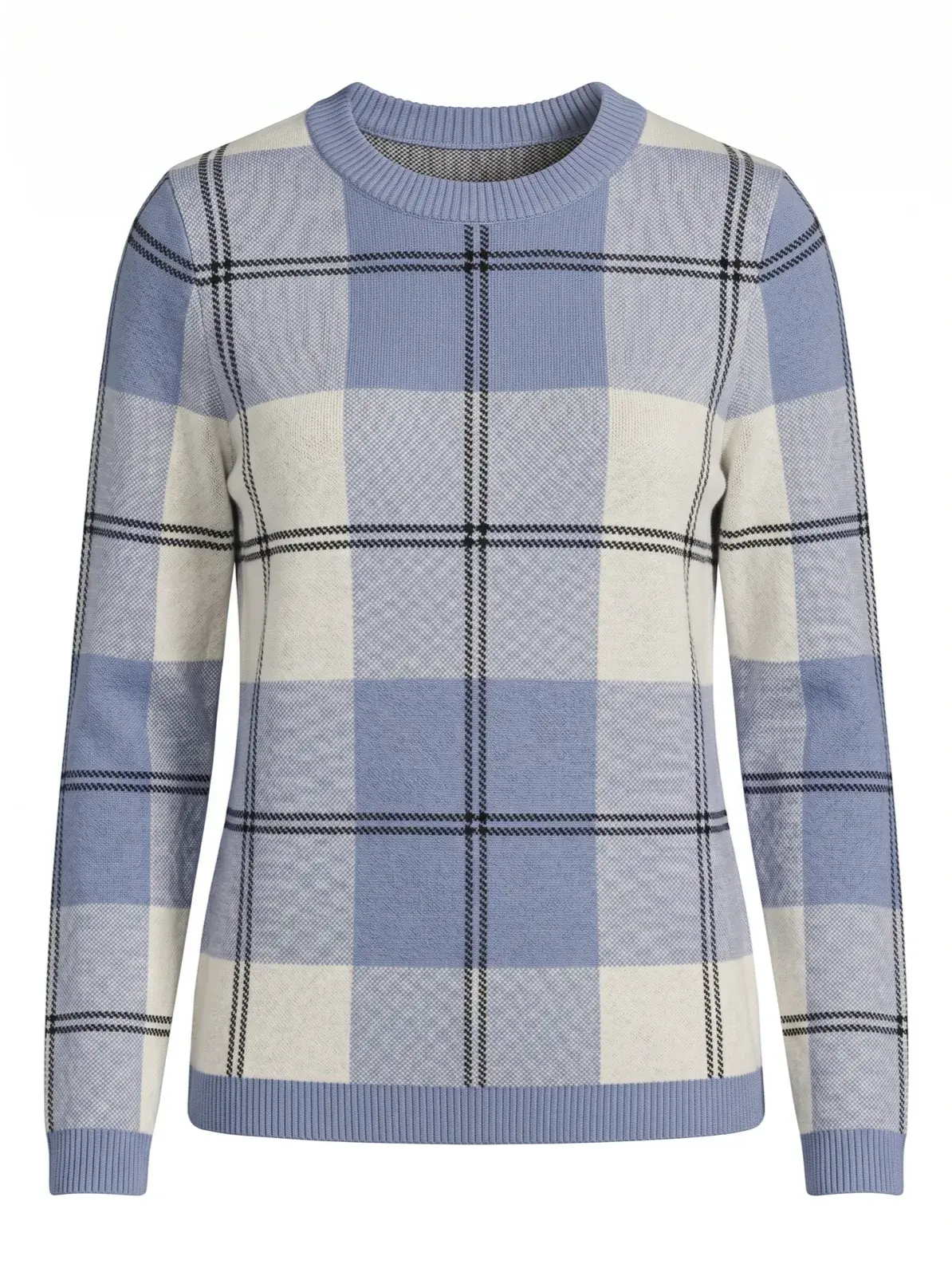
Ribbed V-neck top · four assets from one photo
02 / Shop the Look
Every outfit combination, already on a model.
Generate every relevant outfit combination on-model, and show complete looks that include the exact item the shopper is viewing.
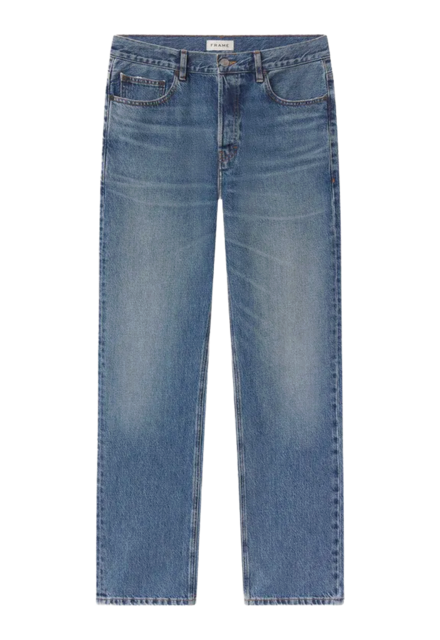
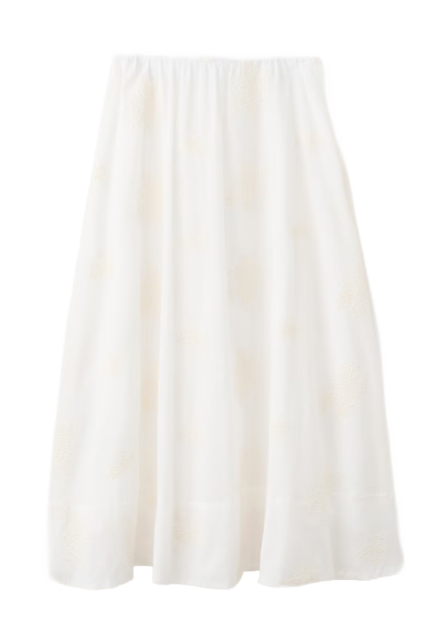
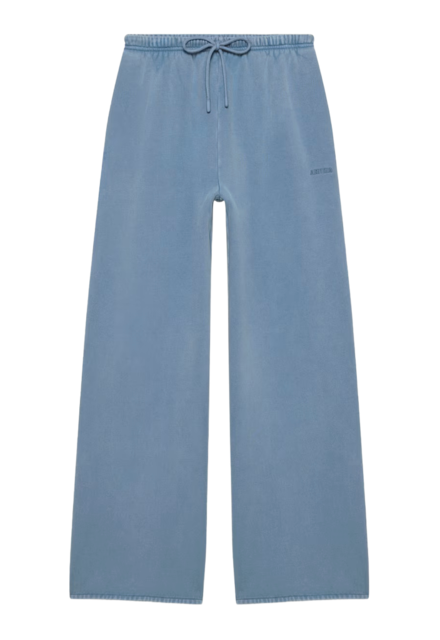
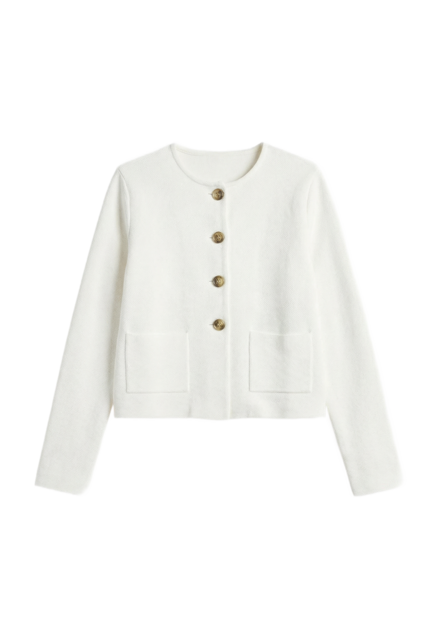
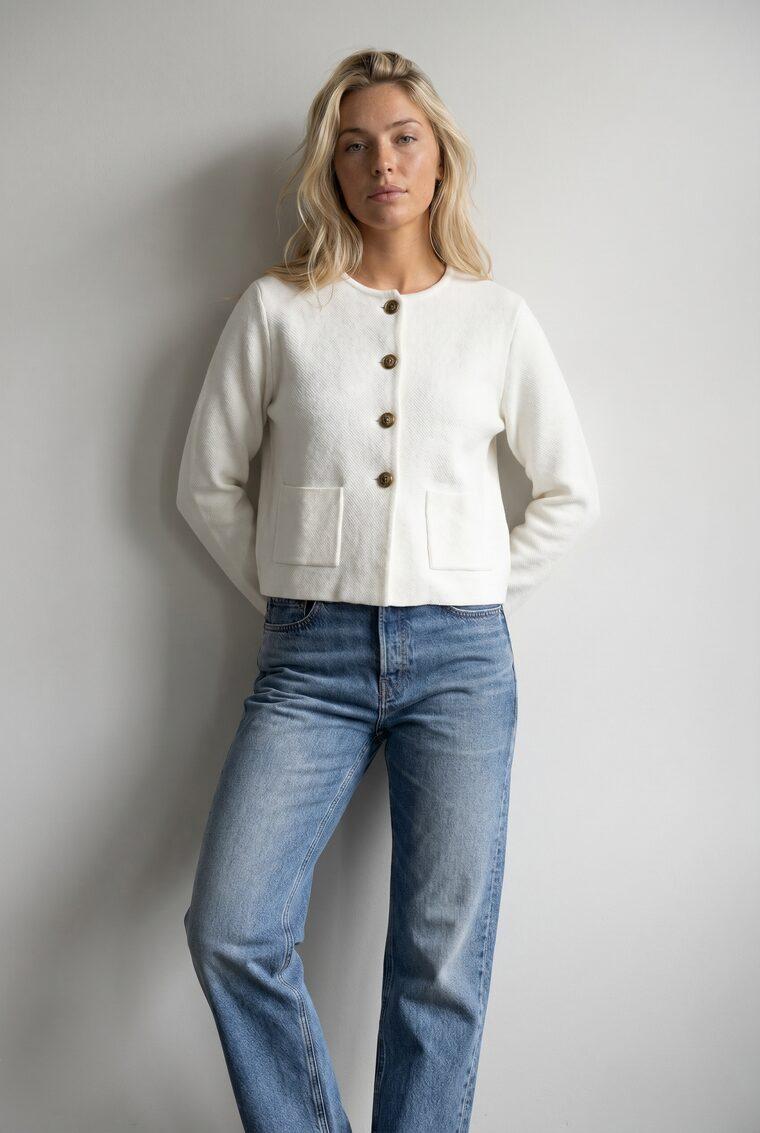
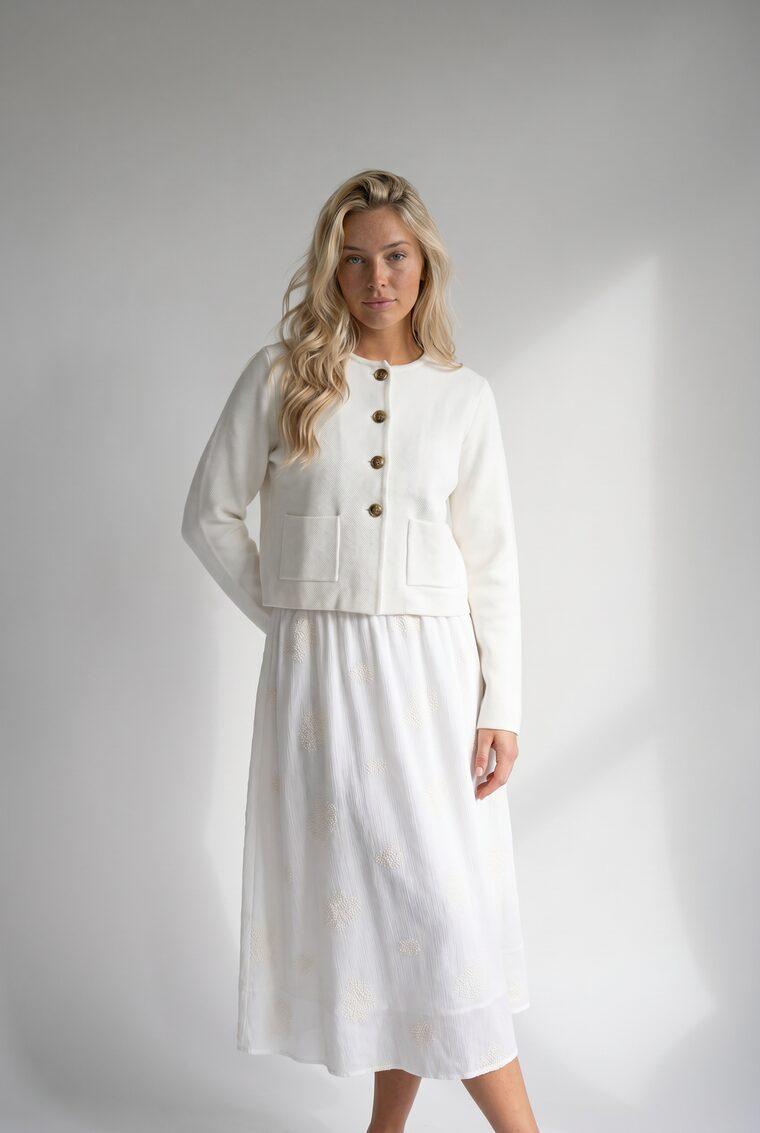
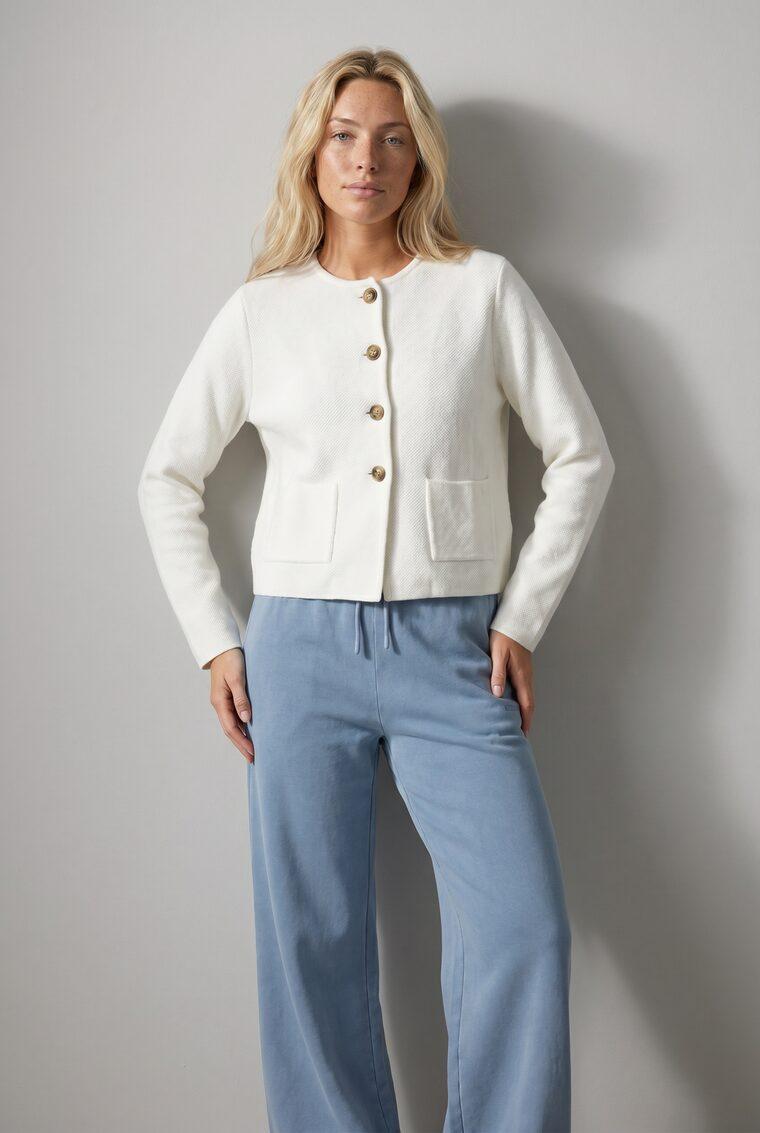
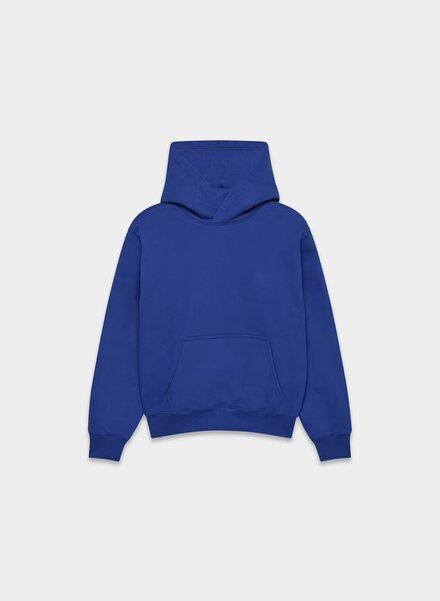
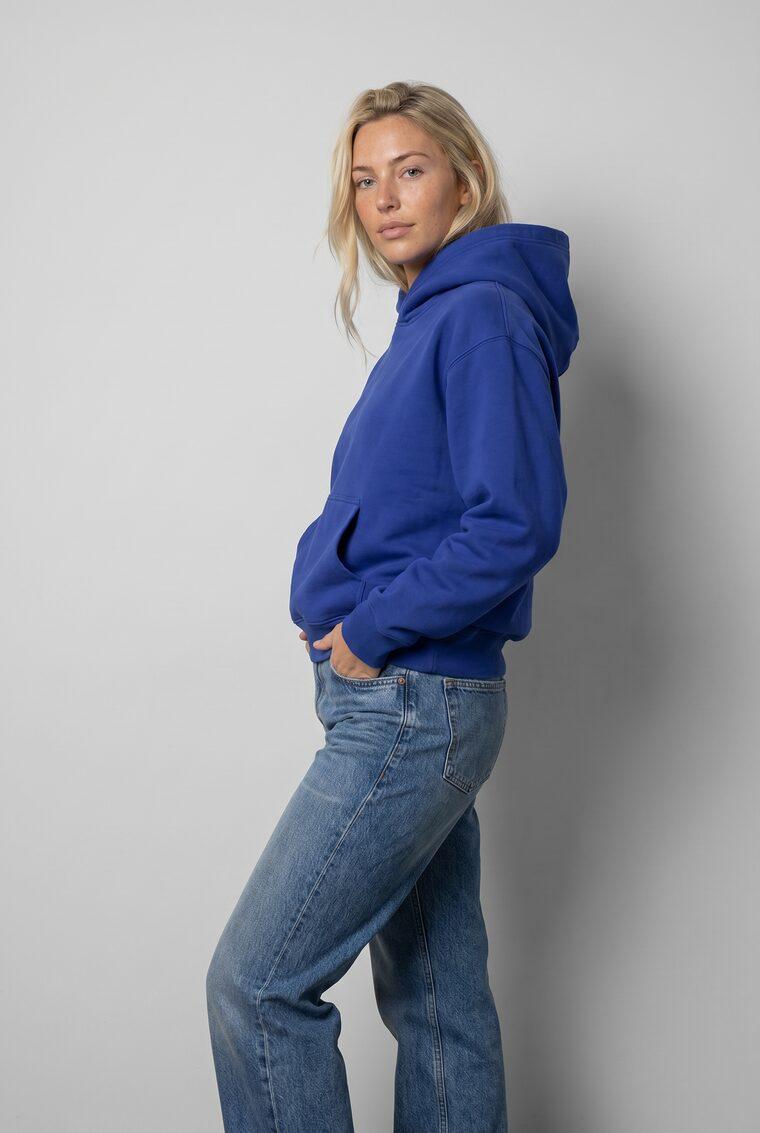

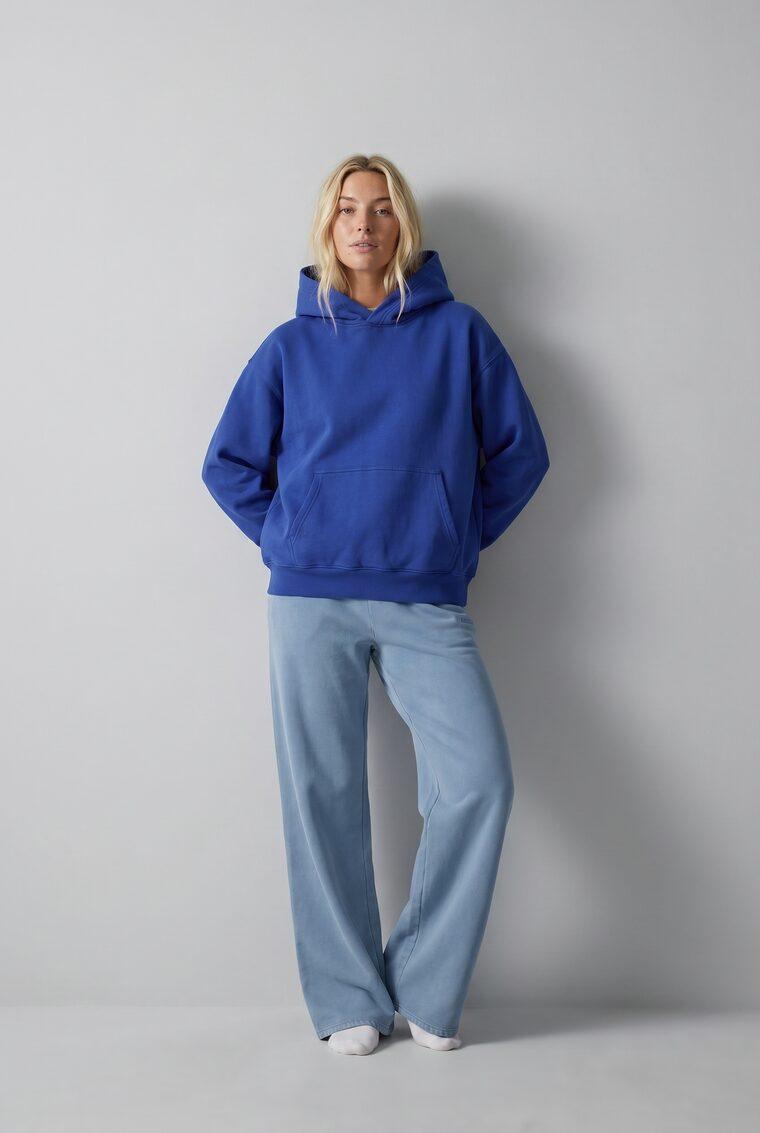
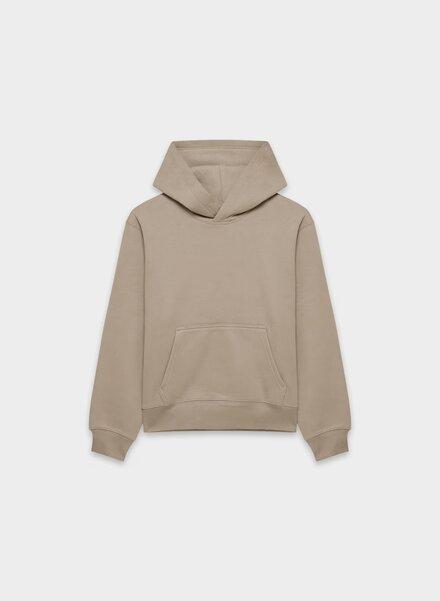
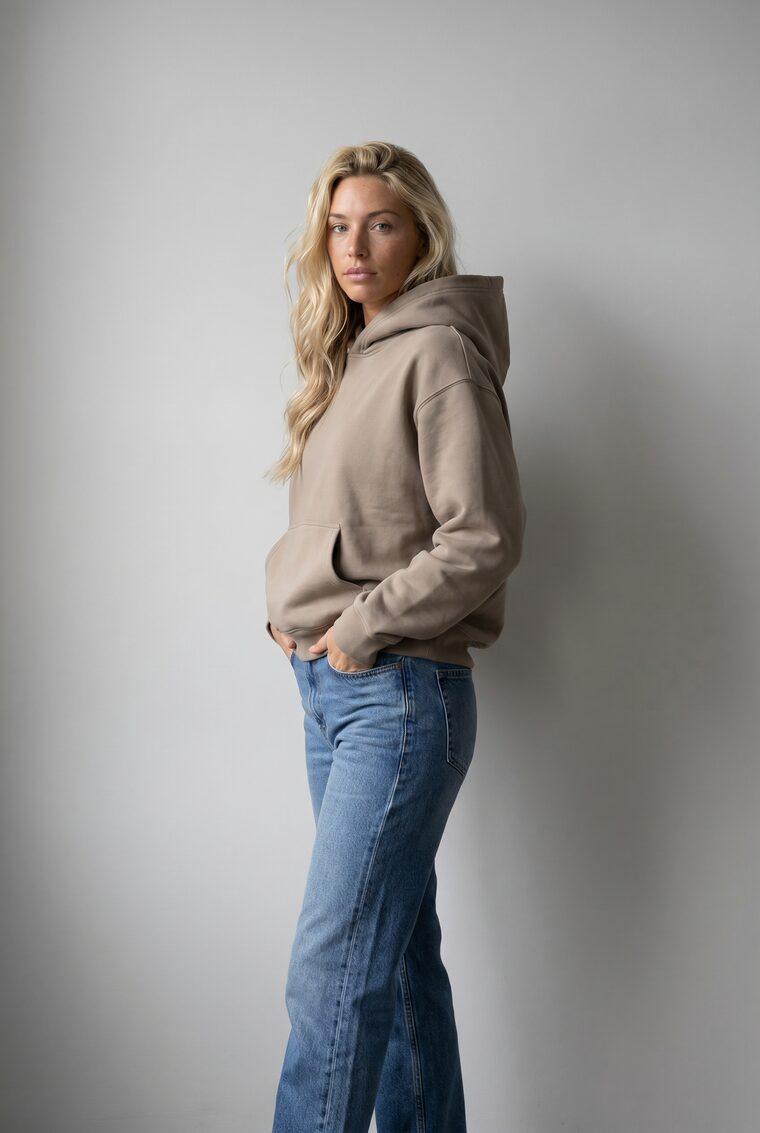
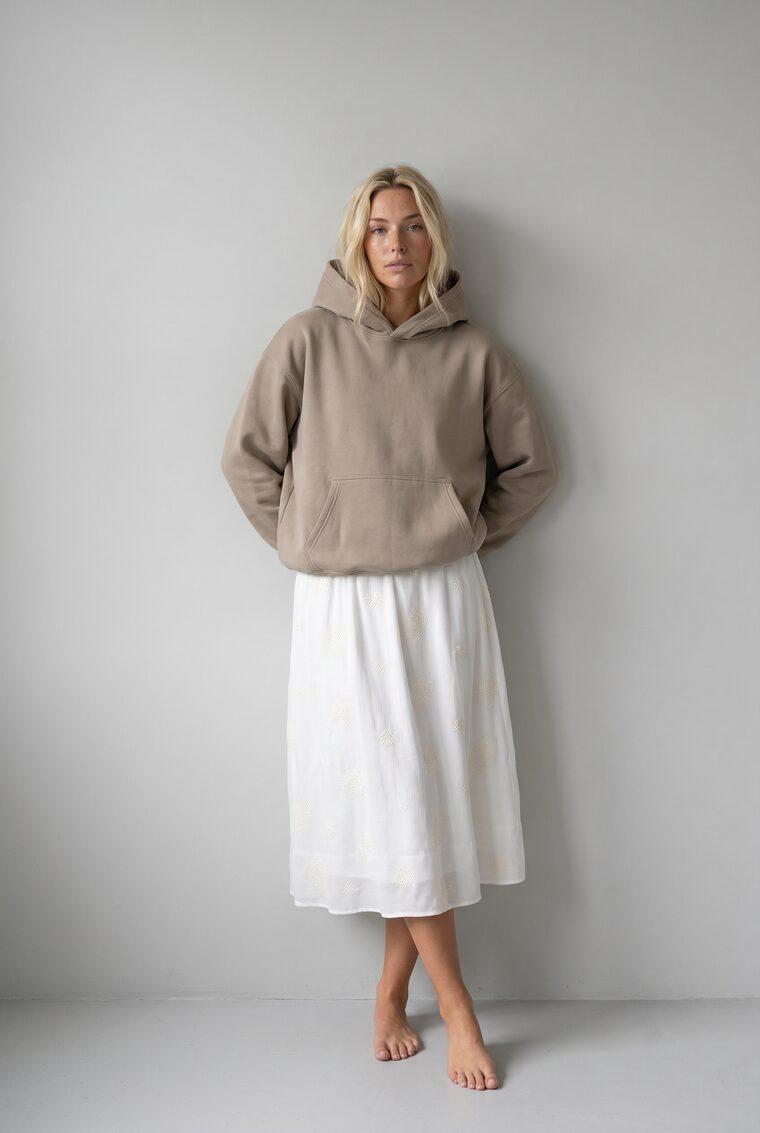

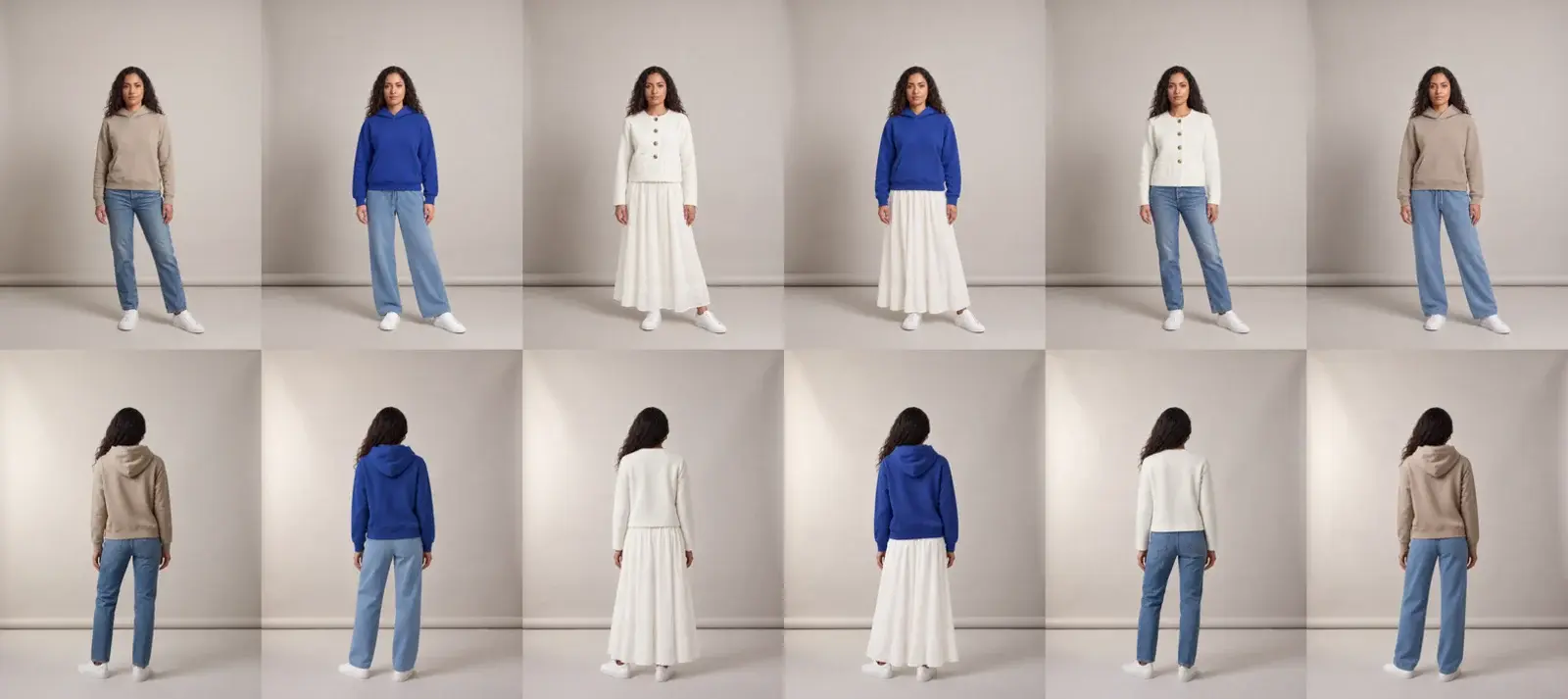
Three tops, three bottoms: nine looks on one model.
03 / Review & QA
Automatic QA on every image, at any volume.
Turn on the AI reviewer and it checks each image against your model, your prompt, and every garment in the look, shipping what passes and, when automatic retries are enabled, re-shooting what fails with the same request unchanged. No hand-reviewing required.
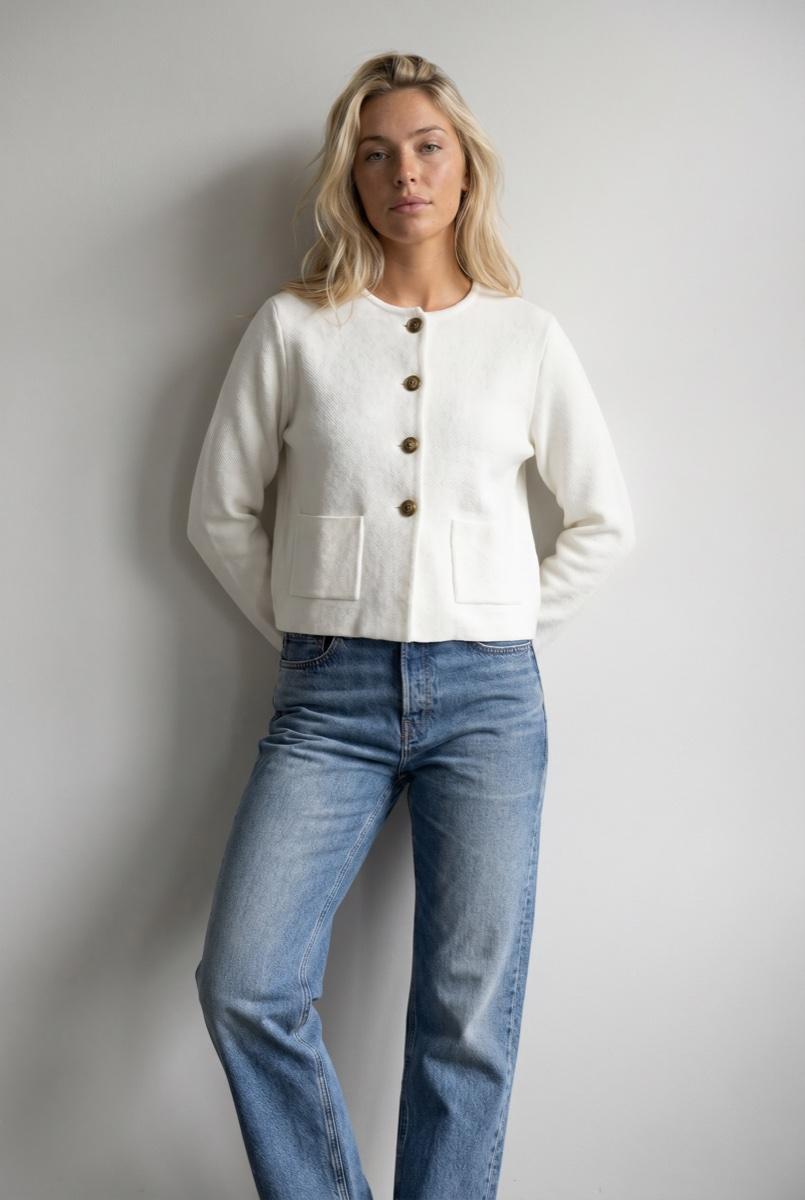
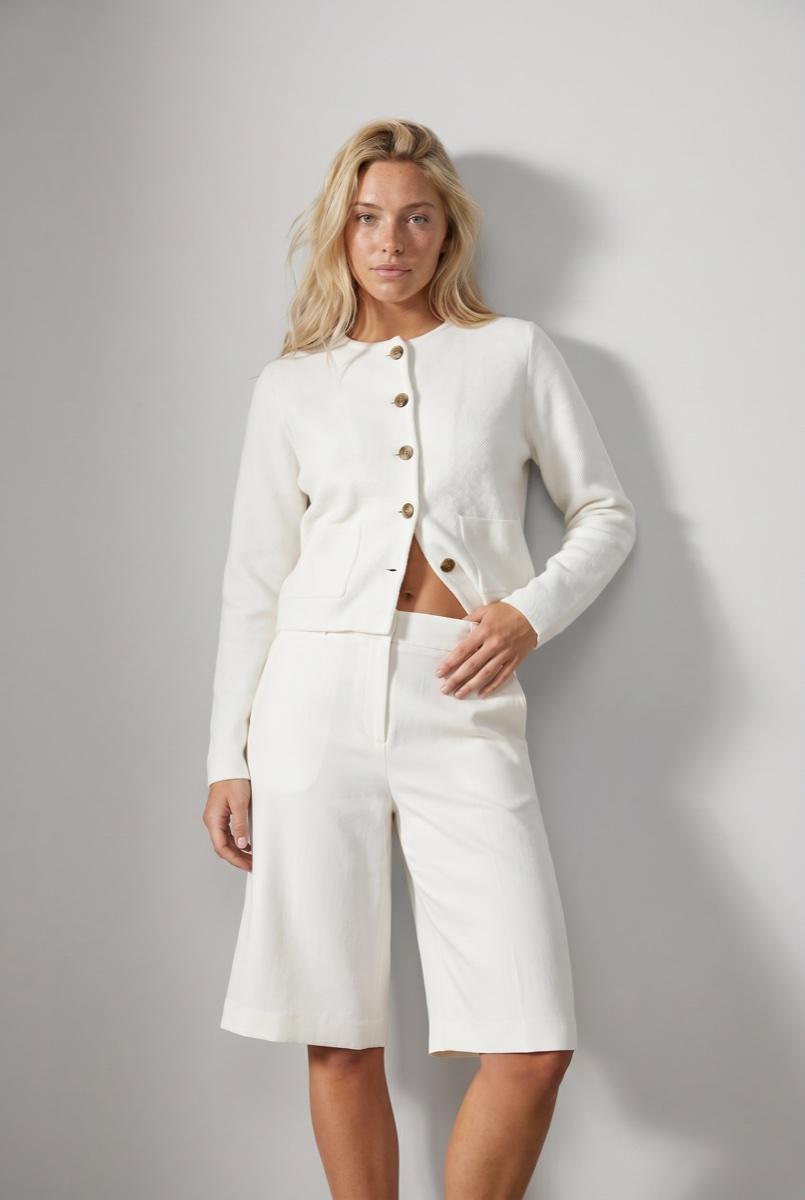
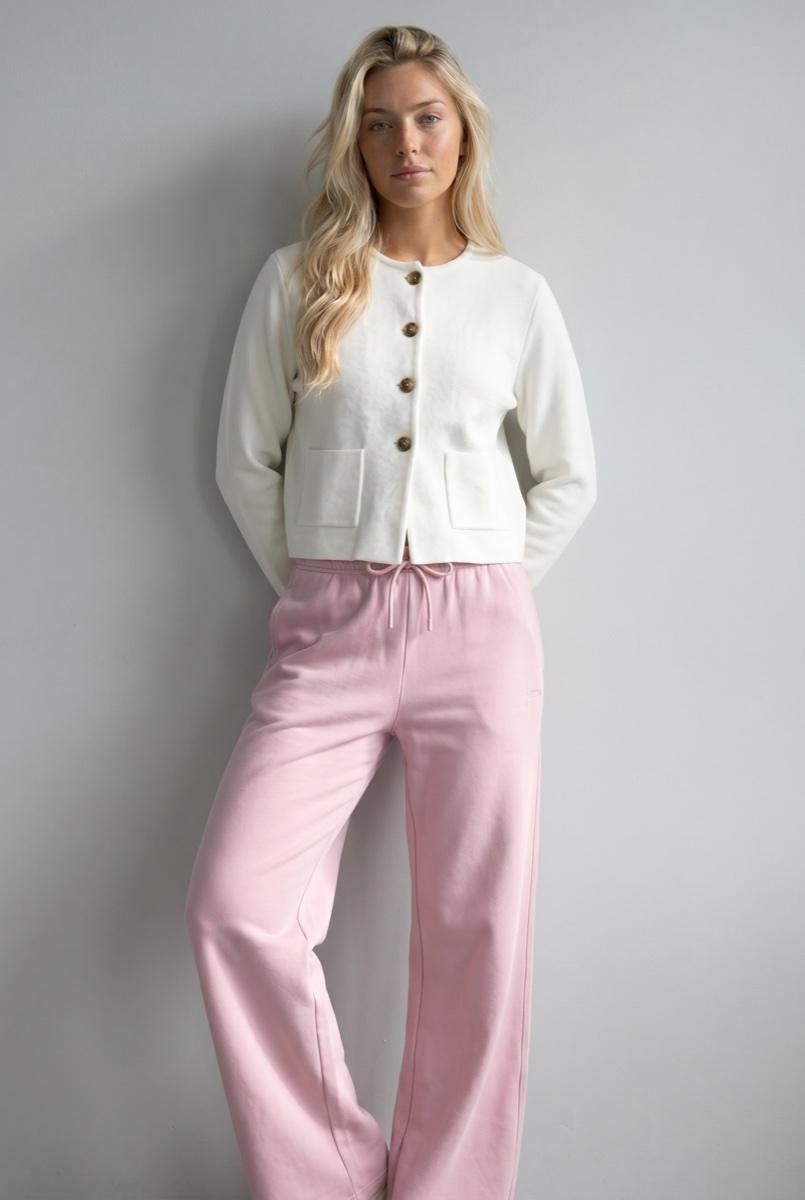
result #58976
6 of 6 passedApproved into your library.
Three surfaces, one engine
Operate it, automate it, or wire it in.
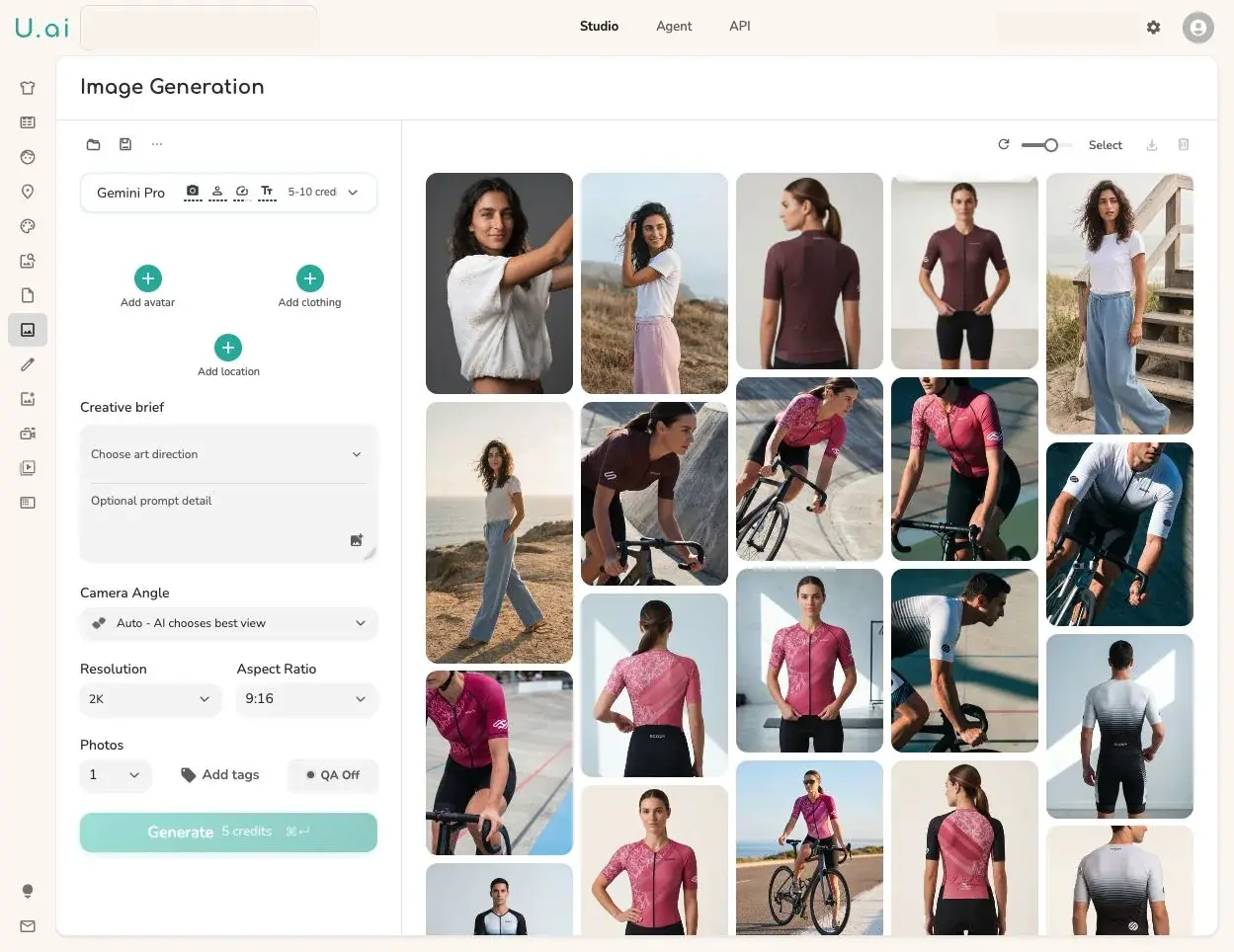
Run every workflow on this page from Studio, through one API contract, or inside Claude and ChatGPT over MCP. Same engine, same assets, same QA.
Generate, review, and approve by hand in the control room.
Wire one contract into your PIM, DAM, or storefront.
Now a plugin in ChatGPT, and a connector in Claude.
Case study

Special use case · Virtual try-on
Shoppers see it on themselves before they buy.
Dailyfit, a consumer app, runs its virtual try-on on the Uwear API: one shopper photo, real products, and generated fits that shop like product pages.
See virtual try-onArt direction
One brand look across every AI photoshoot.
An art direction anchors your brand: casting, light, framing, and QA criteria, written once. Its variation controls then explore scenes and poses without ever drifting off brand.
Saved direction
High-summer lifestyle
- High-contrast midday sun · graphic shadows
- Terracotta, cobalt, baked mustard, plaster white
- Candid poses · garment always readable
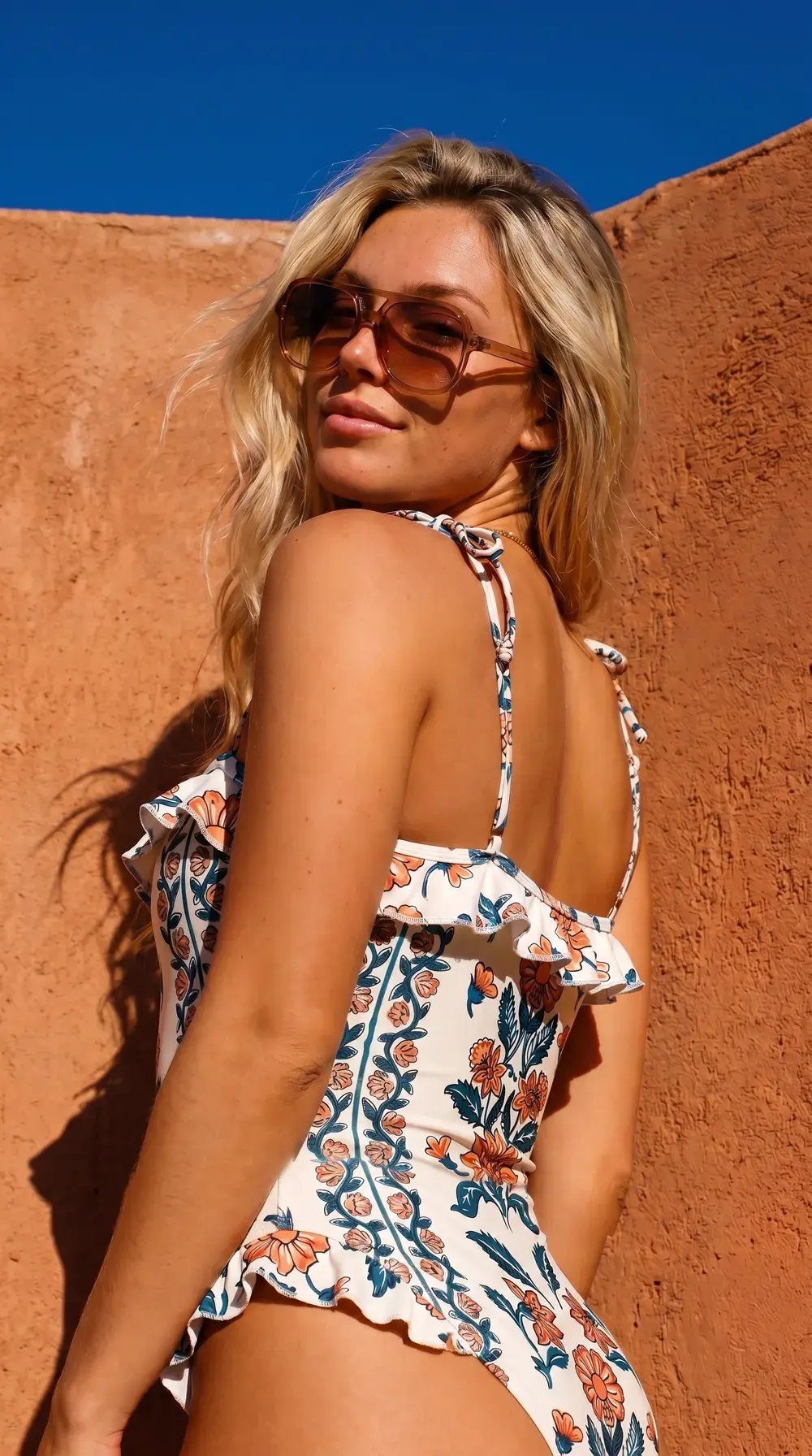 Terracotta wall · Var. A
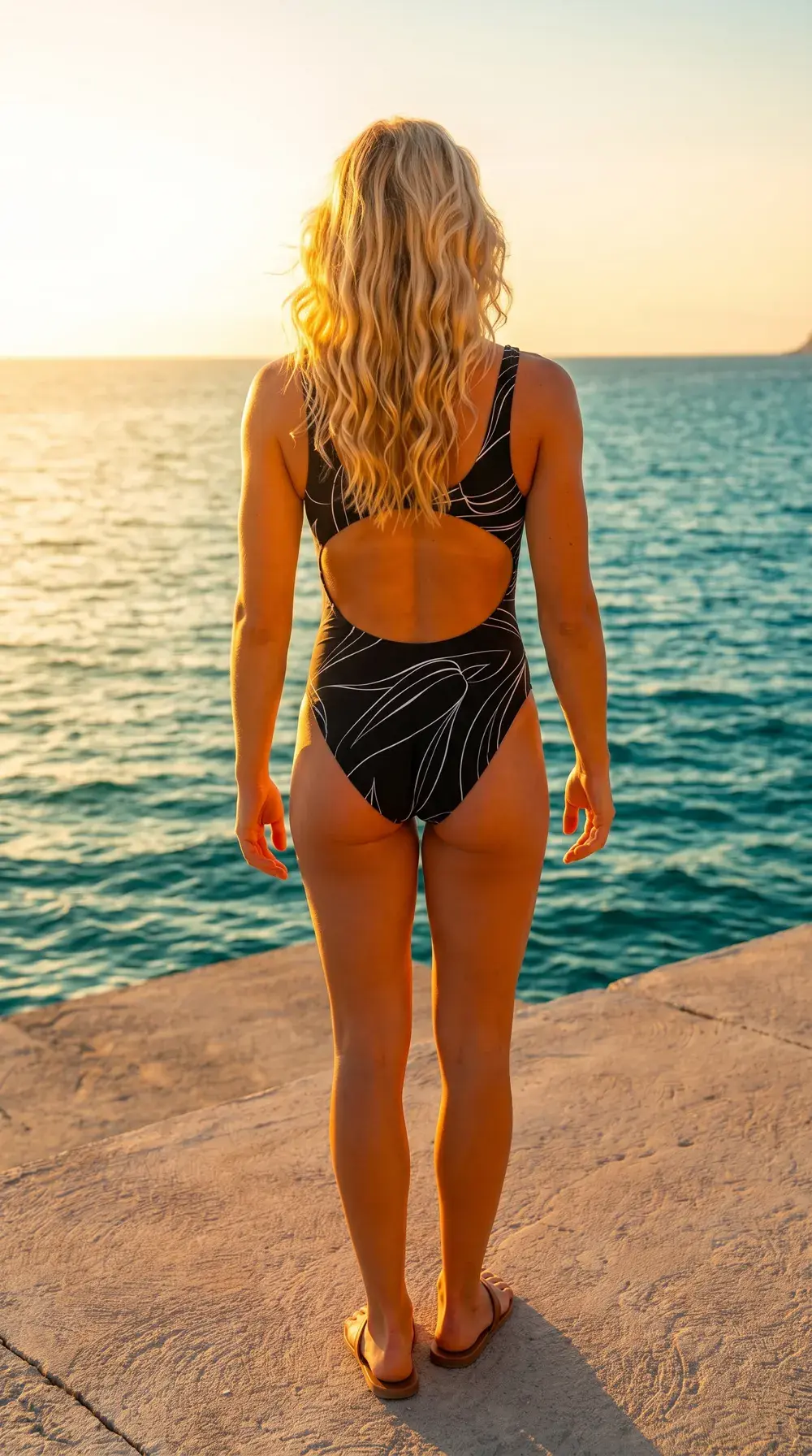 Coastal path · Var. B
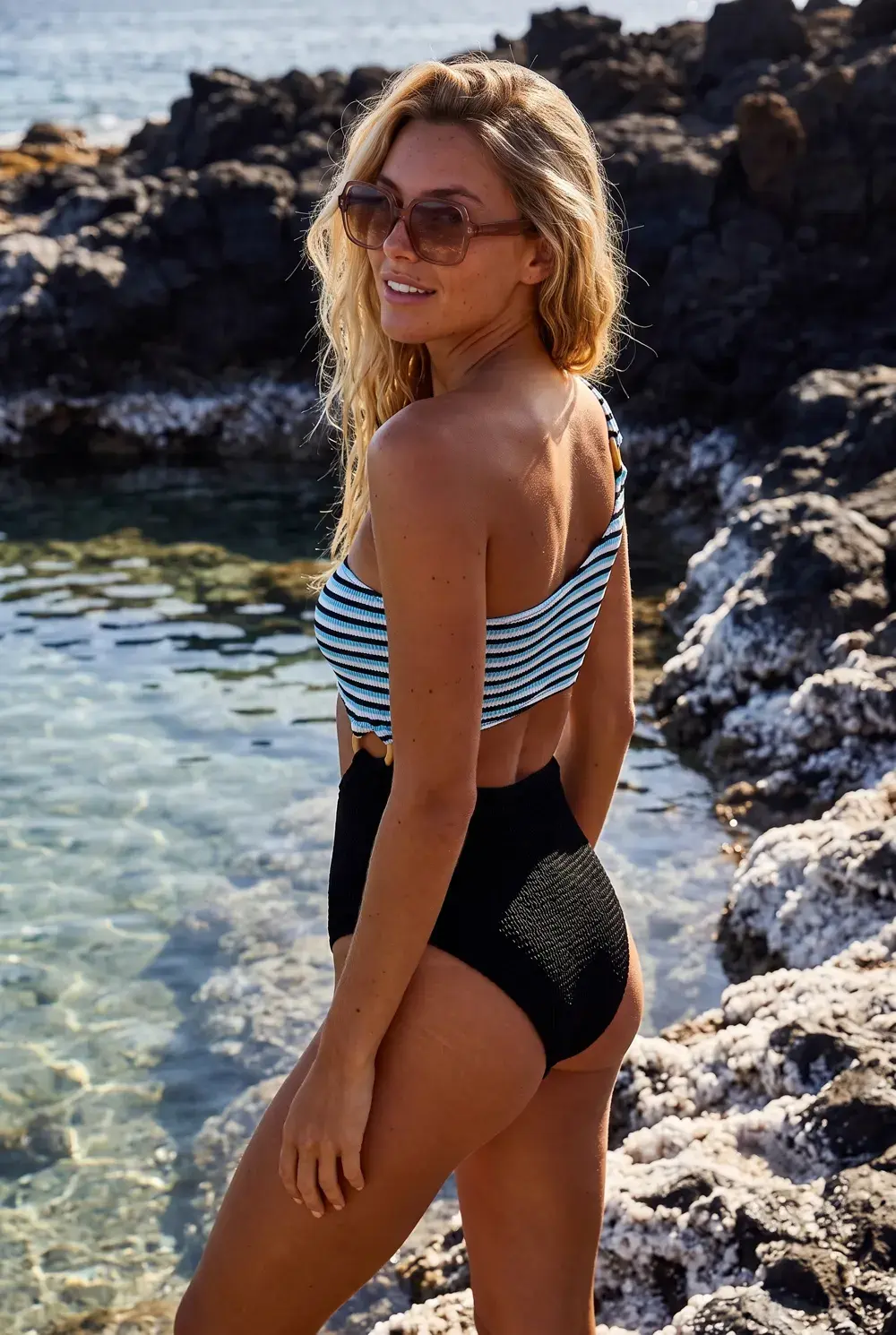 Rock pool · Var. C
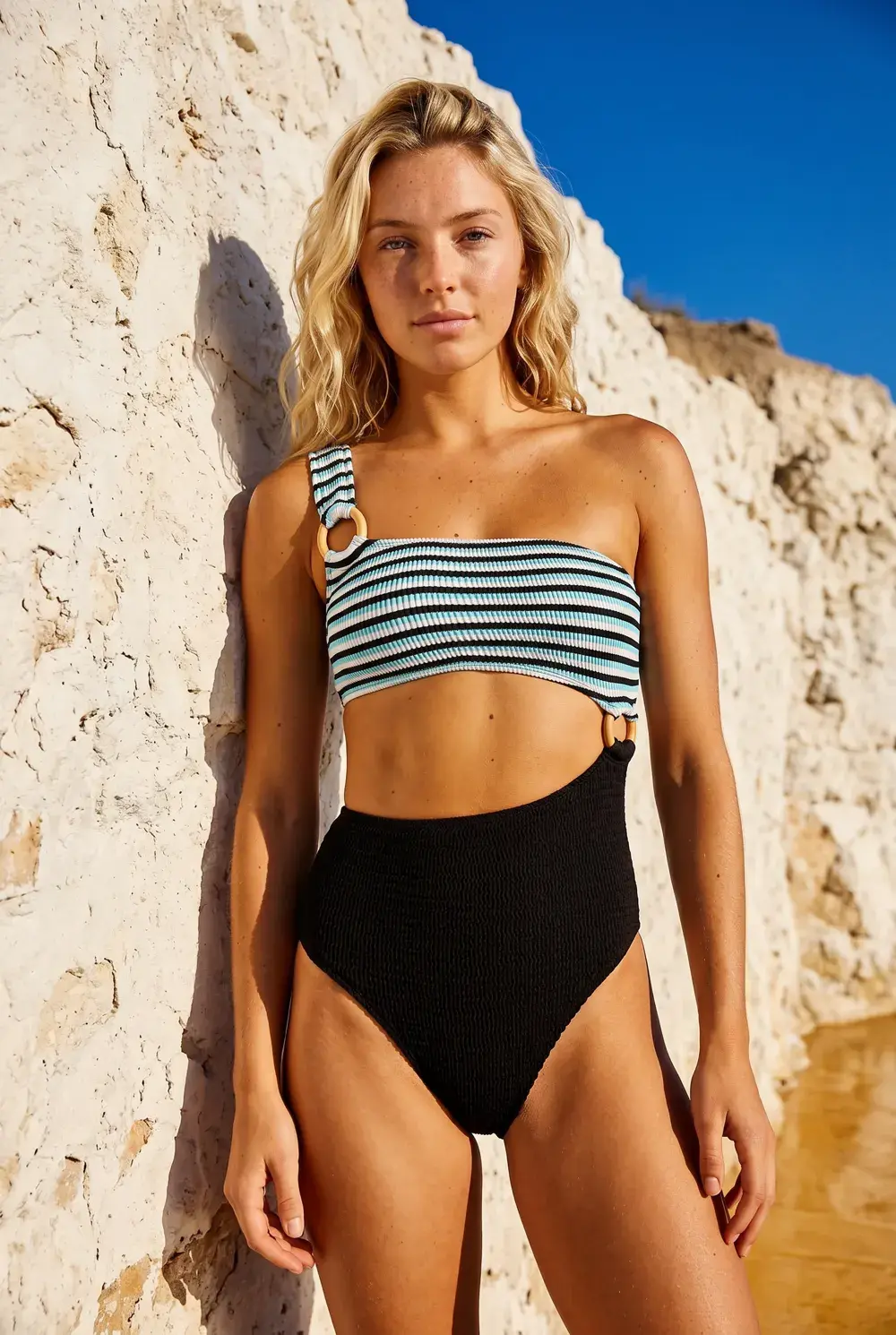 Clay cliff · Var. F
One model, one locked direction, four of its variation controls. Every shot stays on brand.
The engine
One engine behind all of it.
Four capabilities carry every workflow on this page.
Production Automation
Automate the shoots you keep repeating.
Production Automation is live in Uwear: wire the settings you reuse to a trigger once, and every new upload, tag, or outfit runs them on its own.
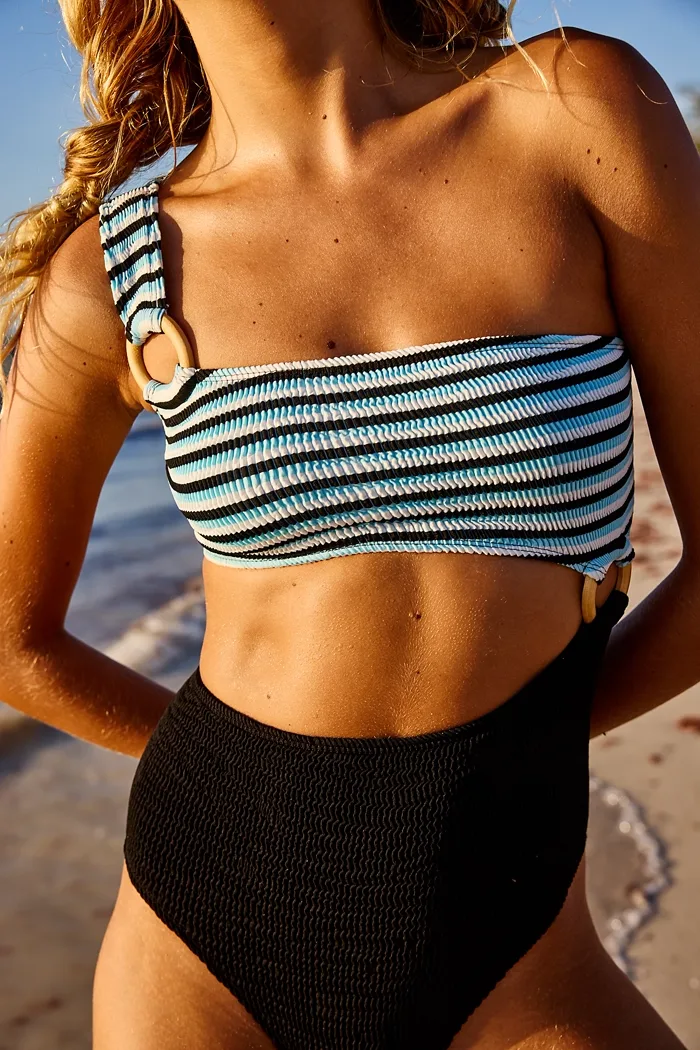 Striped swimsuit
Image and video models
The best image and video models, whoever makes them.
The state of the art rotates between labs. Uwear carries every frontier image and video model in tiers: route hard garments to Best quality, simple ones to Fast, and switch the day something better ships.
The labs that make the models you run on Uwear.
Gemini Pro
Gemini Flash 2
Gemini Flash
GPT Image 2 (low)
Seedance 2.5
Seedream 5.0 Pro
Seedance 1.5 Pro
Kling 3 Pro
Kling 2.5 Turbo Pro
PixVerse v6
Wan 3.0
Wan 3.0 Prime
Qwen Intimate
New models land the week they prove out for fashion. Same credits, same workflow.
See every model and its ratesFashion video
Turn approved stills into fashion video.
Approved on-model photos become product page clips, 360 loops, and campaign cuts, with no video shoot.
One approved still, two live Kling samples. MiniMax H3 Max, Seedance 2.5, Gemini Omni Flash 1.1, and Wan 3.0 lead the video lineup.
See AI fashion videoUwear tutorials
Learn fashion visual production with AI.
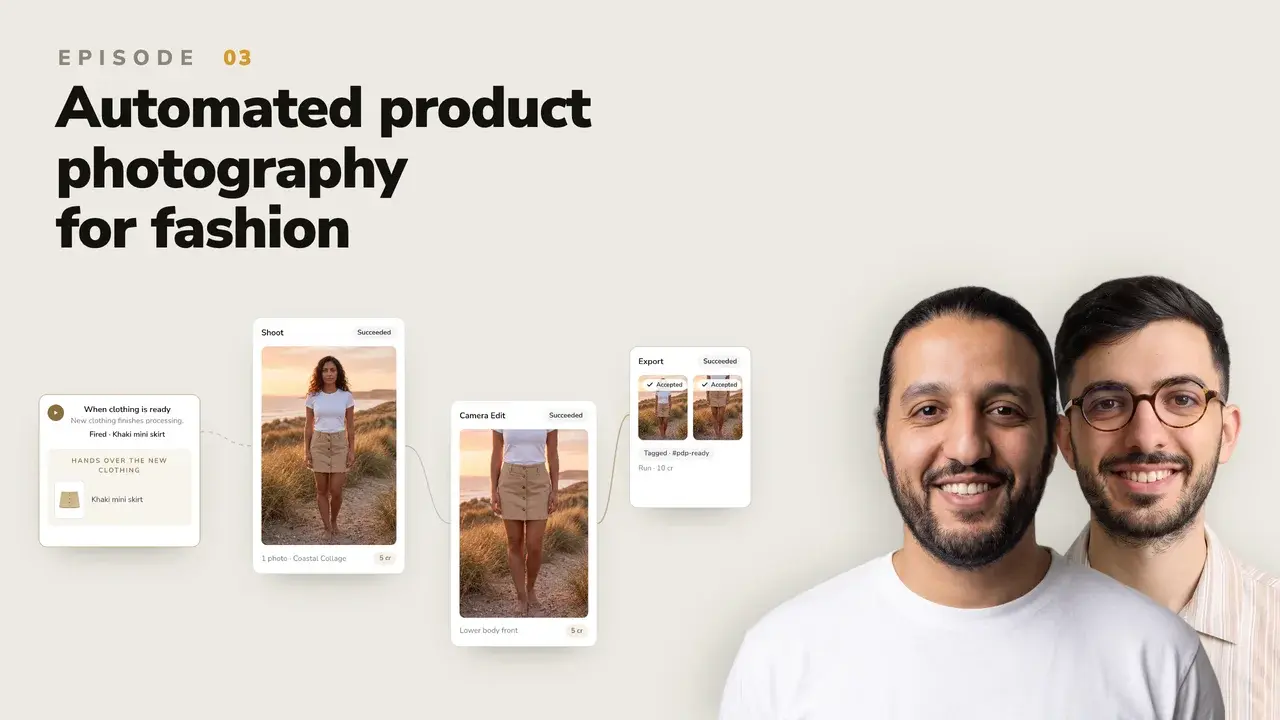
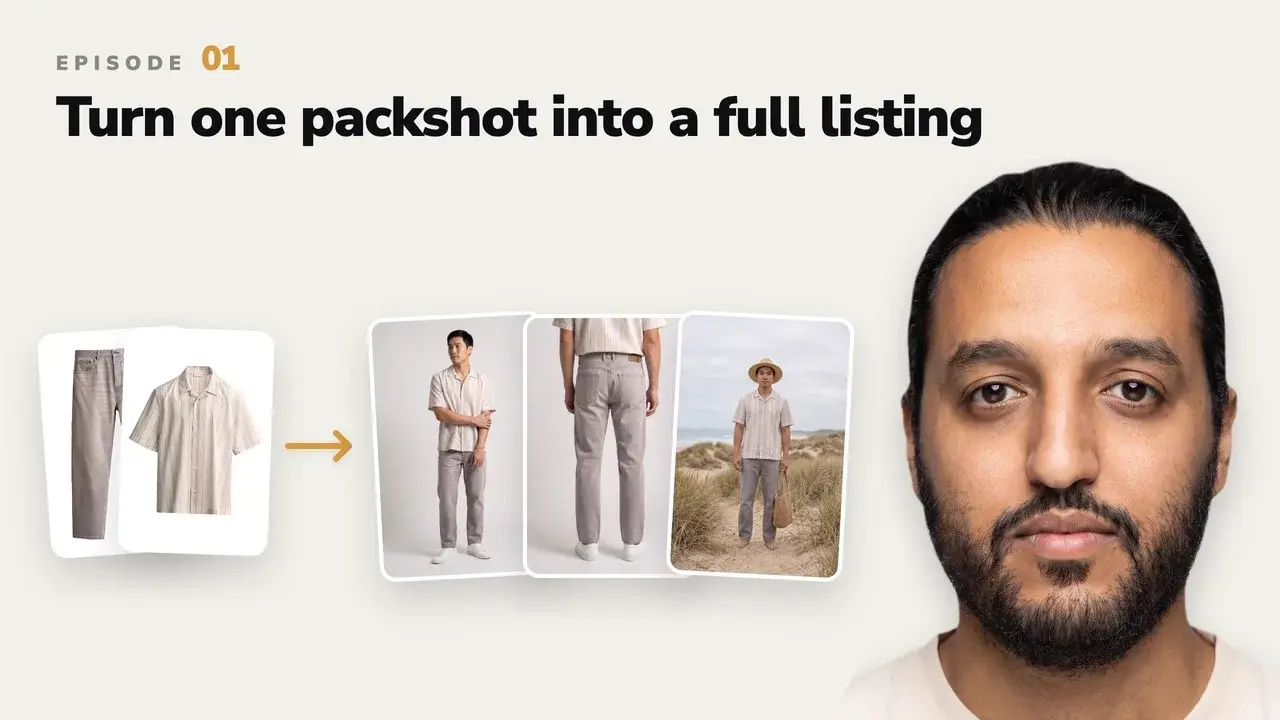
Follow practical workflows for turning product assets into on-model photos, product videos, and complete ecommerce listings.

What’s new
Read the latest Uwear releases.
Pricing
Buy credits today, or set an enterprise contract.
Buy credits and generate this afternoon, or bring enterprise volume and shape the contract around it.
Pay as you go
$0.10per credit
- Credits never expire
- No subscriptions or seat fees
- Works across Studio, Agent, API, and MCP
- Auto-pay top-ups when you run low
Enterprise
Customshaped around your catalog
- Volume pricing: bulk credits or a platform fee with lower rates
- Invoice billing and a team workspace with unified billing
- Implementation and pilot support
- Custom QA criteria for your standards
Frequently asked questions
Still evaluating? Book a demo and we will map your first workflow.
Uwear is an AI visual production engine for fashion: it puts your clothing on AI fashion models. Start from the product photos you already have, such as flat lays, packshots, ghost mannequin or supplier photos, and Uwear turns them into on-model product photos and short videos. One saved model and one saved art direction keep a whole catalog consistent. Teams run it in Studio, through the API, or inside ChatGPT and Claude.
Yes. Creating a model costs from 1 credit with Gemini Flash, or 5 with the default Gemini Pro. Each refine costs the same again. Saving one from a photo you already generated is free. Use the saved model on every product you shoot. The face, body, and look stay the same across the range, so a collection reads as one photoshoot. The optional AI check compares each photo with the saved model and retries the ones that drift.
Flat lays, packshots, ghost mannequin shots, and supplier or warehouse photos all work. Add a photo of the back when you want back views. Enterprise teams can send sample garments or product photos instead, and we build the art direction with them, covering casting, lighting, framing, and the criteria each image is checked against, before anything runs at scale.
Credits cost $0.10 each, with no subscription, and they never expire. Most photos cost 3 to 12 credits ($0.30 to $1.20), depending on the image model and resolution, and the optional AI check is free. A 5-second clip with Kling 3 Pro costs 23 credits. Every run shows its credit cost for approval before it starts.
One saved art direction anchors casting, light, and framing across every run, and its variation controls explore scenes and poses without drifting. Turn on the optional AI check to compare each result with your criteria and retry what fails before it ships.
Run the same engine three ways: by hand in Studio, through one API contract wired into your systems, or inside Claude and ChatGPT over MCP. Same engine, same assets, same QA across all of them.
Yes. Virtual try-on runs on the same API that produces your catalog, so shoppers can see your products worn on their own photo inside your app or storefront. Dailyfit, a consumer app, ships exactly this on the Uwear API.
FixThePhoto, a photo editing and photography site, published a hands-on Uwear AI review. Its reviewer used Uwear to show new clothing designs on different body types. Read the Uwear AI review on FixThePhoto
Start self-serve with pay-as-you-go credits and generate the same afternoon. Enterprise pricing is shaped around your use case, with volume pricing, invoice billing, and implementation support. Contact sales to scope it.
Shoot your next collection.
Start generating, or book a demo and see it on your own garments.
Existing customer? Log in to Studio





