Asset workspace
Your inputs, saved and reusable.
Clothing, outfits, models, locations, and reference files, organized once and reused in every run.
Explore Asset LibraryProduct · Studio
Upload any photo of your garment and shoot it on your own cast of AI models, in your art direction. Create an account, add credits, and start generating.
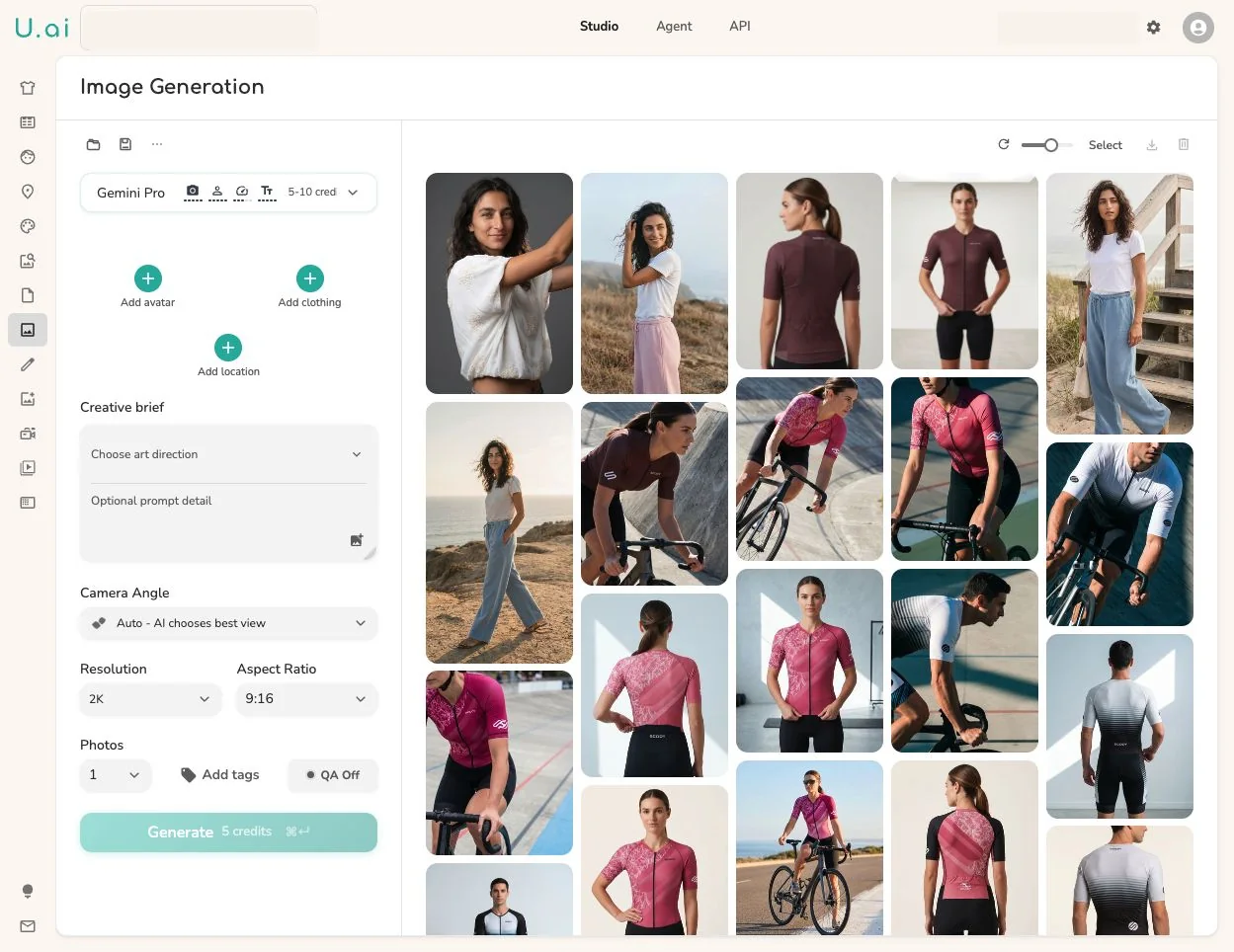
The generate panel on the left, the output on the right. Every image is generated.
The workspace
Studio works on the same objects as the rest of the platform. What your team saves here, the API, the agent, and the MCP can reuse.
Asset workspace
Clothing, outfits, models, locations, and reference files, organized once and reused in every run.
Explore Asset LibraryCreative controls
Saved art direction, camera, format, resolution, and QA behavior, chosen on the same panel you generate from.
Explore Art DirectionReview surface
Every result keeps its inputs, settings, and QA verdict, so approving work takes context, not detective work.
Explore Review & QAScale
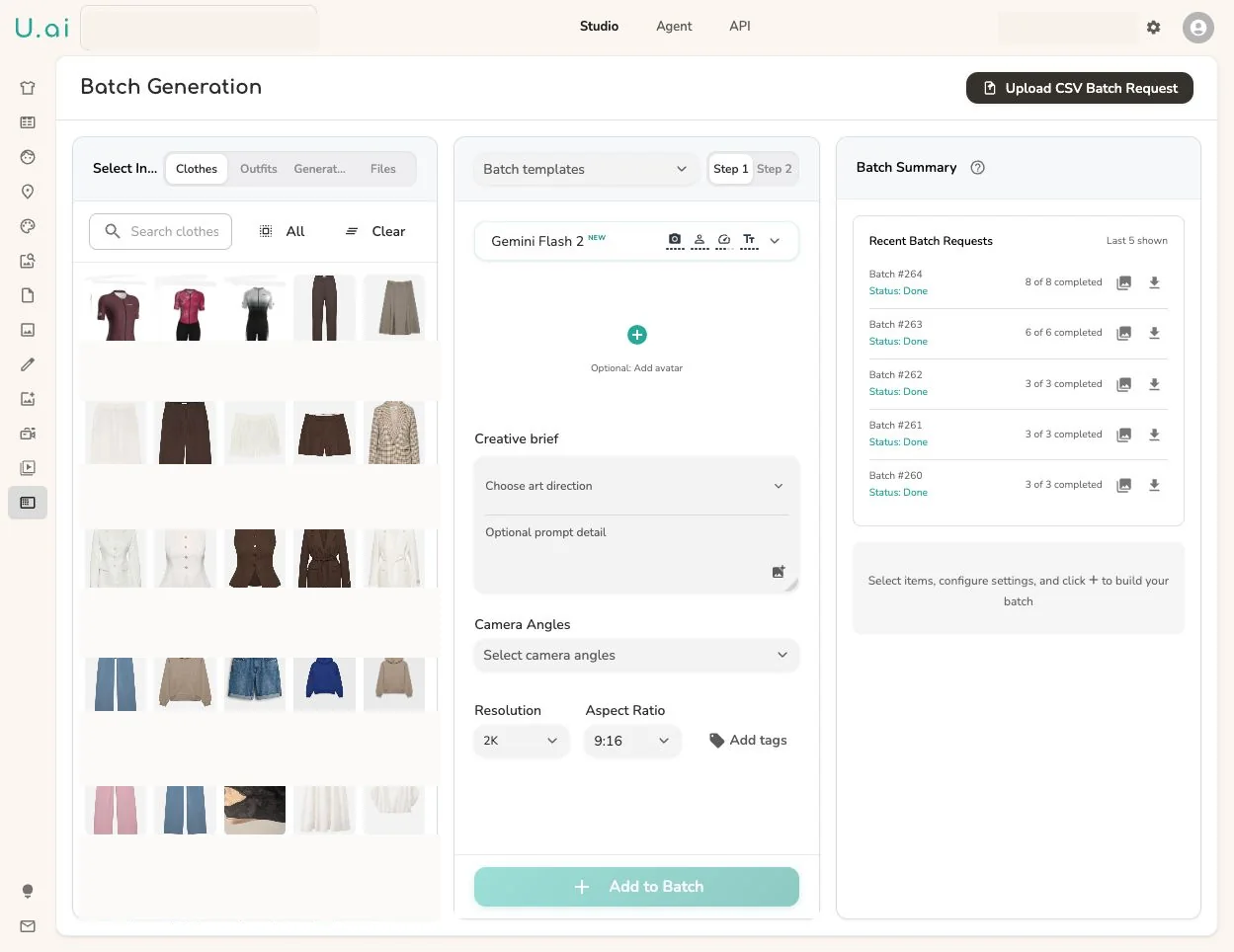
Select the inputs, set the settings once, and add rows to a batch. Templates and CSV inputs take the same run to catalog size.
Review
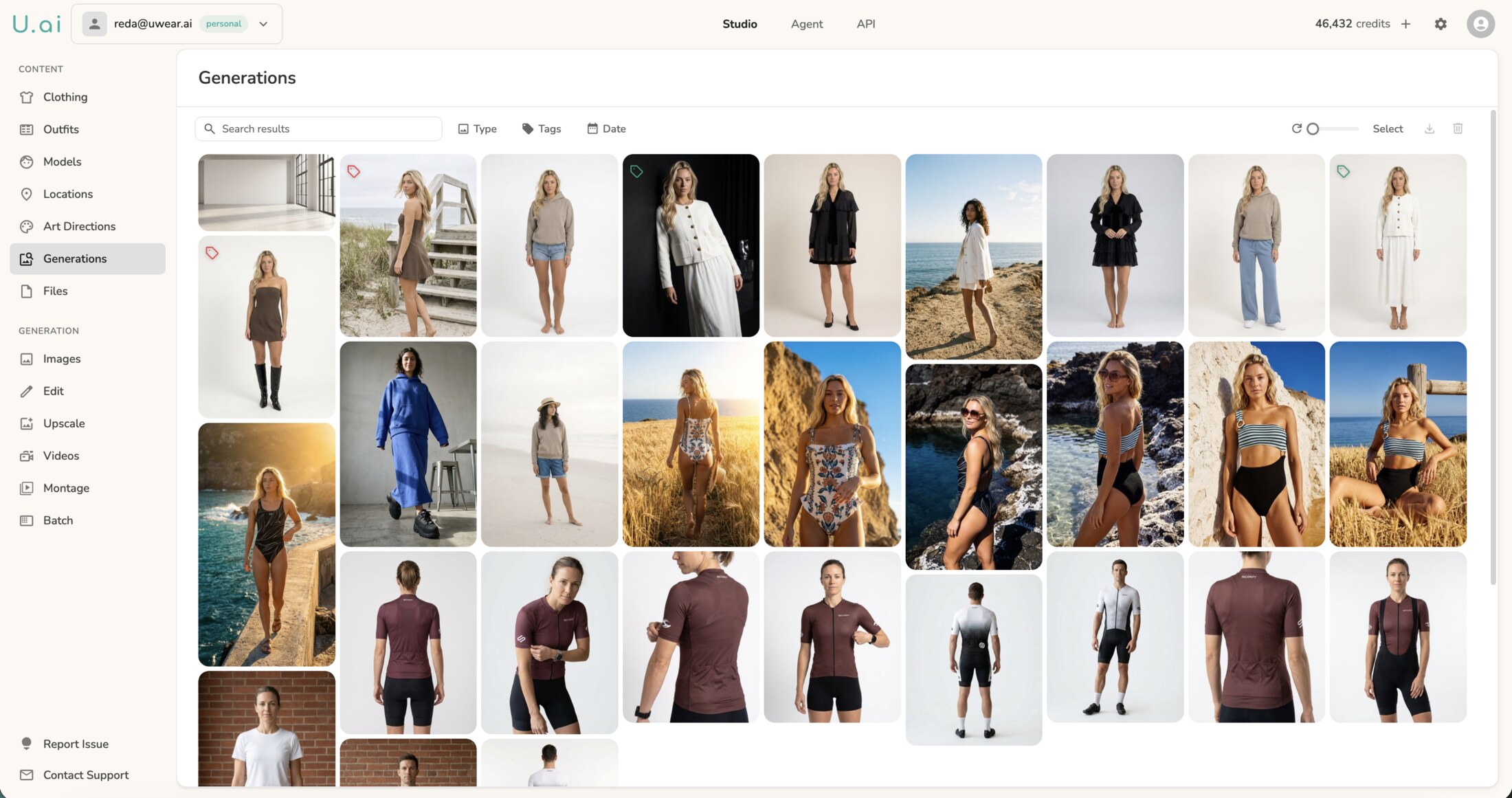
Results come back with their QA state attached. Filter by approved, rejected, or needs review, retry the exceptions, export the rest.
The output
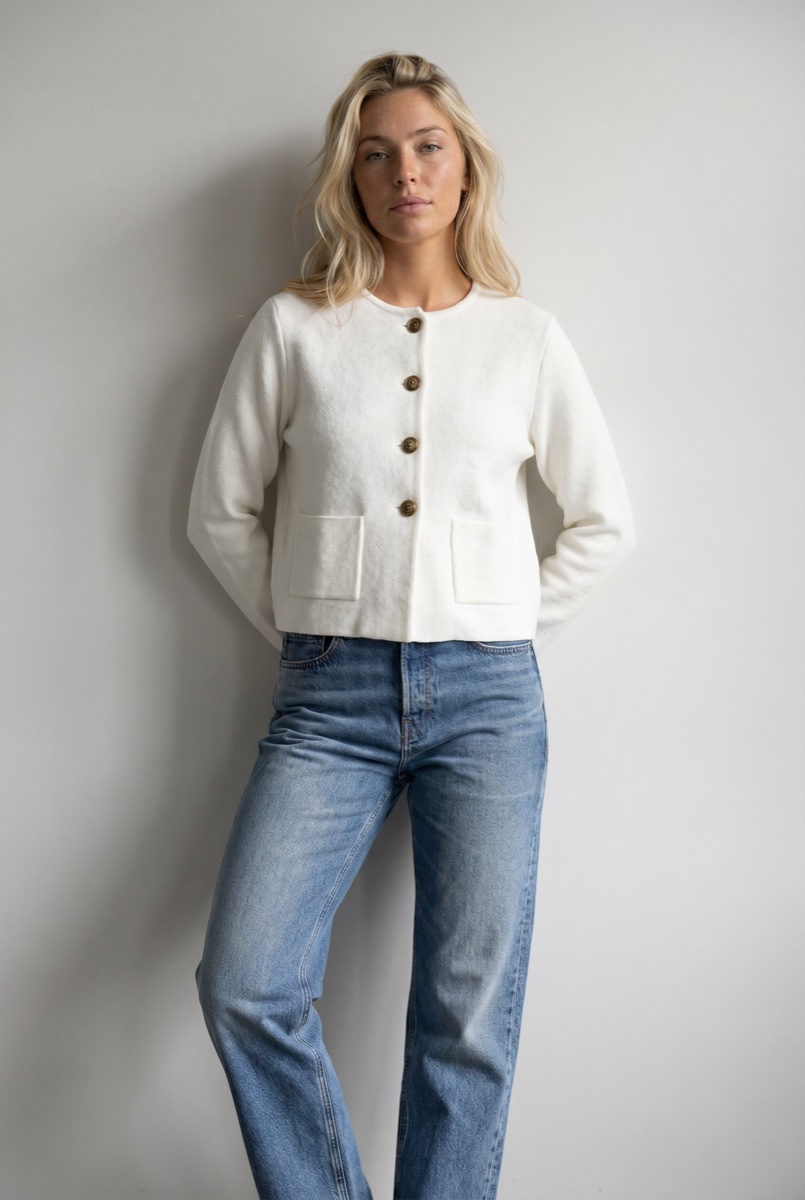
What leaves Studio is a reviewed, consistent set, not a folder of maybes.
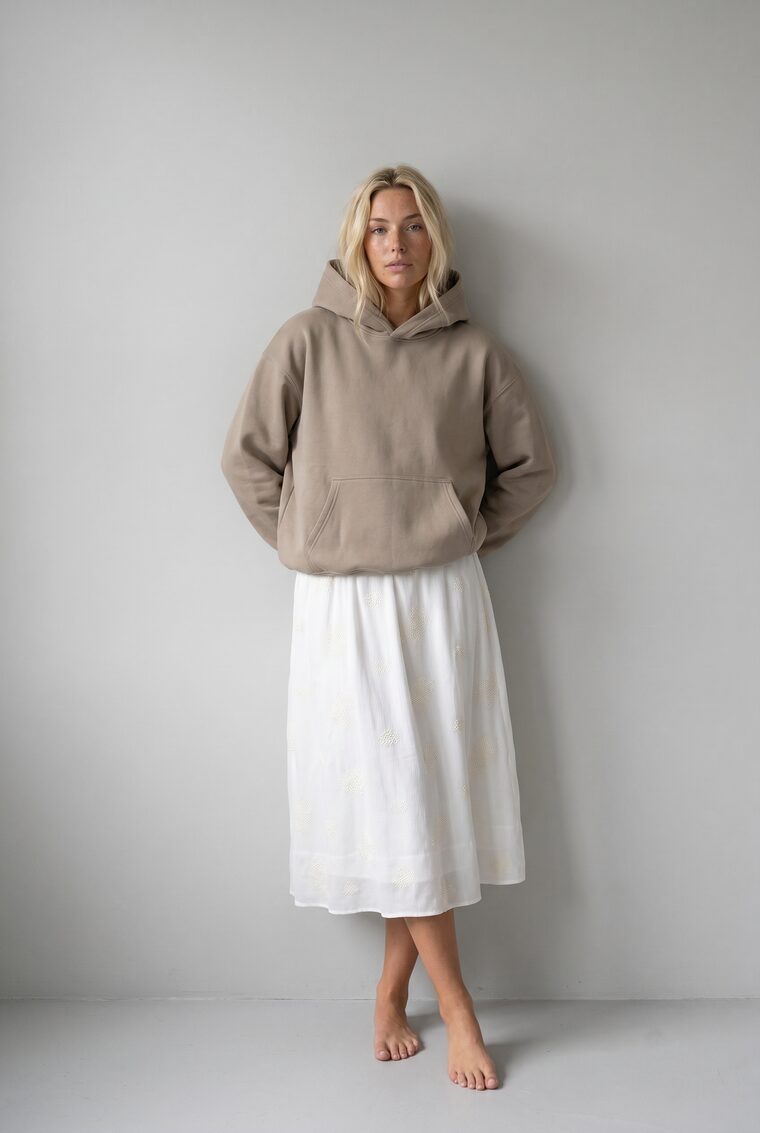
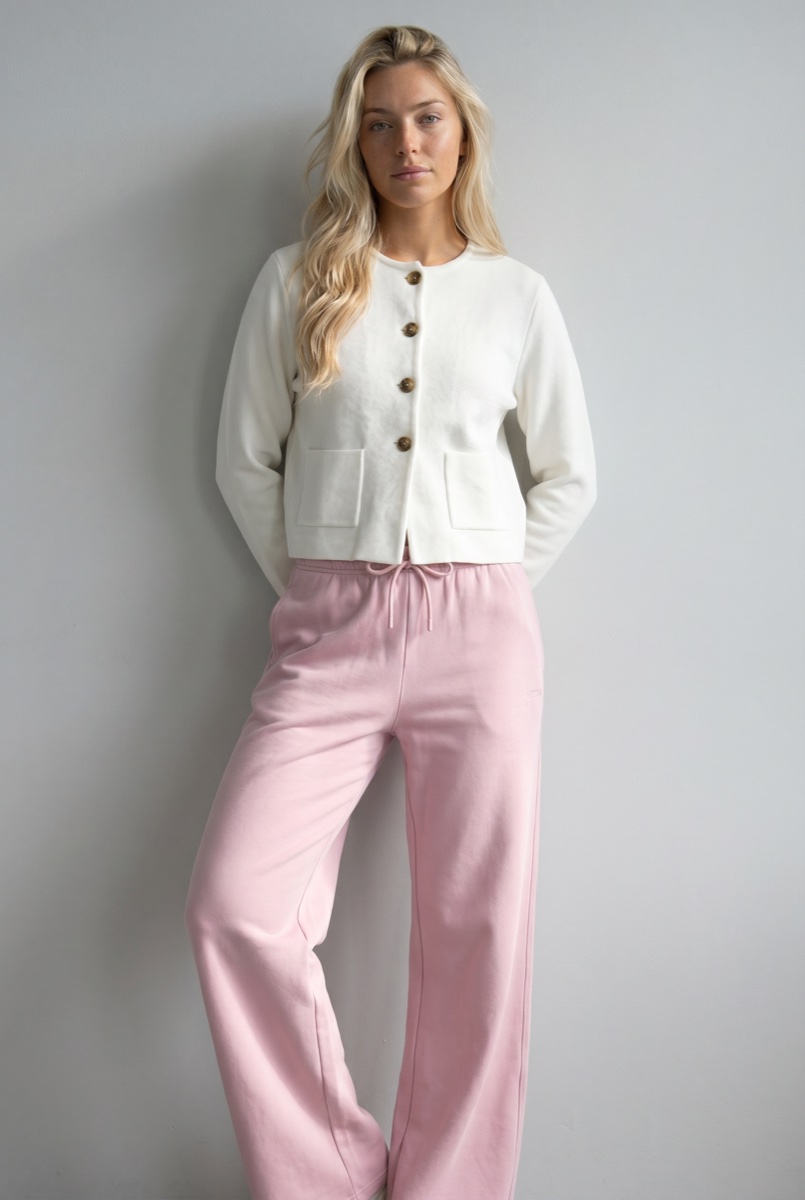
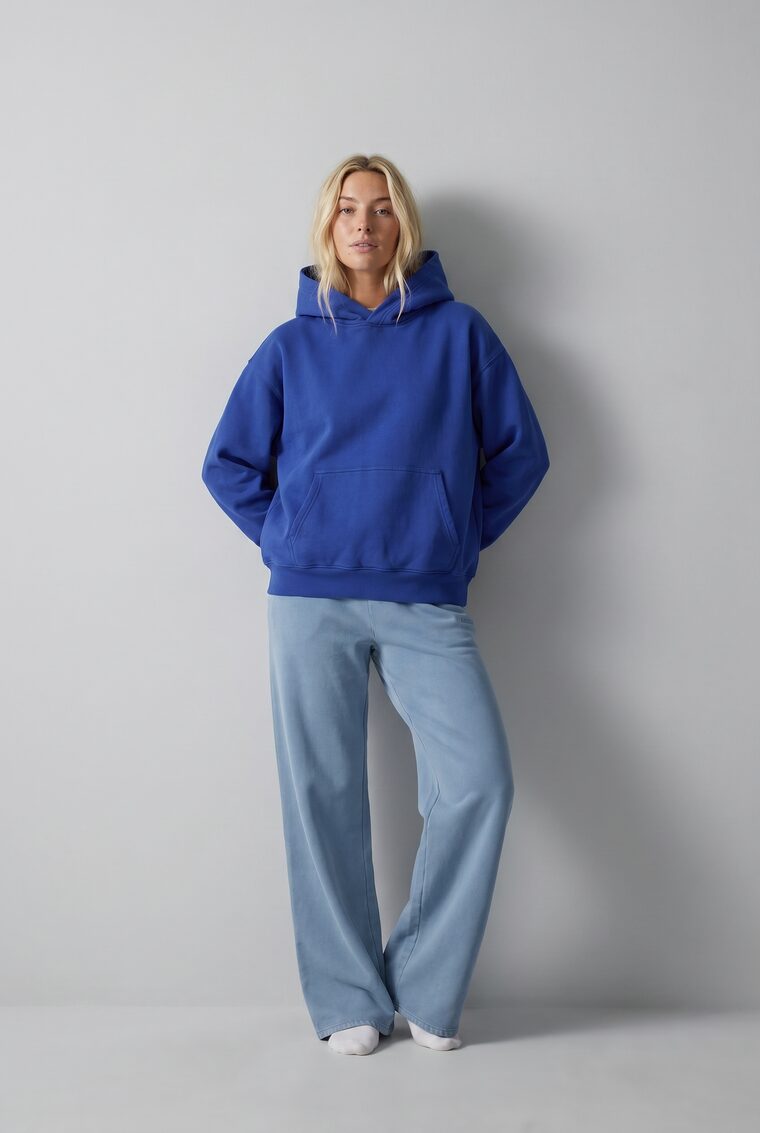
One platform, three ways in
Studio, API, and the MCP share one model library, one clothing workspace, and one generation history. Pick the access path that fits the work, and move between them as the job changes.
Programmatic access
A REST API for async generation, edits, video, and identity. Wire production workflows into your catalog, DAM, and storefront.
ExploreOperator interface
The visual workspace for creative production. Batch catalogs, consistent models, edits, backdrops, video, and upscaling in one surface.
You are hereIn your own tools
Connect Uwear to Claude, ChatGPT, or any MCP client and run the same production from the tools your team already uses.
ExploreWhat enterprise teams usually ask about the operator workspace.
Both. Teams use the workspace directly for operator-led generation, and enterprise customers pair it with implementation support, API workflows, or MCP automation when catalog operations need more orchestration.
Product files, clothing items, outfits, models, locations, art directions, uploaded references, generated results, and tags, all in one workspace shared with the API, the agent, and the MCP.
Yes. Build a batch from selected assets or a CSV, reuse saved templates and generation settings, track progress row by row, and export the approved set.
Results come back with their QA state attached and stay tied to their inputs and settings. Operators filter by verdict, retry exceptions, and export what is approved.
They are three ways into the same production infrastructure. Start work in Studio, automate the high-volume part through the API, or drive the same runs conversationally from any MCP client.
Upload your garments, cast your models, and start generating. Or book a demo and we'll run it with you.
Existing customer? Log in to Studio
Pairs with Asset Library · Art Direction · Review & QA





