Product · Batch Workflows
Submit one batch. Generate at any scale.
Kick off a run from Studio, the API, or MCP. Uwear generates thousands of on-brand images in a single pass and hands them back reviewed at any catalog volume.








See it run
Watch a run of thousands generate in Studio.
One batch, submitted once, producing image after image. This is a real ten thousand image run moving through the Studio interface, no re-prompting between shots.
Three ways in
Kick off a batch from wherever you work.
Studio, the API, and the MCP all reach the same batch engine. The run is identical whether you configure it in Studio or call it from your own systems and AI tools.
Point and click in Studio.
Select inputs, choose a template, add to the batch, and watch every row complete.
Explore Studio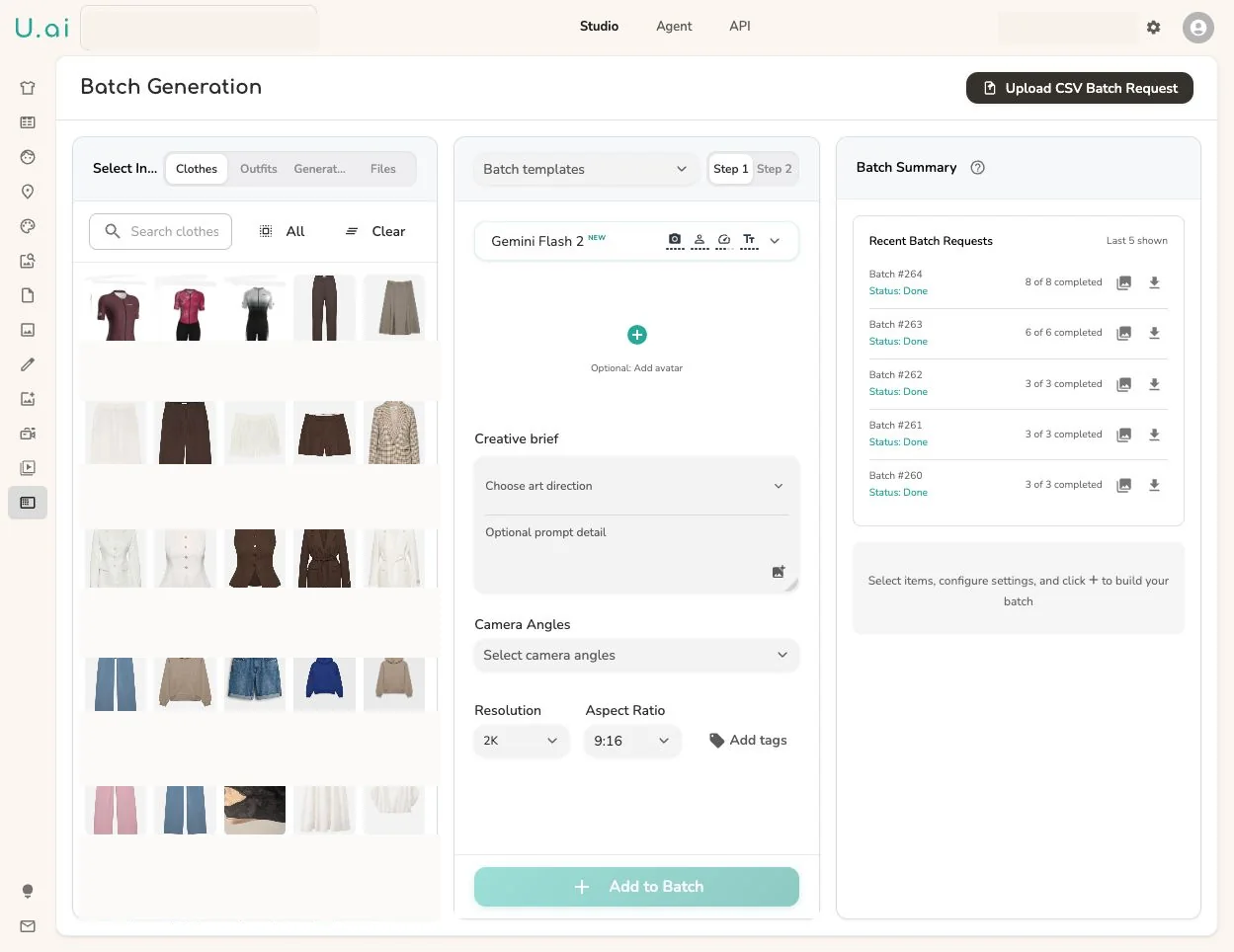
One job
The full matrix runs as one job.
A new collection of 10 tops and 10 bottoms in 6 colours is 3,600 combinations. Submit it once: every pairing generates in parallel, with QA on each image.
One batch run
- 10 tops × 6 colours
- 60
- 10 bottoms × 6 colours
- 60
Every pairing
3,600looks
Generated in parallel · QA on every image
Batch templates
Save a run once. Rerun it every drop.
Turn a working batch into a saved template: the models, garments, art direction, camera plan, and output settings, kept together. Reuse it for the next collection instead of rebuilding the run, and reach the same template from Studio, the API, or the MCP.
And when a run should start itself, wire the same chain on the Production Automation canvas: new clothing, tags, and outfits trigger it on their own.
Reviewed at scale
Volume without losing control of quality.
A big run is only useful if the output is usable. Enable automatic QA on a batch and Uwear reviews every image, retries what misses, and returns the run traceable, so scale never means shipping unchecked images.
- 01
Generate at volume
Every row runs in parallel and scales to whatever the batch needs, a few hundred images or the whole catalog.
- 02
Automatic QA
Turn on QA and each image is checked against your brief and product record before it counts as done.
- 03
Retry the misses
Anything that fails is flagged and retried, so you are not hand-fixing images across a giant run.
- 04
Hand off with trace
Approved results carry their QA state, tags, and full input trace, ready to download or push downstream.
Where teams use it
Built for production that needs structure before scale.
When a shoot is too big to run by hand, batch turns it into one governed run.
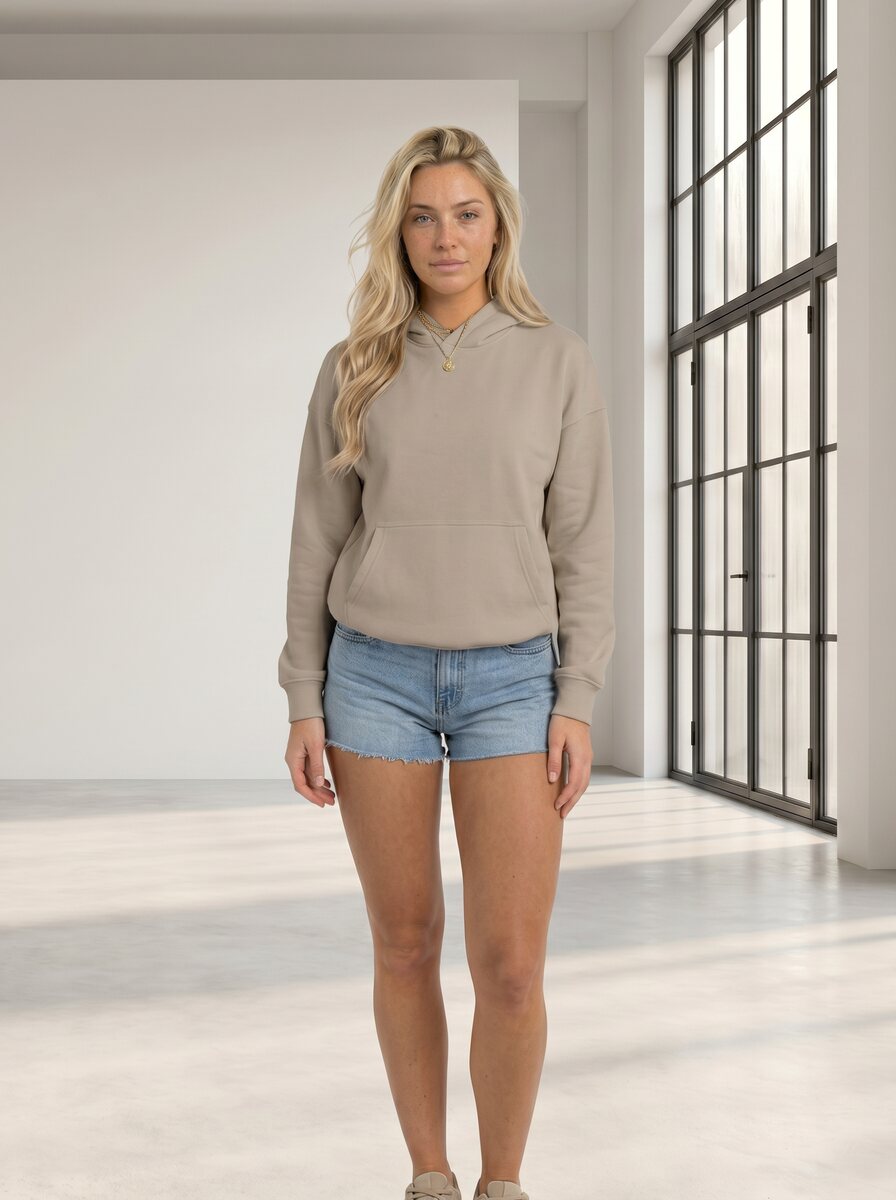
Catalog visuals at scale
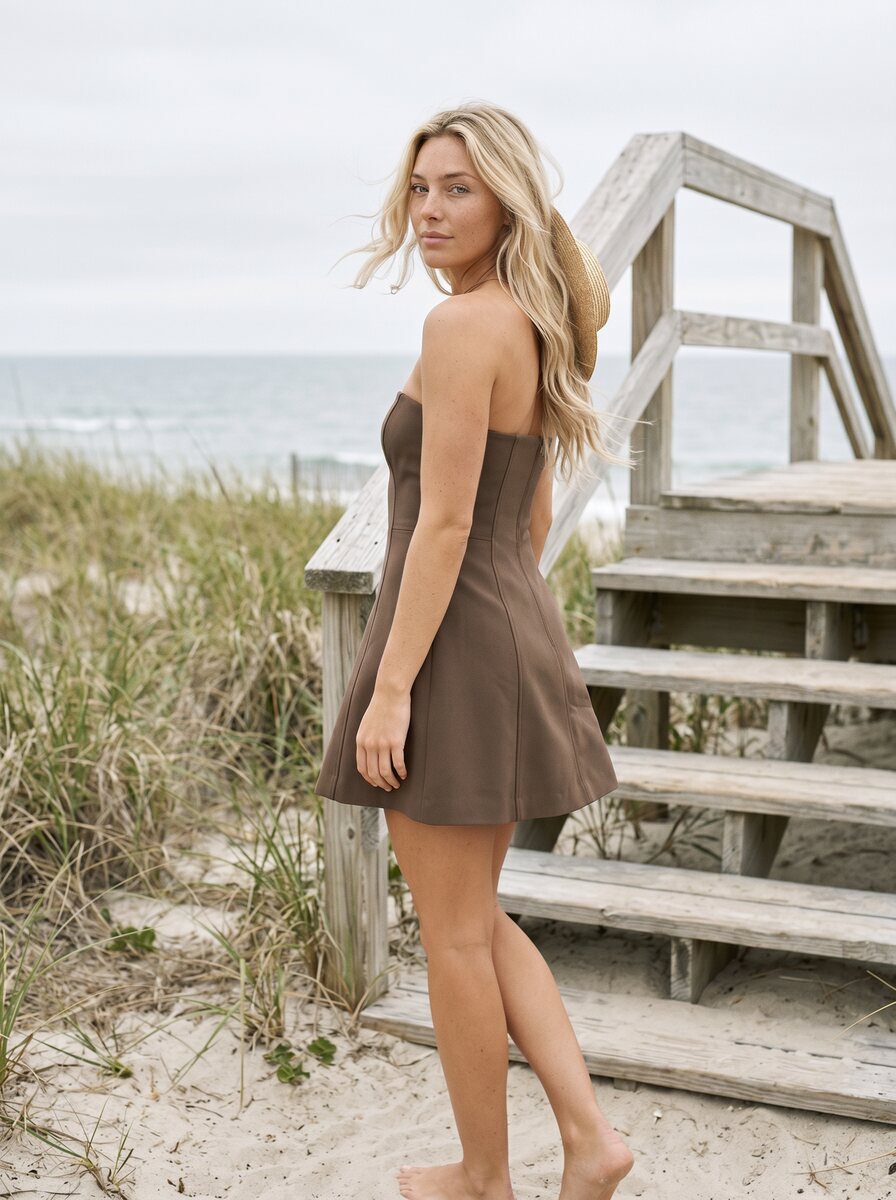
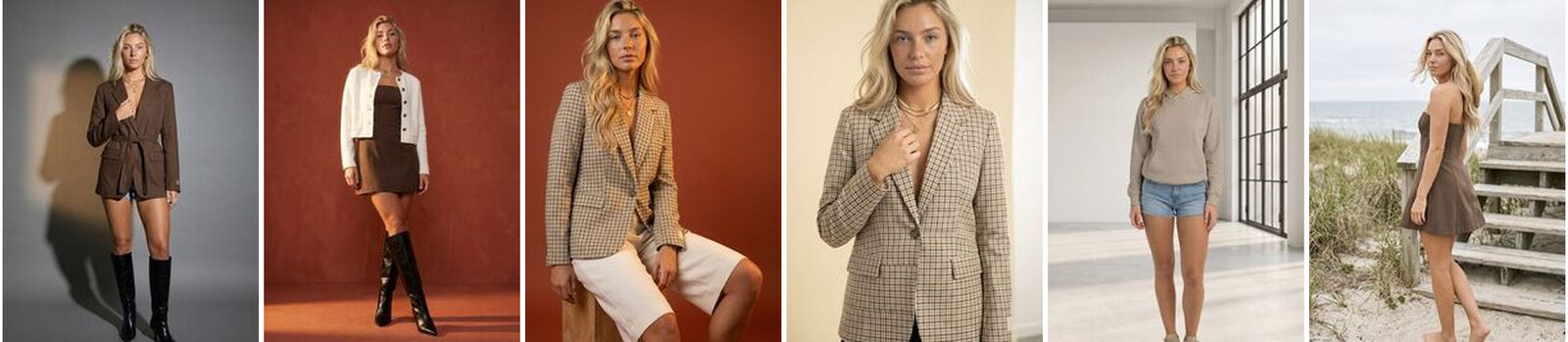
A whole season of PDP images on consistent models and backdrops, in one run.
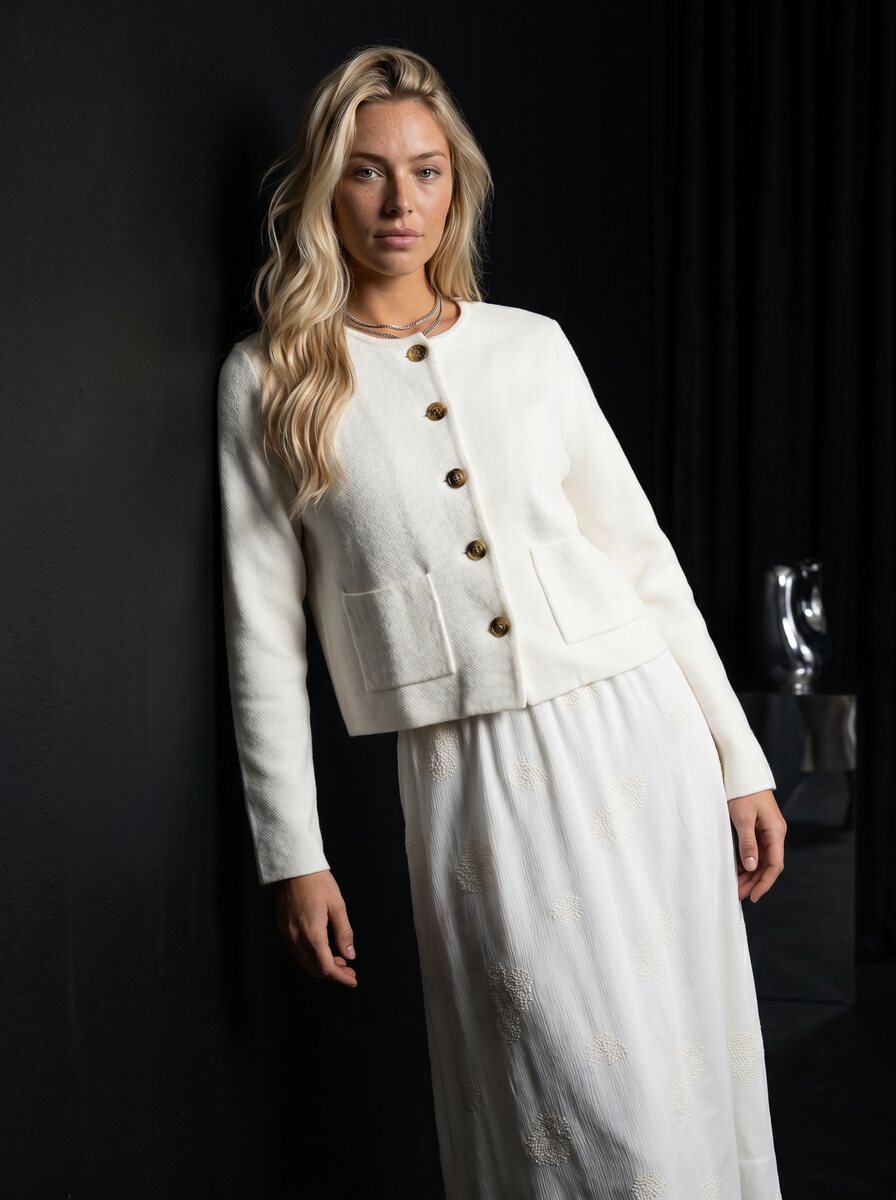
Shop the Look
Every garment across models and looks, so each combination you merchandise gets an image.
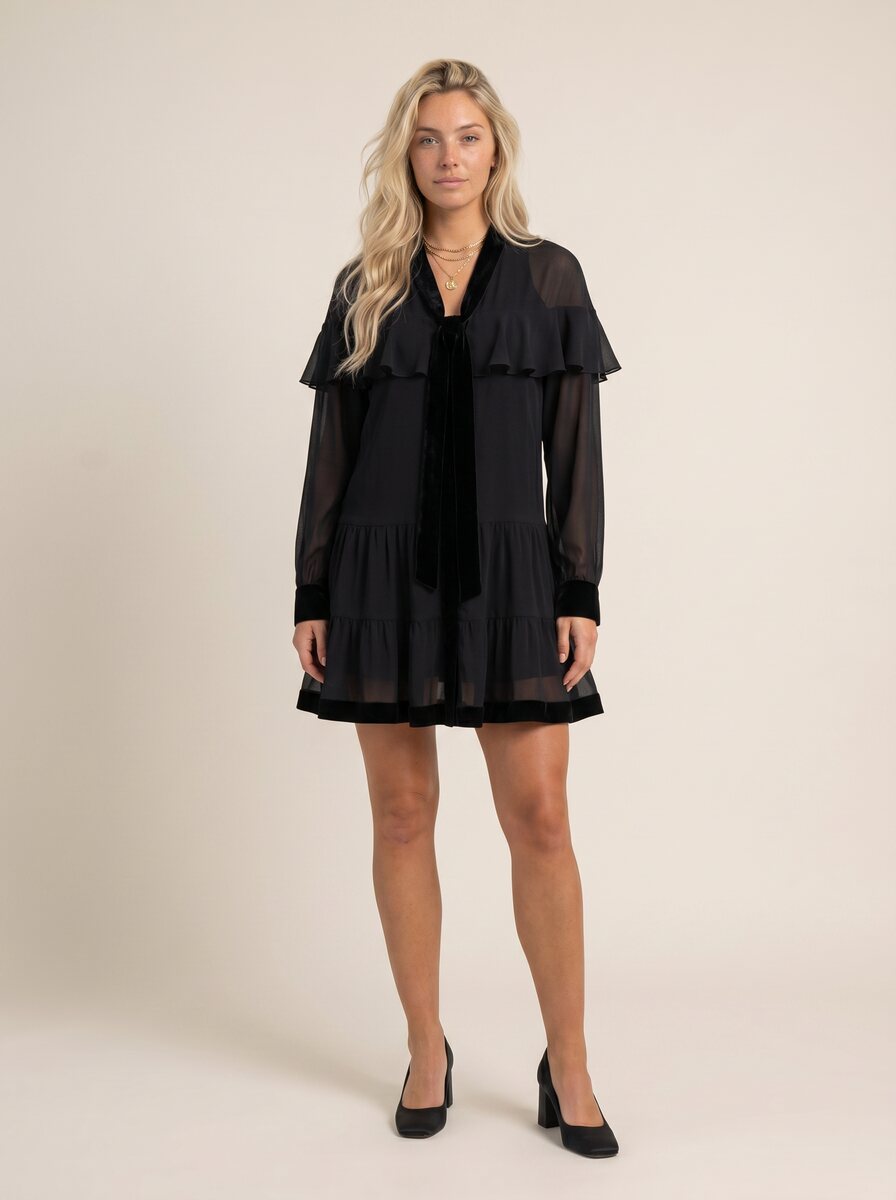
Virtual try-on
Shopper try-on requests served at volume by the same generation engine, through the API.
Fashion video
Add motion to the same run and hand back short clips alongside the stills.
Bring one catalog run and generate it at scale.
Run your catalog
Existing customer? Log in to Studio
Pairs with Flat lay to model · Shop the Look · Production Automation · Art Direction · Review & QA





