How do clothing brands produce product visuals for every drop and seasonal launch?
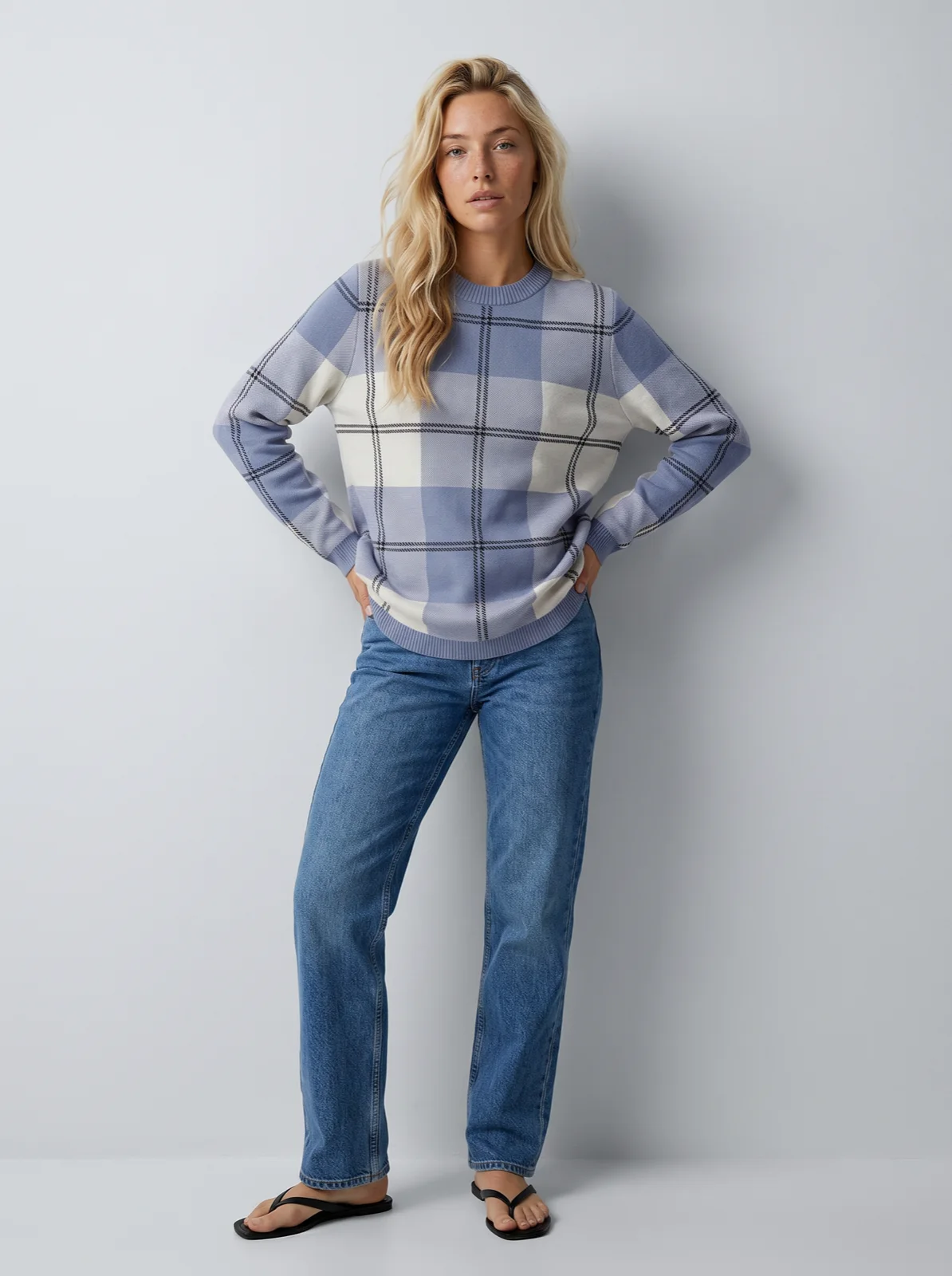
Set the look up once per collection or season, then run every drop through it. The setup is two saved things: a saved model, a model you create once and reuse on every product, and a saved art direction, the set, light, framing and styling that every run reuses. Each drop is the new garments' product photos going through that same setup, so a weekly New In and a seasonal launch come out on the same person in the same light.
You can run a drop three ways: by hand in Studio, the Uwear web workspace; automatically with an Automation, a trigger wired to the shoot, the reviewer and delivery, built once in Uwear's builder, that runs on its own; or from a chat with the MCP server, the connector that lets ChatGPT, Claude or Codex plan and run a job. Every drop is priced per run in credits at $0.10 each, with no subscription [2], so the months between launches cost nothing. A 30-garment drop with a front, a detail and a back photo per garment comes to about $52 at 2K on Gemini 2.1 (Nano Banana 2.1), and about $75 with a short clip for a third of them.
Why do drops break the usual setup?
Clothing brands do not make visuals evenly. They make them in drops, a weekly or monthly New In, and around seasonal launches, roughly four a year. Three common setups strain under that rhythm.
- A studio day per drop. Booking a photographer, a model and a studio works for four launches a year. It does not scale to a drop every week, and garments wait for the next shoot date before they can go live.
- Prompt by prompt with a general AI image tool. Each week starts from a fresh prompt, so each week can bring a new face, new light and a new crop. Next to last week's drop, the collection page stops looking like one brand.
- A monthly subscription. A plan billed every month charges for the quiet weeks between launches as much as for the launch week.
What do you set up once per season?
Three inputs carry a season. Two are saved once; the third arrives with every drop.
- The saved model. A person in your library that every generation receives, described in words or built from reference photos of someone who agreed to it. Saving a model from a generated photo costs nothing [2]. Keep the same model across seasons, or save one per line or market.
- The saved art direction. The look, the set, the light, the framing and the styling, plus the product rules and the review target [4]. Save one per season or collection: a pale studio for the core range, a location look for the summer launch. Every drop of that season runs on it.
- A product photo per garment. A flat lay, a packshot, a ghost mannequin shot or a supplier photo. The photo has to show what the listing needs to show: the print, the colour, the back if you want a back view.
What are the three ways to run a drop?
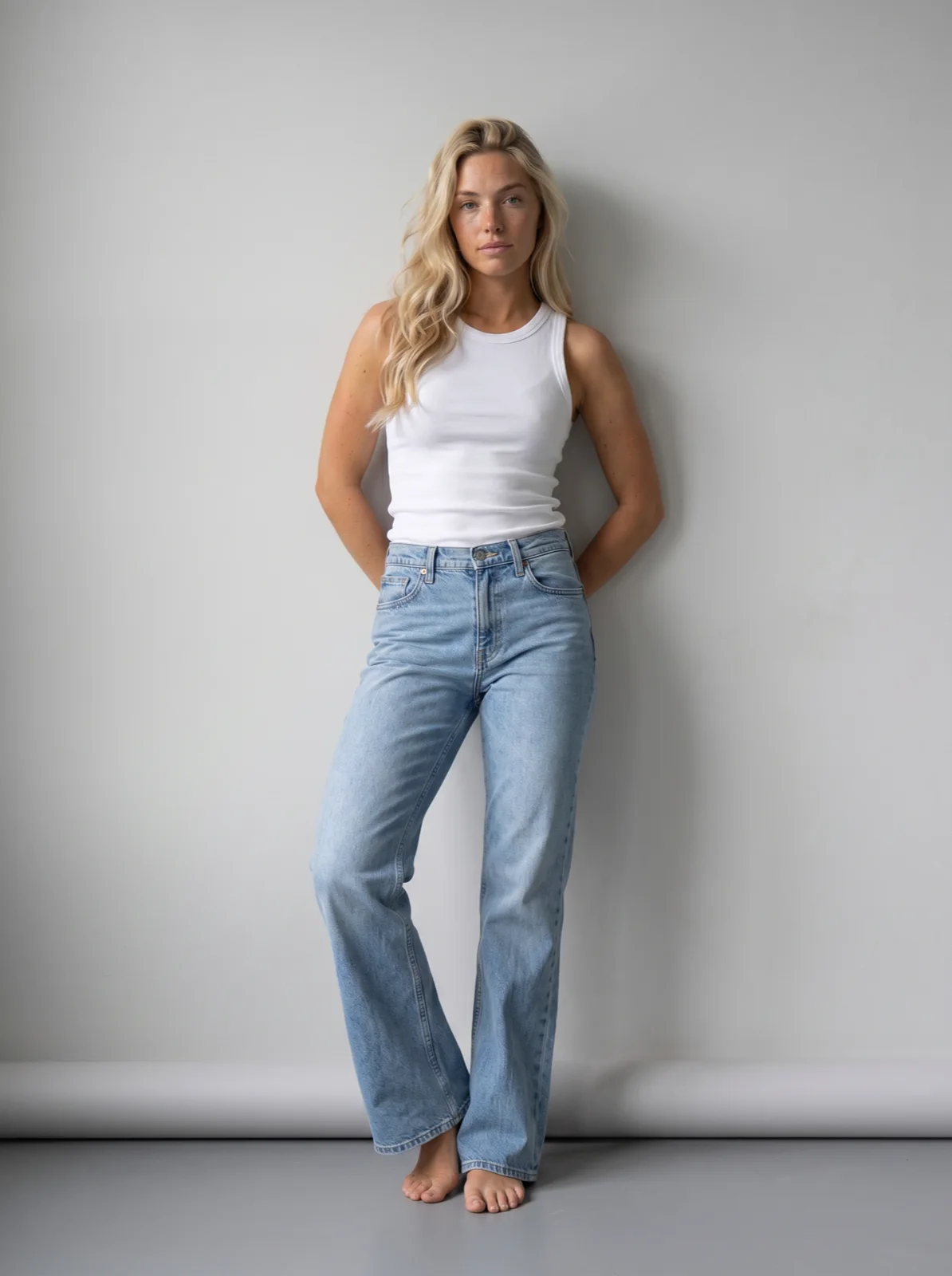
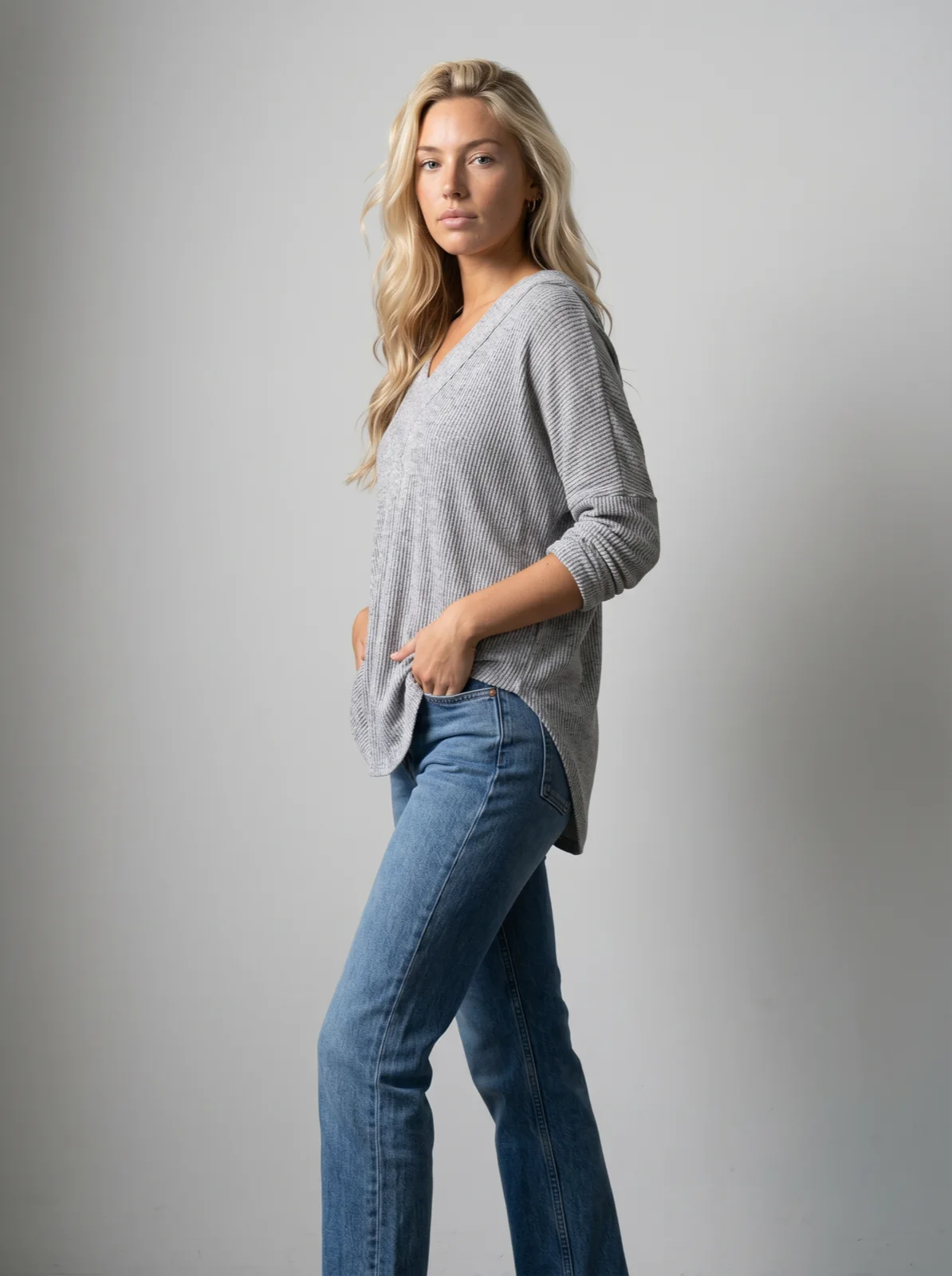
All three use the same saved model and art direction, so the photos match whichever way the drop was started. The AI reviewer is an automatic check that compares each photo with its product photo and gives a verdict with the reason. Retries depend on the path: an Automation re-shoots a failed photo once by default, a batch run takes 0 to 5 retries per photo, and a single Studio photo gets the verdict and you decide. The reviewer checks photos, not clips. The detail and back views are camera edits: the approved front photo re-framed rather than generated again, so the model, the light and the set carry over.
| Way | Who starts it | What happens | Fits |
|---|---|---|---|
| Studio | A person picks the drop’s garments and runs the template | Front photos, camera edits for the detail and the back, clips if asked. A single photo gets the reviewer’s verdict and you decide; a batch run retries 0 to 5 times per photo, as you set | Small teams, and the first drop of a season while the look is still being tuned |
| Automation | Nobody presses generate: new clothing finishing processing, or a garment getting the drop’s tag [3] | The shoot, camera edits, the reviewer and delivery run on their own; a failed photo is re-shot once by default. The builder shows the cost per run and the worst case before you publish it [3] | Weekly New In with a steady feed of new garments; teams that already tag products |
| Chat with the MCP server | A merchandiser asks ChatGPT, Claude or Codex to run the drop | The assistant shows a costed brief, waits for approval, then runs it [5] | People who plan in chat, a one-off launch, a drop that needs a setup the Automation does not have |
An Automation starts on one of the events the Automation page lists: when new clothing finishes processing after upload, when a tag you chose is added to a product, or when an outfit is created [3]. There is no calendar trigger; the drop starts when its garments arrive or get tagged. From a chat you can also pick one of your Automations and run it on the drop; an Automation that starts on its own, when garments get the drop's tag, is set up in Uwear's builder. Clips are made from the approved front photos, and the video montage tool in Studio assembles them into one edit for the launch.
What does a drop cost?
A worked example: a New In drop of 30 garments, each with a front, an upper-body detail and a back photo for the product page, at 2K on Gemini 2.1 (Nano Banana 2.1), Uwear's default and recommended image model. Rates are from the models page and a credit is $0.10 on the pricing page. Lines marked as an assumption are this page's, not a quote.
| Line | Basis | Credits · dollars |
|---|---|---|
| Front photo, 30 garments | Gemini 2.1 (Nano Banana 2.1) at 2K, 5 credits a photo [1]; a credit is $0.10 [2] | 150 credits · $15.00 |
| Upper-body detail and back, 60 photos | Camera edits of each approved front photo, Gemini 2.1 (Nano Banana 2.1) at 2K, 5 credits each [1] | 300 credits · $30.00 |
| Retries | Assumption, for a run with retries on (an Automation or a batch run): 15% of the 90 photos retried once, 14 photos at 5 credits | 70 credits · $7.00 |
| AI reviewer | Checks every photo against its product photo; free | 0 credits · $0 |
| 5-second clips, 10 garments | Assumption: a clip for a third of the drop. Kling 3 Pro, 5 seconds, sound off, 23 credits a clip [1] | 230 credits · $23.00 |
| Drop total, photos | 90 photos and the assumed retries | 520 credits · $52.00 |
| Drop total, photos and clips | The line above plus ten clips | 750 credits · $75.00 |
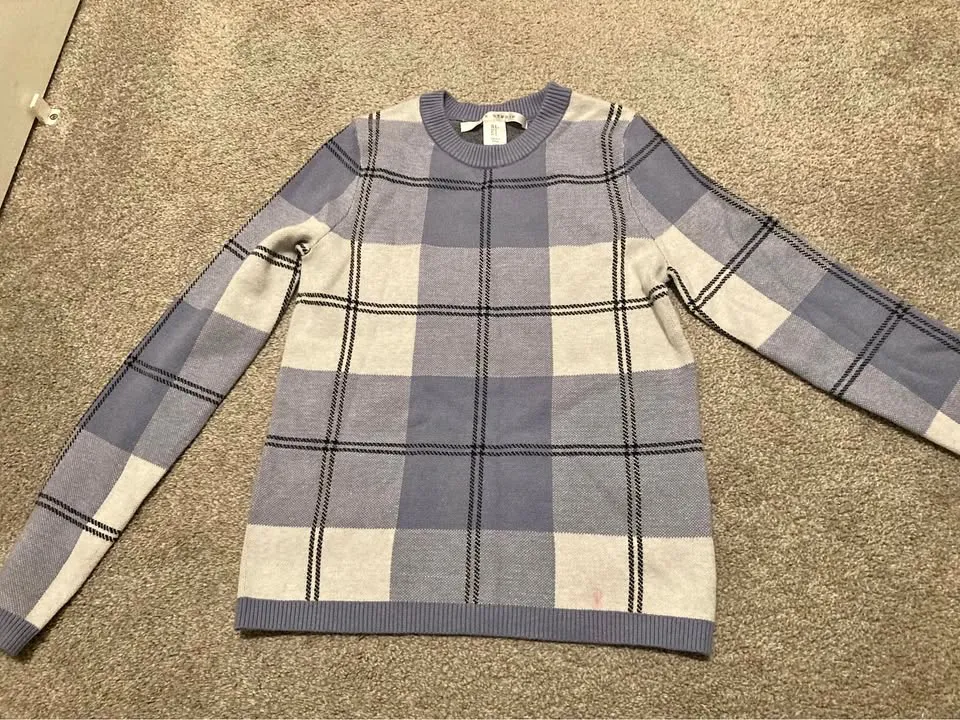
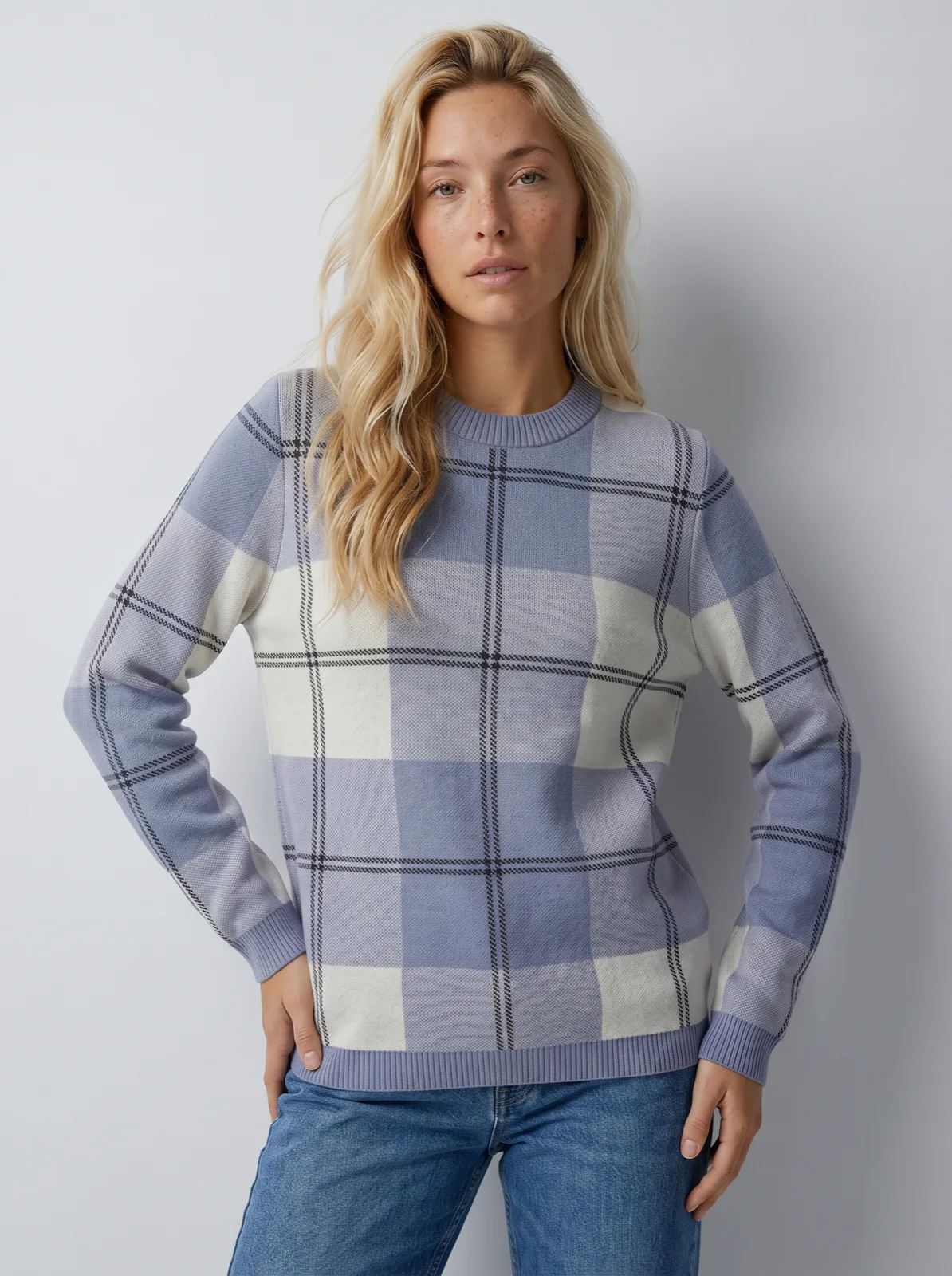
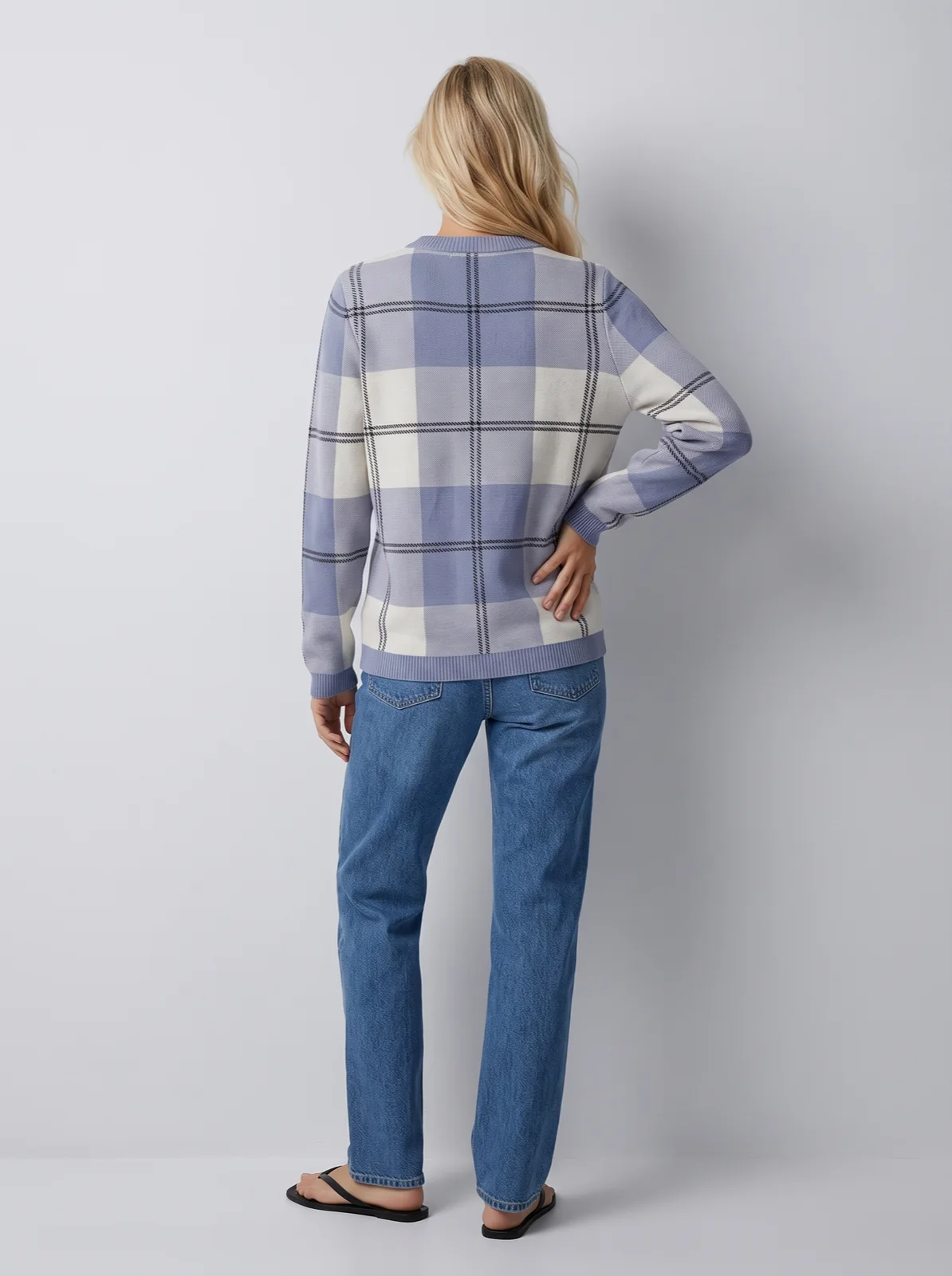
On GPT Image 2 (low), the budget option, the same 90 photos are 2 credits each at 2K, 180 credits or $18 before retries [1]. It fits simpler garments and early concepts. For prints, lettering and the photos that go on the product page, the example uses Gemini 2.1 (Nano Banana 2.1).
What does a year of launches and drops cost?
The same rates over a year, to show what paying per run means. Assumptions: four seasonal launches of 100 garments each, six New In drops of 30 garments in the months between, and two months with no new product.
| Runs | Basis | Credits · dollars |
|---|---|---|
| 4 seasonal launches, 100 garments each | Per launch: 300 photos on Gemini 2.1 (Nano Banana 2.1) at 2K (1,500 credits), 15% retried in runs with retries on (225 credits), a 5-second Kling 3 Pro clip for 30 garments (690 credits) | 2,415 credits · $241.50 a launch; $966 for four |
| 6 New In drops, 30 garments each | The drop above, photos and clips | 750 credits · $75 a drop; $450 for six |
| 2 months with no new product | Nothing runs | $0 |
| The year | Ten runs | 14,160 credits · $1,416 |
The two quiet months cost nothing, and credits bought for one launch never expire [2], so they carry to the next.
Why does a price per image mislead?
The rate per photo is the smallest part of what a drop costs. A model that drifts on a print means more retries, each billed again, and more photos someone has to open and reject. The hours your team spends checking photos, rewriting prompts and fixing a garment cost more than the credits. And a photo that changes the garment, a wrong colour, a missing logo, a different neckline, shows customers a product you do not sell. Compare the cost of a finished, accepted set per garment at the same resolution, not the list price of one generation.
Run a drop from a chat
With the Uwear MCP server, the connector that lets ChatGPT, Claude or Codex plan and run a job, the assistant plans the drop, shows a costed brief, and waits for your approval before generating.
Run a tagged drop on the season’s setup
“Connect to the Uwear MCP server and load the "Product page set" template. Run it on every garment tagged fw26-drop with my saved model and the FW26 art direction, on Gemini 2.1 (Nano Banana 2.1) at 2K. Keep the 5-second clip only for the garments also tagged fw26-hero. Show me the costed brief before generating anything.”
Compare the cost of a drop on two models
“Connect to the Uwear MCP server. For the garments tagged fw26-drop, show me the costed brief for the three photos of the "Product page set" template with my saved model and the FW26 art direction at 2K, once on Gemini 2.1 (Nano Banana 2.1) and once on GPT Image 2 (low). Wait for me to choose one, then run it.”
What decides the turnaround of a drop?
A drop goes through the same steps each time: the product photos are uploaded and processed, the run starts (by hand, by an Automation, or after the brief is approved in chat), the front photos generate, the camera edits make the detail and the back, the reviewer checks each photo (re-shooting failures once in an Automation, or as many times as you set in a batch run), clips are made from the approved fronts, and the set is exported. The run itself is not usually what holds a drop back. These are:
- A product photo that hides the garment. A crumpled flat lay, a print in shadow, a back nobody photographed. The model can only show what the product photo shows, so the fix is a better photo of that garment, not another retry.
- Hard fabrics and fine detail. Sheer and mesh fabrics, small lettering and small logos drift more often than plain knits and denim. Expect more retries on those garments and look at them yourself.
- The reviewer's rejections. Each retry is another generation and another wait, and it re-shoots the same request. A photo that still fails ends as rejected with the reason shown, and a person decides: approve or override it in Studio, a new product photo and a rerun, or leave it out of the drop.
- Approval and credits. In chat, nothing runs until someone approves the brief. An Automation reserves its credit estimate when it starts and is rejected, not half run, when credits are short, so keep a balance ahead of a launch.
Questions brands ask about drops and launches
Can the same model carry across seasons?
Yes. A saved model stays in your library and every run can use it, so the person on the spring launch is the person on the autumn drop. You can also save more than one model, for example one per line or one per market, and pick the model per run.
Can we change the art direction for each collection?
Yes. Save one art direction per collection or season and pick it when you run the drop. A new direction changes the set, light, framing and styling of the photos you make from then on; photos you already made keep the look they were made in.
Do we need to retag garments for every drop?
Only if your Automation watches a tag. It starts when the tag is added to a product, so give the new drop its own tag, such as fw26-drop, and tag the new garments with it. Garments from earlier drops that do not get the new tag are not shot again. An Automation that starts when new clothing is ready needs no tags at all.
What happens when a garment fails the reviewer?
The reviewer compares the photo with the product photo and gives a verdict with the reason. A single Studio photo gets the verdict and no retry. An Automation re-shoots a failed photo once by default, and in a batch run you set 0 to 5 retries per photo. Each retry is a new generation, billed at the photo rate; the check itself is free. A photo that still fails ends as rejected, with the reason shown, and you can approve or override it in Studio. The usual fix is a better product photo of that garment, then a rerun of that garment only.
What happens to credits we do not use in a quiet month?
Nothing. Credits never expire and there is no subscription, so credits bought for the spring launch are still there for the autumn one. You pay $0.10 a credit when you buy them, and nothing in the months you do not run.
Sources
The garment counts, the retry rate and the share of garments with a clip are this page's assumptions. Uwear rates change with the models it runs; the models page is current.
- [1] Uwear models page: per-model credit rates. Accessed October 23, 2026.
- [2] Uwear pricing: $0.10 per credit, no subscription, credits never expire. Accessed October 23, 2026.
- [3] Uwear Automation: triggers, the builder and its cost per run. Accessed October 23, 2026.
- [4] Uwear art direction: what a saved direction holds. Accessed October 23, 2026.
- [5] Uwear MCP server: the costed brief and approval. Accessed October 23, 2026.