AI model for clothing brands
An AI model for your clothing brand
An AI model for a clothing brand is a generated person you create once, save, and put every product on. Describe the model or upload reference photos, and every product photo you send after that comes back on the same person: listing photos, detail shots and short clips.
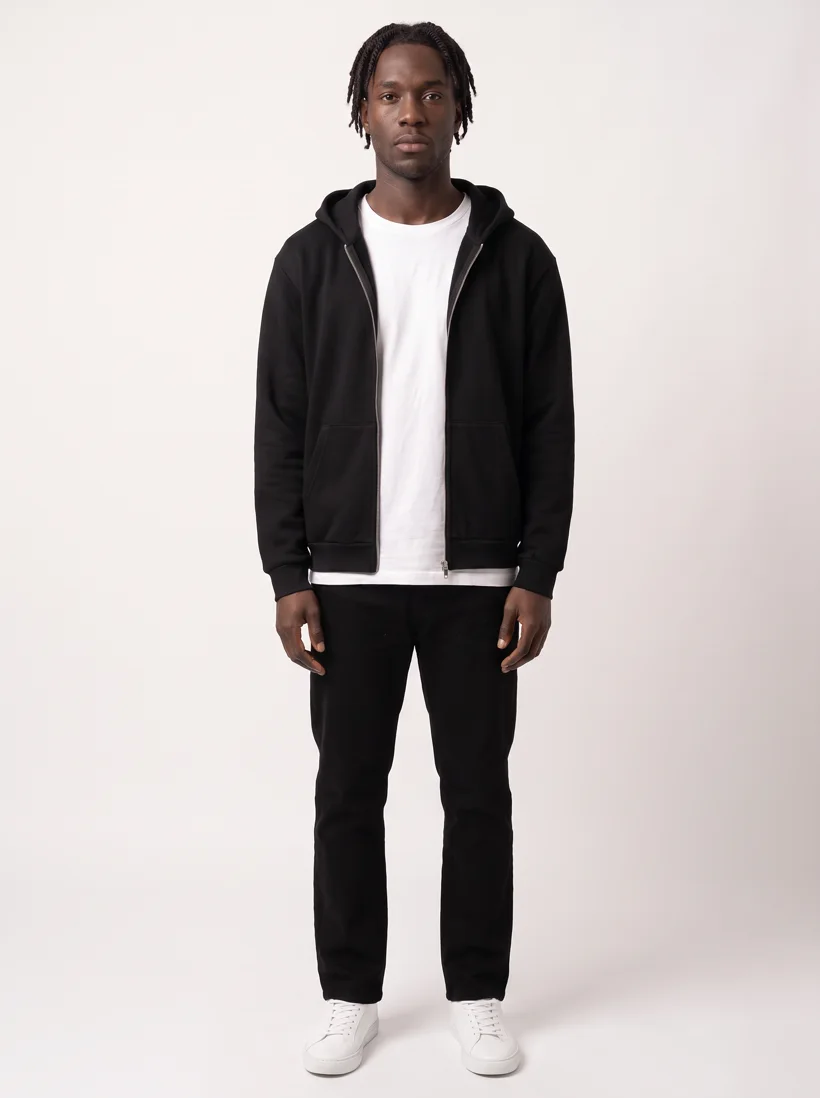
Zip hoodie over a heavyweight tee, full-body listing shot on the saved model. The two pairs below are the same person and the same garments.
Mechanism
How an AI model for your clothing brand works
 Input
Input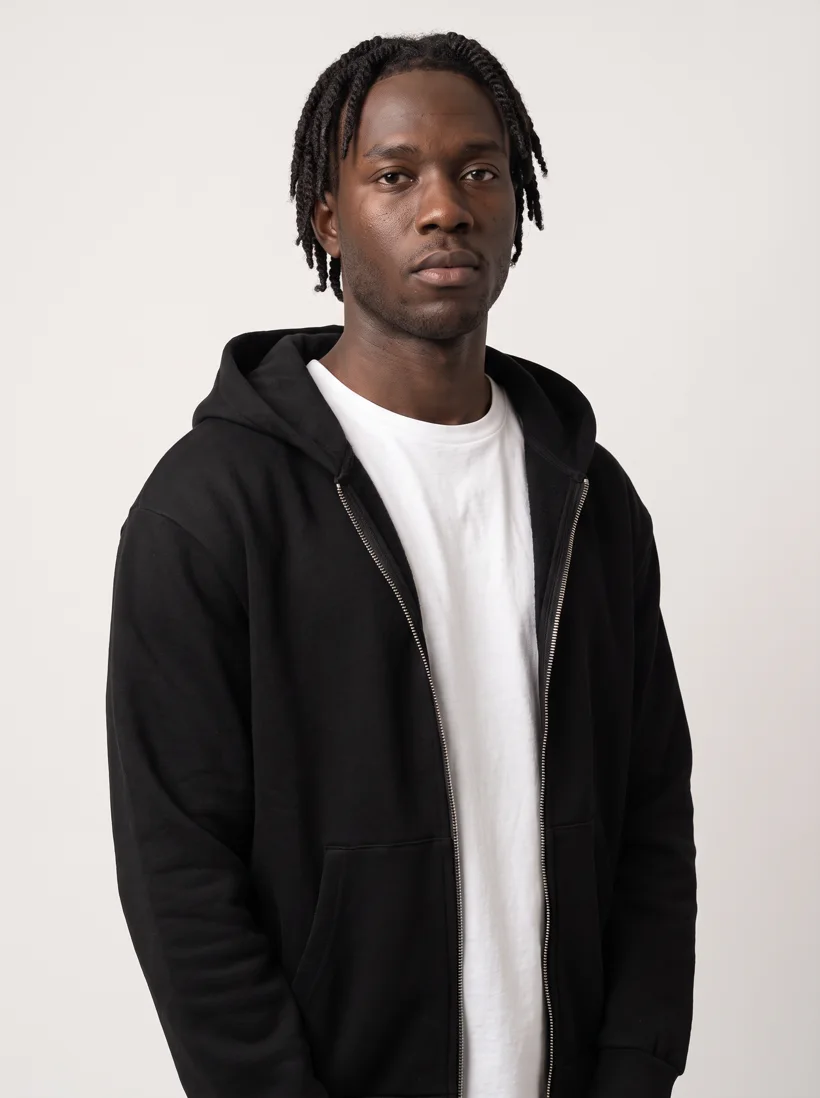 Output
 Input
Input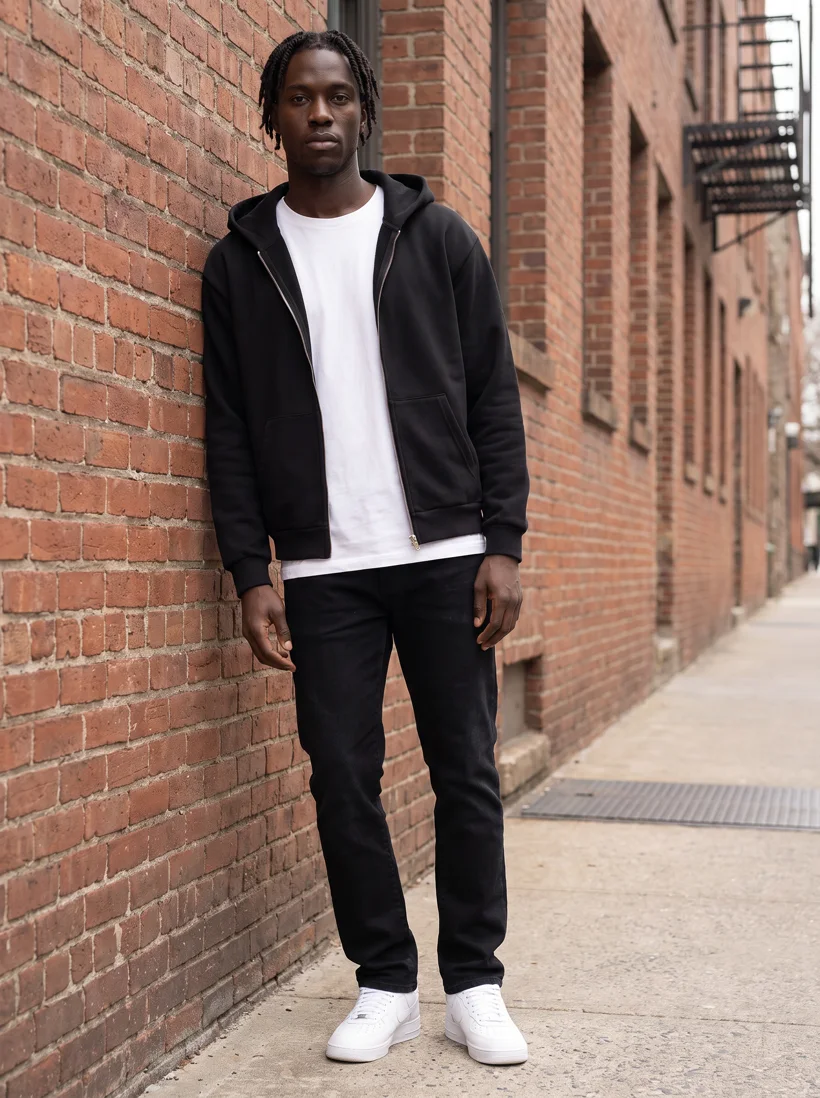 Output
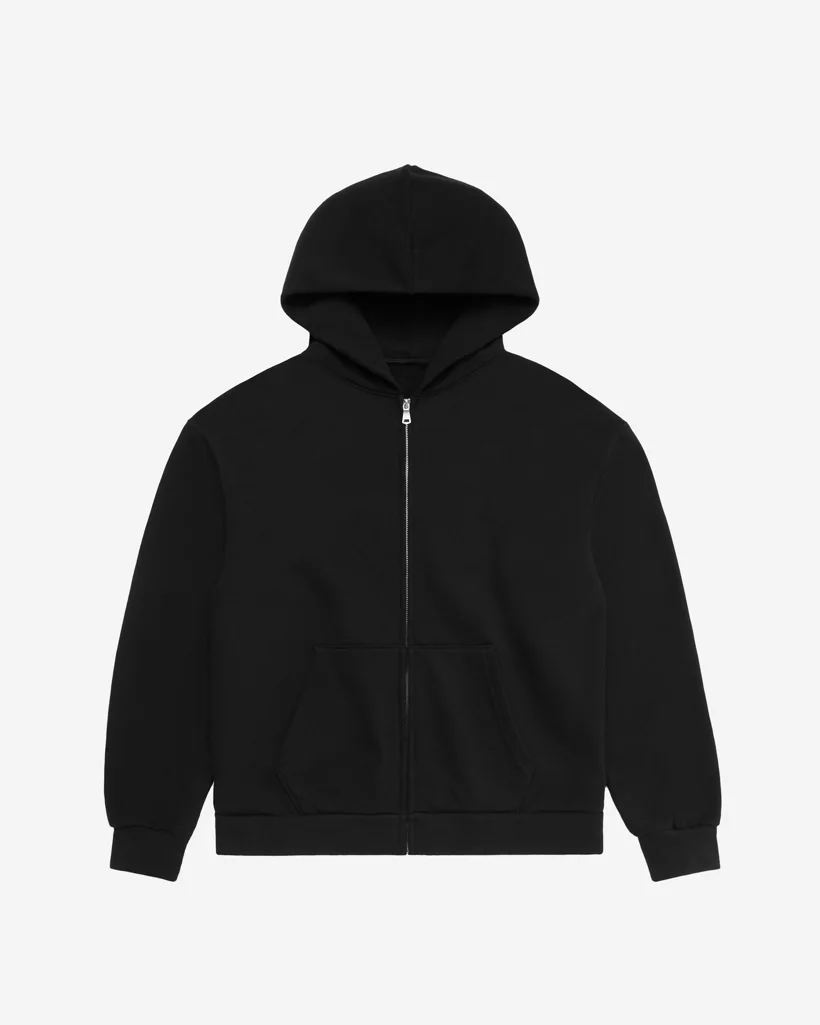
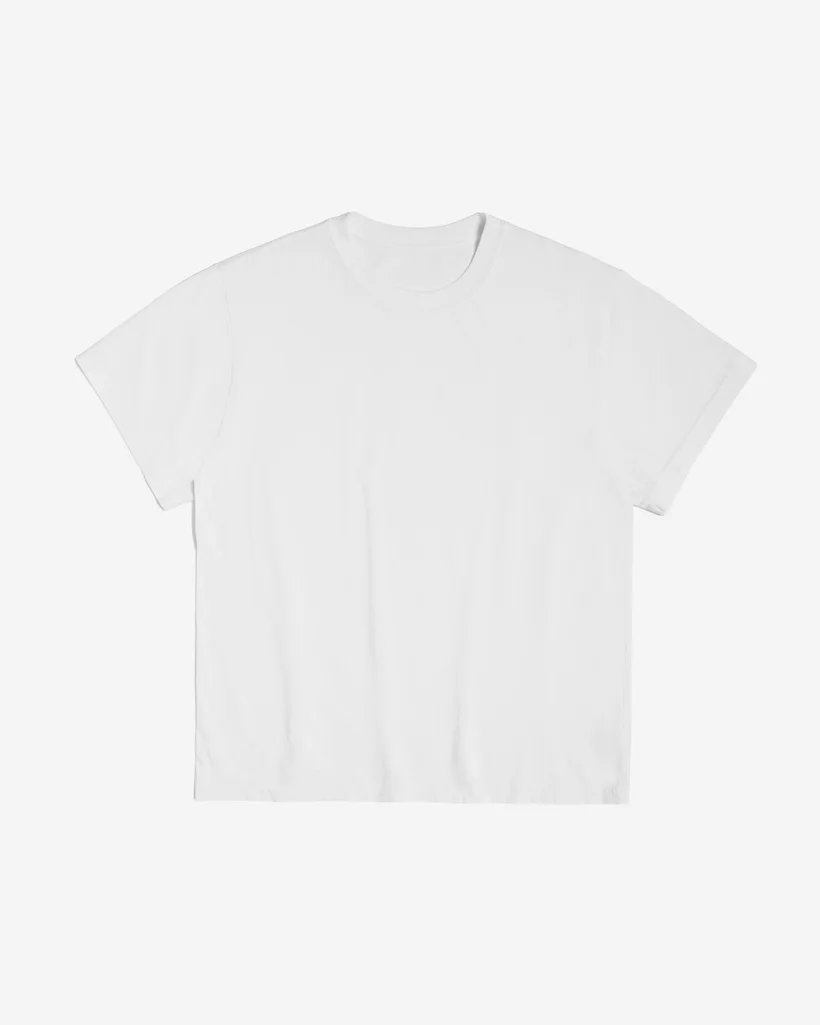
You create the model once, from a description or from reference photos, and Uwear saves it as a person in your library. Every photo you generate after that receives it, so the face and body carry from one product to the next. The pairs below are two product photos and what came back on the model saved for this brand: an upper-body detail of the hoodie, and the same outfit in a street setting. The set, light and framing are saved the same way, as an art direction, so a new product lands in the same world as the last one. Both photos were made with the Gemini Pro image model at 2K, 5 credits each.
In numbers
What an AI model costs a clothing brand
| Creating the model | 1 credit, once | From a description or reference photos. Saving a model from a photo you already generated is free. |
|---|---|---|
| A photo on the model | From 3 credits, $0.30 | Nano Banana 2 at 1K. 5 credits at 2K or with Nano Banana Pro. A credit is $0.10, with no subscription, and credits never expire. |
| Back and detail views | Priced as photos | Camera edits: the approved front photo re-framed, so the person, light and set carry over. |
| A 5-second clip | 23 credits | Kling 3 Pro from an approved photo of the model. The Product page set run adds a 360-degree turn per garment. |
| The quality check | Free, optional | Rejects a photo that shows a different person, or a garment that drifted from its product photo, and can retry it. A retry is priced as a new photo. |
| More than one model | As many as you save | One per line, one per market, or a size range on the same garment. |
| A 300-product range | From 2,700 credits, $270 | Three photos per product at 3 credits, before any retries. The estimate is shown before you approve. |
| Where it runs | Web app, API, or ChatGPT and Claude | Assistants use the Uwear MCP server, the connector that lets them plan a job and wait for your approval. |
Workflow
Set up an AI model for your clothing brand in three steps
Choose or describe the model
Pick one from the library, or describe the one you want: age, build, skin tone, hair, styling. Reference photos work too. Save it.
Put the range on it
Upload flat lays, packshots or supplier photos and run the batch. Every product is generated on the saved model, in the saved art direction.
Approve and deliver
Turn on the free quality check if you want drift caught before you see it, approve the credit estimate, then deliver to your store, your systems or your library.
Run it from your assistant
Put your range on your AI model from ChatGPT or Claude
Connect the Uwear MCP server to ChatGPT, Claude, or Codex and ask for the Product page set template. It is a batch workflow that runs once per garment: front, upper-body, and back product-page shots on a white studio background, plus a 360-degree video, from one garment photo. Create and save the model in Uwear Studio first. Any Uwear account can load the template by name, and the assistant shows the credit cost before anything is generated.
For campaign photos of the same model in a lifestyle setting, ask for the "Instagram drop" template instead.
Copy this prompt into your assistant
Connect to the Uwear MCP server, find the model I saved for my brand, then load the "Product page set" template and run it on my product photos with that model. Turn the quality check on and show me the credit estimate before generating.
Questions about AI models for clothing brands
Yes. Describe the model you want, or upload reference photos, and Uwear saves the result as a model in your library. From then on every product you generate can use that model. Use reference photos only of people who have agreed to it; a model built from a real person is a likeness you are responsible for.
That is what saving it is for. The model is stored once and every generation receives it, together with the saved art direction for the set, light and framing. When the quality check is on, a photo that shows a different person is rejected and retried before it reaches you.
Creating the model costs 1 credit, once, and saving one from a photo you already generated is free. Each photo on the model costs from 3 credits ($0.30) with Nano Banana 2 at 1K, and a 5-second clip costs 23 credits. Credits are $0.10 each, with no subscription, and they never expire. The quality check is free; a retry is priced as a new photo.
The photo you upload is the reference. Silhouette, colour, print and construction carry over from it, and the check compares each result with it when you turn it on. Uwear does not offer a fidelity guarantee; it offers the check, the retry and an approval queue where you see the rejected takes as well as the accepted ones.
Yes. The Shopify guide covers running the Product page set from an assistant connected to both Shopify and Uwear, and delivering the photos to the product page. Other stores use the REST API; WooCommerce, Magento 2, Amazon and Salesforce Commerce Cloud have their own guides.
Related
- Size-inclusive imageryThe same garment on a range of saved models, with coverage checks per model.
- Regional model localizationOne model per storefront, with casting briefs and consent checks.
- Fashion video from approved stillsThe 5-second clip, the 360-degree turn and what they cost.
- Shopify integration guideHow the photos get from a run into the product page.
- AI product photos for a small clothing brandOne saved model across a 40-piece drop, and what is still worth shooting.
Next step
See your own clothing on an AI model made for your brand.
Bring a few product photos to a demo and see them on a model made for your brand, or check the credit rate of each image model first.





