Enterprise
Enterprise AI fashion photography platform for on-model product photos at scale
Uwear turns the product photos you already have into on-model photos on your saved models and art direction, in batches of up to 10,000 images. An optional AI reviewer checks each photo against its product and can retry what fails, and results reach your PIM, DAM or store through the API, MCP or webhooks.
The checklist
What enterprise buyers ask, answered in one table.
Each answer links to the page that shows it working. Everything here is already published on uwear.ai.
| Question | Uwear’s answer | Read more |
|---|---|---|
| VolumeHow much can one run produce? | Up to 10,000 images in one batch, every row run in parallel. Automations start a run on their own for each new garment, tag or outfit. | Batch workflows, Production Automation |
| API and MCPCan our systems and agents drive it? | A remote MCP server for ChatGPT, Claude, Codex or your own agent, and a REST API with async jobs, polling or webhooks, and Bearer API keys. | API, MCP |
| PIM, DAM and storeDoes it connect to our PIM, DAM or store? | Through the API and webhooks, with up to 50 of your own metadata fields carried on every result. Store guides for Shopify, Magento 2, WooCommerce, Amazon and Salesforce Commerce Cloud. | Integrations |
| When the AI failsWhat happens to a wrong photo? | An AI reviewer compares each photo with the saved model, the brief and every garment reference, records the reason it failed, and, with retries on, retries up to the limit you set. | Review and QA |
| Who owns qualityWho decides what ships? | Your team. The reviewer is tuned to your own review standards on enterprise plans, and every human approval or rejection in Studio records who made it. | Review and QA |
| Brand consistencyHow does a whole catalog stay on brand? | Every garment in a run reuses one saved model and one saved art direction: light, set, framing, styling and product rules. | Art direction |
| Security and dataHow is our data handled? | AWS hosting, encryption in transit and at rest, token-based API access. Customer images are not used to train AI models unless your contract allows it. | Trust center |
| CommercialsHow is enterprise priced? | Volume pricing, invoice billing, implementation and pilot support, custom QA criteria, and a sample report on your own garments first. | Pricing |
| Seats and teamsDo we pay per seat? | No. Any account can create a team and invite people by email: unlimited members, no seat fee, one shared credit pool. Teammates share garments, models, art directions, results and automations. | Team workspace |
To see the same questions put to seven vendors, read how enterprise AI fashion photography platforms compare.
Volume
How does Uwear handle 10,000 or more SKUs a season?
A batch takes up to 10,000 images and runs every row in parallel. A 10,000-SKU season with three views each is 30,000 images: three batches, or one automation that shoots each garment as it lands.
- One batch
- Up to 10,000 images, started from the Uwear MCP server, the REST API or Studio. QA runs on each image when it is on.
- Batch templates
- The models, garments, art direction, camera plan and output settings saved together and rerun for the next drop.
- Automation triggers
- New clothing finishes processing, a tag is added or an outfit is created. Your systems can also start runs through the API with an idempotency key, up to 50 items per call.
- Spend control
- Each automation run reserves its credit estimate up front and is rejected, not half-run, when credits are short. A company-wide stop switch records a reason in the audit trail.
API and MCP
Which API and agent access does Uwear offer?
Start with the Uwear MCP server in the assistant your team already uses, or add it to an agent that runs in your own systems. For pipelines with no agent in the loop, the REST API takes the same jobs.
- MCP server
- A remote MCP server at https://api.uwear.ai/mcp with an OAuth login: a plugin in ChatGPT and Codex, a connector in Claude, and any client that supports remote MCP servers. The assistant shows the brief and its cost in credits before anything runs.
- REST API
- POST /generation at https://api.uwear.ai with a server-side Bearer API key, then poll GET /generation/{id} or receive generation.completed and generation.failed webhooks, signed with a secret.
- Result records
- Output URLs, QA status and decision, tags, source IDs and download routes. Delivery URLs are temporary, so copy approved files into your own storage.
- Docs
- The API reference, plus UWEAR.md for coding agents and llms.txt.
Integrations
Does Uwear integrate with our PIM, DAM and store?
Yes, through the API rather than a packaged connector. Attach up to 50 of your own metadata fields to clothing items and models, such as SKU, style number, market, usage rights or PIM and DAM identifiers. Every generation inherits them and every result returns them, so an approved image maps back to its product record. A webhook tells your service when a job ends, and an automation can end with a step that exports results to your DAM by webhook.
Store guides
Each guide is a documented route that pairs Uwear MCP or the API with the store’s own API. Only the Shopify route has been run end to end by Uwear; the others are proposed integrations, not preinstalled connections.
- Shopify
- Run for one product on a Shopify development store on September 18, 2026, with the Shopify connector for Claude and Uwear MCP: images through Admin GraphQL, video by staged upload. Shopify guide
- Magento 2 and Adobe Commerce
- An authenticated Commerce REST media adapter delivers each image to its SKU. Magento 2 guide
- WooCommerce
- WordPress media upload and WooCommerce REST product assignment. WooCommerce guide
- Amazon
- An authorized SP-API adapter, with marketplace crops and formats prepared before delivery. Amazon guide
- Salesforce Commerce Cloud
- A B2C catalog-import adapter for image files and catalog import jobs. Salesforce Commerce Cloud guide
Quality
What happens when the AI gets a photo wrong?
Generate, review, retry. With QA on, a separate AI reviewer checks every photo before handoff: the face and hair against the saved model, pose and framing against the brief, and each garment against its own reference for fit, colour, length and details. A failed check comes back with its reason; with automatic retries on, the same request is re-shot as a new generation, up to the limit you set.
- Accepted takes move to handoff; rejected attempts stay on the record with their reasons.
- The reviewer costs no credits and runs before handoff: per run, per automation step, or on demand from Studio, the API or MCP.
- Uwear does not offer a pass-rate or fidelity guarantee. It offers the check, the retry and the record.
Who owns quality
Your team sets the bar and Uwear runs it. On enterprise plans Uwear tunes the reviewer’s questions to your catalog and standards, so the checks your team makes by eye become questions every image must answer. Your team can approve or reject any image in Studio, and each human verdict records who made it. Uwear is software your team operates; you keep control of your art direction, models and results.
Brand consistency
How does Uwear keep a whole catalog on brand?
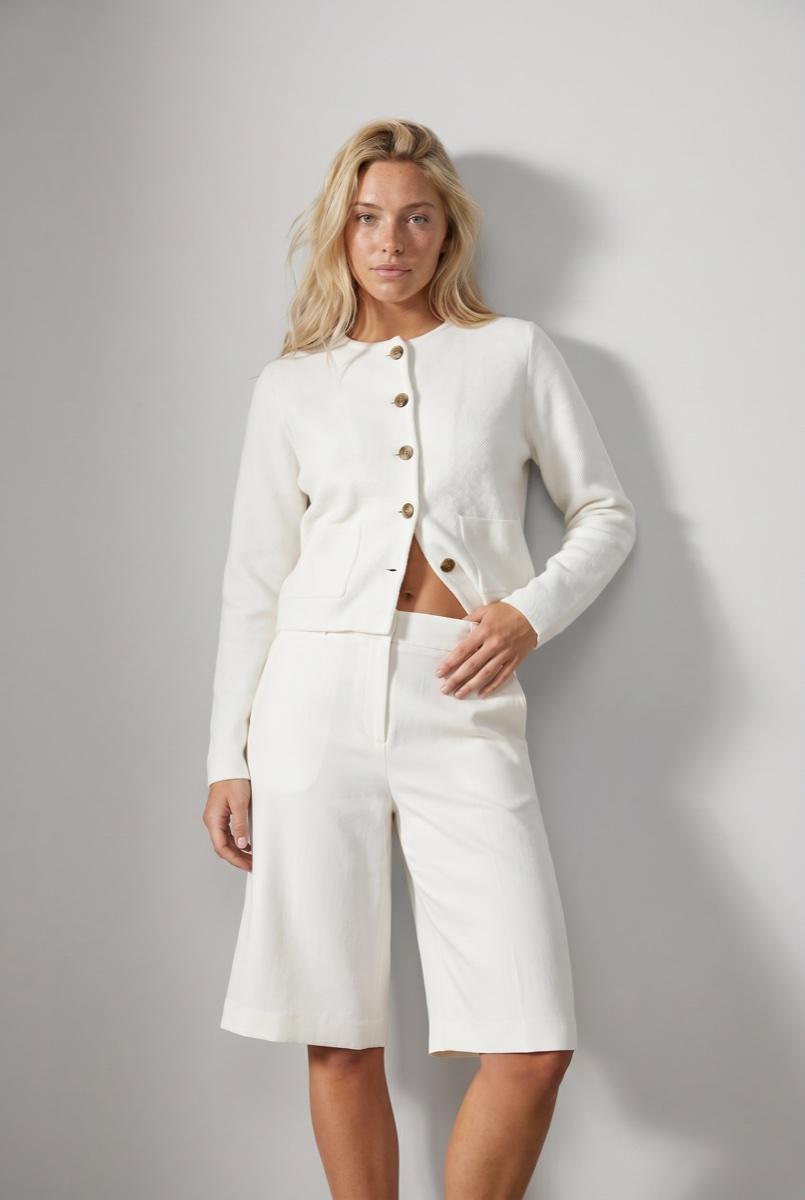
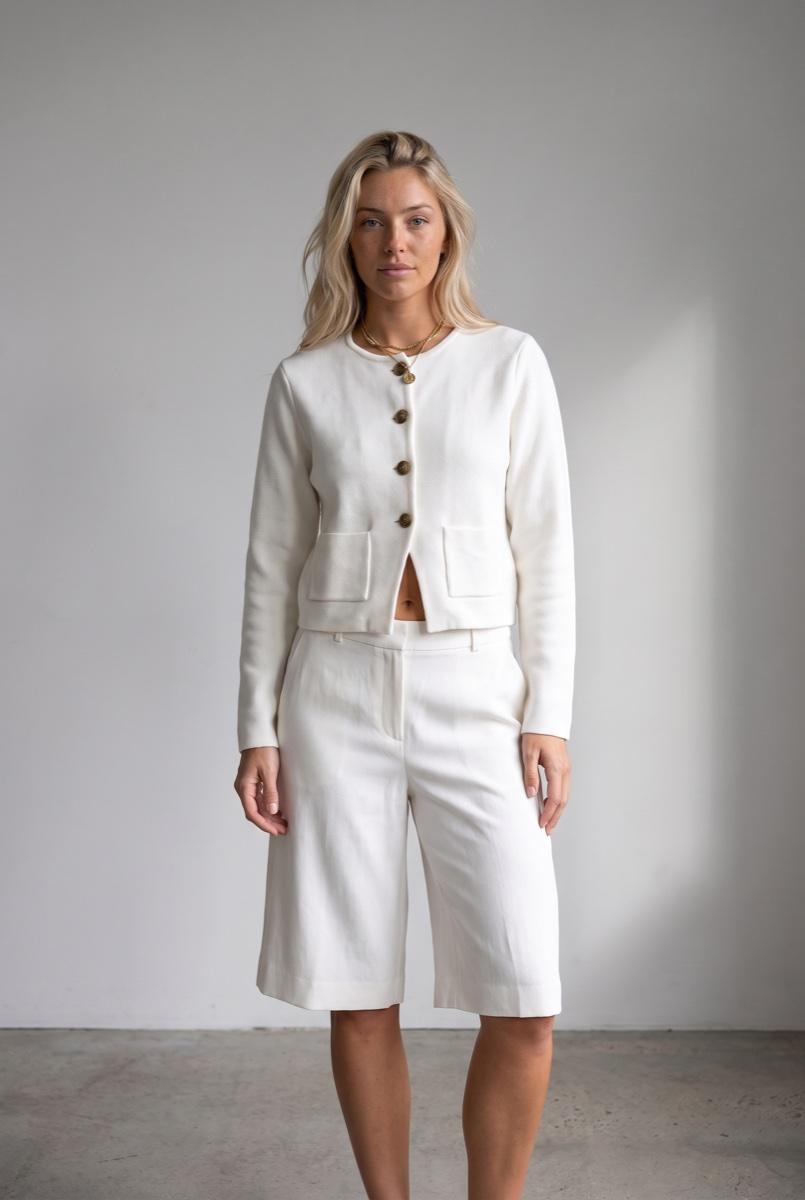
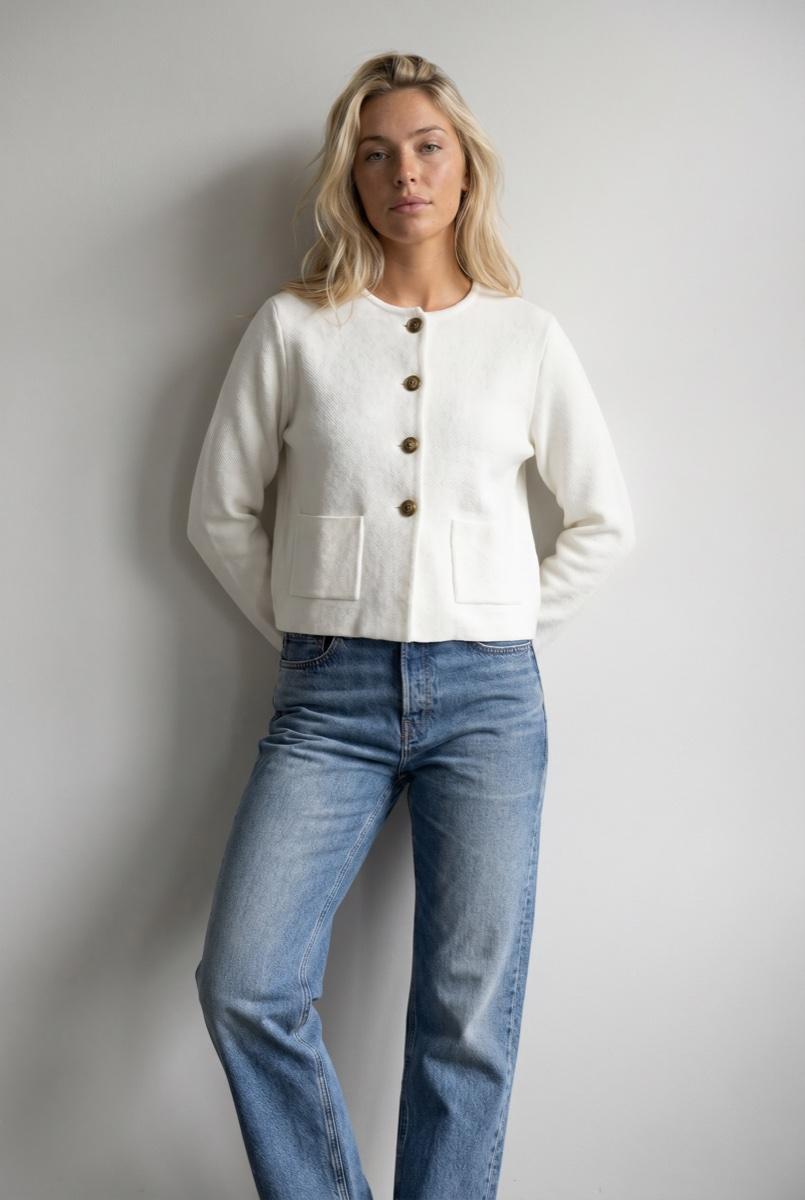
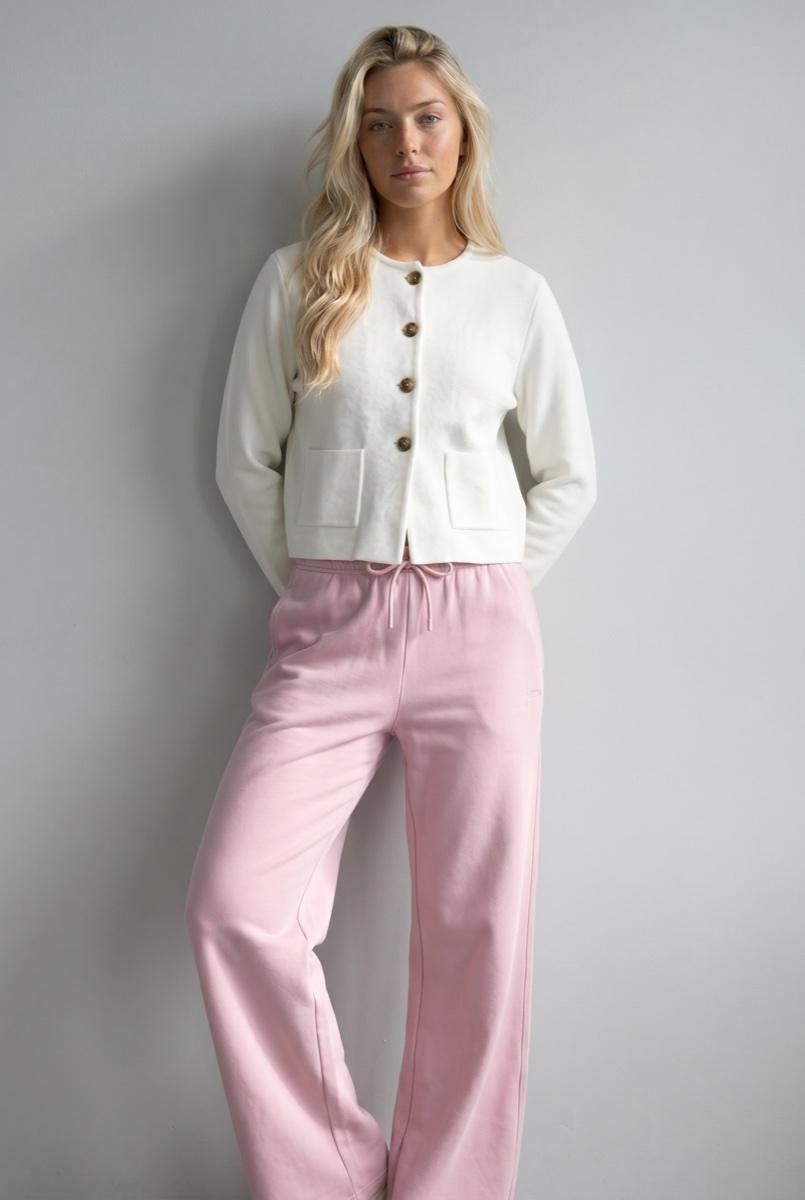
Two saved objects carry it. A saved model keeps one face and body across the range. A saved art direction holds the look: light, set, framing, styling, model rules, product fidelity and the review target. Point a catalog at one direction and only the garment changes.
- A direction can carry set options for framing, pose and light, so shots vary without leaving the brand.
- The same saved direction is reached from Studio, the API and MCP, and saved batch templates pin it for every drop.
- Build or adjust a direction in conversation with an assistant, then lock it for the run.
Security and data
How does Uwear handle security and customer data?
These are the controls the Uwear Privacy Policy and Trust center document.
- Model training
- Uwear does not use uploaded or generated customer images to train or fine-tune AI models unless a customer contract expressly permits it.
- Infrastructure
- AWS infrastructure with restricted data-center access. HTTPS encryption in transit and encryption at rest.
- Access
- Token-based authentication for API access, employee access on a need-to-know basis, and regular security audits and updates, as the Privacy Policy states.
- Retention
- Uploaded garment, avatar and workspace assets until you delete them. Generated images 90 days after generation. Usage logs 12 months. Deleted accounts sit in a 30-day archive before permanent deletion.
- Privacy rights
- Access, correction, deletion, export, opt-out and restriction of processing; people in the EEA also have GDPR rights, including a complaint to their data protection authority.
- Ownership
- You keep the rights to your uploaded images, and the Terms state that you own the AI-generated images and may use them for any legal commercial purpose.
- Provenance
- Delivered images carry an invisible TrustMark watermark and C2PA origin metadata where the format supports it, checkable on the public verifier.
Commercials
How is the enterprise plan priced and started?
Enterprise is shaped around your catalog, and it starts with proof: you send sample garments, Uwear builds the art direction, runs a real production batch and hands you a scored report before you commit.
Self-serve usage is pay as you go at $0.10 a credit across Studio, the API and MCP, with rates per model on the Models page.
- Volume pricing: bulk credits or a platform fee with lower rates
- Invoice billing
- Implementation and pilot support
- Custom QA criteria for your standards
- A sample report on your own garments, first
Enterprise AI fashion photography FAQ
Uwear is an enterprise AI fashion photography platform built for that checklist. It turns existing product photos into on-model photos on a saved model and a saved art direction, in batches of up to 10,000 images. An optional AI reviewer checks each photo against its product and can retry what fails. A REST API with webhooks and a remote MCP server deliver results to a PIM, DAM or store, carrying up to 50 of your own metadata fields. Integration is through the API rather than packaged PIM or DAM connectors.
A batch takes up to 10,000 images and runs every row in parallel, so a 10,000-SKU season with three views each is 30,000 images: three batches, or a Production Automation that shoots each garment as it finishes processing. Saved batch templates rerun the same models, art direction, camera plan and output settings every drop. Your systems can also start automation runs through the API with an idempotency key, up to 50 items per call.
With QA on, a separate AI reviewer checks every photo before handoff: the face and hair against the saved model, pose and framing against the brief, and each garment against its own reference for fit, colour, length and details. A failed check comes back with a written reason. With automatic retries on, the same request is re-shot as a new generation, up to the limit you set; rejected attempts stay on the record. The reviewer runs inside the job and costs no credits. Uwear does not offer a pass-rate or fidelity guarantee.
Your team sets the bar and Uwear runs it. On enterprise plans Uwear tunes the AI reviewer’s questions to your catalog and standards, so the checks your team makes by eye become questions every image must answer. Your team can approve or reject any image in Studio, and each human verdict records who made it. Uwear is software your team operates, with implementation support, and you keep control of your art direction, models and results.
Through the REST API and webhooks, not a packaged connector for a named PIM or DAM. Attach up to 50 of your own metadata fields, such as SKU, style number, market, usage rights or PIM and DAM identifiers, to clothing items and models; every generation inherits them and every result returns them. A webhook tells your service when a job ends, and an automation can end with a step that exports results to your DAM by webhook. Delivery URLs are temporary, so store approved files in your own system.
Two saved objects carry it. A saved model keeps one face and body across the range. A saved art direction holds the look: light, set, framing, styling, model rules, product fidelity and the review target. Point a whole catalog at one direction and only the garment changes; a direction can carry set options for framing, pose and light, so shots vary without leaving the brand.
No. Uwear does not use uploaded or generated customer images to train or fine-tune AI models unless a customer contract expressly permits it. Customers keep the rights to their uploaded images, and the Terms state that customers own the AI-generated images and may use them for any legal commercial purpose.
The Uwear Privacy Policy lists HTTPS encryption in transit, encryption at rest, AWS infrastructure with restricted data-center access, regular security audits and updates, need-to-know employee access and token-based API authentication. Generated images are retained 90 days after generation, usage logs 12 months, uploaded assets until you delete them, and deleted accounts sit in a 30-day archive before permanent deletion. EEA residents have GDPR rights, including a complaint to their data protection authority.
Enterprise is priced around your catalog: bulk credits or a platform fee with lower rates, invoice billing, implementation and pilot support, and custom QA criteria. It starts with a sample report: you send sample garments, Uwear builds the art direction, runs a real production batch and hands back a scored report before you commit. Self-serve usage is pay as you go at $0.10 a credit. Teams are not an enterprise add-on: any account can invite unlimited members, with no seat fees and one shared credit pool.
Bring a sample of your catalog.
Bring sample garments, your QA bar and your delivery target. Uwear runs a real production batch on your garments and hands back a scored report before you commit.
Existing customer? Log in to Studio





