Use case · Flat lay to model
Flat lay to model AI: the flat lays you have, worn
Send the garment shot you already have, choose the model and setting, then receive finished photos with optional automatic QA from an AI reviewer.
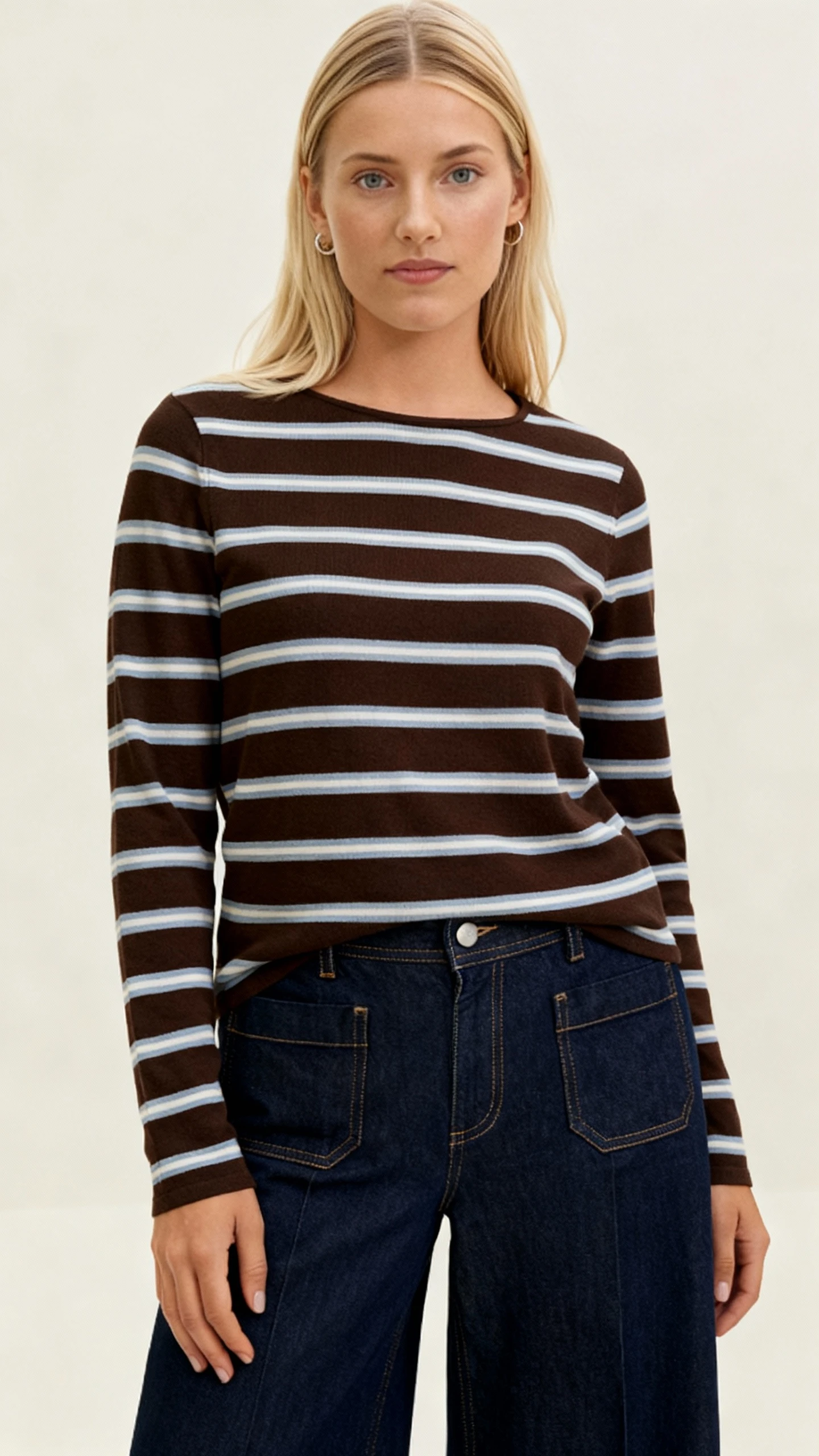
Real before and after
Compare the flat lay with the finished photo.
These are real Uwear inputs and their real outputs. The garment remains the reference while the model, setting, and styling come from the shot direction.
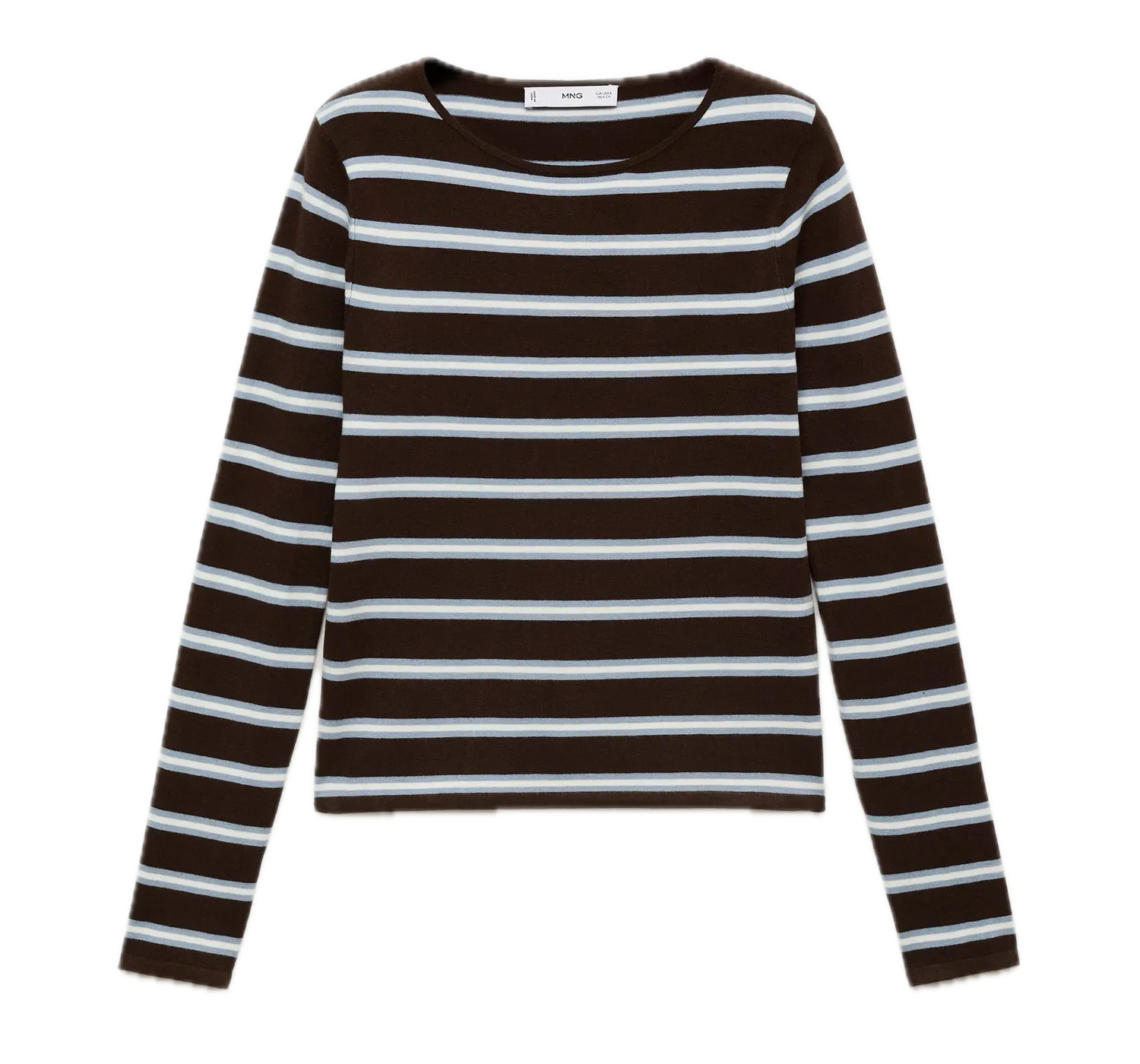 Flat-lay inputPhoto on model
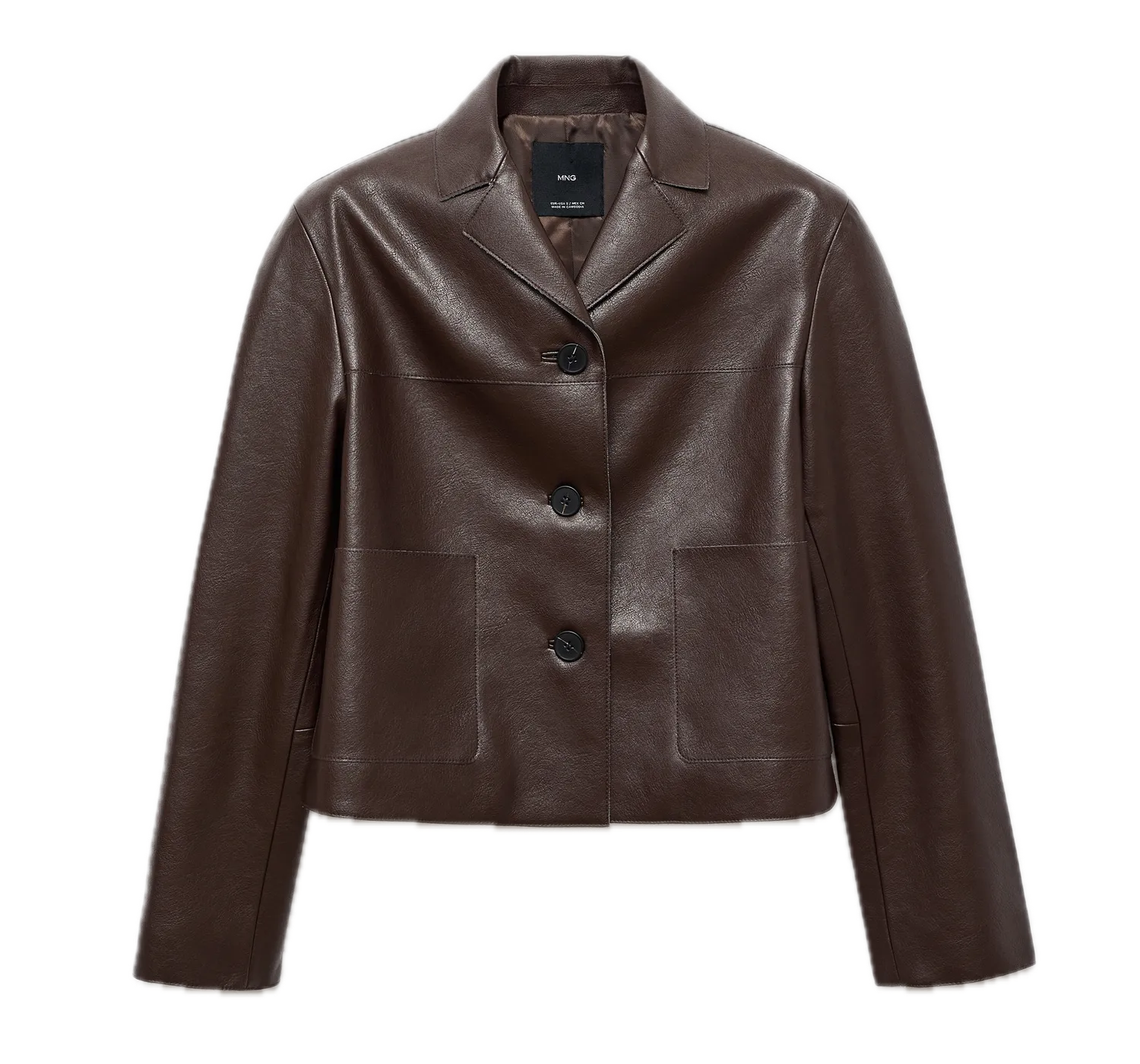 Flat-lay input
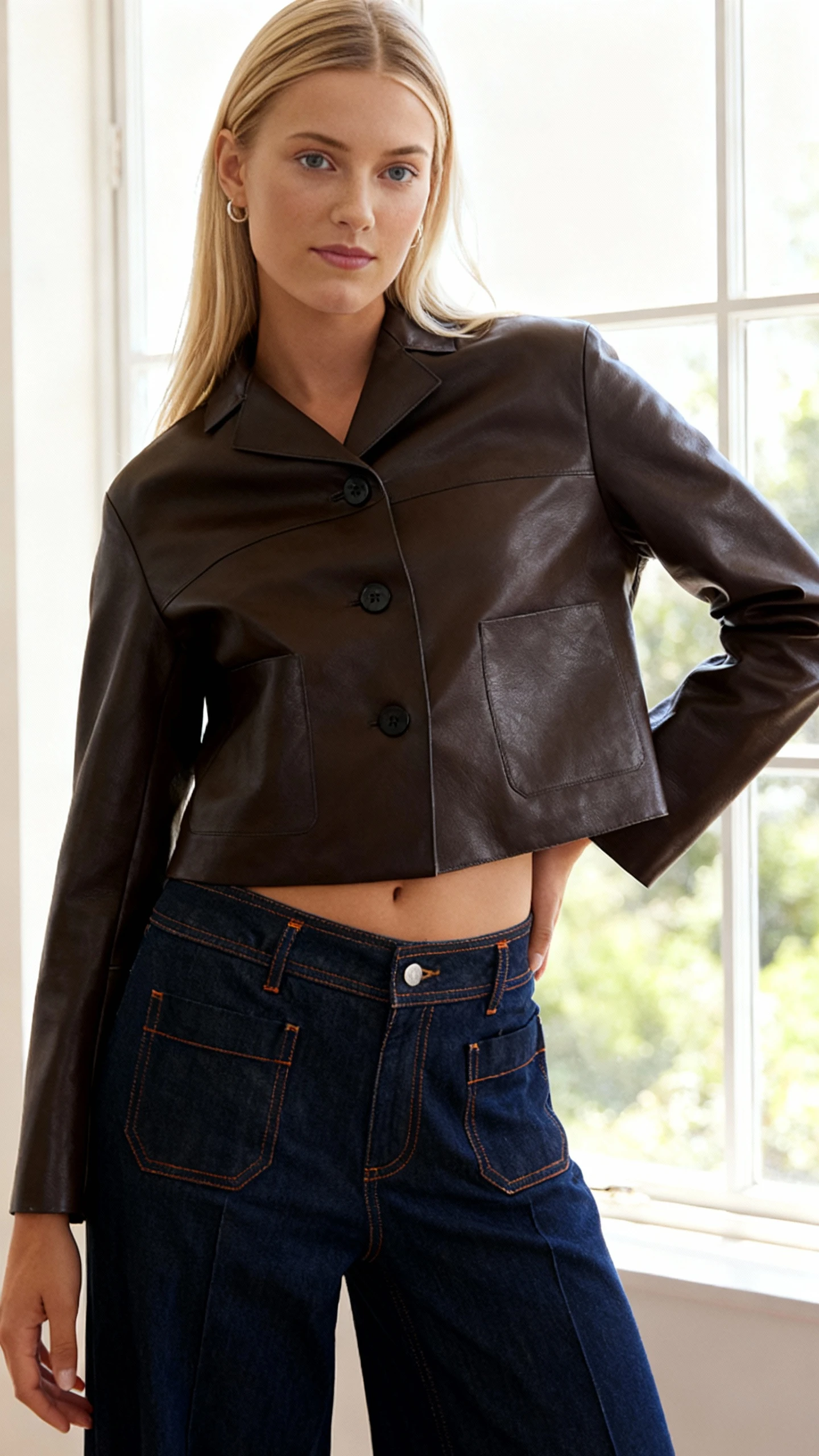 Photo on model
How it works
Send the assets. Set the shot. Receive the finished set.
Use the same three-step flow for one garment or a full product range.
- 01
Send the product shots
Upload clean flat lays or cutouts that show the full garment, its colour, and the details that must carry into the finished photo.
- 02
Set the art direction
Choose the model, pose, backdrop, crop, light, and styling once, then reuse that direction across the range.
- 03
Turn on QA and receive
Switch the AI reviewer on or off for each run. When it is on, checks and retries happen automatically before delivery.
Live production
AI fashion visuals generated
Products uploaded
Creators on Uwear
Fashion brands & retailers
Build the full workflow
Connect each flat lay to the way your team produces.
Choose the path that handles the product shot, creative rules, automatic review, or production volume.
Turn products into model photos
See how product references become reusable photos for product pages and campaigns.
Learn moreSet art direction
Save the model, setting, crop, light, styling, and garment rules once.
Learn moreRun automatic QA
Turn on the AI reviewer for source checks and automatic retries.
Learn moreGenerate in batches
Apply the same direction and delivery rules to many flat lays in one run.
Learn moreComparing tools before you pick one? Here is how six flat lay to model AI tools compare on back views, garment checks and price per image.
What it costs
What does flat lay to on-model cost?
The price is credit arithmetic you can do before the run: the number of flat lays, the views you request per garment, and the credit rate of the image model you pick. Credits cost $0.10 each, with no plan and no expiry.
| Garments | Send a flat-lay photo of each SKU. Add detail shots when the flat lay hides a detail. |
|---|---|
| Views per garment | Front, three-quarter, back: request only the angles the product page needs. |
| Credits per image | Set by the image model you choose. Standard models start at 1 credit per image; see the live rate list. |
| Price per credit | $0.10, pay as you go. The minimum first purchase is 170 credits. |
| Example | 40 flat lays × 2 views × 1 credit = 80 credits before edits and retries. |
- Automatic QA is toggleable. When it is on, a failed check can trigger a retry, and each retry is a new image at the same rate.
- Edits to a delivered image (a crop, a backdrop change) cost the model rate of that edit, not a new full generation.
- Every MCP and Studio run shows the itemized credit total before anything generates. Nothing runs until you confirm.
Flat lay to model FAQ
How garment references, art direction, automatic AI review, and batch delivery work together.
The flat lay is the garment reference for every result. Uwear carries its visible silhouette, colour, stripes, lapels, pockets, and construction details into the shot. When QA is switched on, an AI reviewer automatically compares those details with the source and retries results it flags.
Use a clear, well-lit shot that shows the full garment without cut-off edges. A neutral or removed background helps the system read the outline, while sharp detail makes seams, texture, fastenings, prints, and colour easier to carry into the finished photo.
Yes. Save those choices in an art direction, including the model, pose family, backdrop, crop, light, styling, and product rules. Reuse the same direction when several garments need to share one visual standard.
No. QA is a per-run toggle. When it is on, an AI reviewer automatically checks garment fidelity and the shot instructions, then retries results it flags. When it is off, the run delivers without that QA step.
Yes. Add the products to one structured batch, apply a saved art direction, and choose whether the AI reviewer should run automatically. Each result stays tied to its source product for delivery.
Bring one flat lay. Set the shot.
Send the product shot and desired art direction. Uwear returns photos on real models with optional automatic QA by an AI reviewer.
Existing customer? Log in to Studio
Pairs with Product-to-model photos · Art Direction · Review & QA





