Integrations
Integrate Uwear with MCP or the REST API
Add the Uwear tools to an agent, a personal assistant or an agent in your enterprise system. Or call the REST API endpoints from your own service. Then follow the guide for your store.
Store systems
Pick the guide for your store
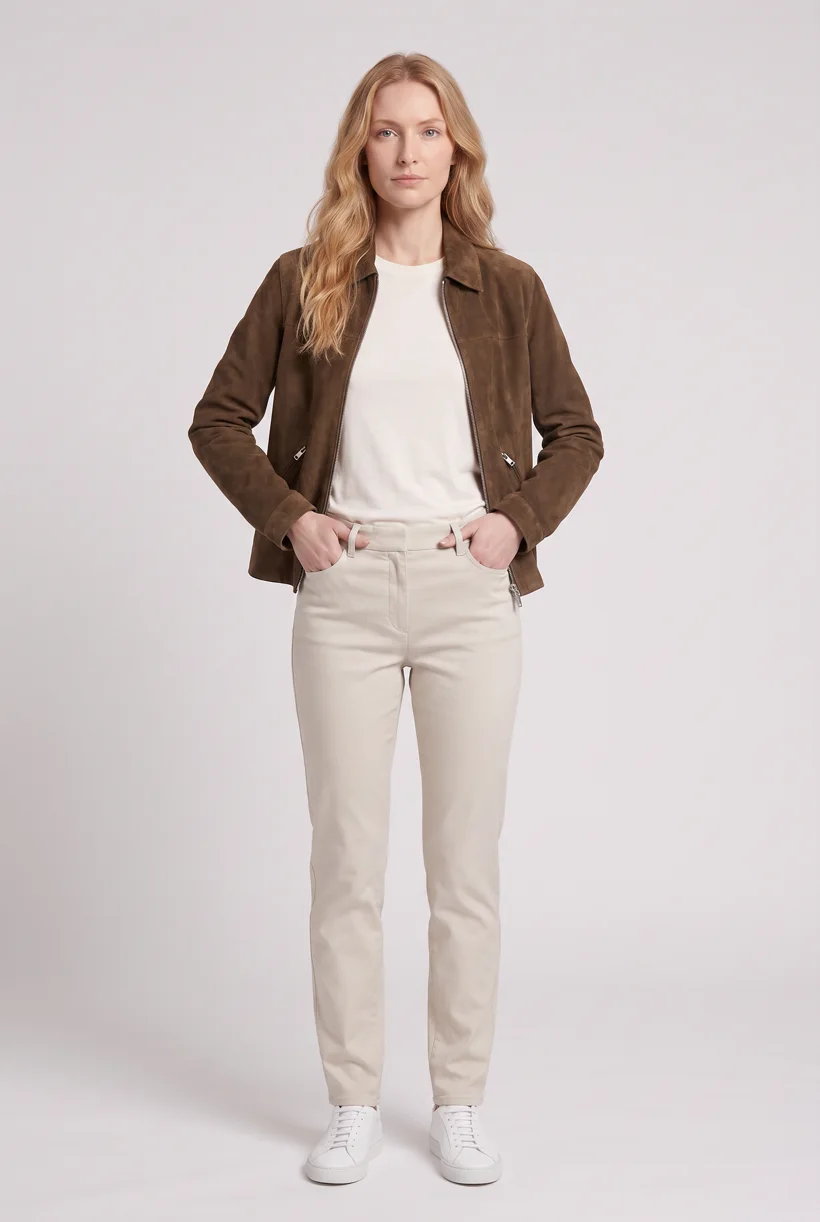
Shopify
Generate on-model photos for your Shopify catalog
Read the guide
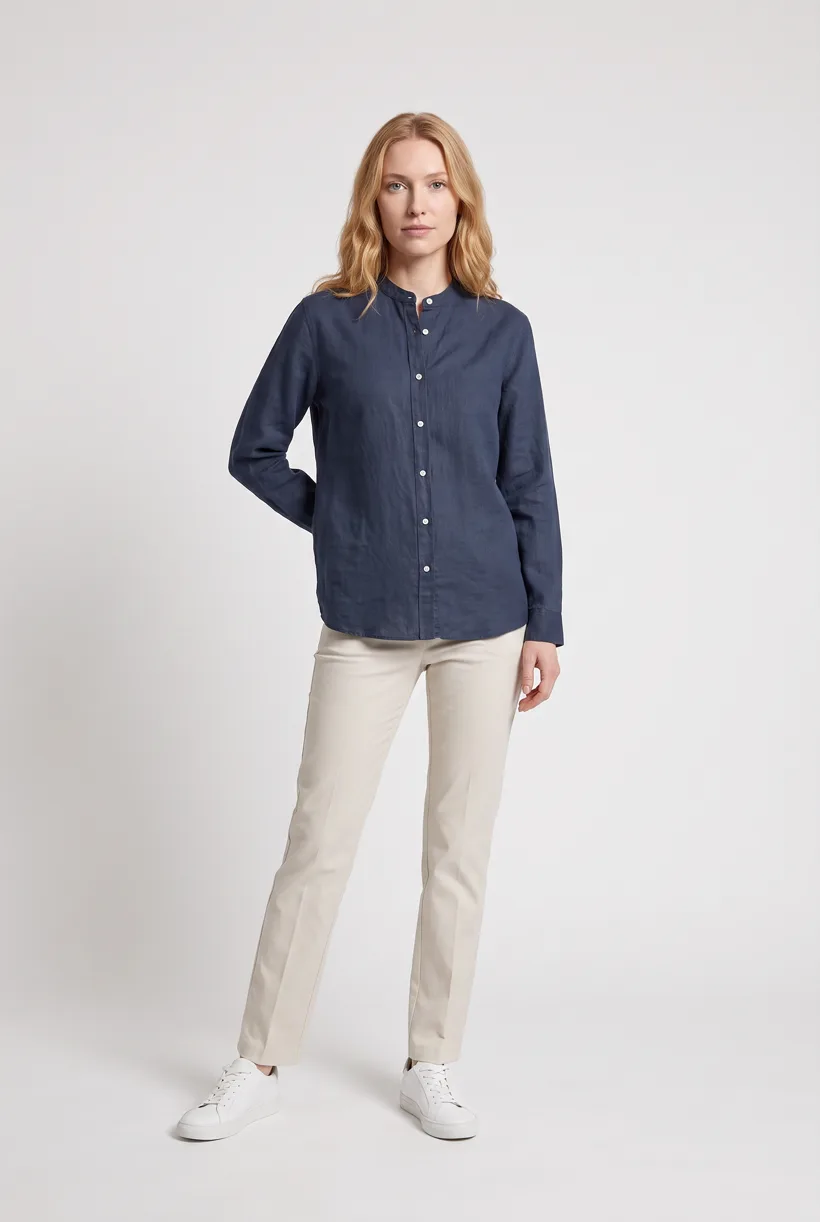
Magento 2 and Adobe Commerce
Generate on-model photos for your Magento 2 or Adobe Commerce catalog
Read the guide
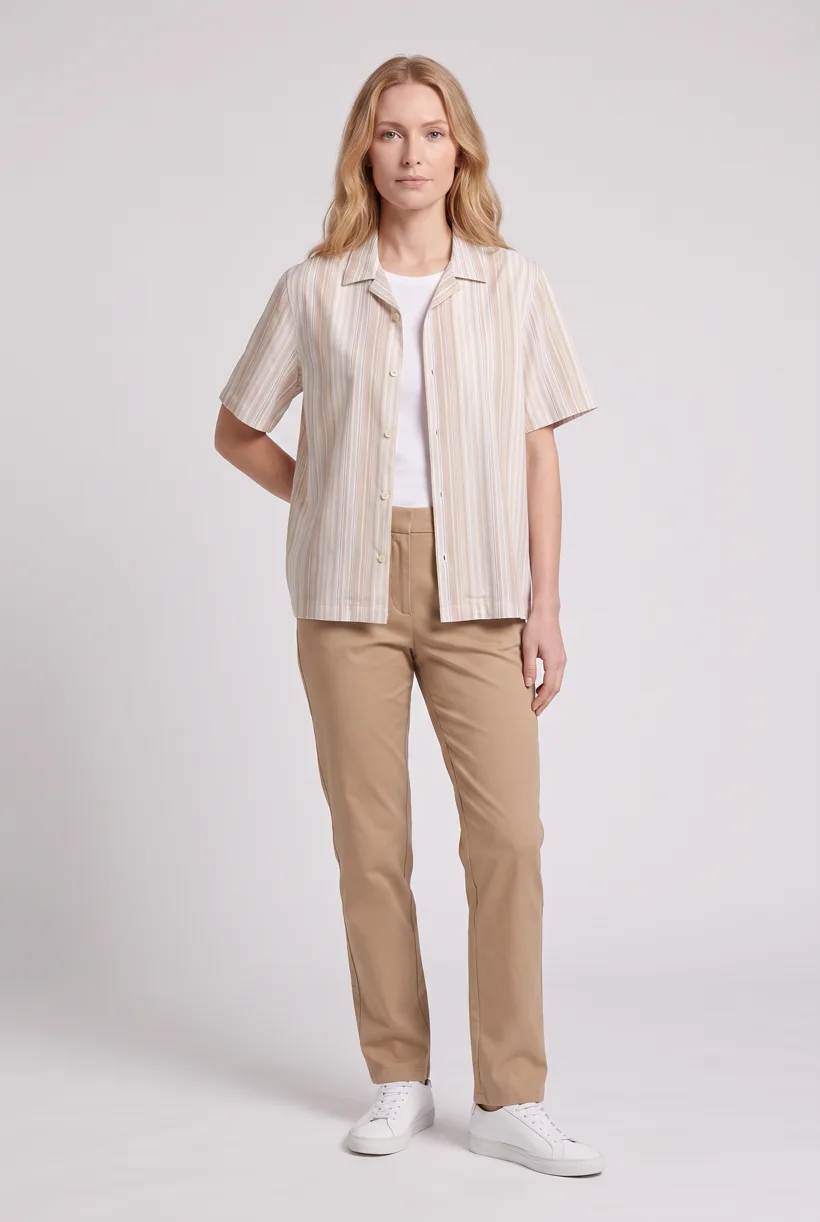
WooCommerce
Generate on-model photos for your WooCommerce products
Read the guide
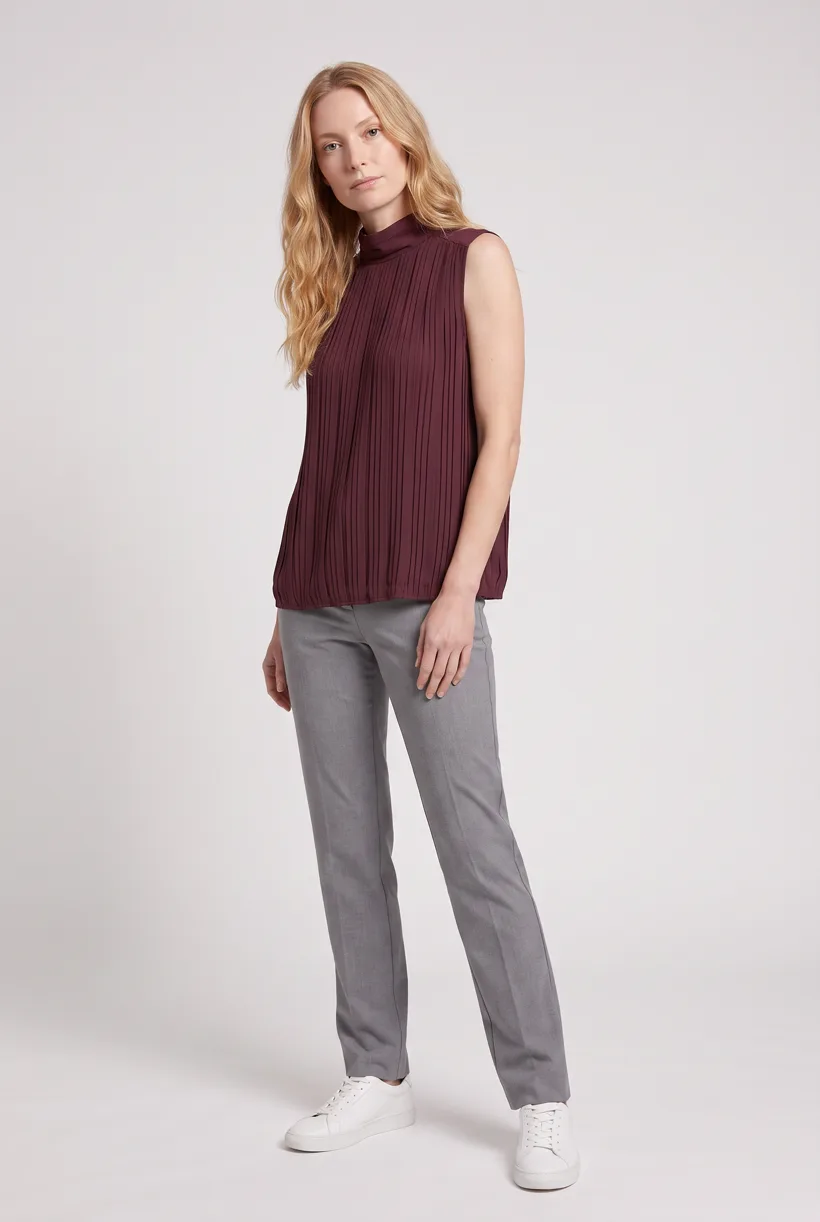
Amazon
Generate white-background on-model listing images for Amazon
Read the guide
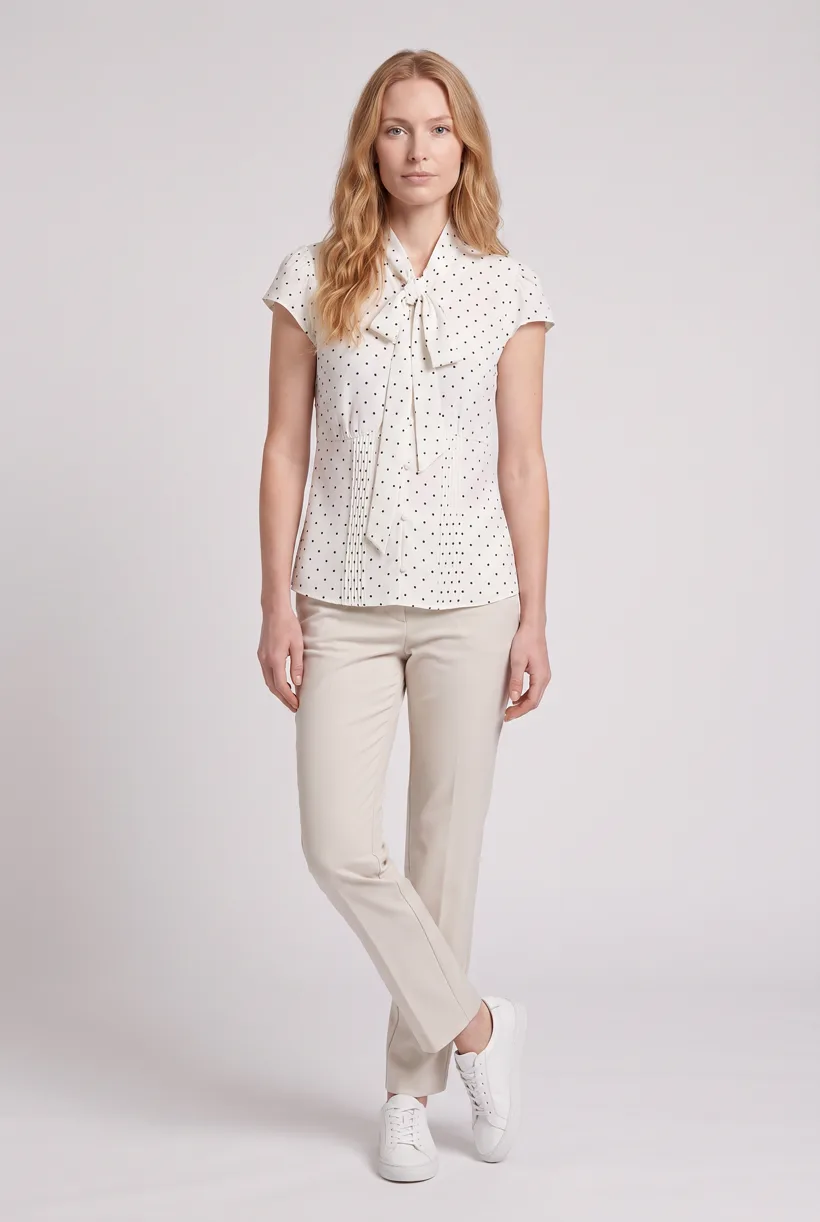
Salesforce Commerce Cloud
Generate on-model photos for your Salesforce Commerce Cloud catalog
Read the guide
Ways to integrate
Choose MCP for your agents or the REST API for your systems
There are many ways to integrate Uwear. These are the main ones.
MCP in a personal agent
Add the Uwear tools to the assistant you already use: ChatGPT, Claude, Claude Code or Codex. The assistant prepares the brief, shows the cost in credits, and generates after your approval. Each store guide names the connector or API that the assistant can use to add the results to your store.
See Uwear MCPMCP in your enterprise agent
Add the same tools to an agent that your team runs in its own system. Uwear is a remote MCP server, so any client that supports remote MCP servers connects with the same server URL.
Read the setup stepsREST API endpoints
Call the endpoints from your own service when no agent is in the loop. Send a generation request, receive a webhook when the job ends, then store the files in your DAM, your PIM or your store.
Read the API guideUwear Studio
Generate in the browser, download the results, and upload them in your store admin. Use this route for a small number of products.
See Uwear Studio
Connect your catalog to Uwear.
Start with an assistant-led test, then build the API delivery your catalog needs.
Existing customer? Log in to Studio





