Use case · Team studio
Every image gets a photographer.
A shared studio where your team works like a photo crew: directing each generation take by take until it's right, with human eyes on every image that ships.
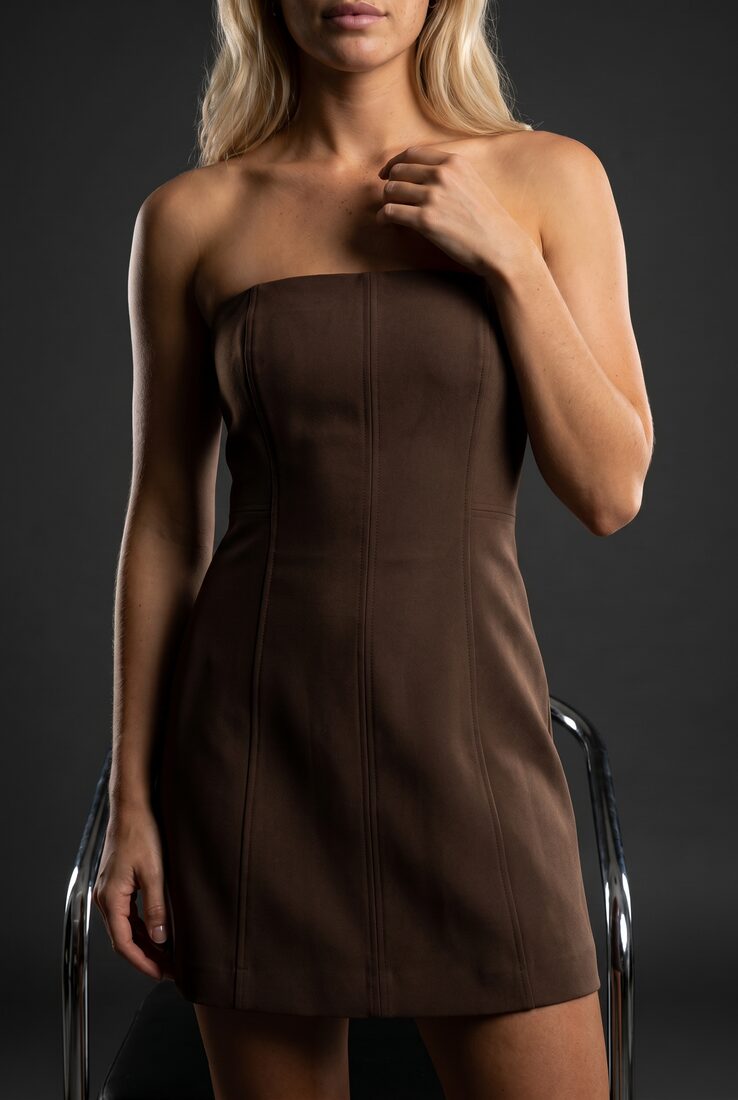 Take 1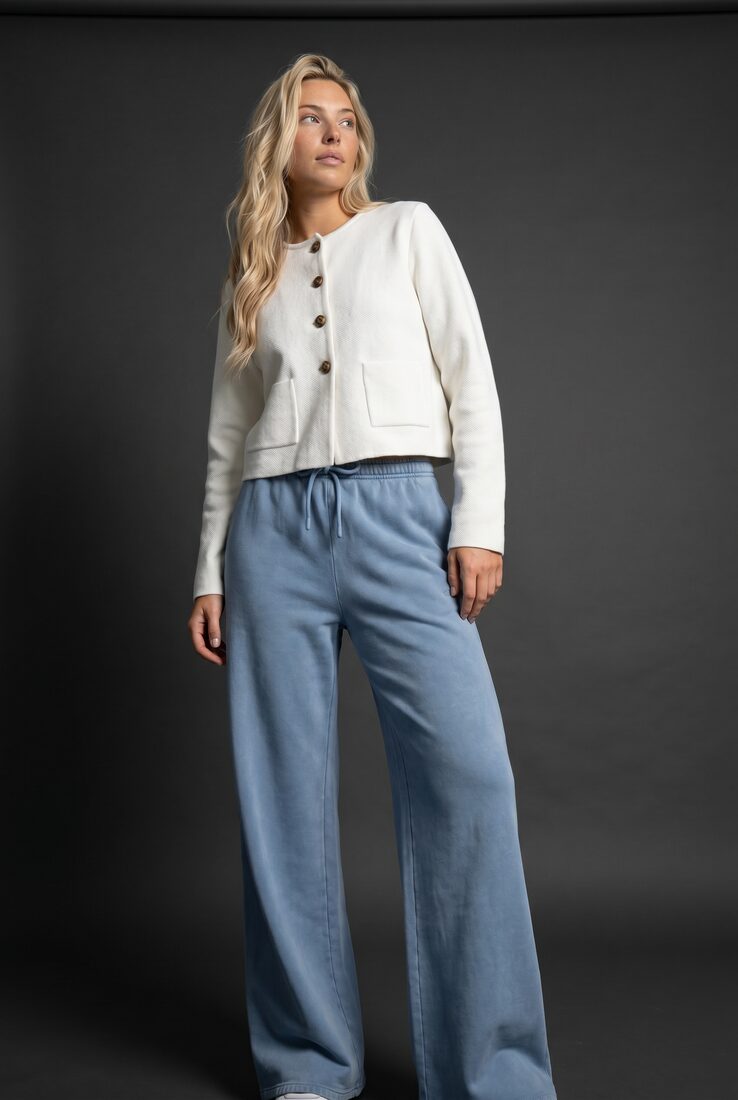
Shot 01 · Strapless dress
Léa 10:42
Framing is too tight, we are losing her face. Pull the camera back.
redotagged on the generation in Uwear
2 shots · 2 takes each
Real Uwear generations, one saved art direction. The team talks where it already talks; the decision lands as a tag on the take.
One workspace
Two people or two hundred: one studio.
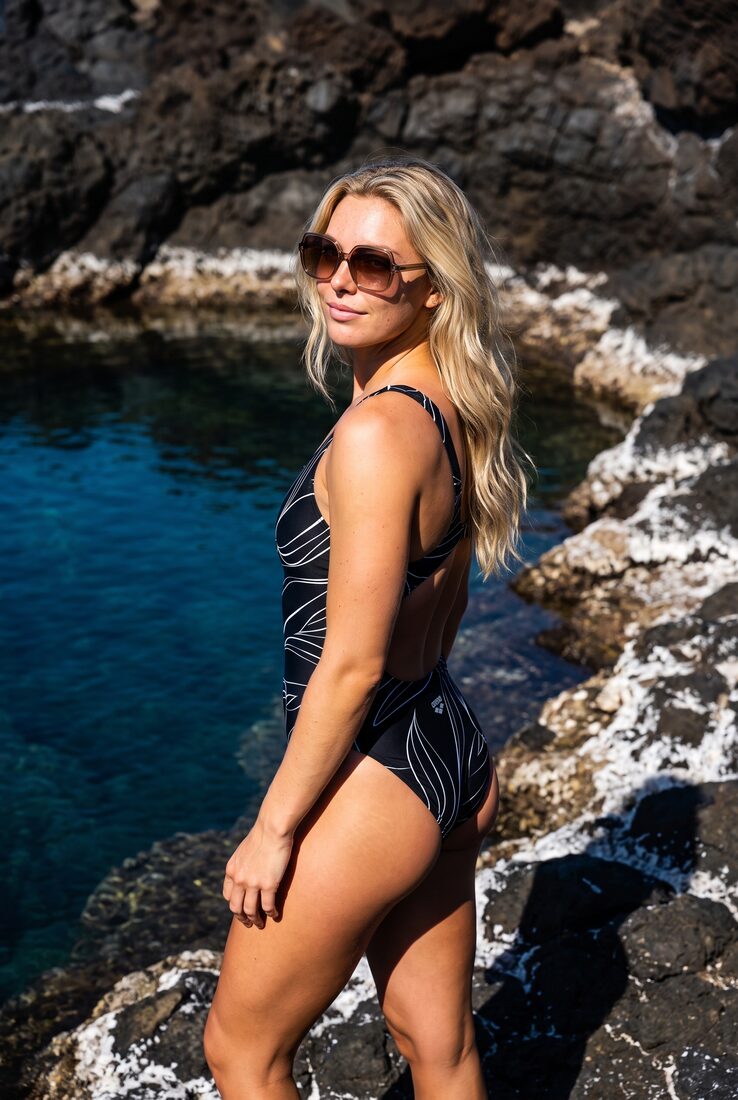
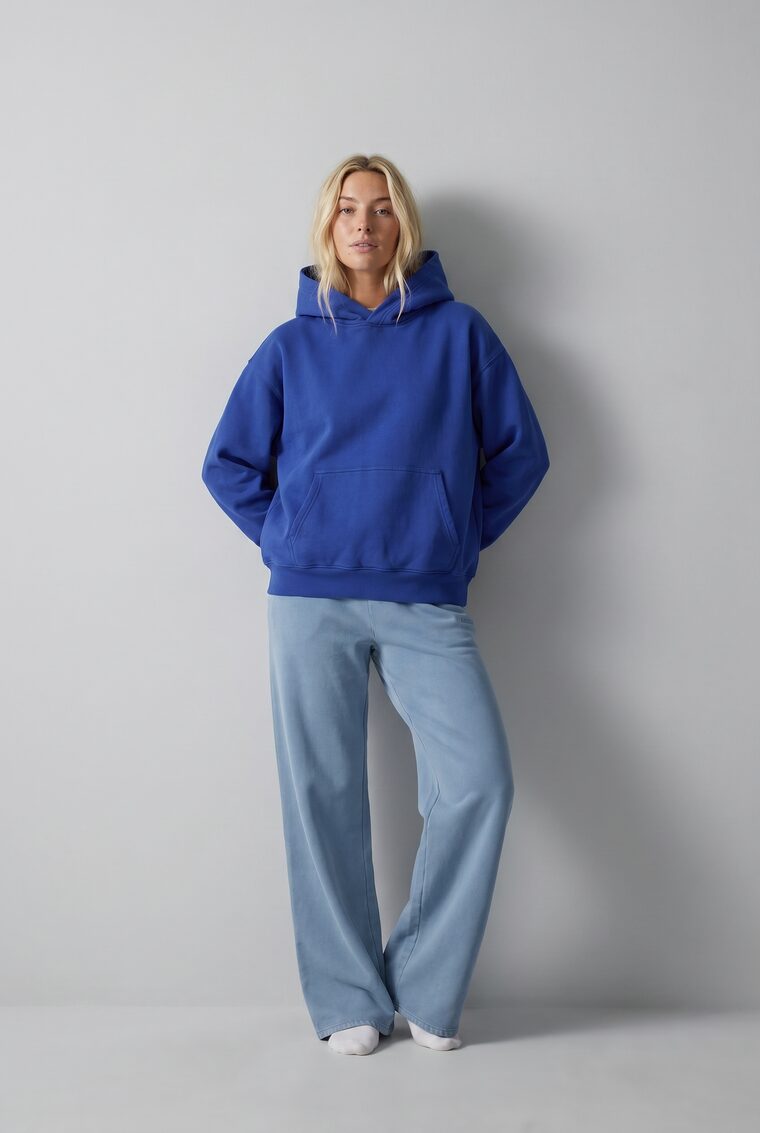
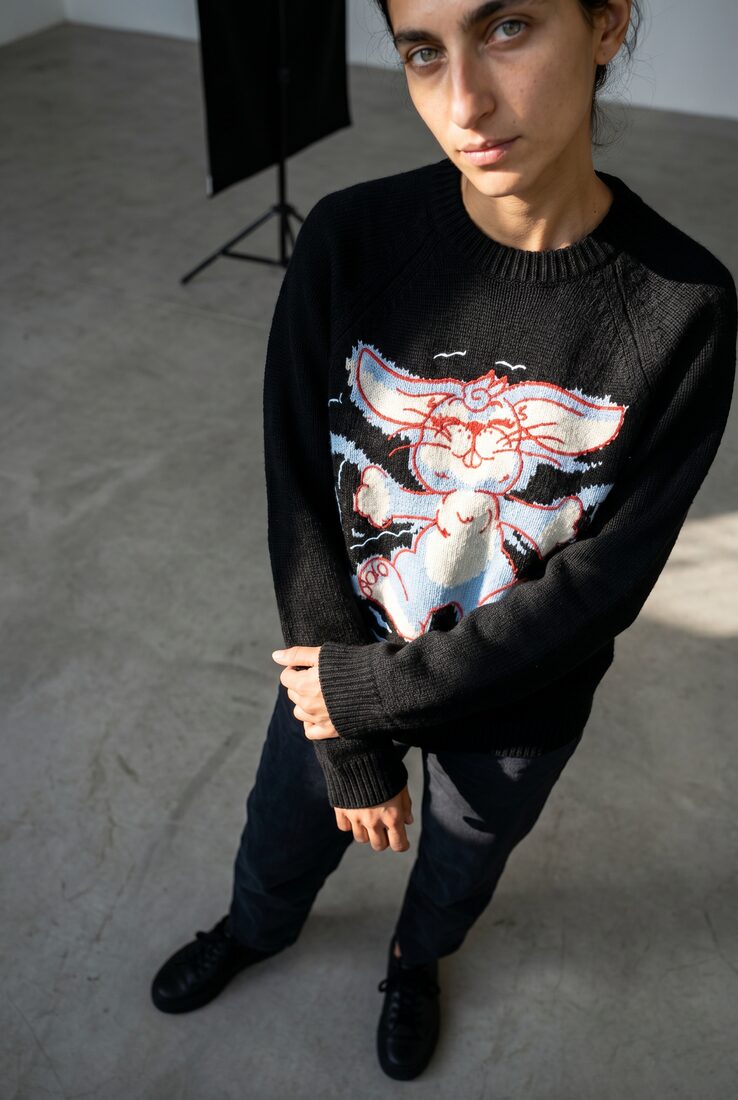
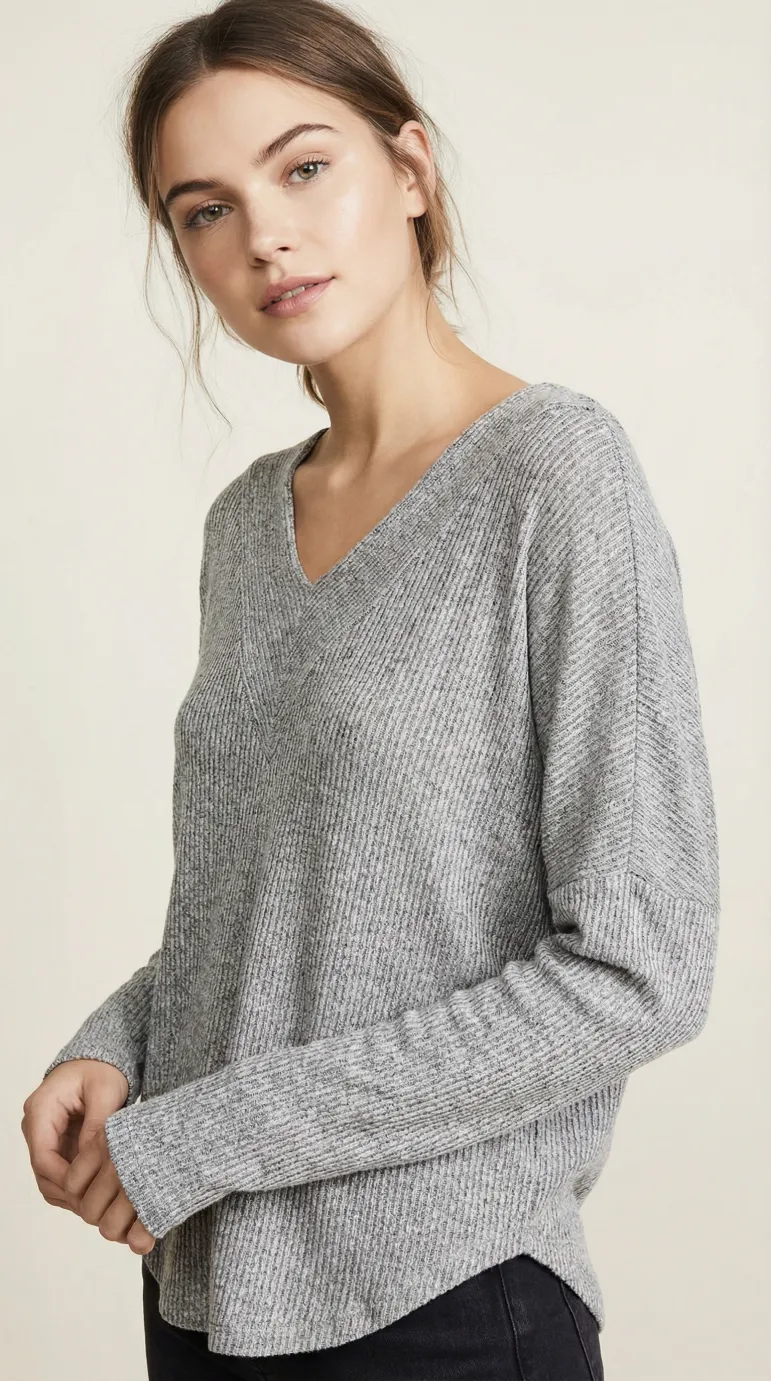
A team account shares everything: garments, outfits, art directions, results, and credits. Anyone can find a teammate’s take by describing it, review it, or build on it, instead of digging through a pile of private folders. The Asset Library is the studio’s shared memory.
Team workspace · This week
6 teammates active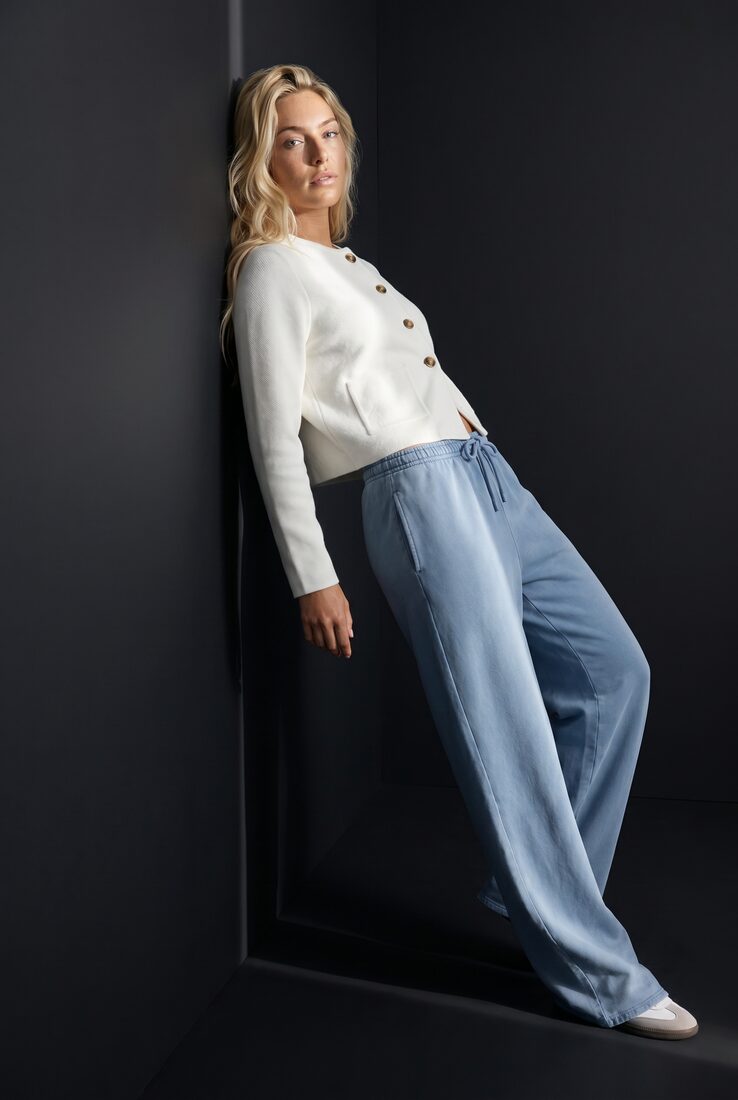 Match
MatchLéa · Studio
Approved
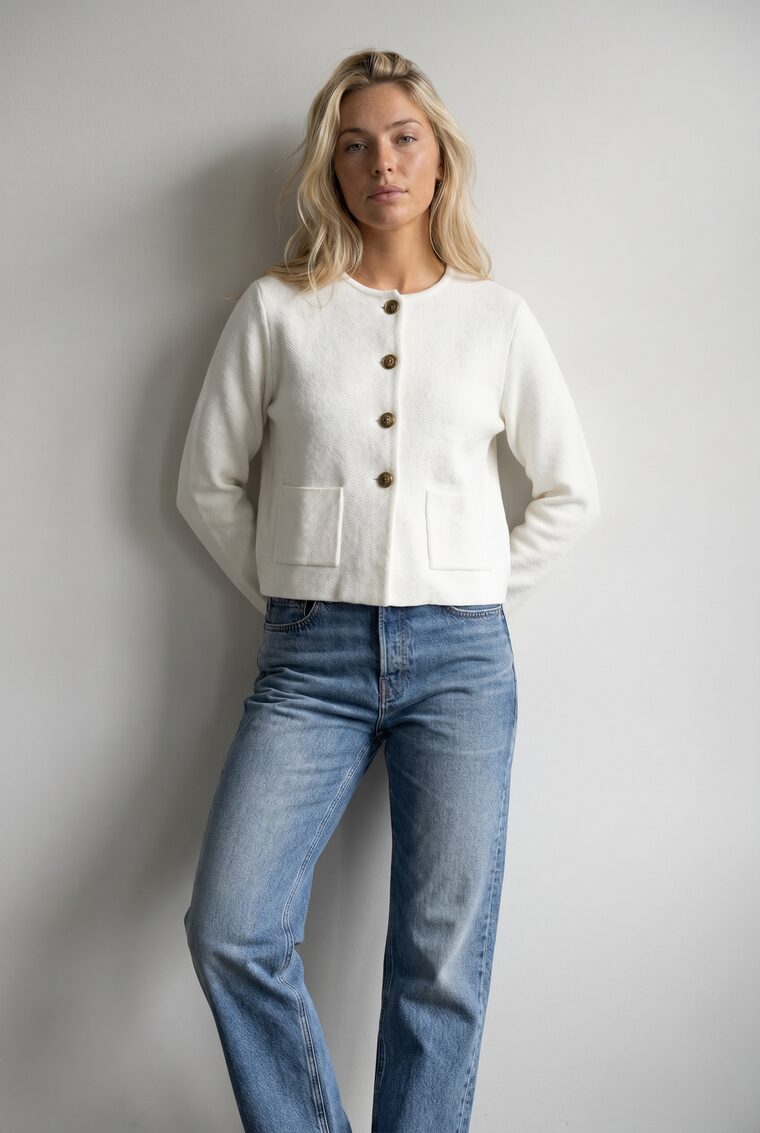
Ana · Studio
Approved
Tomás · via ChatGPT
In review
Marco · via Claude
Approved
Priya · Studio
Reused · Spring drop
Ana · Studio
In review
Shared garments, outfits, art directions, results, and credits · workspace watermark on every export
Where they work
Same studio, different desks.
Half the team lives in the Studio interface. Others work from Claude or ChatGPT through MCP. Same workspace, same assets, same credits, same results.
 0:11
0:11Operator interface
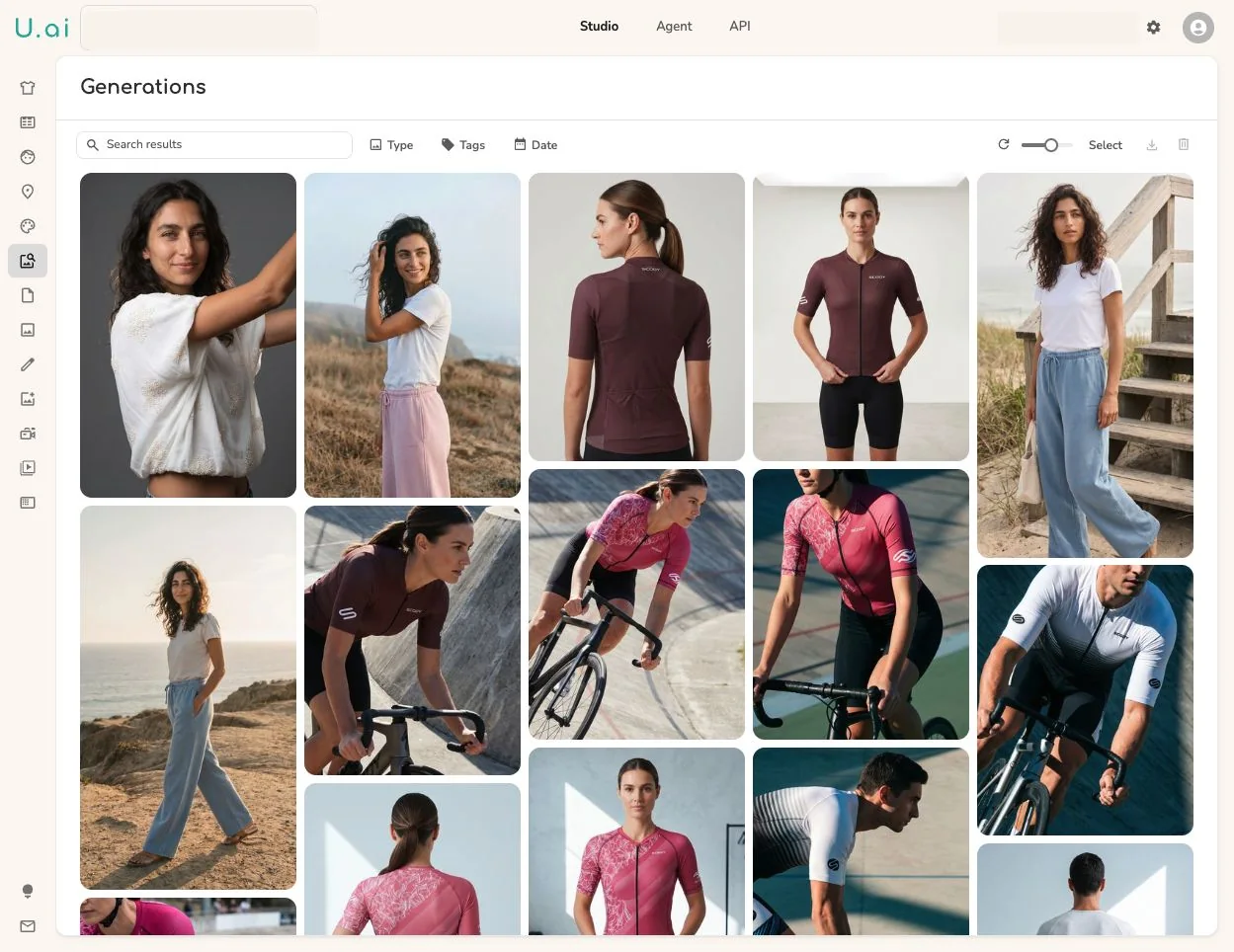
Studio
The craft desk: generate, compare takes, and approve on one board.
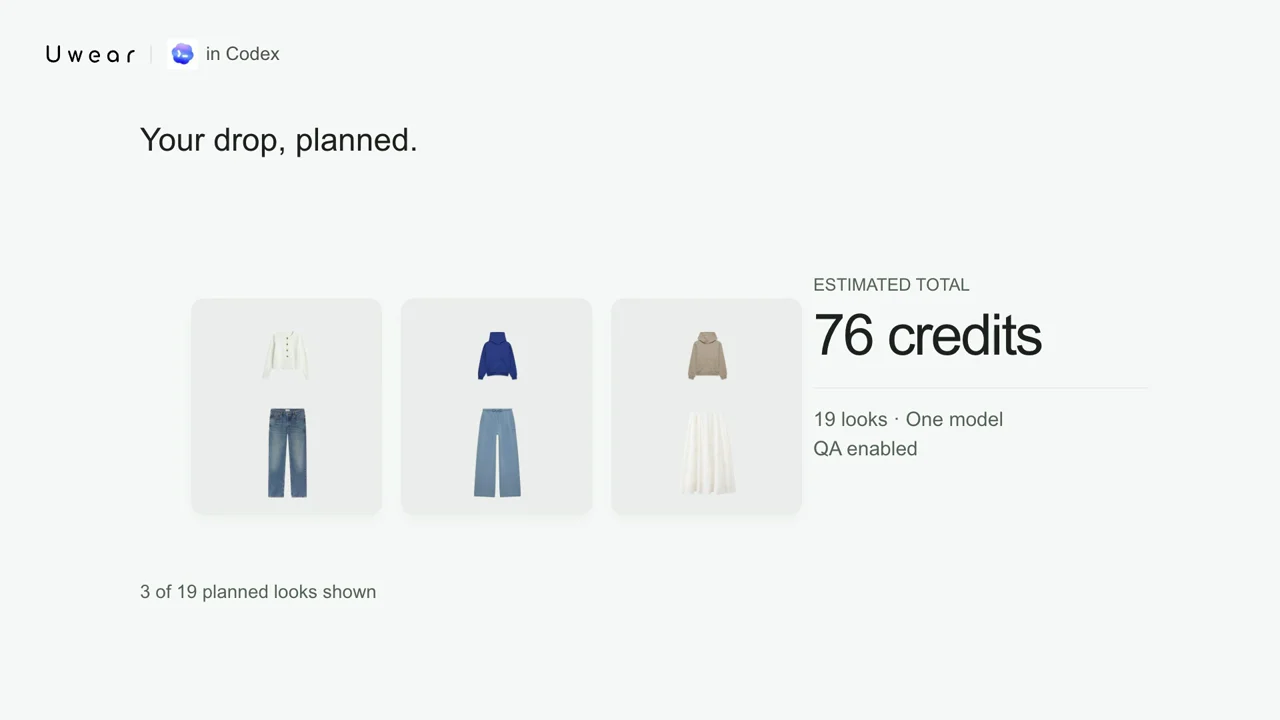
Explore StudioIn your own tools
MCP
The same workspace from Claude or ChatGPT: briefs, takes, and approvals in chat.
Explore MCPCraft and scale
Hand-directed here. Batch when volume calls.
This is the supervised end of the same platform: batch pipelines cover the long tail of the catalog, while your team crafts the images that matter most, on the same assets and directions.
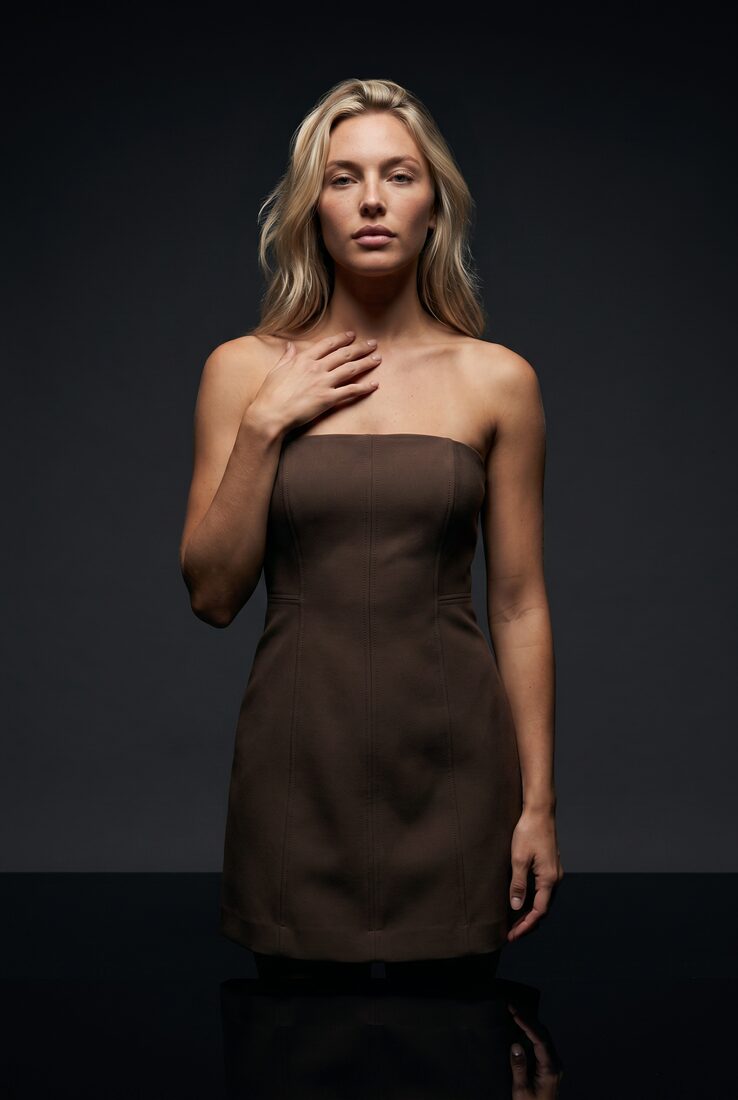 Take 2Approved by Léa



The shared memory
Asset Library
Garments, outfits, and results saved once, found by meaning, reused by anyone on the team.
Explore Asset LibraryThe shared world
Art Direction
Every hand, one look: saved directions keep every take inside the same visual world.
Explore Art DirectionWhen volume calls
Batch Workflows
The long tail runs as a batch with automatic QA, while your team crafts the images that matter.
Explore Batch WorkflowsTeam management
Run it like a department.
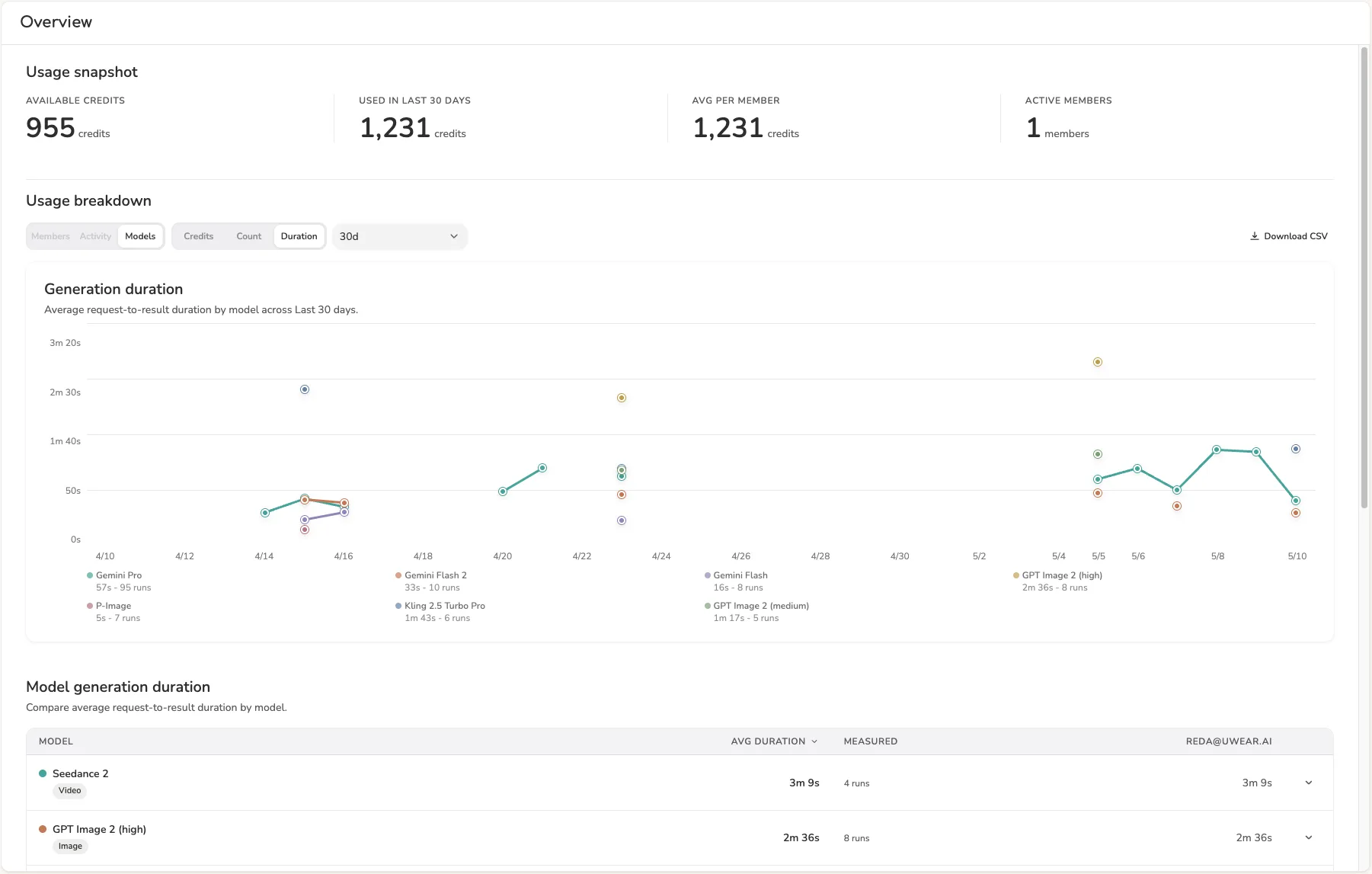
A creative team needs one budget, not a stack of personal subscriptions. Billing is unified across every seat, and the team dashboard shows exactly where the credits go.
Usage analytics
Credits, generation counts, and durations, broken down by member and by model.
Unified billing
One invoice and one credit pool for every seat, with visibility on who used what before the next period.
One-step invites
A new teammate lands in the workspace from a single invite link, account and all.
CSV export and watermarks
Send usage straight to finance, and apply the workspace watermark to every download.
Team studio FAQ
How a shared AI photo studio behaves for a working fashion team.
One shared studio for your whole team: the same garments, outfits, art directions, generated results, and credits. Everyone works on the same assets instead of maintaining private copies, and every export carries the workspace watermark policy.
Separate accounts mean duplicated garment uploads, drifting art directions, and results trapped in personal libraries. A team workspace keeps one source of truth: anyone can find a teammate’s result, reuse it, review it, or continue iterating on it, under one unified bill.
Yes. Uwear’s MCP integration puts the same workspace inside Claude, ChatGPT, or any MCP client: briefs, generations, takes, and approvals from chat, while colleagues work in the Studio interface on the exact same assets and results.
It’s a choice about supervision, not a limitation. Some brands want a human directing every image, the way a photographer works a shot. When volume calls, the same team, assets, and art directions run through Batch Workflows with automatic QA instead.
Saved art directions carry the model, set, lighting, and framing, so every teammate’s takes land in the same visual world. Shared results make drift visible early, and review states catch anything that escapes.
The team dashboard breaks usage down by member and by model: credits, generation counts, and durations over your chosen period, with CSV export for finance. Billing is unified: one invoice and one credit pool for the whole team, however many seats.
Yes. Results carry review states in the shared workspace, so approval is explicit: a take is redone, approved, or reused, and only what the team signs off on moves downstream.
Bring your whole team.
One workspace, every seat. Bring your assets and we'll set up the studio your team already knows how to run.
Existing customer? Log in to Studio
Pairs with Catalog visuals at scale · Shop the Look · Asset Library





