Use case · Fashion video
AI fashion model video generator: your stills are the footage
Generate PDP loops and campaign cuts from catalog imagery you already approved, as a clip's literal first frame, or as references for a whole sequence. Same pipeline: generated, reviewed, delivered.
The approved still
Already in your library.
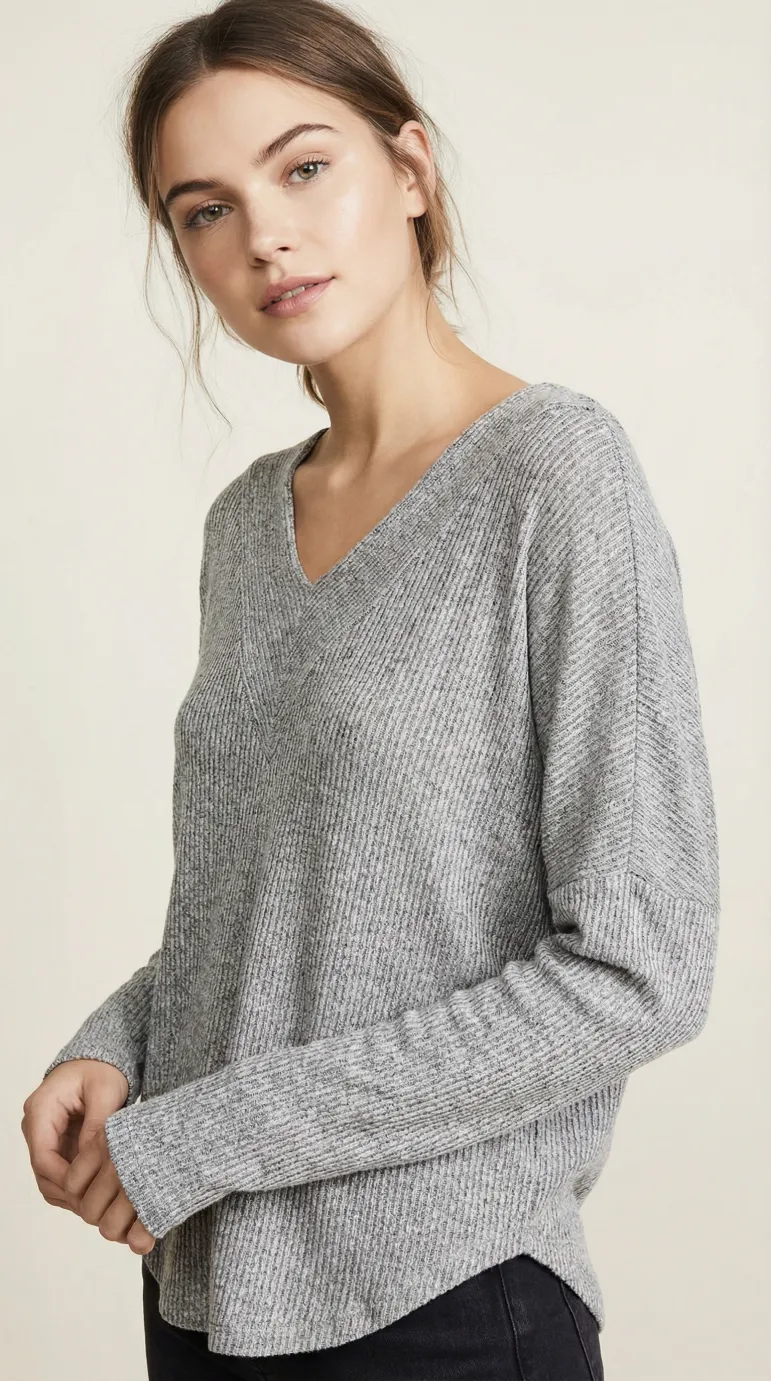 First frame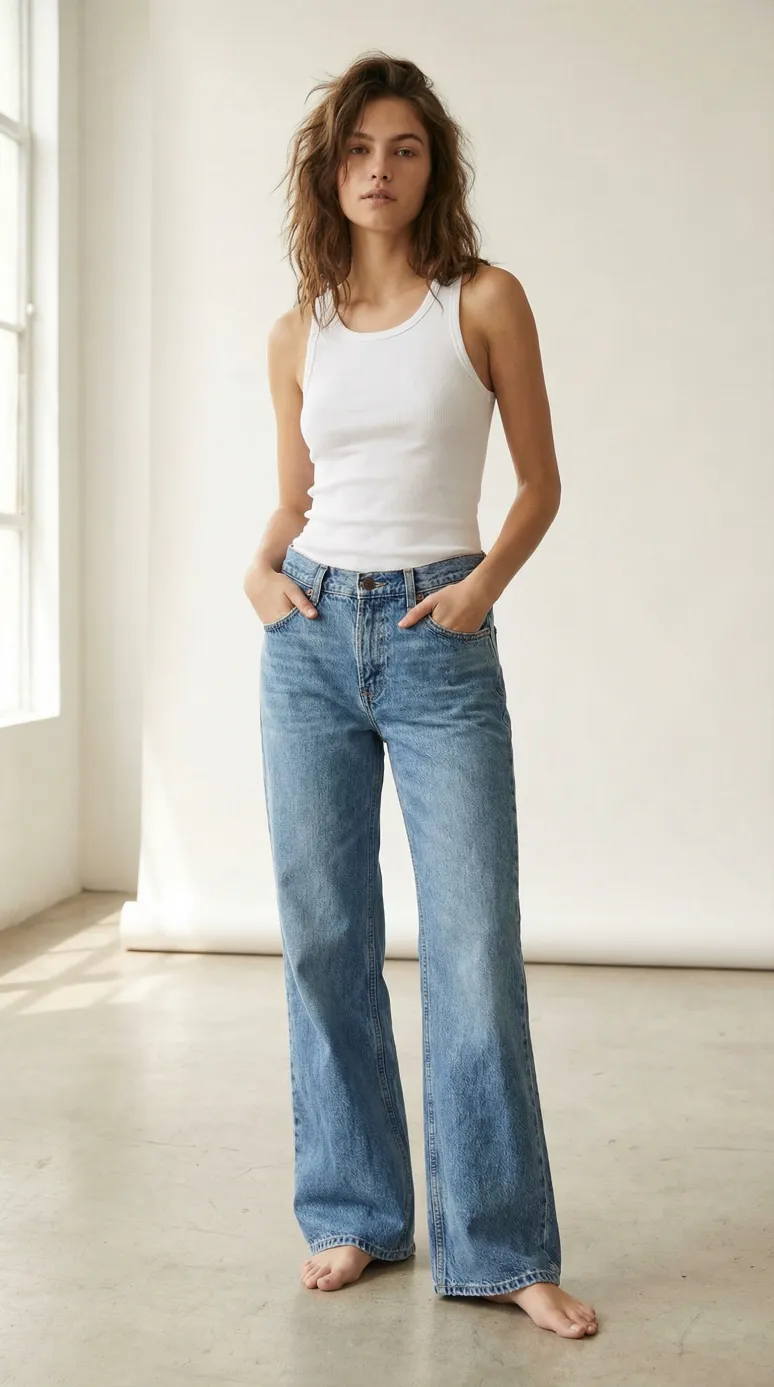
The clip
Generated from that exact image.
Real 5-second 360 loops, generated from the approved catalog stills. Same garments, same models, no new shoot.
Where it shows up
The PDP and the campaign.
Two destinations, one pipeline: the clip that sells the drape on the product page, and the cut that stops the scroll in ads and landing pages. Teams running this in production ship both from the same approved stills.
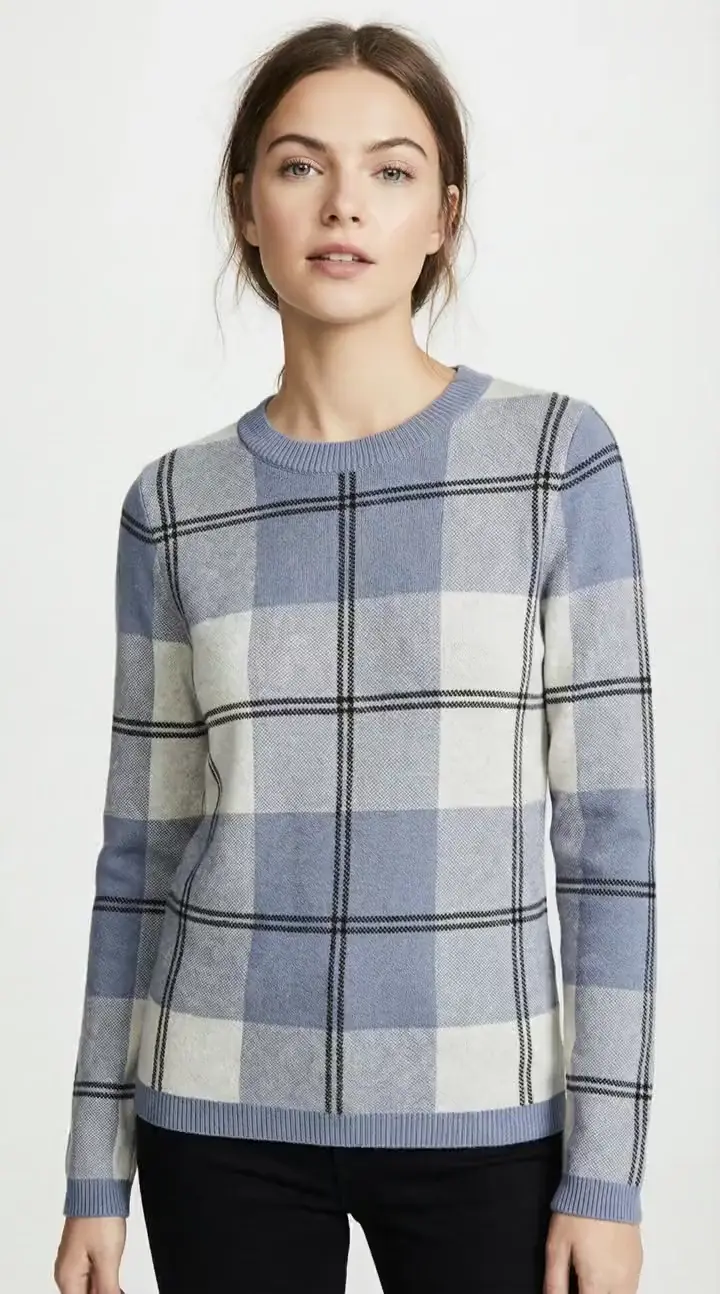
All clothing / Knitwear /Check crew sweater
Knitwear
Check crew sweater
$95Blue and cream check knit with a relaxed crew neck
Gallery
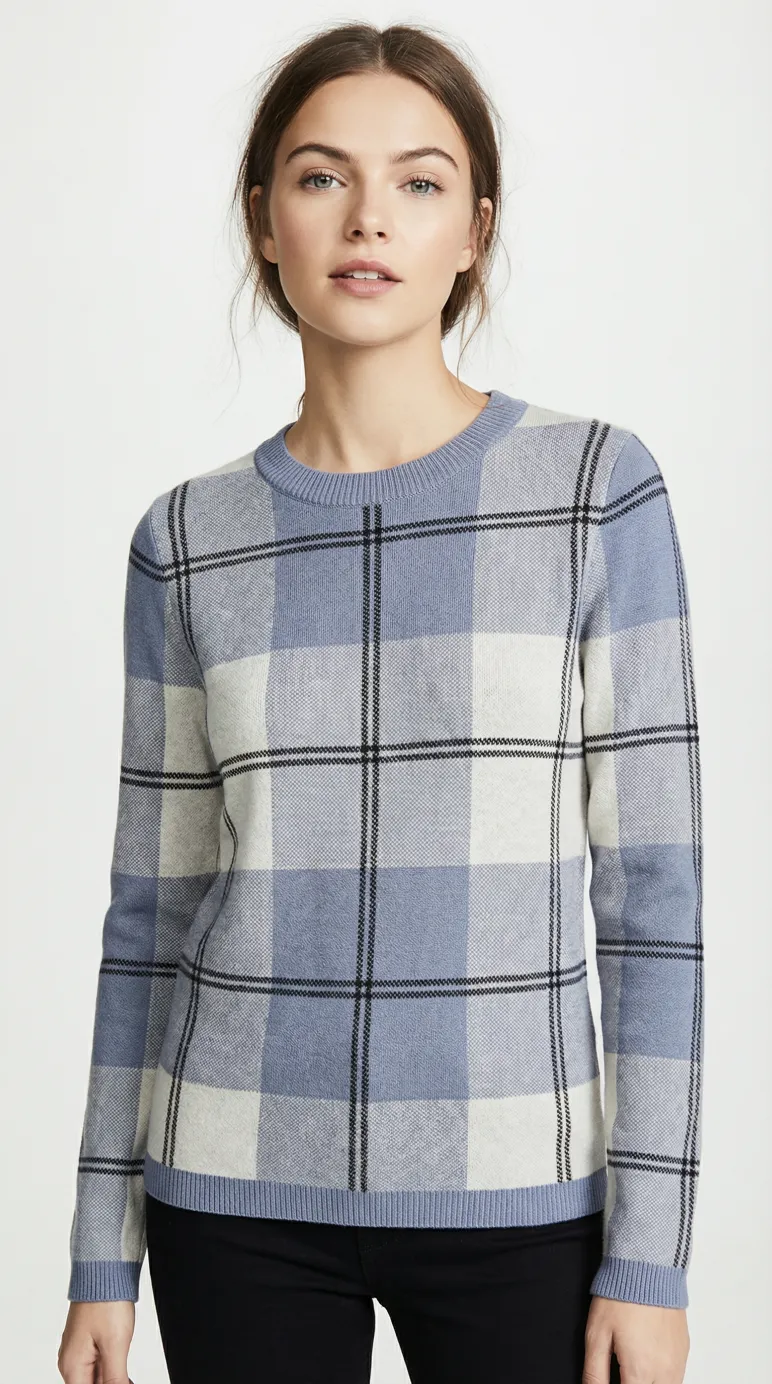
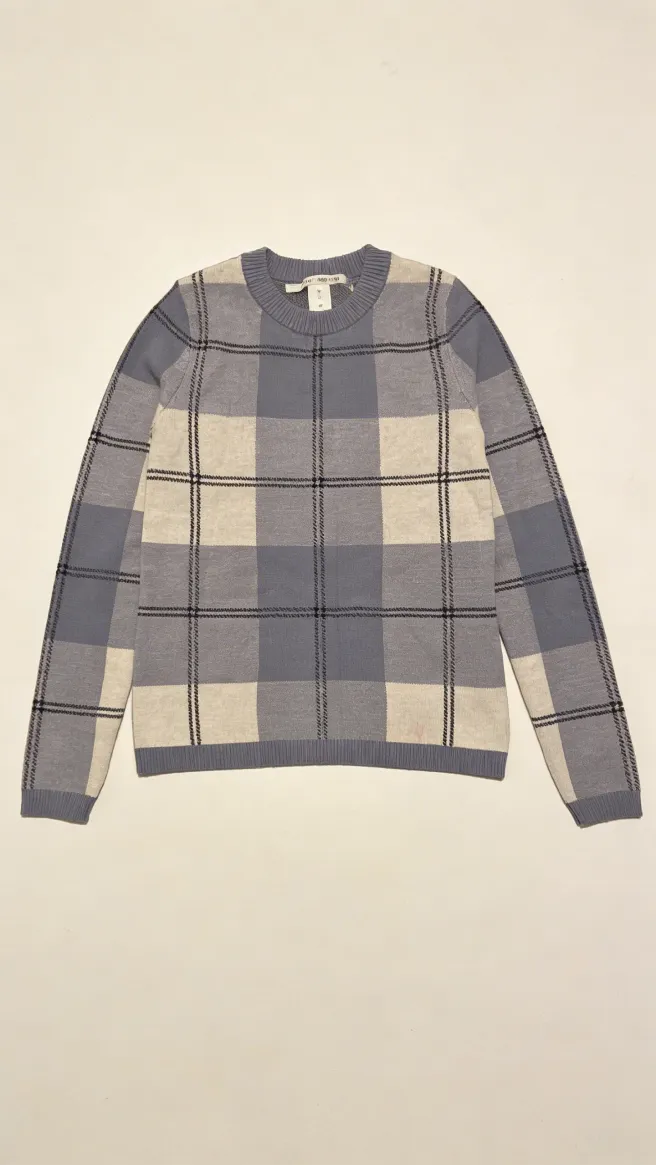
Free returns · Ships in 2 to 4 days
The clip sits in the gallery like any other asset: generated with Uwear, no shoot behind it.
yourbrand
Sponsored
The new knits, on real drape
Shop nowOne more pipeline step
Still in, clip out.
No separate video vendor, no new asset chain: motion runs through the pipeline your stills already use.
- 01
Start from approved stills
Any image in your library can drive a clip, as its literal first frame or as a reference for the whole sequence. Either way, the garment is anchored to work you already signed off.
- 02
Choose the motion and the model
A 360-degree turn, a subtle product-page movement or a campaign move: two to thirty seconds depending on the model, with audio when you want it.
- 03
Review the clip like any output
Video runs through the same review states as stills: approve, flag, or retry before anything ships.
- 04
Deliver, and harvest frames
Clips go to product pages, apps and channels, and any frame can be saved back to the library as a new photo.
POST api.uwear.ai/generation
video request{
"use_case": "video",
"generation_result_parent_id": 316482, // the approved still
"model_slug": "kling-2-5-turbo-pro",
"prompt": "slow 360 turn, studio light held constant",
"duration": 5
}The video lineup
Four models lead the lineup: MiniMax H3 Max, Seedance 2.5, Gemini Omni Flash 1.1, and Wan 3.0. Each one can take the approved still as the clip’s first frame, with an optional last frame to end on, or work from references, and each one generates native audio you can switch off. Pick the engine per clip.
MiniMax H3 Max
5–15 s · 480p, 768p, 1080p · audio
Polished motion with strong prompt adherence: animate the still toward an optional last frame, or direct the clip from image and video references.
16 credits for 5 s at 768p
Seedance 2.5
4–30 s · 480p, 720p · audio · multi-shot
Complete multi-shot videos up to 30 seconds from a prompt, a first frame, or combined image, video, and audio references.
45 credits for 5 s at 480p, 95 at 720p
Gemini Omni Flash 1.1
3–10 s · 360p to 4K · 16:9 or 9:16 · audio
Combines image and video references in one generation, or animates a first frame toward an optional last frame, up to 4K.
20 credits for 5 s at 720p
Wan 3.0
2–30 s · 480p, 720p, 1080p · audio
Everyday production from a first frame and optional last frame, or from up to 10 image references. Wan 3.0 Prime adds video references at 28 credits for 5 s.
20 credits for 5 s at 720p
Live samples from one approved still
Kling 3 Pro and Kling 2.5 Turbo Pro stay in the catalog. Both clips below start from the same approved still as their literal first frame.
Kling 3 Pro
3–15 s · audio · last-frame control
Precise motion: pin the first and last frame and direct exactly what happens between them.
23 credits for 5 s, 34 with audio
Kling 2.5 Turbo Pro
5 or 10 s · last-frame control
The lower-cost workhorse for repeatable PDP loops across a whole drop.
14 credits for 5 s, 26 for 10 s
Choosing a tool rather than a model? Read how eight AI fashion video generators compare on what a clip starts from, length, batch and cost per clip.
Montage, included
From clips to a finished video.
Shoot the clips on Uwear and cut them into one finished video in the same place, at no extra cost. No second tool, no exporting clips to an outside editor.
- 01Approved photo
- 02Clips on the video model you choose
- 03Montage
- 04Finished MP4
Proposed by the assistant
Over MCP or with the in-app agent, the assistant can propose a montage for you.
Up to ten clips per export
For each clip: trim the in and out points, set the speed from 0.25x to 4x, or mute it. Clips keep their own sound.
One timeline
Drag clips to reorder them, split a clip, undo a change.
One MP4 out
Choose the aspect ratio, the resolution (up to 2160p) and the fit: contain pads the frame, cover crops to fill it. The output is a single H.264 MP4.
Included at no extra cost
Exporting a montage costs no credits. You pay for the clips, at their video model’s rate.
Need several shots fast instead? Seedance 2.5 carries them in a single clip, up to 30 seconds, from one prompt.
How you run it
One clip or the whole drop.
Operator interface
Studio
Generate and review clips next to their stills, on the same board.
Explore StudioWhy it pays
More media per product, zero new shoots.
PDP video, app surfaces, social clips, campaign tests, all from the asset base you already approved. The pieces that make it production-safe:
The volume
Batch Workflows
Every hero SKU in the drop gets its clip in one run, not a per-product project.
Explore Batch WorkflowsThe trust
Review & QA
Clips carry the same review states as stills: your team approves, flags, or retries each one before it reaches a shopper. Automatic QA checks stills, not video.
Explore Review & QAThe source
Asset Library
Clips start from approved results, and harvested frames flow back in as new stills.
Explore Asset LibraryFashion video FAQ
How AI fashion video behaves inside Uwear production workflows.
Generating short product videos, meaning 360-degree turns, product-page motion and campaign cuts, directly from photos of your product on a model, instead of filming. Depending on the model, the still is the clip’s literal first frame or a reference it builds the whole sequence from.
No. Clips are generated image-to-video from the catalog stills you already approved. If a product has an approved on-model image in your library, it can have a video.
Two anchors, depending on how you start the clip. As a first frame, the approved still is the clip’s literal opening image, with an optional last frame to end on. As references, the garment and the model carry into every shot, which is how Seedance 2.5 and MiniMax H3 Max build a sequence. Either way, your team reviews the clip with the same review states as stills before it ships.
Two to thirty seconds depending on the model: Seedance 2.5 and Wan 3.0 run up to 30 seconds, MiniMax H3 Max and Kling 3 Pro up to 15, Gemini Omni Flash 1.1 up to 10. Resolution runs from 360p up to 4K on Gemini Omni Flash 1.1, with vertical, square, or landscape aspect ratios depending on the model, and optional audio. MiniMax H3 Max, Seedance 2.5, Gemini Omni Flash 1.1, and Wan 3.0 lead the lineup; Kling 3 Pro and Kling 2.5 Turbo Pro remain available. You choose the model per clip.
Yes. Montage, the video editor built into Uwear, assembles 1 to 10 clips into one H.264 MP4, in the same place you generated them. Trim each clip’s in and out points, set its speed from 0.25x to 4x, mute it or keep its sound, and reorder or split clips on a timeline. At export you choose the aspect ratio, a resolution up to 2160p, and contain (padded) or cover (cropped) fit. Exporting costs no credits: you pay only for the clips, at their video model’s rate. The assistant can also propose a montage over MCP or in the app.
Yes. Any frame of a generated clip can be saved back to your library as a new still, so one good clip can also yield new poses and crops for the product page.
Yes. Video is a pipeline step like any other: a batch can take every approved hero image in a collection and return the full set of clips in one run.
Put your catalog in motion.
Pick ten approved stills. We'll return them as PDP-ready clips, reviewed and delivered like everything else.
Existing customer? Log in to Studio
Pairs with Catalog visuals at scale · Batch Workflows · Review & QA





