Use case · Catalog visuals at scale
Thousands of SKUs a week. One visual standard.
Supplier photos arrive from every studio, in every style. Uwear turns that intake into consistent on-model PDP imagery, generated, reviewed, and delivered as products come in.
As it arrives
Every supplier, a different photo.
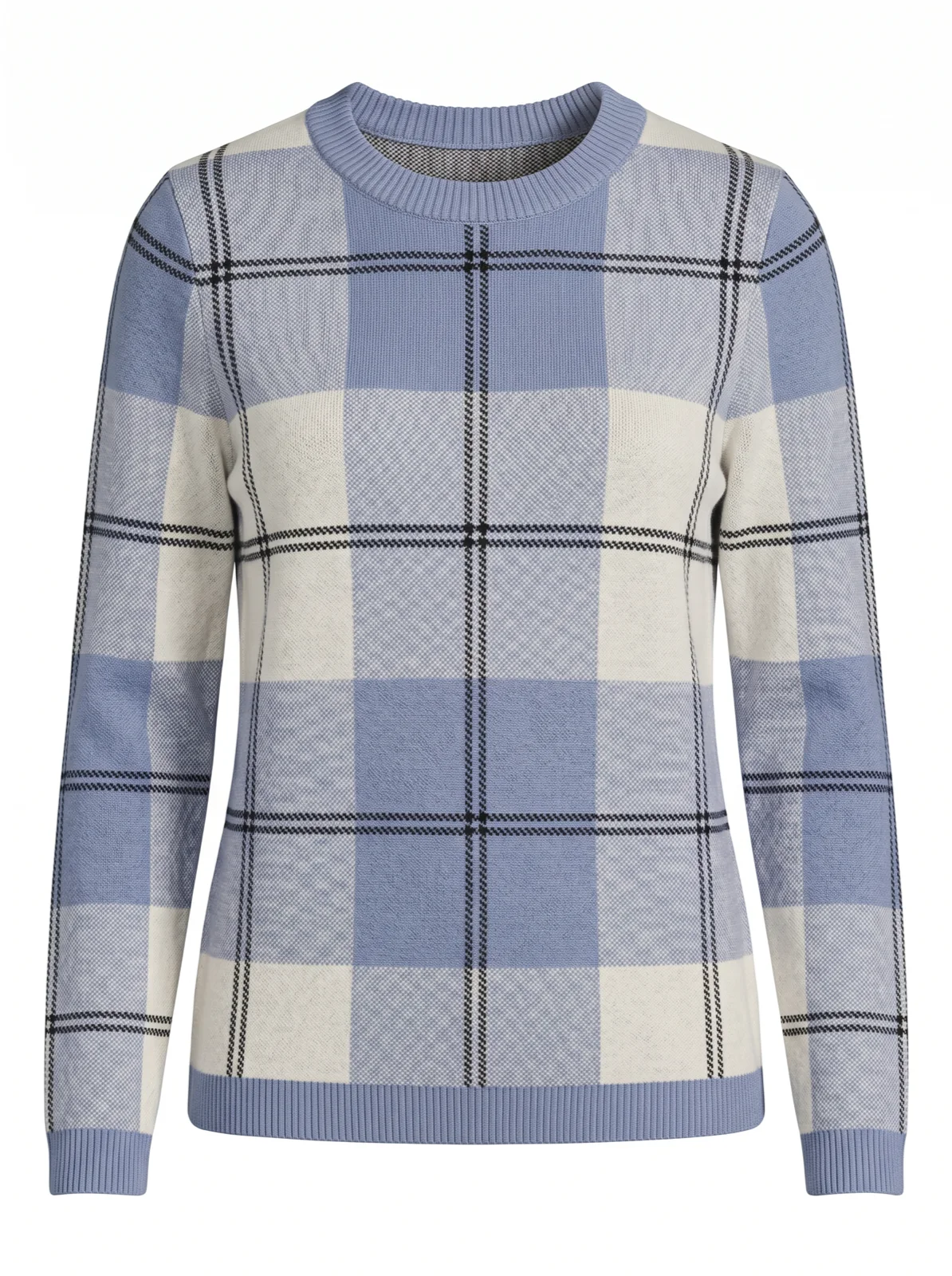
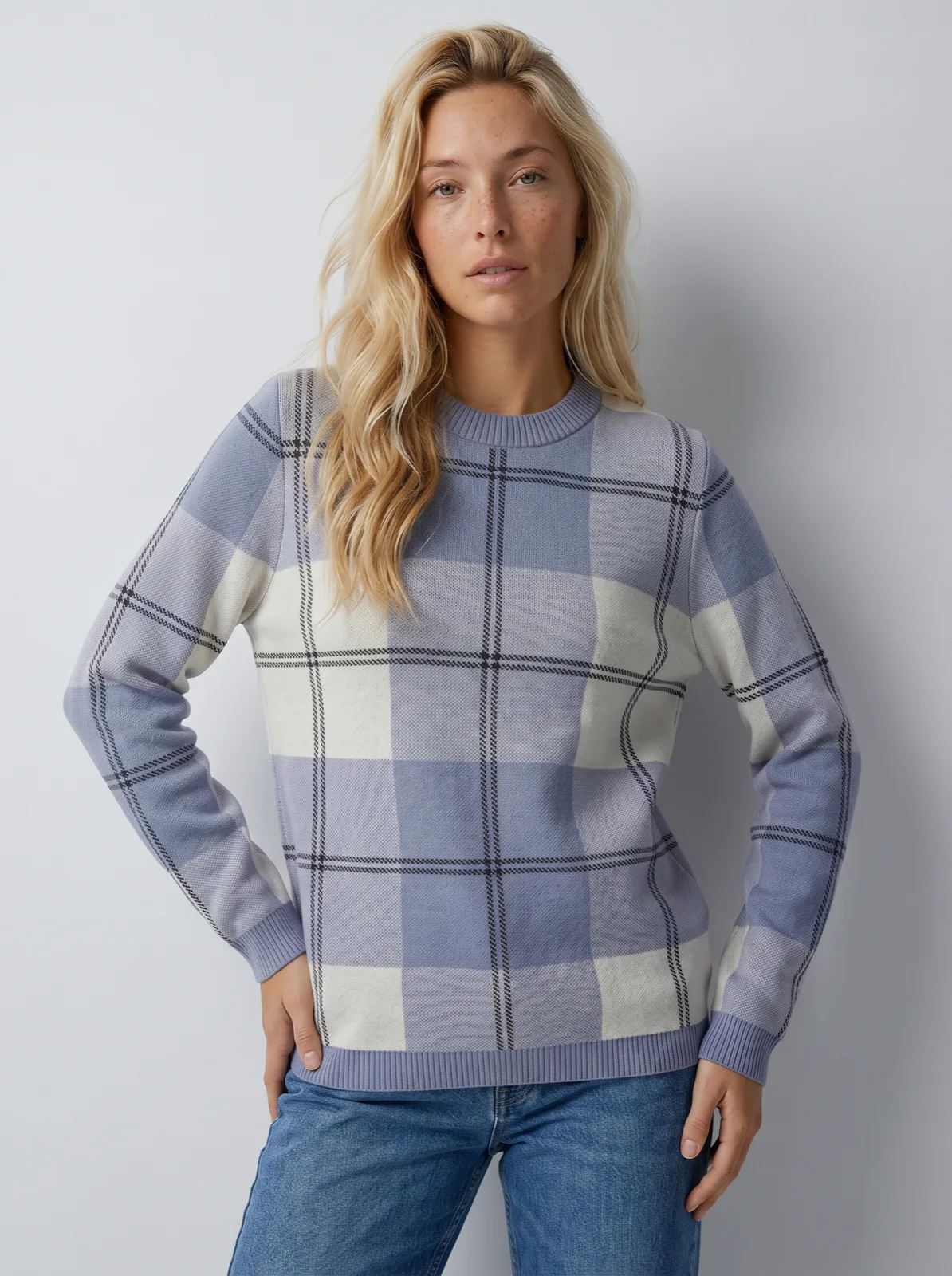
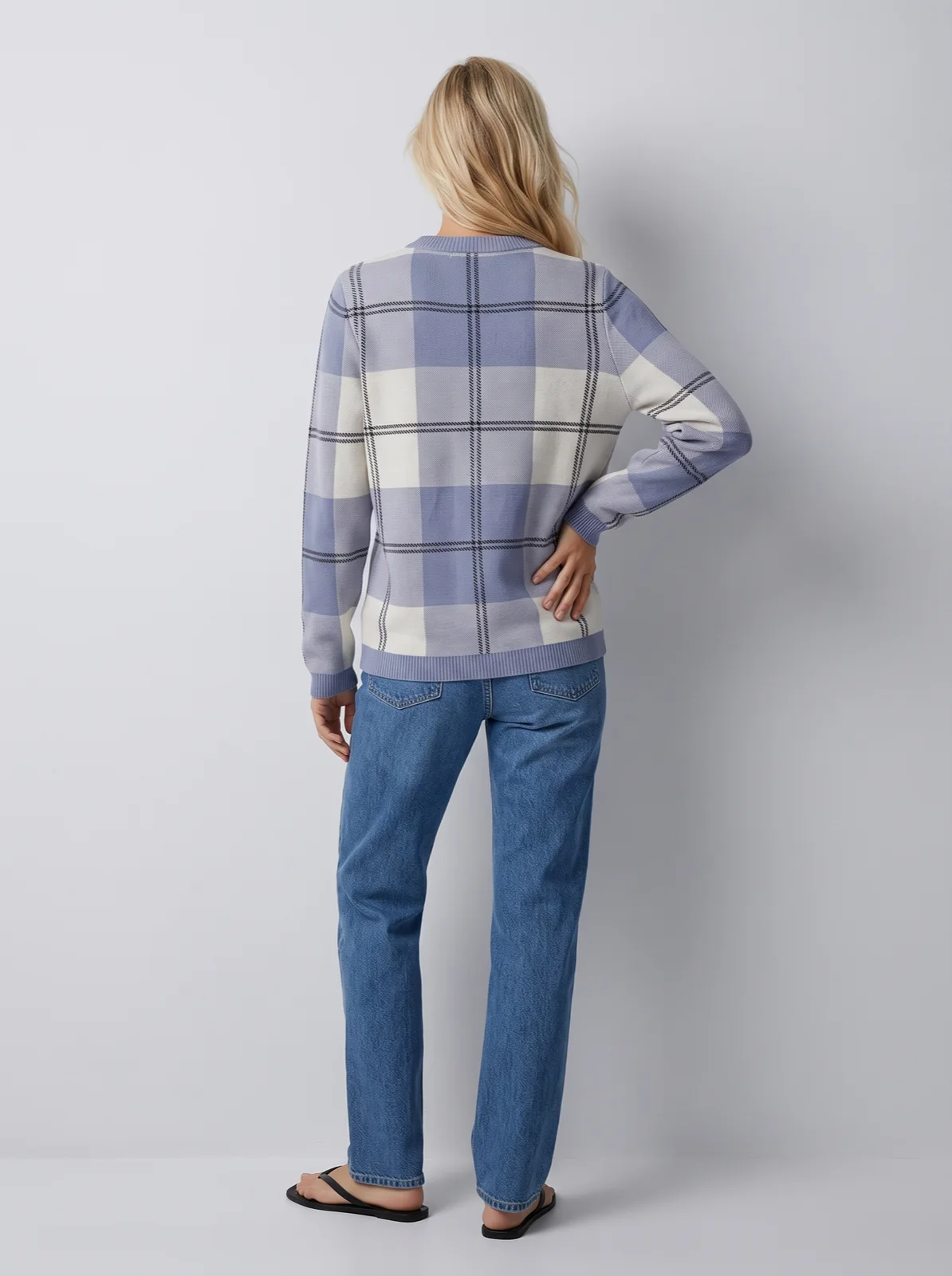
Women / Knitwear /Ribbed V-neck top
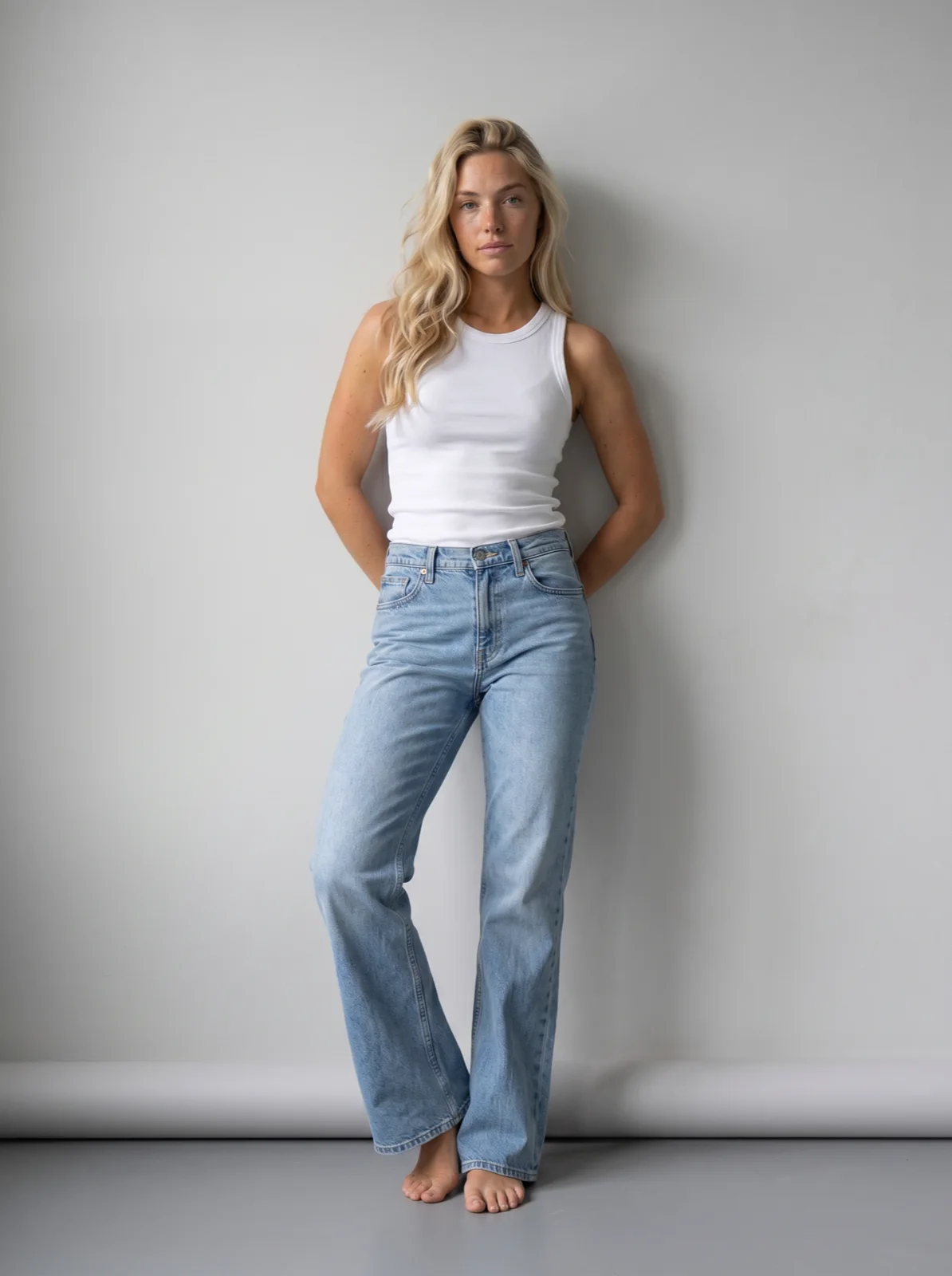
 Full body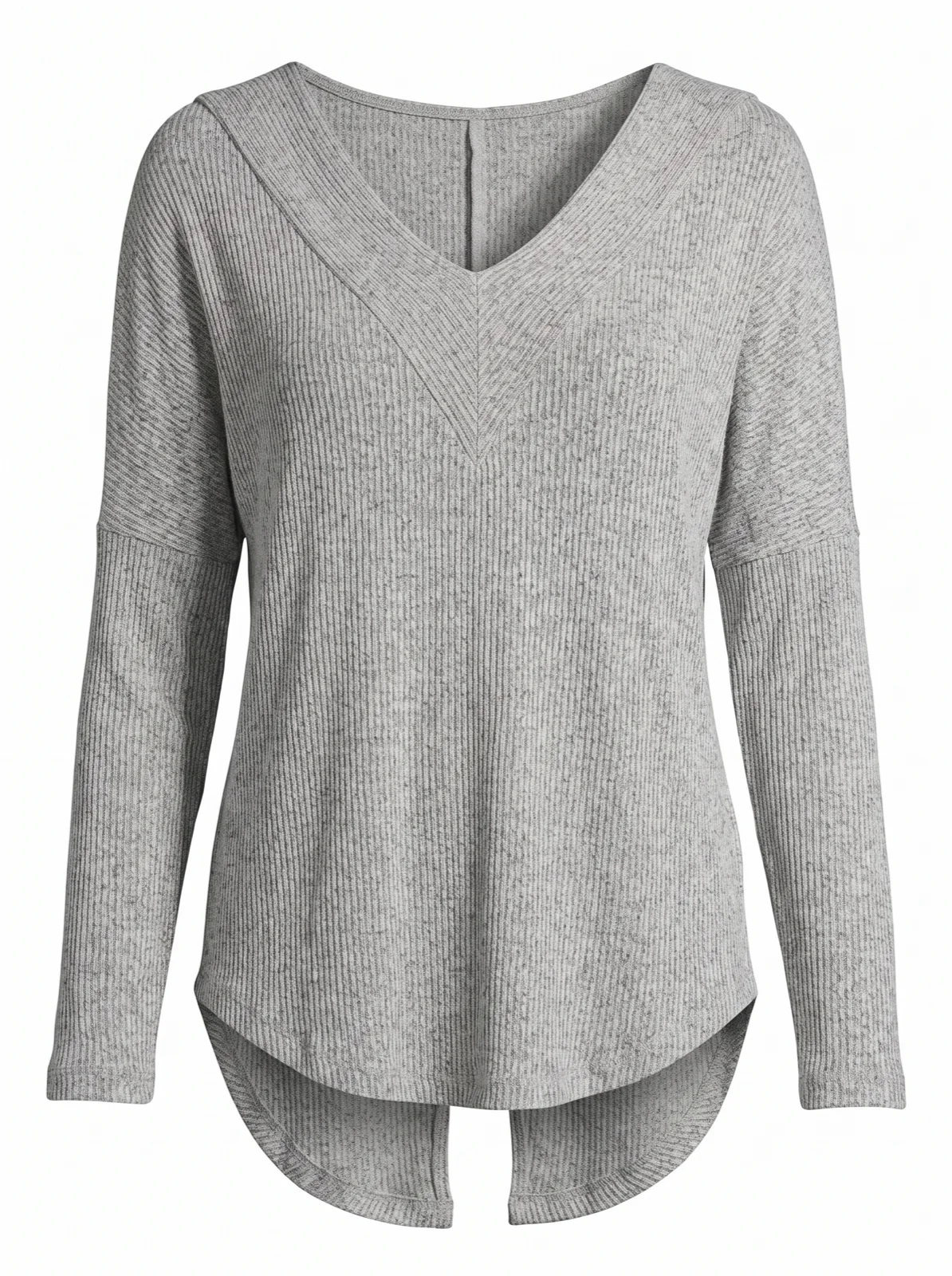
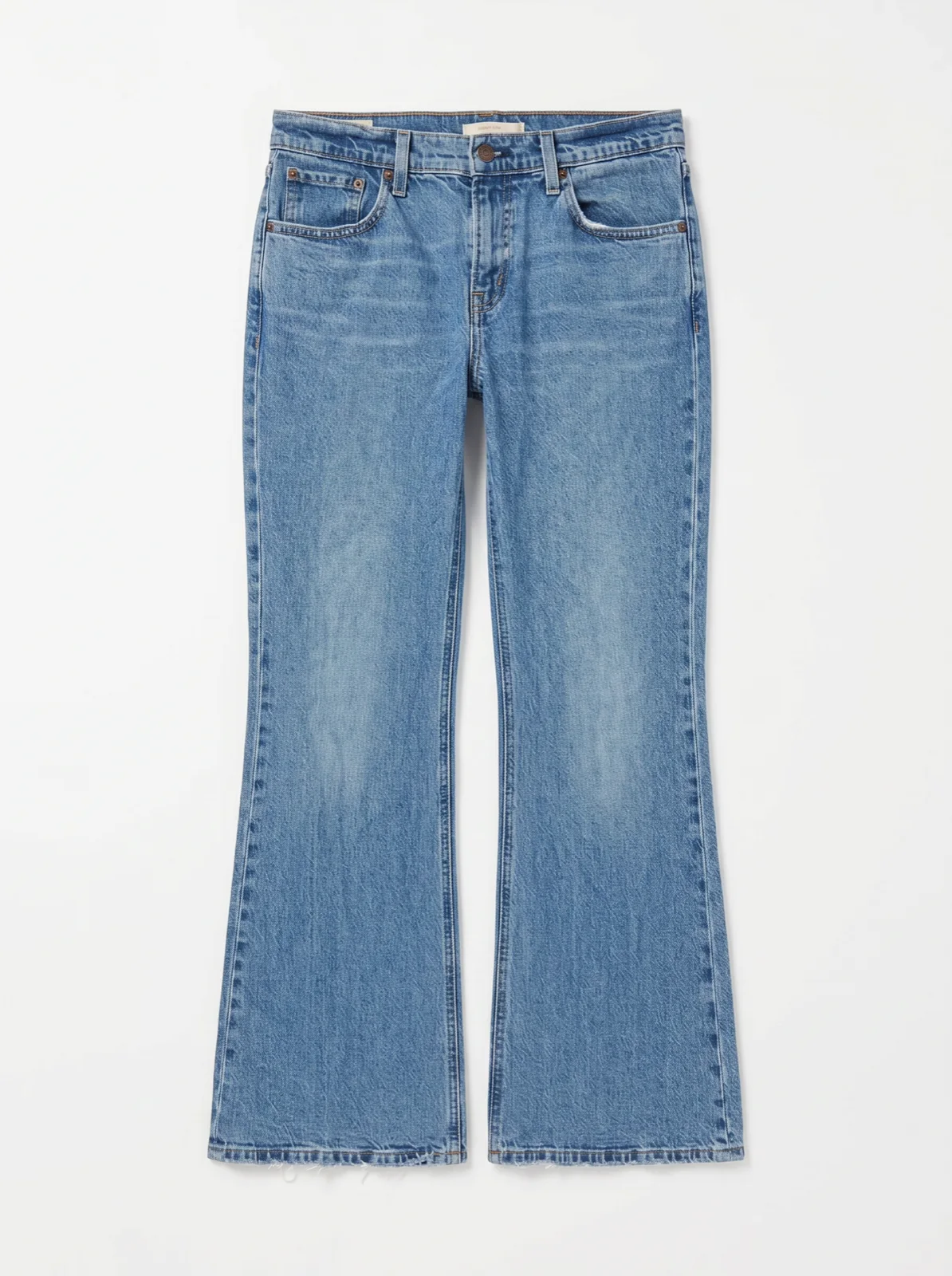
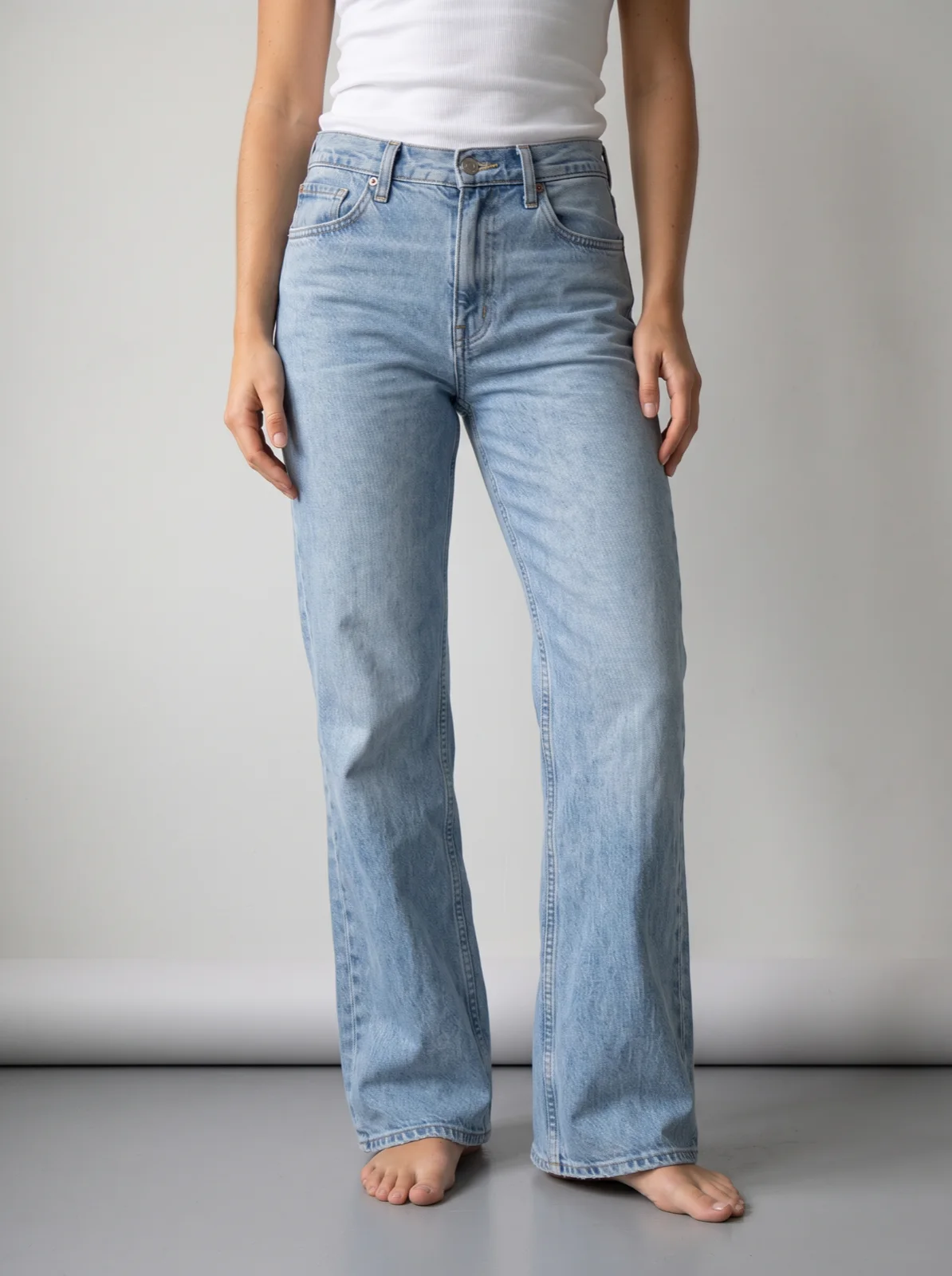
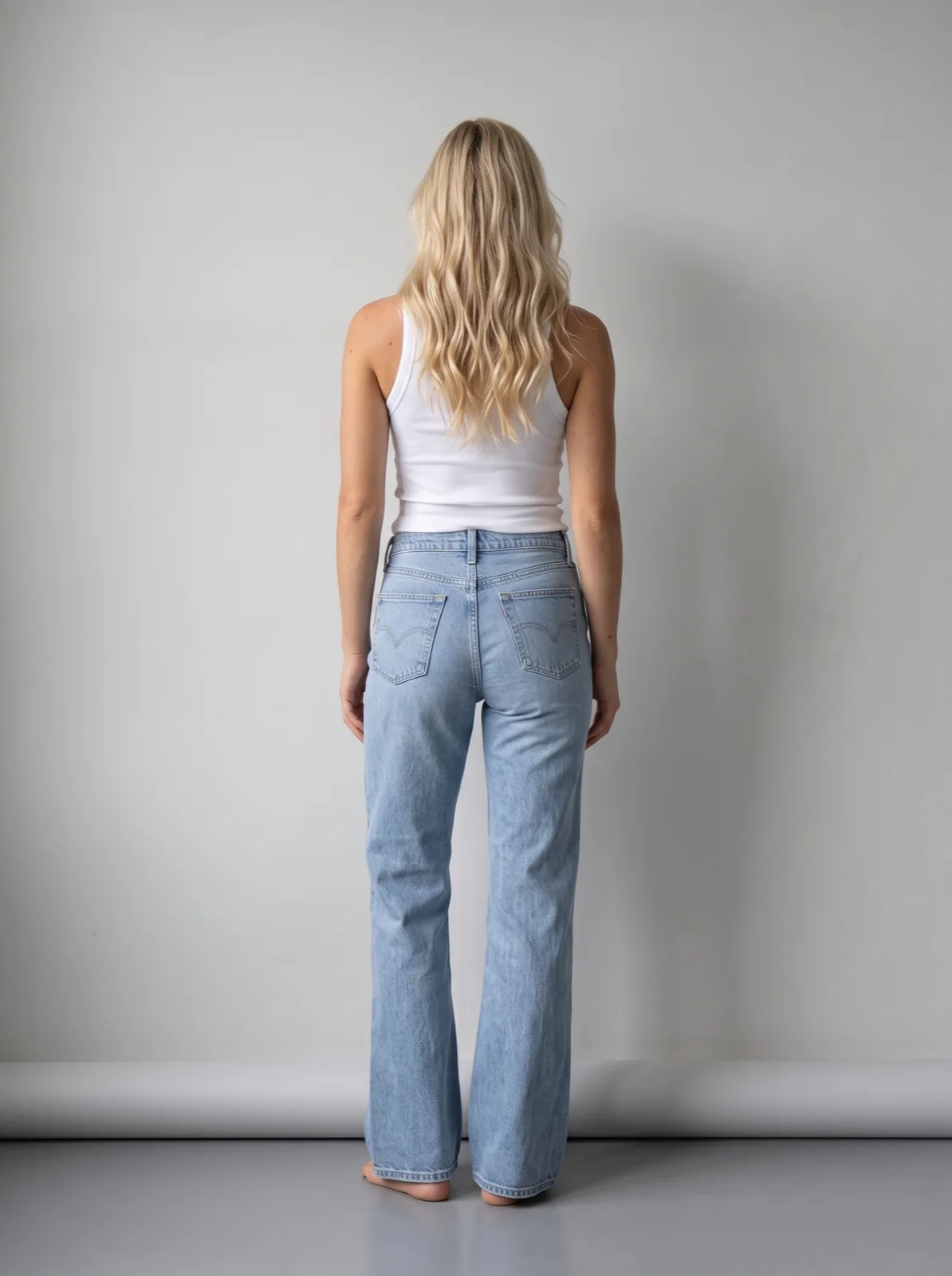
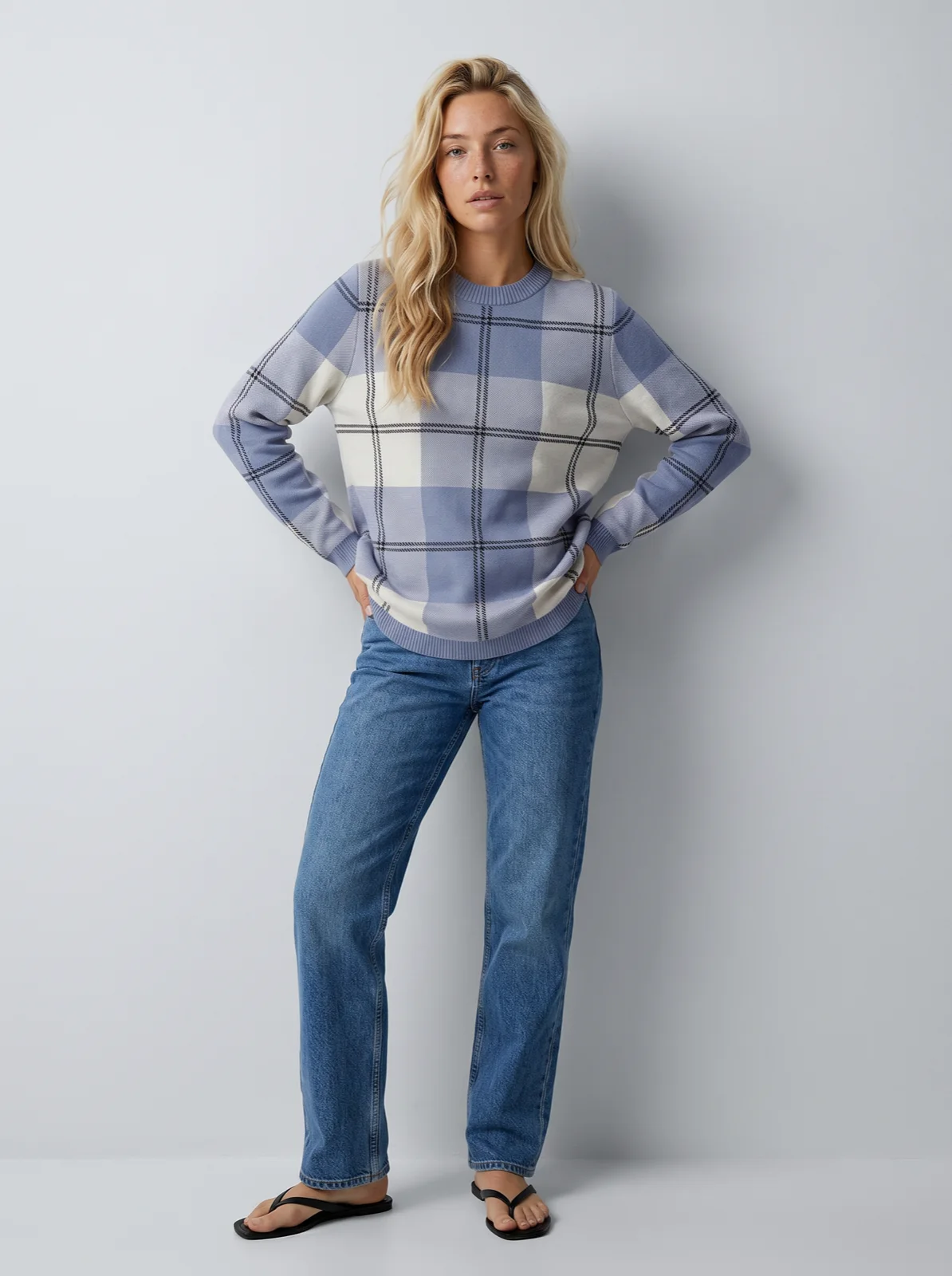
Womenswear
Ribbed V-neck top
$45Size
QA passed · 4 assets
SKU 04412 · generated with Uwear from IMG_2041 · Supplier 014
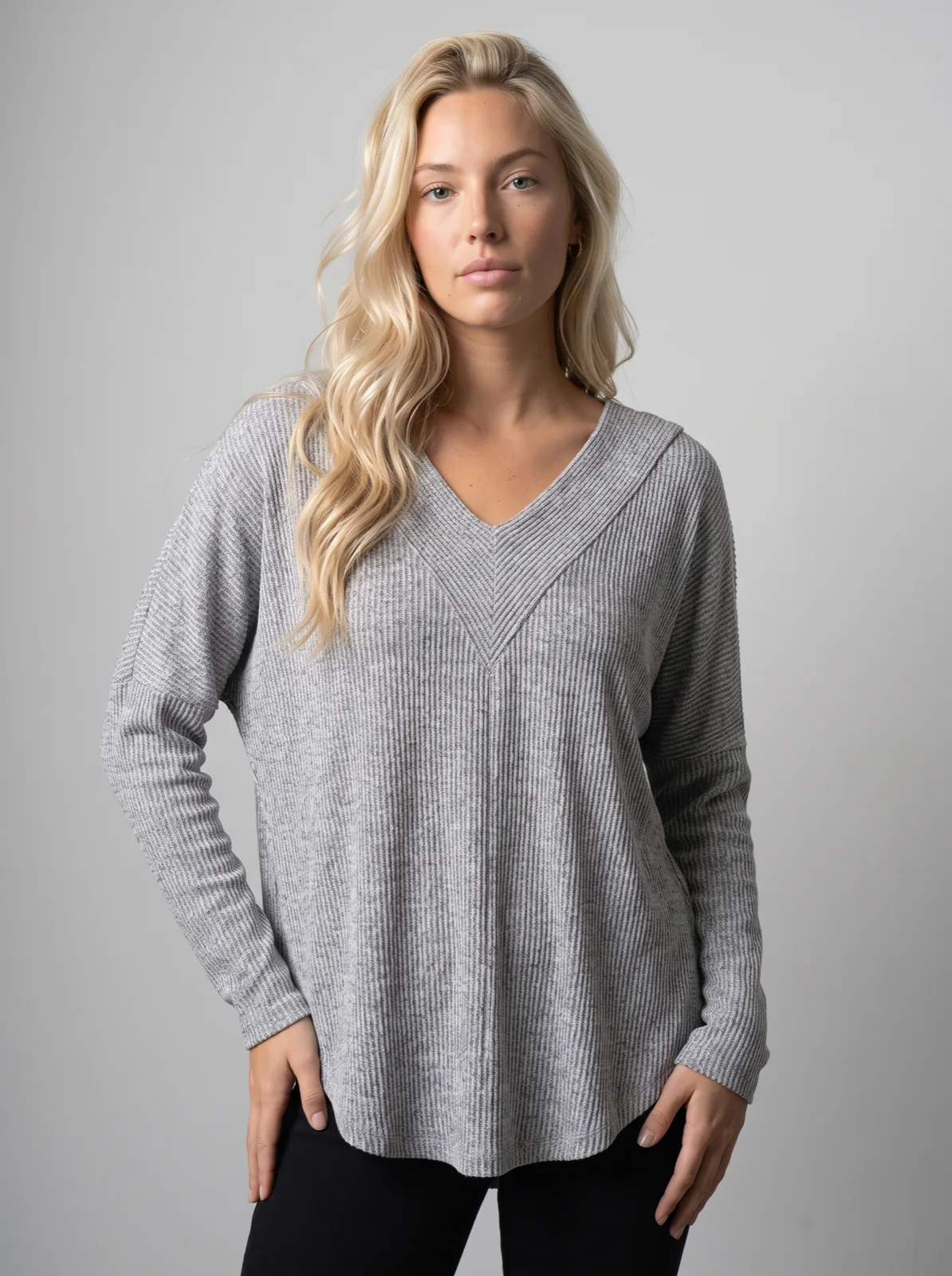
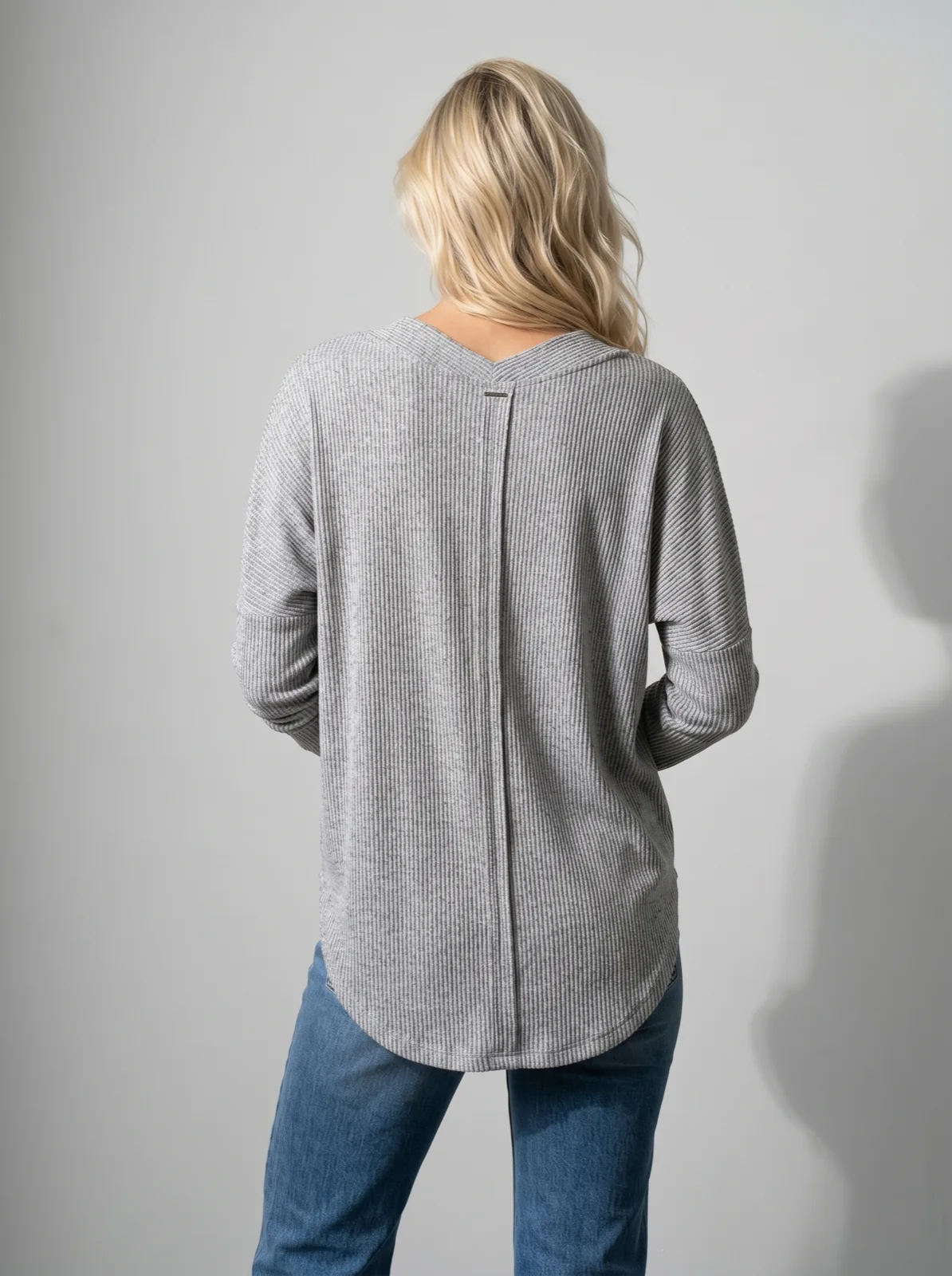
One supplier photo in, a listing-ready set out: full body, packshot, detail, and back, all generated to the same standard.
Where it shows up
A storefront that looks like one brand.
Shoppers never see your supply chain. On category pages and PDPs, every product presents the same way, whatever its photos looked like when they arrived.
New in · Womenswear 1,284 products
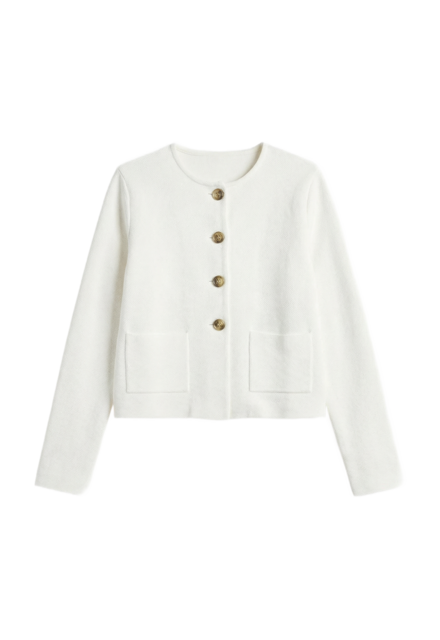
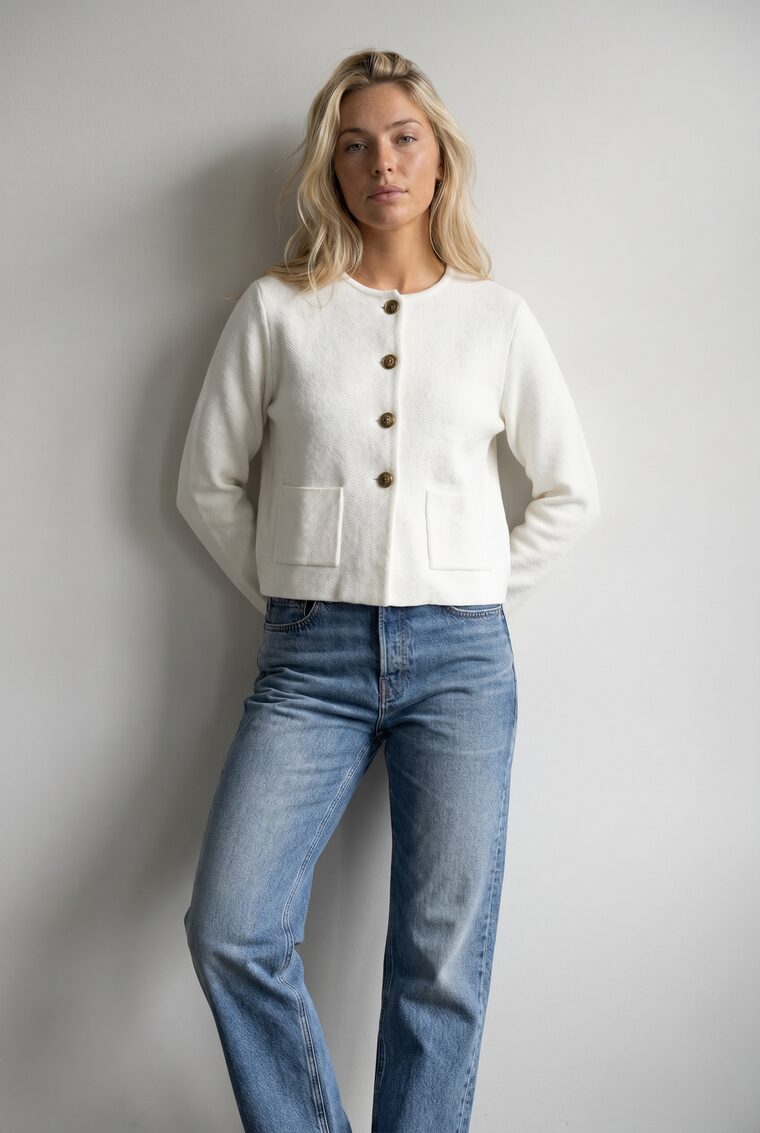
Cropped jacket
$129
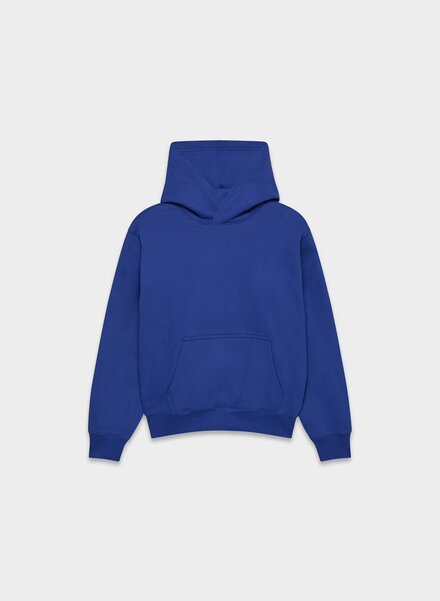
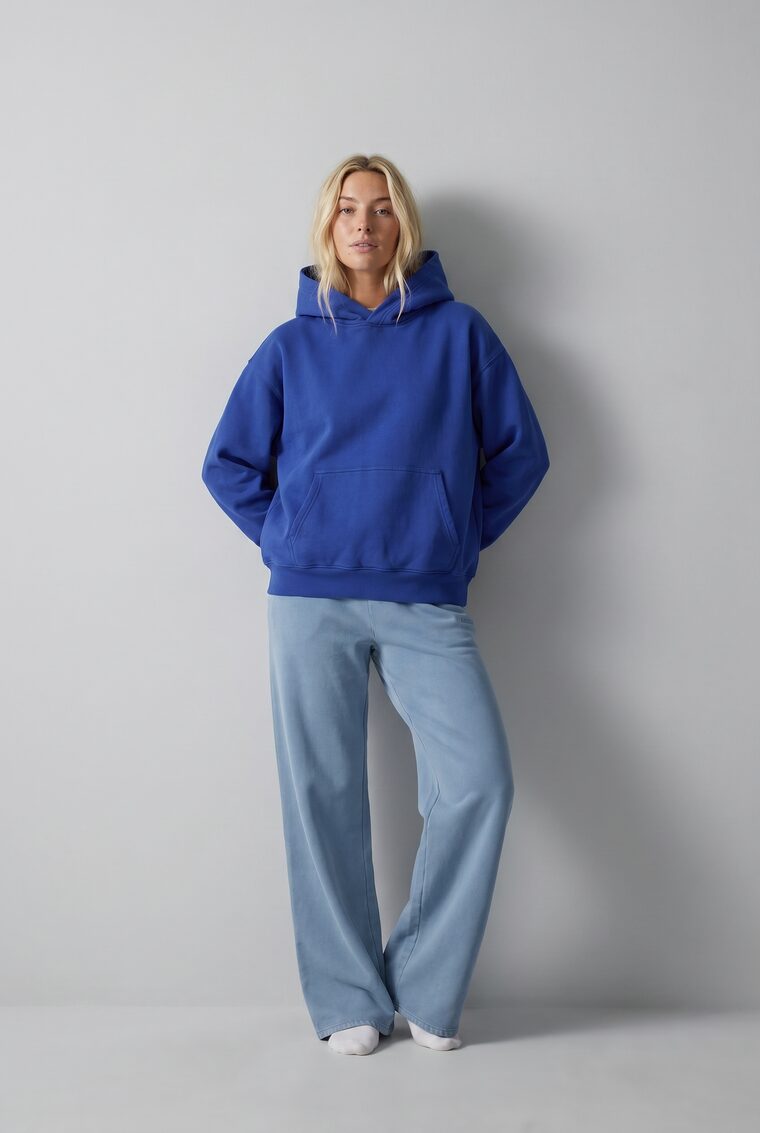
Cobalt hoodie
$89
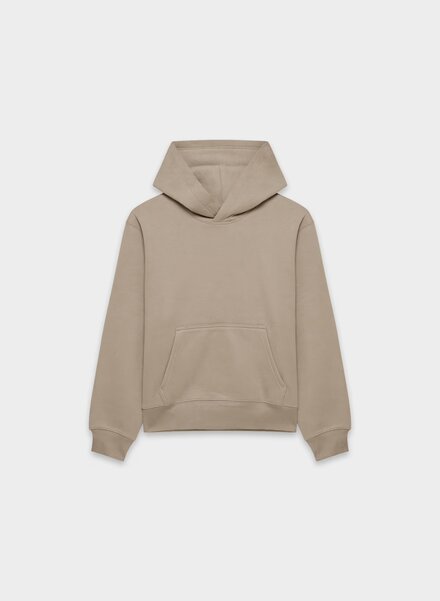
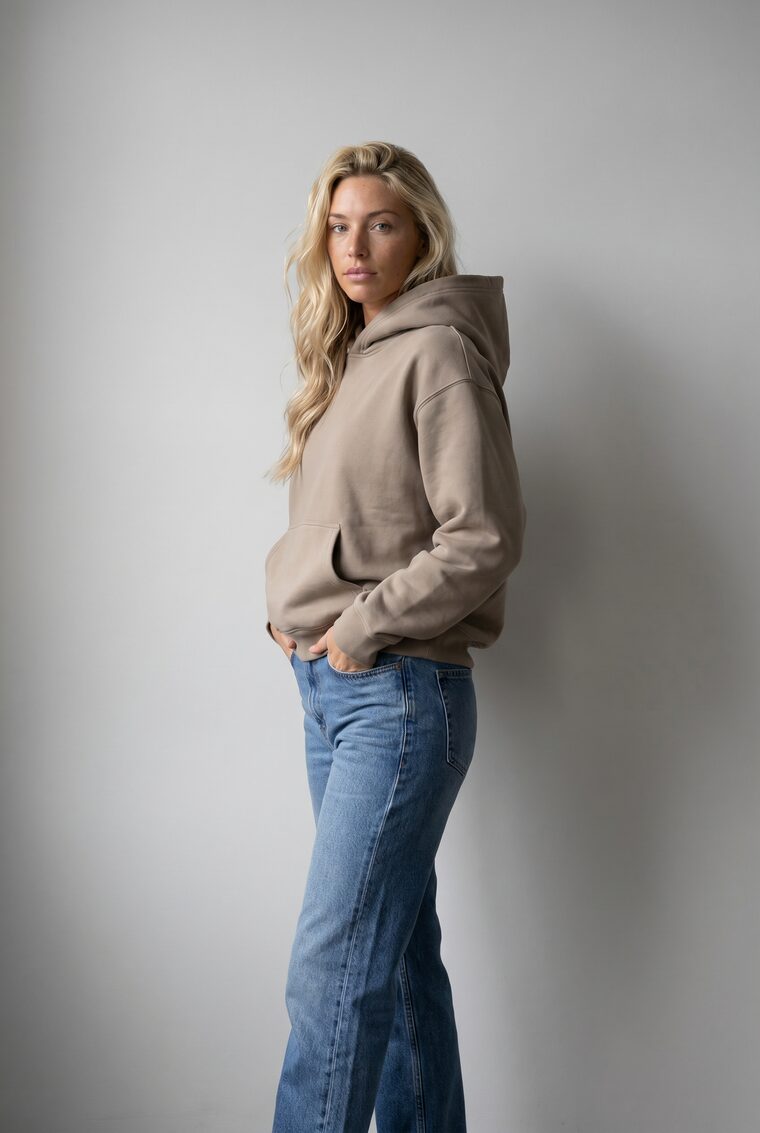
Taupe hoodie
$85
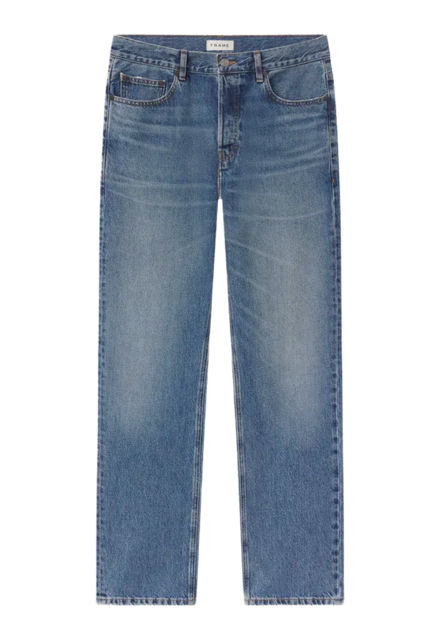
Relaxed jeans
$98
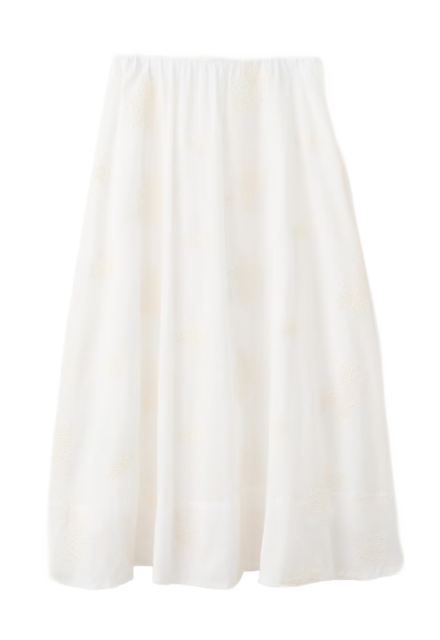
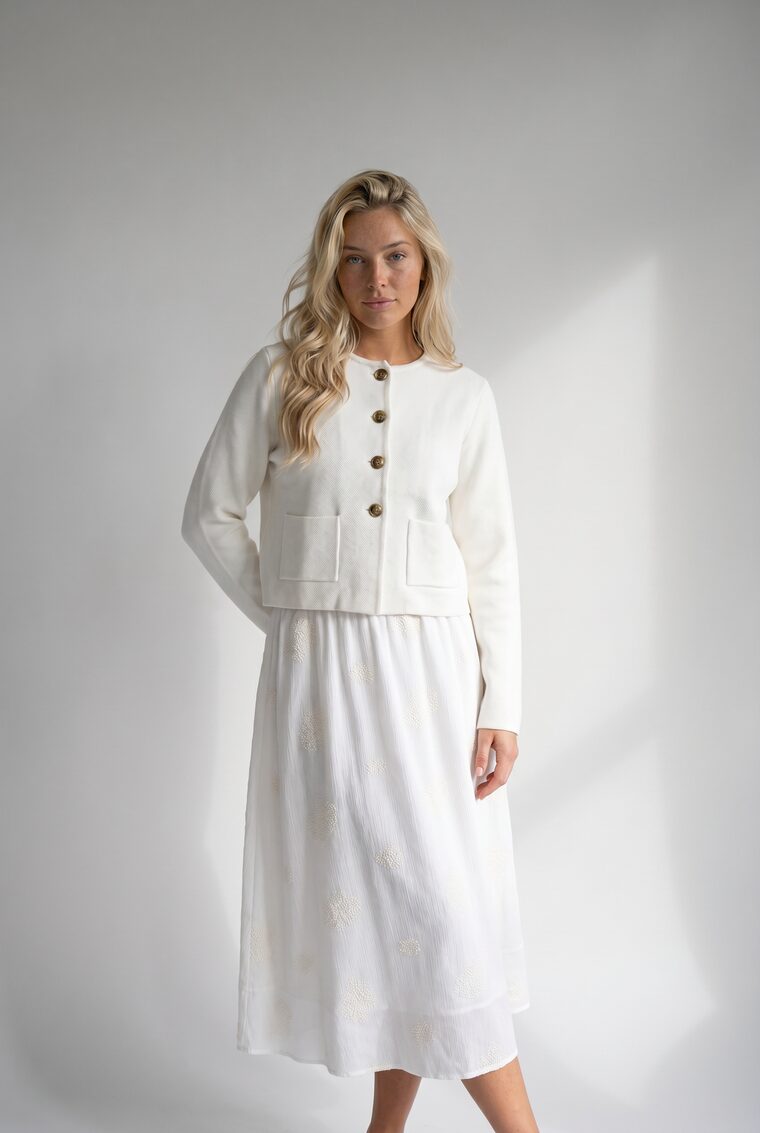
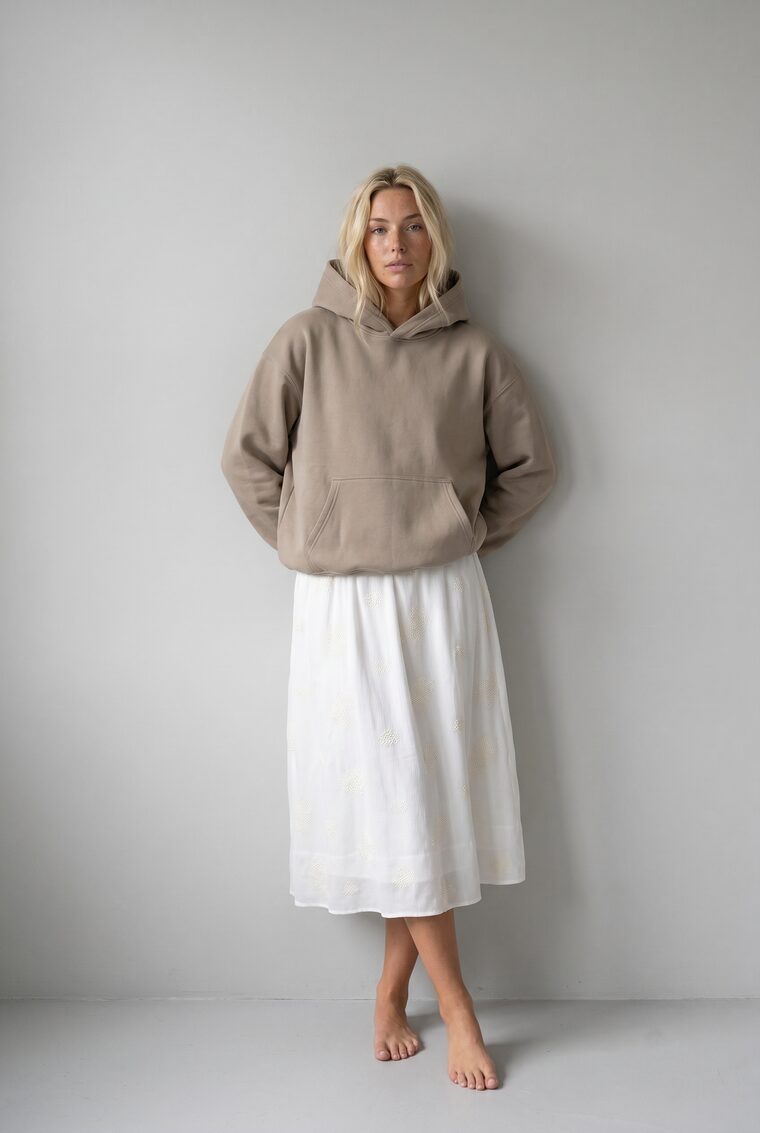
Midi skirt
$75
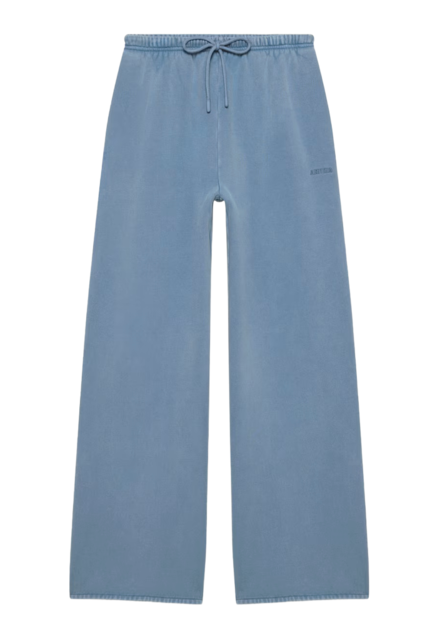
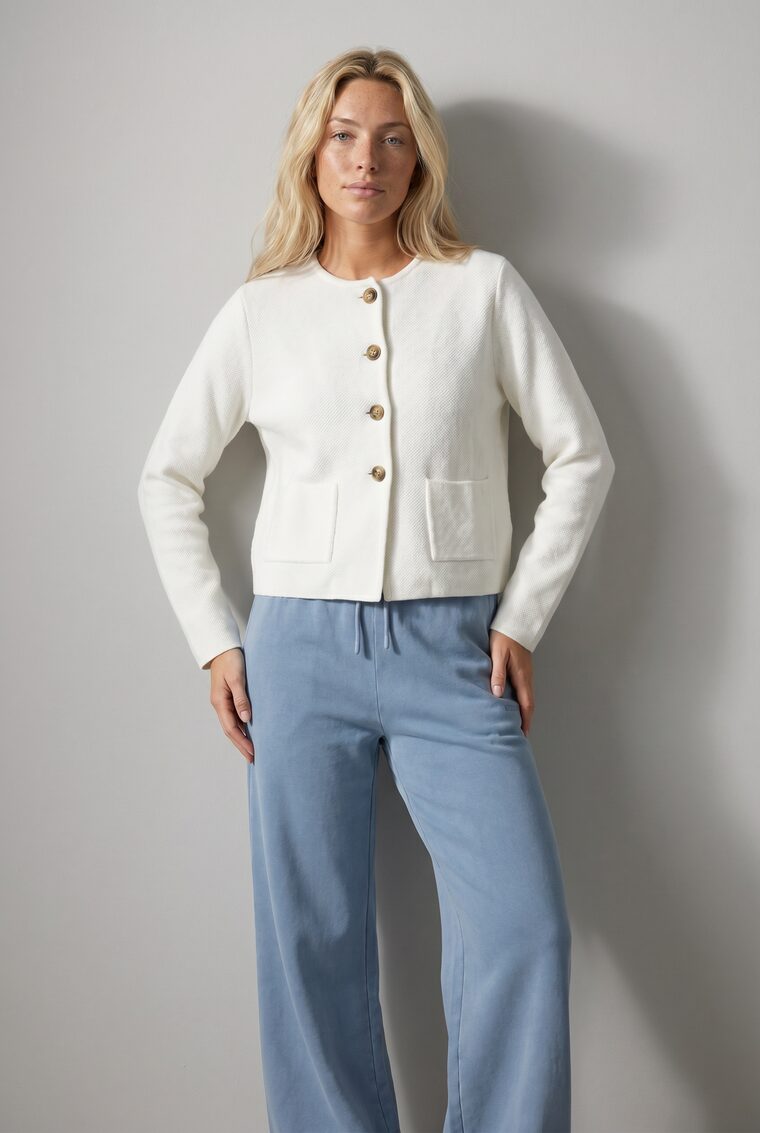
Wide-leg pants
$79
Imagery as shipped by six different suppliers.
What goes in
Start from whatever suppliers send.
No reshoots and no cleanup pass. Products land in your Asset Library as they arrive and the pipeline takes it from there.
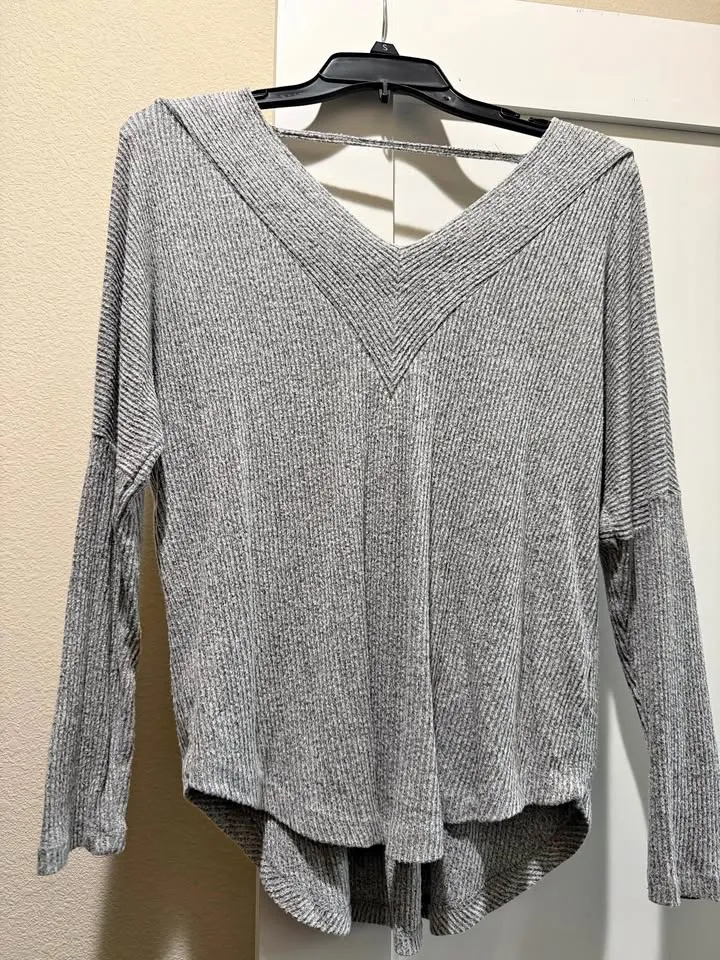
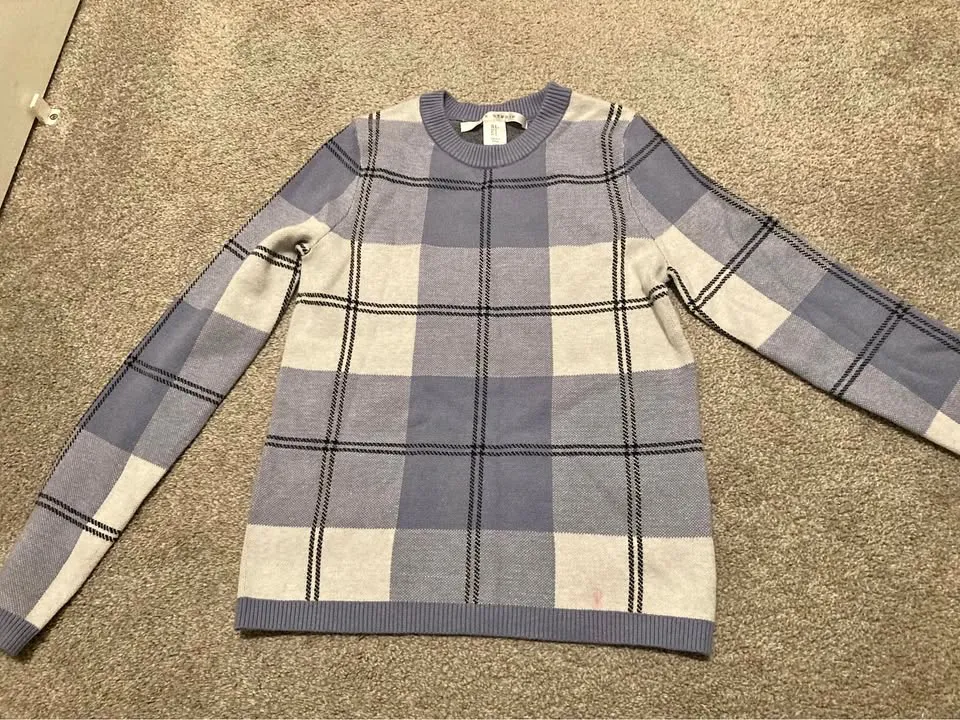
Supplier photos
Hanger shots, phone photos, mannequins, showroom pictures. Usable exactly as they arrive.
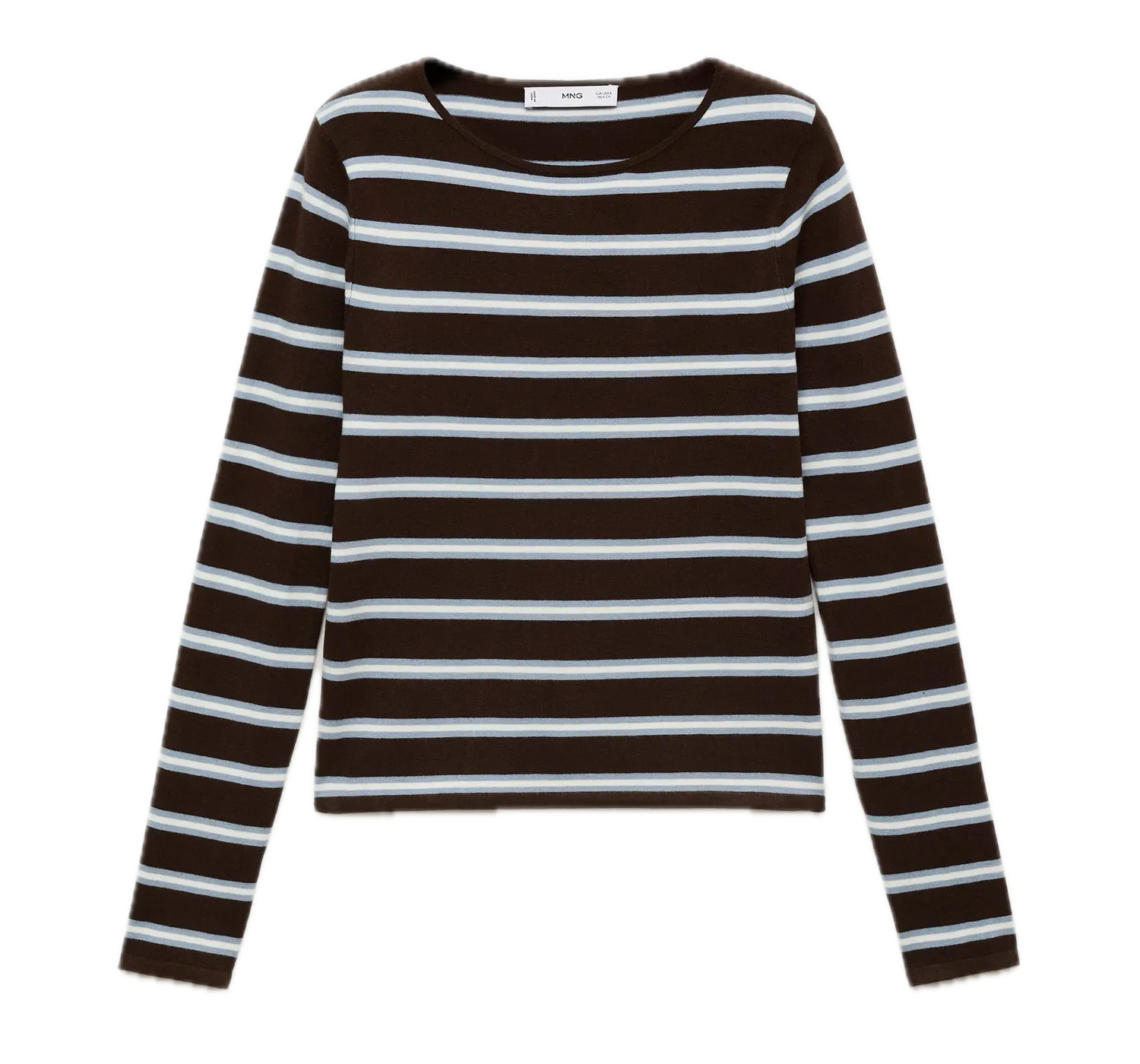
Studio assets
Packshots, flat-lays, and cutouts from the studios and catalogs you already have.
SKU 04412
Category Womenswear · Knitwear
Colour · Sizes Heather grey · XS–XL
Catalog data
A feed of SKUs and metadata decides what gets generated, by CSV, API, or Asset Library.
On-model catalog coverage
On-model product photography at scale for every SKU.
Turn flat-lay inputs into on-model product photography at scale, then keep AI imagery for ecommerce consistent across thousands of SKUs. Use batch or CSV upload, apply saved brand directions, and deliver approved assets through the API.
The pipeline
From intake to PDP, without a project plan.
Catalog coverage stops being a weekly scramble and becomes standing infrastructure: every new SKU follows the same five steps.
- 01
Intake watches the feed
New SKUs arrive by API, CSV, or Asset Library upload, in whatever state their photos are in.
- 02
Every SKU routes to a saved art direction
Category rules pick model, backdrop, lighting, and crop, so knitwear and denim land in the same world.
- 03
Generation runs at volume
Each product is generated on-model in parallel. A week of intake is one batch, not a queue of requests.
- 04
Automatic QA reviews every image
Garment fidelity and consistency checks approve, flag, or retry. Your team sees exceptions, not everything.
- 05
Approved assets deliver with metadata
PDP-ready images flow back to your PIM, DAM, or storefront, tagged by SKU and ready to publish.
Intake pipeline · Week 27
live- SKU 04414 · Check crew sweaterReceived · routing
- SKU 04413 · Flared jeansGenerating
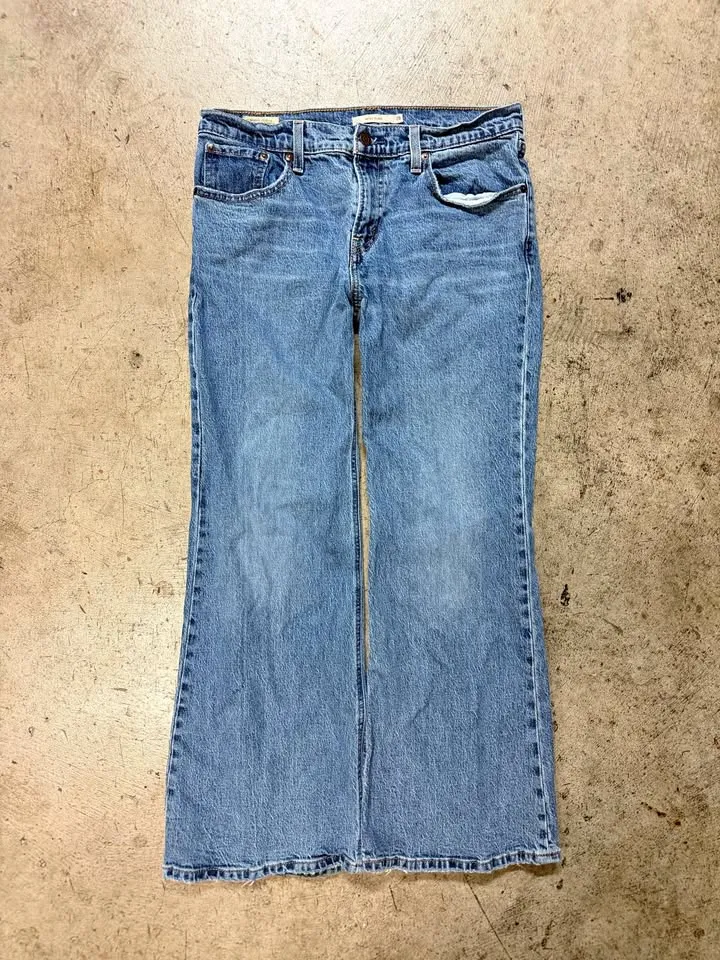
- SKU 04412 · Ribbed V-neck topQA · approved
- SKU 04398 · Relaxed jeansRetried · approved
- SKU 04391 · Cobalt hoodieDelivered to PIM
How you run it
One pipeline, three ways in.
Operator interface
Studio
Run intake by hand and review the week’s coverage in the visual workspace.
Explore StudioProgrammatic
API
Wire generation into your PIM or intake system: new SKU in, PDP set out.
Explore the fashion image generation APIIn your own tools
MCP
Trigger catalog runs from Claude or any MCP client your team already uses.
Explore MCPAt marketplace scale
A week of intake is one batch.
A hypothetical week: fourteen supplier drops land 2,140 new SKUs. The pipeline treats them as one job, and a few saved art directions keep all of it coherent.
One week of intake
- Supplier drops
- 14
- New SKUs
- 2,140
- PDP frames per SKU
- × 2
One pipeline run
4,280images
Generated in parallel · QA on every image
Art direction routing
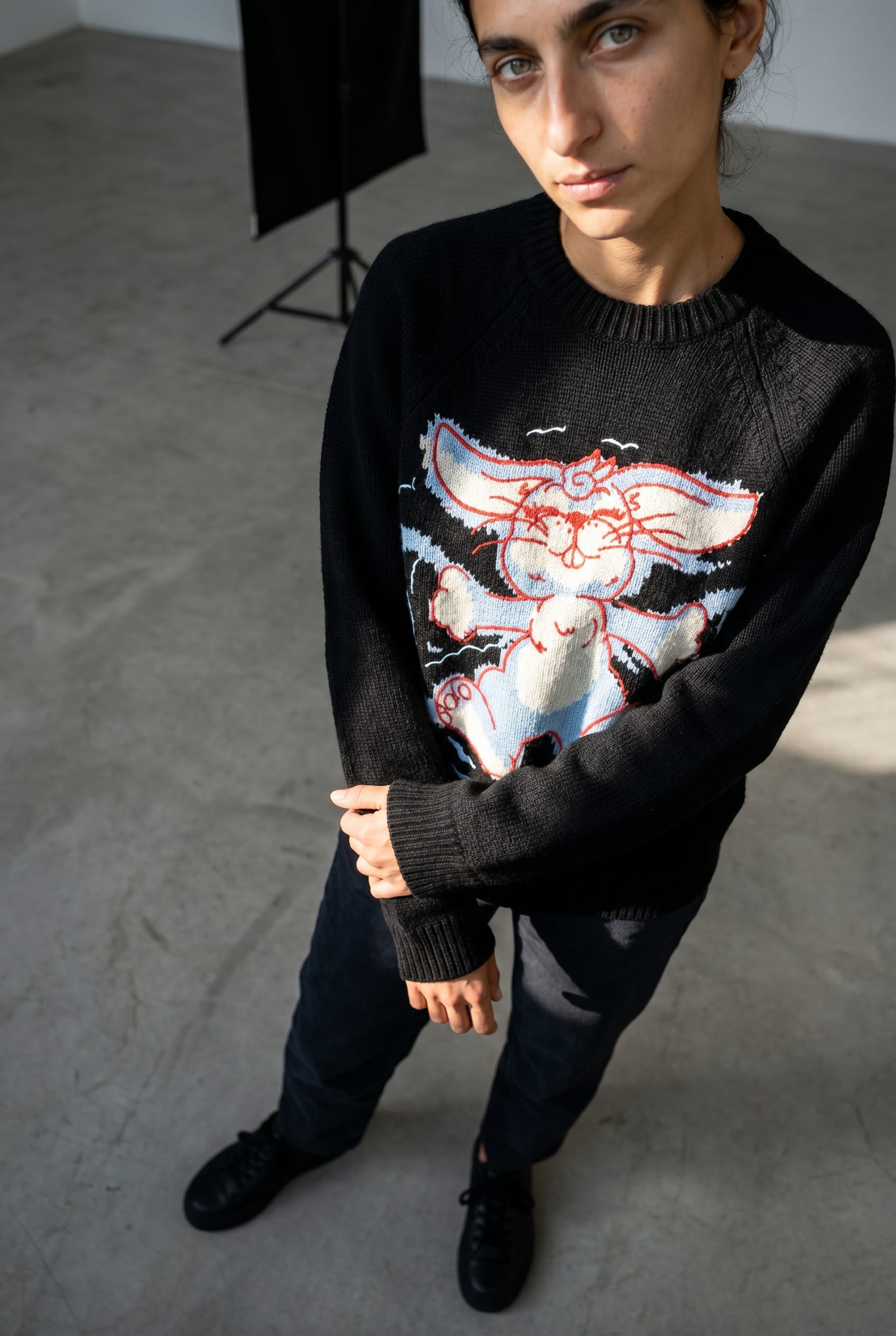
4 saved directions- Womenswear · knitwearEcom Studio A
- Womenswear · denimEcom Studio A
- Sport capsuleConcrete Flash
- Summer editorialNostalgic Coastal

+ 34 more categories, every one resolving to a saved direction.
The scale
Batch Workflows
A week of SKUs runs as one parallel batch, not a queue of one-off requests.
Explore Batch WorkflowsThe coherence
Art Direction
Saved directions give every category one look, no matter which supplier shot the product.
Explore Art DirectionThe control
Review & QA
Automatic QA approves, flags, or retries every image, so nobody reviews the week by hand.
Explore Review & QACatalog visuals FAQ
How AI catalog generation behaves inside Uwear production workflows.
Uwear turns flat-lay product images into on-model photography for thousands of SKUs. Teams use batch or CSV upload, apply saved art directions for brand consistency, and route approved assets through API delivery to the PIM, DAM, or storefront.
Turning the product assets you already have, supplier photos, packshots, and flat-lays, into consistent on-model PDP imagery, with generation, art direction, automatic QA, and delivery running as one pipeline.
No. Intake accepts photos as they arrive: phone shots, hanger photos, mannequins, mixed studios. Uwear preserves the garment exactly and the saved art direction supplies the consistency.
Every category routes to a saved art direction: model, backdrop, lighting, and crop defined once, then applied to every generation. Automatic QA measures each output against that direction before it ships.
Yes. New SKUs can trigger generation as they land in the feed, and a week of intake can also run as one parallel batch. The pipeline is standing infrastructure, not a per-collection project.
Approved assets are delivered with their SKU metadata through the API, so they flow into your PIM, DAM, or storefront the same way any other catalog asset does. Only approved images move downstream.
No. Automatic QA approves clean outputs, retries weak ones, and flags real exceptions for a human. At thousands of SKUs a week, your team reviews a short exception list, not the catalog.
Bring us a week of intake.
Send one week of new SKUs, messy photos and all. We'll return them as one consistent, PDP-ready set.
Existing customer? Log in to Studio
Pairs with Shop the Look · Team studio · Batch Workflows





