Can I use Kling AI for my clothing brand’s fashion videos?
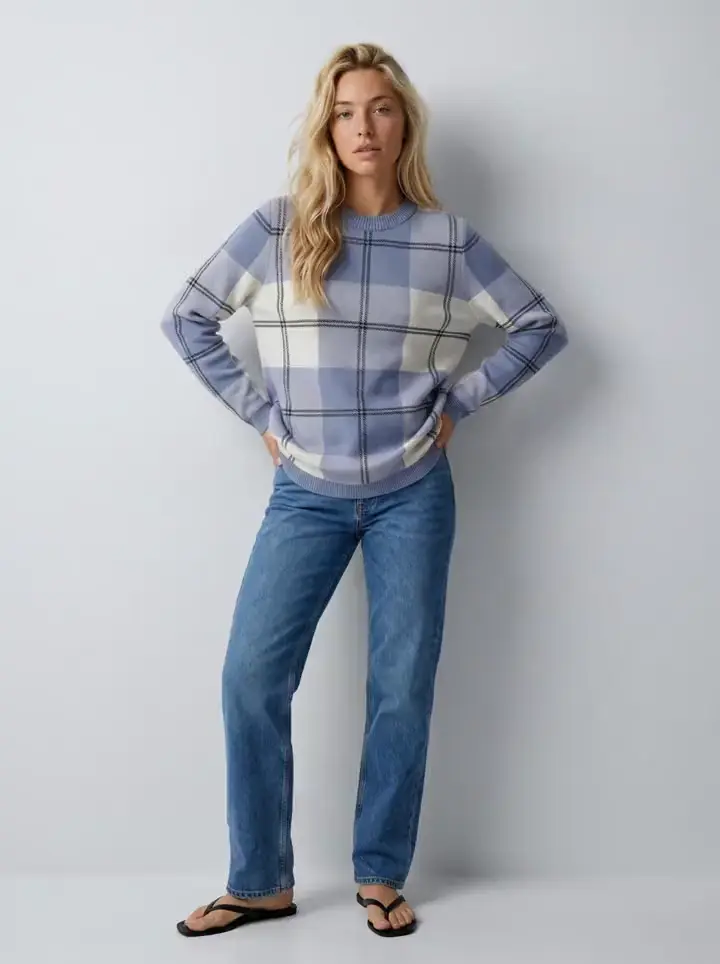
Yes, for one clip. Give Kling a photo of the model in the garment and a sentence about the motion, and image-to-video will make a few seconds of her breathing, turning or walking, good enough for a social post or a first look at how the fabric moves. The prompts below are the ones that work. The rest of this page is about the second clip, because a clothing brand never needs one: it needs a clip for every product in the drop, on the same model as the listing photo, from a frame someone already checked against the product. Uwear runs the same Kling 3 Pro and Kling 2.5 Turbo Pro inside a system that carries that. The frame at the top of this page is the first frame of one of its clips.
What Kling is, from the pages that publish text
Kling's own site and API documentation are applications that return no text to a reader that is not a browser, so this page cites what does publish: Kling's homepage headings, which list VIDEO 3.0 and 3.0 Omni, image-to-video, motion control and native 4K [1]; and the hosted listings on fal.ai and Replicate, which document Kling 2.5 Turbo Pro as image-to-video from a start image with an optional tail image to end on, priced on fal.ai at $0.35 for a 5-second video and $0.07 per additional second [2][3]. Durations, aspect ratios and 3.0 pricing are not stated on those pages; test them on your own garments before you plan a drop around them.
Motion prompts that work in Kling
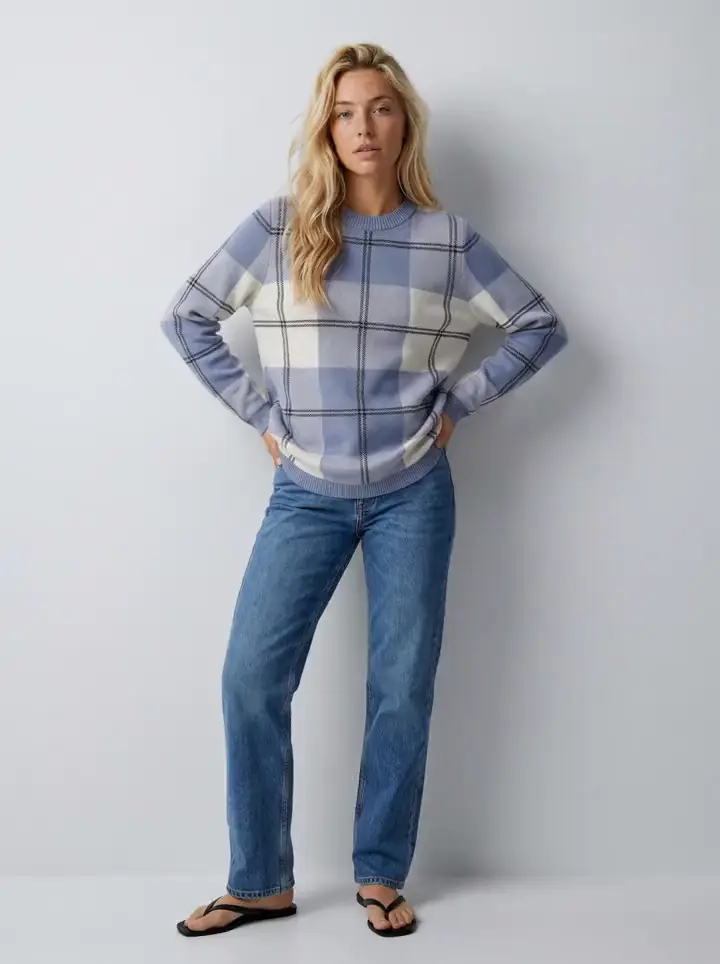
Start from a photo you trust. Say what must stay identical, the garment above all, and describe one motion; Kling follows a single clear motion better than a scene description.
A product-page loop from an approved photo
“Start from the attached photo. The model stands still and breathes naturally, a slight weight shift, hair moving gently; the camera holds steady at eye height; the garment keeps its exact colour, print and fit; plain studio background, soft even light; no zoom, no cuts.”
A slow 360-degree turn
“Start from the attached photo. The model turns slowly on the spot through a full rotation so the front, side and back of the garment are seen; the camera holds still; the garment keeps its exact colour, print and fit; same background and light throughout.”
A campaign clip with a tail frame
“Start on the first attached photo and end on the second. The model walks two steps toward the camera at golden hour, fabric moving with the step; the camera tracks slowly; the garment keeps its exact colour, print and fit.”
Where the single clip stops
The same video model sits on both sides of this table. The difference is what the clip starts from and what carries to the next one.
| What has to carry | Kling on its own | Kling inside Uwear |
|---|---|---|
| The first frame | Any photo you upload. Whether it matches the product photo is on you. | An approved on-model still from the run: the reviewer already compared it with the product photo and the saved model. |
| The model (the person) | Whoever is in the frame; consistent with the photo, not across the drop. | The saved model, the same person in every clip in the drop because every clip starts from her approved photo. |
| The motion | Described per clip in the prompt. | The template’s motion, the 5-second loop or the 360-degree turn, applied to every garment in the run. |
| The check | Your eyes, one clip at a time. | The clip inherits the still’s verdict; clips are reviewed like any other output before delivery. |
| The run | One request per clip. | One priced plan for photos and clips together, approved once, from the web app, the API, or an assistant through MCP. |
| The price | Kling 2.5 Turbo Pro at $0.35 per 5-second video on fal.ai, $0.07 per extra second [2]. | Kling 3 Pro 23 credits ($2.30) for 5 seconds, Kling 2.5 Turbo Pro 14 credits ($1.40), 26 for 10 seconds, at $0.10 a credit [4][5]. |
The price row in plain words. A 5-second Kling 2.5 Turbo Pro clip is $0.35 on fal.ai and 14 credits, $1.40, on Uwear; a Kling 3 Pro clip is 23 credits, $2.30. The difference is not the model. It is the approved still the clip starts from, the prompt built from your saved direction, the review before delivery, and a run that prices the photos and the clips together before it starts. One clip for a post: the hosted price is the right one. A clip for every product in the drop, matching the listing photo next to it: the credit is what you are buying.
Keep Kling, add the system
With the Uwear MCP server, the connector that lets ChatGPT, Claude or Codex plan and run a job, connected to ChatGPT, Claude or Codex, the assistant plans the run with the clip per garment, shows the credit estimate with its worst case, and waits for your approval.
Run the same video model as a catalog job
“Connect to the Uwear MCP server and load the "Product page set" template. Run it on my garment photos with my saved model and my saved studio direction, reviewer on, with the 5-second Kling 3 Pro 360-degree clip per garment, and show me the costed brief before generating.”
Questions brands ask about Kling
Which Kling model should I use for clothing videos?
Kling’s homepage lists VIDEO 3.0 and 3.0 Omni with native 4K, image-to-video and motion control. The hosted listings document Kling 2.5 Turbo Pro as image-to-video with a start image and an optional tail image, priced at $0.35 for a 5-second video and $0.07 per additional second on fal.ai. Inside Uwear, Kling 3 Pro is the default for the 5-second product-page clip and the 360-degree turn; Kling 2.5 Turbo Pro is there for longer clips at a lower rate.
Can Kling keep the same model and garment as the photo?
Image-to-video starts from your frame, so the model and the garment are whatever is in the photo you give it; the hosted listing also accepts a tail image to end on. What no prompt carries is whether the frame was approved against the product photo in the first place. On Uwear the clip is generated from an approved on-model still, so it inherits the saved model, the direction and the reviewer’s verdict on the garment.
What does a Kling clip cost?
On fal.ai, Kling 2.5 Turbo Pro is $0.35 for a 5-second video and $0.07 per extra second. Inside Uwear, a 5-second Kling 3 Pro clip is 23 credits, $2.30, and Kling 2.5 Turbo Pro is 14 credits, $1.40, or 26 credits for 10 seconds. The credit covers more than the model call: the approved still it starts from, the prompt built from the direction, and the same review and delivery path as the photos.
Do the clips have sound?
Kling 3 Pro clips inside Uwear can carry audio and run 3 to 15 seconds with last-frame control; Kling 2.5 Turbo Pro runs 5 to 10 seconds without audio. Sound is a flag on the run, off by default, because product-page loops and the 360-degree turn are silent. Test what audio adds on your own garments before turning it on for a drop.
When is Kling on its own the right tool?
For a one-off clip from a photo you already trust: a social post, a mood clip, a test of whether a garment reads in motion. The moment the clip has to match the listing photo on the same page, or every product in the drop needs one, you are running production, and the missing pieces are the approved still, the saved model and the priced run.
Sources
Kling's site and API documentation return no text to cite, so model facts come from Kling's homepage headings and the hosted listings on fal.ai and Replicate, as read on the access date. Uwear's current rates are on the models page.
- [1] Kling AI homepage (VIDEO 3.0 and 3.0 Omni, image-to-video, motion control, native 4K). Accessed September 20, 2026.
- [2] fal.ai hosted listing: Kling 2.5 Turbo Pro image-to-video (start and tail image, $0.35 per 5-second video, $0.07 per additional second). Accessed September 20, 2026.
- [3] Replicate hosted listing: Kling 2.5 Turbo Pro (image and prompt to video). Accessed September 20, 2026.
- [4] Uwear models page: per-model credit rates for Kling 3 Pro and Kling 2.5 Turbo Pro. Accessed September 20, 2026.
- [5] Uwear pricing: $0.10 per credit. Accessed September 20, 2026.