Demo Avatars, Kling 3 References, Better Uploads, and Export Fixes: What's New at Uwear
This week was about making Uwear Studio faster to evaluate and more reliable for real fashion production work: new demo avatars for AI fashion model testing, better AI fashion video control, fewer large-image upload failures, cleaner image downloads, improved model setup, and smoother agent workflows.
What shipped
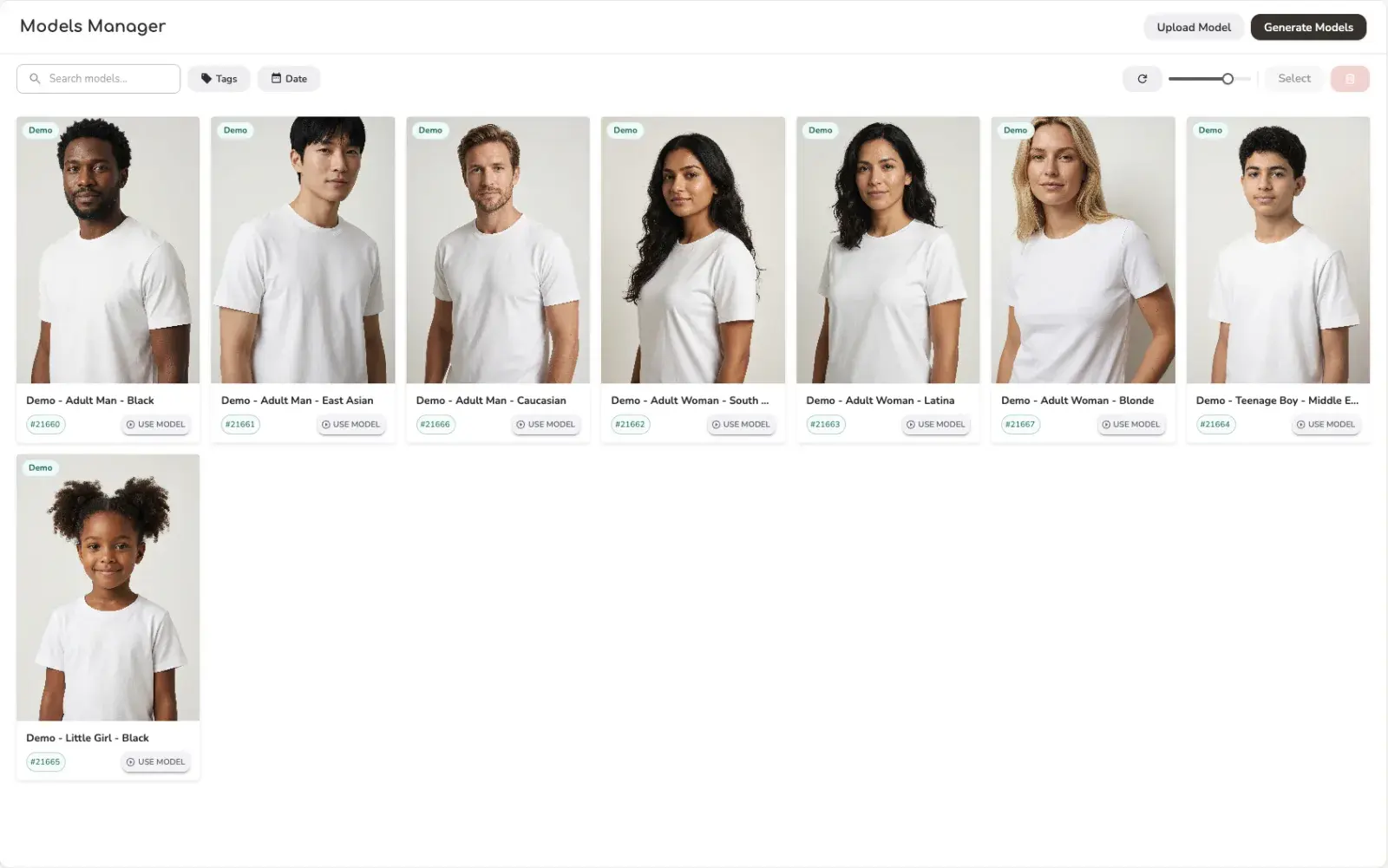
- -New demo avatars: use eight ready-made Uwear models to test AI clothing generation before spending credits on custom avatar creation.
- -Kling 3 Pro reference attachments: use attached garment references when generating AI fashion videos, including 360 model turns.
- -More reliable clothing uploads: large image handling moved server-side so product uploads are less dependent on browser memory and resize support.
- -Cleaner image exports: fixes for PNG ZIP downloads, default download behavior, and export menu layering.
- -Mouza model tools: generate reusable avatar/model candidates from a text description, then save the selected result into the model library.
- -Smoother generation workflows: edit generations keep model context better, results refresh more cleanly, and mobile agent chat navigation is more polished.
New Demo Avatars for Fast AI Clothing Tests
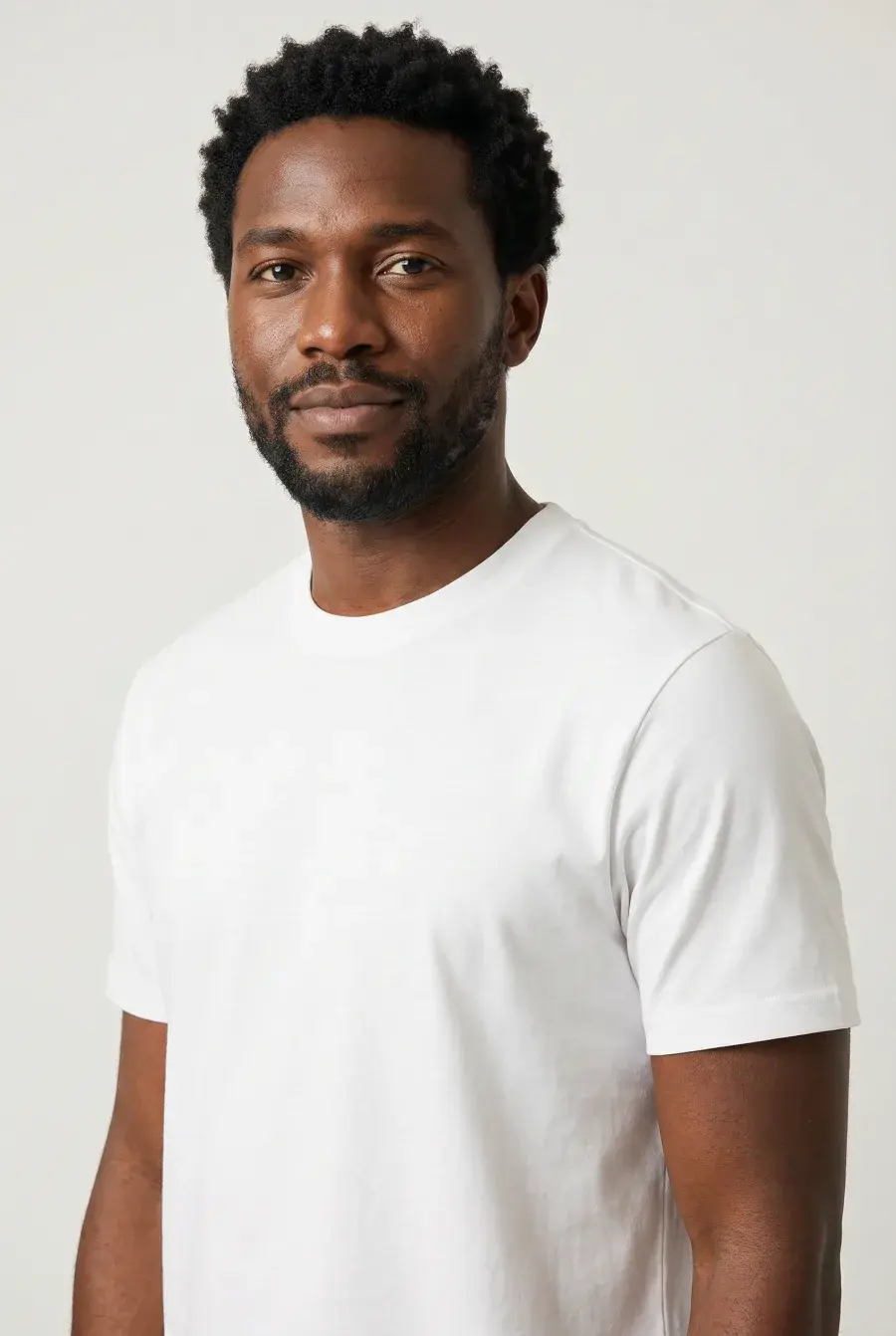
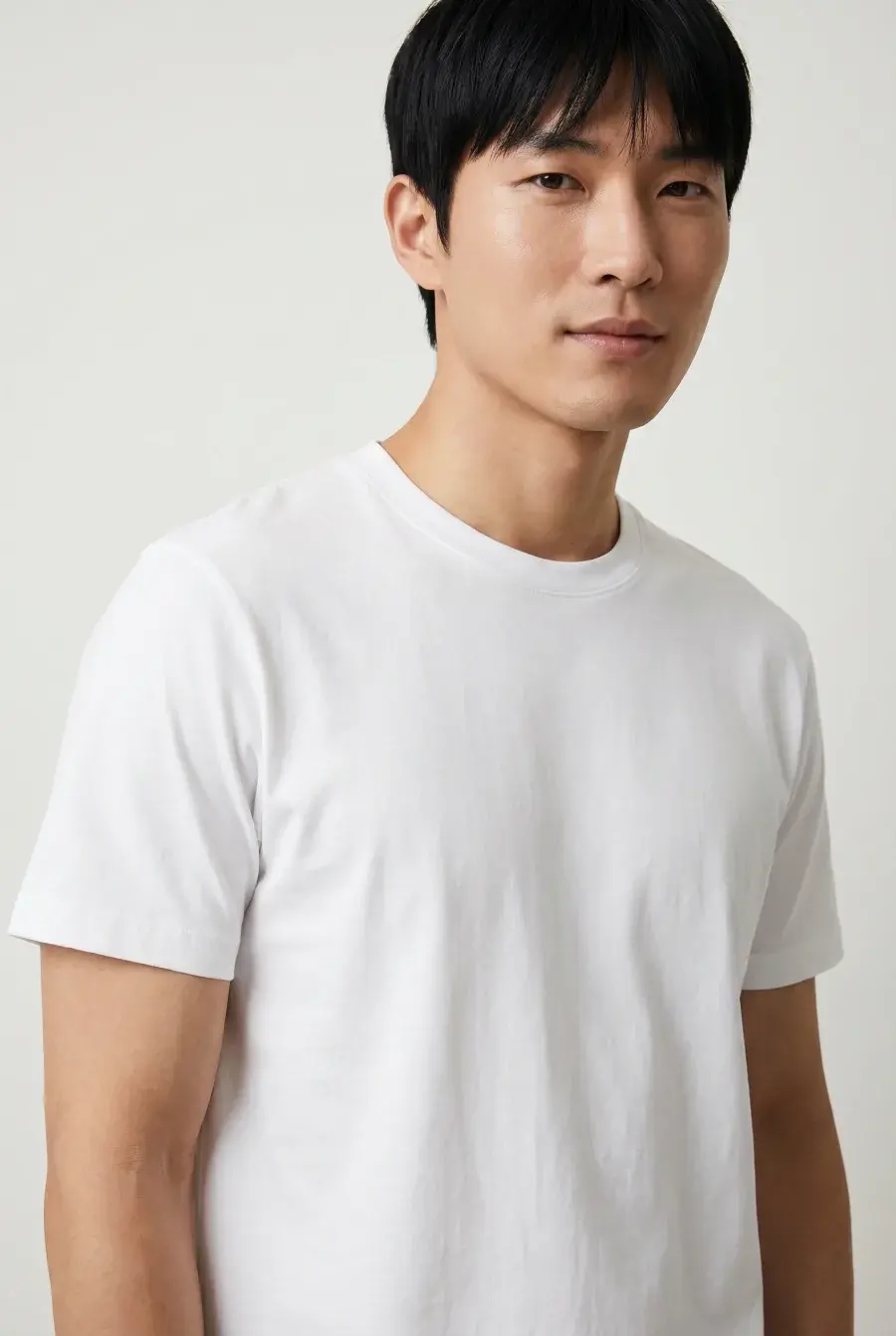
New users testing Uwear should not have to spend credits creating custom models before they know whether AI clothing generation fits their workflow. Uwear Studio now includes eight ownerless demo avatars that can be used immediately with your clothing items.
The goal is simple: upload a garment, choose a demo avatar, and see how your product looks on different AI fashion models before investing time in a custom model library. It is also useful for quick artistic direction tests across different model demographics and ethnicities.
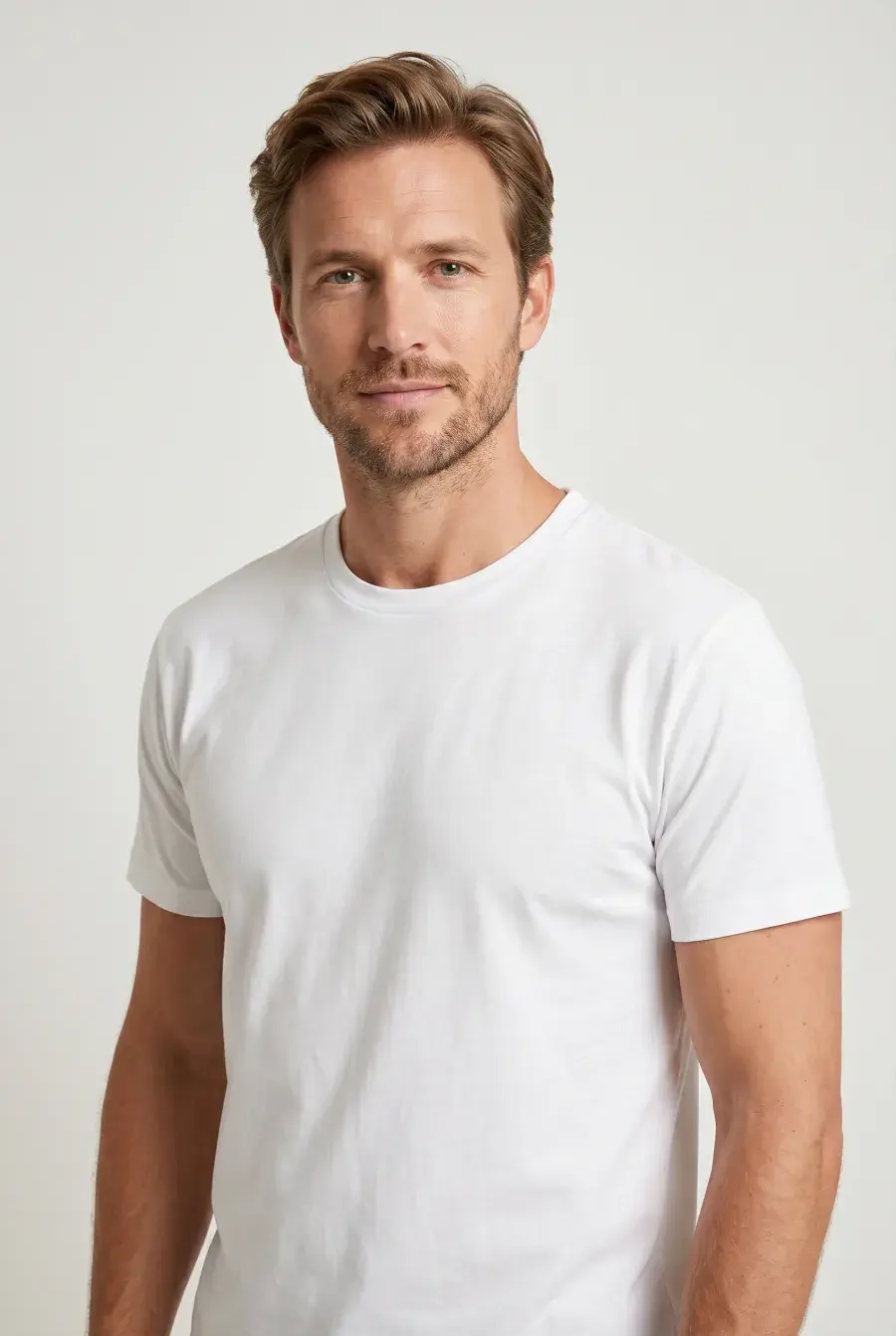
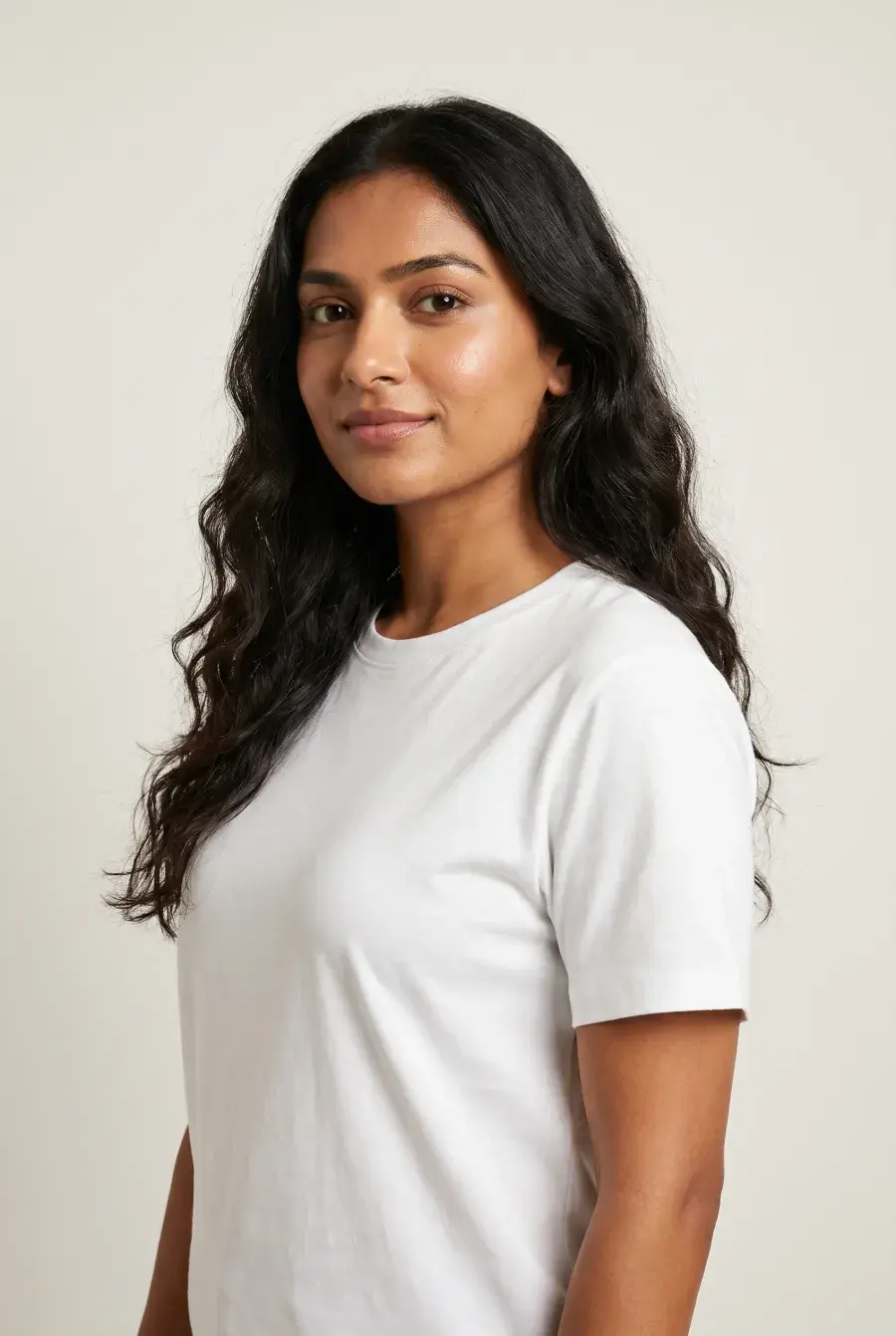
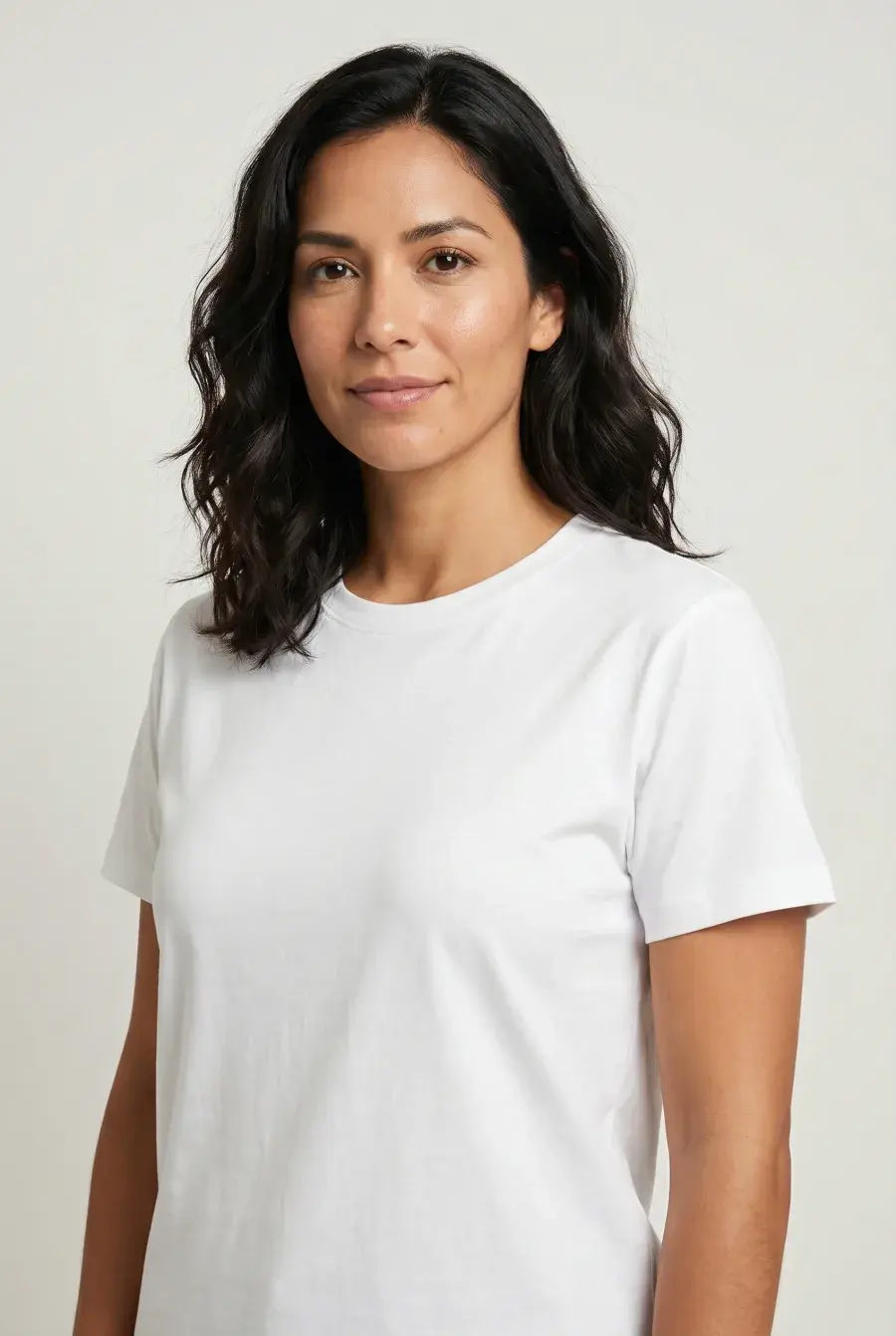
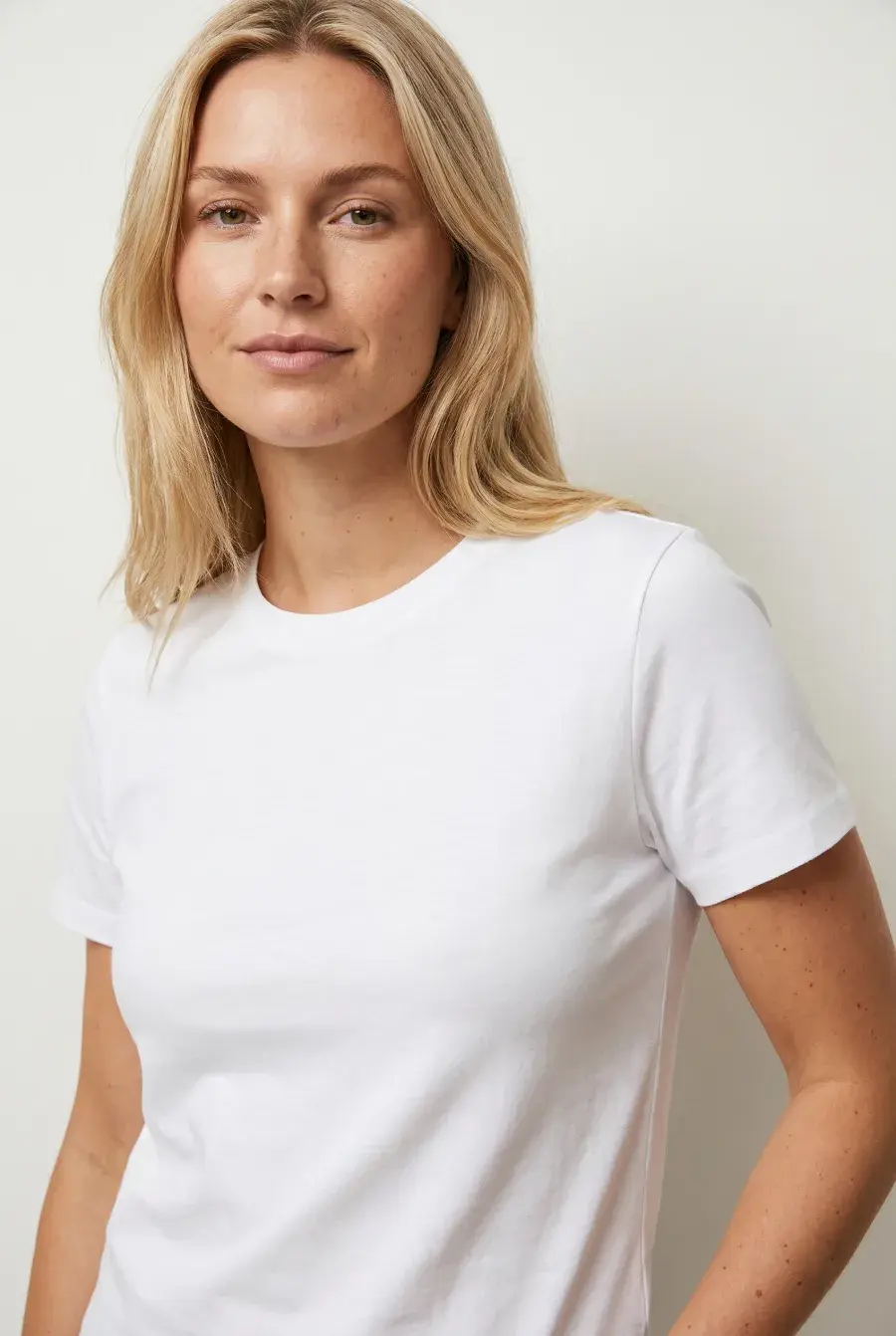
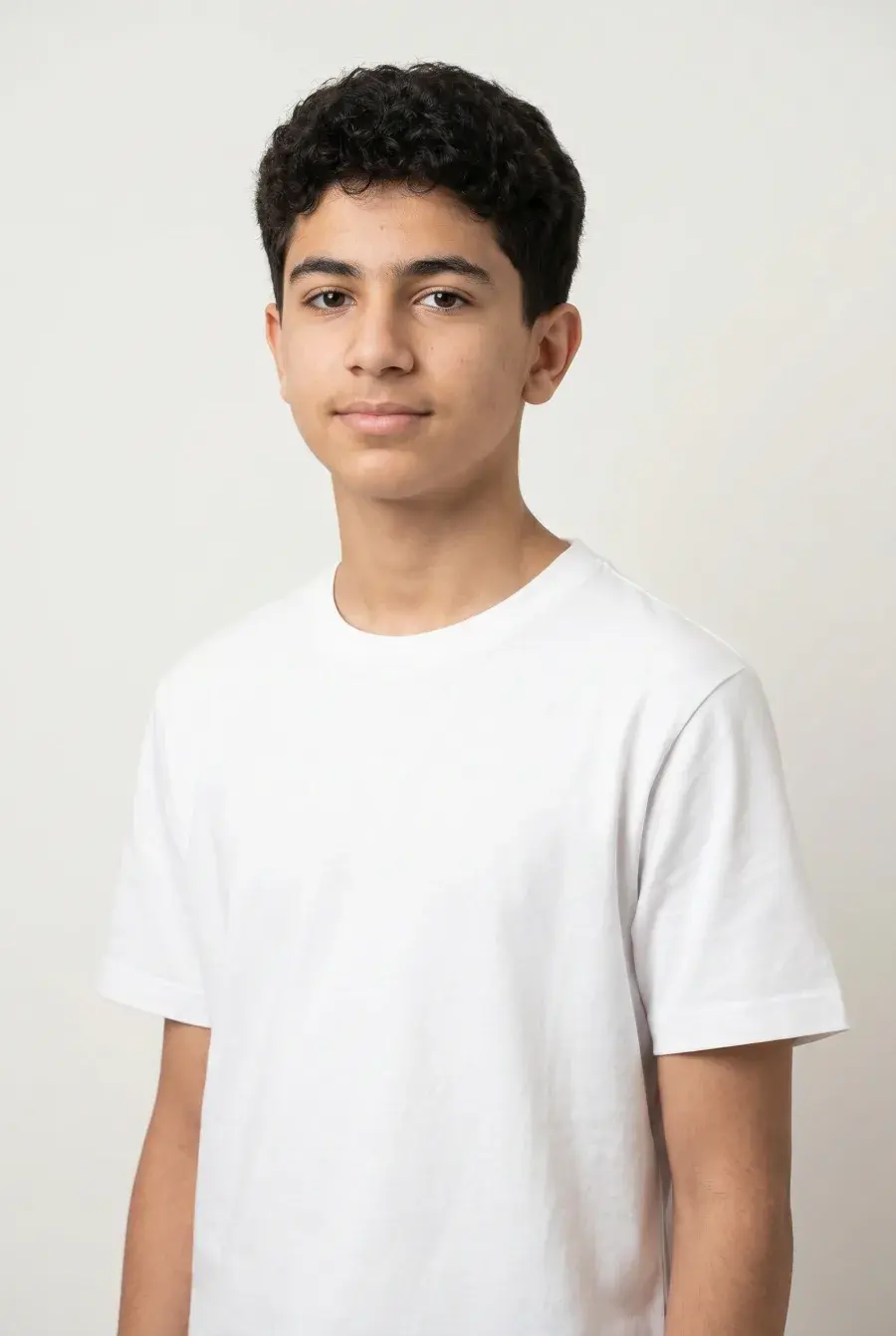
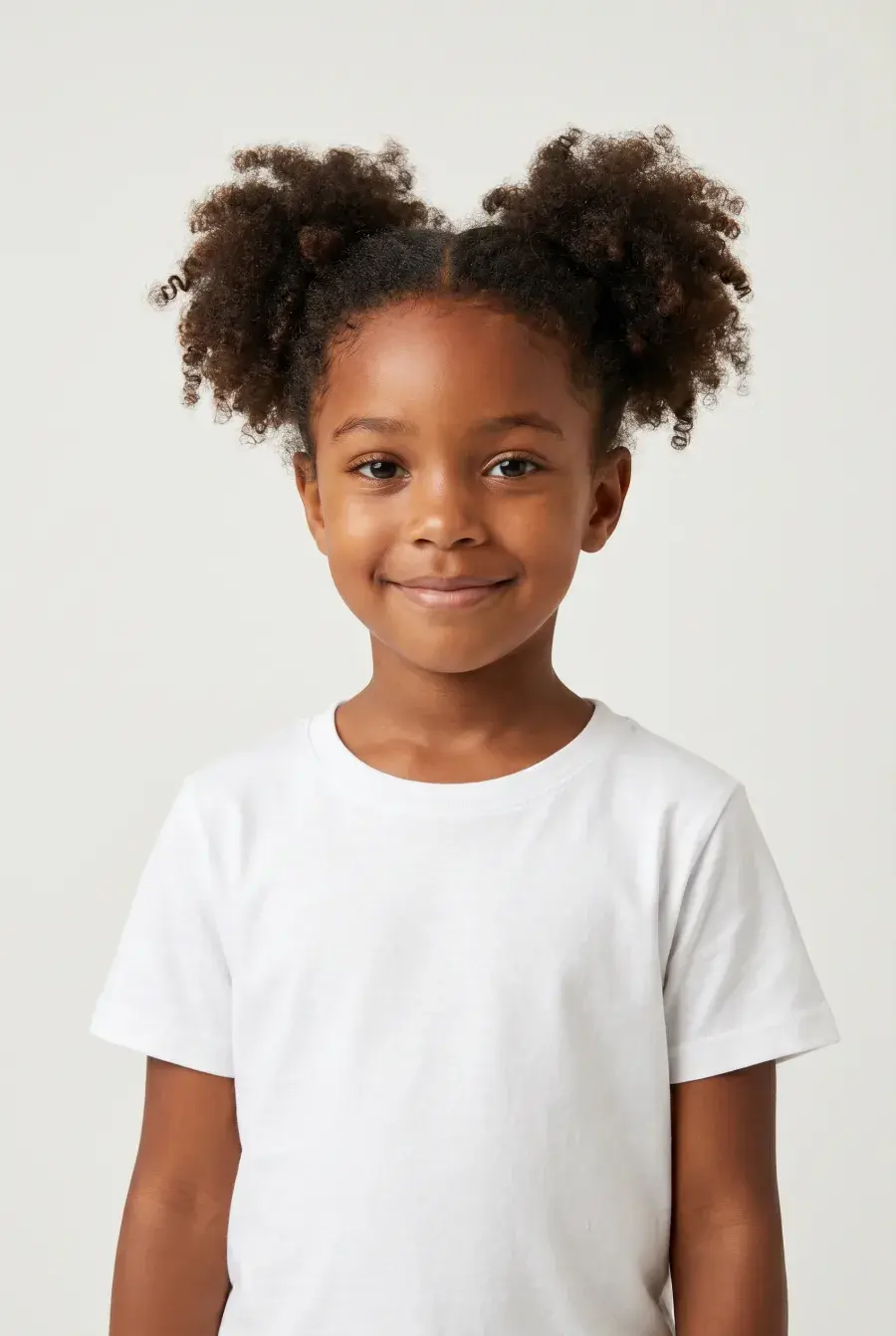
Ownerless avatar IDs for agents and API workflows
If you are generating through the Uwear API or letting an AI agent choose a model, these demo avatars can be referenced directly by avatar_id in production:
production: {
  adultManBlack: 21660,
  adultManEastAsian: 21661,
  adultManCaucasian: 21666,
  adultWomanSouthAsian: 21662,
  adultWomanLatina: 21663,
  adultWomanBlonde: 21667,
  teenageBoyMiddleEastern: 21664,
  littleGirlBlack: 21665,
}
Kling 3 Pro Now Supports Reference Attachments for Fashion Video
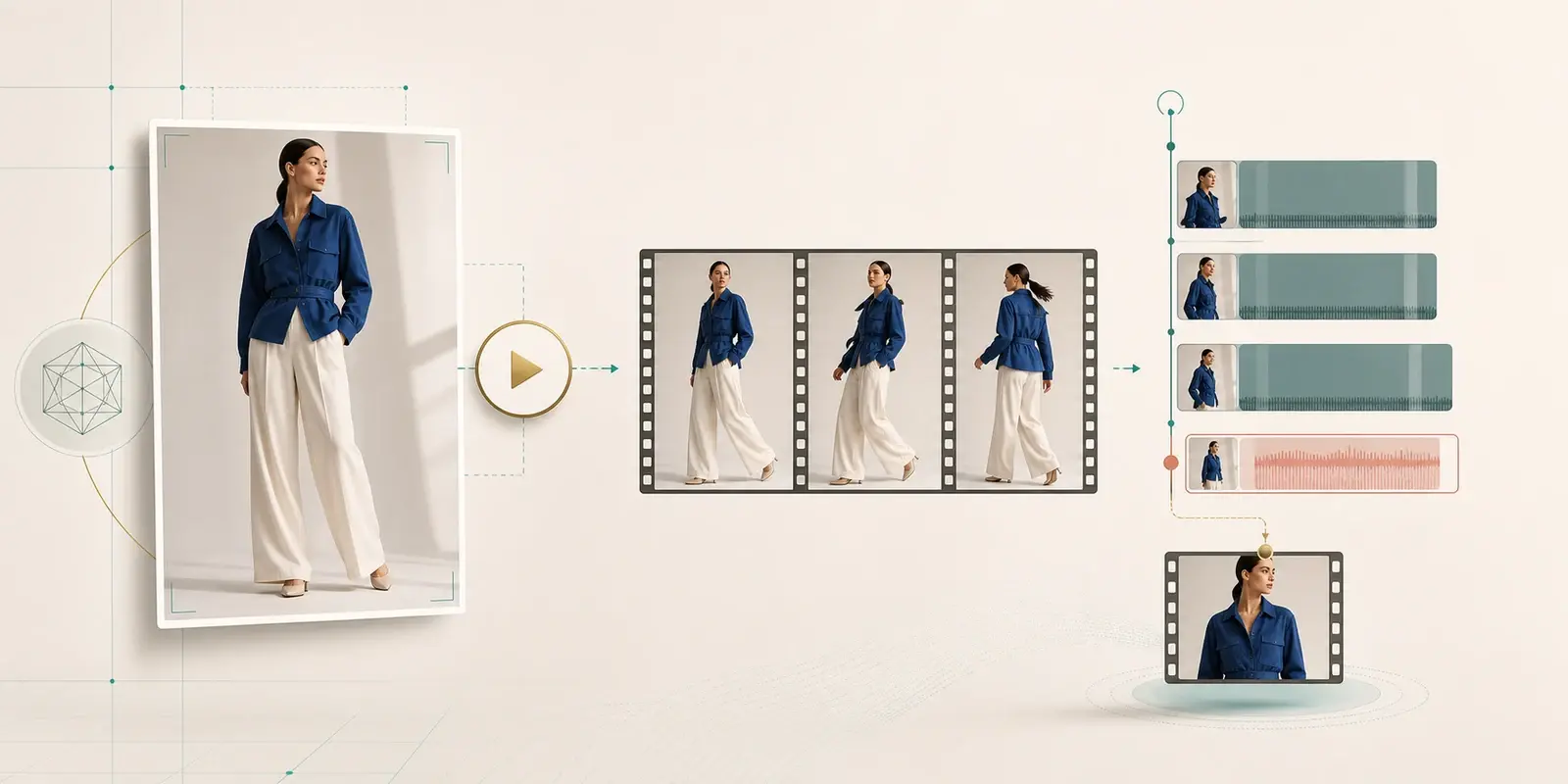
Uwear video generation can now pass visual reference attachments to Kling 3 Pro. For fashion teams, this helps with a common AI video problem: the first frame shows the front of the garment, but the model also needs to understand the back, side, print, strap, pocket, or construction details.
Instead of forcing a strict last frame, you can now use the model image as the first frame and attach the back-view garment reference. That gives Kling 3 more product context while keeping the video motion more natural.
We also published a focused guide: How to generate a fashion model 360 video with Uwear and Kling 3 Pro.
Large Clothing Uploads Are More Reliable
Fashion product images are often large: high-resolution ecommerce photos, heavy PNGs, detailed flat lays, and files exported from editing tools. Browser-side resizing can fail when memory is tight or when a resize library is blocked.
Uwear now handles more of that resize work on the backend. The result should be fewer "image too large" upload errors, fewer failed clothing item uploads, and a better path for teams uploading production-quality garment images.
Useful for teams searching for
- -AI clothing upload failed because the image is too large.
- -How to upload high-resolution fashion product photos for AI generation.
- -Why browser image resize fails on large ecommerce photos.
Image Export and Download Fixes
We tightened several download details across image exports. PNG ZIP exports now use the expected format, single-image downloads behave more consistently, and export menus layer correctly over the gallery interface.
These are small fixes, but they matter when AI-generated product photos need to move into ecommerce pages, ad creative, social posts, creative review folders, or downstream editing tools.
Export workflows improved
- -Download selected AI-generated images as PNG when quality or transparency handling matters.
- -Use JPG or WebP exports when smaller ecommerce image files are the priority.
- -Export batch results without needing manual file conversion after download.
Mouza Can Help Create Reusable Models
Mouza can now help create reusable avatar/model candidates from a text description and save a selected generated image into the model library. It is a small but useful step toward faster AI model setup for consistent fashion photoshoots.
That means teams can test with the ownerless demo avatars first, then use Mouza to move toward custom reusable models once they know the creative direction they want.
Agent Chat, Mobile Layout, and Edit Context Polish
Mouza and the Studio interface also got a set of practical workflow fixes. Agent chat navigation is cleaner on mobile, visual panels have more reliable spacing, generation results refresh more simply, and edit generations inherit avatar context more consistently from the parent image.
In plain terms: when you edit an AI fashion image, generate another result, or move through the agent workflow on a smaller screen, Uwear should feel less brittle and easier to keep working in.
Media Thumbnails and Submission Status Are More Stable
We also fixed video thumbnail handling in media ingestion and improved how submitted generations move into the created state. These reliability improvements reduce the awkward cases where a generated video or image exists, but the gallery preview or generation status lags behind.
All updates are live in Uwear Studio
Demo avatars, Kling 3 reference attachments, large clothing upload improvements, export fixes, Mouza model tools, and agent workflow polish are available now for teams creating AI product photos and fashion videos.