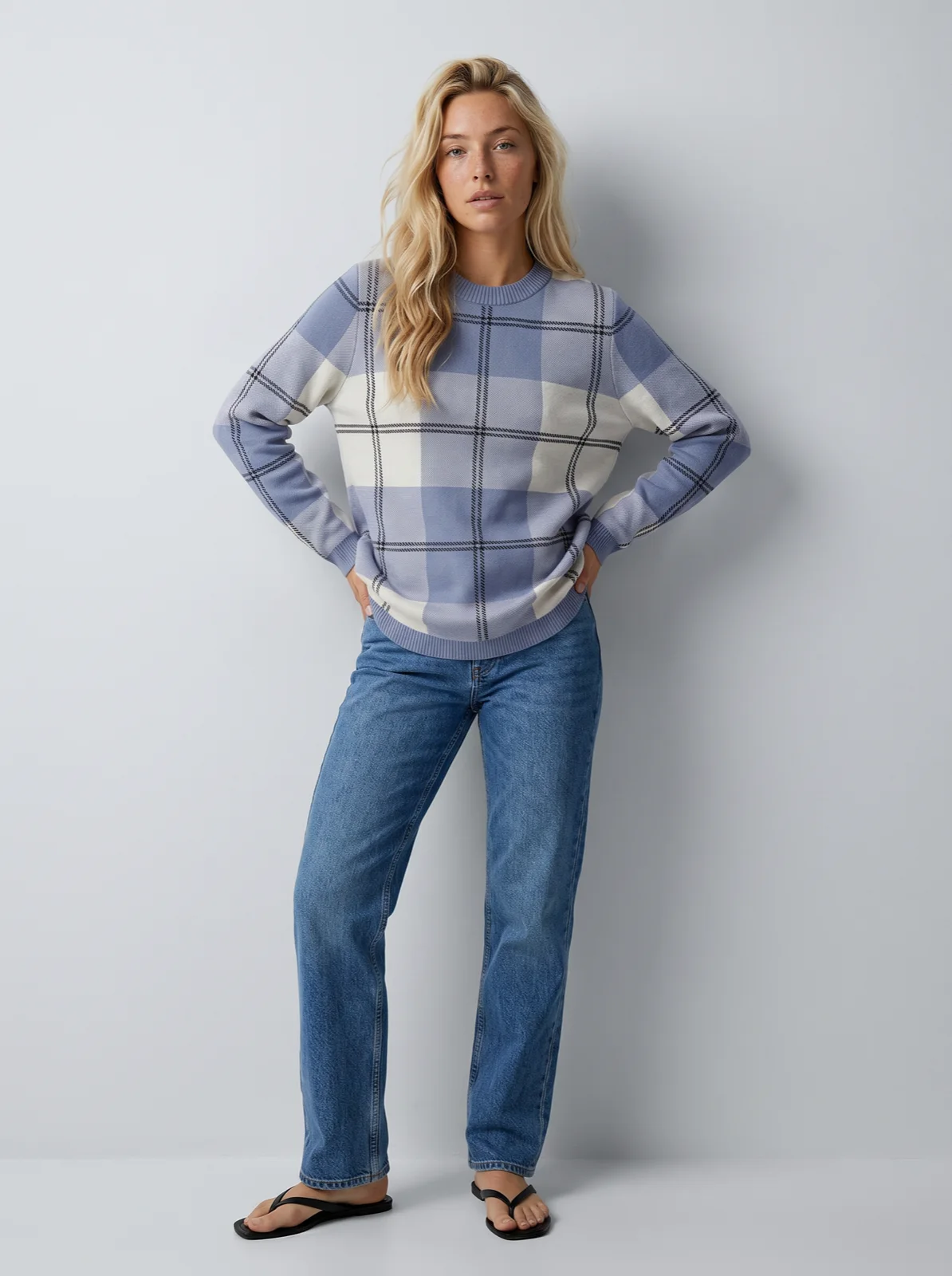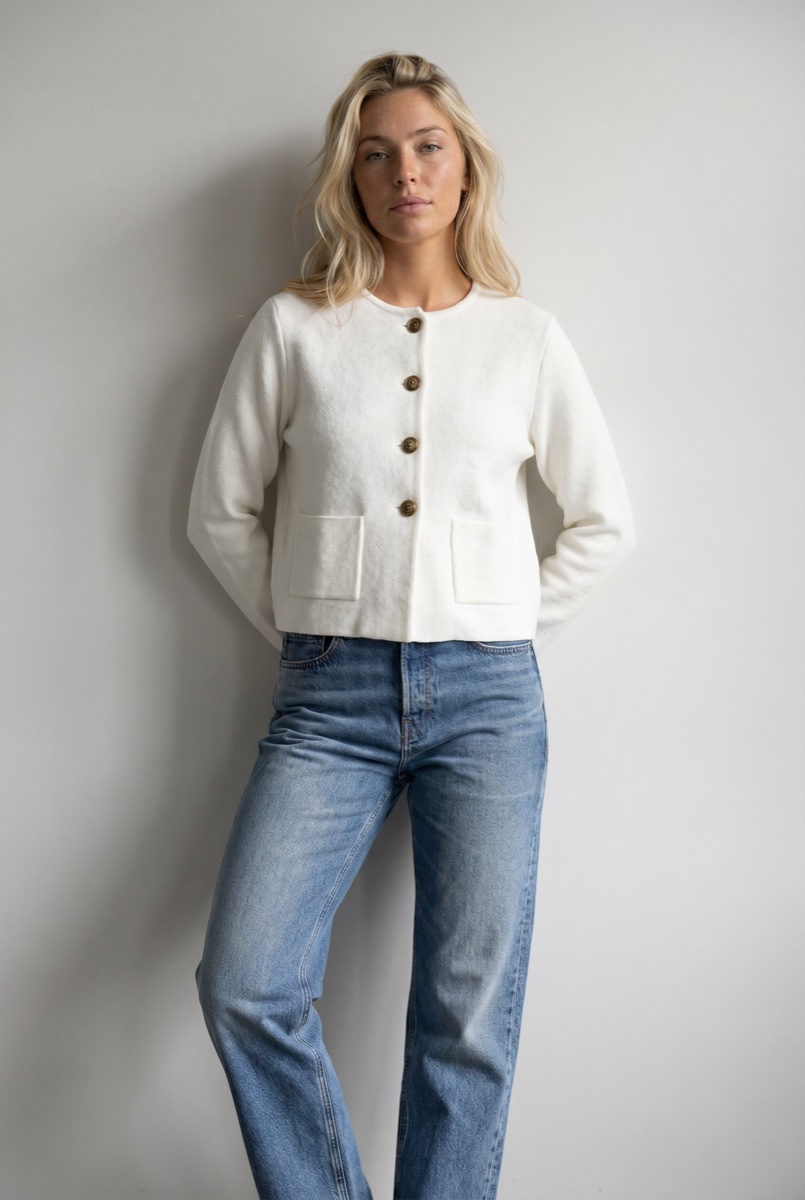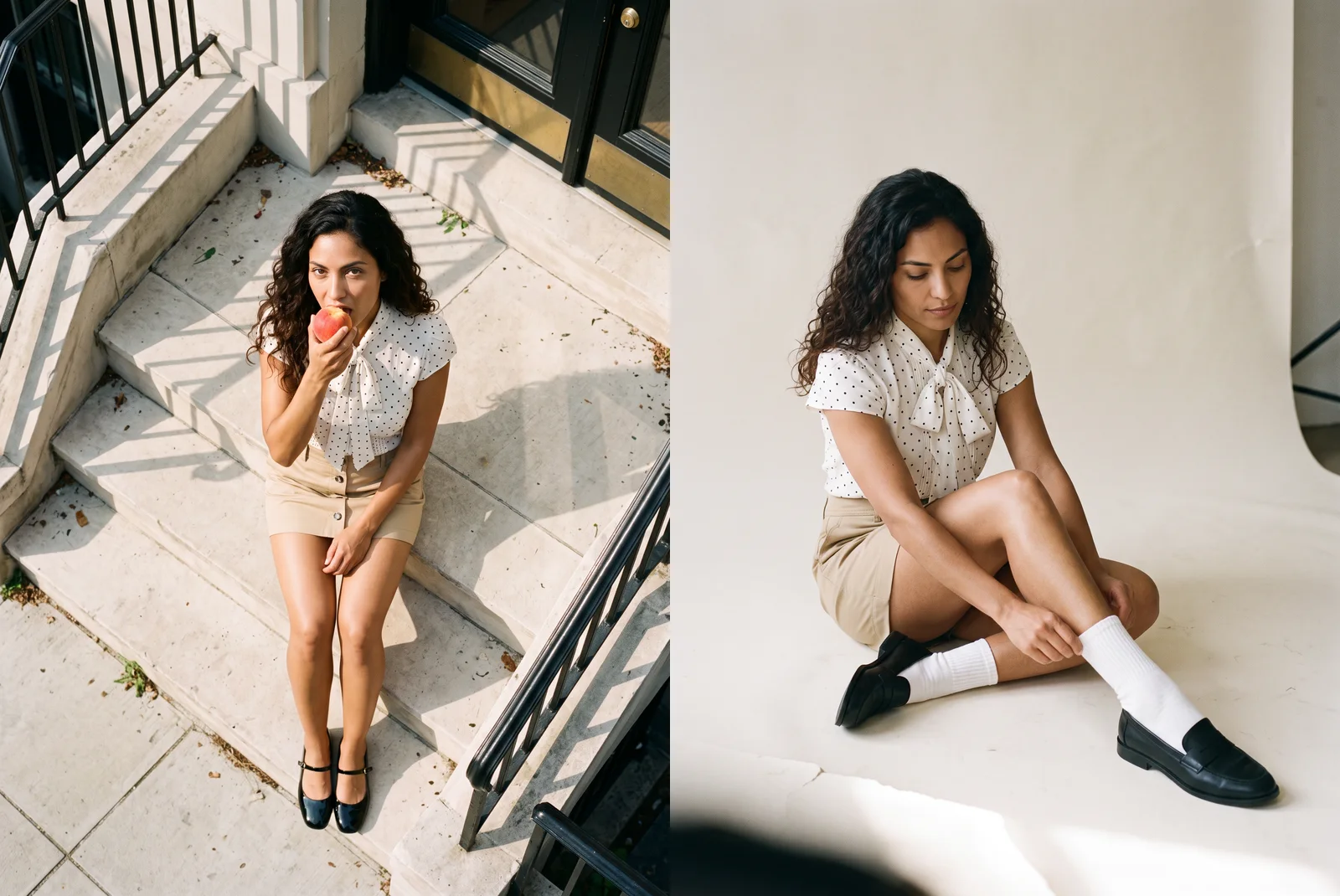
Uwear Is Now a Plugin in ChatGPT and Codex
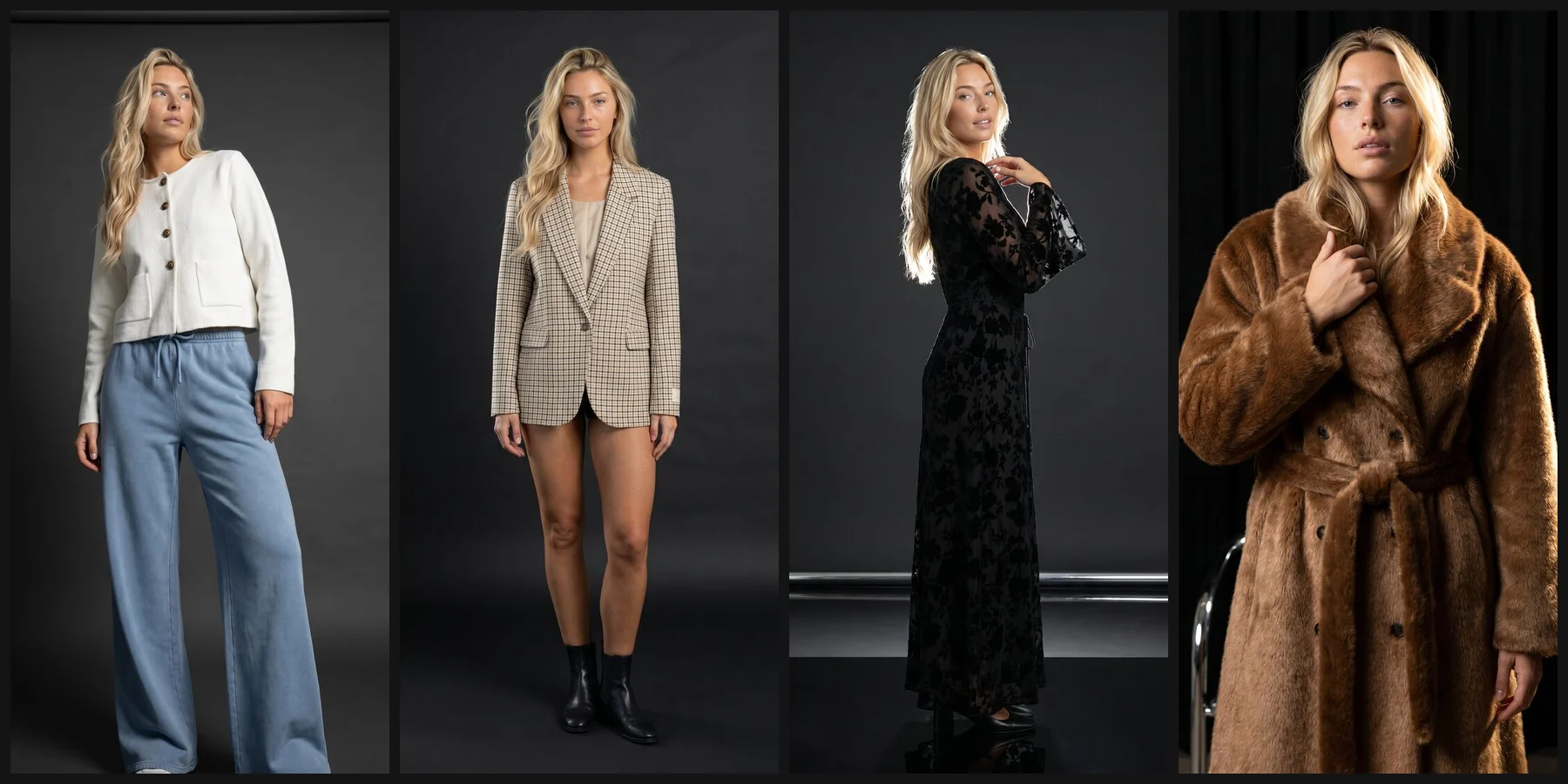
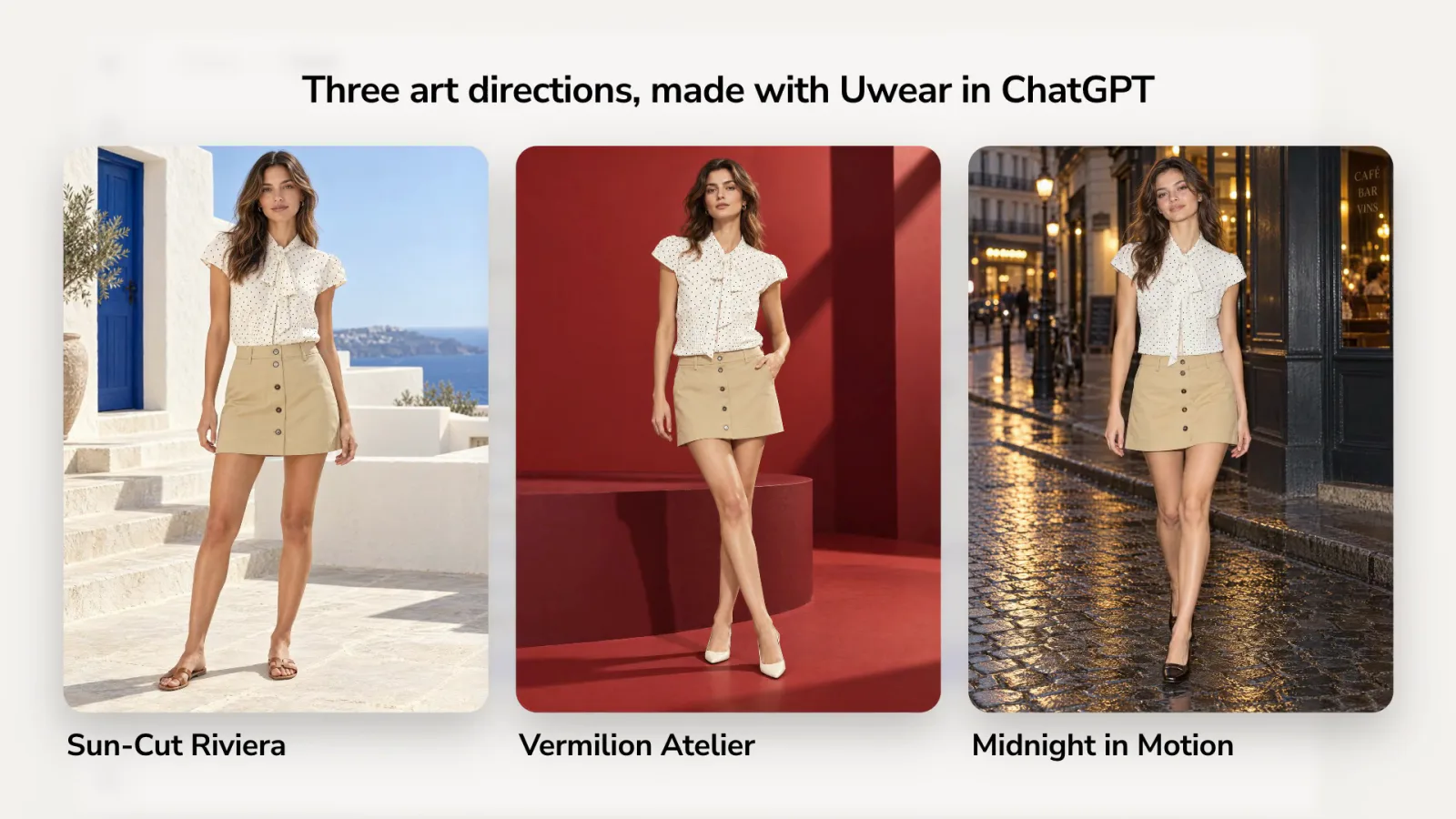
Open Plugins in ChatGPT, search for Uwear and install it: ChatGPT then runs photoshoots on your garments with your Uwear credits. One example prompt made three art directions and a 2K sample for each.
Moda görsel üretiminin geleceğinden en son güncellemeler, ürün duyuruları ve içgörüler

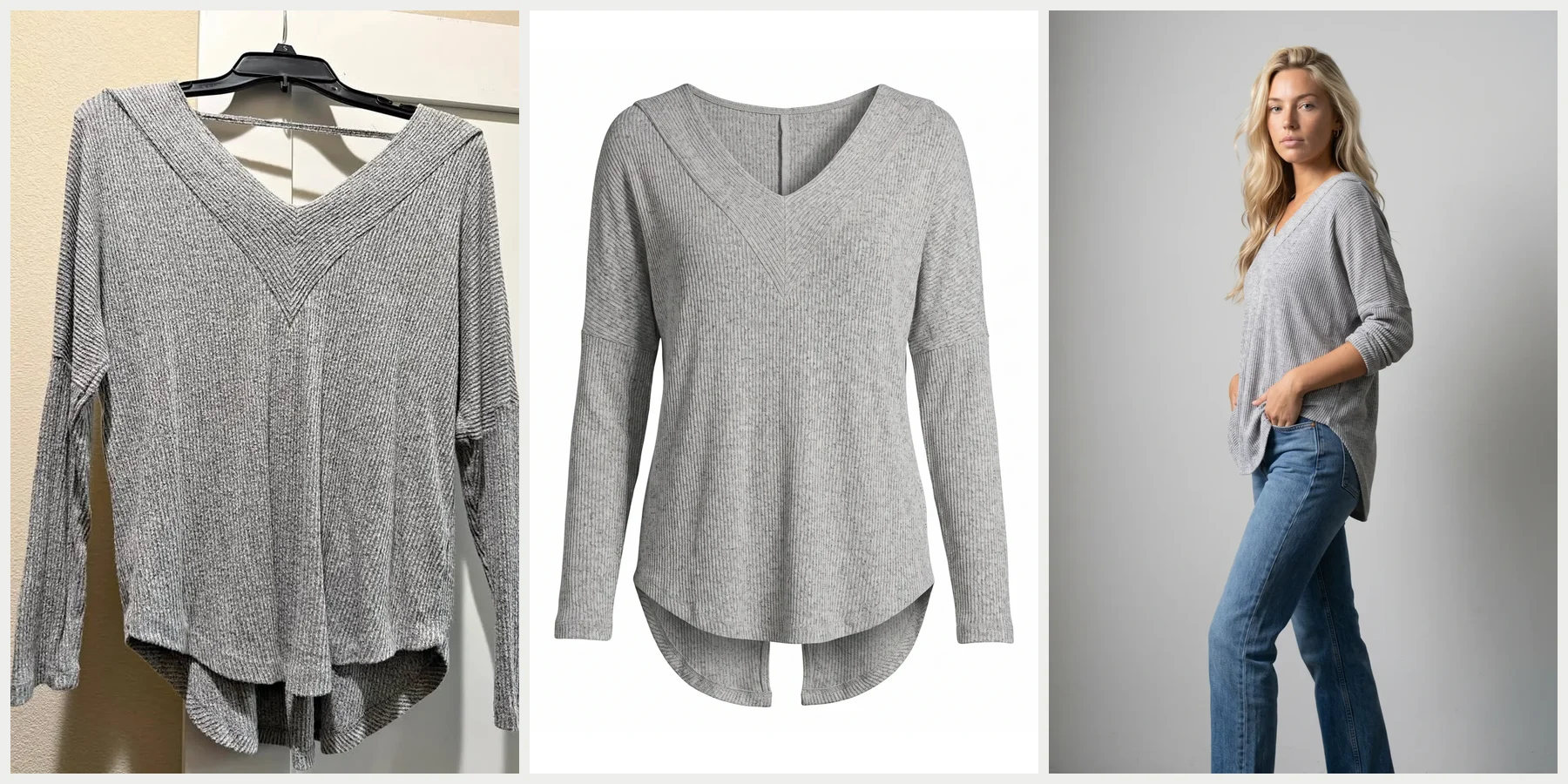
Why product photography stops scaling at a few hundred SKUs, how the model, art direction, and quality check keep AI product photos consistent, and one real automated run: two photos, 39 seconds, $0.40.

Open Plugins in ChatGPT, search for Uwear and install it: ChatGPT then runs photoshoots on your garments with your Uwear credits. One example prompt made three art directions and a 2K sample for each.

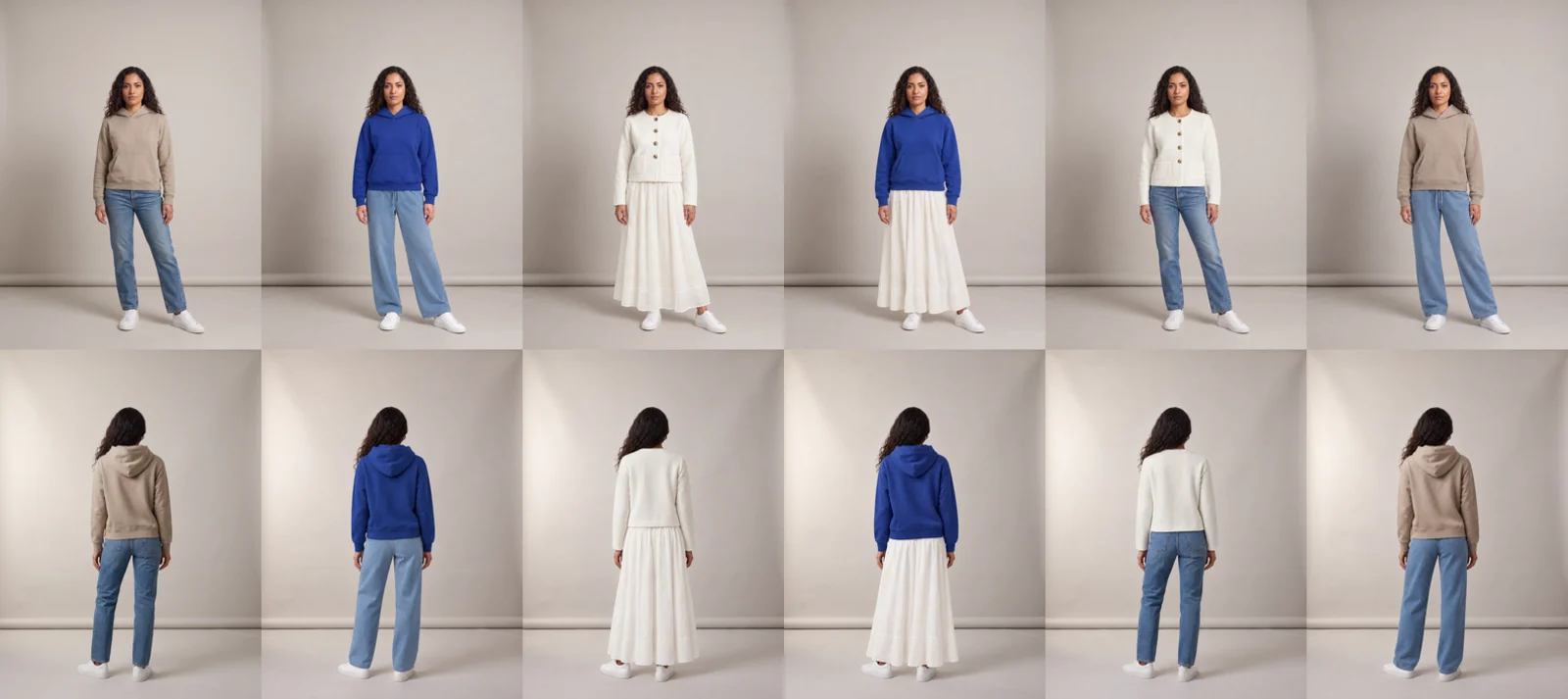
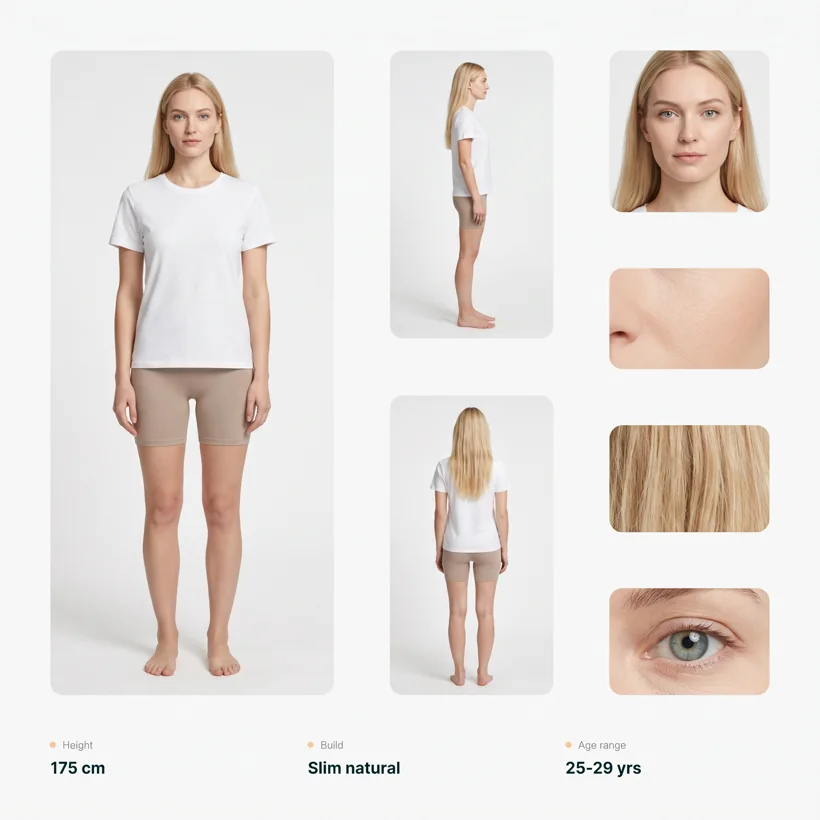
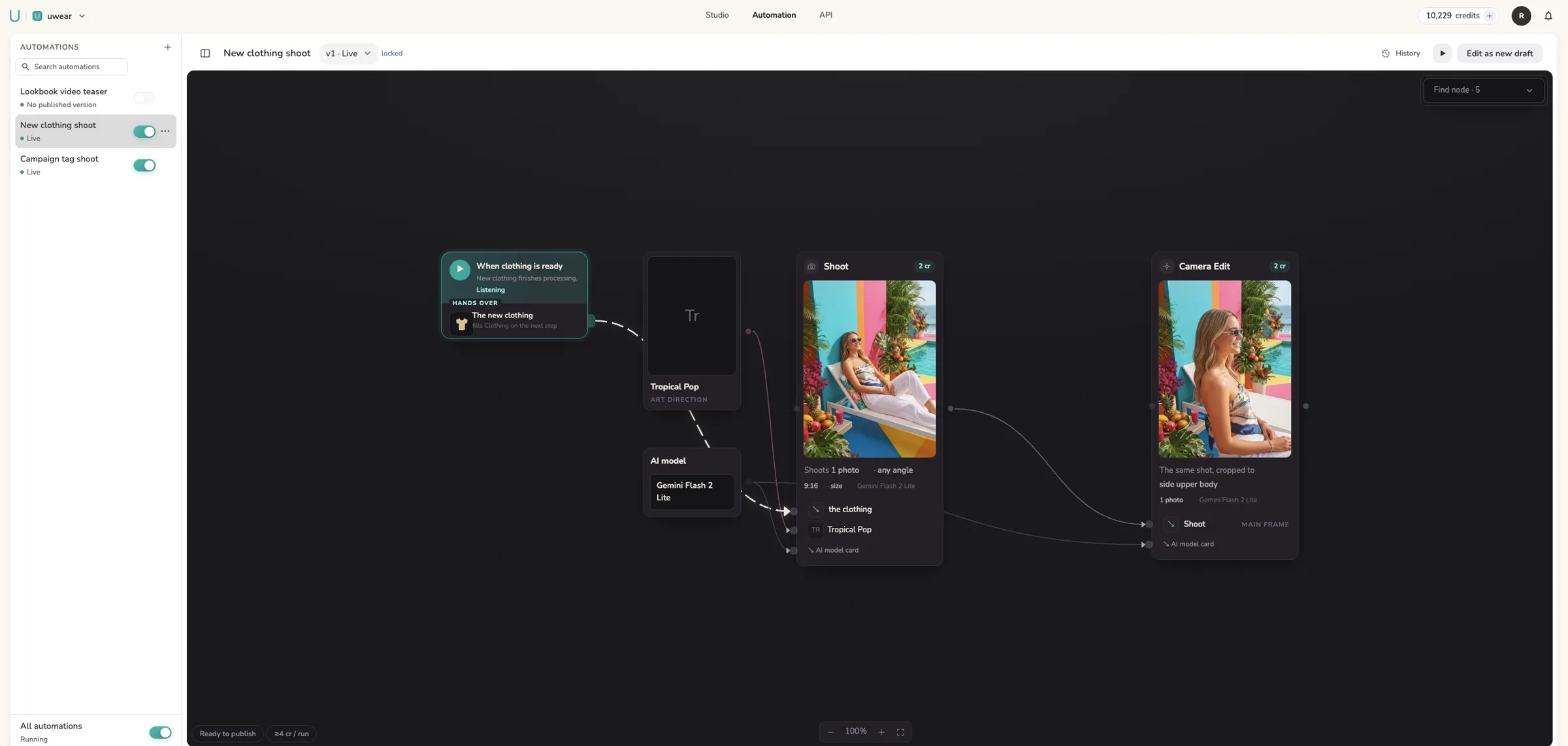
Shoot your model once, then tag each new outfit: a Uwear automation puts it on your front, back and side photos, with one camera per pose. Eight real runs, 48 seconds to 1 minute 26 seconds each.

An image model fills every decision a brief leaves open with its average, so everyone gets the same photo. One outfit on Gemini Pro and GPT Image 2.5, first left to the model, then with art directions: four white-background looks, moments instead of poses, and three locations.

Copy-and-paste prompts sorted by the shot a clothing brand needs: product page front, back and detail, dark studio and golden hour lifestyle, flat lay to model, two products in one look, a five-second clip, and the two fixes for a changed print or a changed model. Then the table of what a saved direction carries that a prompt cannot, with the cost per shot.

Yes, for one clip. Motion prompts that work in Kling, what the hosted listings document about start and tail frames and price, the credit rates for Kling 3 Pro and Kling 2.5 Turbo Pro inside Uwear, and where a single clip stops and a run for the whole drop starts.

About $700 to $1,600 a day plus a 15 to 20% agency commission, $100 to $2,000 per model for an ecommerce shoot, hundreds to thousands a day for campaign talent, and what sits on top: hair and makeup, stylist, usage rights. A saved model on Uwear is created once for one credit and returns on every product.

Published guides put a clothing product photo at $15 to $75 per shot on a plain background, $75 to $350 per professional image, and about $45 per finished on-model photo, with retouching billed on top. The same photo on Uwear, priced per generation with the reviewer and retries included: from $0.30.

Most small fashion shoots run $3,000 to $15,000 and a campaign day $15,000 to $60,000 or more, from four published 2024 to 2026 guides priced line by line. A ten-outfit day comes to about $45 a finished photo; the same ten outfits on Uwear, reviewer and retry ceiling included, from $9.

Yes, for one photo. Prompts that work in Gemini, what Google documents about reference images, consistency, resolutions and SynthID, the API price per image, and where a single prompt stops and a catalog run starts, with the same model on both sides.

Eleven AI tools sorted by the job: catalog runs, developer endpoints, general product imaging, small-brand toolkits, curated libraries, mixed catalogs and whole collections. Entry price, video and API side by side, every claim about another vendor sourced and dated, and what Uwear is not the best at.

From $450 in generation on Uwear, or $30,000 to $130,000 in a studio before retouching. The worked example with credits per photo, the reviewer, the retry bound and the worst case, next to a studio budget built line by line from published 2024 to 2026 pricing guides.

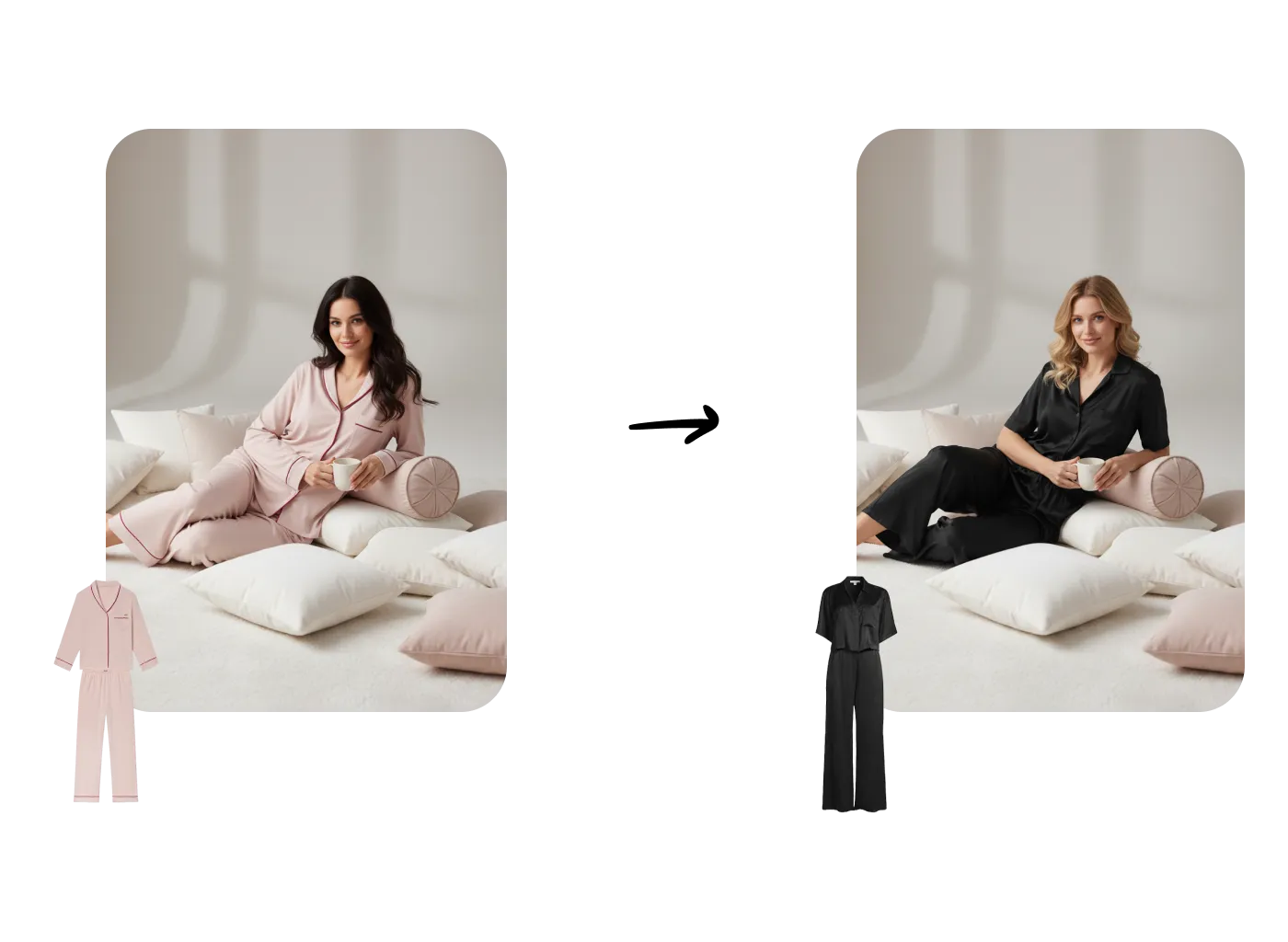
Yes, for one photo. What a brand needs after the first one: the same model every time, a check against the product photo, the back and detail views, and a run across the range. Shown with GPT Image 2.5 inside Uwear and three garments on one saved model.

In one session in the Claude desktop app (the Code tab), I used both connectors to make and deliver the visuals of a small fashion store. I read a product from Shopify and sent its garment photo to Uwear.

The three photo jobs AI product photography covers, how retailers, marketplaces and manufacturers run it, and the MCP, API and Studio paths, shown on one hoodie and tee on one saved model.

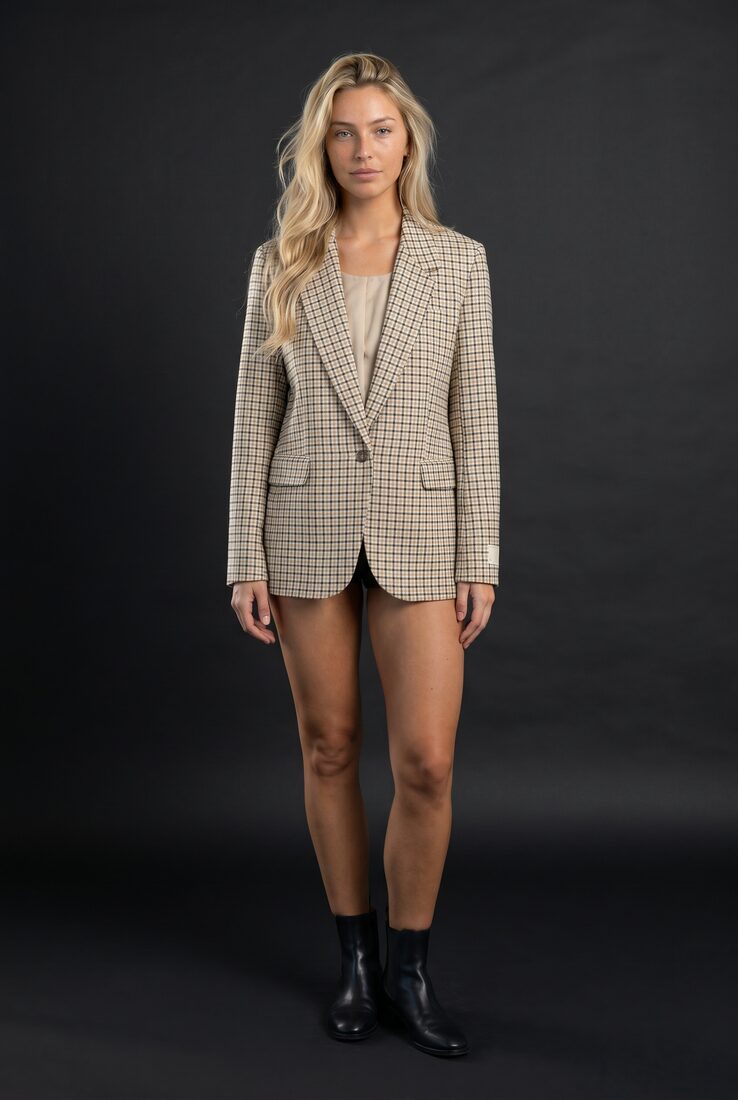
Save the model, the art direction and the location once, reuse them for every garment, and let the automatic reviewer catch the takes that drift. Three looks on one saved model, with the real reviewer verdicts.

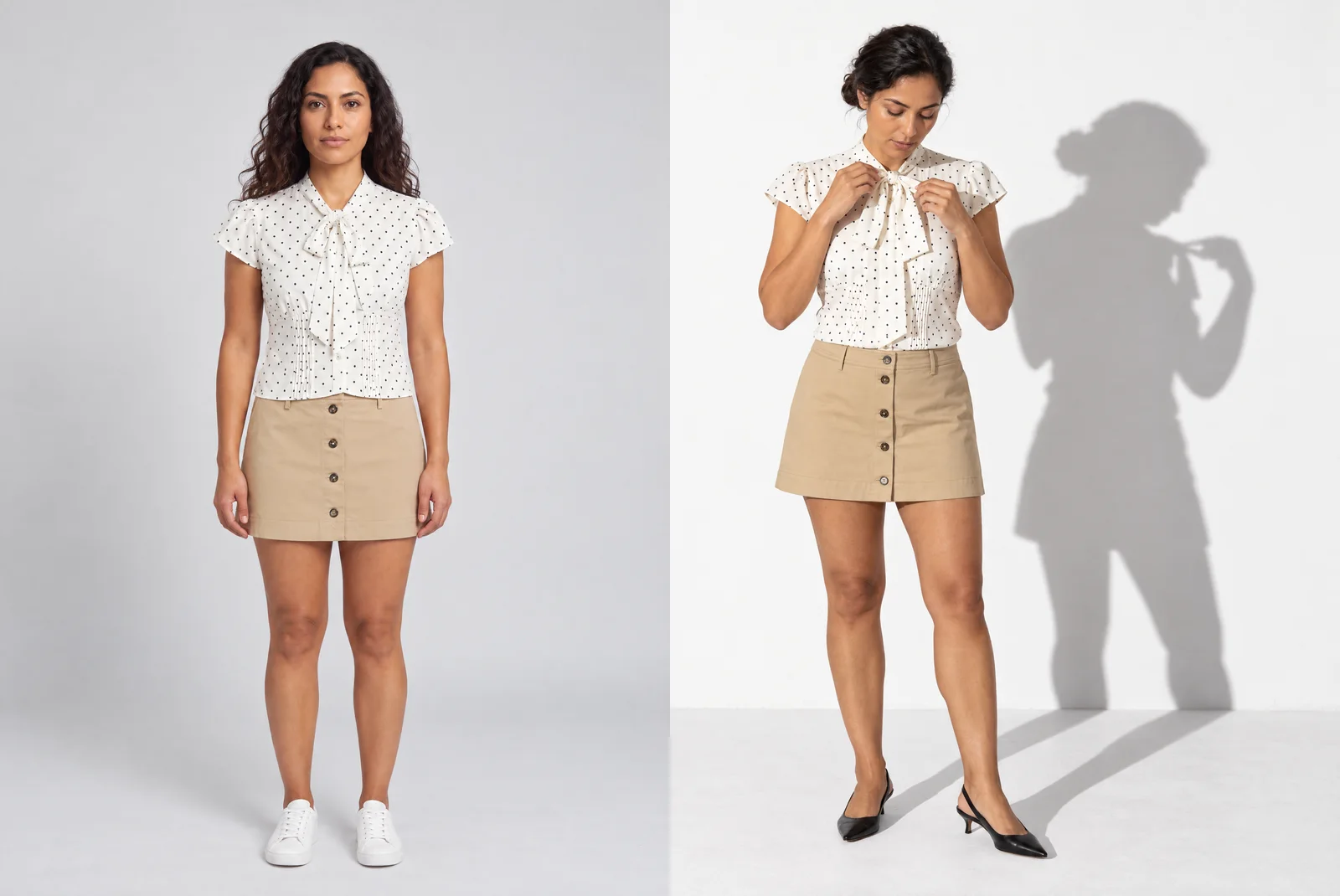
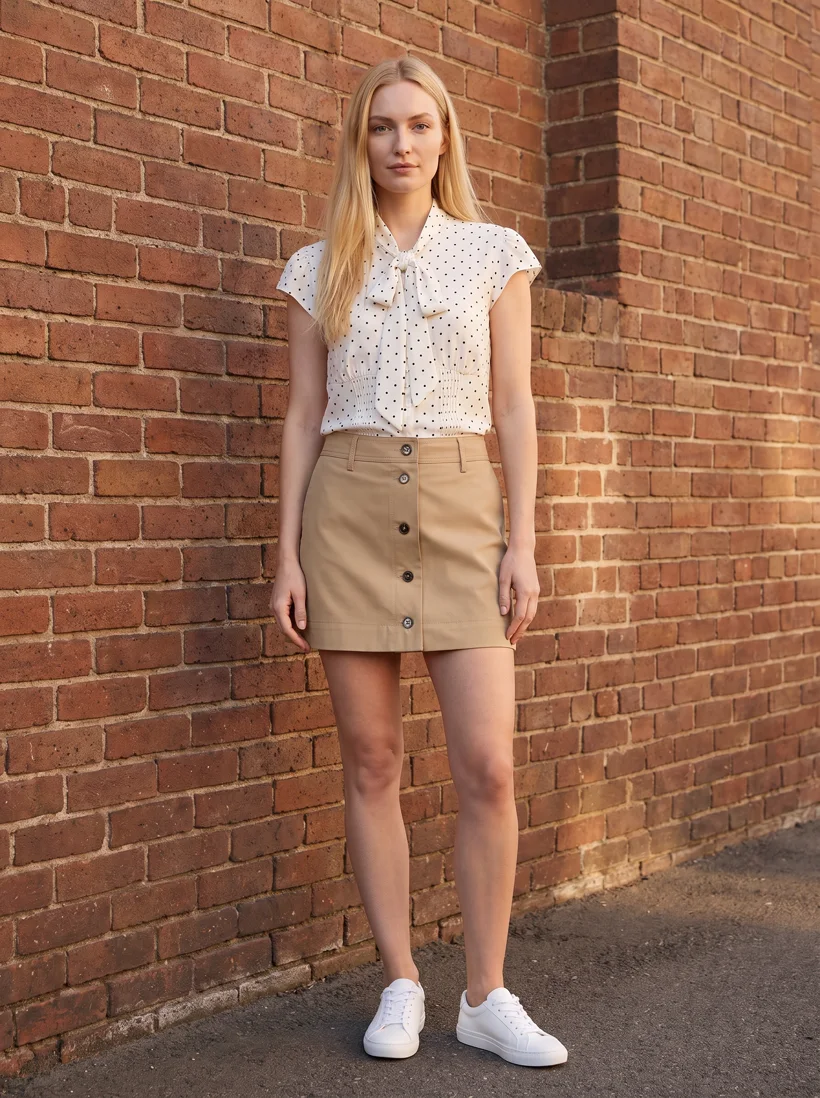
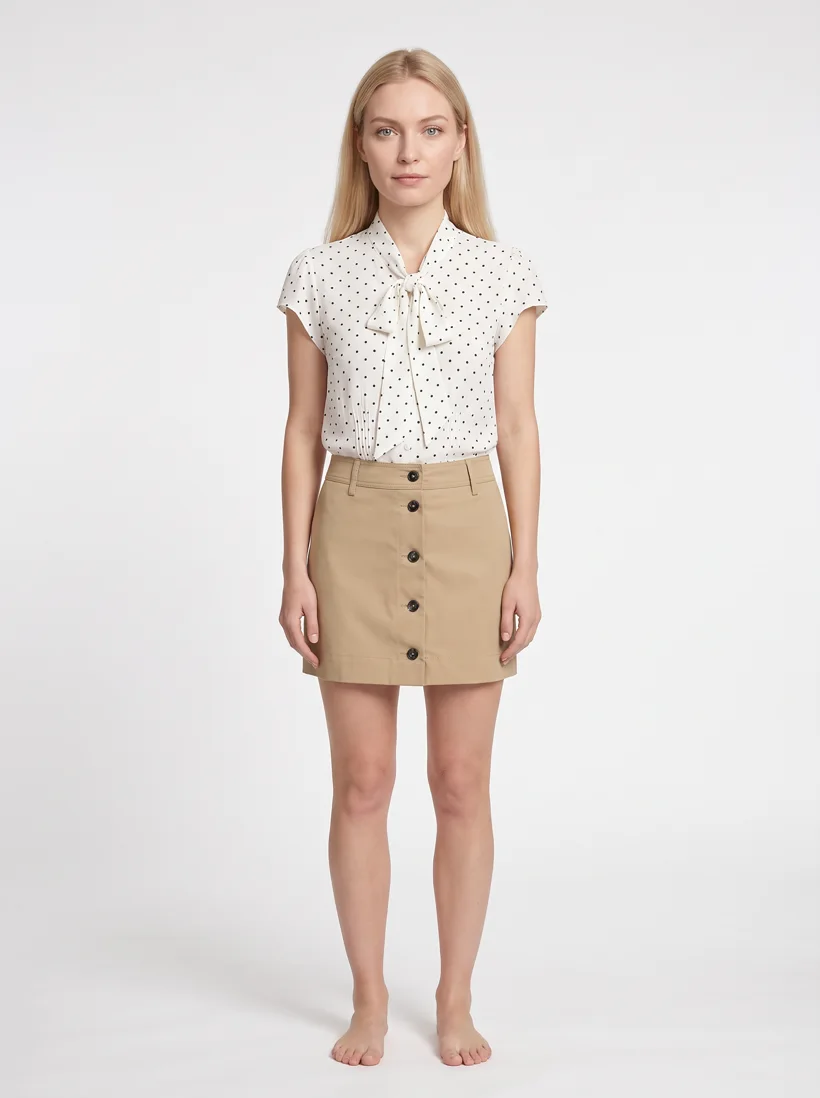
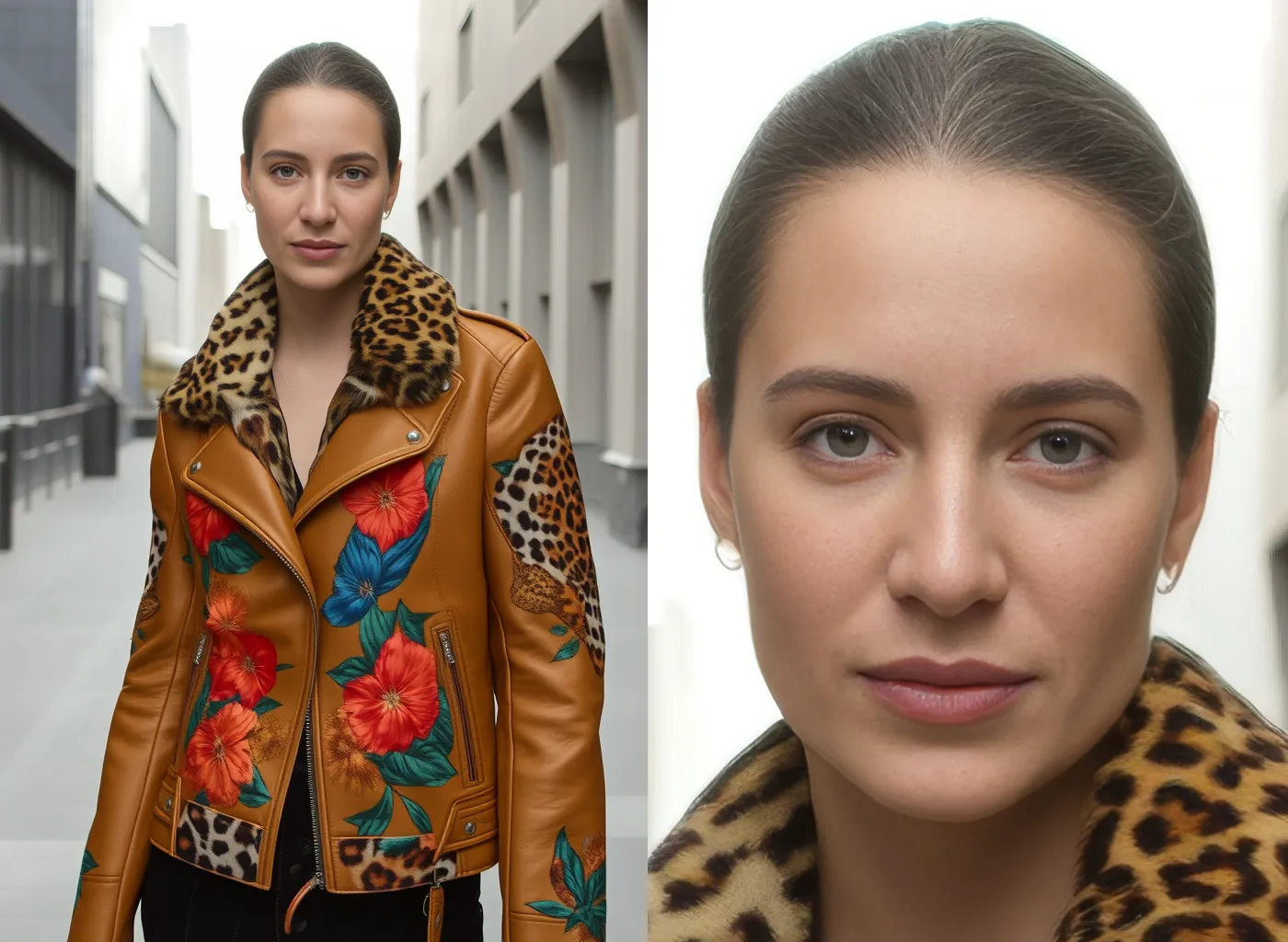
Where the quality of AI fashion model photos differs from a studio shoot, shown on the same blouse and skirt across four AI models, and what separates a single-prompt tool from a production system.

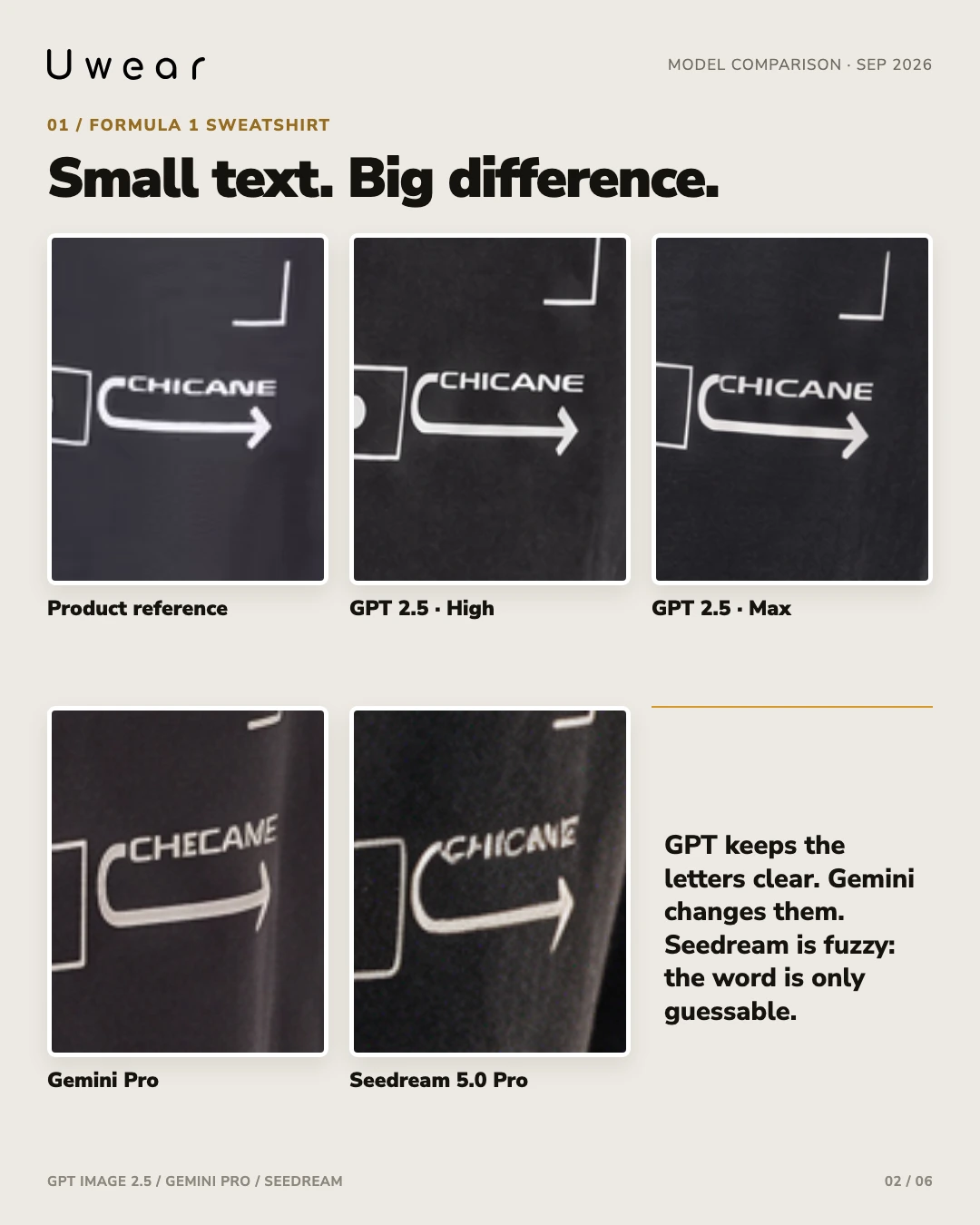
Three garments, four model settings, 12 outputs. Compare small lettering, fabric texture and fine stitching with the product references and see where every model missed a detail.

Generate with four new video models and Seedance 2.5, sort garments by Shopify category, reuse automatic outfits, sign in with Microsoft, and apply backdrops in Agent Mode.

Describe the shoot, review and apply the drafted Art Direction, add one reference image, and confirm the quoted credit cost before running a test shot.

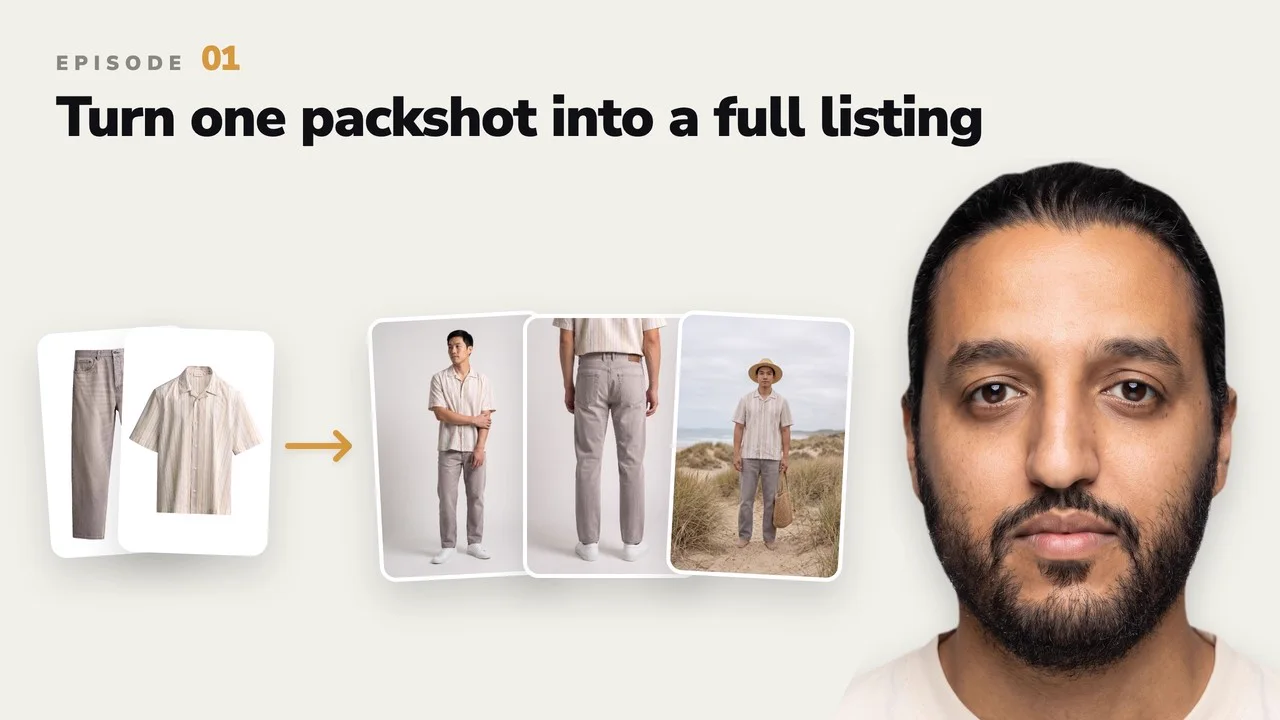
Turn garment packshots into on-model ecommerce images, alternate camera angles, and product video in Uwear with this complete seven-minute workflow.

Upload your brand logo as a PNG watermark, see finished images inside MCP chats, add garments from local folders, and connect with your Uwear account.

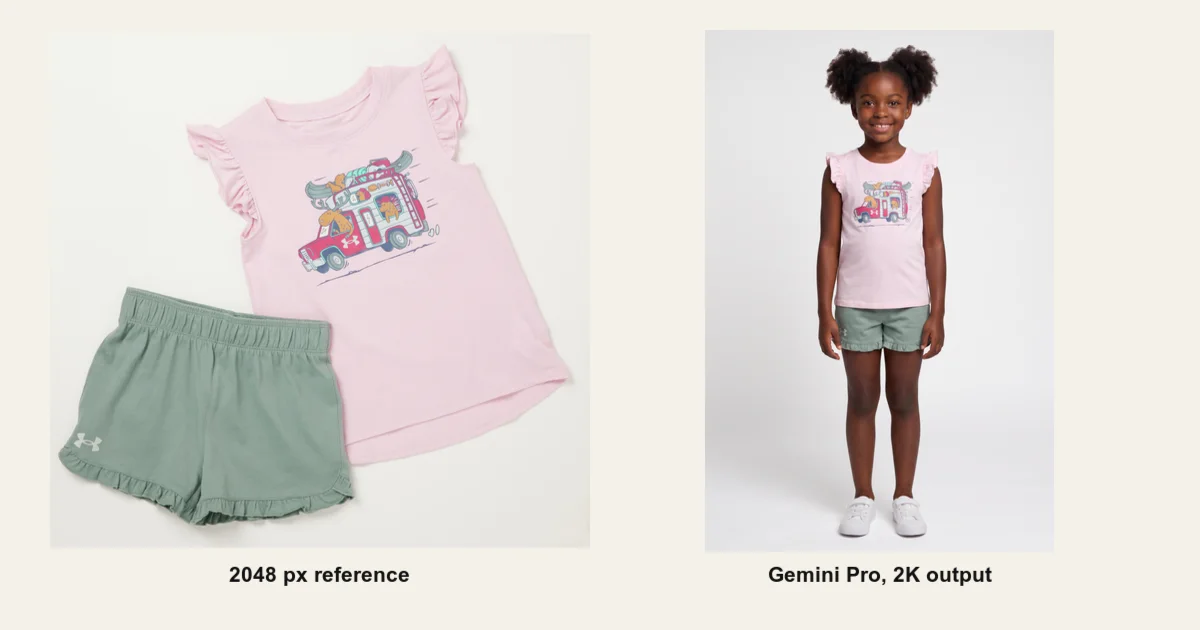
We generated 60 fashion images from one detail-heavy product to test reference size, PNG, lossless WebP, and JPEG compression. The practical result: 2048 pixels is the safe target, while file size alone did not predict quality.

Edit with Seedream 5.0 Pro, choose front, back, or side detail shots, name outfits, start with shared backdrops, set resolution, and do more in Agent Mode.

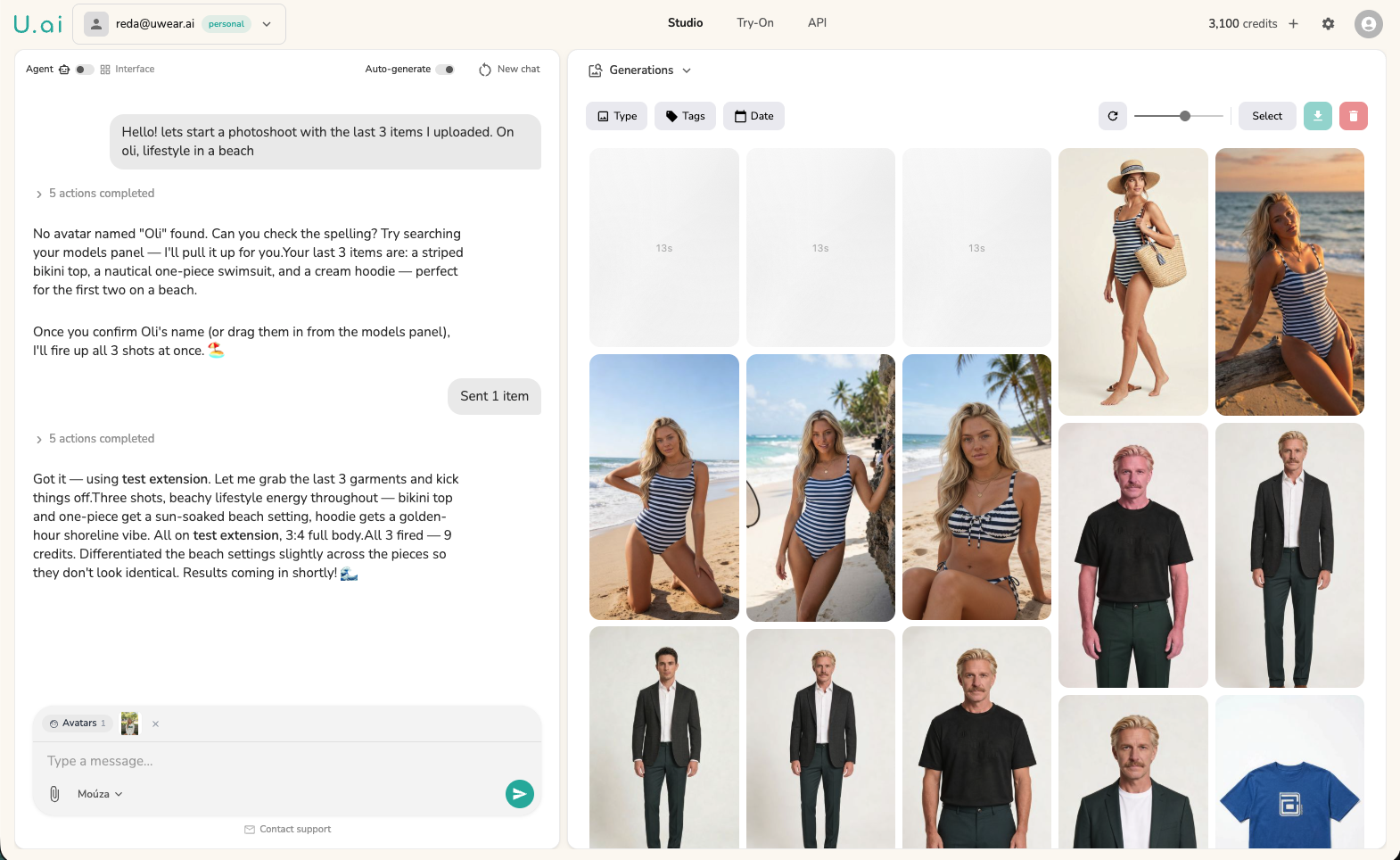
Connect the Uwear MCP server to ChatGPT, Claude, Claude Code, or Codex and run a fashion photoshoot in chat. The assistant plans the looks and prices the shoot; you approve one costed brief before anything runs.

Generate with Seedance 2, Seedance 2 Mini, and Gemini Flash 2 Lite, then search the whole library by meaning with exact and similar matches clearly separated.

Create smoother AI fashion model 360 videos in Uwear with Kling 3 Pro, a first frame, back-view garment attachments, and an optional loop-ready last frame.

New demo avatars help teams test AI clothing generation before spending credits on custom models, plus Kling 3 Pro references, stronger uploads, cleaner exports, and Mouza model tools.

Uretimleri orijinal inputlariyla yeniden calistirin, PNG, JPG veya WebP olarak export edin, model surelerini karsilastirin, Mouza ile yaratici gecmisi yeniden kullanin ve sonuclari daha guvenilir alin.

Uwear semantik arama, moda ekiplerinin ekip arkadasinin urettigi asseti gorsel hafizayla bulup edit, yeni shoot ve kampanya islerinde yeniden kullanmasina yardim eder.

Uwear kullanicilari uretilen bir moda videosundan tam bir frame kaydedip bunu sonraki IA video veya Montage klibi icin start frame olarak kullanabilir.

Madde 50, 2 Agustos 2026 dan itibaren uygulanir. Uwear in saglayici tarafli teknik provenans ve deployer icin ayri gorunur etiket destegini ogrenin.

Uretilen urun fotograflari icin semantik arama, ajanlara hazir API, gorsel provenansi altyapisi, videodan kare cikarma, Montage iyilestirmeleri ve 13 Nisan-2 Mayis arasi guvenilirlik duzeltmeleri.

Uwear i ajanlara hazir bir IA moda uretim API si olarak kullanin: acik REST API, indirilebilir UWEAR.md referansi, API anahtarlari, polling, webhooks ve moda is akislari icin secilmis gorsel/video modelleri.

The Montage video editor ships to production, LLM-powered prompt enhance replaces the old toggle, Seedance 2 multi-endpoint video support lands, and team invites get a one-step signup flow. Everything from March 28 to April 3.

Retouch presets, default generation parameters, CSV export for team analytics, four batch CSV templates, and bulk download with a 50-image cap. Everything that shipped March 21-27.

Branded watermarks on all downloads, a team usage analytics dashboard, and a retouch editor that saves directly to your library. Everything that shipped this month.

Retouched images can now be saved back to the Studio as new generation results. No downloading, no re-uploading. Edit, save, done.

Tek bir konusmayi eksiksiz bir moda kataloguna donusturen yapay zeka ajani Mouza ile tanisin. Urunlerinizi yukleyin, cekimi tarif edin ve Mouza'nin stil, uretim ve toplu islemeyi halletmesine izin verin.

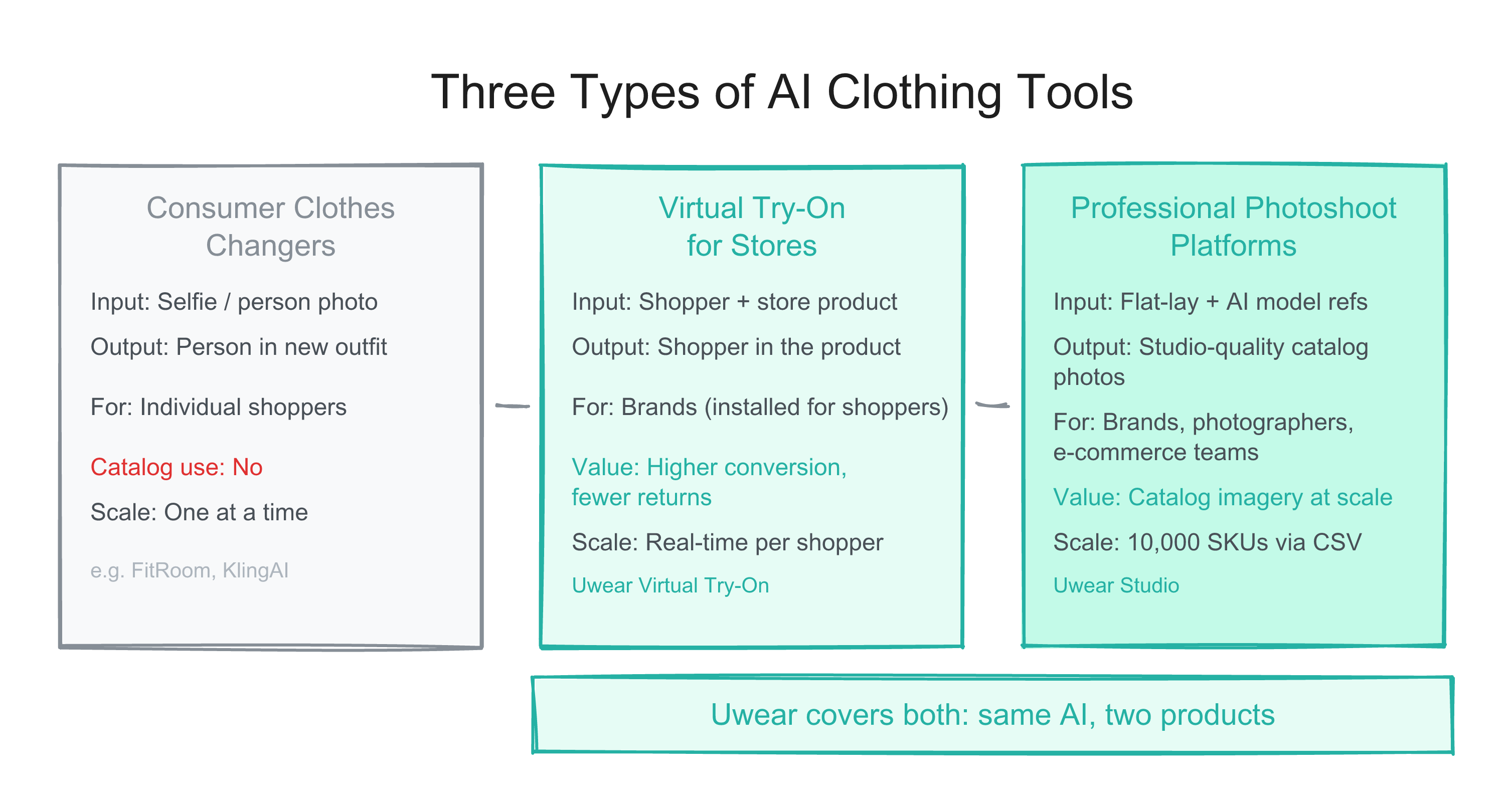
Tum yapay zeka kiyafet araclari ayni degildir. Tuketici kiyafet degistiriciler selfielerde kiyafet degistirir. Profesyonel katalog ureticileri gercek urunlerinizi buyuk olcekte yapay zeka modellerine yerlestirir. Iste fark ve markalarin hangisine ihtiyaci var.

Export completed batch results as a ZIP file, preview every generated image in a new results viewer, and rename AI model avatars inline. March 5, 2026.

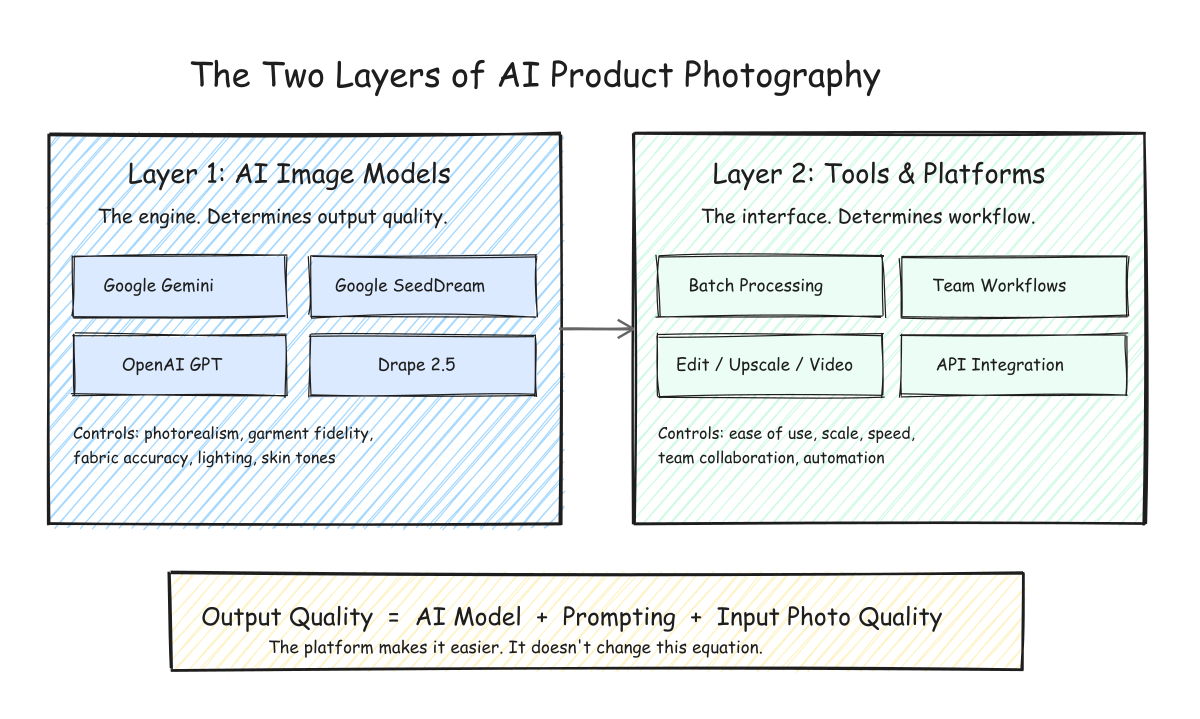
How AI product photography works for fashion brands. Understand the difference between AI models and AI tools, choose the right image model for your products, and build a scalable catalog workflow.

When a generation fails, the Studio now shows the specific reason instead of a generic failure state. Stale and stuck generations clean themselves up automatically. Plus per-user result filtering for team accounts.

Compare the best AI fashion model generators for e-commerce: Uwear, Botika, VModel, Photoroom, Claid.ai, FASHN.ai & more. Features, pricing, batch support, API access, and honest reviews.

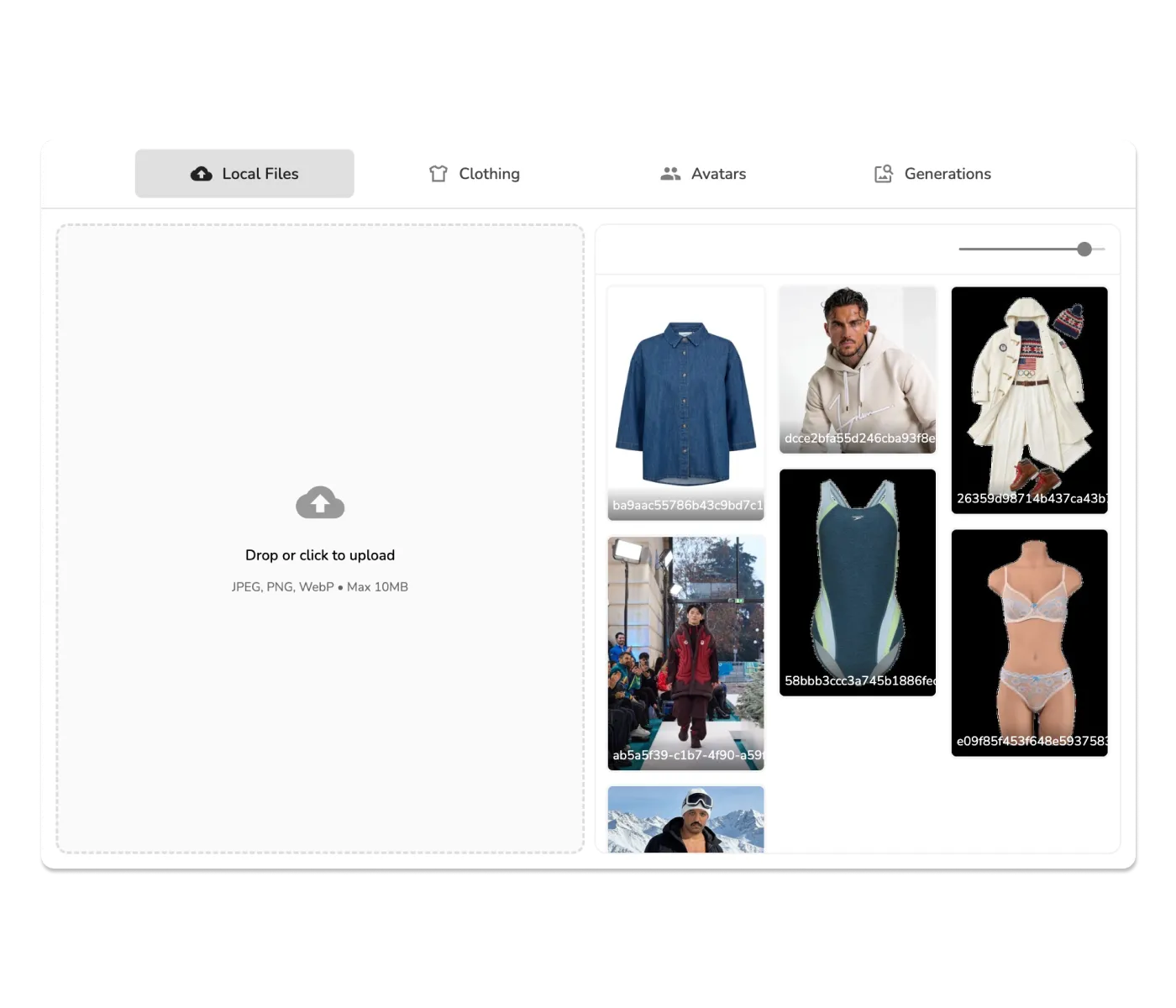
Your reference image library, always at hand. Uwear Studio now shows all uploaded files in a browsable grid with hover actions for selection and deletion. Batch generation results get a masonry layout and zoom slider.

Batch generation now supports multi-step workflows: chain camera angle edits, custom edits, upscale, and video in one CSV. Plus a polished Shopify try-on widget with shimmer loading and size display.

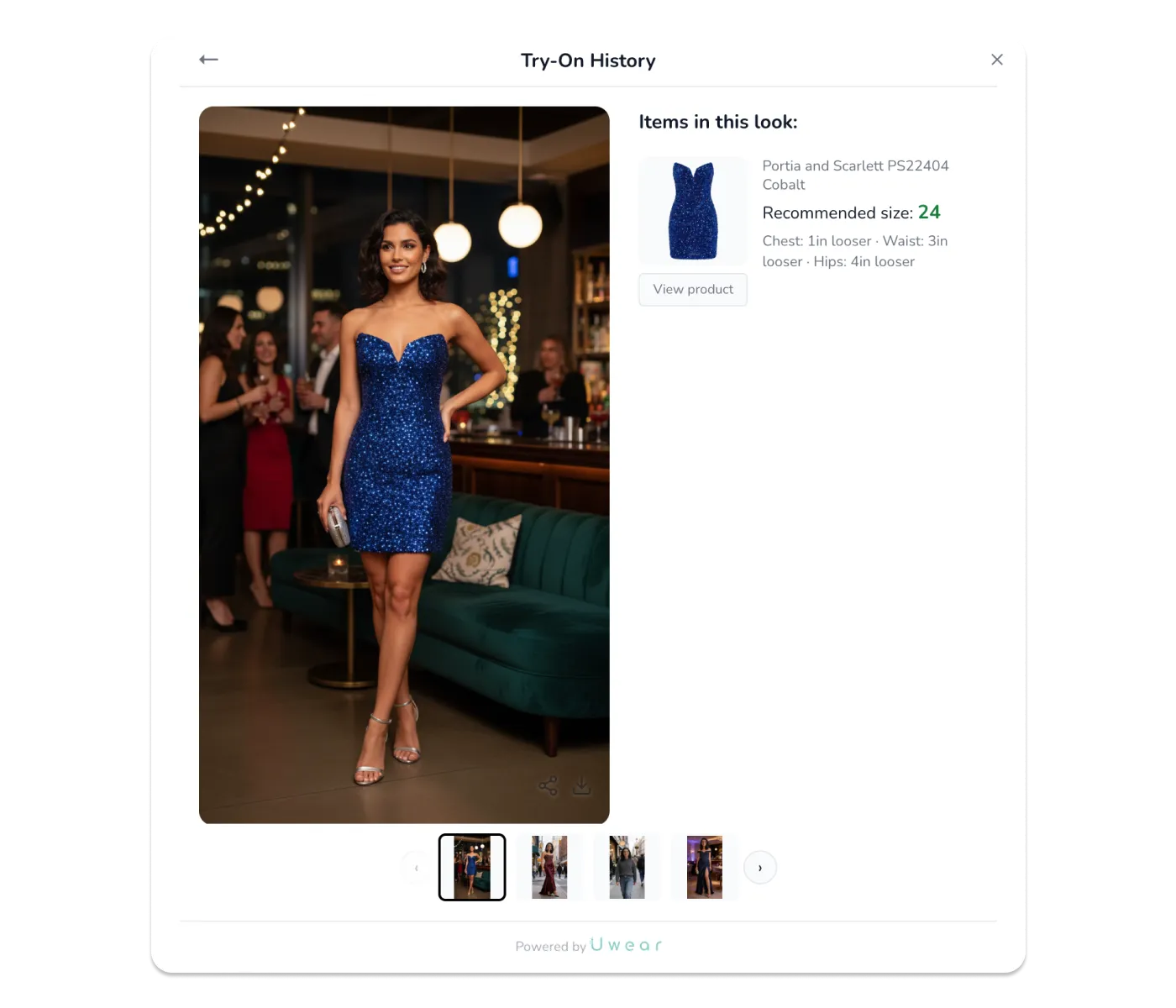
Shoppers can now view their complete try-on history and profile directly from the widget. Pick up where you left off, compare looks across stores, and never forget that perfect outfit.

Team Credits & Billing for enterprises, AI-powered Sizing Module for Shopify that reduces returns, 10,000-item batch processing, real-time generation progress, Runway Looks in the mobile app, and more.

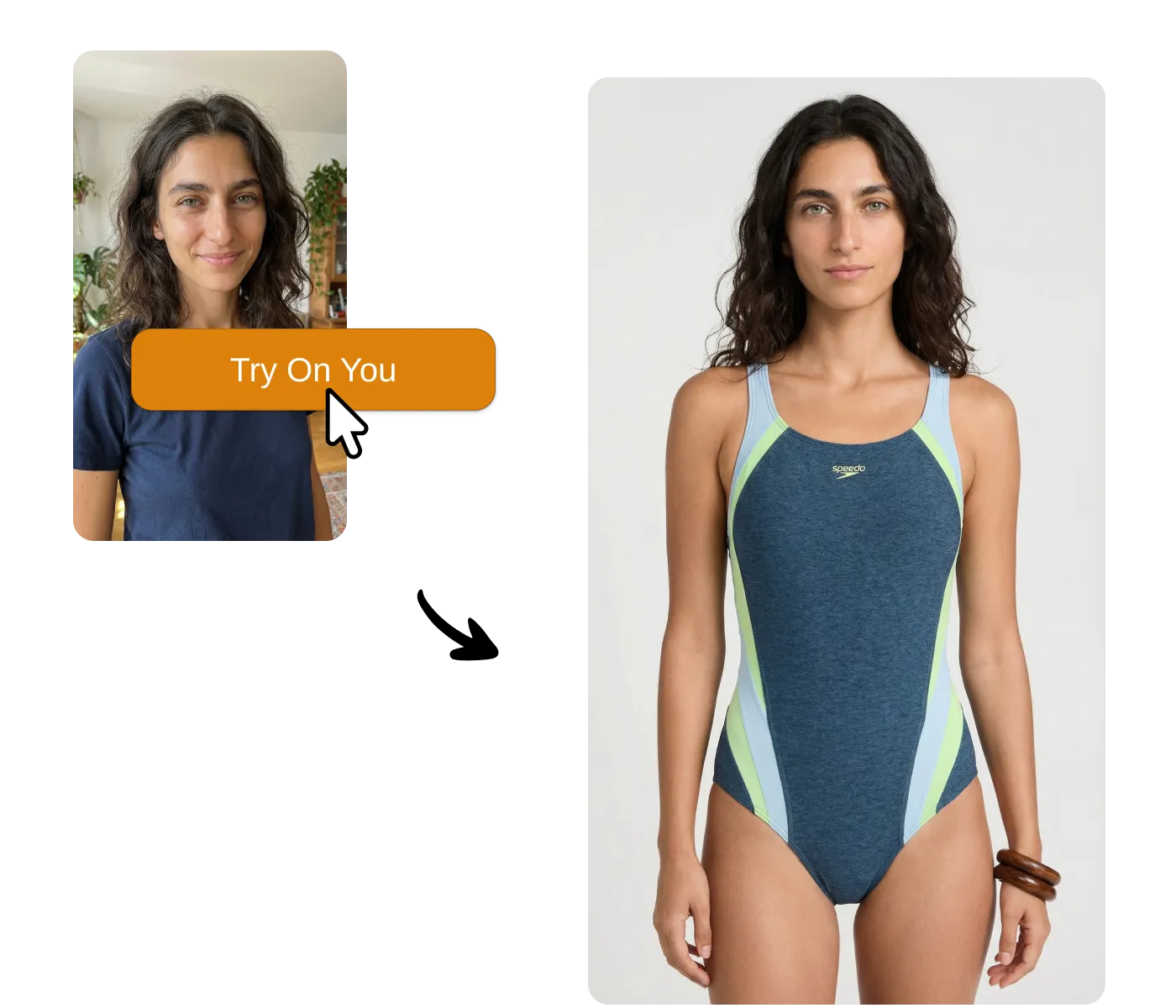
After a decade of clunky AR fitting rooms that never delivered, generative AI changes everything. Uwear One-Click Try-On lets shoppers generate real photos of themselves in your products—one click, no apps, no friction. Available via API or Shopify app.

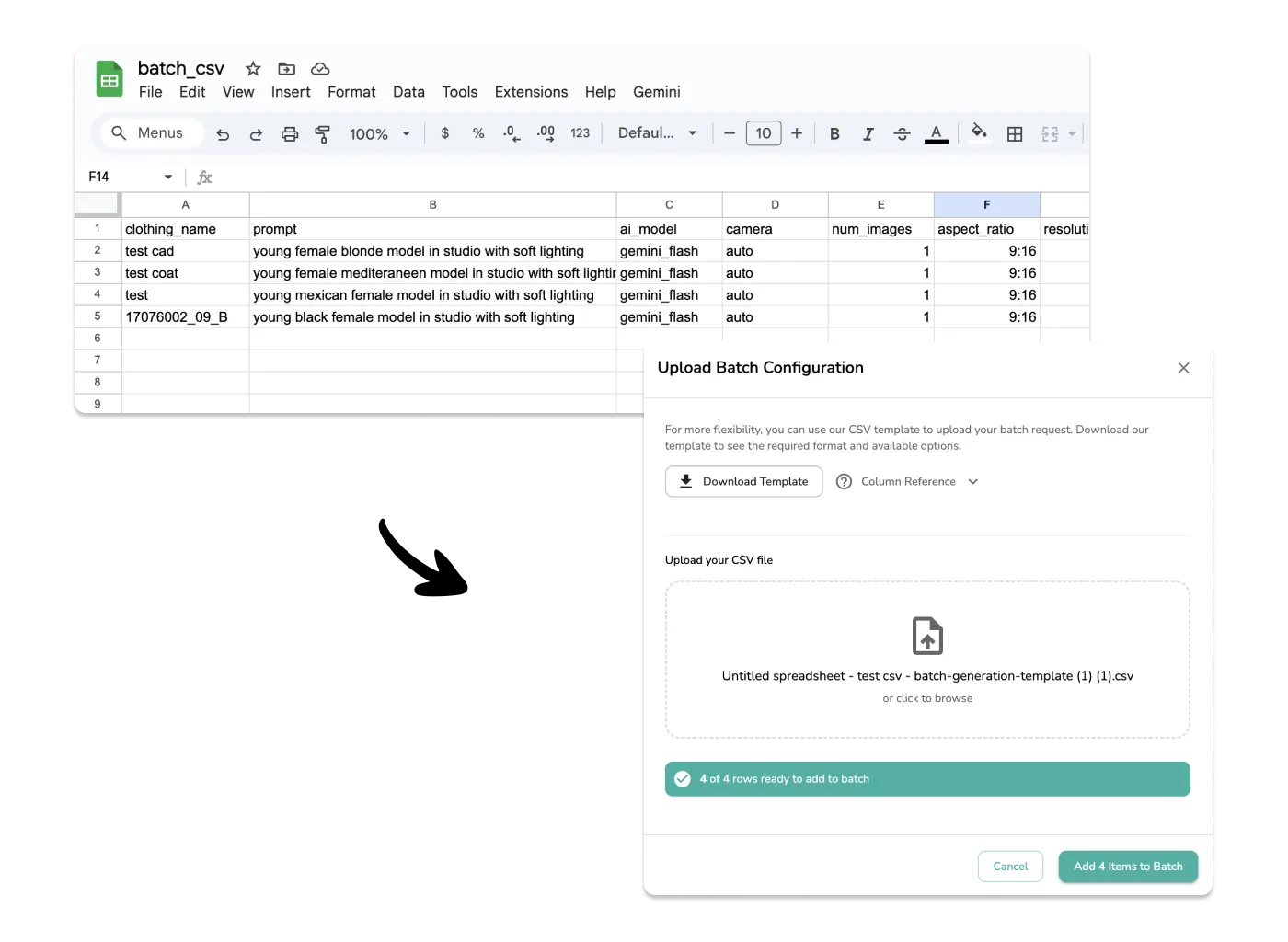
Scale your AI fashion photography workflow with CSV batch uploads. Configure different AI models, prompts, and settings for hundreds of products in a spreadsheet and upload them all at once.

Learn how to maintain consistent photography sets and backgrounds across multiple AI model generations. Create cohesive fashion catalogs with the same studio environment while changing models and clothing.

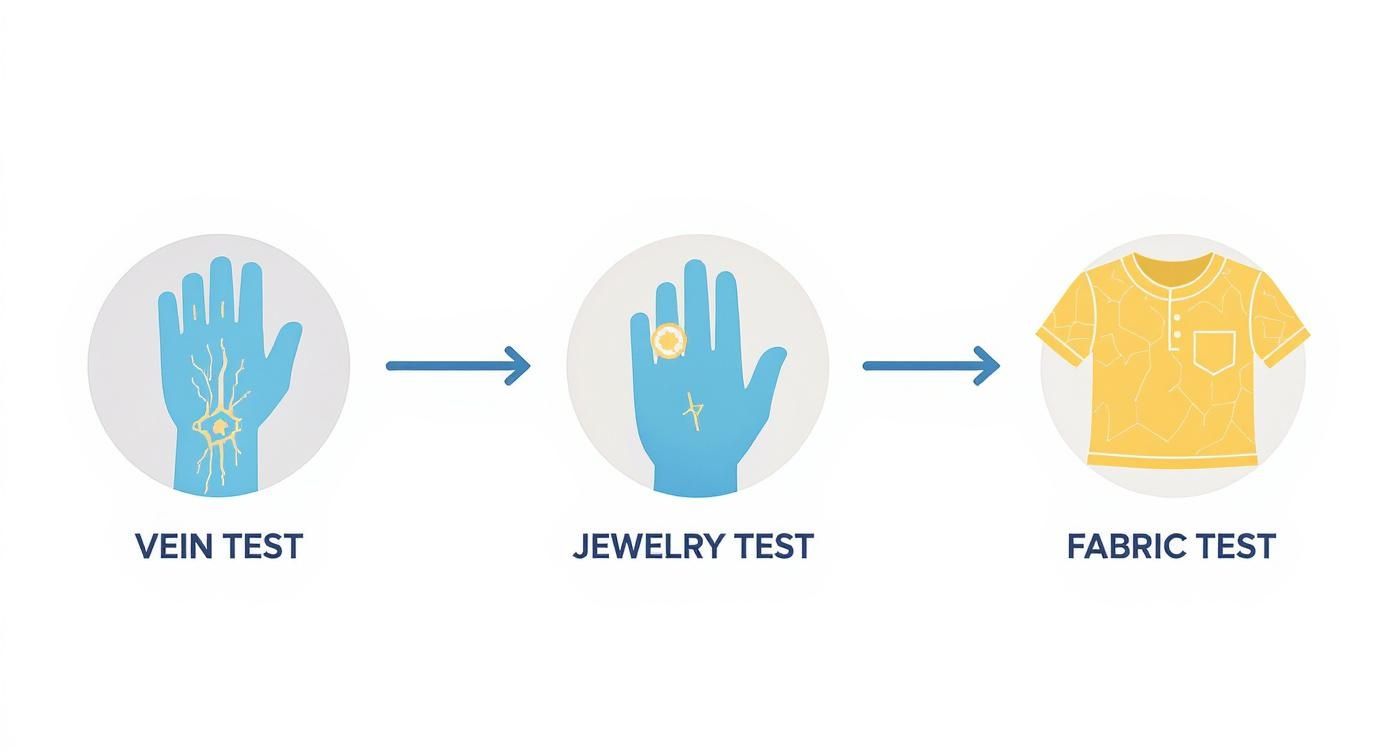
Mevsimsel renk analizine eksiksiz rehberimizle mükemmel renk paletinizi keşfedin. Sizi parlatan renkleri bulmak için kumaş testi, alt ton testleri ve 12 mevsim sistemini öğrenin.

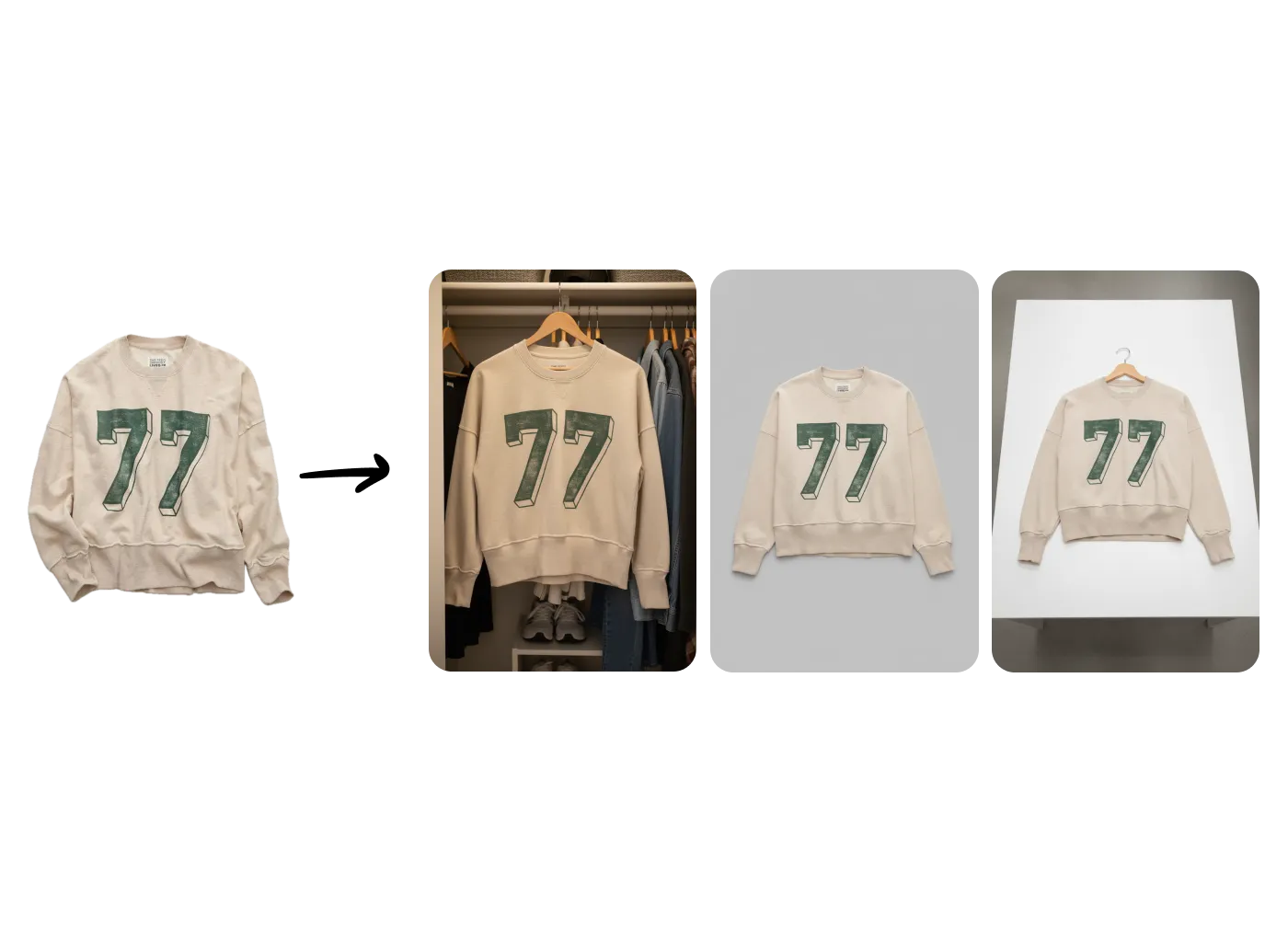
Transform wrinkled, messy clothing photos into professional flat-lay packshots instantly. Perfect for thrift shops, ecommerce brands, and preparing clean images for AI generation.

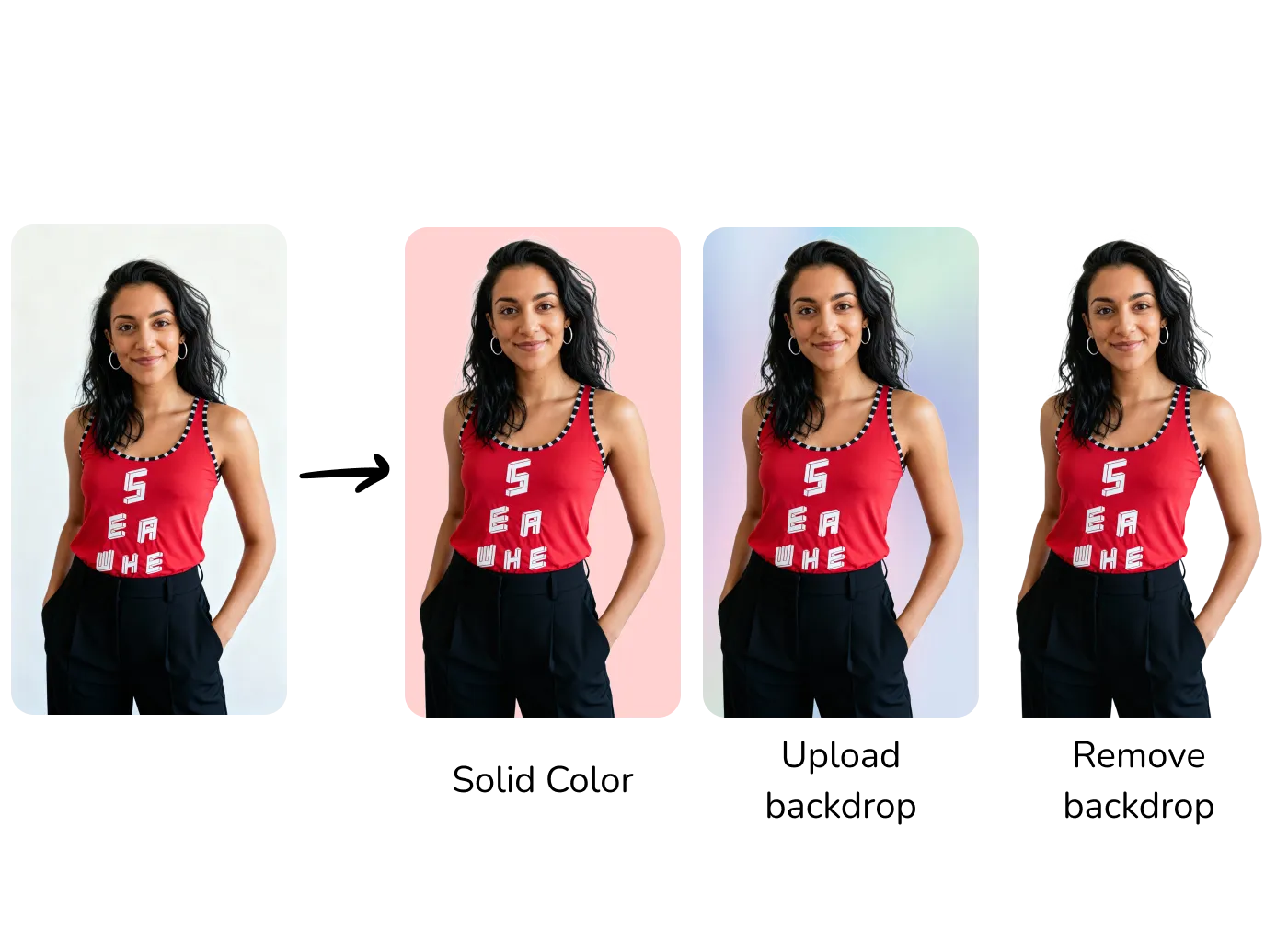
Master backdrop precision with three powerful tools: apply solid hex colors, upload custom backgrounds, or remove backgrounds entirely. Perfect for brands requiring exact color matching.

Transform existing fashion images with precision using AI. Change poses, add accessories, swap clothing, and more with Gemini Flash or Seededit models.

Increase image resolution up to 4K with two upscaling models: fast algorithmic Recraft (1 credit) or AI-enhanced Topaz (3 credits) for professional results.

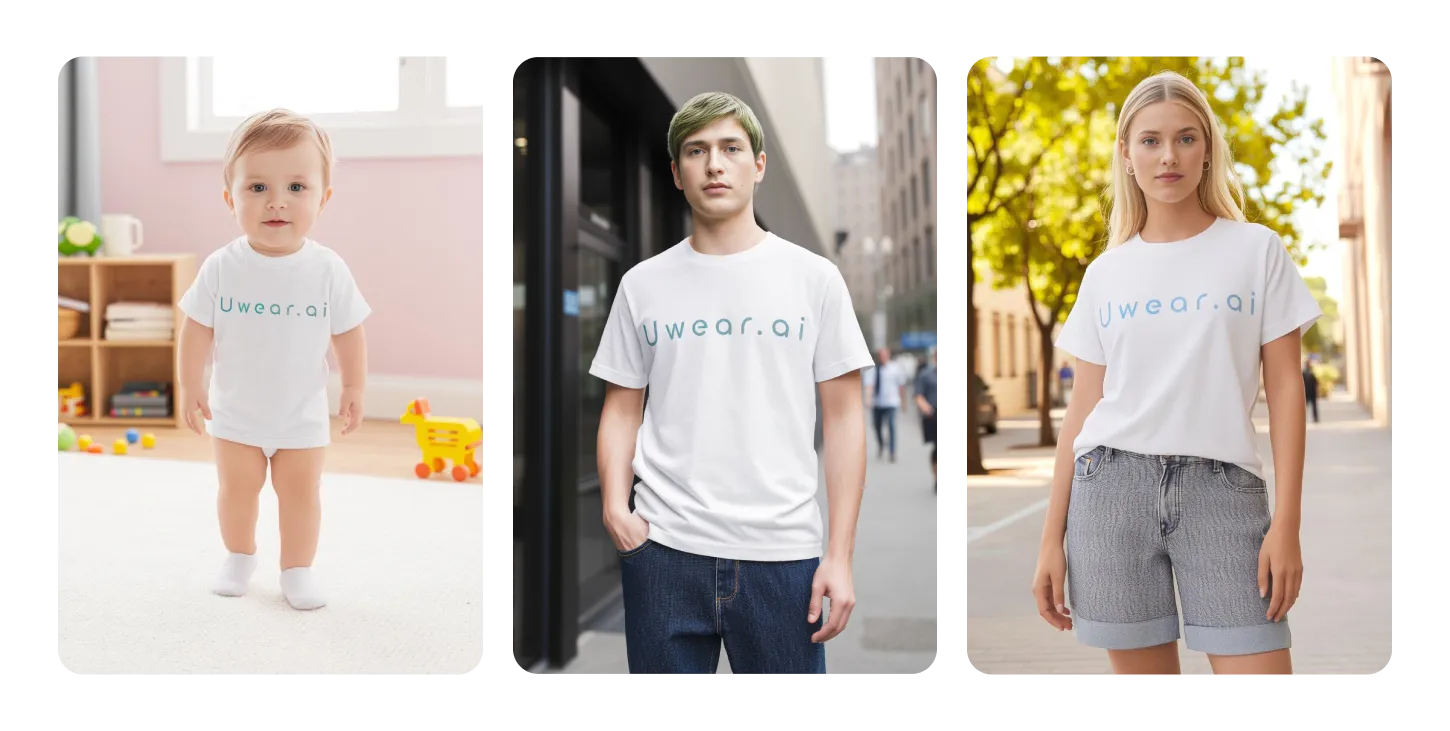
Build a cohesive brand identity with consistent AI models across your entire fashion collection. Generate or upload models that maintain the same characteristics across different outfits.

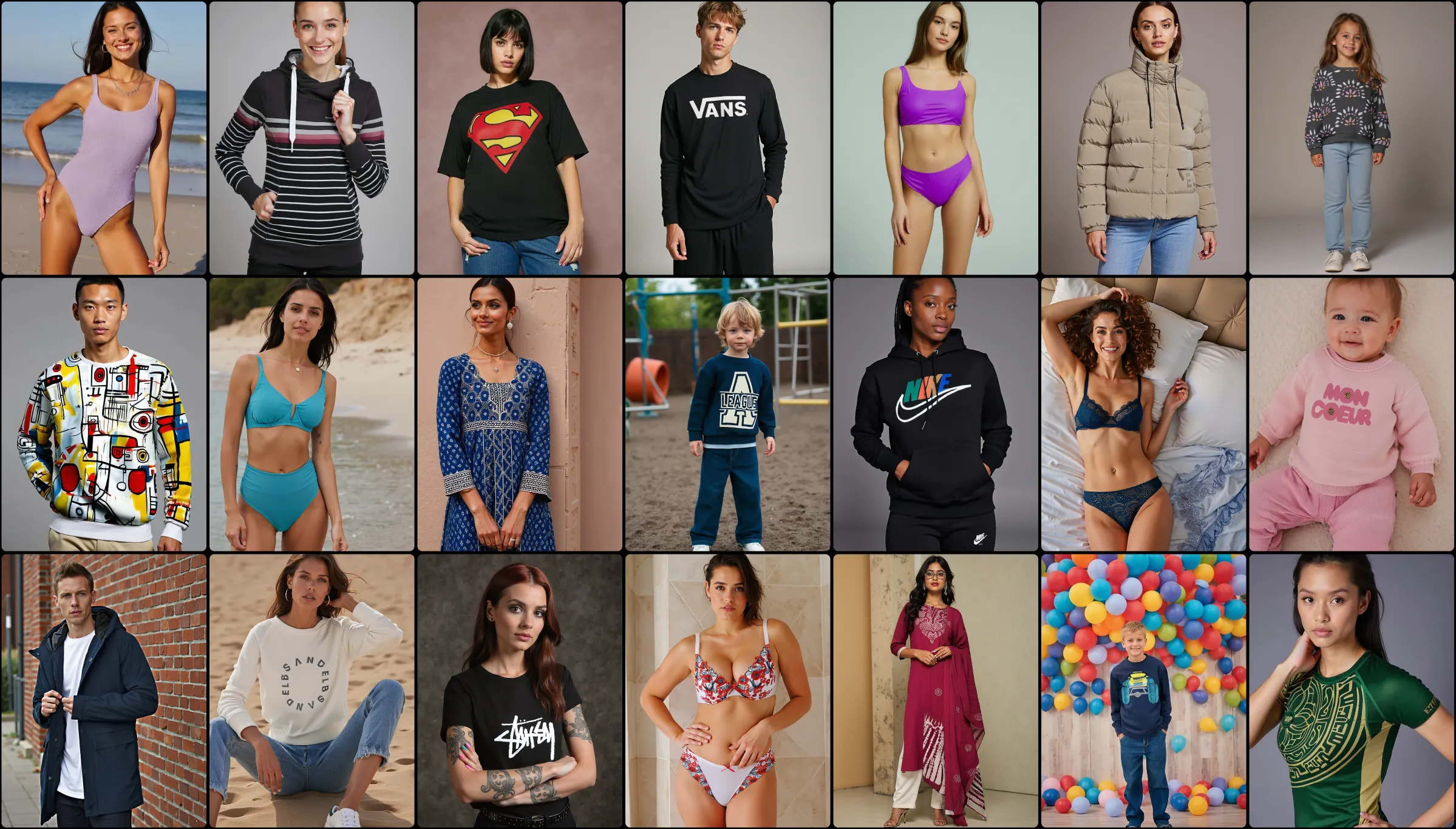
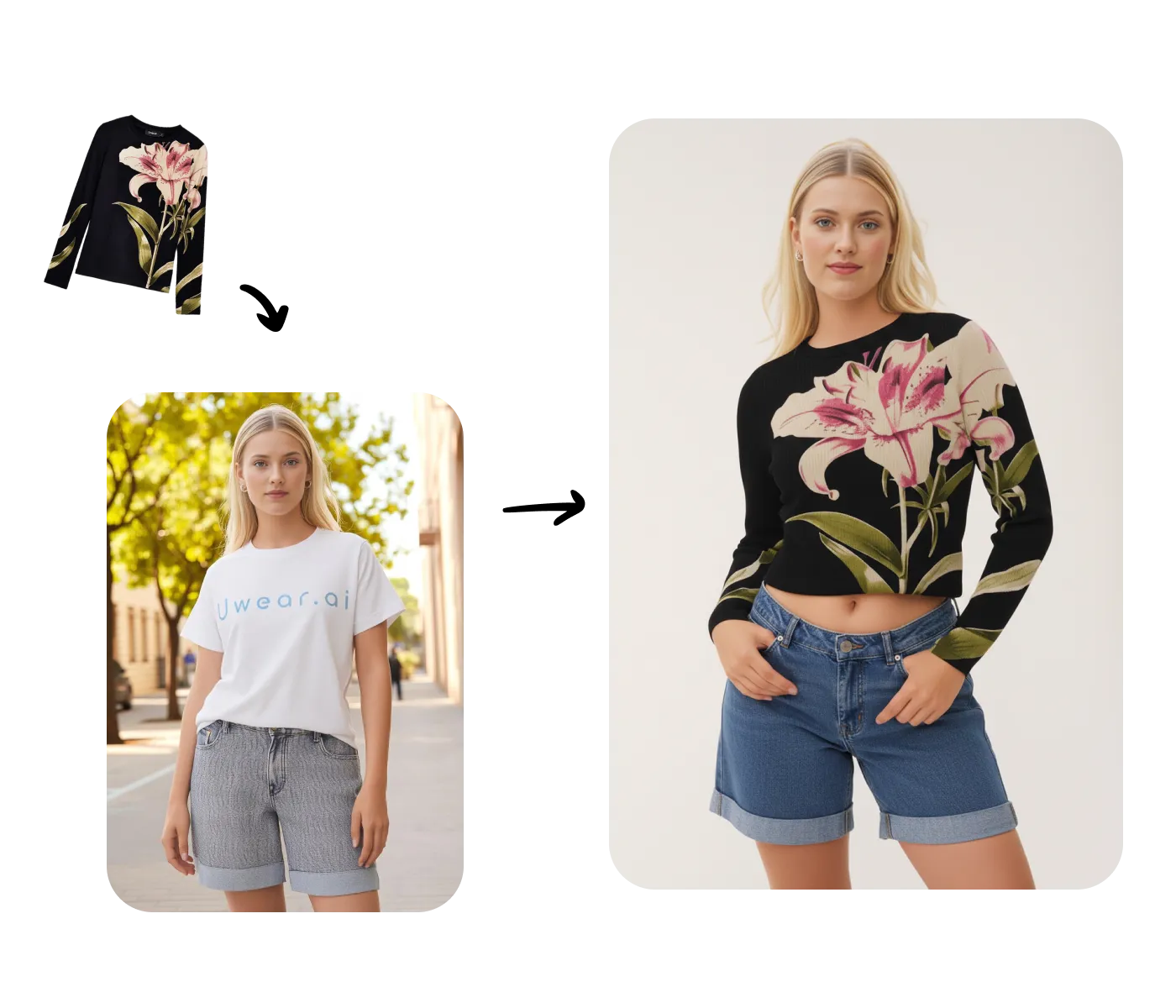
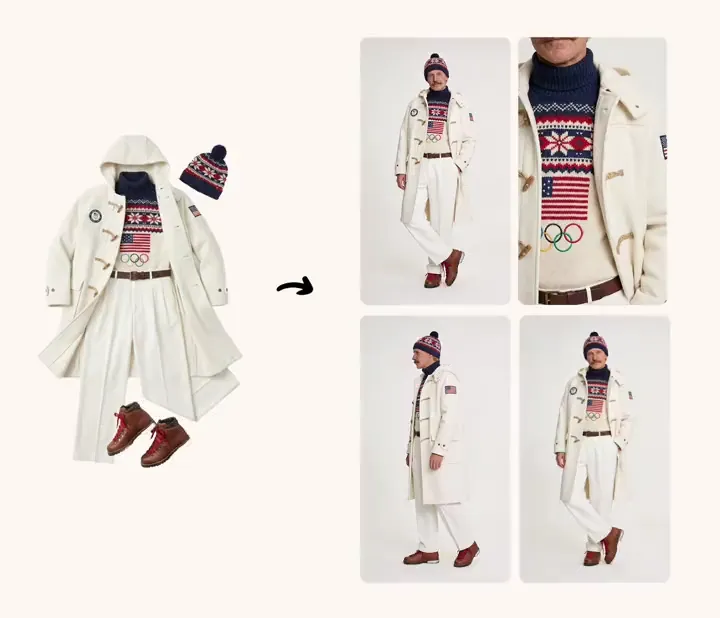
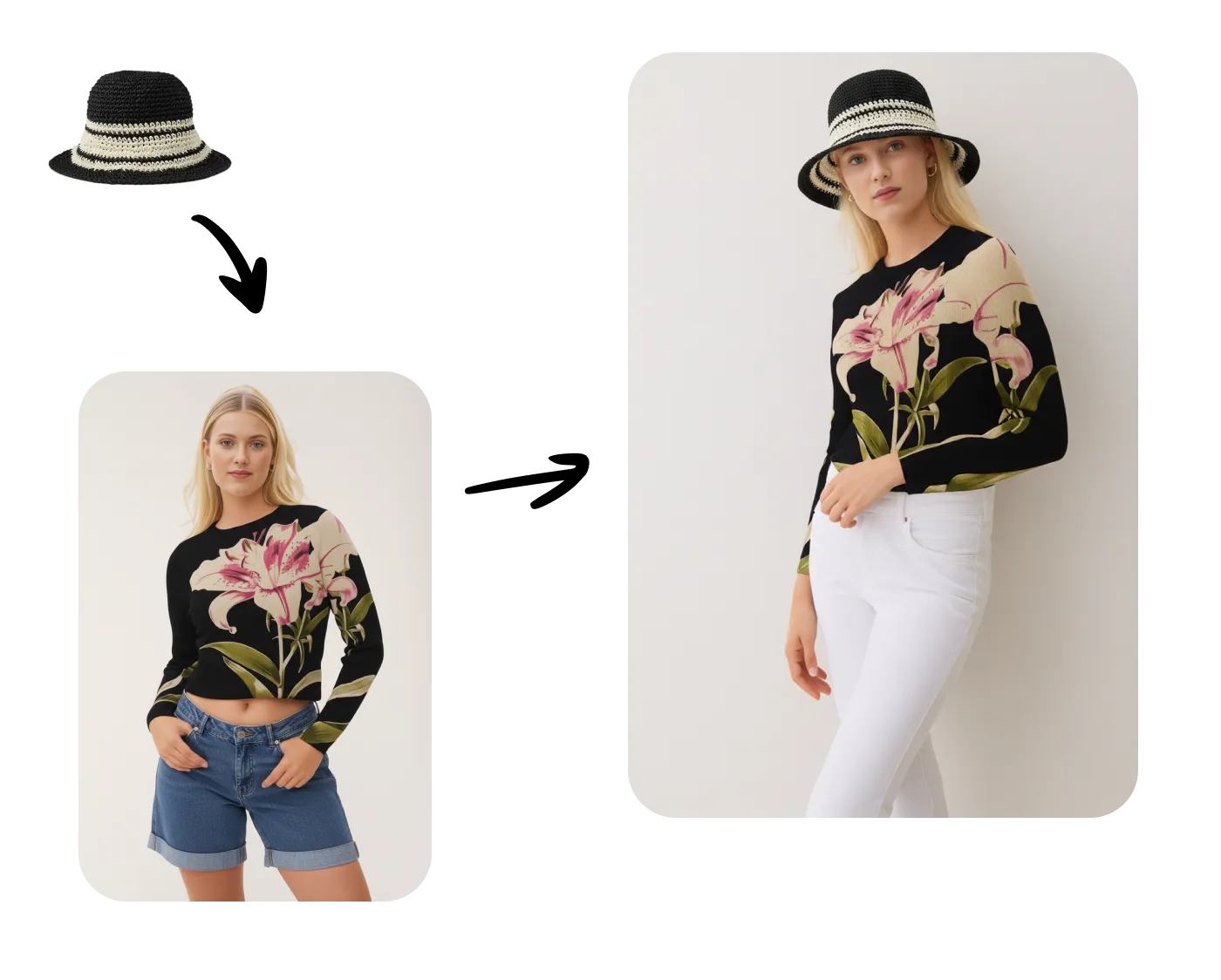
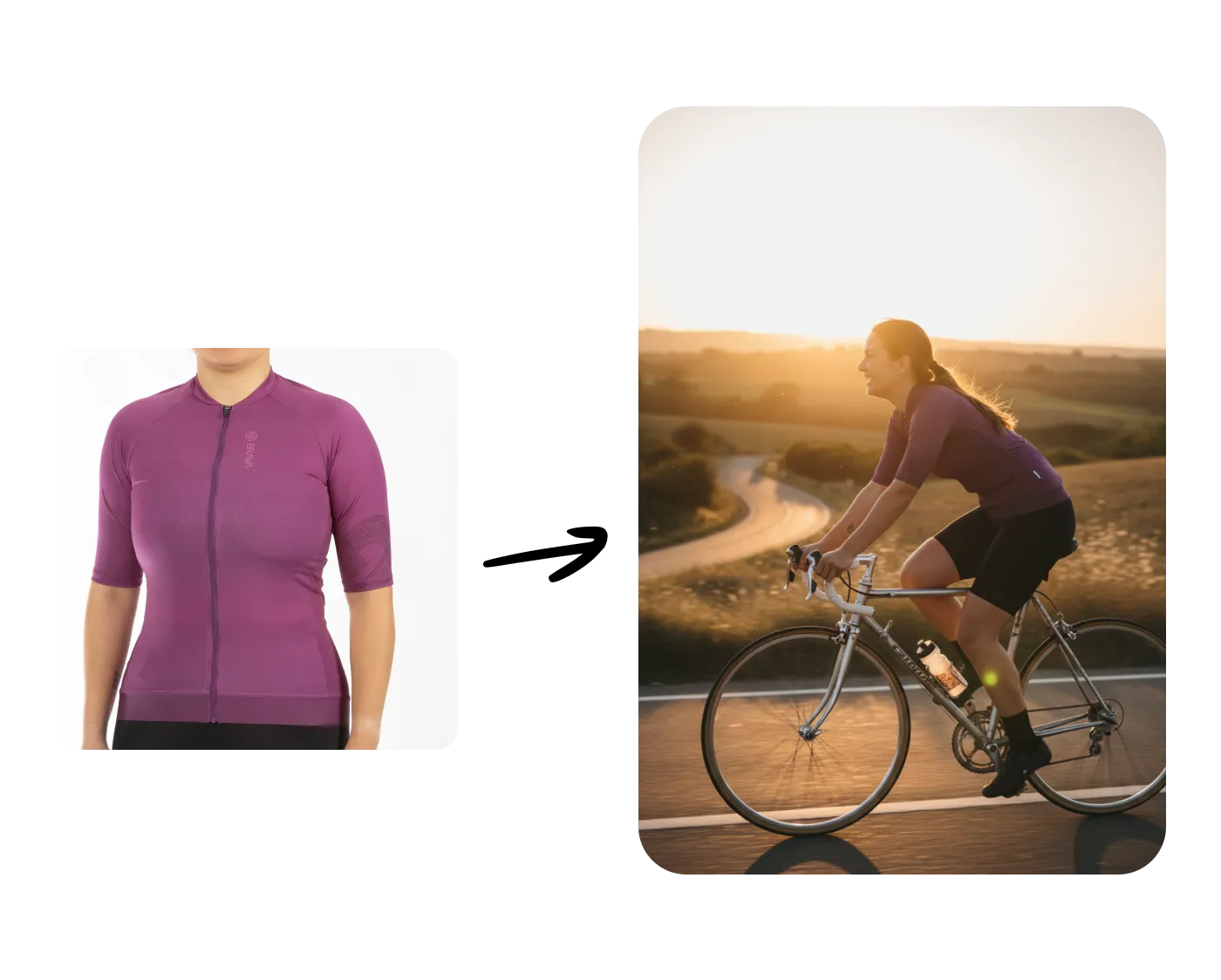
Transform your product photography workflow with our Generate Images feature. Upload a single flat-lay photo and create professional on-model shots in seconds.

Bring your AI-generated fashion model images to life with dynamic 5 or 10-second video clips that capture attention and drive engagement.

Transform your entire product catalog with batch processing. Upload hundreds of clothing items and automatically generate diverse on-model photos.

Today, we release Drape2, a next-gen adapter to generate on-model images of clothing products from a single packshot, in seconds with unprecedented diversity and clothing fidelity.

Drape is our first adapter for on-model fashion images: give it one flat-lay photo of a garment, and it generates that garment worn by a model.