Uwear Is Now a Plugin in ChatGPT and Codex
 0:15
0:15Uwear is now a plugin in ChatGPT. Open Plugins in the ChatGPT sidebar, search for Uwear, click Install plugin and log in with your Uwear account. ChatGPT can then organize your garments, models and art directions, prepare a photoshoot brief, and generate product photos and videos with your Uwear credits. The same plugin is listed in Codex, which shares the plugin directory with ChatGPT.
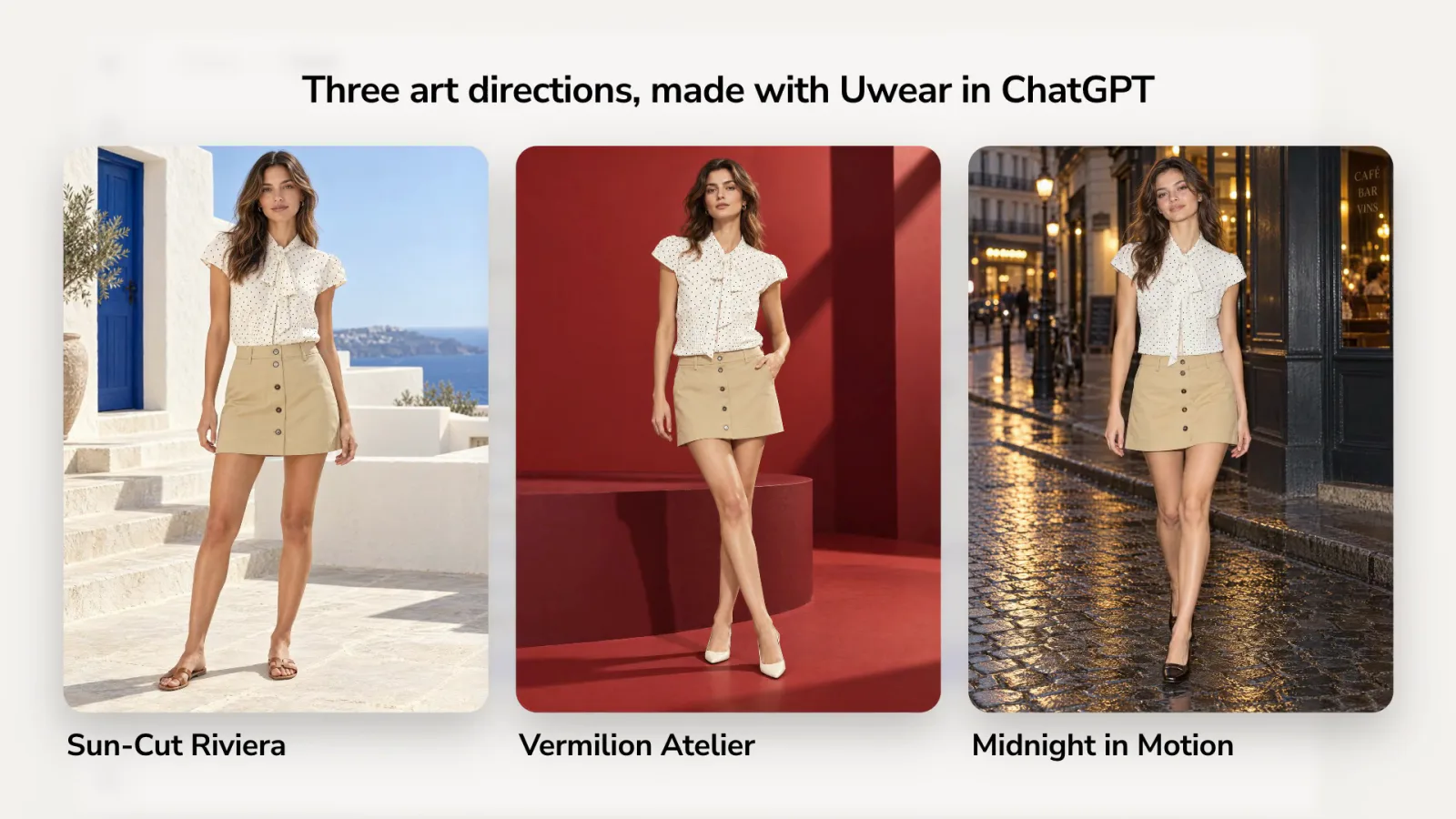
The 15-second film above shows the path in ChatGPT: the search, the install, then one of the listing's example prompts and the three photos it made.
How do you install the Uwear plugin in ChatGPT?
- Open Plugins in the ChatGPT sidebar.
- Search for Uwear. The listing reads "Create AI fashion imagery".
- Click Install plugin and log in with your Uwear account. The button then reads Try in chat.
- Start a chat, or click one of the example prompts on the listing.
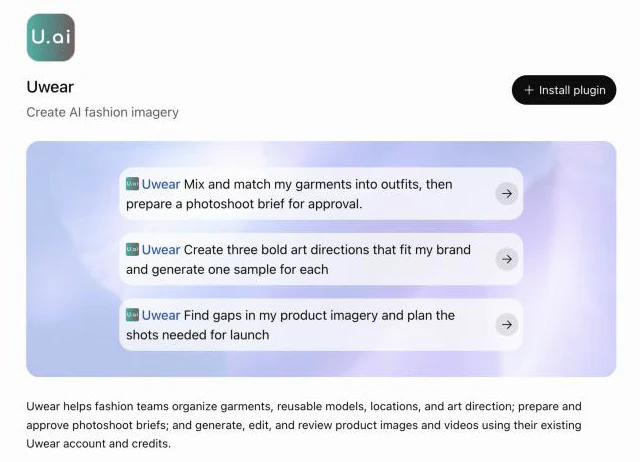
There is nothing to configure and no developer mode. The listing is at Uwear in ChatGPT.
What can you ask the Uwear plugin?
The listing starts you with three example prompts:
- Mix and match my garments into outfits, then prepare a photoshoot brief for approval.
- Create three bold art directions that fit my brand and generate one sample for each
- Find gaps in my product imagery and plan the shots needed for launch
Behind a prompt, ChatGPT calls Uwear's tools. It can read your garment library, save art directions, prepare a photoshoot brief for your approval, and run the shoot on Uwear when you ask it to. The photos land in your Uwear library, next to everything the team made in Studio.
What does one prompt make?
We clicked the second example prompt, "Create three bold art directions that fit my brand and generate one sample for each", and chose one outfit from our library: a white polka-dot blouse with a khaki mini skirt. ChatGPT asked which garment and which brand to work for, then created three art directions and generated one sample for each, in a little over three minutes.
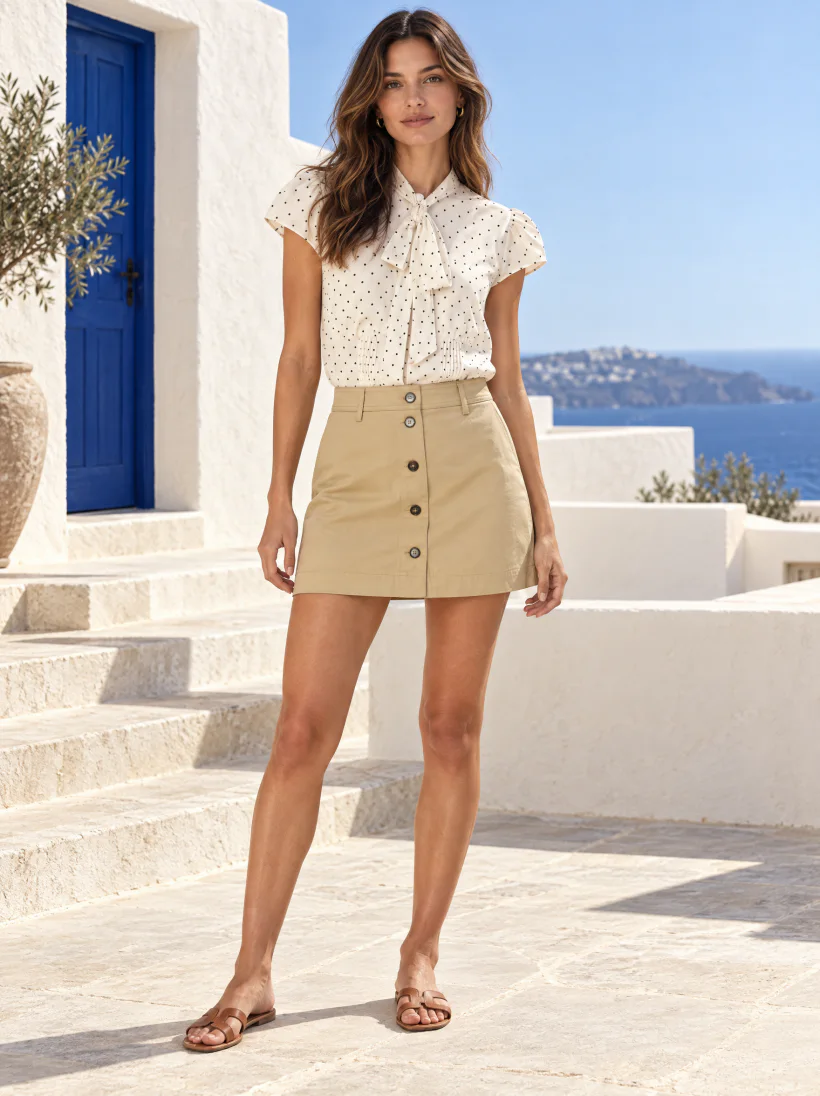
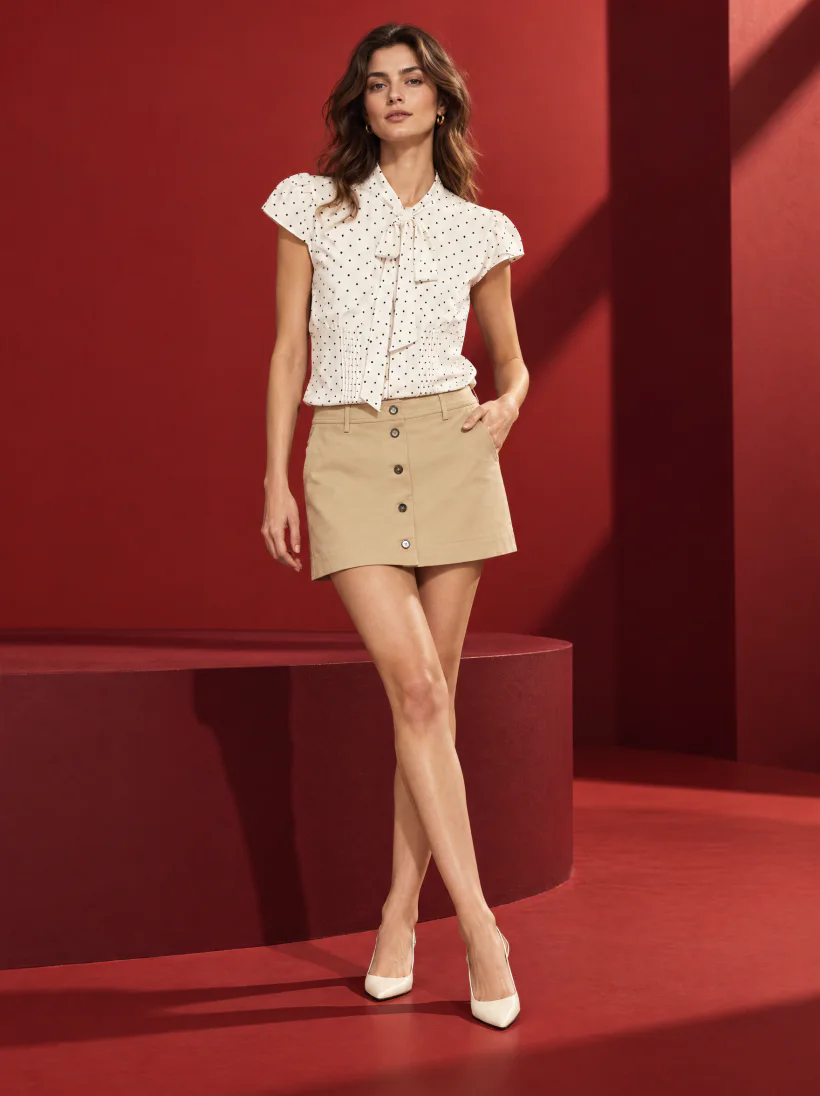
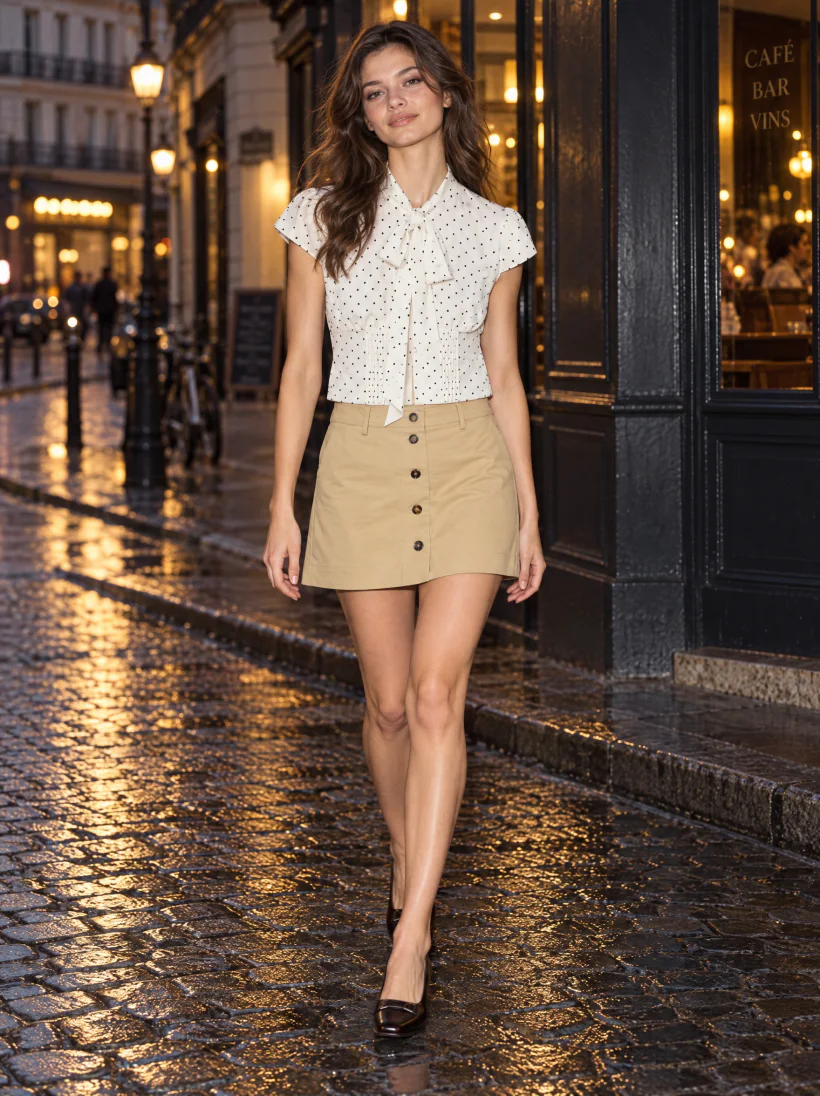
In all three, the dot print, the tie and the pleats of the blouse, and the buttons of the skirt, carry from the product photo. The three art directions are saved in the Uwear library. A saved direction can drive the next shoot from ChatGPT, from Studio, or from an automation.
Is the Uwear plugin in Codex too?
Yes. ChatGPT and Codex share one plugin directory, and the same Uwear plugin is listed in Codex. Codex can also connect to the Uwear MCP server directly, like Claude and other assistants. The setup for each one is on the Uwear MCP page.
Questions about the Uwear plugin
Is Uwear in the ChatGPT plugin directory?
Yes. Uwear is listed in the ChatGPT plugin directory as "Uwear, Create AI fashion imagery", published by Uwear.ai Software Inc. in the Creativity category. Open Plugins in the ChatGPT sidebar and search for Uwear to find it.
Do I need developer mode or a custom connector to use Uwear in ChatGPT?
No. The plugin installs from the directory. Click Install plugin and log in with your Uwear account. There is nothing to configure and no developer mode.
Does ChatGPT make the photos itself?
No. ChatGPT plans the work and calls Uwear. Uwear generates the photos with the AI model chosen from its catalog, using your garments, your saved models and your art directions, and the results land in your Uwear library. The work uses your Uwear credits.
Can the plugin use my own garments?
Yes. The plugin reads the garments in your Uwear library. ChatGPT can open the Uwear panel for you to pick one, or you can name the garment in the chat and it finds it for you.
Is the Uwear plugin in Codex too?
Yes. ChatGPT and Codex share one plugin directory, and the same Uwear plugin is listed in Codex. Codex can also connect to the Uwear MCP server directly; the setup is on the Uwear MCP page.
What can I ask the Uwear plugin to do?
Organize your garments, reusable models, locations and art directions, mix garments into outfits, prepare a photoshoot brief for your approval, and generate, edit and review product photos and videos. The listing also suggests planning the shots a launch still needs.