Use case · Production at scale
Shoot the whole line, not a sample of it.
Uwear turns flat lays and packshots into finished on-model photos by the hundreds: CSV in, reviewed sets out, without booking a single studio day.
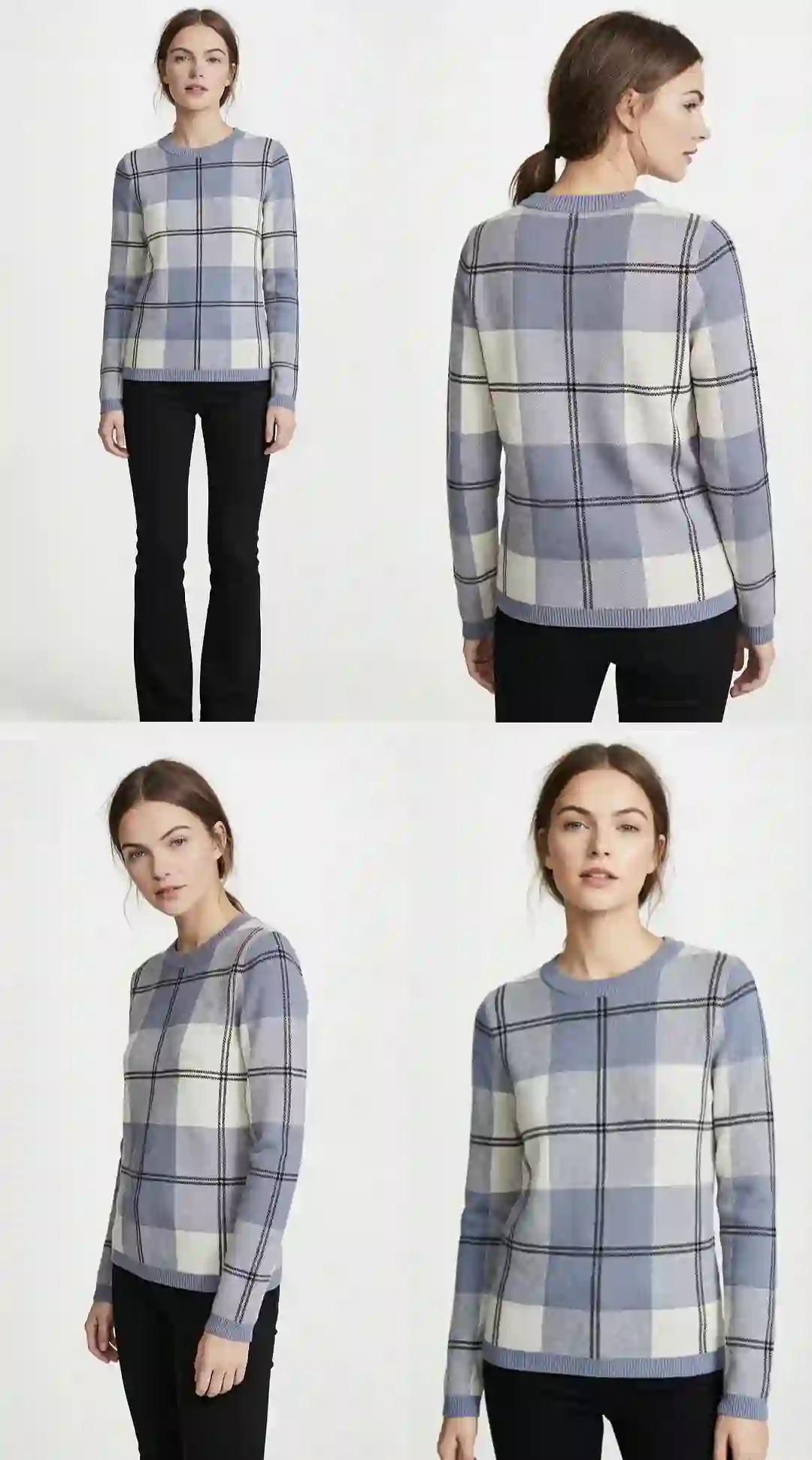
Production signals
- 30 garments → 100+ photos in a day
- CSV and API batch delivery
- AI reviewer retries weak shots automatically
Mechanism
One garment’s path through the pipeline.
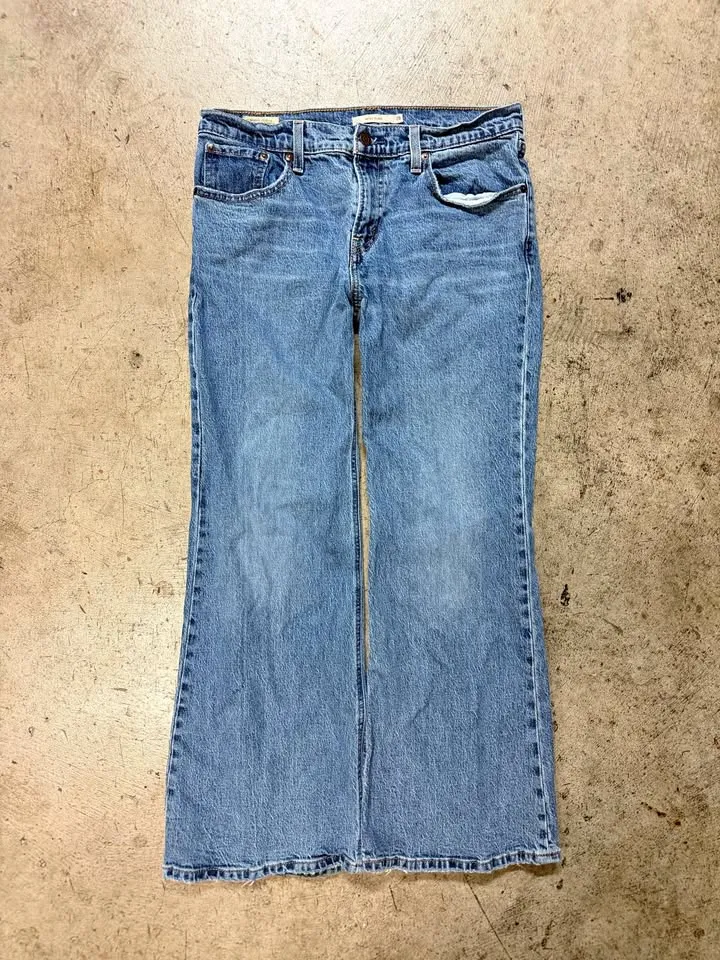 Input
Input Output
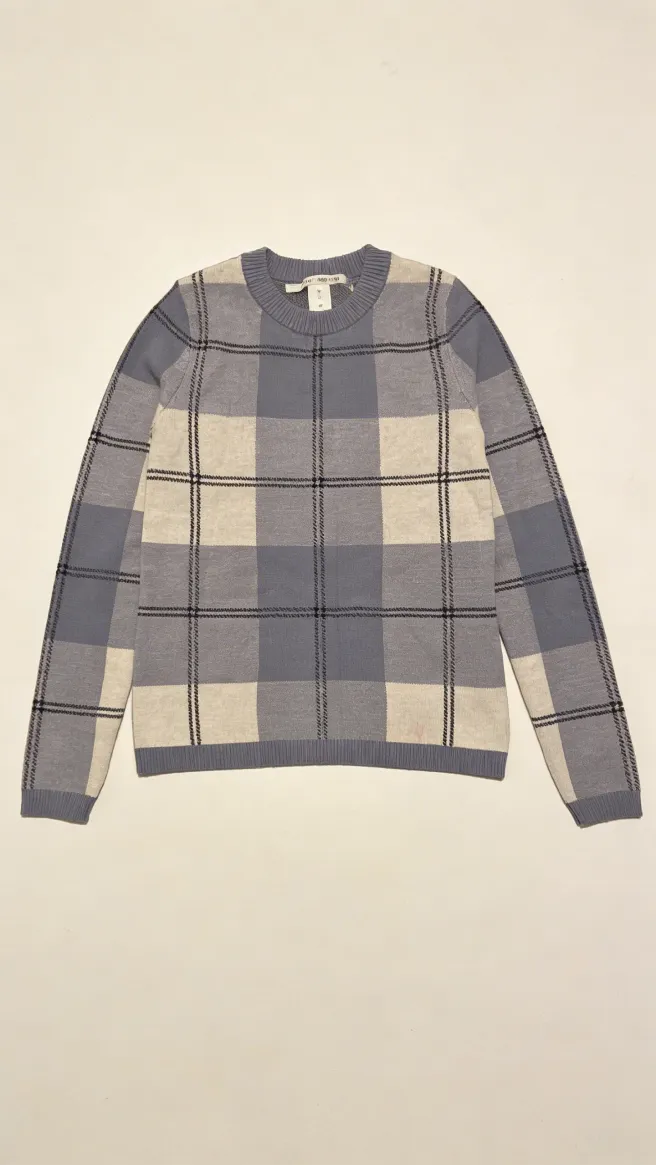 Input
Input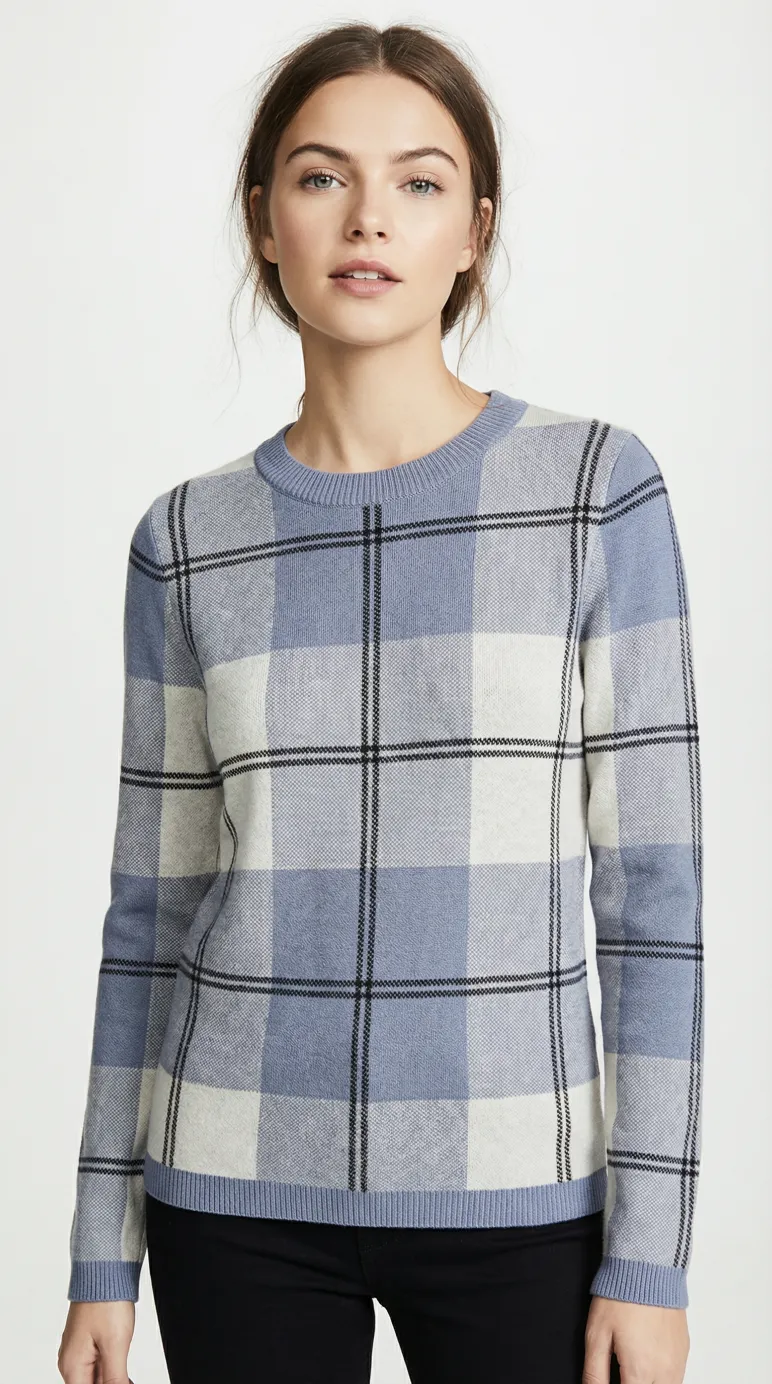 Output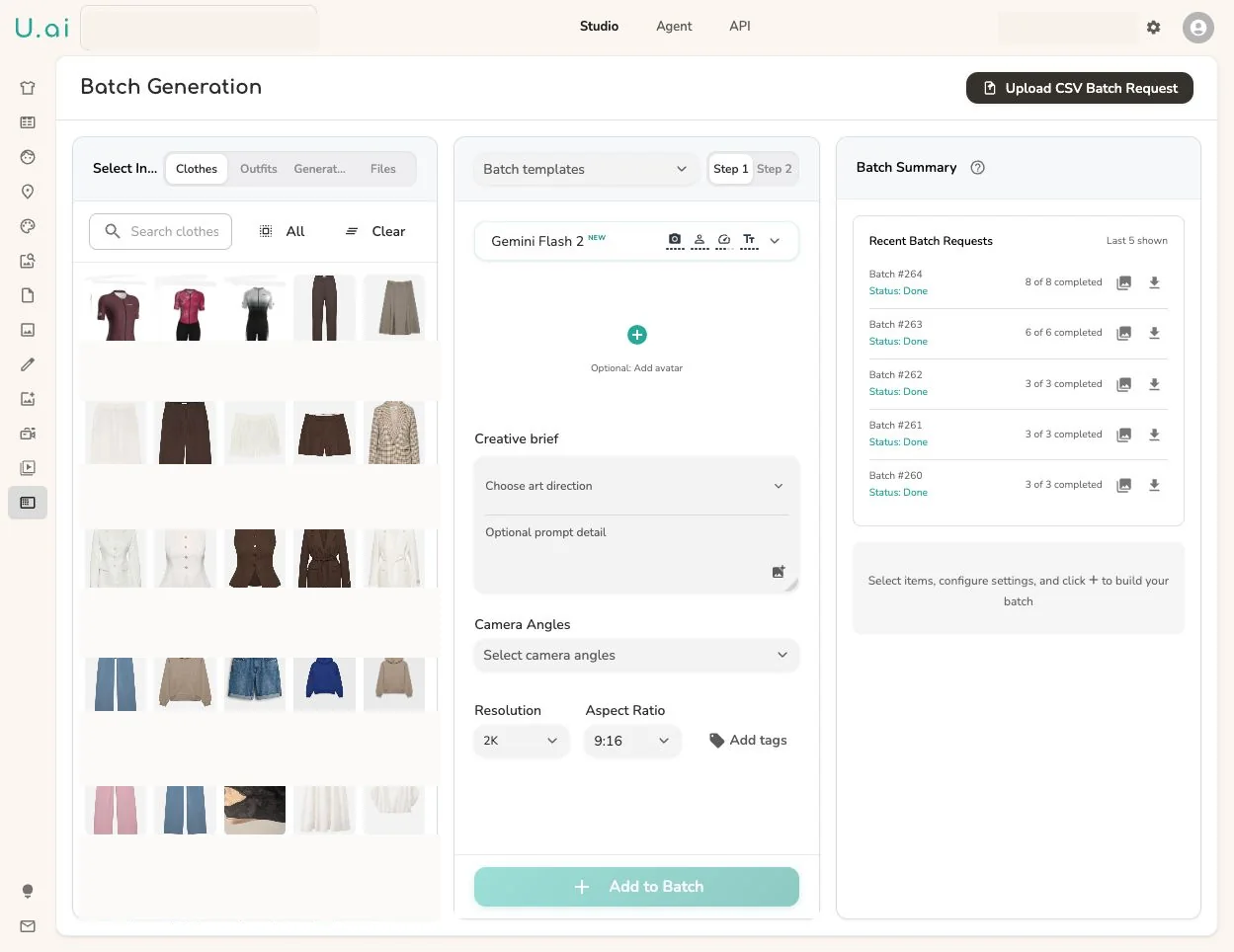
Each row of your batch carries a garment photo and its metadata. Uwear generates the on-model shot under your saved art direction, reviews it when the AI reviewer is on, retries exceptions, and delivers approved assets with their metadata intact.
Workflow
The production loop
Load the batch
Upload a CSV of garments (or point the API at your asset feed) with one reference photo per product.
Set one art direction
Model, crop, background, and light are defined once and applied to every row, so the output reads as one shoot.
Receive and approve
Finished photos come back as a reviewable set. With the AI reviewer on, weak shots are retried before they ever reach you.
Outcomes
What this unlocks
Throughput without headcount
Volume comes from the pipeline, not from adding photographers, studios, or retouchers.
One visual standard across the line
Every product shares the same model and framing, whatever state its source photo arrived in.
Costs you can compute before you run
Batches are priced in credits you can count ahead of time: no day rates, no reshoot invoices.
Frequently asked questions
You send garment photos and metadata in batches: CSV upload or API. Uwear generates on-model photos under one saved art direction and returns the finished set. The walkthrough “From 30 garments to 100 photos” shows a real run end to end.
Batches run to thousands of products. Generation is queued and parallel, so the constraint is your review capacity, which is why the AI reviewer exists.
Turn on the AI reviewer per batch. It inspects each shot, retries the ones that miss, and hands you an approval queue. You review exceptions, not everything.
Yes, CSV in and out for merch teams, or the API for engineering teams that want generation inside their own asset flow.
Next step
Map this workflow into your catalog operation.
Start with the use case, then decide whether the right access path is Studio, API, MCP, or a custom enterprise rollout.





