Use cases · Back-catalog re-shoot
Re-shoot your back catalog from the photos you already have
Run Product page set from existing garment photos and a saved direction. Your migration tools keep old URLs, product IDs and variant associations linked to the new files.
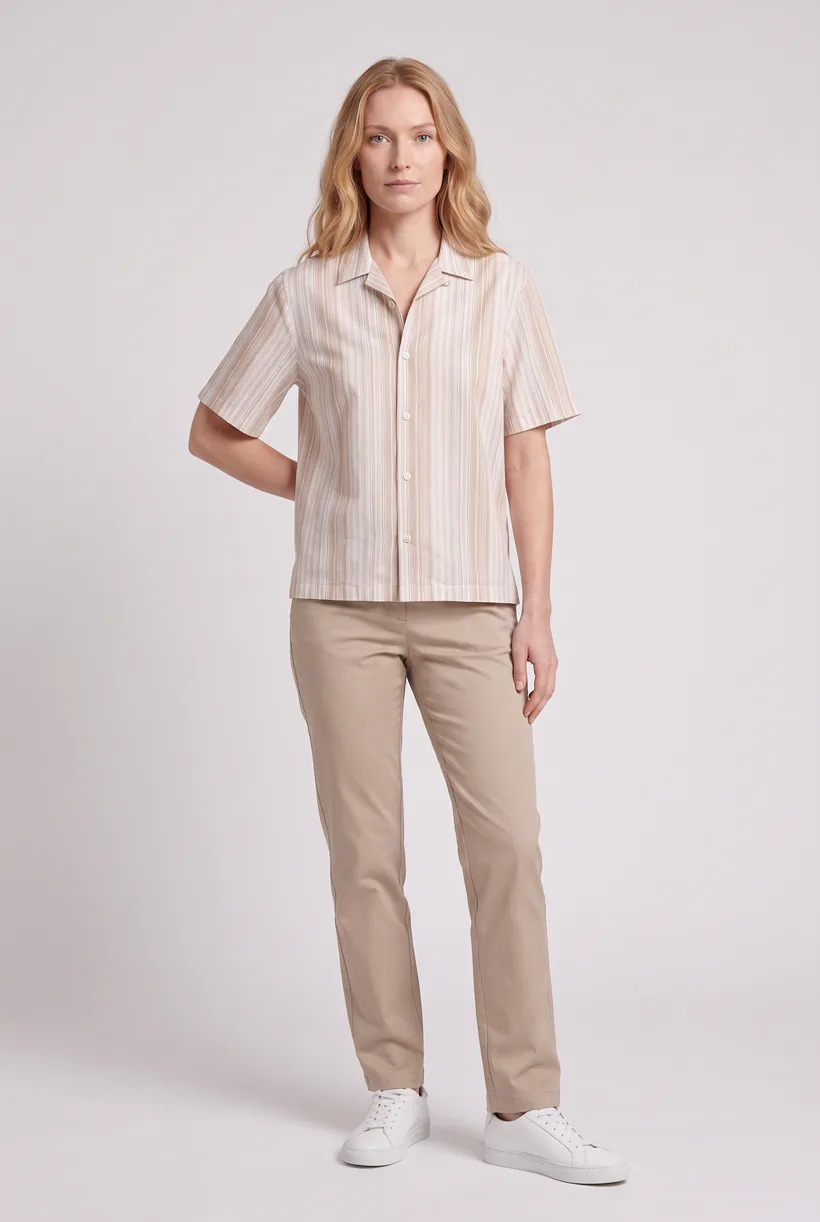
What the job involves
Proposed owners: product content, ecommerce operations and DAM/PIM teams. Re-image existing products during a rebrand, migration or supplier-photo refresh.[1][2][3]
| Owner | What the source says |
|---|---|
| Decathlon | Photoroom reports 35,000 images updated in three months in a February 2026 case. These are images, not newly photographed garments.[1] |
| World Fashion Pro | FASHN’s vendor interview describes reworking an old palazzo-pants archive. It gives no total asset count or duration.[2] |
| Open For Vintage | Pixelz describes supplier-photo standardization and a move from Dropbox to API/portal delivery. This is ongoing work, not a counted catalog migration.[3] |
How teams do it today
Pilot the replacement route
Shopify retrieves image URLs during import. Test the actual product association and delivered file before replacing a larger batch; keep a rollback mapping.[4]
Requirements and constraints
| Rule | Requirement or guidance |
|---|---|
| Shopify CSV field drift | Current help uses Product image URL and Variant image URL. A 2023 forum uses Image Src; use a current account export, not the historical column name alone.[4] |
| Google image re-crawl | Changed image URLs are typically recrawled in about three days; changed bytes at the same URL can take up to six weeks. These are guidance, not service guarantees.[5] |
| Used-item condition | eBay’s actual-item rules still apply. An AI restyle cannot erase wear or defects; obtain new condition photos when the source does not show them.[6] |
| Delivery and provenance | IPTC’s 2019 tests found different metadata retention in originals and derivatives. This historical evidence calls for a pipeline test, not a claim about today’s Shopify delivery.[7] |
Assistant workflow
How do you run this from your assistant?
Proposed workflow: your assistant runs Uwear MCP; your team owns reference permissions, destination checks and publishing.[10][4][5]
Prepare one mapped migration batch
Supply existing garment photos, an approved avatar and the new art direction. Flag missing source views; generation cannot establish undocumented back details.[10]
Approve the Product page set brief
Product page set makes front, upper-body and back white-studio photos plus a 360 video per garment. Review the avatar, art direction and cost in credits before generation.[10]
Run it from your assistant
Run this photoshoot from your AI assistant with a Uwear template.
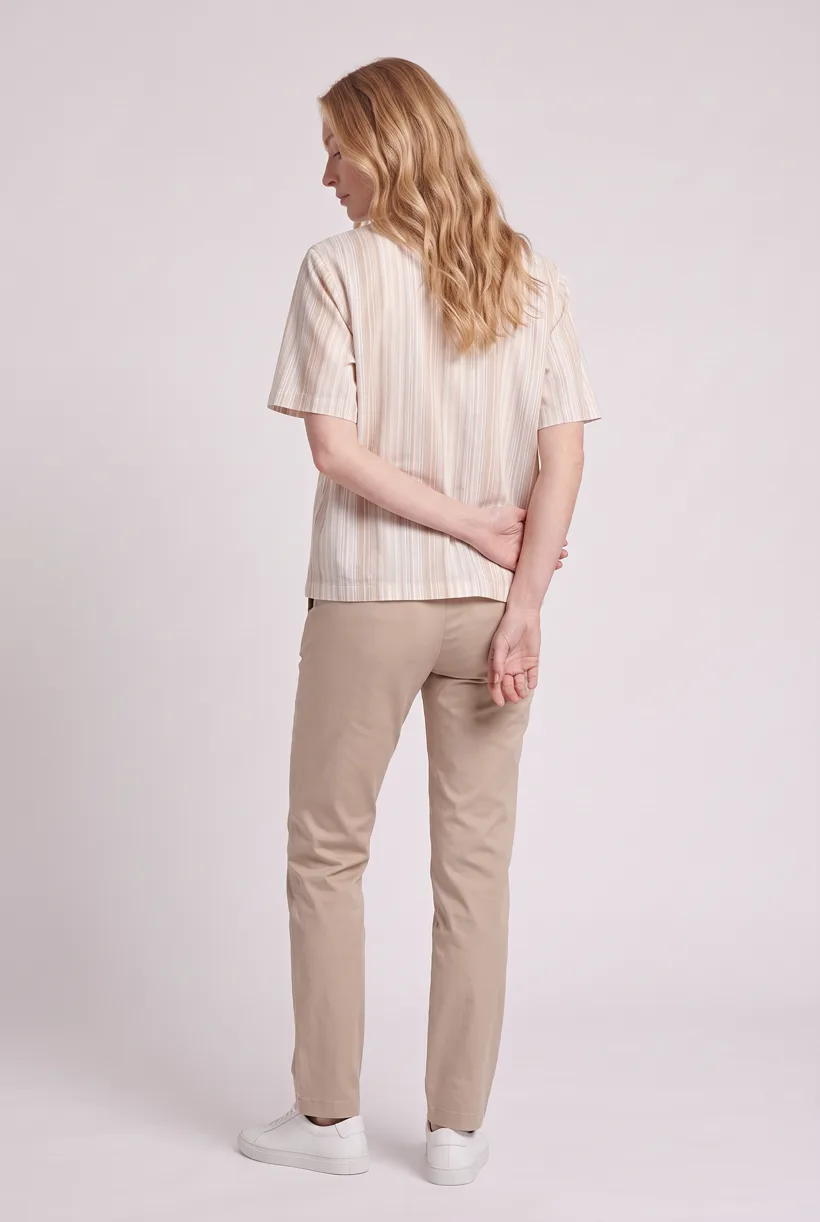
Connect the Uwear MCP server to ChatGPT, Claude, or Codex and ask for the Product page set template. It is a batch workflow that runs once per garment: front, upper-body, and back product-page shots on a white studio background, plus a 360-degree video, from one garment photo. Any Uwear account can load it by name, and the assistant shows a costed brief in credits before generation starts.
Proposed prompt: adapt the inputs and delivery checks to your own tools. The template returns assets; your team owns final selection and publication.
Copy this prompt into your assistant
Use the Uwear MCP to prepare Product page set for this approved adult-garment migration batch. Use our approved avatar, Pure White, nano-banana-pro and the AI reviewer. Show the new saved art direction and costed proposal; wait for approval. Return image and video URLs, and flag missing source views. Our migration tools will map old URLs, SKUs and variant IDs, retain rollback records and test destination display and re-crawl behavior. Do not replace existing media.
What one run does, per garment
Generate the front hero
One full-body front photo of the garment on the template model, in the Basic white photoshoot art direction on the Pure White studio location.
Edit to the upper-body crop
A camera edit that reframes the front result to an upper-body front frame instead of generating a new image, so the crop comes from the same session as the hero.
Edit to the back view
A second camera edit of the front result to a full-body back frame, so the product page gets the back of the garment from the same session.
Render the 360 turn
A 5-second Kling 3 Pro video from the front photo: the model turns a slow, full 360 degrees in place, garment readable throughout.
Outputs per garment
- Full-body front photo, 2K, 2:3
- Upper-body front photo, 2K, 2:3
- Full-body back photo, 2K, 2:3
- 5-second 360-degree video
The setup the template pins
- Template kind
- Batch workflow: runs once per garment row
- System key
- demo_full_pdp_test_white_studio
- Art direction
- Basic white photoshoot (system art direction)
- Location
- Pure White (system studio location)
- Model
- The Uwear system model by default; the assistant can swap in one of your saved models when it proposes the brief
- Image model
- nano-banana-pro, 2K, 2:3
- Video model
- Kling 3 Pro, 5 seconds
- QA
- Optional. With the AI reviewer on, each result is checked against the source product photo and flagged results are retried
- Approval
- The assistant shows a costed brief in credits before anything generates
Pure automation
Run it without an assistant
Run asynchronous generation
Use REST jobs with polling or webhooks for pure automation. Production Automation can start on garment-processed, tag-added or outfit-created events, with immutable published versions, idempotent runs and upfront credit reservation.[10]
Deliver through your own systems
Your service maps result URLs to the destination and checks the served assets. Studio is the manual path: select the source photos and setup, then download the results.[10]
Tools that target this job
Documented features from the linked sources. These are not independent quality tests.
OnModel
Markets model swaps and batch processing for existing on-model photos. A fit for supplier-photo refresh; vendor SEO and sales claims were not verified.[8]
Pixelz
The Open For Vintage case documents guideline-based retouching and API delivery. A fit when existing item photos mainly need finishing; no migration fee was verified.[3]
Frequently asked questions
Yes. Connect Uwear MCP, supply garment photos and approved references, and request a costed Product page set proposal. Approve it before generation; your tools handle destination delivery.[10]
Uwear uses credits at $0.10 per credit; rates are on /models. QA is automatic and toggleable: when on, an AI reviewer compares results with source photos and retries flagged results.[10]
Yes. Studio is the manual path: choose source photos, avatar and generation setup, then download results. Your team handles destination formatting, disclosure and publication.[10]
Research
Sources and access dates
- [1]
- [2]
- [3]
- [4]current product/variant image fields, multi-image rows and import behavior
Accessed 2026-09-07
- [5]changed-image URL and recrawl guidance
Accessed 2026-09-07
- [6]used-item stock-photo and accurate-depiction requirements
Accessed 2026-09-07
- [7]historical primary tests of metadata in delivered files
Accessed 2026-09-07
- [8]
- [9]
- [10]sole approved Uwear capability authority, read locally
Accessed 2026-09-07
Next step
Connect your catalog to Uwear.
Start with an assistant-led test, then build the API delivery your catalog needs.