Use case · Outfit variations
Every combination. No extra shoots.
Send the garments once. Uwear pairs tops, bottoms, and accessories on the same model, every combination in consistent light and framing, with an AI reviewer you can turn on per batch.
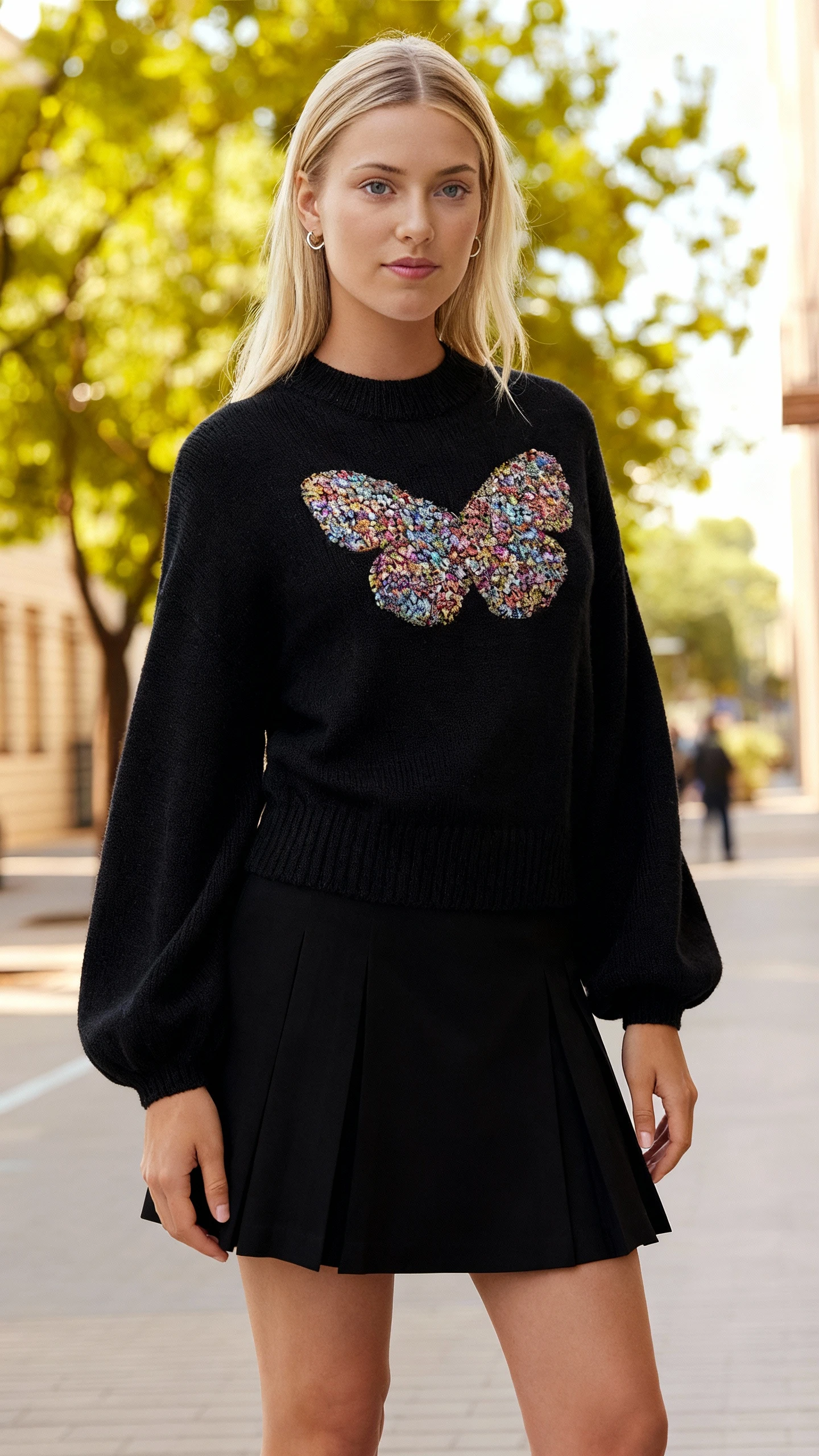
Production signals
- Five garments in, every pairing out
- One model across all combinations
- AI review and retries: turn it on per batch
Mechanism
The pairing matrix, garment by garment.
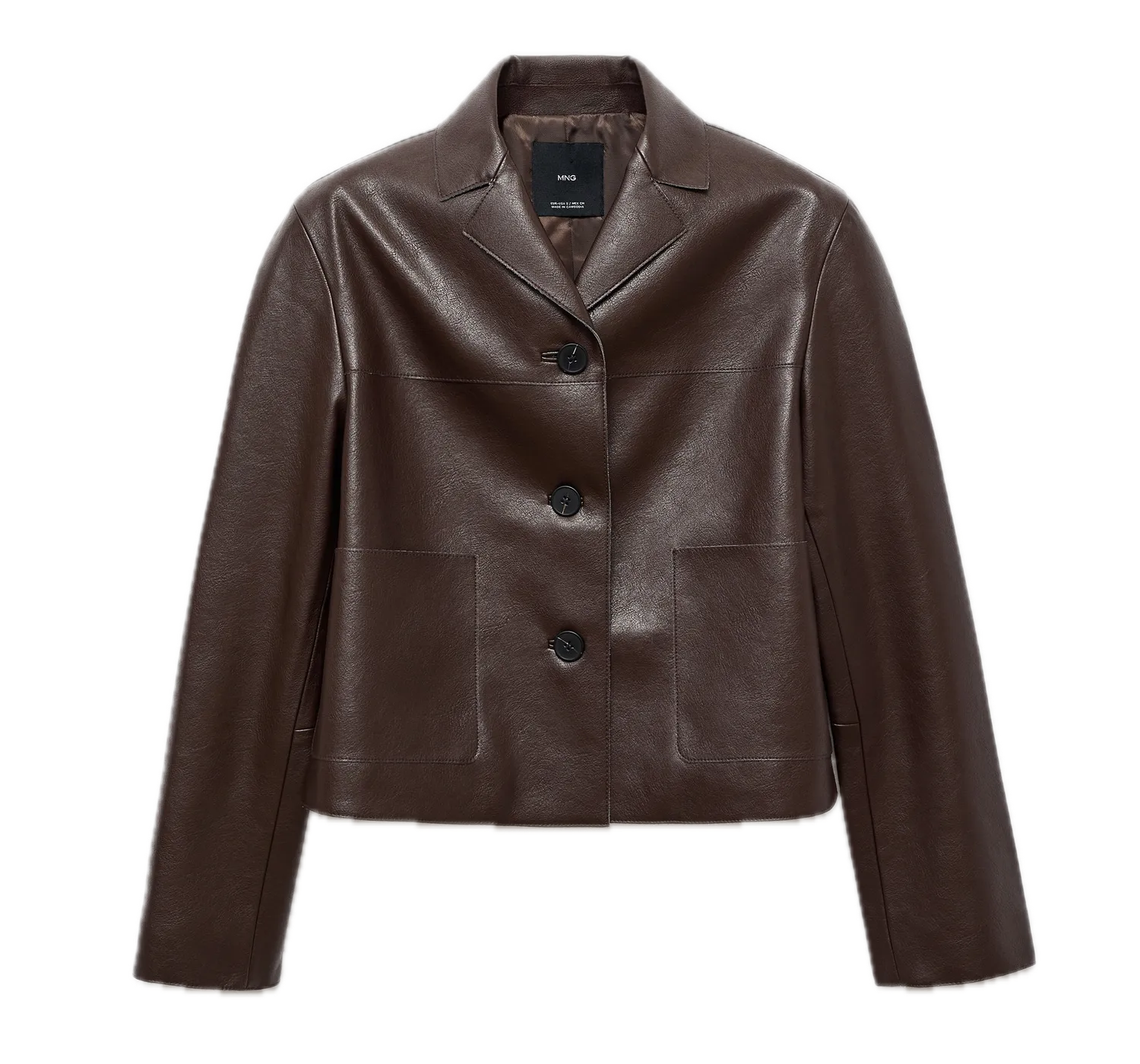 Input
Input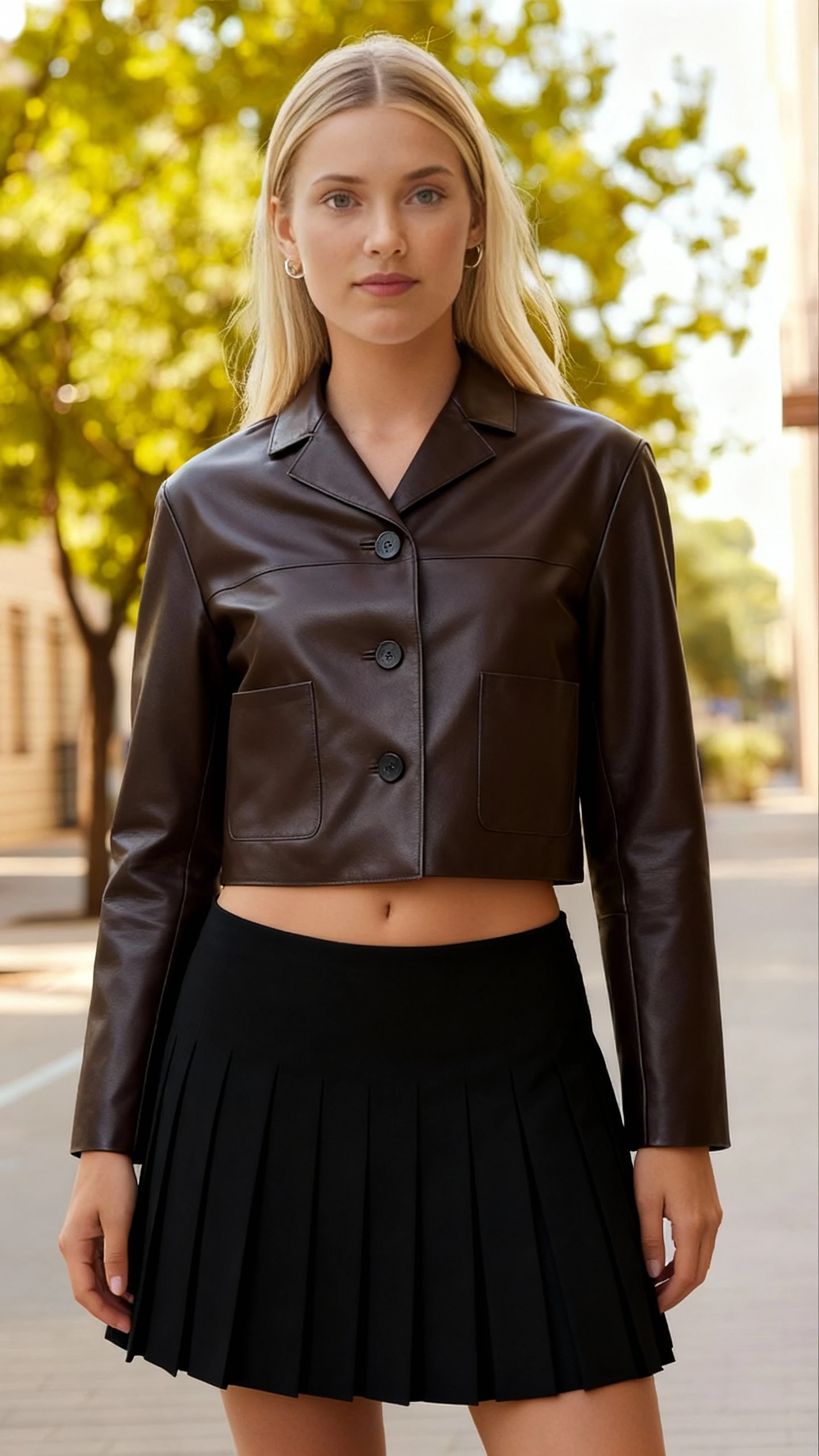 Output
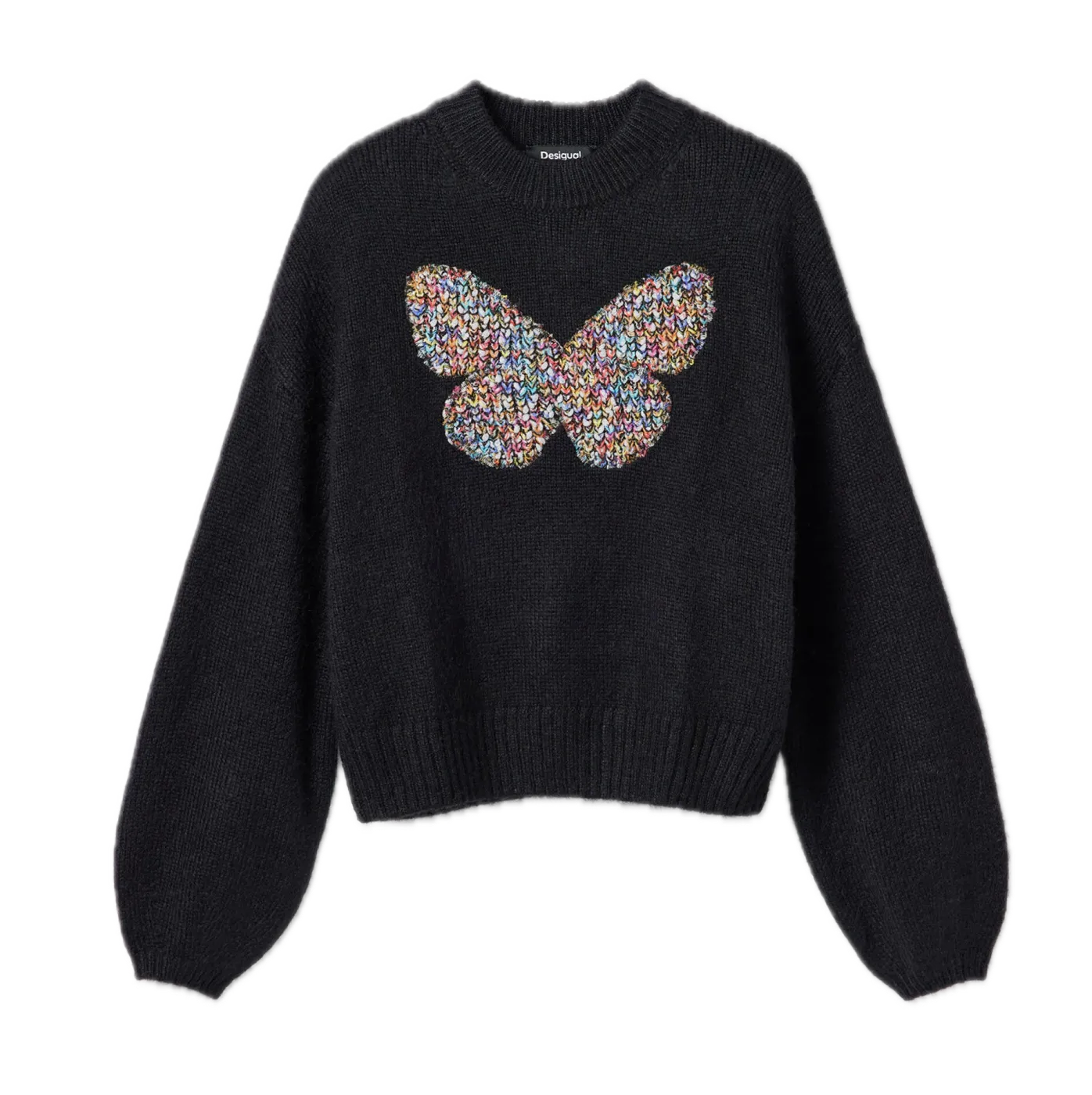 Input
Input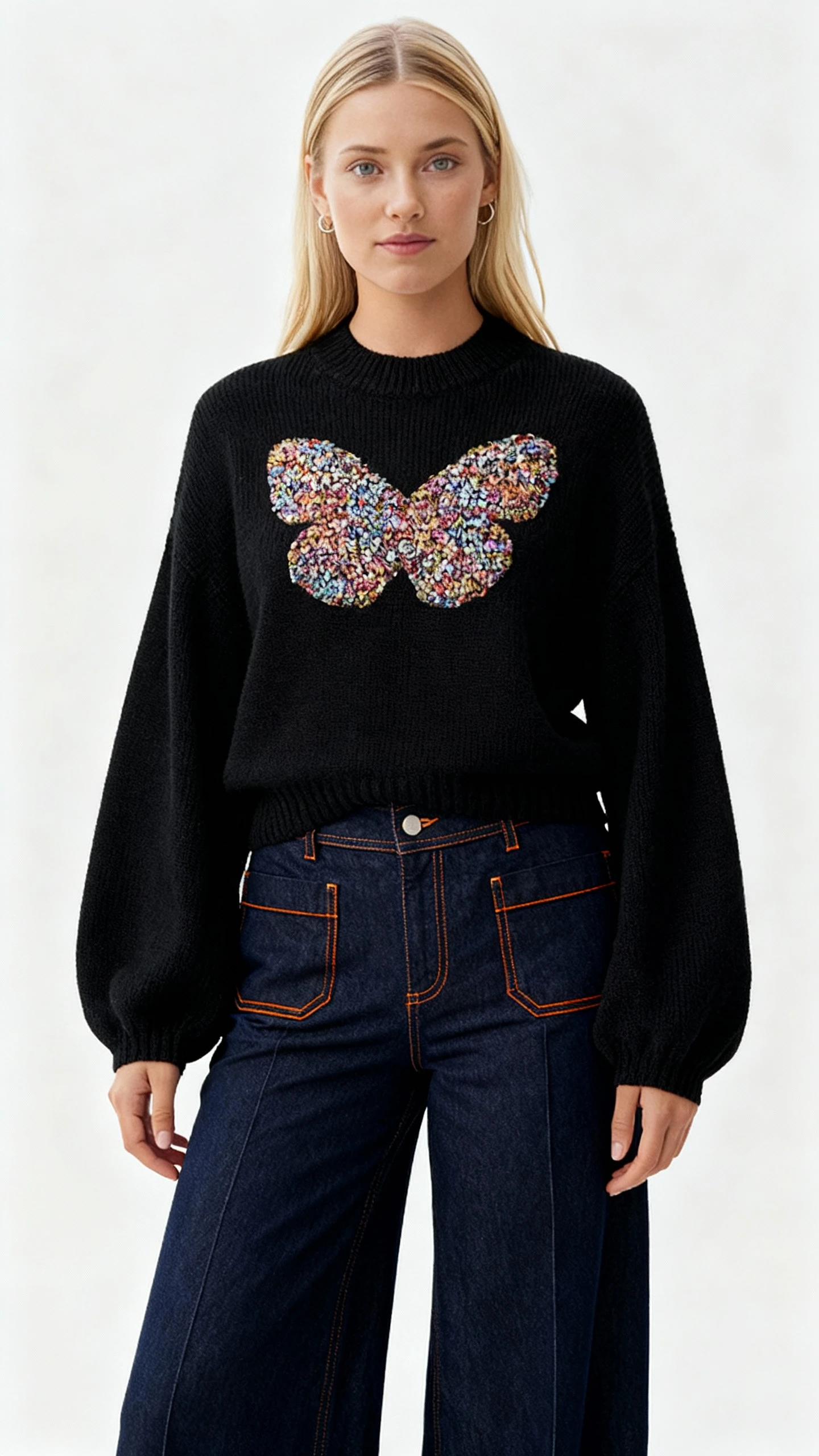 Output
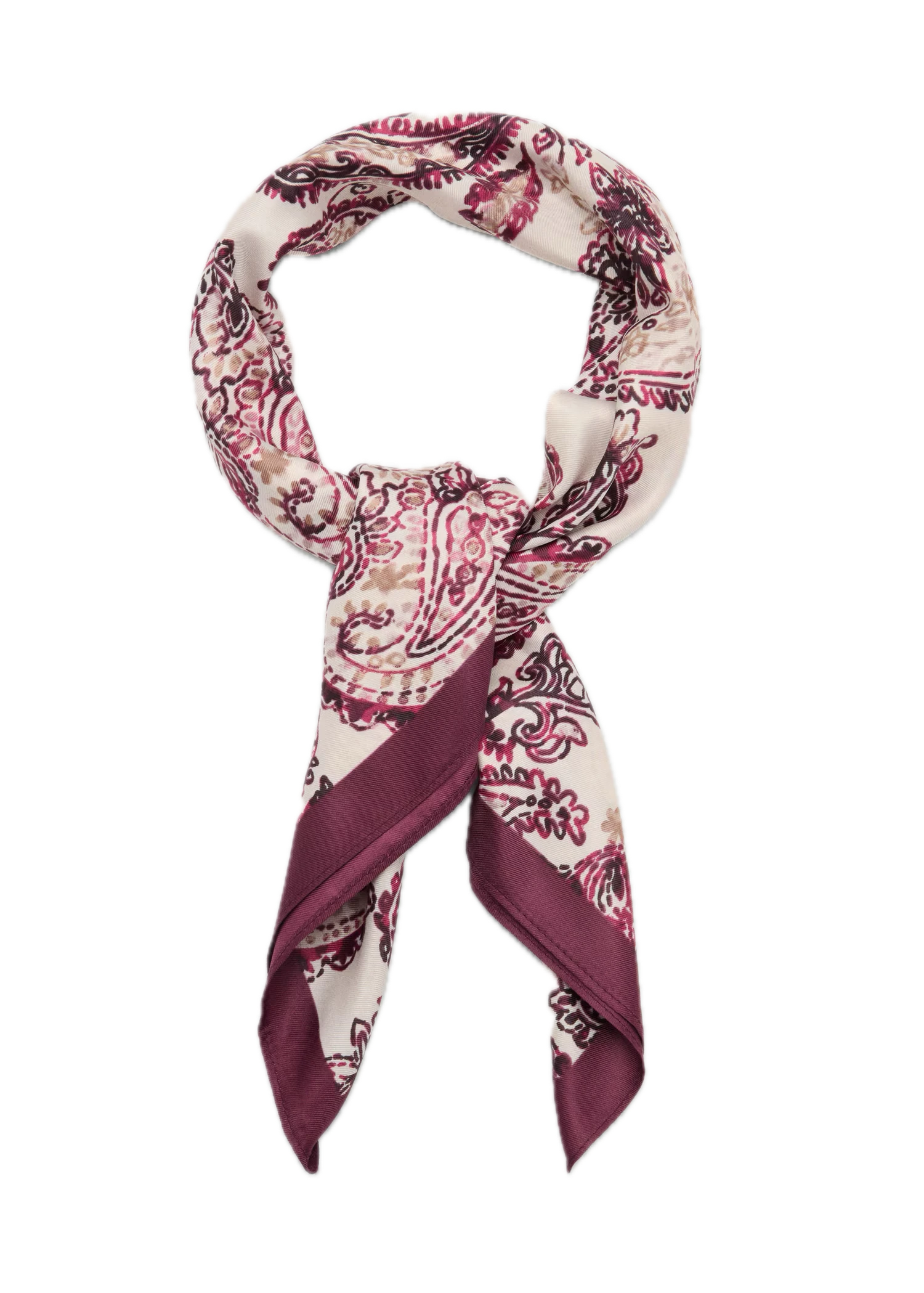 Input
Input Output
Uwear starts from your existing garment photos. It builds the combination matrix (tops by bottoms by accessories) and generates each pairing on one saved model, so the set reads as a single shoot.
Workflow
The production loop
Send the garments
Upload tops, bottoms, and accessories as flat lays, packshots, or worn photos.
Set the matrix
Pick specific combinations, or run every pairing on one saved model with one art direction.
Receive the set
All combinations arrive in one batch with consistent framing. Turn on the AI reviewer to retry weak shots automatically.
Outcomes
What this unlocks
Variants without a reshoot
Color, fabric, and styling variants come from the matrix, not from another studio day.
Shop-the-look modules that hold together
Every look shares the same model, light, and crop, so merch modules read as one collection.
A matrix that scales with the line
Adding one garment adds a row of combinations, not a row of shoot days.
Frequently asked questions
It is a system that produces photos of every combination of your garments (each top with each bottom, with or without accessories) on the same model, from photos you already have. You photograph each garment once and generate the pairings instead of shooting them.
Yes. The matrix runs on one saved model with one art direction, so every combination shares the same face, body, light, and framing. That is what makes the set usable as a collection page or a shop-the-look module.
Flat lays, packshots, mannequin shots, or worn photos. Each garment needs one clear reference photo; the matrix does the rest.
Turn on the AI reviewer for the batch. It checks each generated pairing, retries the weak ones automatically, and leaves you an approve/reject queue instead of a pile of raw output.
Next step
Map this workflow into your catalog operation.
Start with the use case, then decide whether the right access path is Studio, API, MCP, or a custom enterprise rollout.





