Use case · Catalog photography
Catalog photography, produced instead of shot.
Supplier photos arrive in every state. Uwear turns them into on-model catalog photography with one model, one light, one crop, generated and reviewed as products come in.

Production signals
- Flat lay or supplier shot in, catalog photo out
- One model and crop across the collection
- AI review and retries: turn it on per batch
Mechanism
From what suppliers send to what the catalog needs.
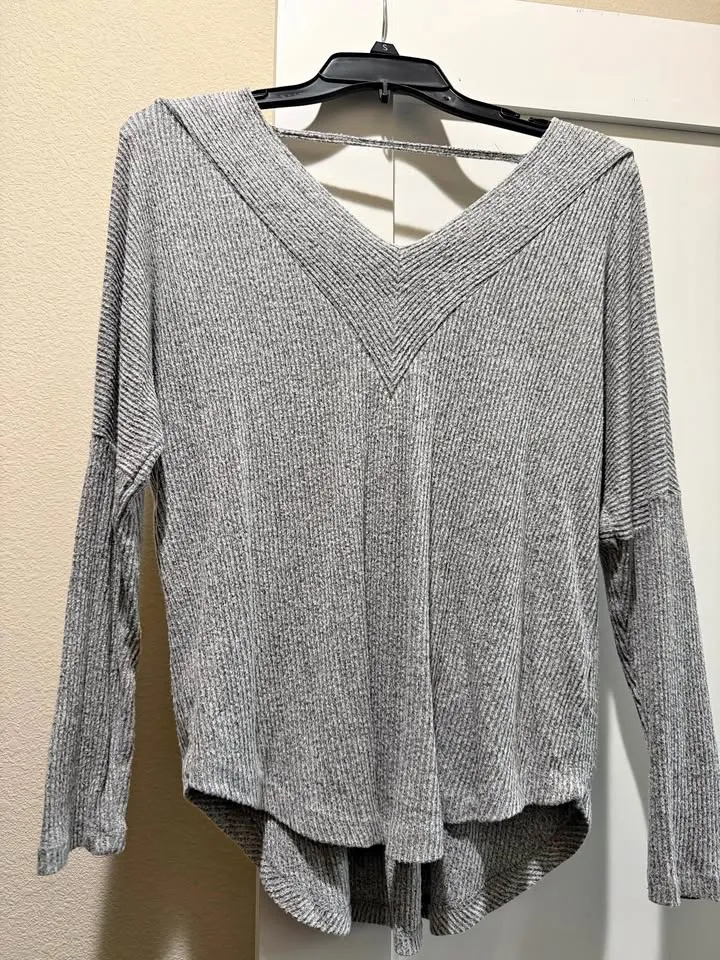 InputOutput
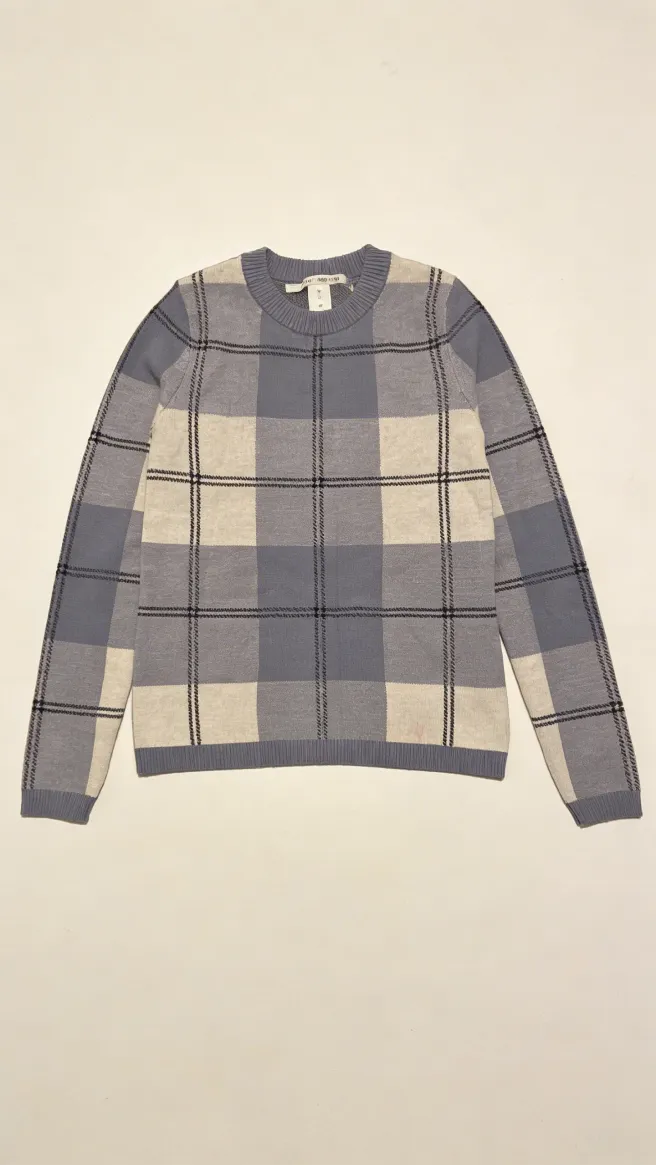 Input
Input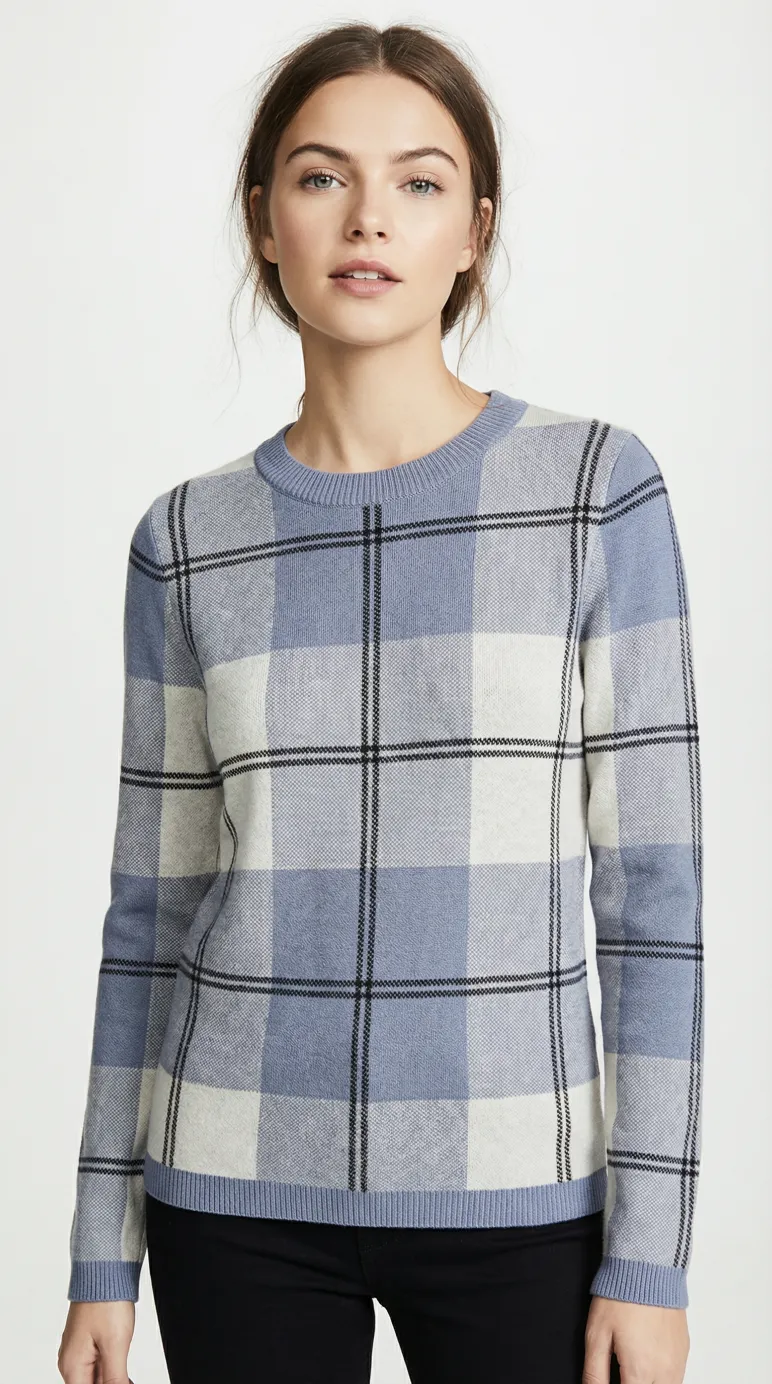 Output
Uwear starts from whatever photo the product already has (a flat lay, a mannequin shot, a supplier photo) and produces the catalog version: on-model, art-directed, consistent with every other product on the page.
Workflow
The production loop
Bring what you have
Flat lays, packshots, mannequin or supplier shots. One reference photo per product is enough.
Apply the catalog standard
One saved art direction sets the model, crop, background, and light for the whole collection.
Review and publish
Photos come back consistent and reviewable. The AI reviewer, when on, retries misses before you see them.
Outcomes
What this unlocks
A catalog that reads as one shoot
Products photographed months apart by different suppliers share one visual standard.
New products live sooner
The catalog photo exists when the product data does, not when studio capacity frees up.
Coverage for the long tail
Products that never justified a shoot day get the same on-model treatment as the bestsellers.
Frequently asked questions
Catalog photography produced by generation instead of a studio: the garment’s existing photo becomes an on-model, art-directed catalog image that matches the rest of the collection.
Yes, that is the point. One saved art direction fixes the model, crop, background, and light, so intake variety stops showing up on the collection page.
Turn on the AI reviewer. It inspects each image, retries the ones that miss, and routes what remains to your approval queue. You stay the final gate.
Same production system, different starting point: this page is about the photography standard for a catalog; that page is about running PDP visual production at enterprise volume with API delivery.
Next step
Map this workflow into your catalog operation.
Start with the use case, then decide whether the right access path is Studio, API, MCP, or a custom enterprise rollout.





