Solutions · Uniform and workwear
Generate on-model photos for every uniform size and color
Use actual uniform photos to prepare Product page set through MCP. Keep size and color records linked; generated photos do not verify fit, logos or protective performance.
Who this is for
For occupational clothing manufacturers, dealers and service operators. Stock styles, company programs and decoration create different catalog dimensions and repeat-order needs.[1][2][3]
| Operator | Published context and limits |
|---|---|
| Portwest | Its corporate page lists more than 2,400 styles across 32 ranges. These are product styles, not image counts.[1] |
| Cintas | Its investor page reports over one million business customers and about five million uniform wearers. These are service figures, not SKUs.[2] |
| MASCOT | Supplies workwear through dealers, a Media Portal and a SmartStore ordering option.[3] |
How teams produce photos today
Reuse supplier media for dealer catalogs
MASCOT supplies product and environment images for dealers’ web, promotional and social use. The source does not establish the original capture process.[3]
Handle decoration proofs separately
FastEditor describes logo configuration, customer proofs and production files. A digital proof is a different output from a photo of the finished decorated garment.[4]
Where the images must land
| Specification | Requirement or guidance |
|---|---|
| Dealer libraries and company stores | MASCOT’s Media Portal and SmartStore are destination examples, not Uwear integrations. Their public pixel and file-size limits were not established.[3] |
| Optional Shopify storefront | If the customer uses Shopify: square 2048 × 2048 px is recommended; files must be under 20 MB and no larger than 25 MP.[6] |
| Decoration and safety records | FastEditor accepts PNG, JPG, SVG, AI, EPS and PDF logos as artwork inputs. A generated sales photo is not an embroidery file or safety document.[4] |
Assistant workflow
How do you run this from your assistant?
Proposed workflow: your assistant runs Uwear MCP; your own systems handle asset matching, destination checks and publishing.[10]
Supply the finished uniform and program data
Use actual decorated-garment photos when logos must appear. Supply style, color, size and company-program records; choose an available avatar rather than assuming every body or size is covered.[10]
Approve the Product page set brief
Load Product page set on Pure White with the AI reviewer on. Review the chosen avatar, saved art direction and cost in credits before generation. The template makes front, upper-body and back photos plus a 360 video per garment.[10]
Check details before dealer delivery
Compare visible logos, pockets, fasteners and reflective stripes with supplied views. Your own tools publish URLs and supplied safety descriptions; never infer certification from an image.[10]
Run it from your assistant
Run this photoshoot from your AI assistant with a Uwear template.
Connect the Uwear MCP server to ChatGPT, Claude, or Codex and ask for the Product page set template. It is a batch workflow that runs once per garment: front, upper-body, and back product-page shots on a white studio background, plus a 360-degree video, from one garment photo. Any Uwear account can load it by name, and the assistant shows a costed brief in credits before generation starts.
Proposed prompt: adapt the supplied identifiers and destination checks to your own systems. A delivery manifest is a workflow request, not a native publishing connector.
Copy this prompt into your assistant
Use the Uwear MCP to prepare Product page set for these finished workwear photos, grouped by style, color and company program. Use our agreed avatar and white-studio art direction. Show the costed brief and wait for approval. Use automatic QA with retries to compare logos, pockets, fasteners and reflective-stripe placement with the source. Flag unsupported views and output needing review. Return URLs and a manifest for our dealer catalog. Keep the supplied safety descriptions as product data; do not infer certification or protection from images. Use the Pure White studio setup with nano-banana-pro and turn the AI reviewer on. Keep any delivery manifest in our own workflow; do not publish yet.
What one run does, per garment
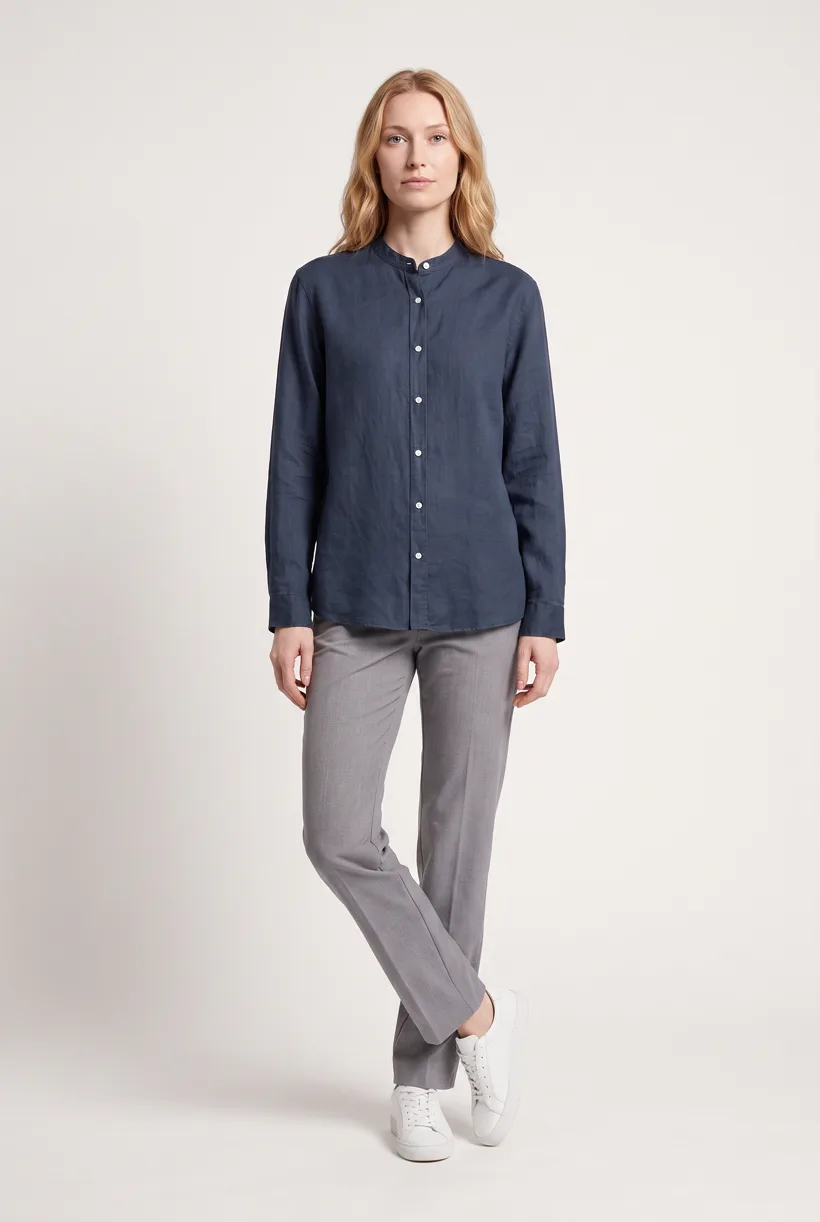
Generate the front hero
One full-body front photo of the garment on the template model, in the Basic white photoshoot art direction on the Pure White studio location.
Edit to the upper-body crop
A camera edit that reframes the front result to an upper-body front frame instead of generating a new image, so the crop comes from the same session as the hero.
Edit to the back view
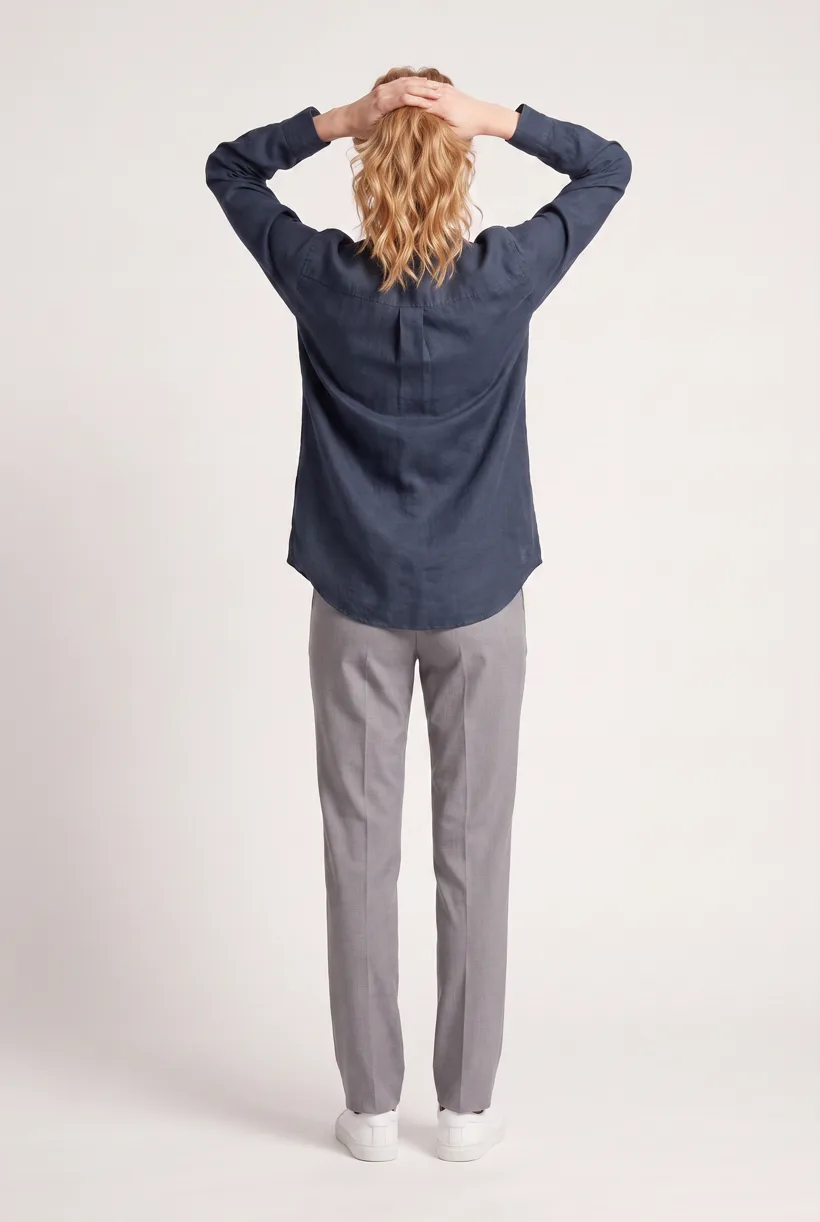
A second camera edit of the front result to a full-body back frame, so the product page gets the back of the garment from the same session.
Render the 360 turn
A 5-second Kling 3 Pro video from the front photo: the model turns a slow, full 360 degrees in place, garment readable throughout.
Outputs per garment
- Full-body front photo, 2K, 2:3
- Upper-body front photo, 2K, 2:3
- Full-body back photo, 2K, 2:3
- 5-second 360-degree video
The setup the template pins
- Template kind
- Batch workflow: runs once per garment row
- System key
- demo_full_pdp_test_white_studio
- Art direction
- Basic white photoshoot (system art direction)
- Location
- Pure White (system studio location)
- Model
- The Uwear system model by default; the assistant can swap in one of your saved models when it proposes the brief
- Image model
- nano-banana-pro, 2K, 2:3
- Video model
- Kling 3 Pro, 5 seconds
- QA
- Optional. With the AI reviewer on, each result is checked against the source product photo and flagged results are retried
- Approval
- The assistant shows a costed brief in credits before anything generates
Pure automation
Run it without an assistant
Run asynchronous generation
Use REST jobs with polling or webhook callbacks. Production Automation can instead start from garment-processed, tag-added or outfit-created events, with published versions, idempotent runs and upfront credit reservation.[10]
Map results to dealer and company records
Your catalog service connects URLs to the right style, color and company program. Decoration approvals, manufacturing files and protective-performance records stay in their own systems.[10]
Tools that target this operator
Documented features from the linked sources. These are not independent quality tests.
FastEditor
Targets workwear decoration and proof automation. A fit for logo configuration and production-file handling; it is adjacent to fashion photography, and its embroidery/DST feature is described as in testing.[4]
FASHN
Offers general product-to-model tools. A fit for catalog trials; its pricing page does not establish uniform-specific validation or protective-detail accuracy.[8]
Frequently asked questions
Yes. Connect Uwear MCP to a supported assistant, supply actual garment photos, and request a costed Product page set proposal. Approve the brief before generation. Uwear returns result URLs; delivery to your catalog needs your own tools and permissions.[10]
Use finished-garment photos and check logos, fasteners and reflective details against supplied views. The optional AI reviewer compares and retries flagged results. Generated sales images do not validate certification, protection or manufacturing artwork.[10]
No. Keep supplied size and color data with the product and evaluate each requested visual. A chosen avatar is a presentation choice, not proof of fit or complete avatar-catalog coverage. Do not assume every size needs a new image.[10]
Uwear uses credits at $0.10 per credit; see /models for model rates. The assistant shows a costed brief before generation. QA is automatic and toggleable: when on, an AI reviewer compares results with source photos and retries flagged results.[10]
Yes. Studio is the manual path: select the garment photos and generation setup, then download the results. Your team checks destination rules and uploads the files with its own catalog tools.[10]
Research
Sources and access dates
- [1]
- [2]Business-customer and uniform-wearer scale
Accessed 2026-09-07
- [3]Dealer model, Media Portal, permitted marketing uses and SmartStore
Accessed 2026-09-07
- [4]
- [6]Optional storefront profile: pixel recommendation and upload limits
Accessed 2026-09-07
- [8]
- [10]
Next step
Connect your catalog to Uwear.
Start with an assistant-led test, then build the API delivery your catalog needs.