AI fashion models
AI fashion model generator for clothing brands
Send the product photo you have and get it back worn by a model you choose once and keep, in the same light and setting on every product. An optional AI check compares each photo with the product photo.
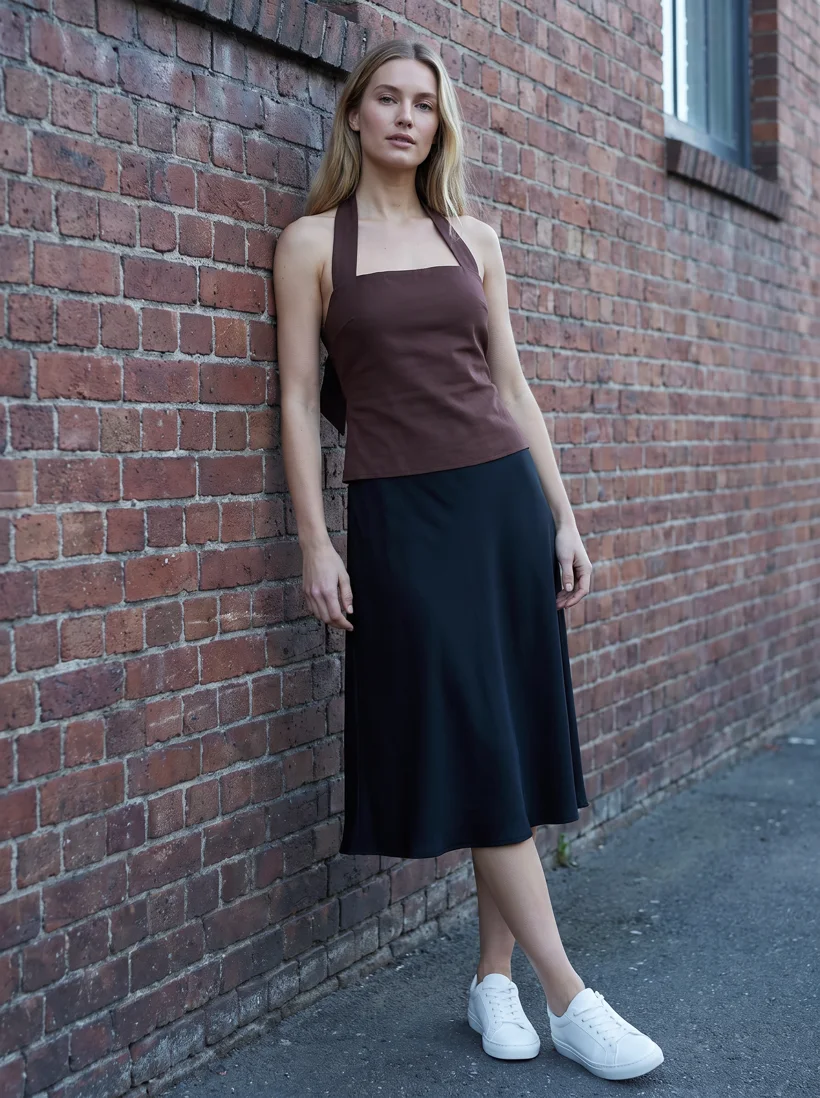
Chocolate halter and black midi skirt: the third garment of the series below, on the same model against the same wall.
Mechanism
Any garment, one model, one setting. That is what a generator has to hold.
 Input
Input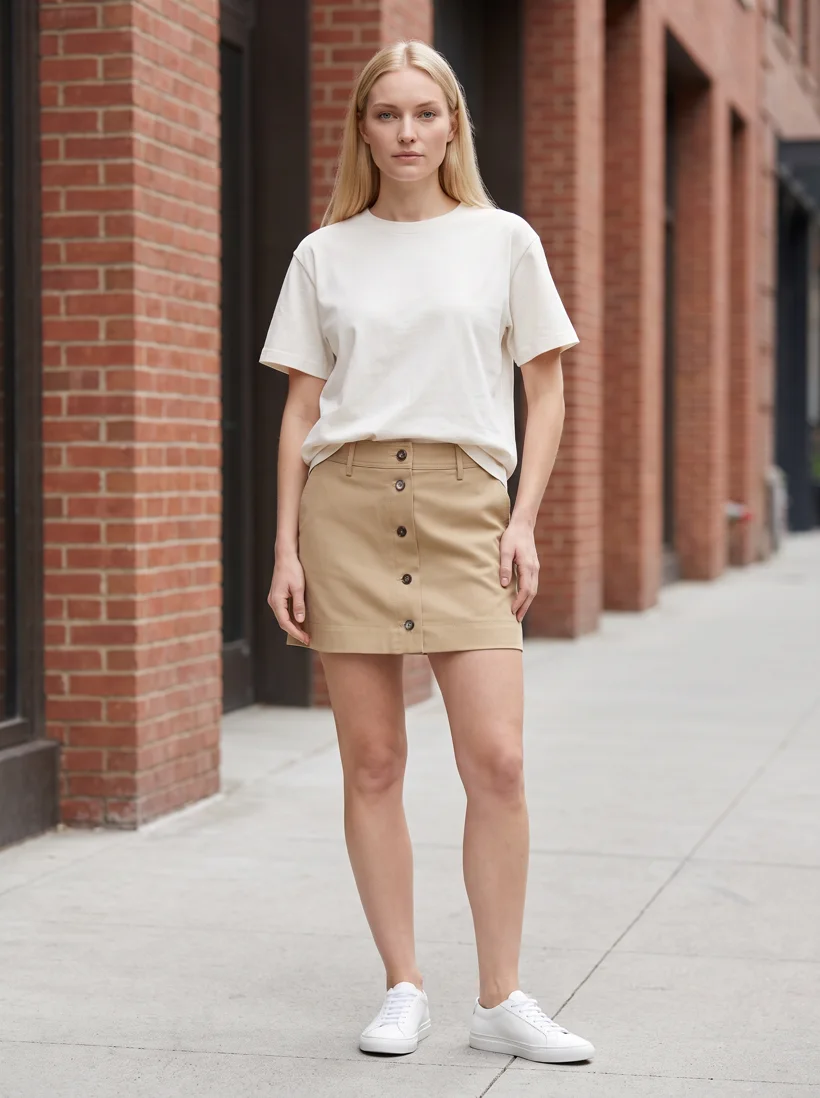 Output
 Input
Input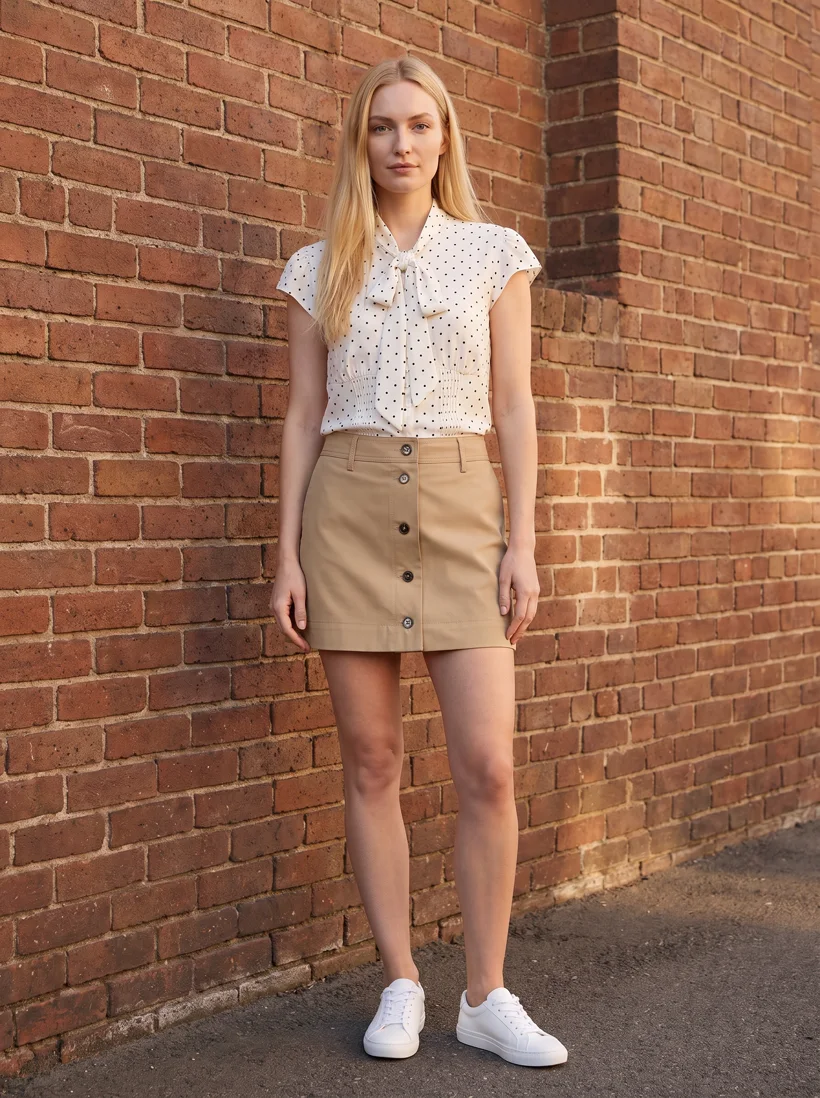 Output
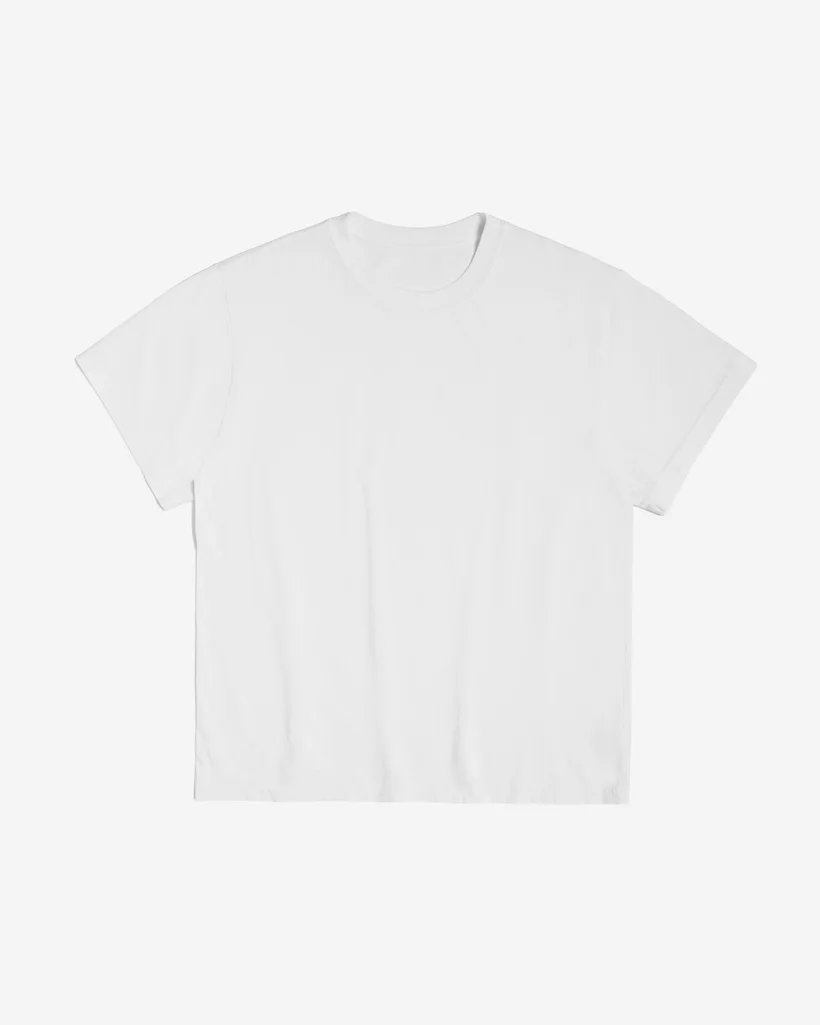
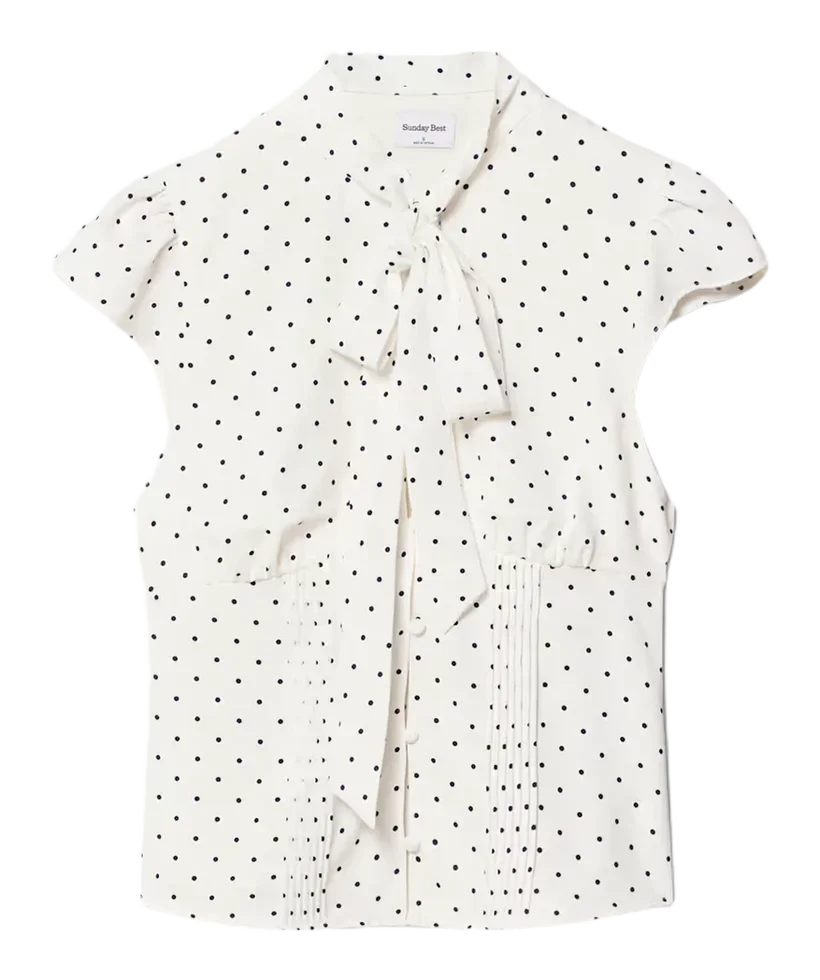
A generator for a brand is not a prompt box. Three things have to hold across hundreds of products: the model, one saved person with the same face and body every time; the art direction, meaning the set, light and framing, saved once; and the garment, read from your product photo. Uwear keeps the first two in your library and reads the third from what you upload. The pairs below and the photo above are one saved model against one brick wall, Gemini Pro at 2K, 5 credits a photo.
In numbers
What it costs, and what comes back.
| A photo | From 3 credits, $0.30 | Nano Banana 2 at 1K. 5 credits at 2K or with Nano Banana Pro, 12 with GPT Image 2 High. A credit is $0.10. |
|---|---|---|
| The AI check | 1 credit a photo, optional | Compares the result with the product photo, retries what drifted, and writes the reason on each rejection. |
| A 5-second clip | 23 credits | Kling 3 Pro, from a photo you approved, so it shows the same model and the same garment. |
| Your own model | 1 credit, once | From a description or reference photos. Picking one from the library costs nothing. |
| What you send | A product photo per garment | A flat lay, packshot, ghost mannequin or supplier photo. A clear front view is enough. |
| What comes back | Front, upper body, back, detail | The extra views are camera edits: the approved front photo re-framed, not generated again. |
| A run | Up to 10,000 images, priced first | The estimate, including the worst case on retries, is shown before you approve. |
| Where it runs | Web app, API, or ChatGPT and Claude | Assistants use the Uwear MCP server, the connector that lets them plan a job and wait for your approval. |
Workflow
The production loop
Pick or create the model
Describe the person, upload reference photos, or pick one from the library. Save it.
Send the garments
A product photo each. The photo is the reference for cut, colour and print.
Direct the run
Choose the set, light and framing once, turn the AI check on or off, approve the estimate.
Run it from your assistant
Run this photoshoot from your AI assistant with a Uwear template.
Connect the Uwear MCP server to ChatGPT, Claude, or Codex and ask for the Product page set template. It is a batch workflow that runs once per garment: front, upper-body, and back product-page shots on a white studio background, plus a 360-degree video, from one garment photo. Any Uwear account can load it by name, and the assistant shows a costed brief in credits before generation starts.
For three lifestyle photos and a clip per garment in a campaign setting, ask for the "Instagram drop" template instead.
Copy this prompt into your assistant
Connect to the Uwear MCP server and load the "Product page set" template. Run it on my garment photos with my saved model and my saved art direction, turn the AI reviewer on, and show me the costed brief before generating.
Frequently asked questions
A tool that takes a photo of a garment and produces a photo of a person wearing it. The ones built for brands add what a single prompt does not carry: a saved model that appears on every product, a saved art direction so the set and light match across a collection, and a check of each result against the product photo.
Virtual try-on puts a garment on a shopper, one photo at a time, on the storefront. A fashion model generator produces the listing, campaign and lookbook photos for the catalog itself, on a model the brand chooses, in a direction the brand sets, across every product in a run. Uwear does the second.
The product photo you send is the reference: silhouette, colour, prints and construction details carry over from it, and the AI check compares those details against your photo and retries what it flags. Uwear does not offer a fidelity guarantee; it offers the check, the retry and an approval queue where you see the rejected takes.
Image and video models from Google, OpenAI, ByteDance, Kuaishou and PixVerse, plus Uwear’s own. The image model is one setting in a run, and the rate per photo depends on it. The photos on this page were generated with Gemini Pro at 2K. You can compare models on your own garments.
Generated on-model photos are used on product pages, campaigns and marketplaces today. Disclosure rules depend on where you sell; the EU AI Act provenance guide on the blog covers labeling for fashion brands, and every file Uwear delivers carries an invisible watermark and C2PA origin metadata, the open standard that records where an image came from.
Next step
Map this workflow into your catalog operation.
Start with the use case, then decide whether the right access path is Studio, API, MCP, or a custom enterprise rollout.
Related
- Flat lay to on-model photosThe input most brands start from, and what the generator does with it.
- Catalog visuals at scaleRun the same model across thousands of product page visuals with batch delivery.
- Keep product photos consistent across hundreds of SKUsThe three-garment series on this page, with the reviewer verdicts, including the rejected takes.
- Best AI fashion generatorsHow Uwear compares with the other tools for generating fashion model photos.
- EU AI Act provenance guideHow to label and disclose AI-generated imagery where you sell.