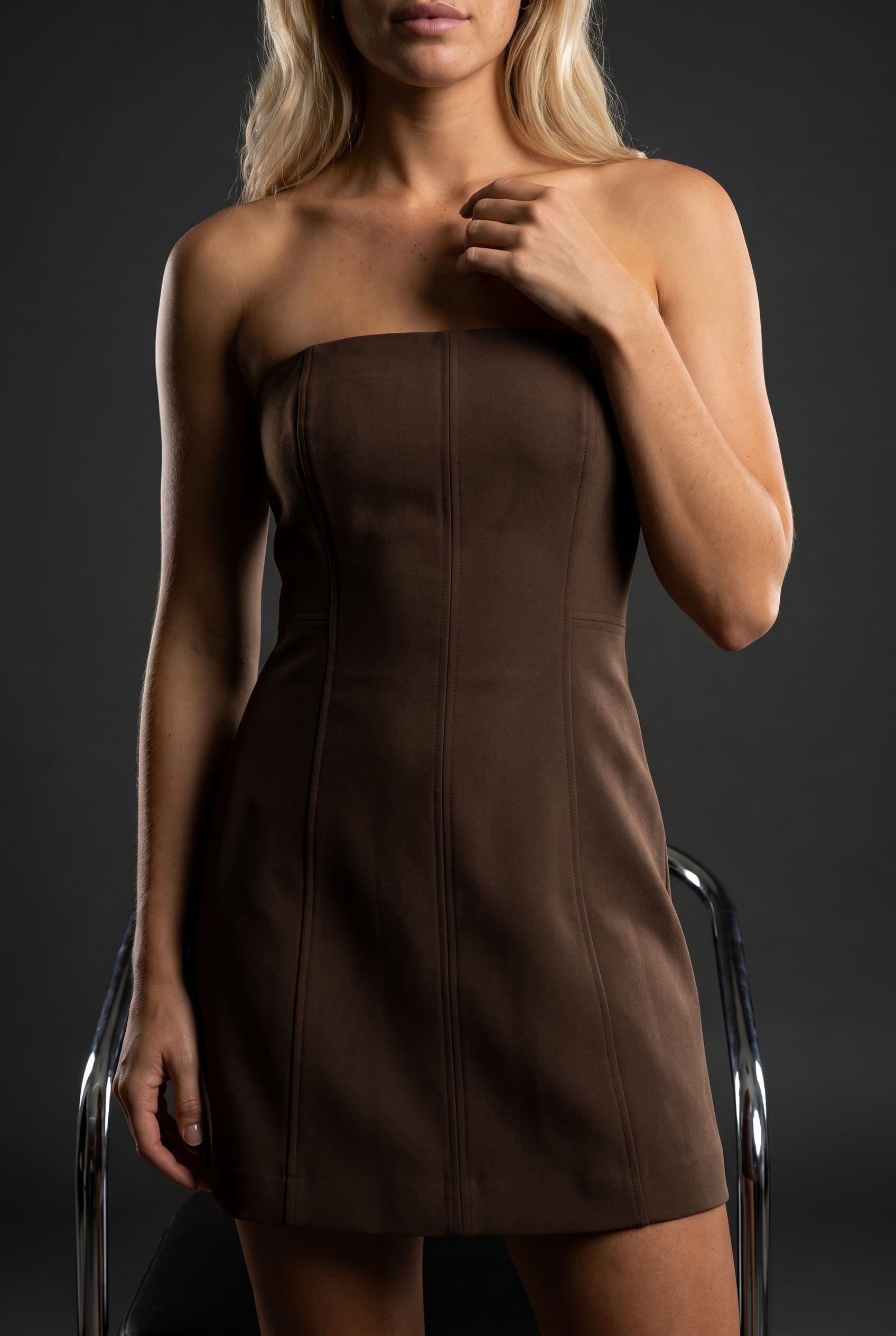
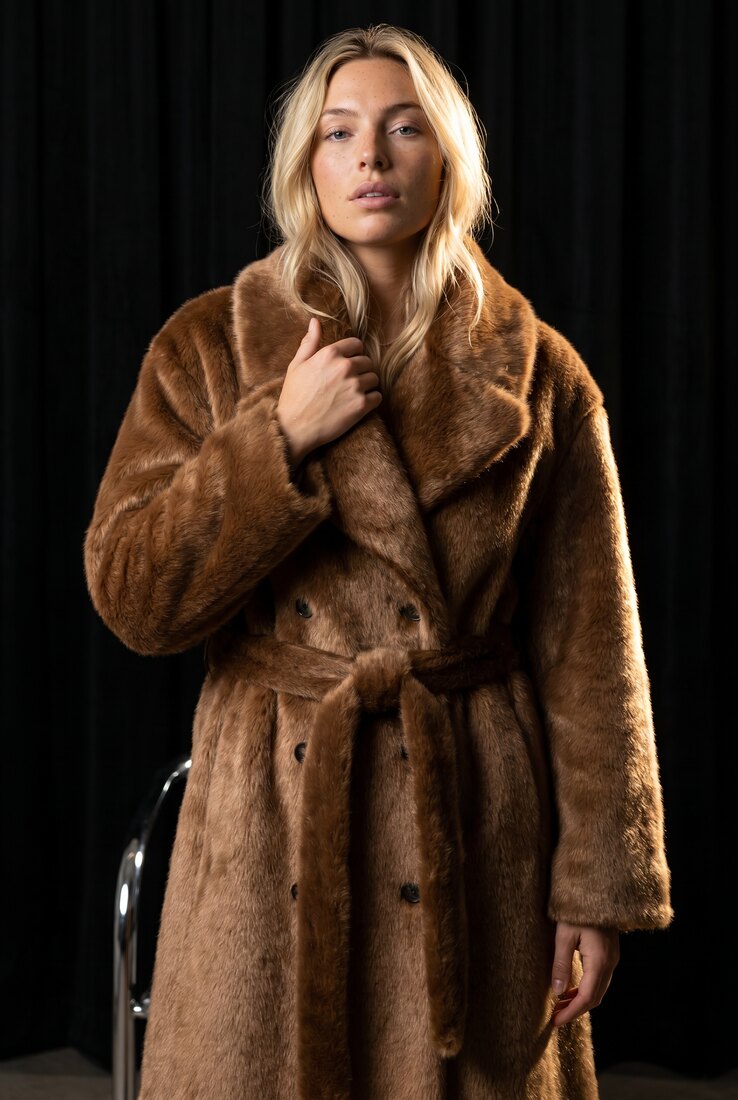
New: Agent Mode

Describe the Shoot.
Get the Photos.

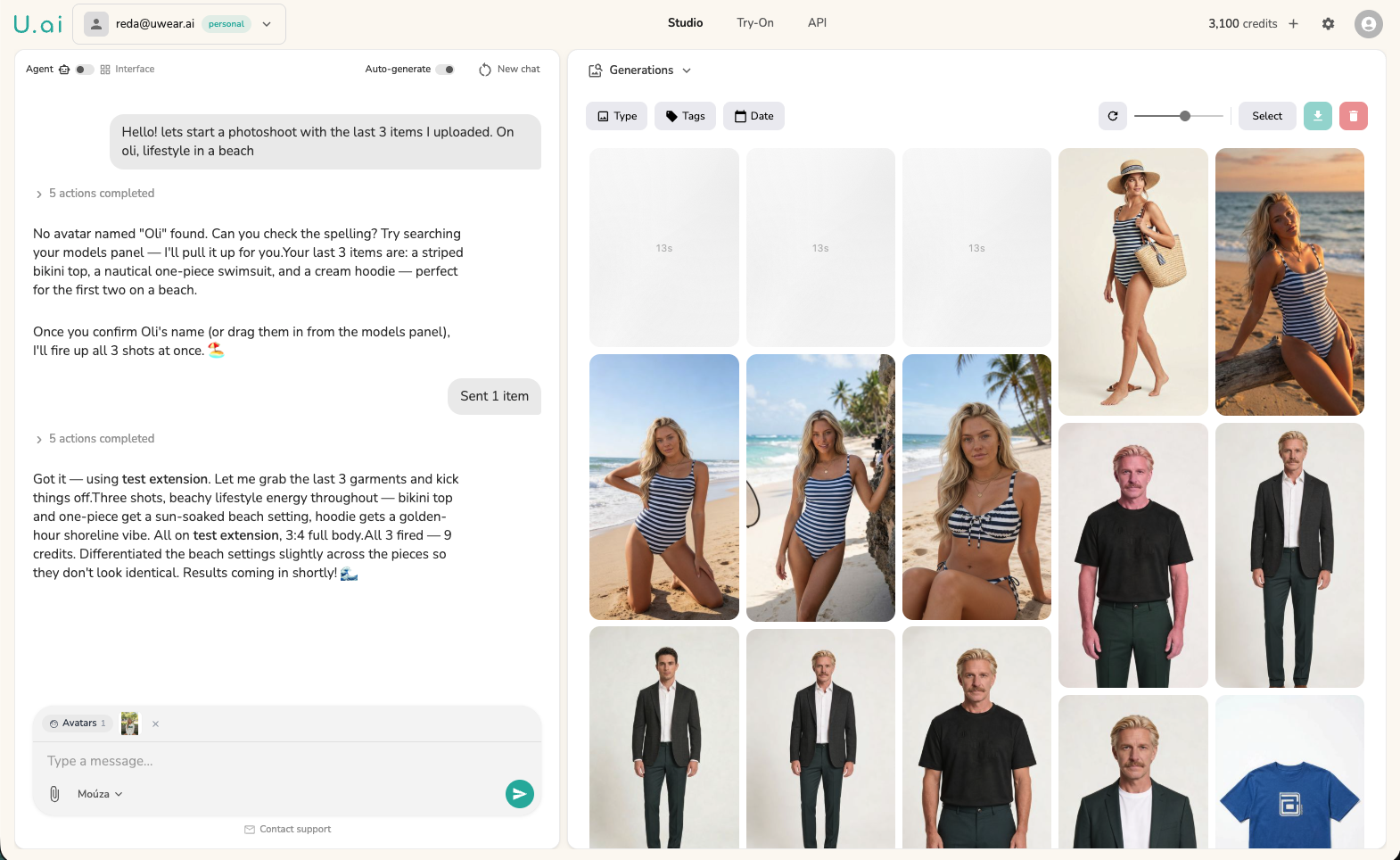
Mouza is an AI fashion photography agent that lives inside your Uwear studio. Describe the catalog you need in plain language. Mouza handles clothing selection, model assignment, styling, and batch generation, all from one conversation.

See Mouza in Action

Agent Mode vs. the Alternatives

Three ways to create AI fashion photos, compared side by side.

Agent Mode (Mouza)Interface ModeGeneric AI (ChatGPT, Midjourney)
How you workDescribe the shoot in plain languageClick through menus, sliders, and config panelsWrite image prompts one at a time
Fashion knowledgeUnderstands editorial vs. catalog framing, fabric behavior, pose conventionsFashion-trained generation engineGeneric image generation with no fashion specialization
ScaleHundreds of photos per conversation, batched and organizedBatch generation via CSV upload2-4 images per prompt
StylingPairs pieces into styled outfits from your collection automaticallyManual outfit assembly per generationNo access to your products
Multi-step workflowsChains generation, editing, upscaling, and video automaticallyEach step is a separate screenManual, one step at a time
Brand memoryRemembers your models, styles, past shoots, and catalog structureShared model library and generation historyStarts from scratch every session
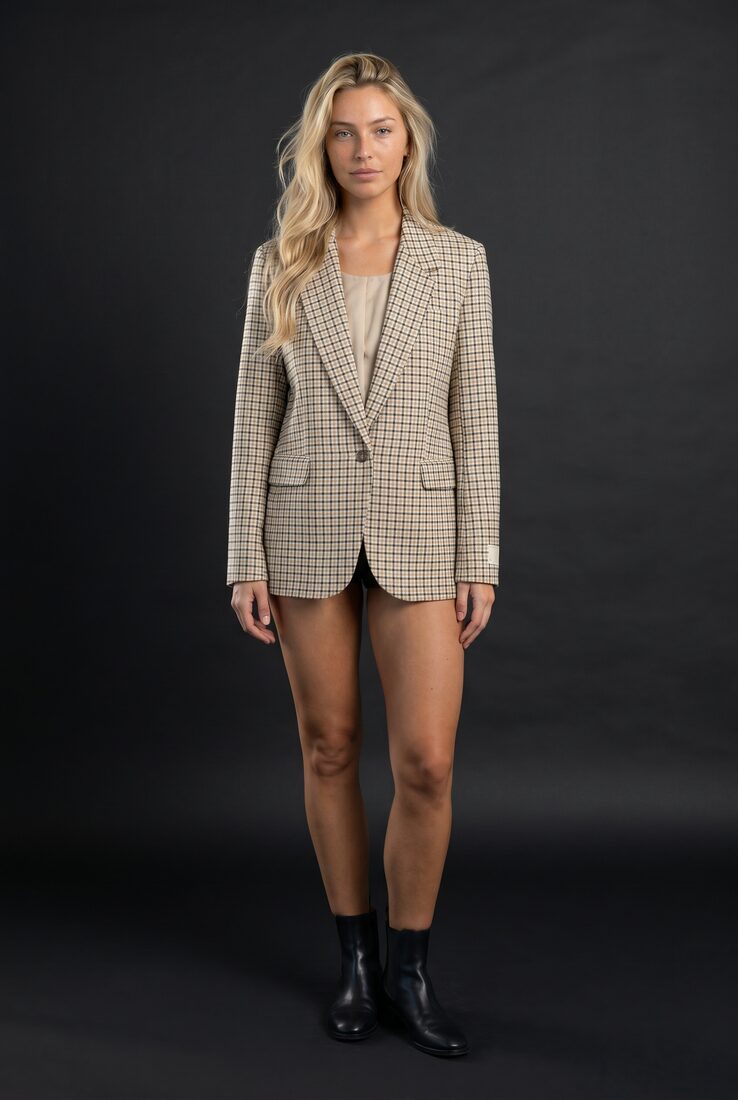
Catalog-scale AI photoshoots

One Conversation. Hundreds of Photos.

Drop 30 clothing items into the chat and describe the shoot you want. Mouza builds a structured brief: which items go on which models, how many shots per piece, what each shooting set looks like. Review the brief, adjust anything, and hit generate. The full batch runs in the background, organized by item, ready to download.

Creative styling from your own collection

AI That Styles Outfits, Not Just Generates Images

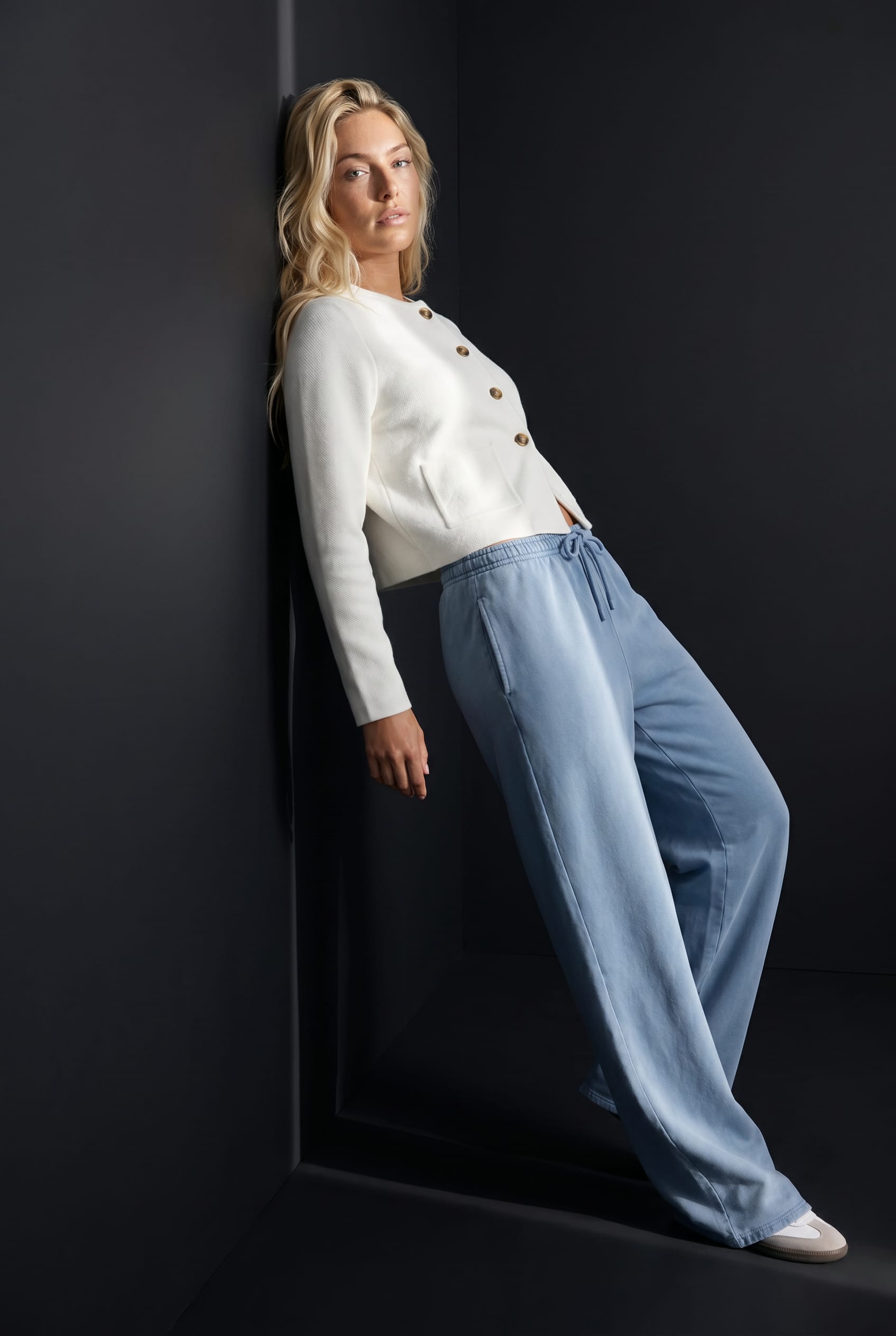
Drop your full collection and ask for a lookbook shoot. Mouza analyzes the pieces and builds styled outfits that work together: pairing the linen blazer with the wide-leg trousers, matching the silk top to the midi skirt, grouping complementary colors for cohesive editorial sets. The result is a lookbook that feels curated, not auto-generated.

Multi-step workflows from a single message

One Ask. Every Angle.

Tell Mouza you want 'the photoshoot template' on any garment. She produces a fullbody hero shot, three angle edits (front, side, back), and a 360-degree video. In the studio interface, this workflow takes five separate steps across different screens. With Mouza, it's one sentence. She chains each generation step automatically, passing the output into the next.

Brand memory and catalog awareness

Connected to Everything in Your Workspace

Mouza isn't a standalone chatbot. She's connected to your uploaded clothing, model library, generation history, and brand preferences. Mention a model and she surfaces the right options from your library. Reference a past shoot and she pulls up the settings. Every conversation picks up where the last one left off, so you never re-explain your brand.

Mouza AI agent interface showing a generation in progress with chat on the left and visual results on the right

How Agent Mode Works

1

Upload Your Clothing

Drop flat-lays, mannequin shots, or ghost mannequin images into your Uwear workspace. Mouza can see everything you upload.

2

Describe the Shoot

Tell Mouza what you need: "editorial lookbook, warm lighting, tall model, earthy tones." She translates plain language into generation parameters.

3

Review and Generate

Mouza presents a structured brief. Adjust anything you want, then hit generate. The full batch runs in the background, organized and ready to download.

What Brands Use Agent Mode For

One conversation can replace an entire production workflow. Here's how fashion brands are using Mouza.

Full Catalog Shoots

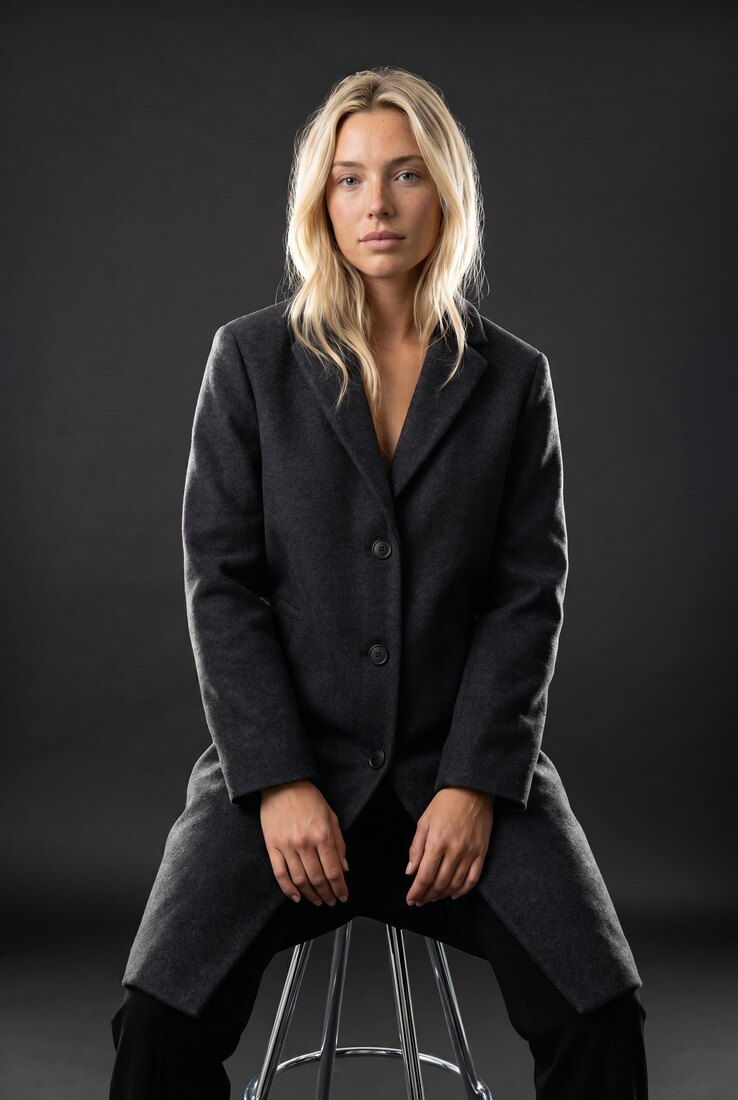
Drop 30 items, describe the vibe, and generate your entire seasonal catalog in one conversation. No CSV uploads, no manual batching, no configuration screens.

Styled Lookbooks

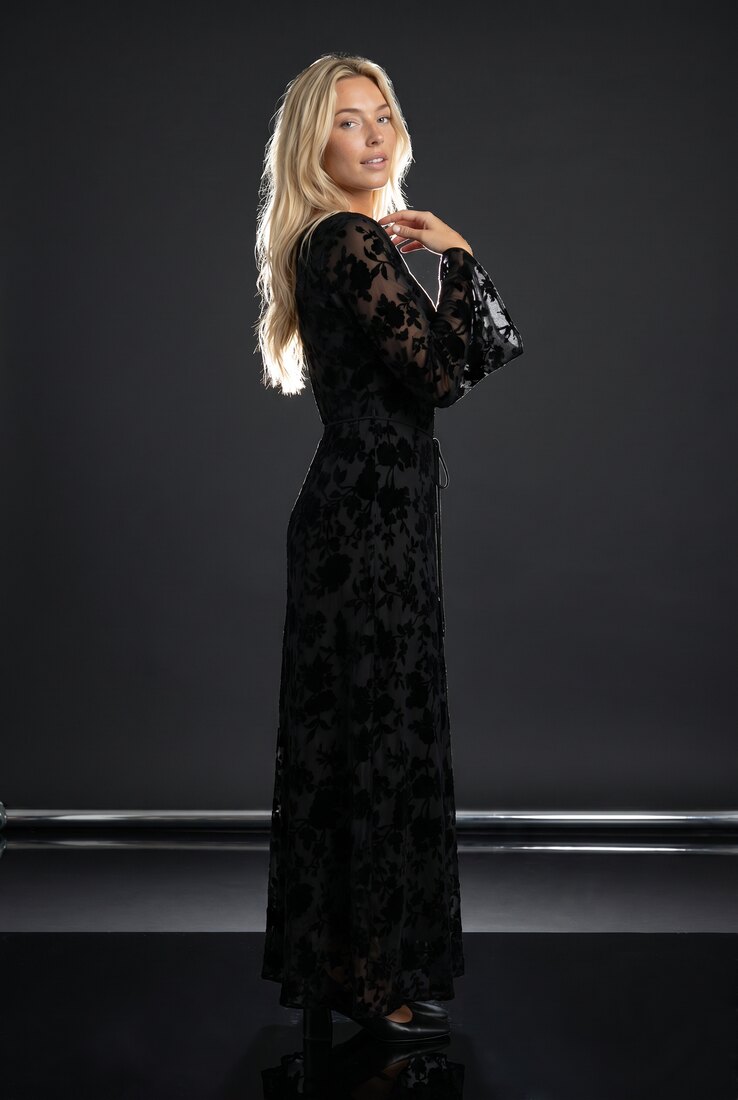
Ask Mouza to build a lookbook from your collection. She pairs pieces into outfits that work together, choosing complementary colors and editorial groupings automatically.

Product Detail Sets

Request "the photoshoot template" on any garment and get a hero shot, angle edits, and 360 video. Five output types from one sentence, chained automatically.

Brand Consistency at Scale

Mouza remembers your preferred models, lighting style, and brand aesthetic across sessions. Every product page looks like it came from the same cohesive shoot.

Marketplace Expansion

Launching on a new channel? Describe the requirements and Mouza generates platform-ready images across every marketplace simultaneously, with consistent quality.

Pre-Production Visualization

See how designs will look on models before manufacturing. Test colorways, validate demand, and pitch to buyers with AI-generated catalog visuals from sketches or samples.

Agent Mode FAQ

What is an AI fashion photography agent?

How is Mouza different from ChatGPT for generating fashion photos?

Can Mouza generate photos for my entire product catalog?

What output types does Mouza support?

Do I still need the studio interface if I use Agent Mode?

Does Mouza remember my brand preferences across sessions?

How much does it cost to use Mouza / Agent Mode?

If You Can Describe a Photoshoot, You Can Run One

Upload your clothing, tell Mouza what you need, and watch your catalog come together. No menus, no presets, no learning curve.