Outcome: Average Order Value
Grow average order value with outfit imagery.
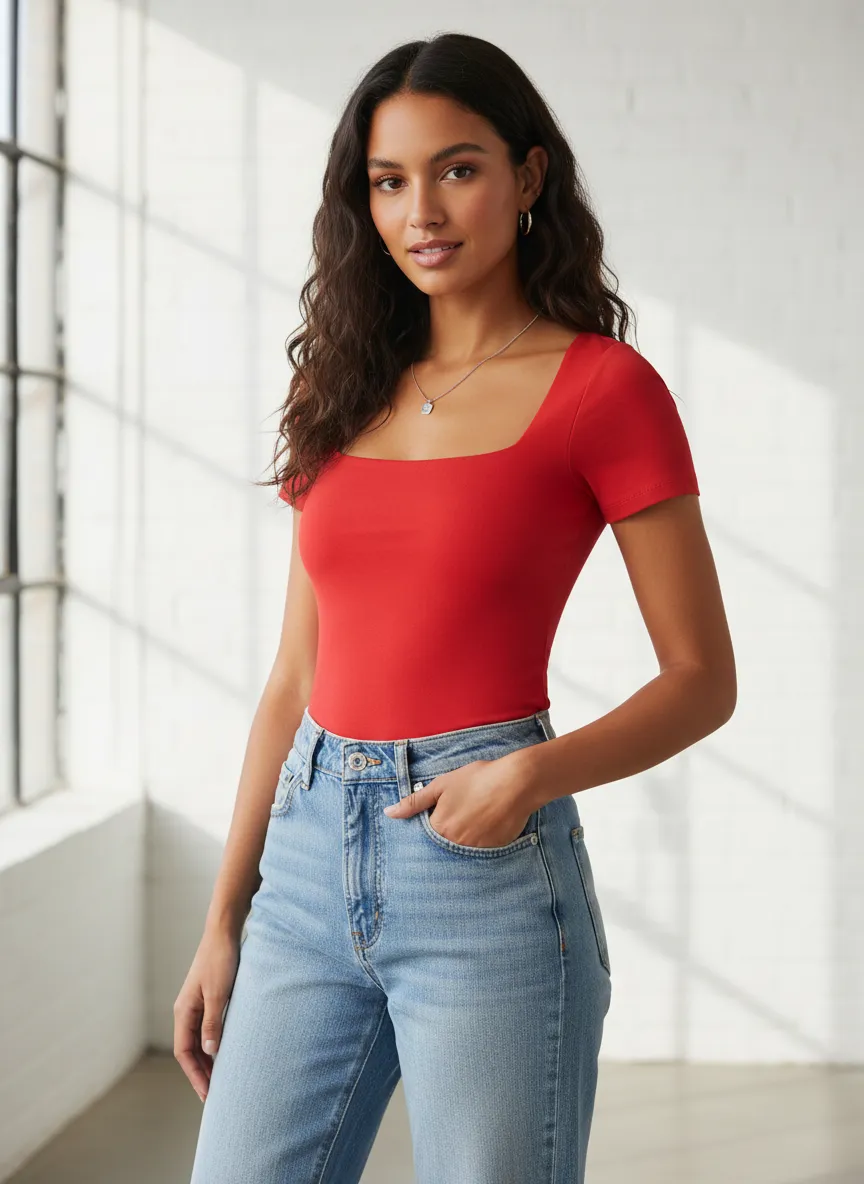
Sell complete looks instead of isolated SKUs. Uwear generates on-model outfit combinations at catalog scale so merchandising teams can merchandise the long tail.
Industry context
Outfit merchandising is an old idea, newly affordable.
Static visual bundling has documented AOV gains for years. The constraint was always photo production cost. Generative visual production removes that constraint, so teams can merchandise combinations instead of single items.
- Visual bundling uplift
- 20 to 40%
- Units per transaction
- +0.5 items
- Marginal cost per look
- Near zero
Documented AOV range from static Shop the Look platforms such as Stylitics and FindMine.
Average UPT increase reported across visual bundling benchmarks in apparel.
Once art direction is locked, additional outfit renders add seconds, not studio days.
Industry figures are cited as context for the category, not as a guarantee of Uwear results. Modeled impact depends on catalog, integration depth, and shopper engagement.
Mechanism
Turn product assets into styled outfit coverage.
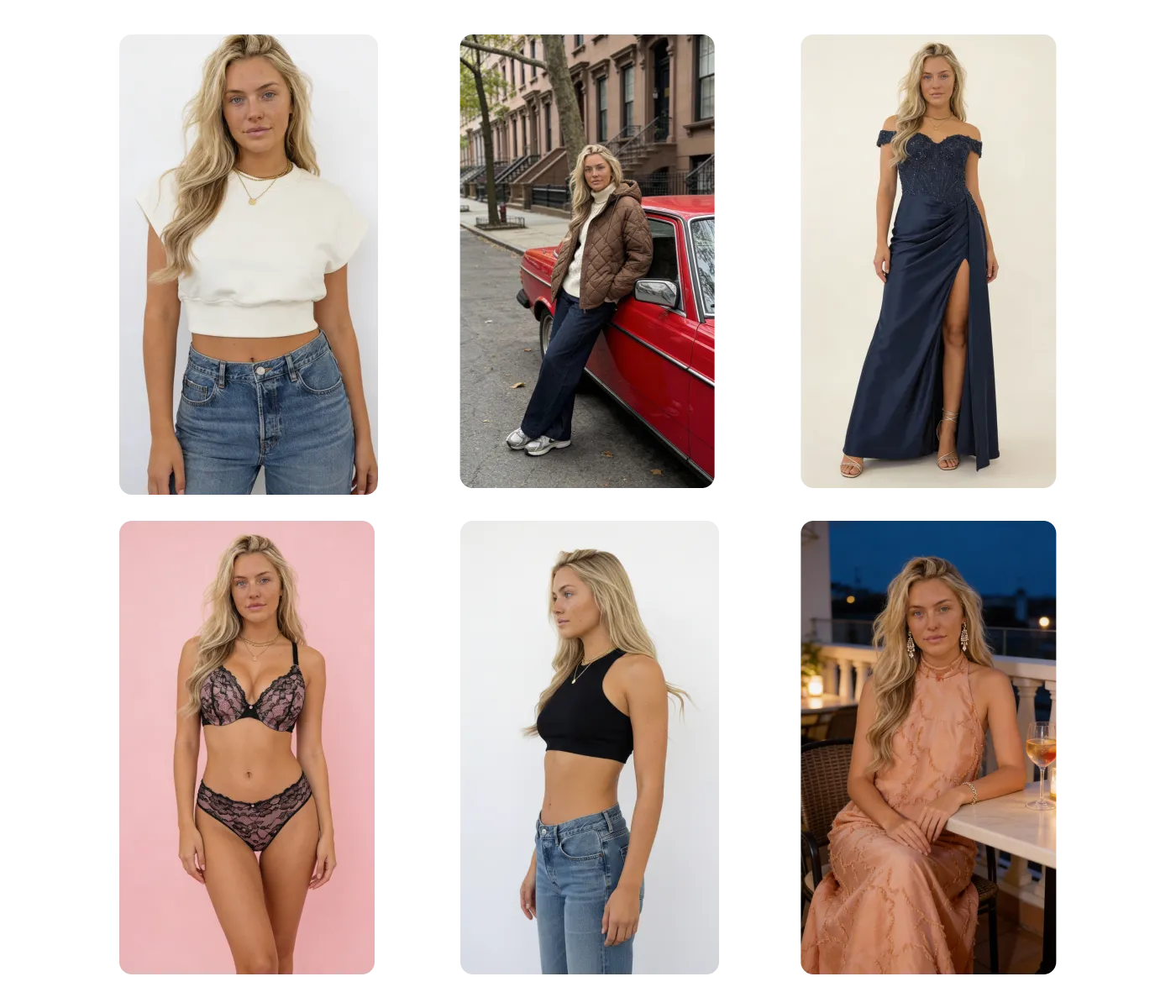
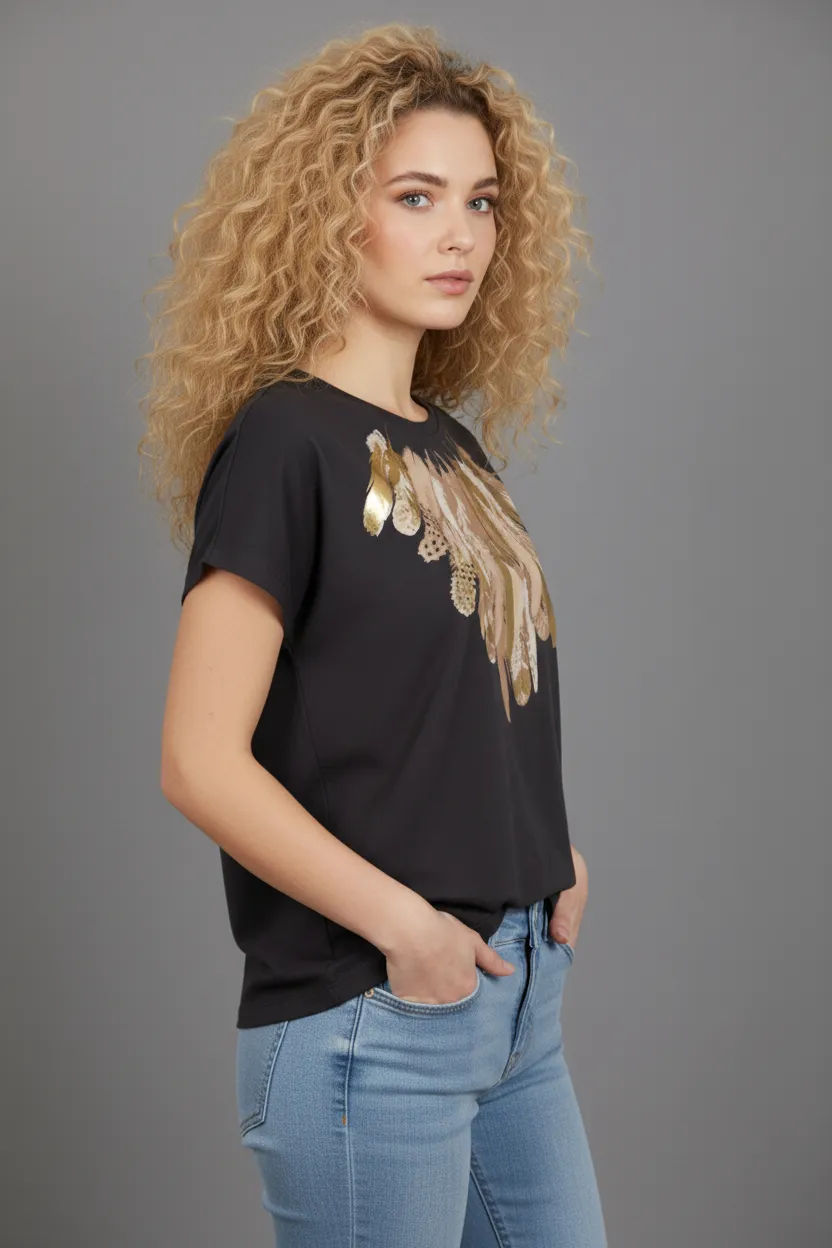
Uwear takes flat product inputs and a reusable art direction, then generates consistent on-model imagery across the catalog. The same engine produces single product shots, complete outfits, and channel variants, so merchandising can build looks without booking a shoot.
- Pair any top, bottom, and accessory from the catalog, including last season pieces, without a new production run.
- Lock one art direction so generated looks stay on brand across batches and seasons.
- Generate at API or batch volume, then route outputs through QA, retries, and approvals before they reach the storefront.
- Hand finished visuals to PIM, DAM, or the storefront with metadata and provenance intact.
Use cases
Where visual production lifts AOV.
Outfit imagery is one application of the same visual production engine. Teams can mix and match these modes depending on the merchandising goal.
- 01Explore MCP automation
Outfit and cross-sell generation
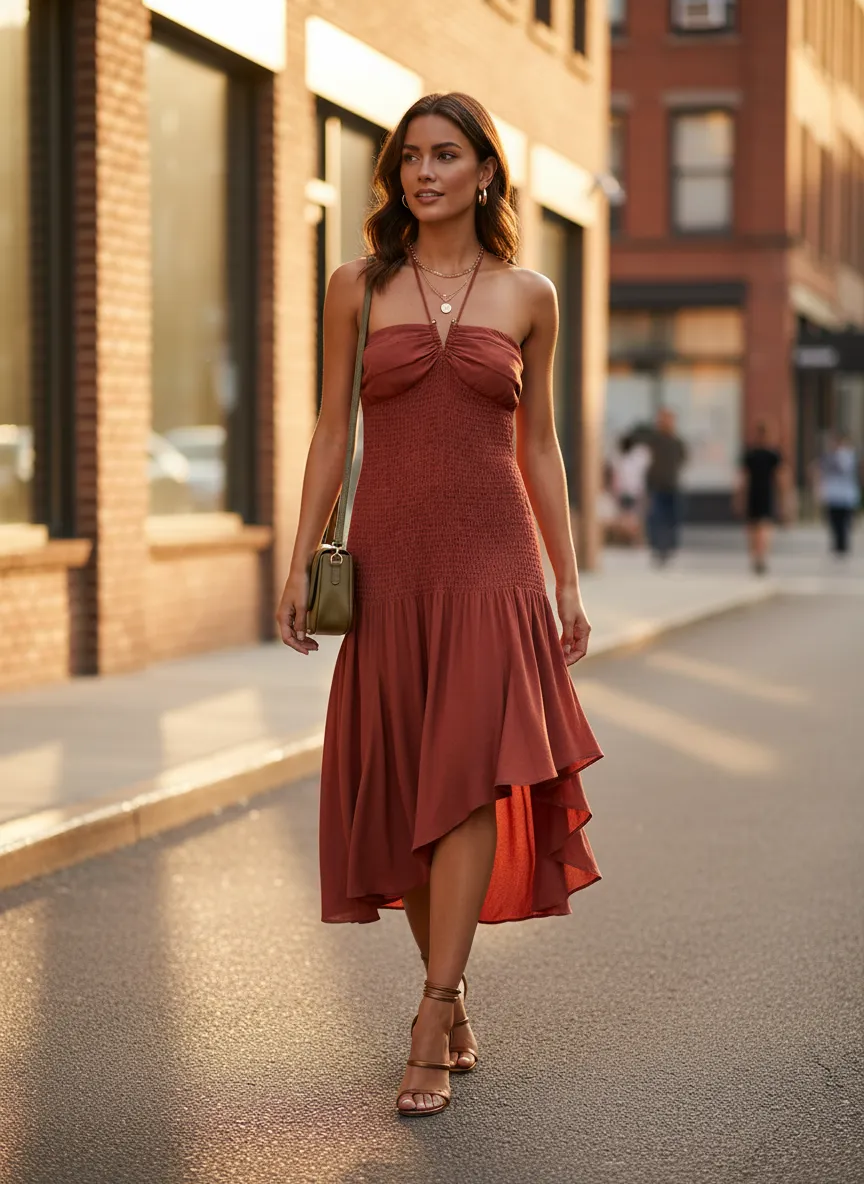
Render complete looks from SKUs already in the catalog and surface them on product detail pages, collection pages, and email.
- 02See catalog visuals
Catalog coverage for the long tail
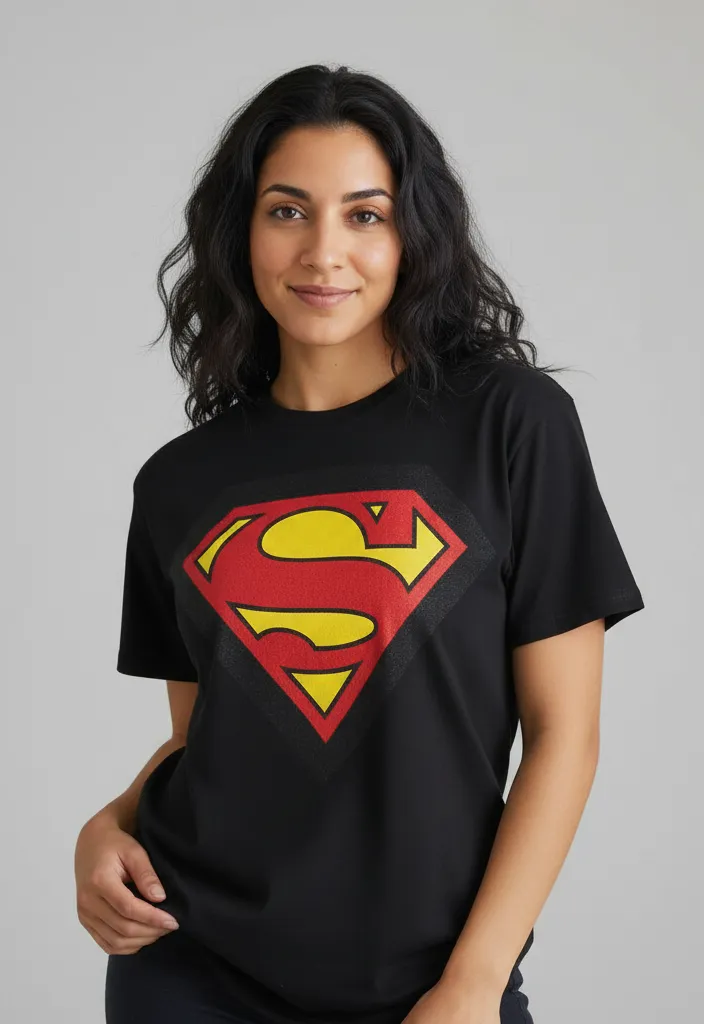
Generate on-model imagery for products that never received a full shoot, including older inventory and slow movers.
- 03Read about try-on
Virtual try-on for shoppers
Let shoppers see a look on themselves, which can convert intent into a larger basket when paired with outfit suggestions.
- 04Read the batch feature
QA and approvals before publish
Review, retry, and approve generated looks so only on-brand outfits reach the storefront and email.
Operating playbook
How merchandising teams can use this.
A practical sequence for turning visual production into AOV movement, without rebuilding the storefront.
- 01
Identify the long tail and hero gaps
Start with products that lack outfit imagery, plus hero items that could anchor cross-sell bundles. Prioritize by traffic and margin.
- 02
Lock one art direction
Define model, lighting, crop, and styling once. Reuse it across batches so generated looks feel like one catalog, not a patchwork.
- 03
Generate, review, and approve
Run outfit combinations through the studio or API, route them through QA, and approve only the looks that meet the brand bar.
- 04
Measure and iterate
Track AOV and units per transaction on pages with generated looks versus control pages, then expand what works.
Next step
Map your first outfit workflow.
Start with a demo. Then decide between studio, API, MCP, or a custom path that fits your merchandising team.