Outcome: Conversion Rate
Lift conversion with imagery shoppers can trust.
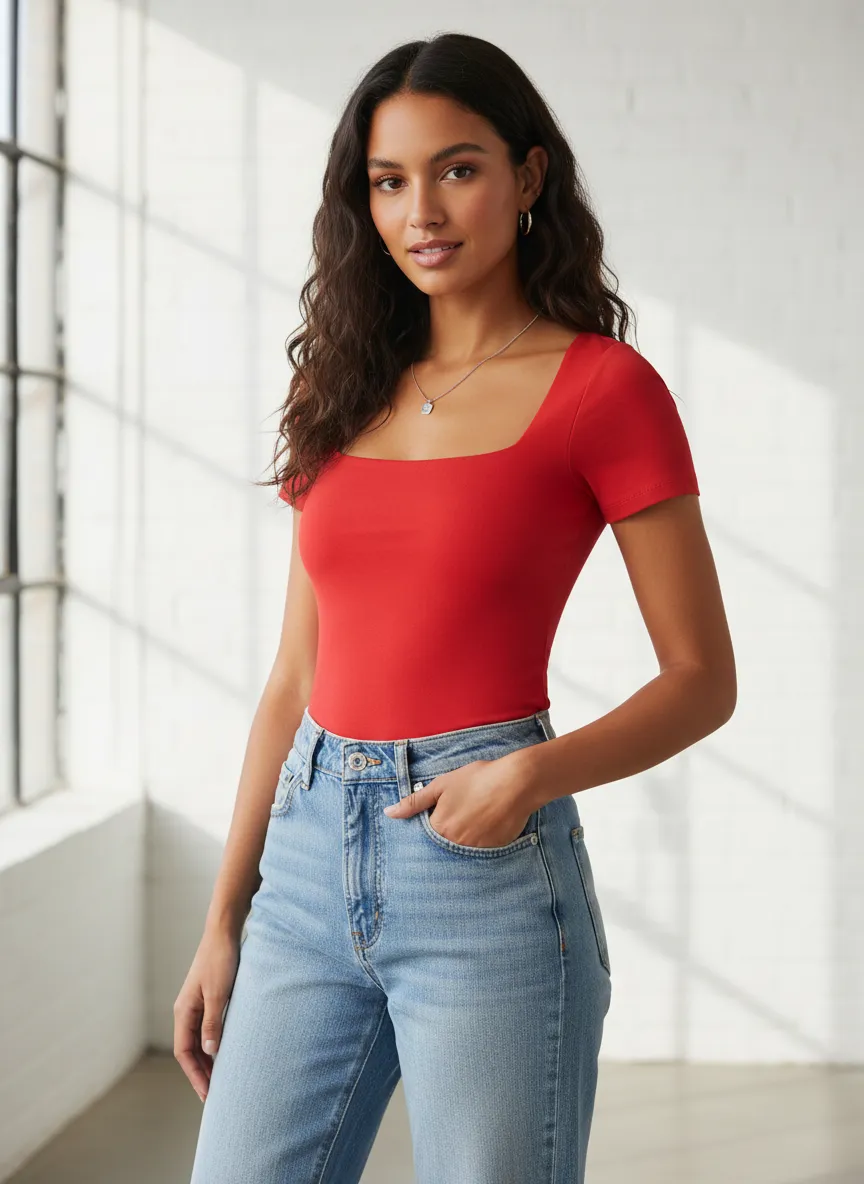
Fashion conversion has been stuck near 2 to 3 percent for years. Uwear replaces flat product shots with consistent on-model visuals so shoppers can judge fit, styling, and quality before they buy.
Industry context
Visual confidence drives purchase.
Decades of optimization have improved checkout and speed, but the core blocker remains: shoppers cannot see how a garment looks on a body. Visual try-on and on-model imagery address that gap directly.
- Fashion conversion baseline
- 2 to 3%
- Engaged try-on uplift
- 30 to 90%
- Shopper demand for AR and try-on
- 7 in 10
Long-standing apparel e-commerce conversion range across most regions.
Reported conversion lift range for users who actively engage with virtual try-on in published case studies.
Share of shoppers who say they would shop more often if augmented reality or try-on were offered.
Figures are drawn from published industry research and vendor case studies, shared as category context. Uwear results depend on catalog, integration, and how shoppers engage with the experience.
Mechanism
From flat product shot to on-model confidence.
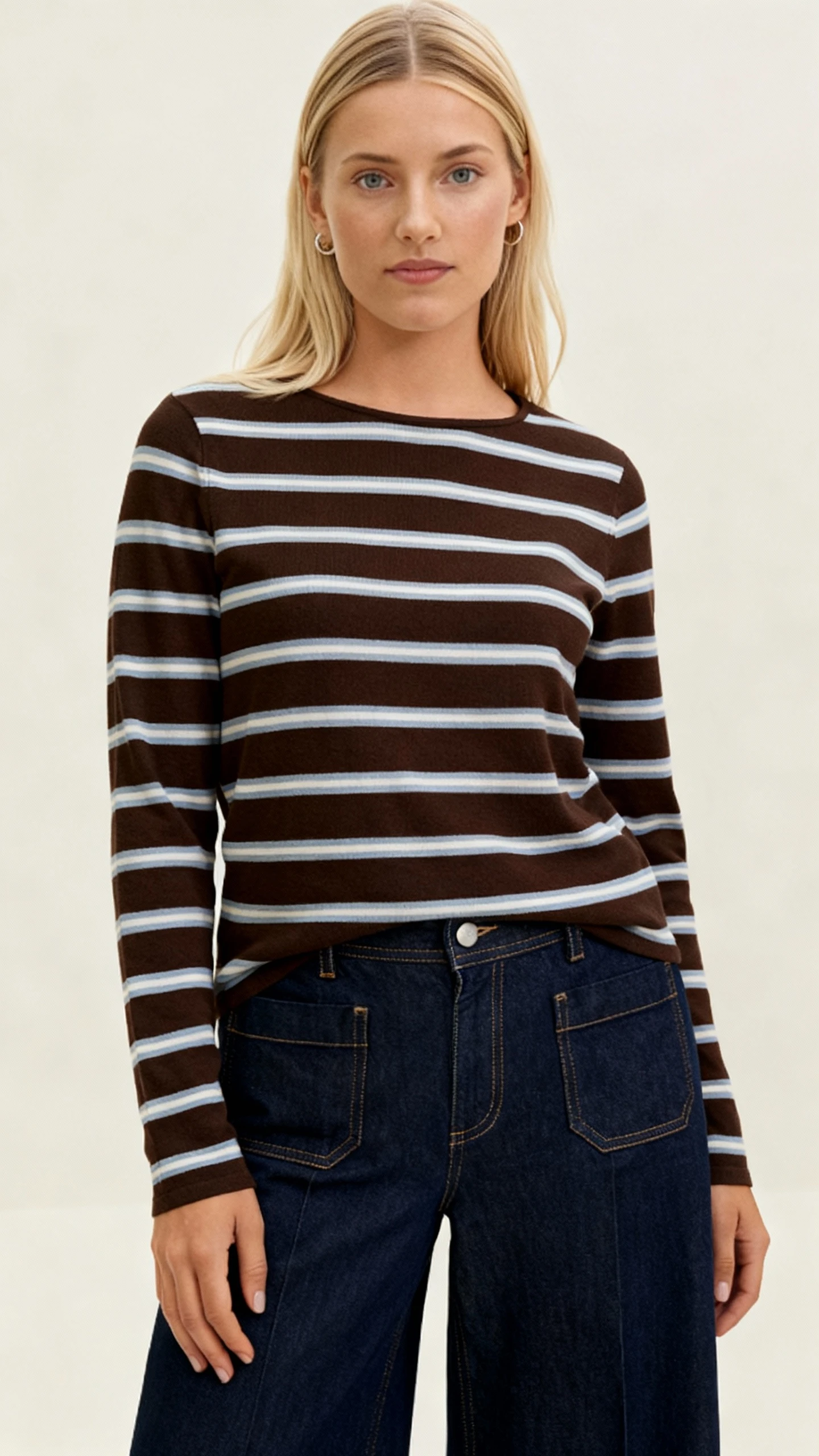
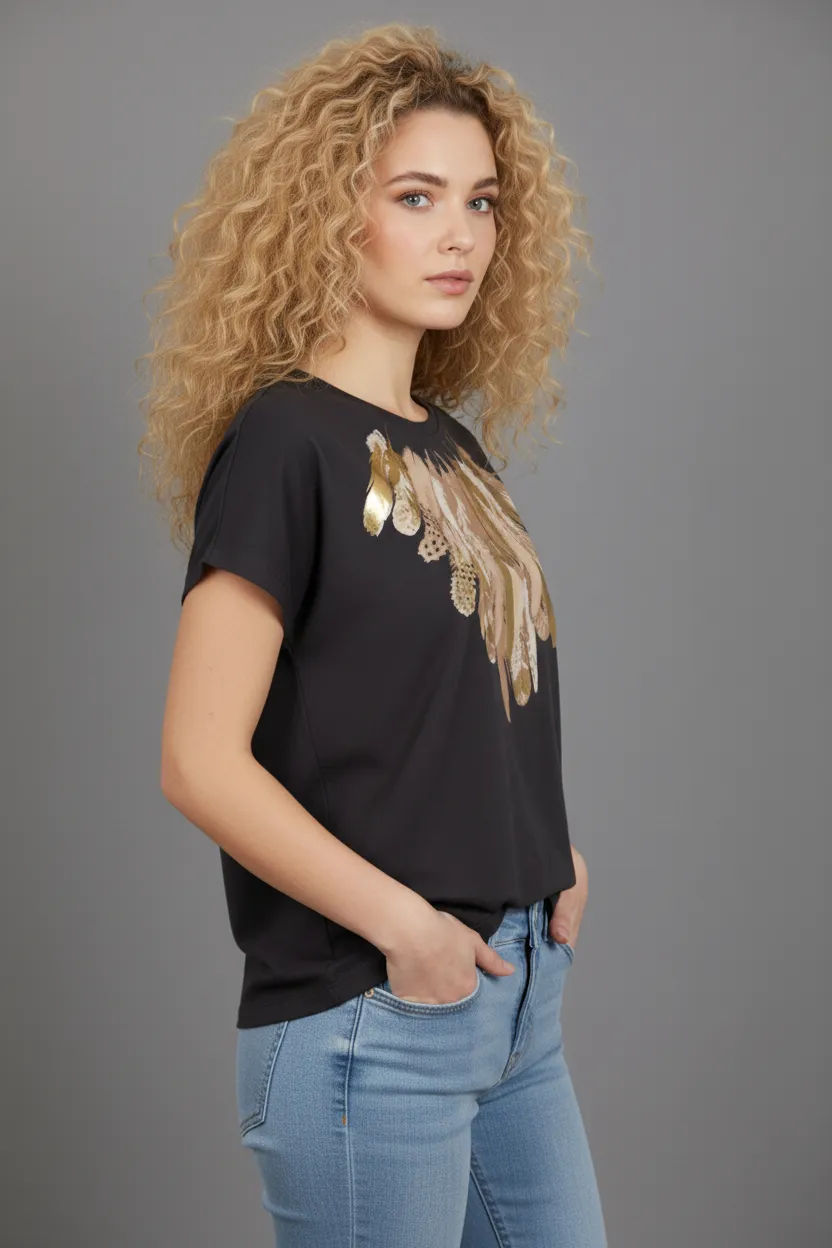
Uwear takes a flat product photo plus a reusable art direction and returns on-model visuals that stay consistent across the catalog. Shoppers see the garment on a body, in context, with the lighting and crop the brand locked in.
- Replace isolated product silos with on-model imagery that shows fit, drape, and styling together.
- Generate alternate views, model diversity, and channel variants from the same locked art direction.
- Feed the same visuals into virtual try-on so shoppers can see a look on themselves, not just on a model.
- Keep page load fast by serving optimized, ready-to-publish images through your existing CDN.
Use cases
Where visual production lifts conversion.
On-model imagery is one application of the same engine. Teams can combine these modes across the funnel.
- 01See catalog visuals
Catalog consistency at scale
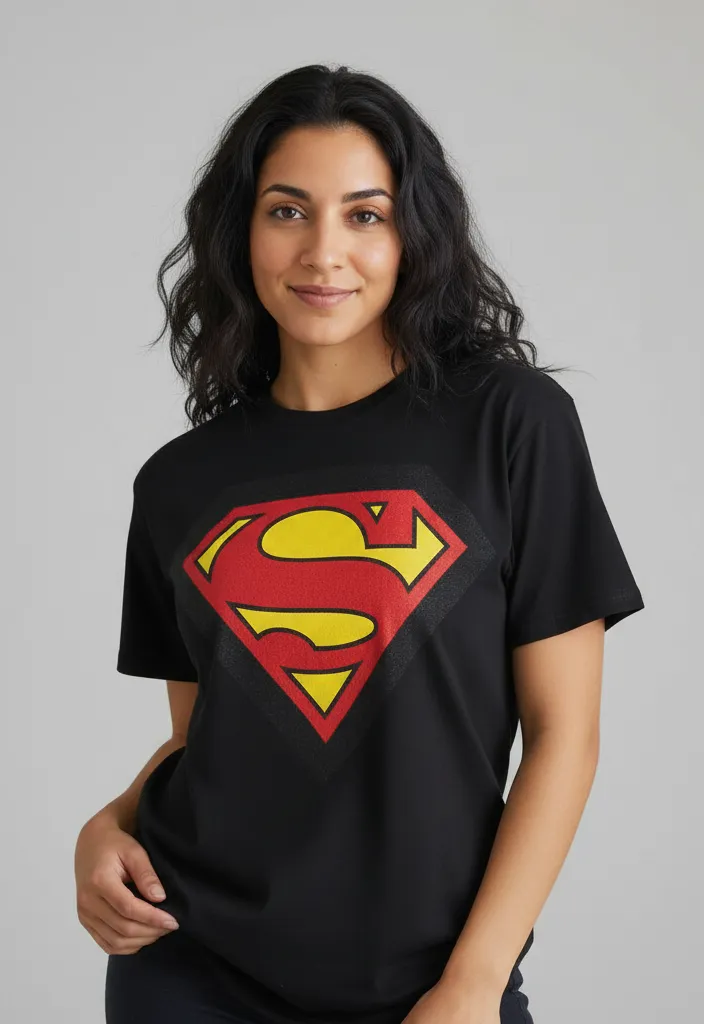
Replace inconsistent supplier and legacy photos with a single on-brand look across every product page.
- 02Read about try-on
Virtual try-on for shoppers
Let shoppers see a garment on themselves, which can move fence-sitters toward a confident purchase.
- 03Explore agent mode
Outfit and cross-sell generation
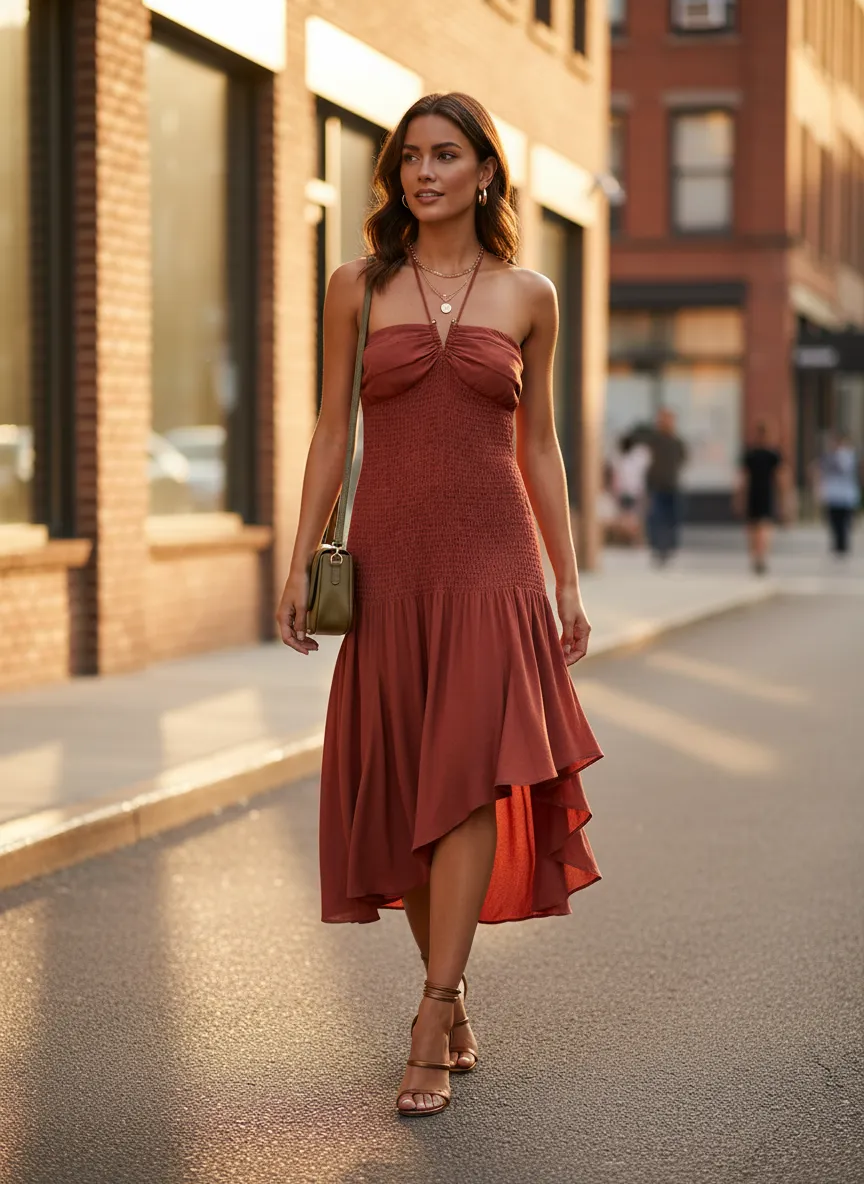
Show complete looks on product pages so shoppers can evaluate the styling, not just the single item.
- 04Read the batch feature
QA and approvals before publish
Review, retry, and approve generated visuals so only on-brand imagery reaches the storefront.
Operating playbook
How conversion teams can use this.
A practical sequence for moving visual production from experiment to a measured conversion lever.
- 01
Find the low-confidence pages
Identify products with high traffic and low conversion, especially those using flat or inconsistent supplier photography.
- 02
Lock one art direction
Define model, lighting, crop, and styling once so the entire catalog feels like one coherent shoot.
- 03
Generate, review, and ship
Produce on-model visuals through studio or API, route them through QA, and replace low-confidence imagery at scale.
- 04
Layer in virtual try-on
Where it fits, add try-on so shoppers can see a look on themselves, then measure conversion lift against control.
Next step
Map your first conversion workflow.
Start with a demo. Then decide between studio, API, agents, or a custom path that fits your conversion team.