Use case · Virtual try-on
Shoppers see it on themselves before they buy.
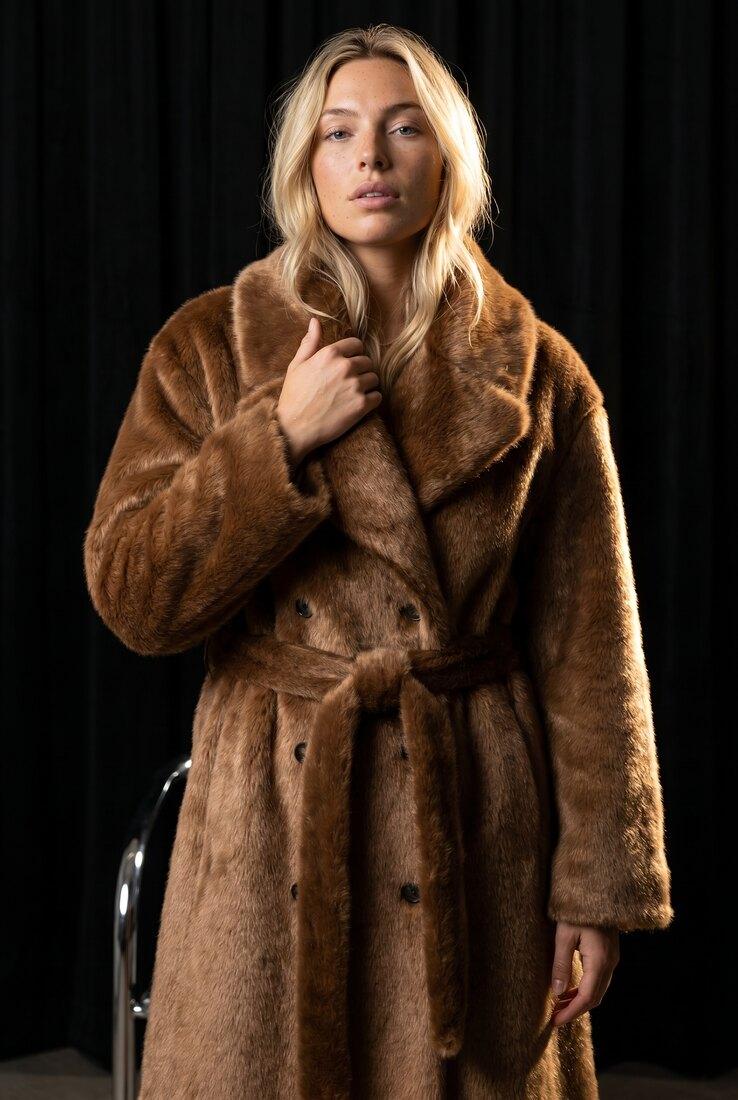
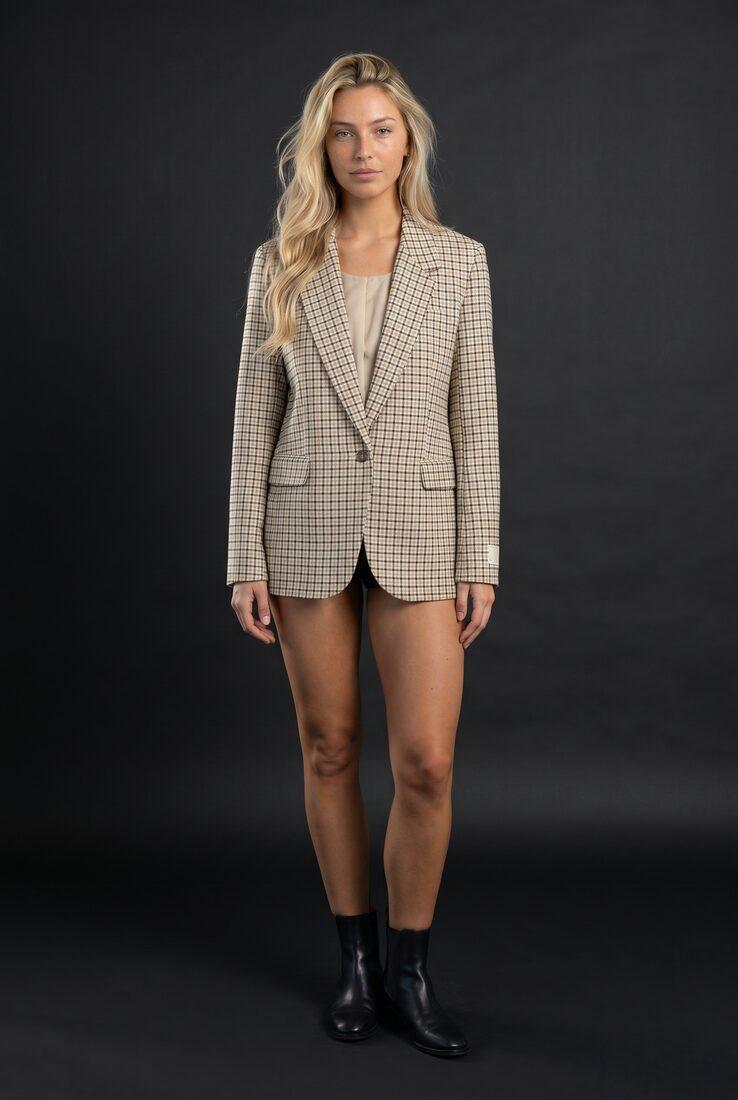
Virtual try-on as a commerce experience, built on the Uwear API: one shopper photo, your products, and generated fits that shop like product pages, inside your app or storefront.
Case study · Dailyfit
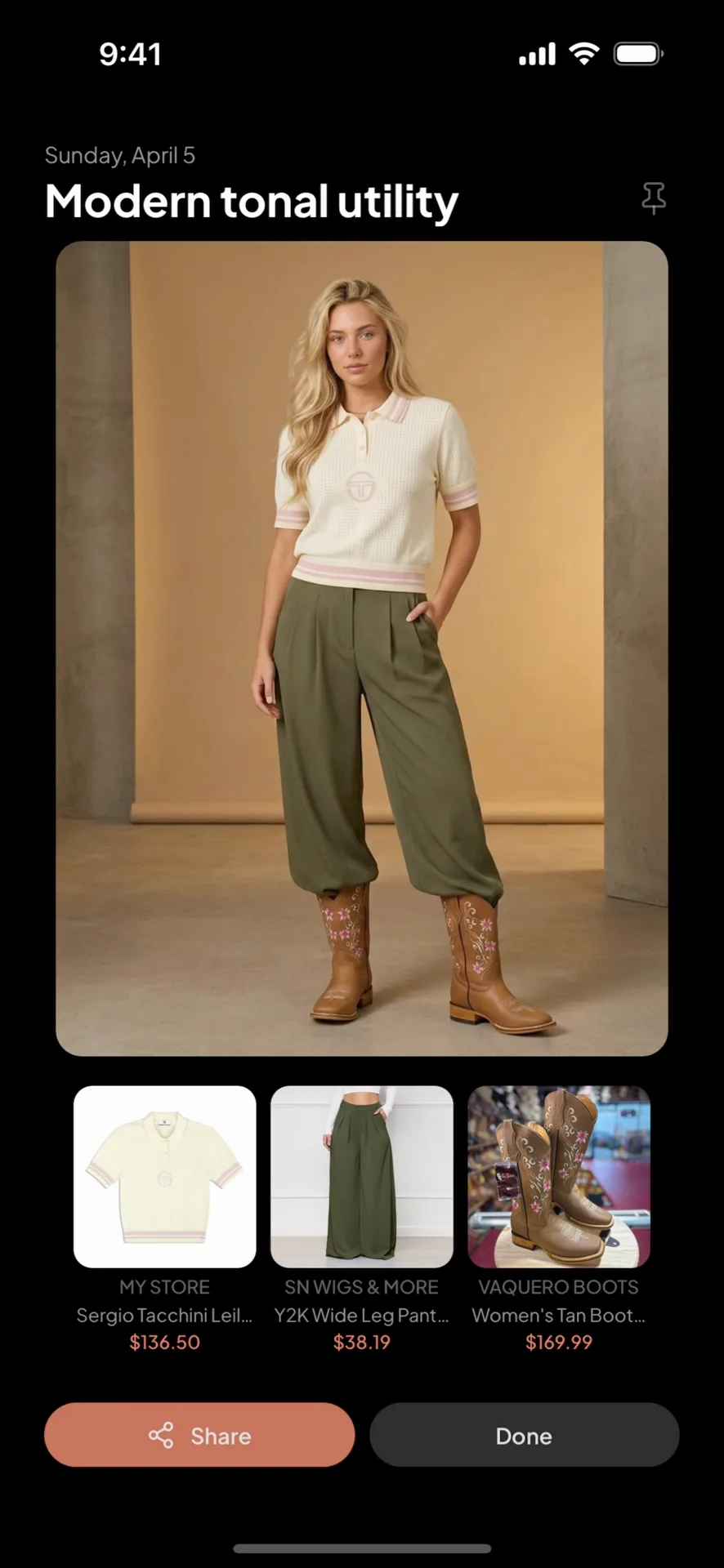
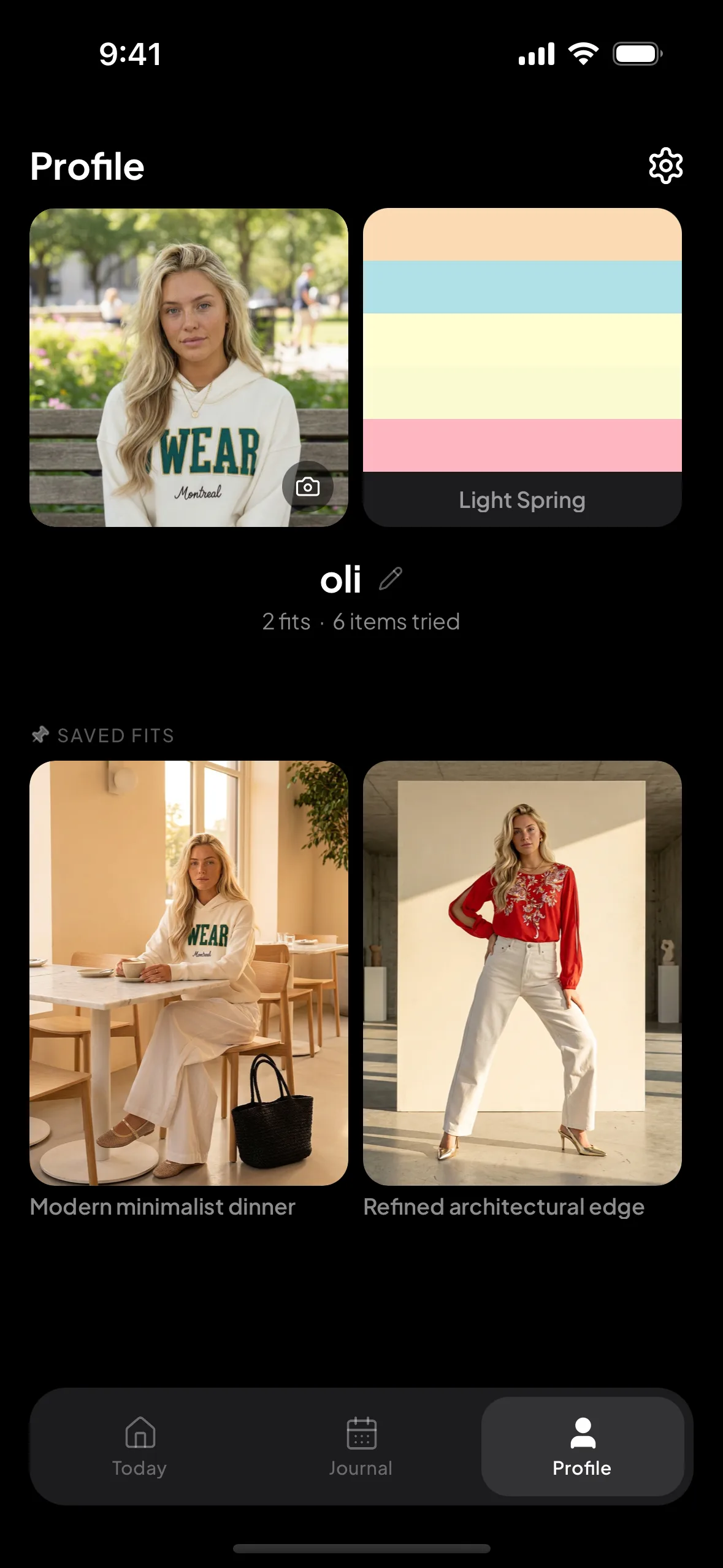
Generated on the shopper, not a model
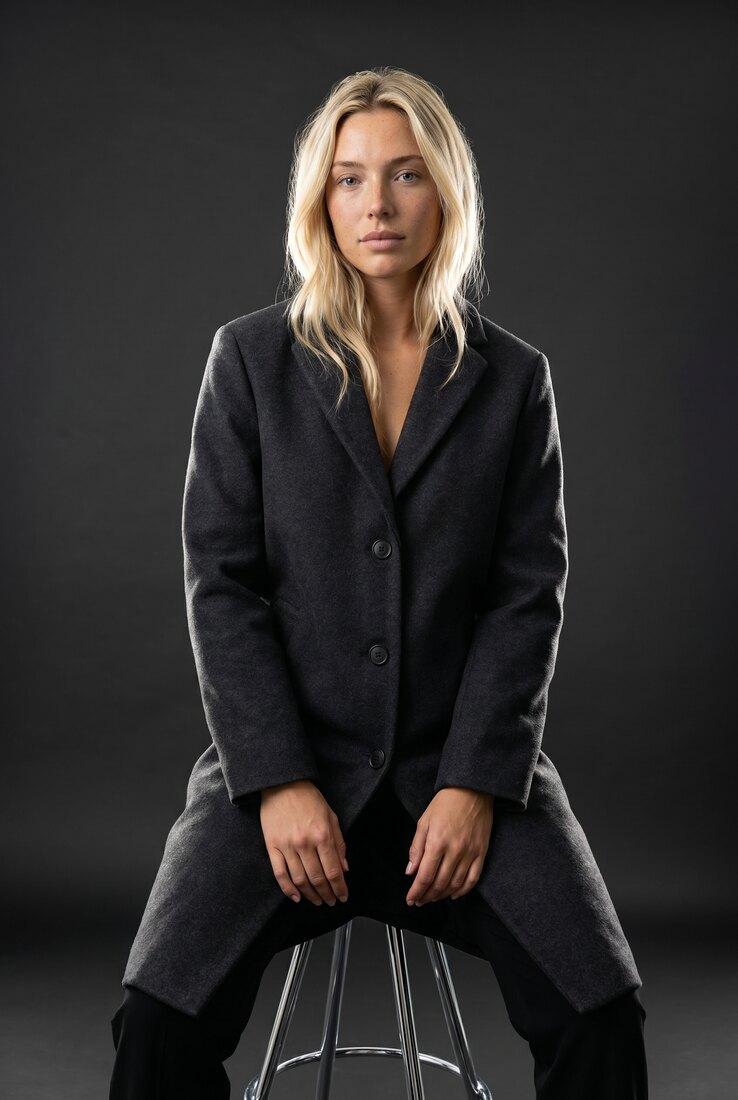
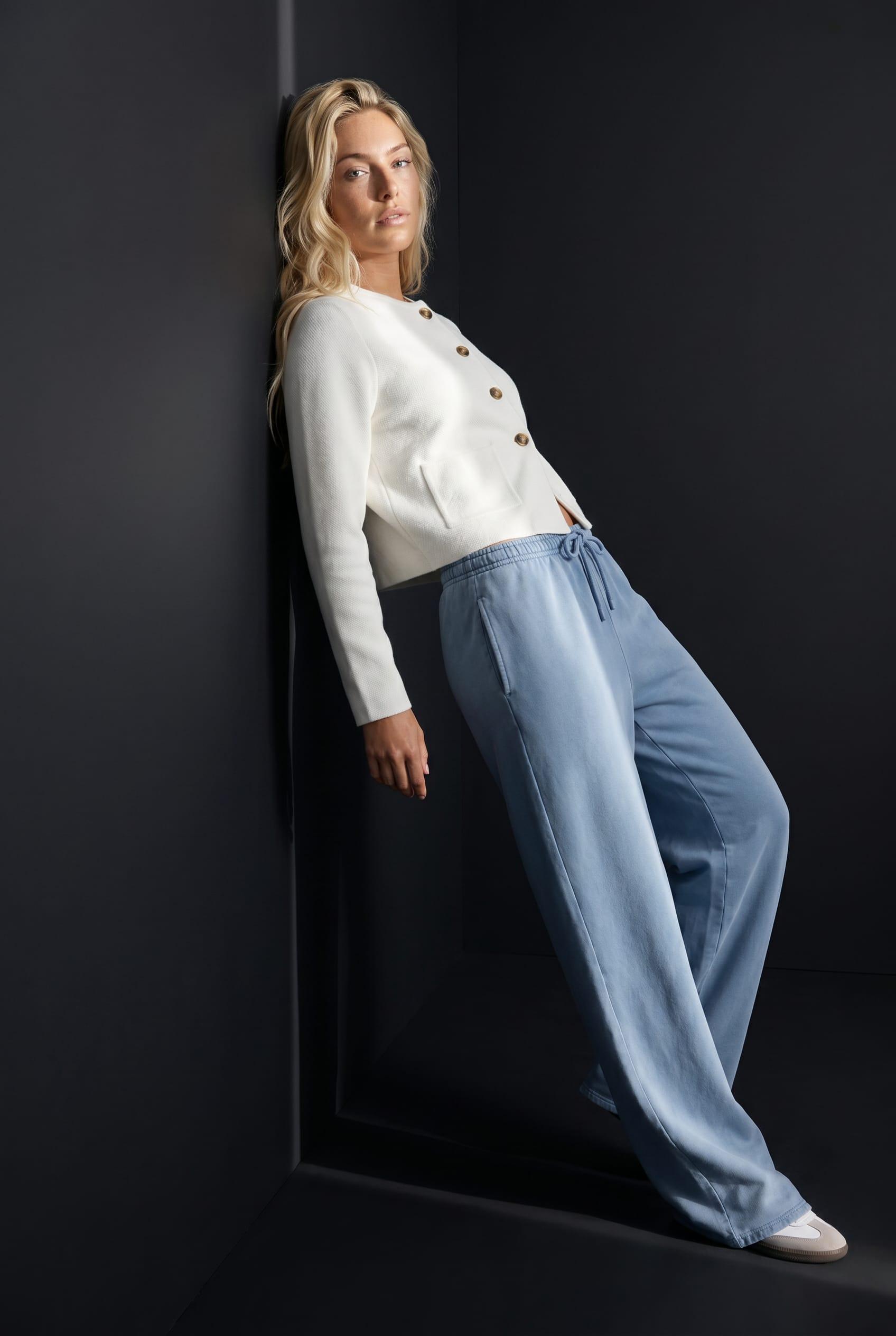
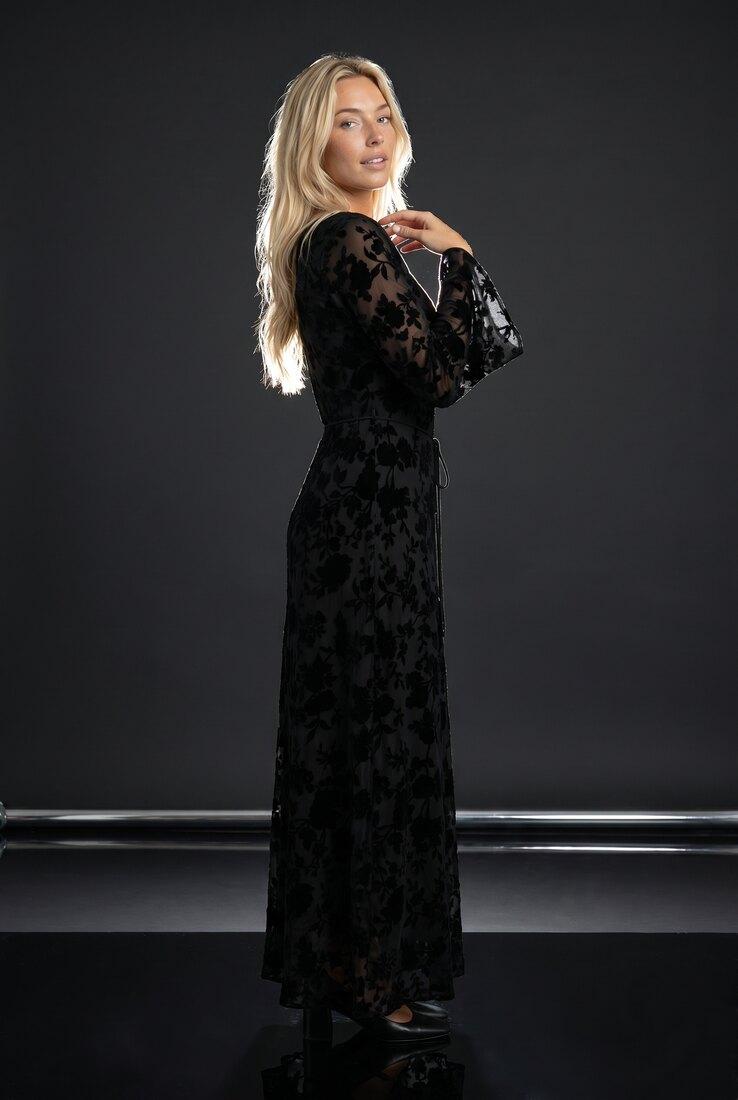
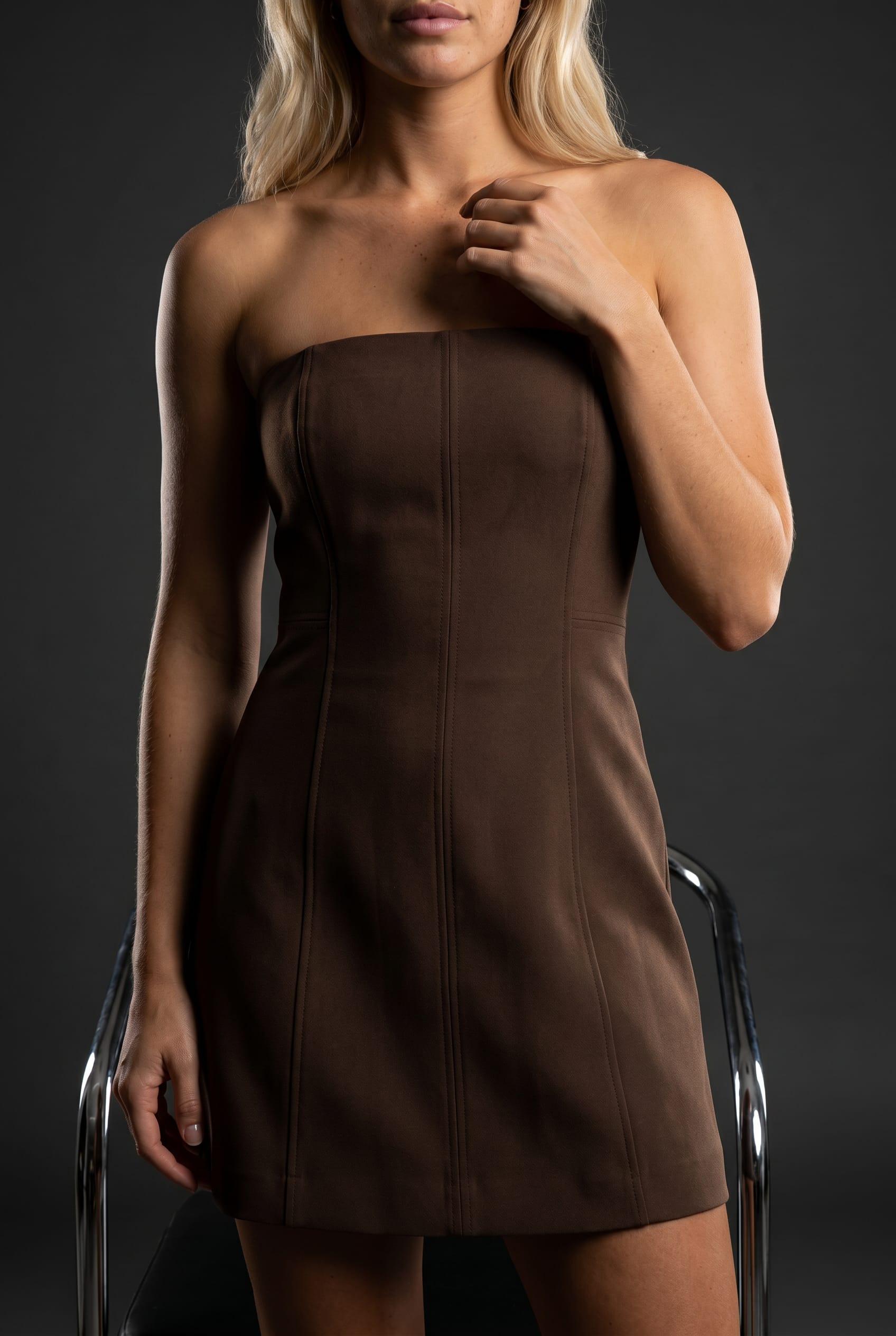
One photo becomes their avatar: a reusable try-on model. Every fit is rendered on them, in a real scene.
Shoppable, straight from the fit
Each look carries its product cards, retailer and price included, one tap from the image.
Personal by design
Taste picks, size, and even the shopper’s colour season shape what gets suggested next.
Screens from Dailyfit, a consumer app that runs its virtual try-on on the Uwear API.
Built on the API
One API. Your shopper's whole try-on flow.
There is no private try-on product behind this: the whole experience runs through the same public API you would wire into your own app or storefront. Four calls, end to end:
POST api.uwear.ai/avatar
create the try-on model{
"avatar_name": "shopper_18420",
"avatar_url": "https://yourapp.com/uploads/shopper.jpg",
"avatar_enhancement": true
}Inside the case study
How Dailyfit turned try-on into commerce.
Colour on the customer, not the pitch: the product choices one team made on top of the API, and a sense of what you could build on the same surface.
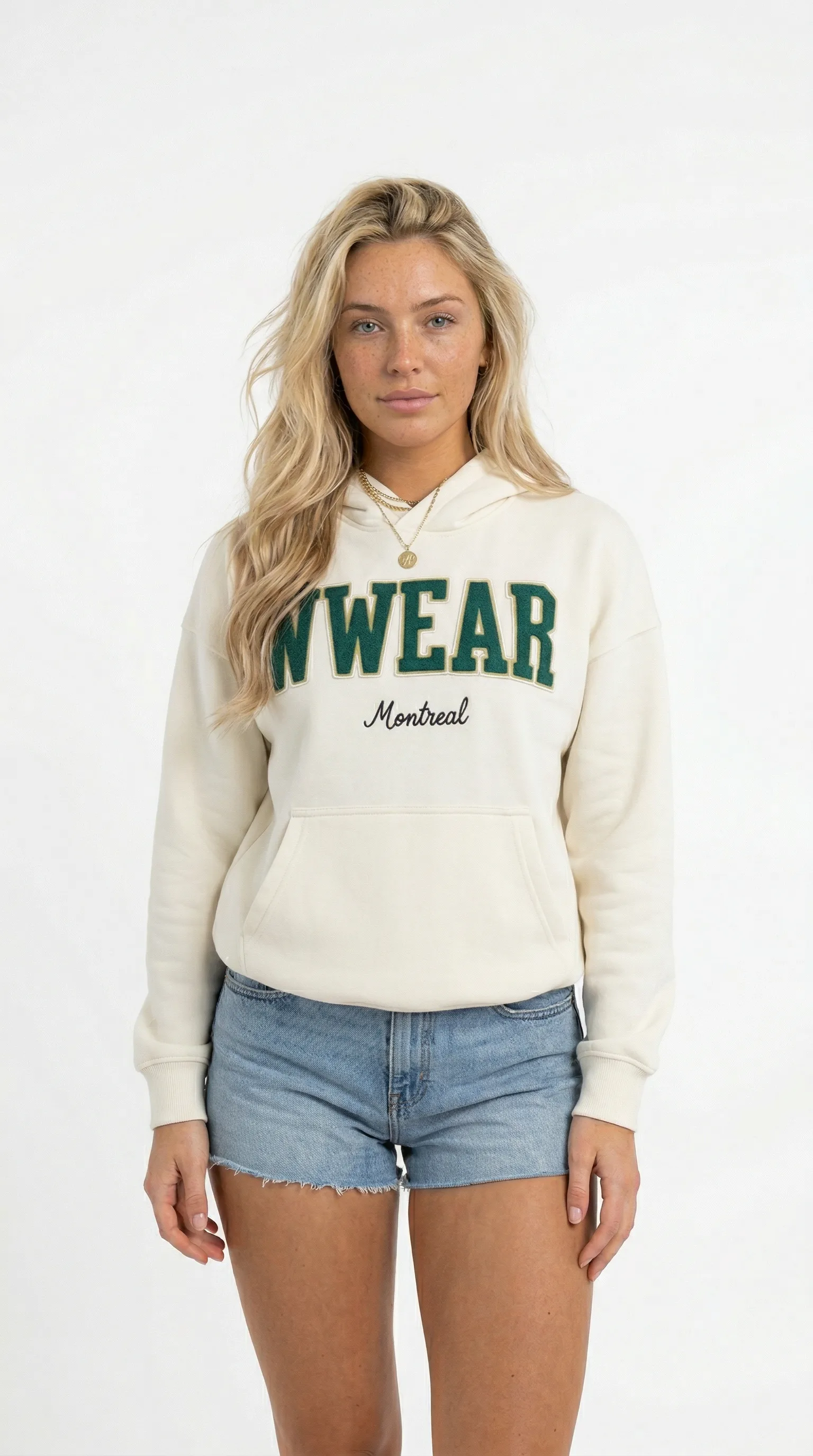
One photo in
Their shoppers are saved as Uwear avatars: a persistent try-on model from a single photo. No scan, no AR rig.
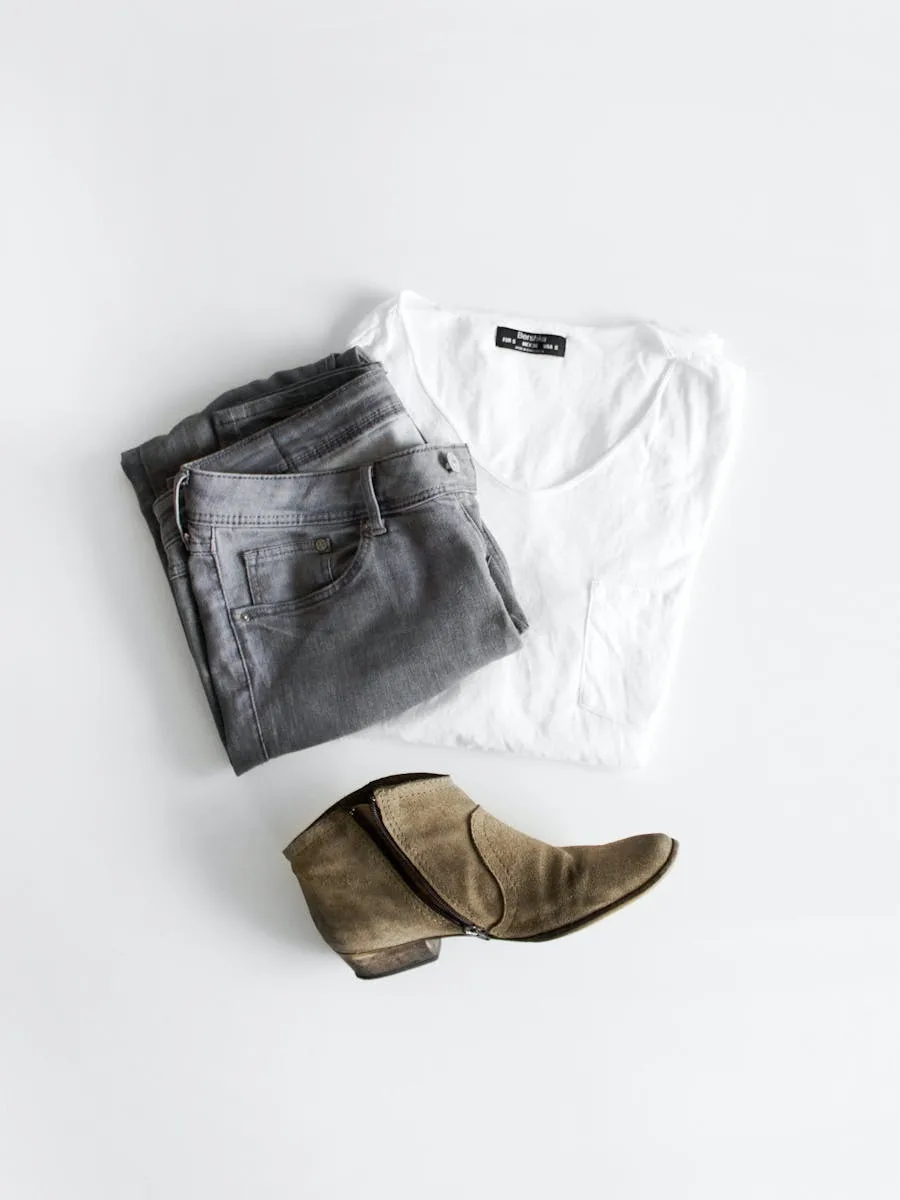
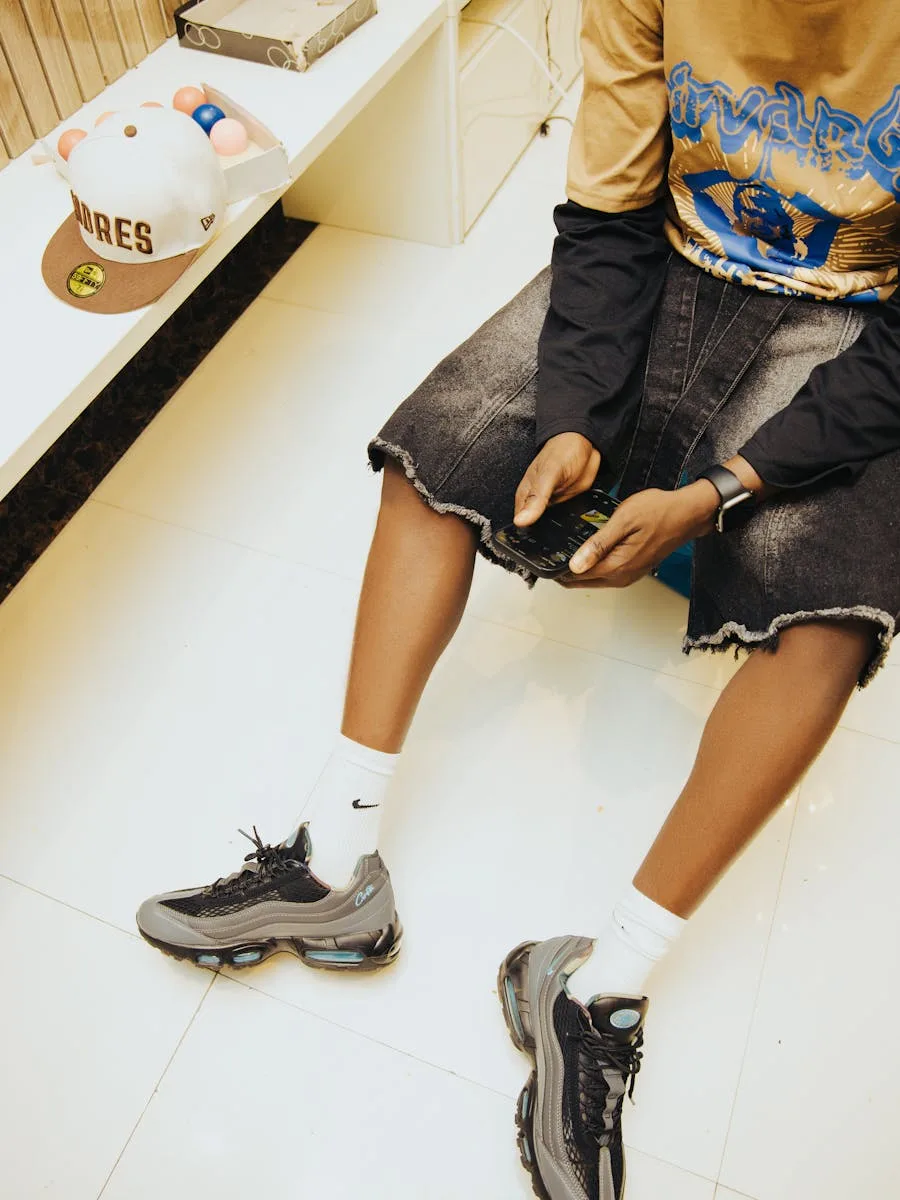
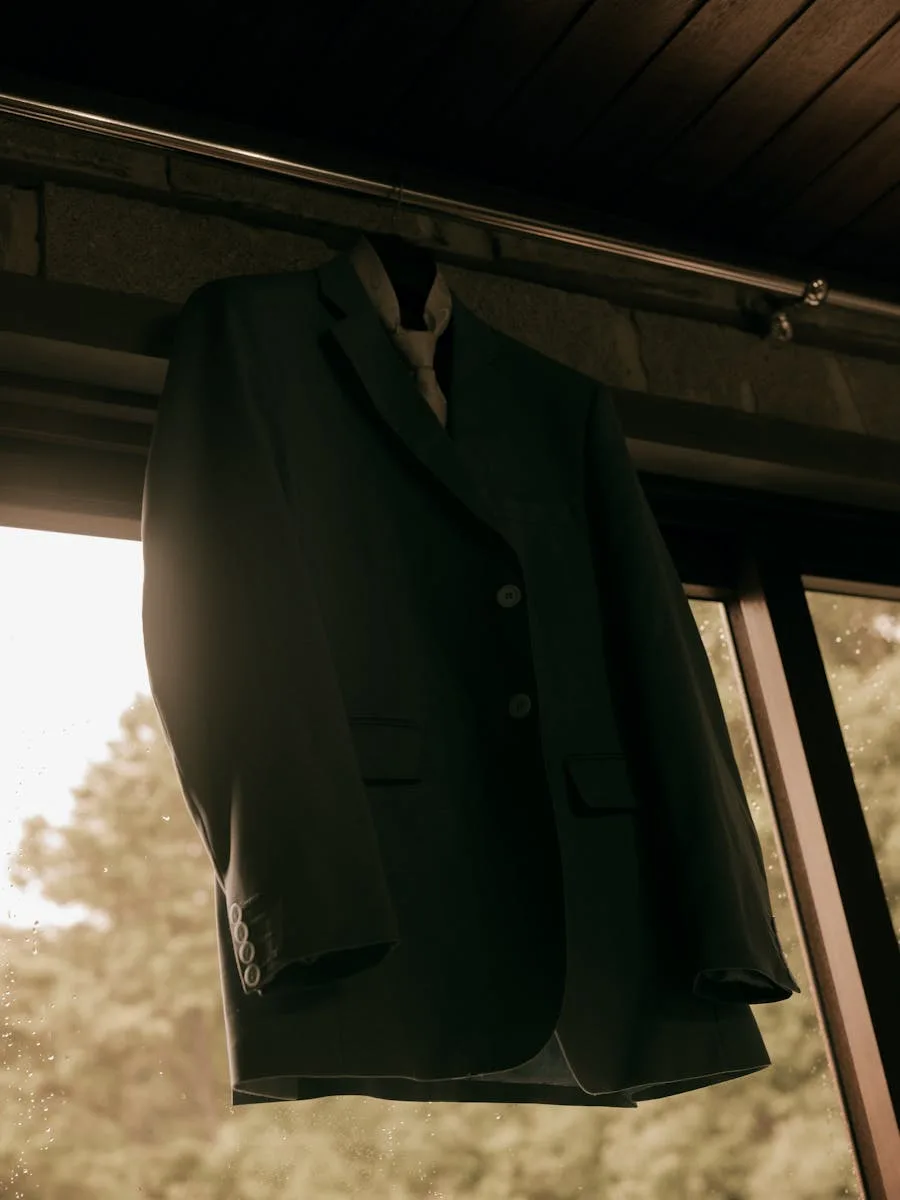
Picks teach taste
Dailyfit’s this-or-that rounds learn taste app-side, then decide what gets generated through the API.
The fit, on them
Each day the app requests a full outfit generated on the shopper’s avatar, in a real scene.
Shop from the look
They attach product cards, retailers, and prices to every generated fit: image to checkout.
How you run it
Design in the Studio. Ship on the API.
Operator interface
Studio
Prototype the looks and scenes by hand before wiring them into your app.
Explore StudioProgrammatic
API
The integration surface for this whole use case: shopper photo in, styled fit out.
Explore APIIn your own tools
MCP
Trigger try-on generations from Claude or any MCP client while you design the flow.
Explore MCPWhy it pays
Confidence before the buy.
A shopper who has seen the garment on their own body buys with more confidence and returns less. These are the pieces that make it production-safe:
The integration
API
Try-on models, generations, and webhooks: the same public API Dailyfit runs on.
Explore APIThe trust
Review & QA
Automatic checks on garment fidelity before an image ever reaches a shopper.
Explore Review & QAThe catalog
Asset Library
Your garments and outfits, saved once and try-on ready for every request.
Explore Asset LibraryVirtual try-on FAQ
How AI virtual try-on works as a commerce experience on the Uwear platform.
Generating a photorealistic image of a real shopper wearing a product, from one photo of the shopper plus your existing product assets. No 3D scan, body measurements, or AR session required.
AR overlays a garment on a live camera feed, which tends to break on fit and fabric. Uwear generates a complete photograph of the shopper wearing the product in a real scene, using the same generation engine that produces catalog imagery.
Yes. The same inputs as the rest of the platform: packshots, flat-lays, or supplier photos. If your products are already in your Uwear Asset Library, they are try-on ready.
It is an API integration: save the shopper as an avatar from one photo, request generations with your garment or outfit IDs and an optional scene prompt, and receive results by webhook. Your app owns the experience around it.
Dailyfit is a consumer app that uses the Uwear API for its virtual try-on capabilities. We reference it because it shows what a shipped, commerce-grade try-on experience looks like on this platform.
When shoppers have seen a garment on their own body before buying, the gap between expectation and delivery shrinks, which is the main driver of fit-related returns. See our reduce clothing returns page for how teams approach this.
Put try-on in your experience.
Bring your app or storefront. We'll scope the try-on flow, from the shopper's first photo to the generated fit.
Existing customer? Log in to Studio
Pairs with Reduce clothing returns · Shop the Look · API